

BENFEI HDMI to USB-C Cable 1.8M 4K@60Hz: Unidirectional HDMI (Source) to USB-C Display Adapter
Product description
What matters most
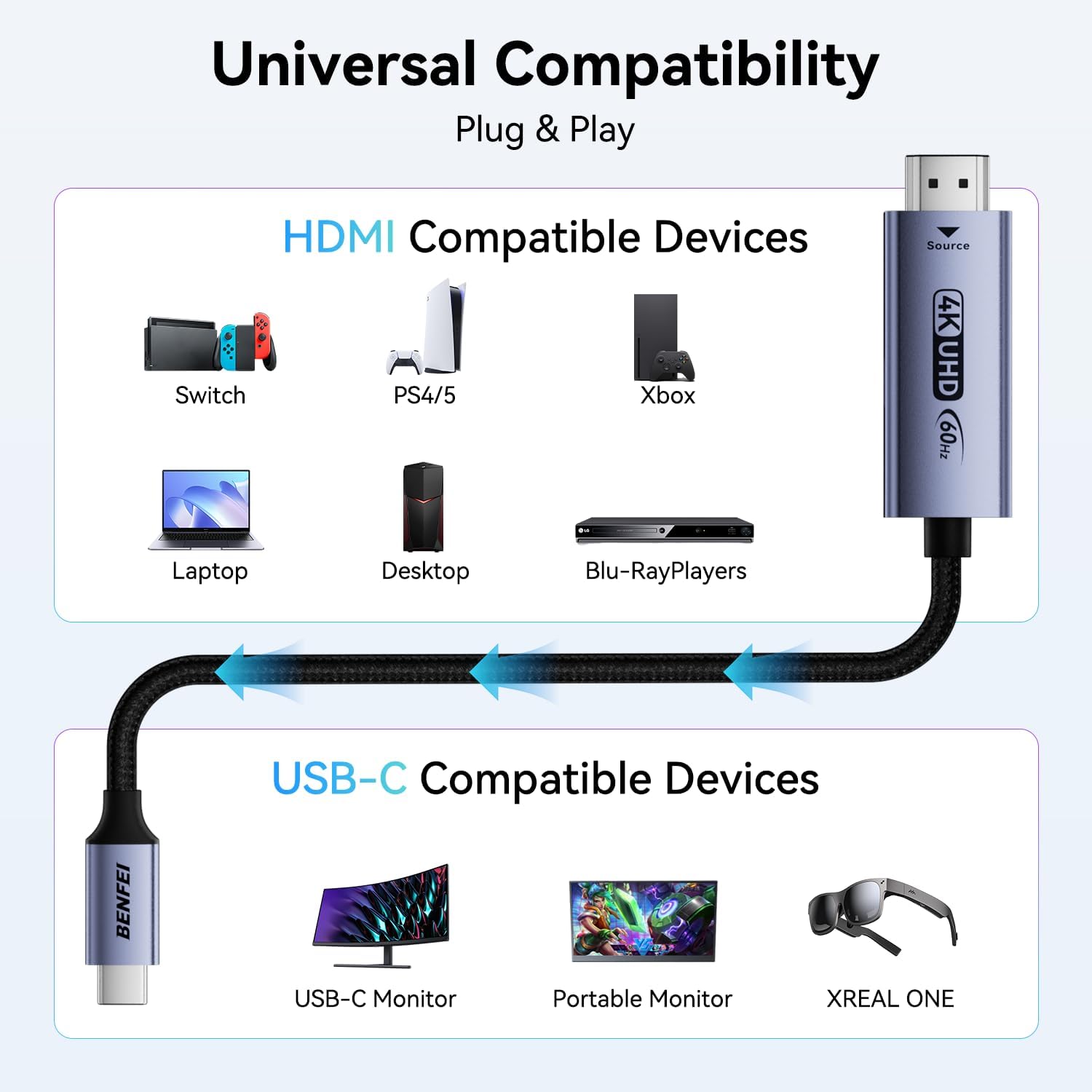
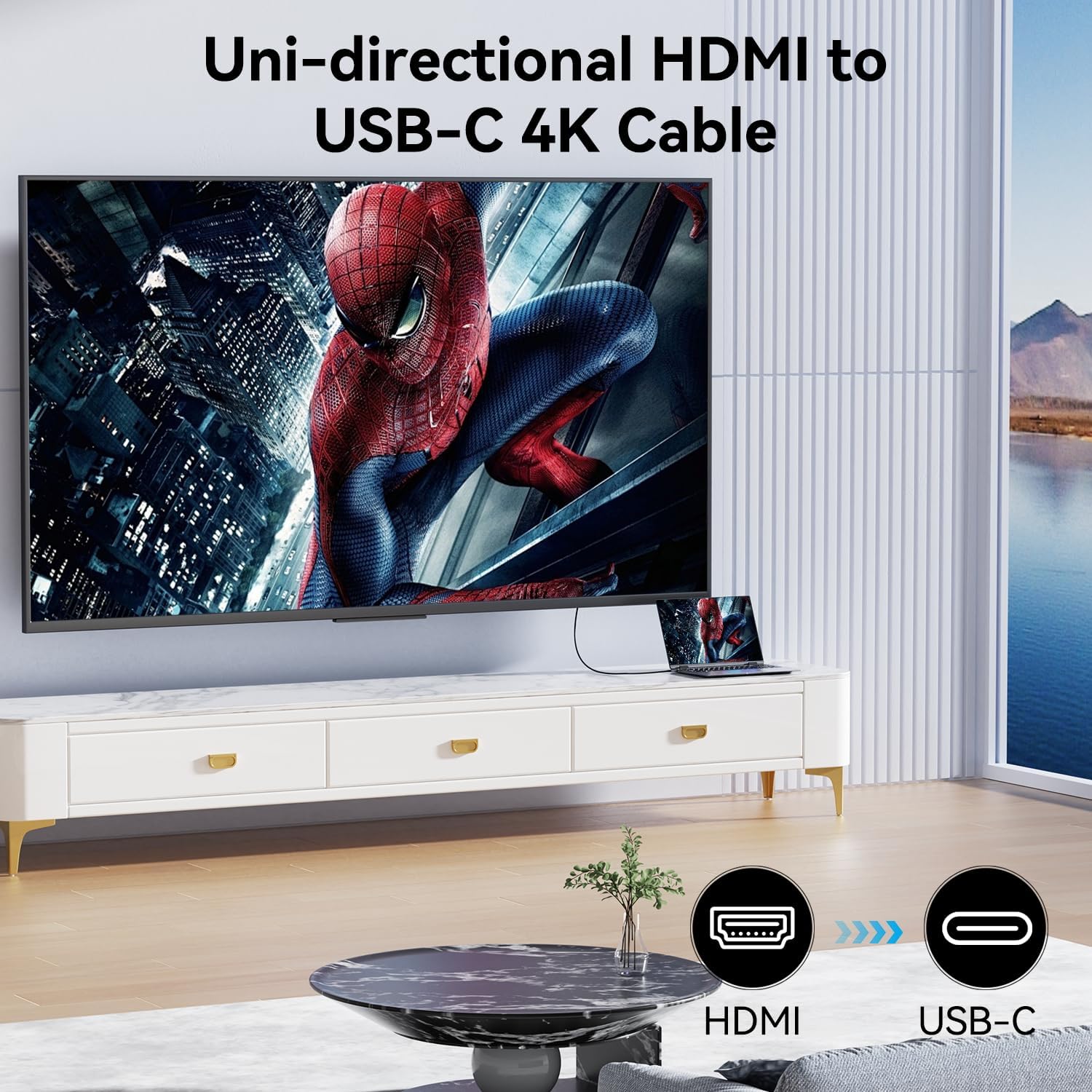
If you’ve got an HDMI source like a PS5, Nintendo Switch, or a laptop and want to drive a USB-C display or portable monitor, this BENFEI cable offers a straightforward, plug-and-play solution. It’s designed for unidirectional HDMI to USB-C transmission, so the HDMI source feeds a USB-C display or AR/XR headset that supports DP Alt Mode. It’s not a universal USB-C display bridge, so you’ll want to keep expectations aligned with the directionality and device compatibility described. On paper, it focuses on reliability through a durable nylon-braided cable and an aluminium shell, aimed at office setups, home theatres or on-the-go gaming.
Tech specs
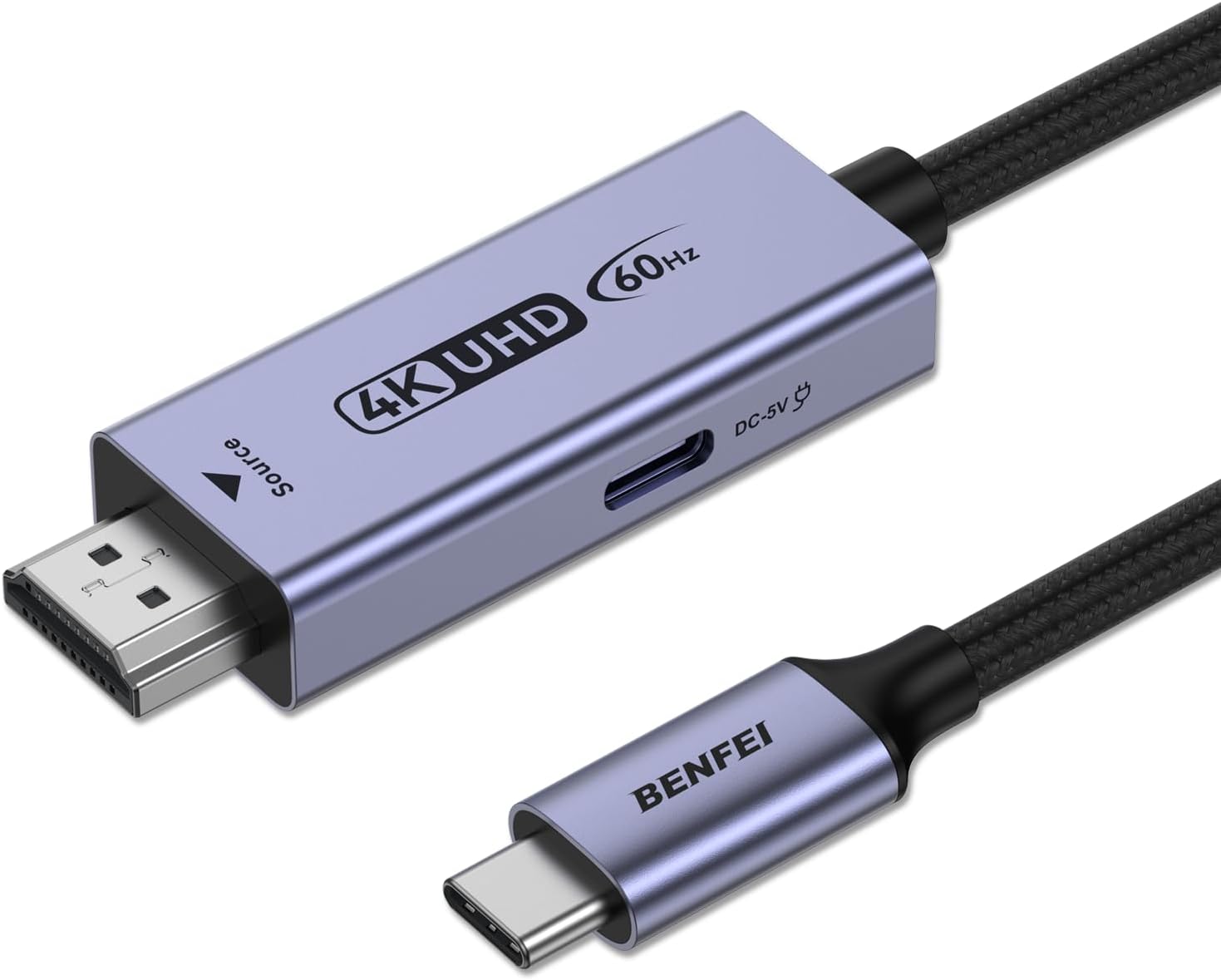
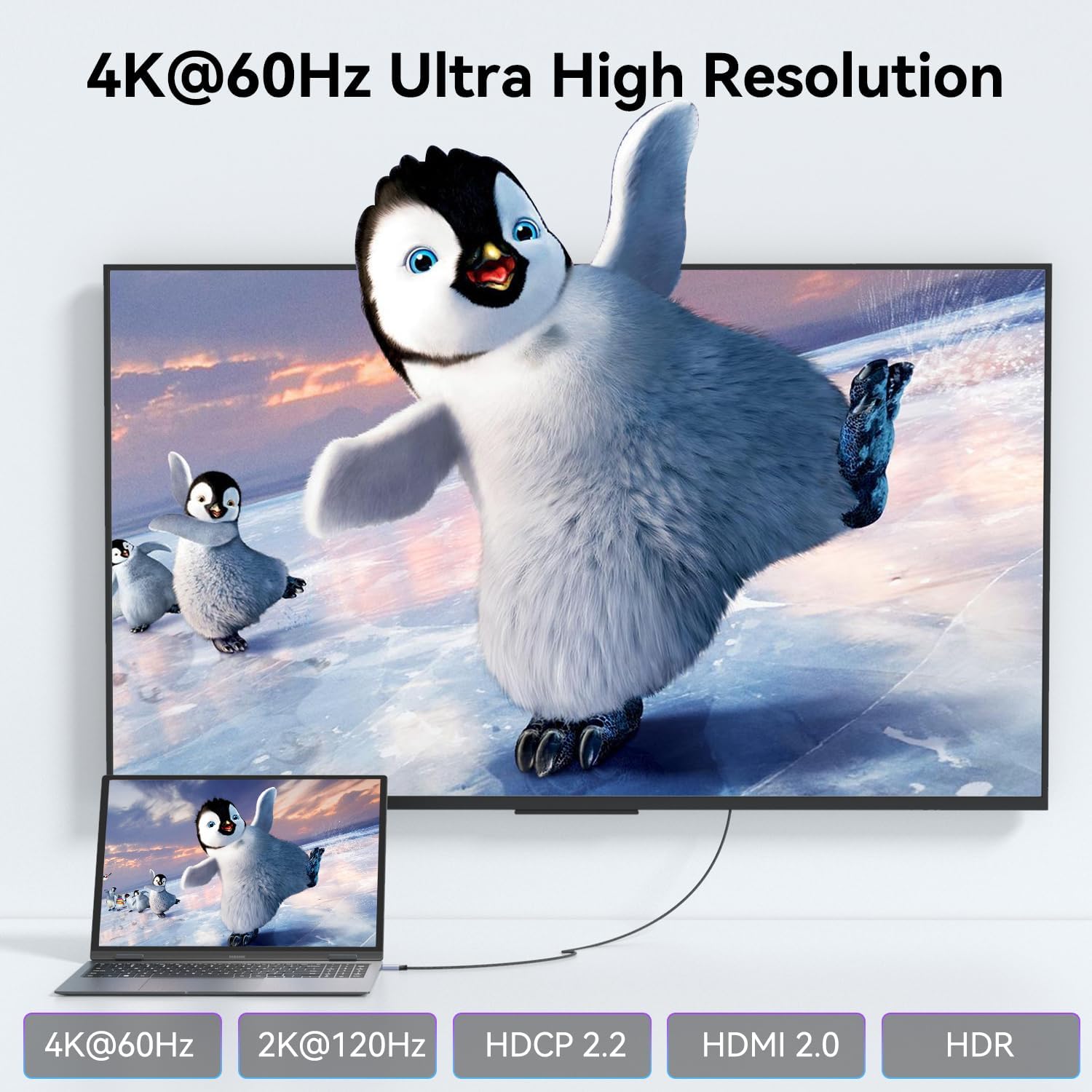
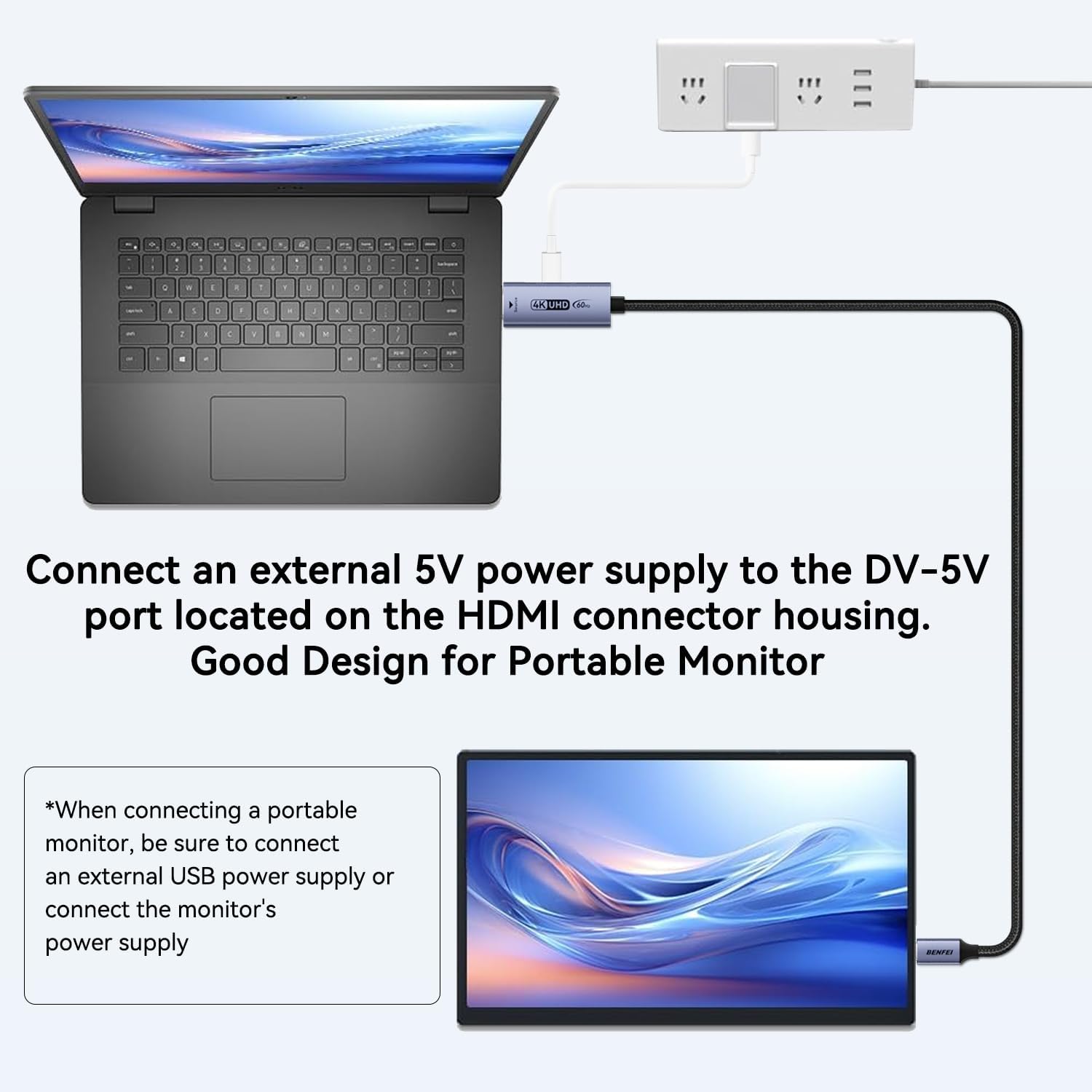
The product supports 4K at 60Hz or 1080p at 120Hz with embedded audio, plus HDR and HDCP 2.3/1.4. It is specifically unidirectional (HDMI → USB-C), meaning it won’t work from USB-C sources to HDMI displays. The cable length is 1.8 metres. For certain scenarios such as portable monitors or AR/XR use, external power may be required to ensure stable operation.
What stands out
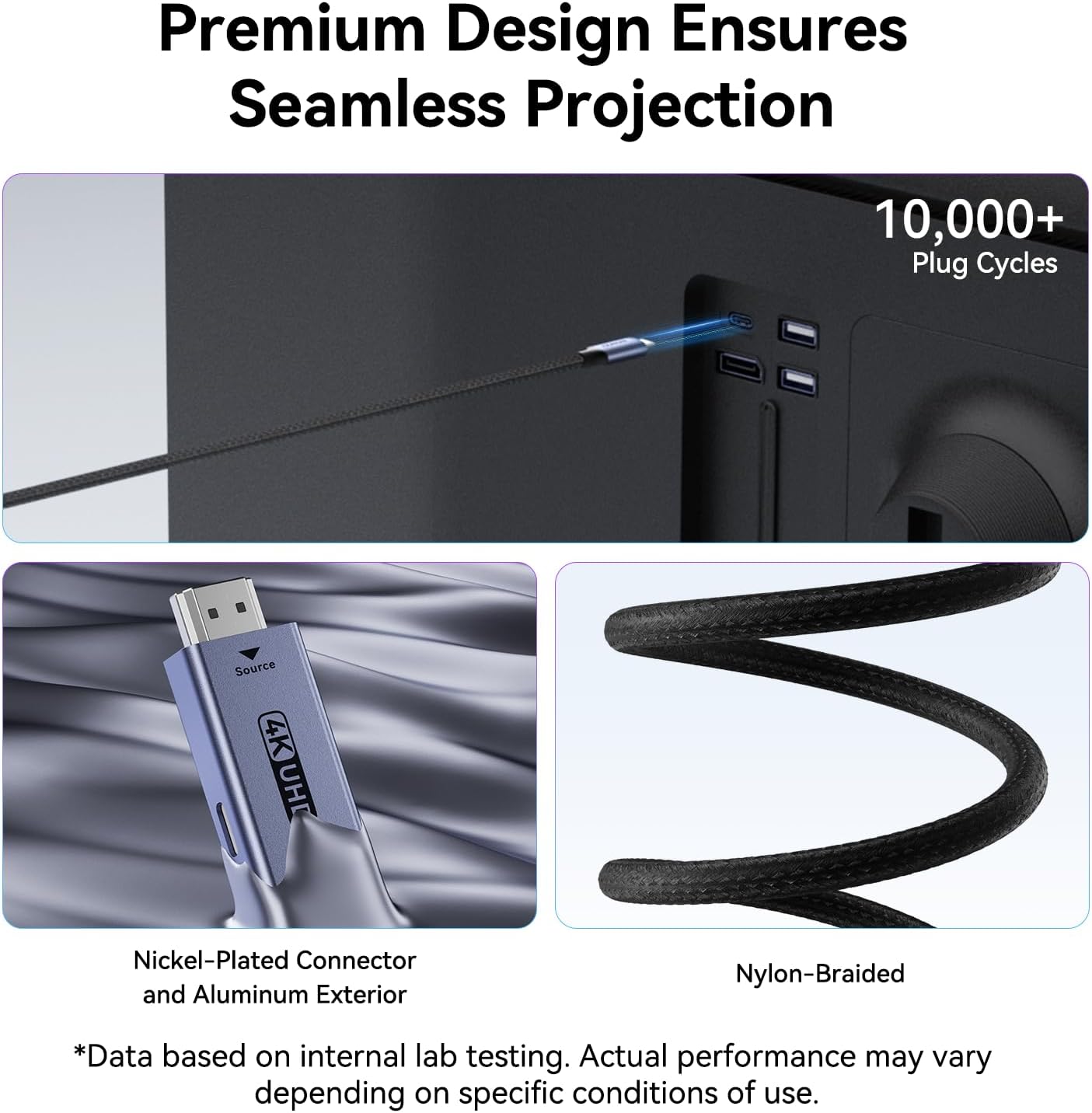
On the positive side, the cable is designed to be simple and durable. The nylon braid protection helps with everyday wear, and the aluminium casing suggests durability in travel or desk setups. The keyselling point is the direct HDMI-to-USB-C path, which can simplify some minimalist display configurations where a USB-C monitor is used with an HDMI source.
What you’ll notice in use
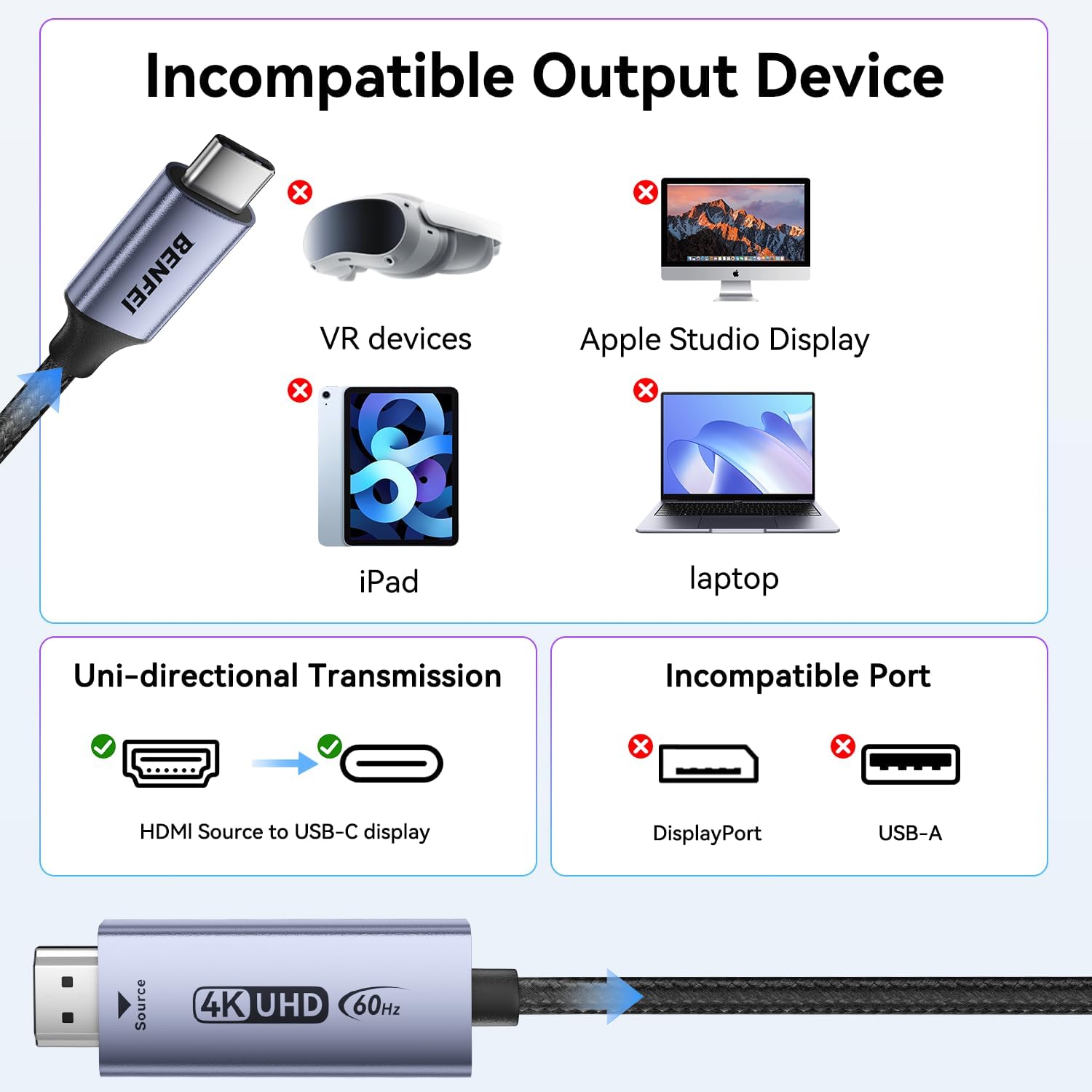
If you’re connecting a game console or laptop to a USB-C display, you’ll likely appreciate the straightforward cable routing and reduced setup fuss. However, you’ll need to verify that your USB-C display supports DisplayPort Alt Mode (DP Alt Mode) to achieve a functional link. It’s also worth noting that VR devices aren’t supported, and you can’t use this as a USB-C source to HDMI monitor bridge.
Who it’s for
This product is best suited for users who want to mirror or extend from an HDMI source to a USB-C display, such as a portable monitor, AR headset that accepts DP Alt Mode, or certain USB-C displays from brands like LG or Dell. It’s particularly handy for quick presentations with a laptop and a USB-C screen, or for gaming setups where a console or laptop needs to feed a USB-C display.
Who it isn’t for
If you need bidirectional compatibility (USB-C source to HDMI display) or you rely on VR devices that require alternate connectivity, this cable won’t meet those needs. If your display is strictly HDMI and you’re hoping to drive it from a USB-C laptop, this is not the right tool.
When it makes sense to buy
Consider this when you have a clear HDMI-to-USB-C display path and you want a single cable to carry both video and audio at 4K60. If your portable monitor or AR/XR device supports DP Alt Mode and you’re after a compact, durable connector solution, it can be a sensible addition to your kit. If you require high-end gaming throughput or want more versatility (bidirectional support, multiple resolutions beyond 4K60), you may wish to explore other options.
What to check before buying
- Confirm your USB-C display supports DP Alt Mode and can accept HDMI input via an adapter or cable.
- Ensure the HDMI source is indeed HDMI and not requiring alternate adapters that may break compatibility.
- If using a portable monitor or AR/XR gear, plan for external power to guarantee stable operation.
- Remember the directionality: HDMI source → USB-C display, not the other way around.
Practical usage example
Imagine you’re at a desk with a PS5 and a USB-C portable monitor. You connect the PS5 HDMI out to the BENFEI cable, plug the USB-C end into the monitor, and in moments you’ve got a clean 4K60 image with audio (where supported). It’s neat for quick demos or a compact gaming station, without needing a more complex adapter kit.
FAQ
- Q: Can I use this cable to connect a USB-C laptop to an HDMI monitor? A: No, the cable is unidirectional (HDMI→USB-C) and won’t work from USB-C to HDMI.
- Q: Do I need external power for all setups? A: Not for every use, but for some portable monitor or AR/XR configurations, external power helps stability.
- Q: Will it work with VR headsets? A: Not stated as compatible, the note specifies unidirectional HDMI→USB-C and excludes VR devices.
Decision: Should you buy it?
It makes sense if you have an HDMI source and a DP Alt Mode USB-C display and you want a straightforward solution without extra adapters. It’s a practical, modestly priced option for simple mirroring or extending, especially for on-the-go use. It may not be the best choice if you need bidirectional compatibility, or if your setup relies on higher flexibility or VR-specific requirements.