

AXFEE USB 3.0 to HDMI cable 1.5m
Product description
Key points
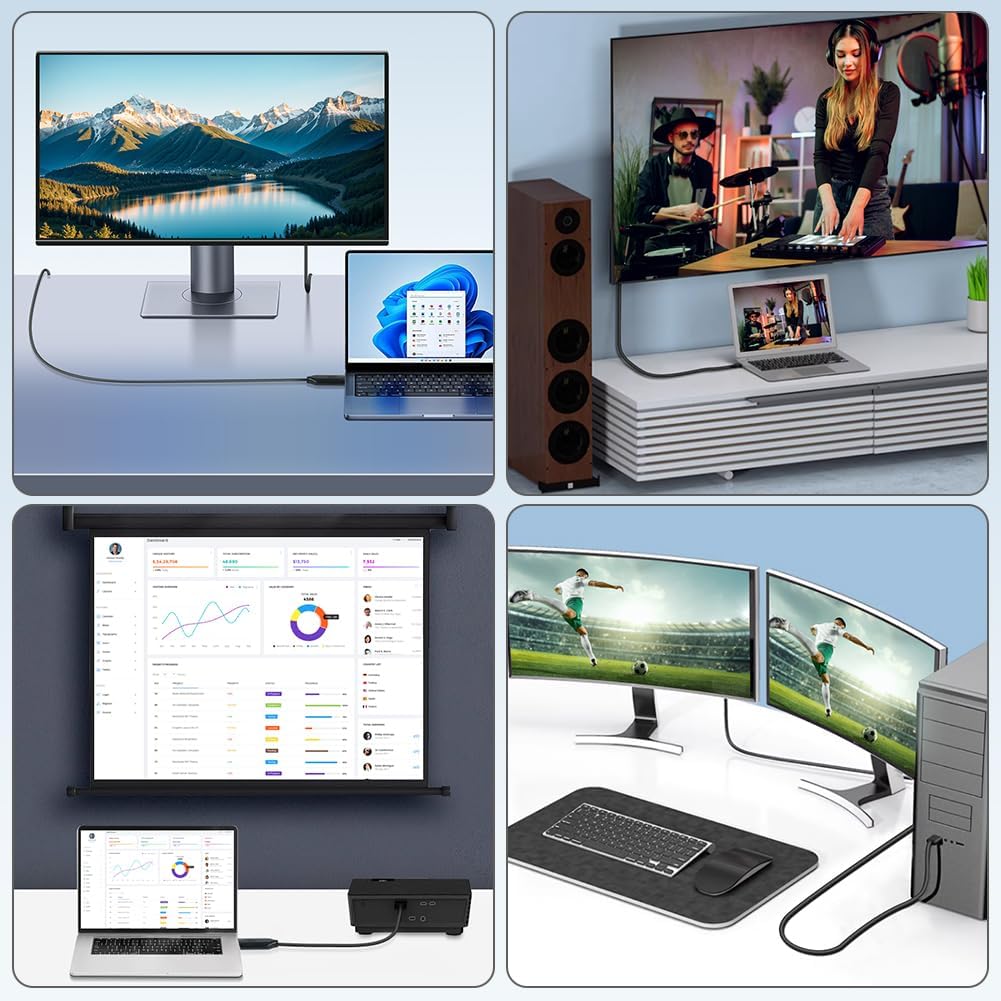
If you need an easy way to show laptop or PC video on a screen with an HDMI port, this AXFEE USB 3.0 to HDMI cable is built for that job. It converts the video output through a USB connection so you can mirror or extend your desktop on devices such as a monitor, projector, or HDTV. The audio and video are transmitted together, which helps keep things in sync for everyday viewing, work calls, and media. 🙂
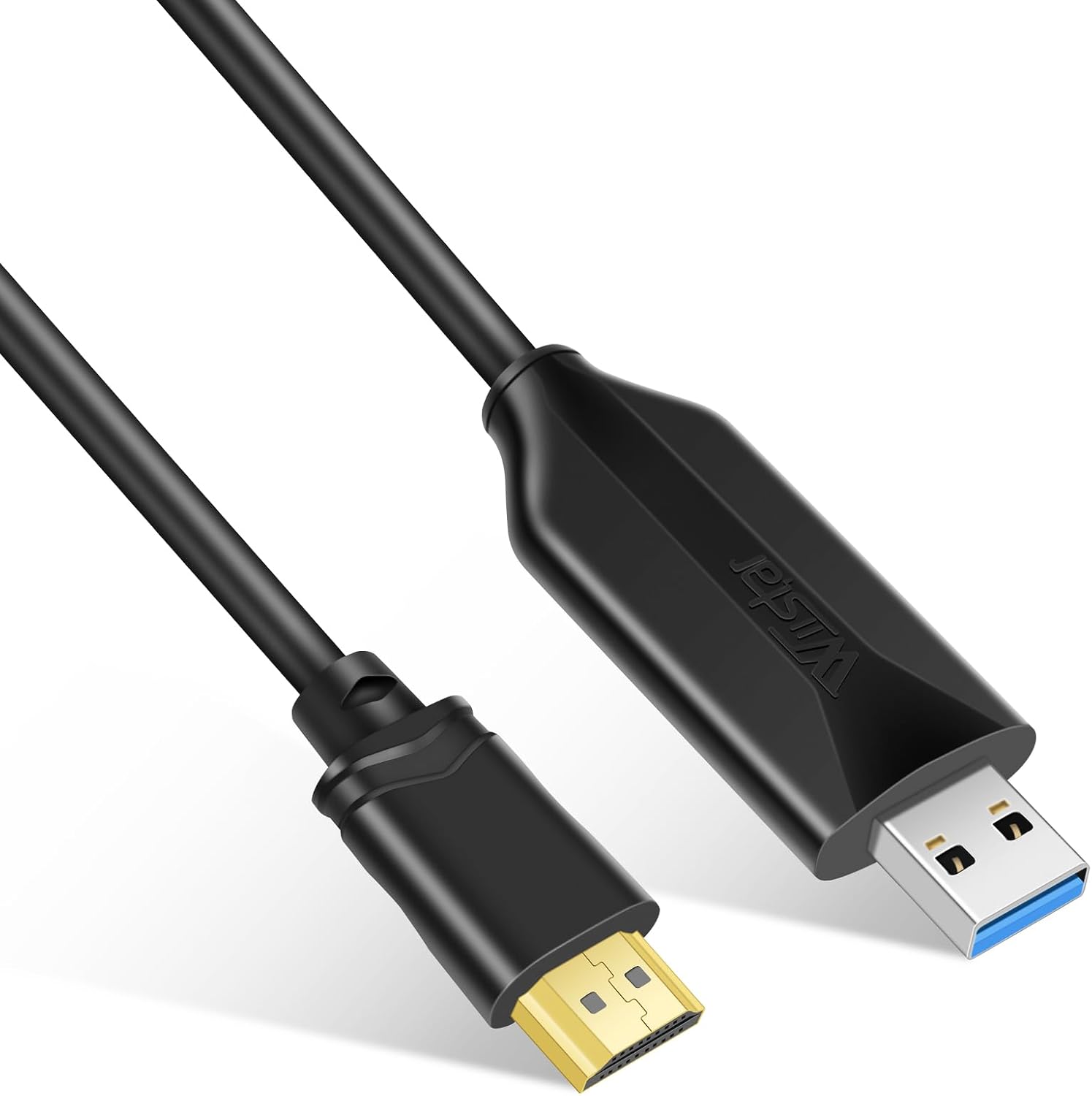
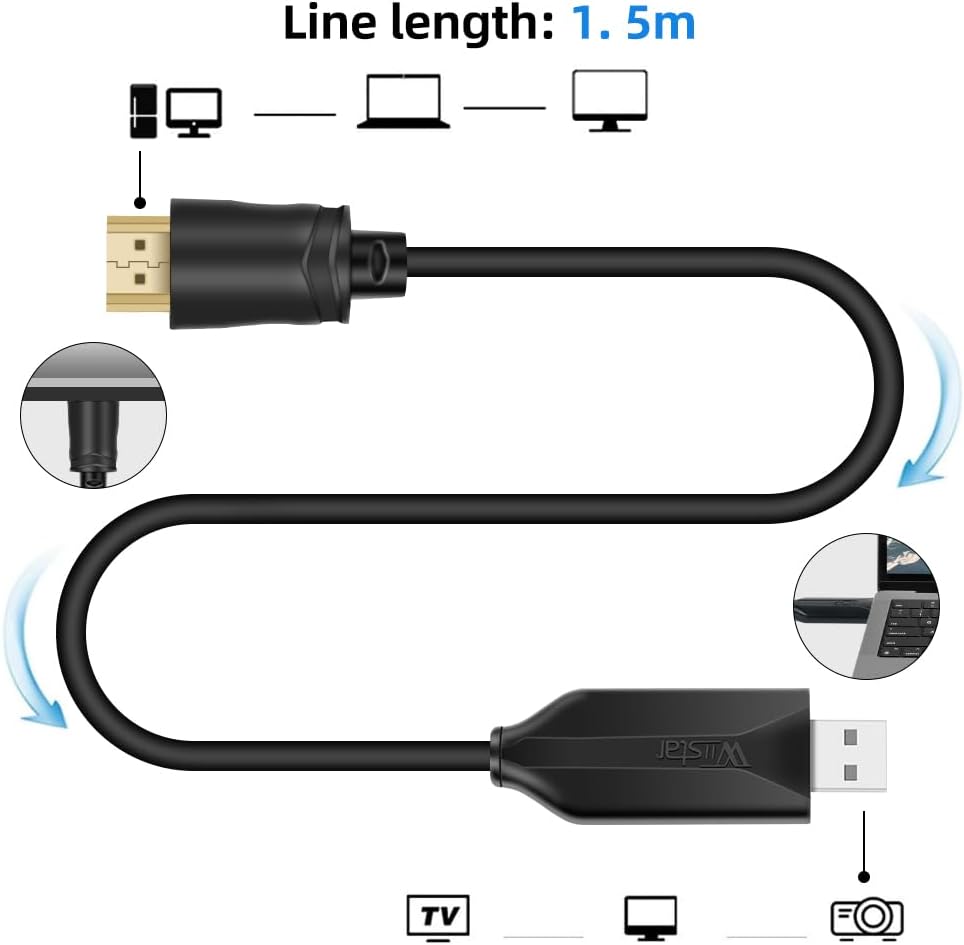
The cable is 1.5 metres long, uses a one piece design, and does not require an external power supply. That makes it convenient for home working setups, multi screen tasks, and quick presentations where you want to avoid complex rewiring. It also includes guidance for installing the required driver, so you are not left guessing what to do first. ✅
Worth noting, the adapter is best used on a USB 3.0 interface, because operating in USB 2.0 mode can reduce performance and may lead to issues like freezes, flickers, or reduced image quality due to bandwidth limits. If your laptop has USB 3.0 available, it is a good idea to plug it in there for the most stable experience. 🤔
With built in processing and support for Full HD output, this cable aims to deliver smooth visuals without noticeable lag in typical use. It supports extended mode for multi tasking, and mirror mode for displaying your laptop on a larger screen. For many people, that combination covers the two most common scenarios: working across apps and sharing what is on screen in meetings. 📺
Tech specs
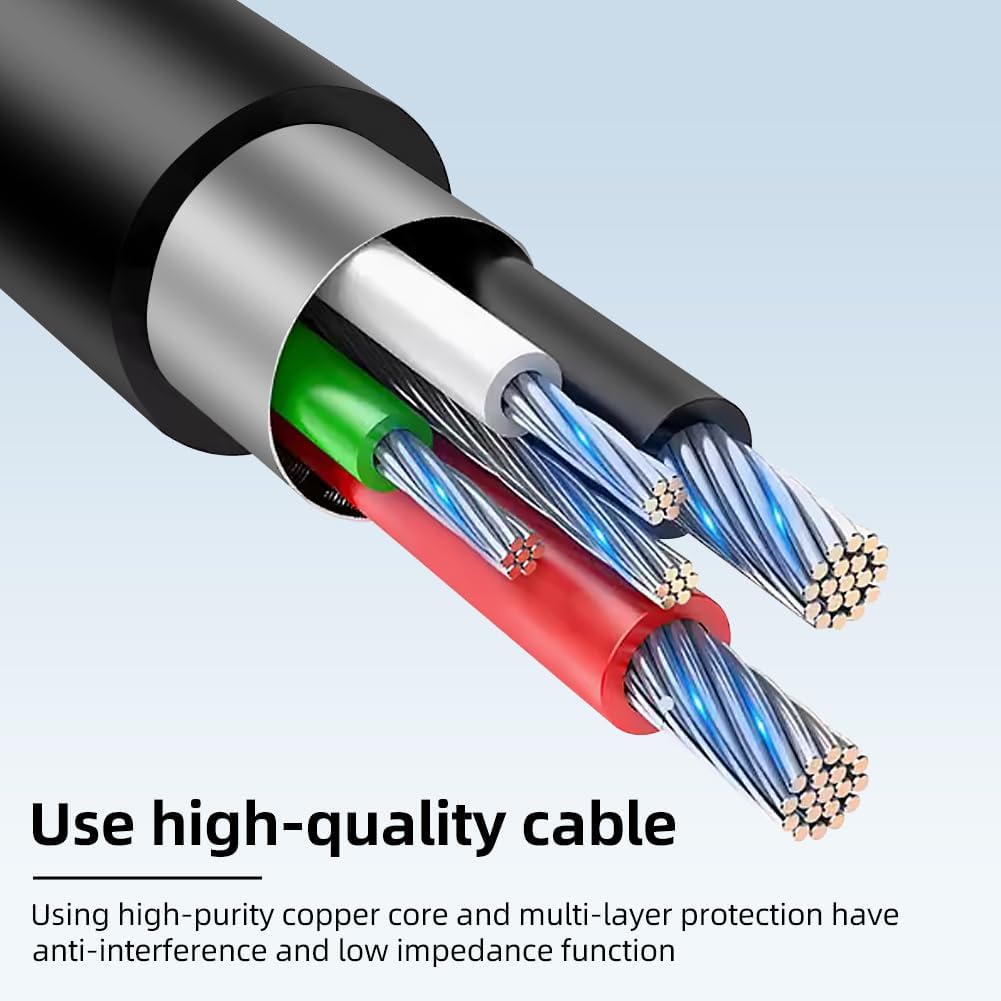
Here are the technical details that matter for compatibility and everyday performance, based on the product description.
- Name: AXFEE USB 3.0 to HDMI Cable 1.5M
- Type: USB 3.0 to HDMI male adapter cable
- Size: 1.5 m length
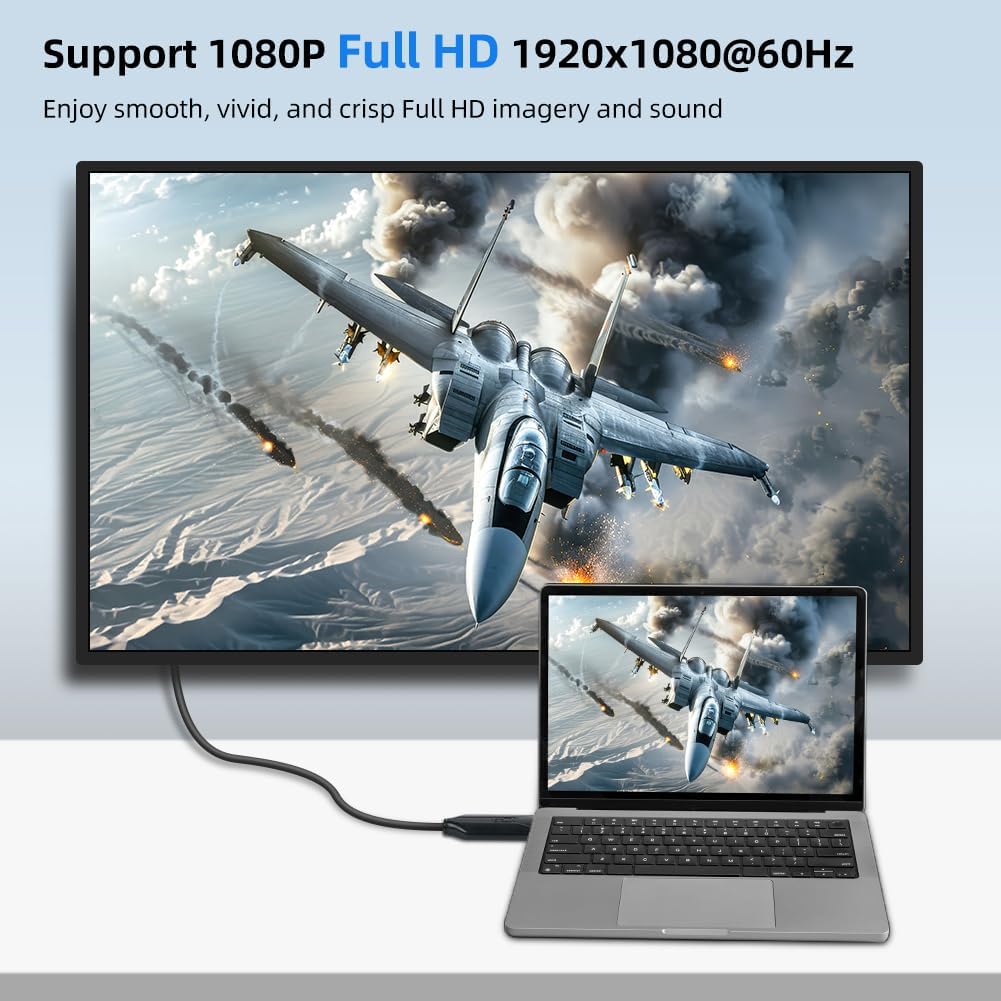
- Resolution: up to 1920x1080 at 60 Hz, 1080p Full HD
- Refresh rate: 60 Hz supported
- Interface: USB 3.0, backward compatible with USB 2.0
What stands out
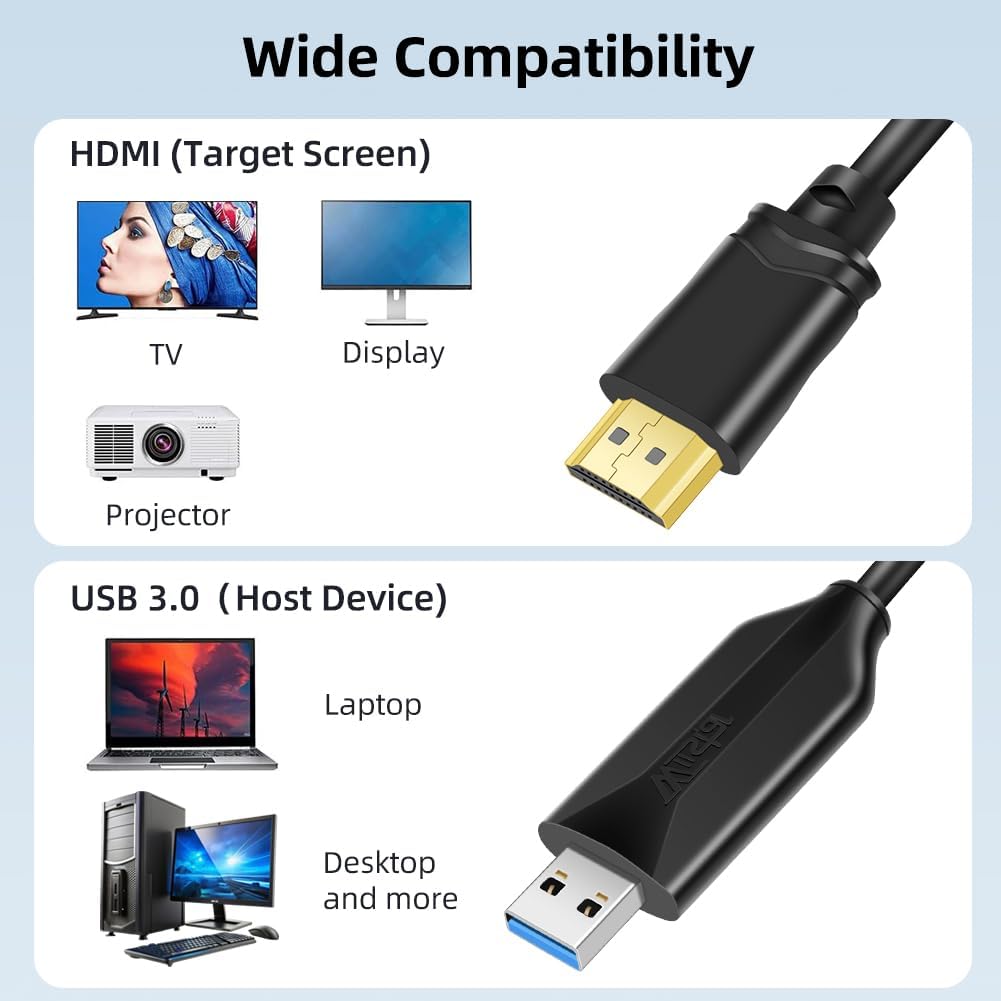
A key benefit of this adapter is that it converts a PC or laptop video signal into an HDMI output, so you can connect to common HDMI displays like monitors, projectors, and TVs. It is designed to carry audio and video synchronously, which is useful when you are watching content or sharing your screen during a call. In practice, that reduces the risk of your audio feeling out of step with what is happening visually. 🎧
Installation is intended to be straightforward. Plug the converter into the computer, then locate the installation driver or the USB flash drive icon under My Computer and install it. The description also indicates you should not need to reinstall for second time use, after the initial setup is done. It also mentions a limitation to be aware of: some antivirus software may block manual driver installation, so you may need to temporarily close it while you install the driver.
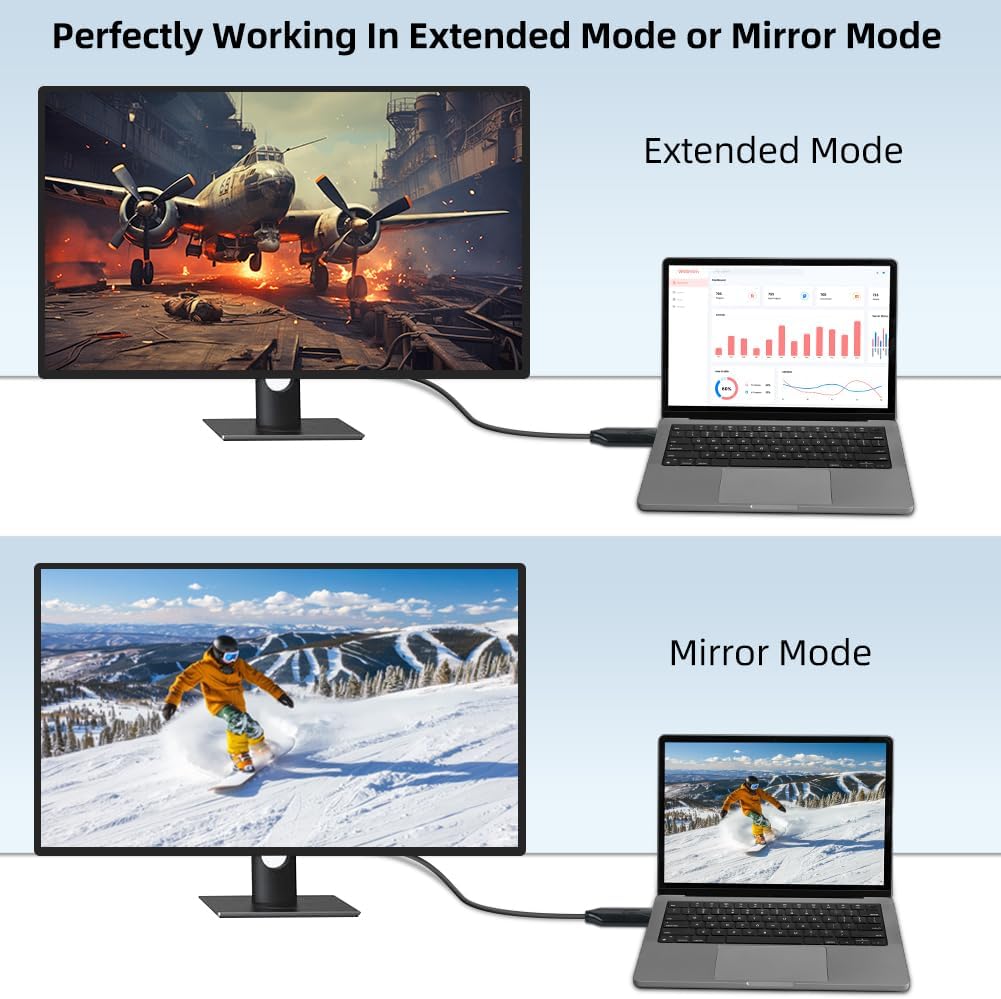
On the performance side, it uses a high bandwidth USB 3.0 interface and includes a new generation chip for stable operation. That helps with keeping video output consistent, especially when you are switching between tasks like spreadsheets, presentations, or video playback. The adapter supports extended mode and mirror mode, so you can choose how the screen behaves: extend for multiple tasks at once, or mirror for showing the laptop display on a larger screen.
If you are planning to connect to a projector for meetings or a TV for home entertainment, this cable is designed for convenient use. You do not need an external power supply, and the length is enough for typical desk arrangements. It also notes that it is not available for DVD, so if your goal is to connect a DVD device, you will want a different solution. 🙂
Compatibility
It is compatible with a range of Windows and macOS systems listed in the product description, including Windows 7, 8, 8.1, 10, 11, and XP, as well as MacOS. That means it can suit many home and office computers without needing a specialised docking station. For compatibility with your devices, you mainly need an HDMI port on the display side and an available USB 3.0 port on the computer.
It is a solid pick if you want an HDMI connection using USB, especially for office work, home entertainment, and screen sharing. It’s not for you if you only have USB 2.0 and you are expecting the same stable performance as USB 3.0, because the description warns that USB 2.0 mode may cause bandwidth related issues. It may not suit you if your setup requires support for DVD devices, as the description states it is not available for DVD.
A simple rule of thumb is to prioritise USB 3.0 when available and keep expectations realistic based on the system limits. It suits users who want either mirror mode for showing the laptop display clearly on a bigger screen or extended mode to work with multiple tasks across displays. Depending on your operating system and settings, you will also want to make sure the driver installation completes successfully before first use. ✅