

AZ-Delivery Joystick Keypad Gamepad Shield for Arduino (Duemilanove, MEGA2560, Leonardo) with E-Book
Product description
If you’re building an Arduino project that needs human input (menu navigation, remote control, a handheld console vibe), a joystick shield can save you a lot of wiring time. The AZ-Delivery Joystick Keypad Gamepad Shield is designed for exactly that: it turns a joystick and keypad-style buttons into something you can plug in and start using, while also keeping room to expand your build.
That said, it’s not a plug-and-play “console controller” for every setup. The value here depends fairly directly on whether you’re working with the listed Arduino boards and whether you’ll make use of the extra control ports and the included setup material.
The essentials
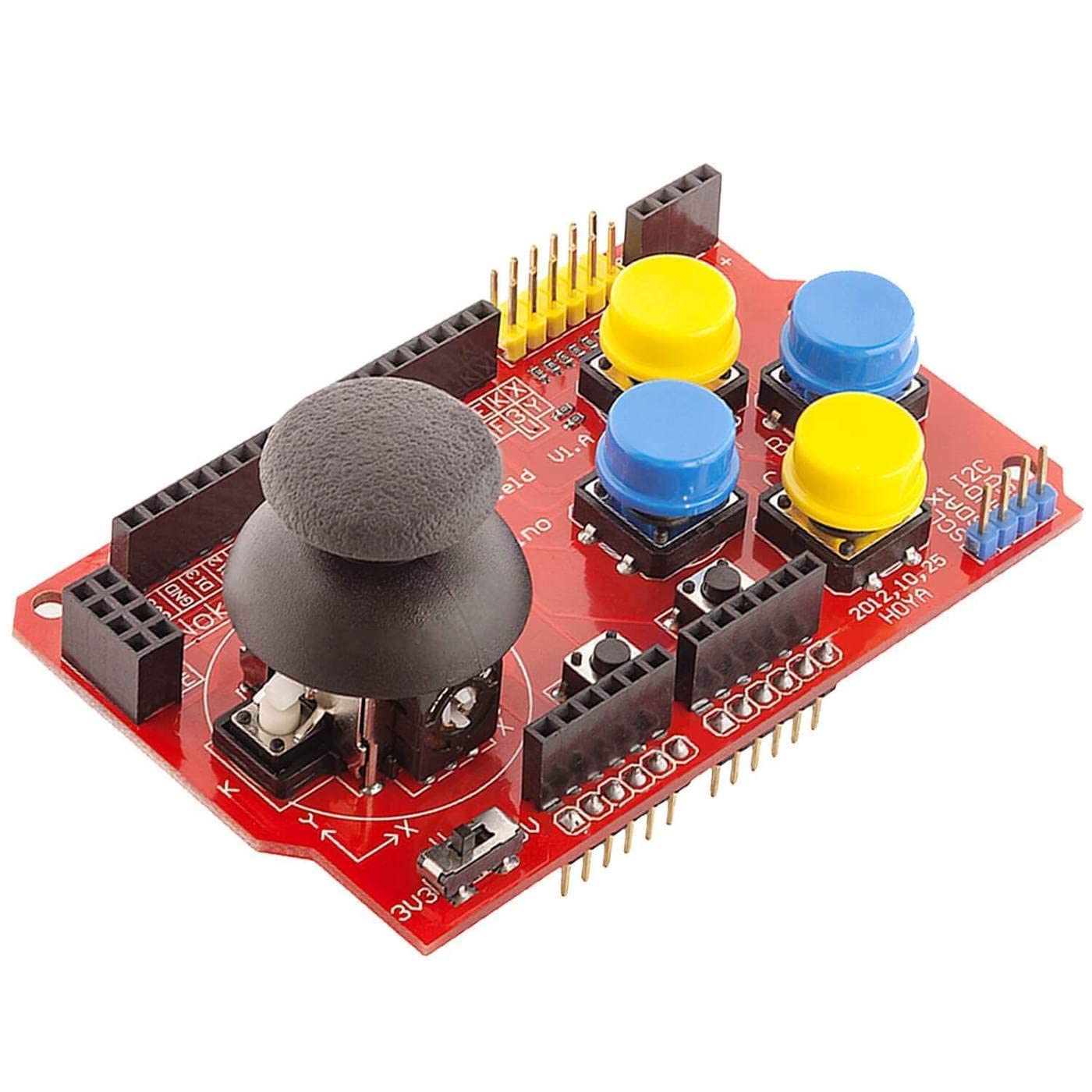
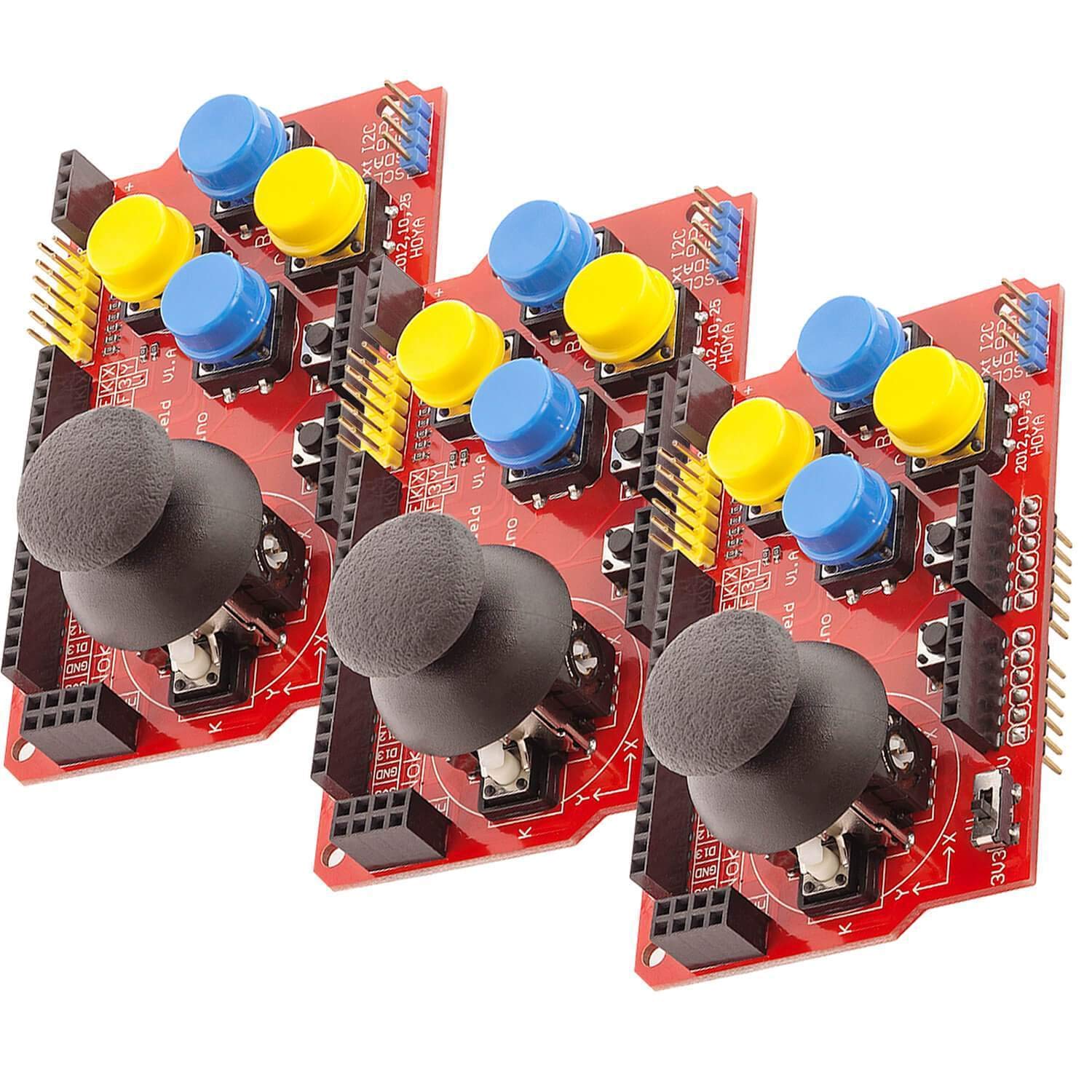
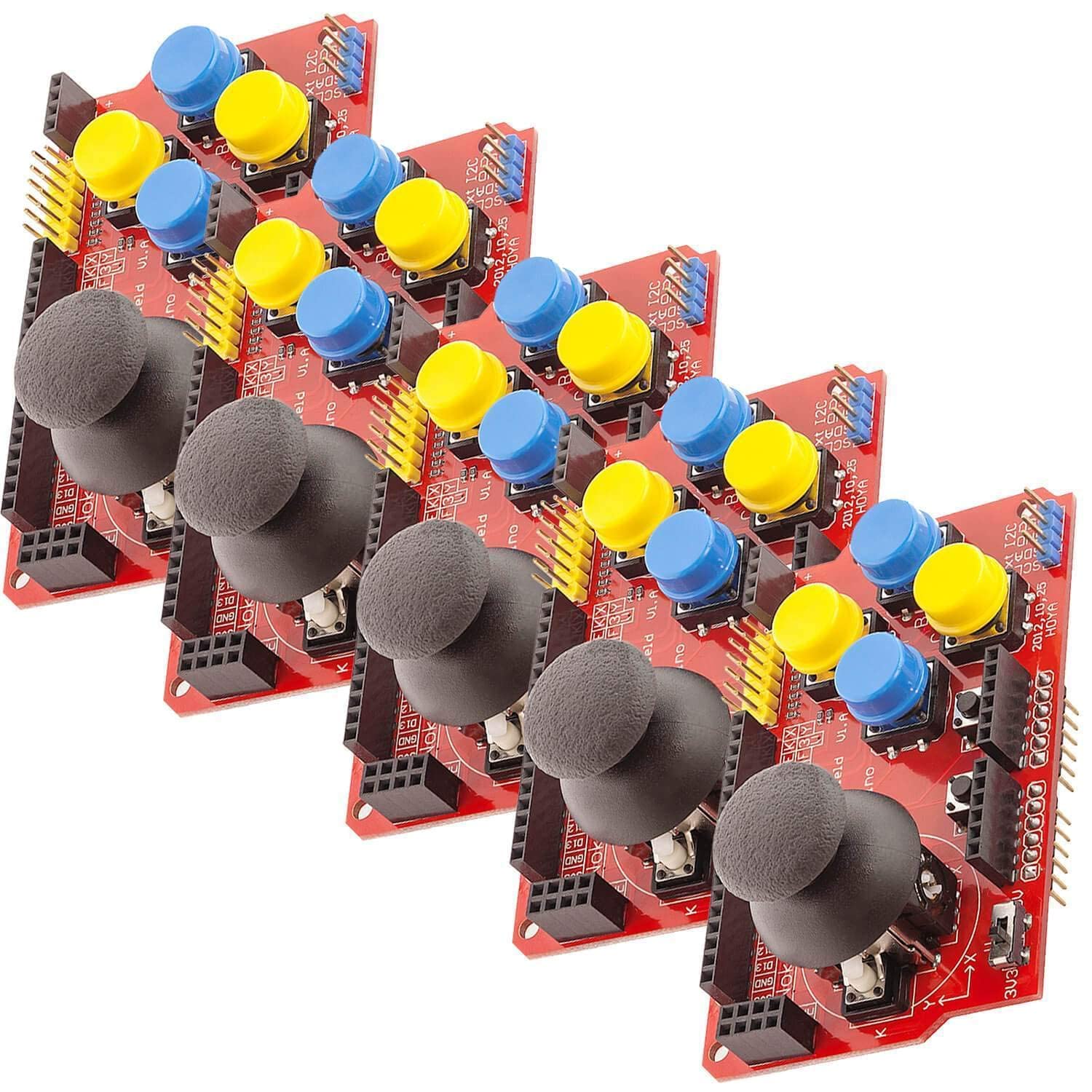
This shield combines a 2-axis joystick with multiple buttons, giving you both analog-style movement (useful for smooth positioning and navigation) and digital button presses (useful for selecting, confirming, cycling through options, or controlling actions). It’s presented as a solid fit for projects like a portable game-console-style build or for remotely operating robots where you want intuitive directional control.
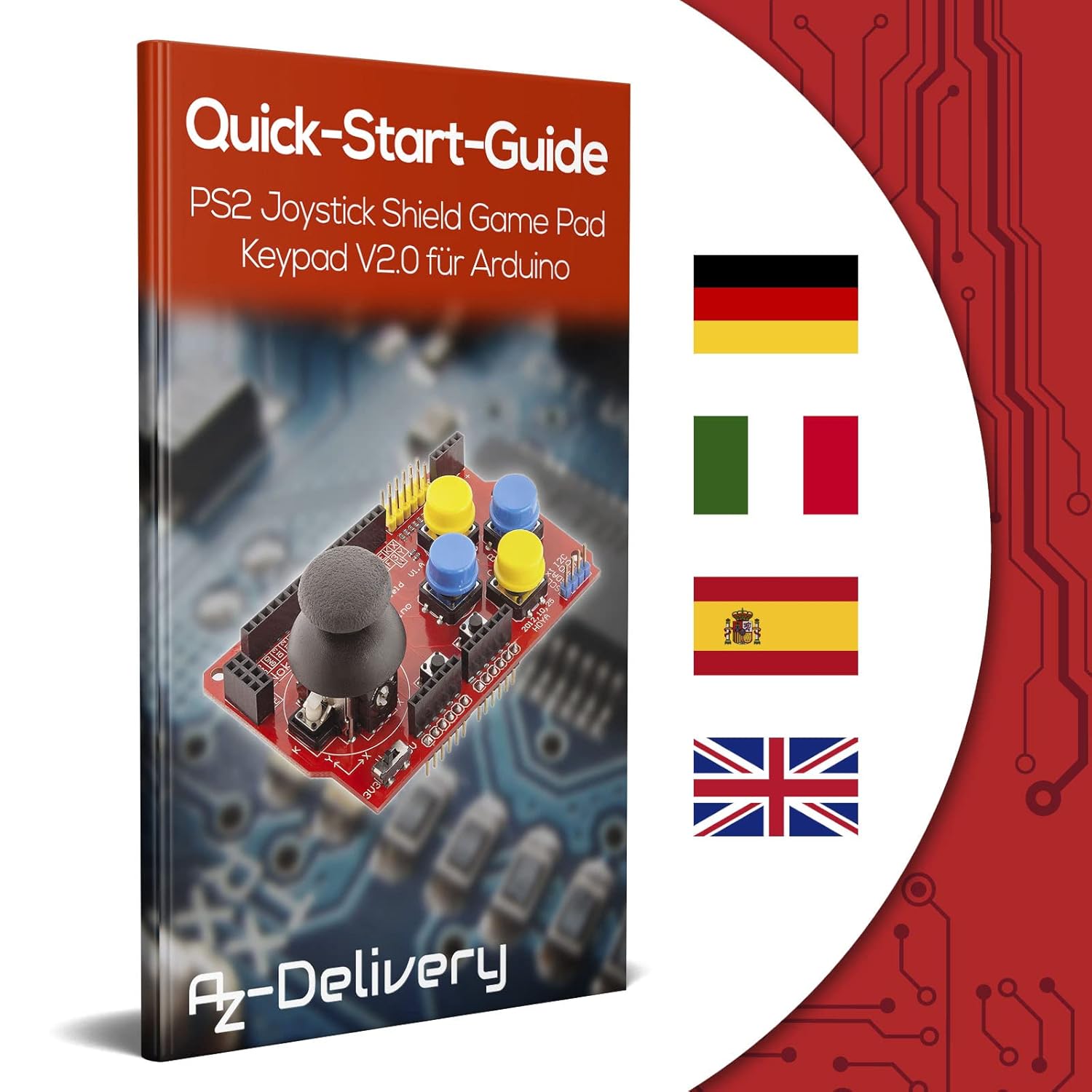
The included E-Book is also part of the package, aimed at helping you get going faster. On paper, that matters because shield projects often fail at the “configuration + libraries + examples” stage, not at the soldering stage.
What you’ll notice in use
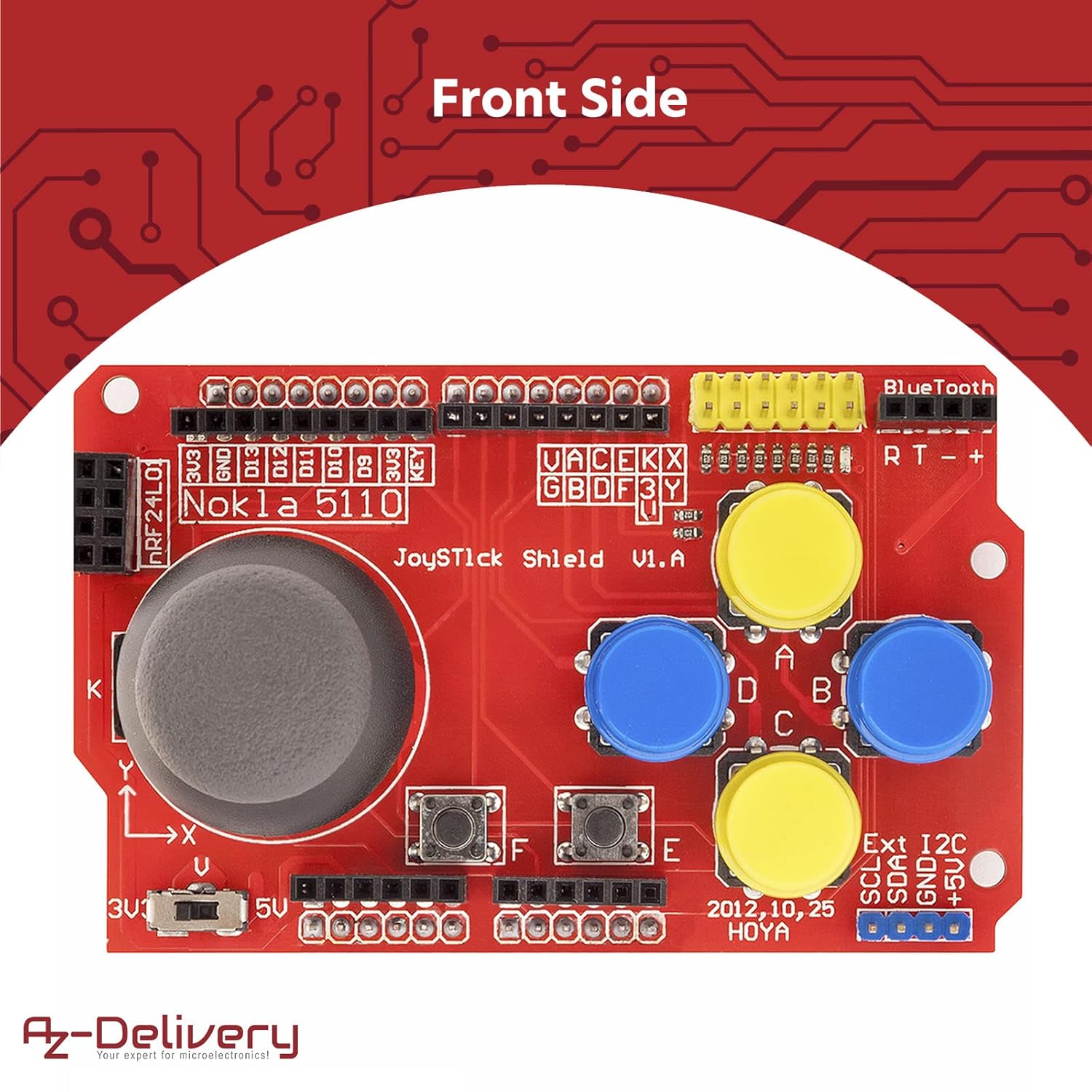
In a typical setup, you’d mount the shield on your Arduino, power it, and then map the joystick axes to something visible. For example, you can use the two axes to move a cursor around an LCD menu, then use the button presses to select items or trigger actions.
Because the joystick part is described as 2-axis (and the buttons include a mix of digital controls), you can usually cover both “move around” and “choose/confirm” without having to design a custom input layout.
Also worth noting: the shield is positioned as supporting both 3.3 V and 5 V platforms. That flexibility is helpful if your Arduino setup sits on one voltage more than the other.
Where it shines (and where it may feel limited)
Where this shield makes the most sense is when you want compact input hardware for an Arduino project and don’t want to clutter your prototype with lots of separate components.
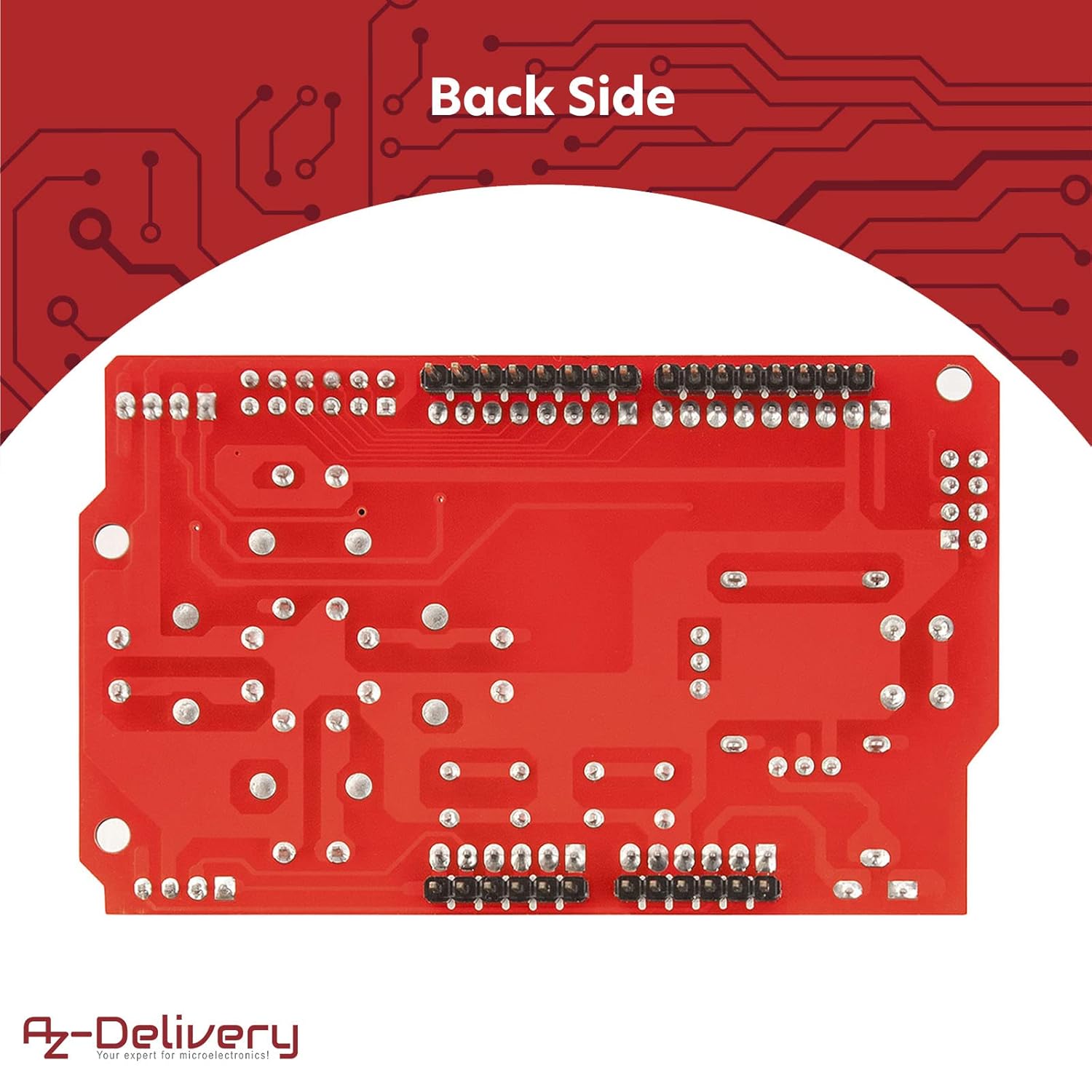
The pitch here also includes additional ports and headers, which you can use to connect the joystick to an LCD display and an NRF24L01 Bluetooth module. That’s a practical angle if you’re aiming for something interactive with on-screen feedback, or if you’re building a wireless remote control style project.
Still, you should temper expectations: a shield like this is built around its form factor and the way it’s meant to connect to supported Arduino boards. If your project design doesn’t match that, it can feel like the wrong tool. And if you only need one or two basic buttons, it may be more hardware than you actually need.
Key takeaways for buyers
- It’s a joystick + keypad style input shield aimed at Arduino projects needing intuitive navigation or remote control.
- The design covers both analog-style 2-axis joystick control and digital buttons.
- It’s described as easy to install and convenient to operate, which is usually what you want with Arduino shields.
- Included E-Book material plus application examples and installation guidance are intended to reduce setup friction.
Tech specs
- Type: Joystick keypad gamepad shield
- Control layout: 2-axis joystick plus digital keypad buttons
- Supported platforms: 3.3 V and 5 V
- Compatibility (as stated): Duemilanove, MEGA2560, Leonardo
Is it worth it?
Worth considering if you’re planning a handheld-style Arduino input device, a robot remote control setup, or any interactive menu system where joystick movement and multiple button actions are useful. It’s also a sensible choice if you’d rather rely on a shield layout than wire a custom controller from individual switches.
You may want to skip it if you’re not using one of the compatible Arduino boards mentioned, or if your project needs a very simple control scheme and you’d rather avoid extra hardware. It may not be a great match if your build can’t make use of the shield’s expansion ports and the way it’s intended to connect peripherals like an LCD and an NRF24L01 module.
Quick FAQ
Does it work with different Arduino voltage levels? It’s described as supporting both 3.3 V and 5 V platforms.
What kind of controls does it provide? The shield includes a 2-axis joystick and several buttons, combining analog-style movement with digital button inputs.
Do you get any learning material? Yes—an E-Book is included, and it’s described as containing setup information plus guides, libraries, and application examples.
Is it meant for portable console projects or robot control? That’s exactly how it’s positioned: for building your own portable game-console-like projects and for remotely controlling robots or navigating menus.