

avedio links VHS to Digital Converter: USB 2.0 Video Capture Card for Analog to Digital 1080P
Product description
What it is
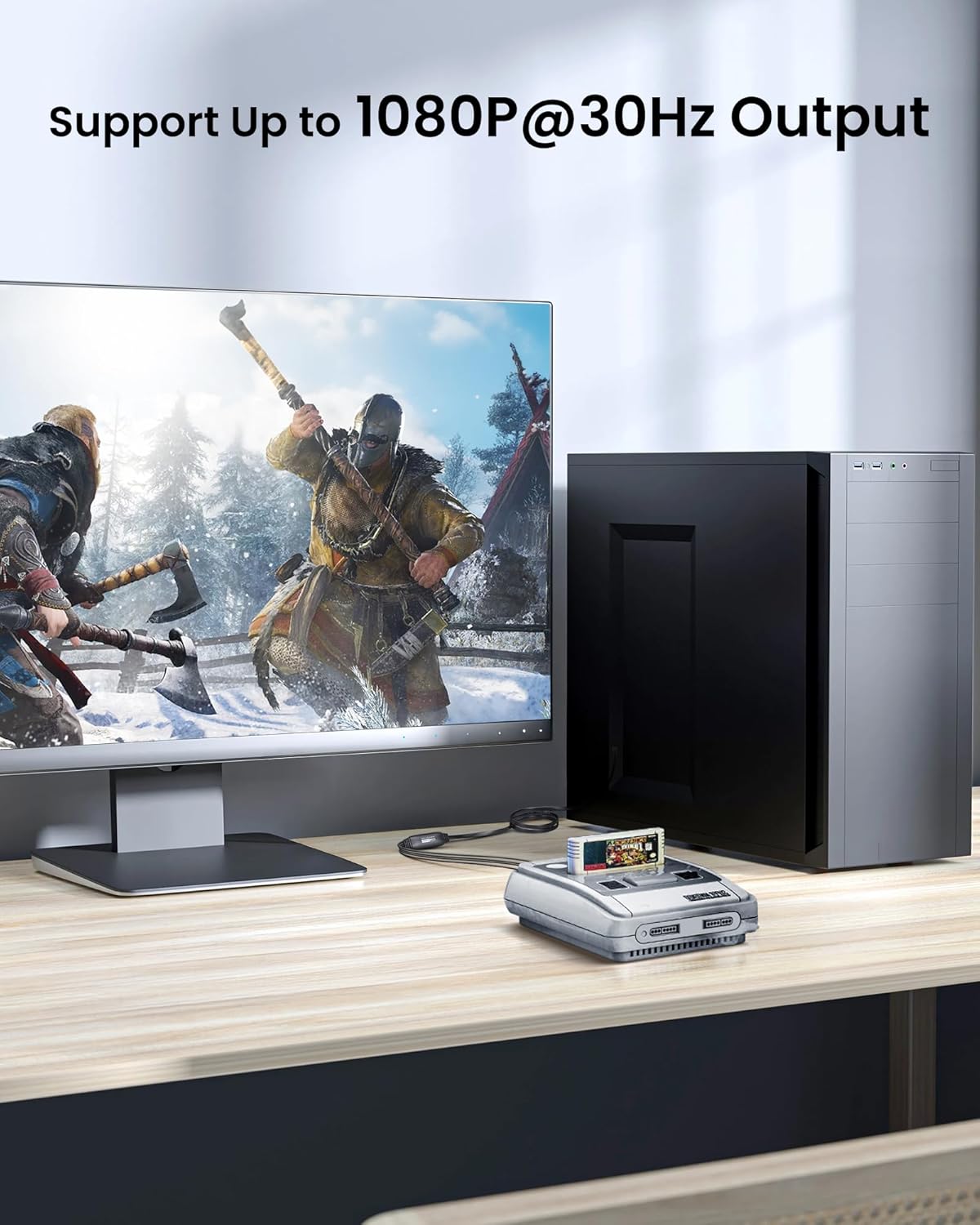
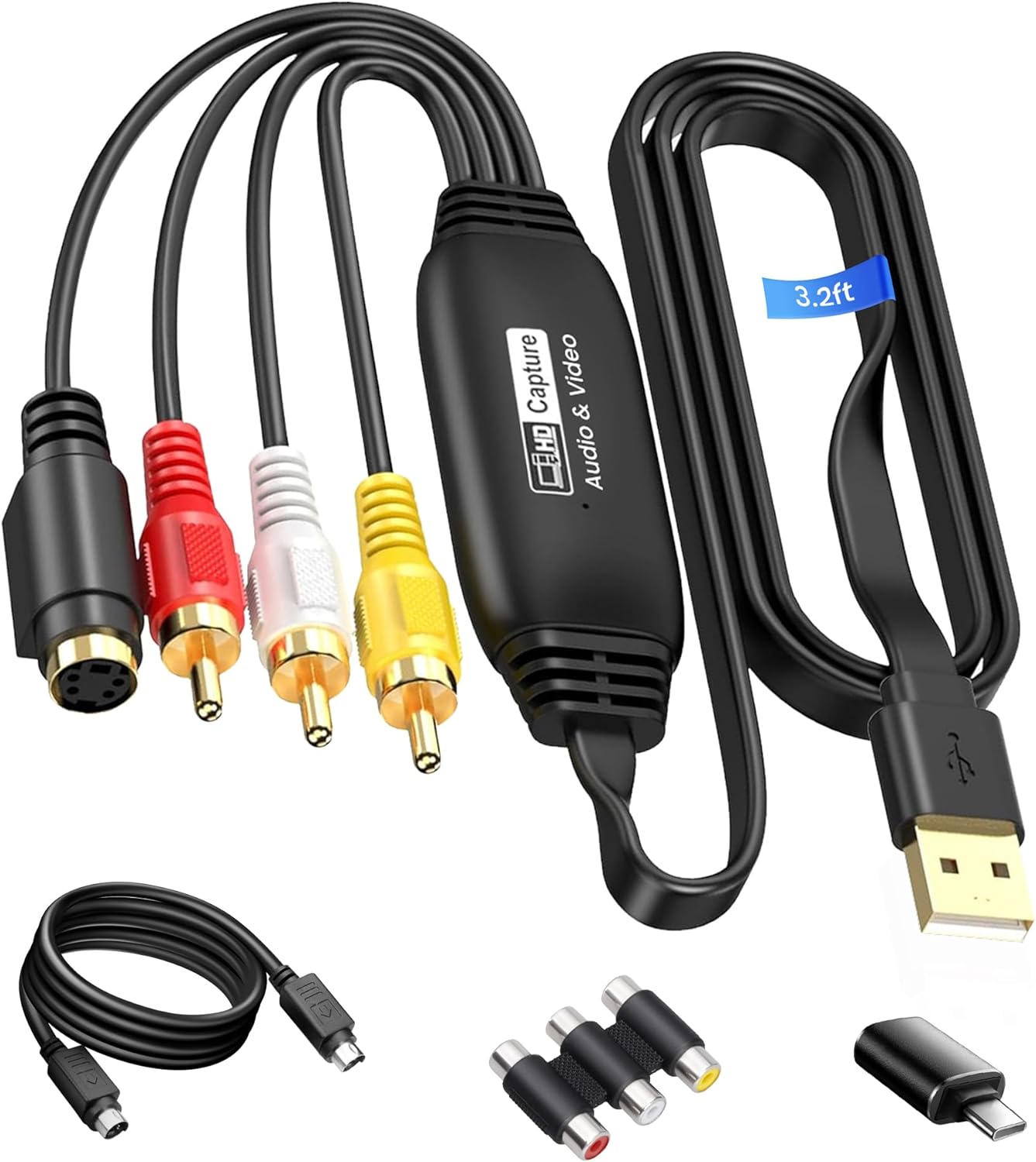
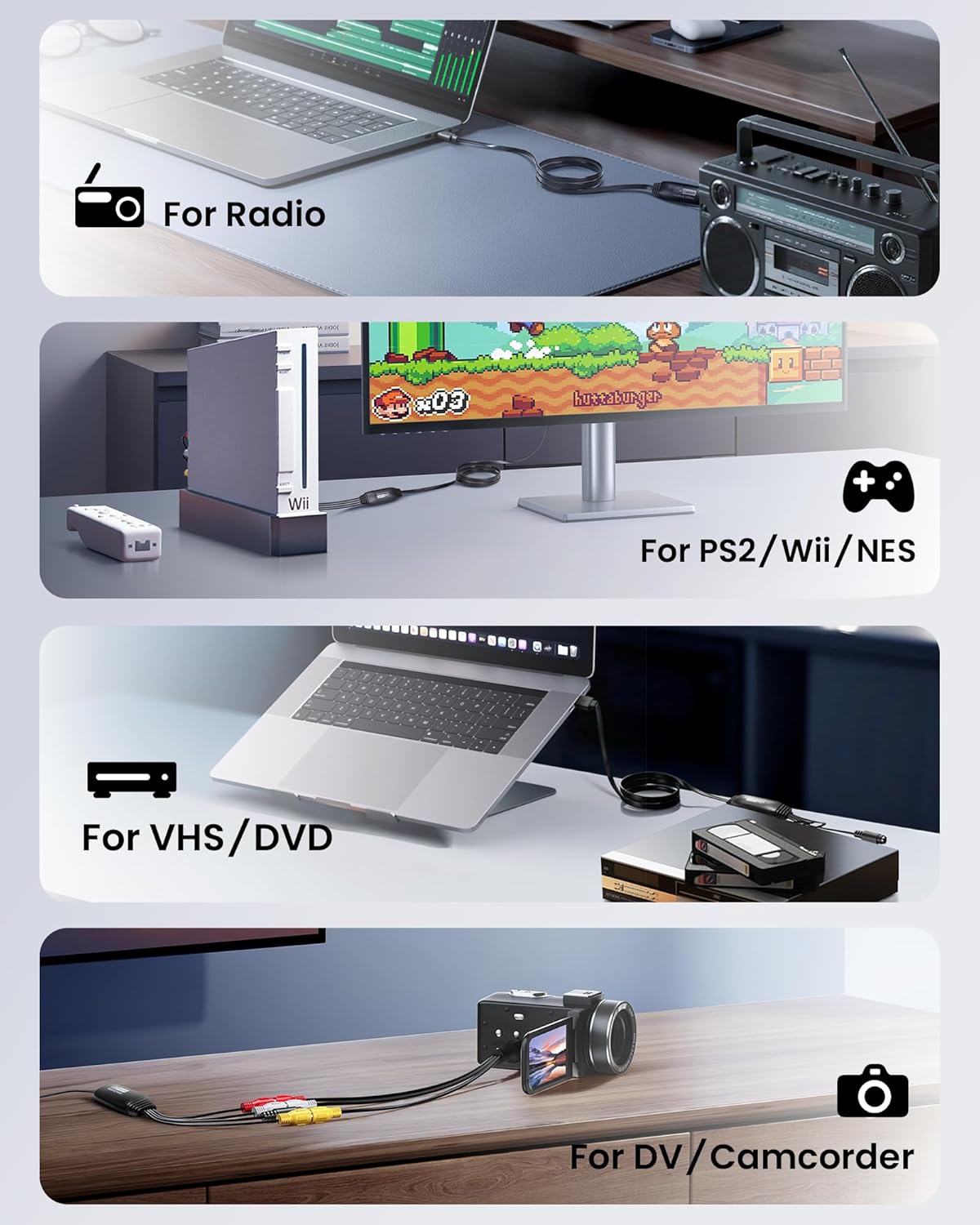
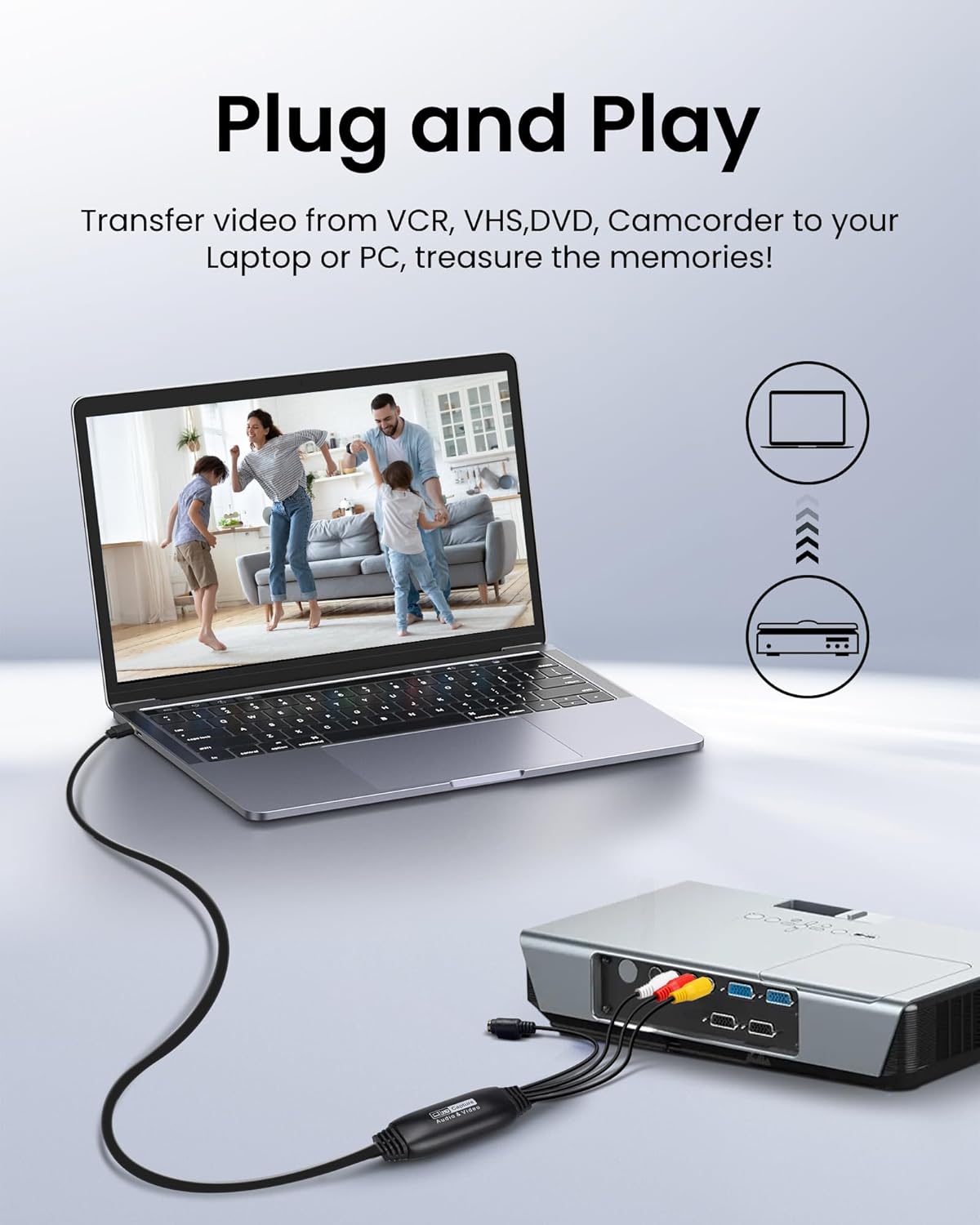
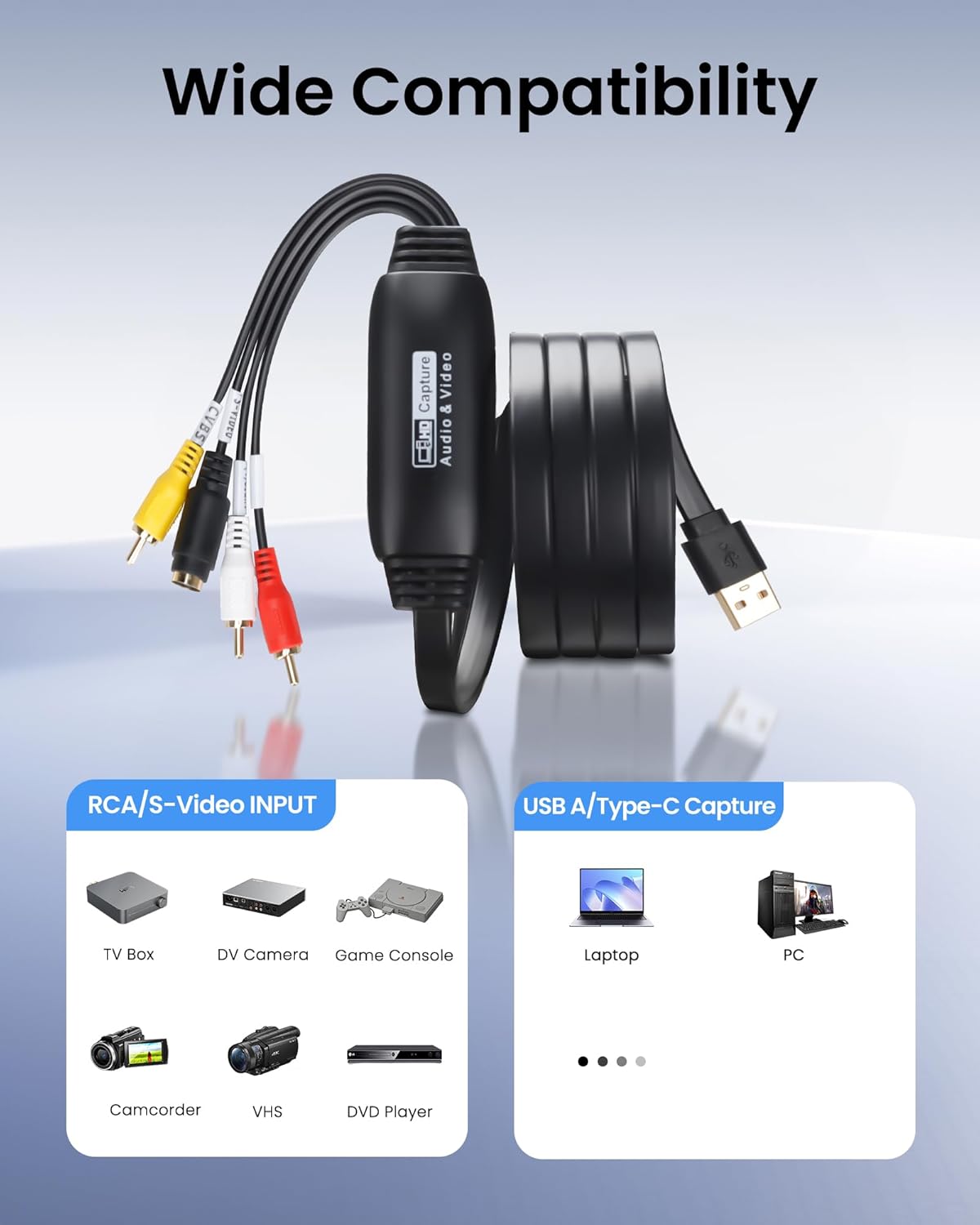
The avedio links VHS to Digital Converter is a USB 2.0 video capture solution designed to digitise analogue video sources. It accepts RCA composite (and S-Video) inputs and outputs a USB feed to a computer, with a maximum screen resolution of 1920x1080P at 30Hz. This makes it a practical option for converting old VHS tapes, DV camcorder footage, DVD/VCD/VCR content, and other analogue video sources into digital files on Windows or Mac OS.
Who it’s for
If you’re looking to preserve family memories or re-purpose retro footage for modern editing workflows, this device targets home users and hobbyists who want a straightforward way to capture analogue video. It’s especially useful for digitising old tapes for archival or simple film projects and for retro gaming capture where the source is analogue video.
What stands out
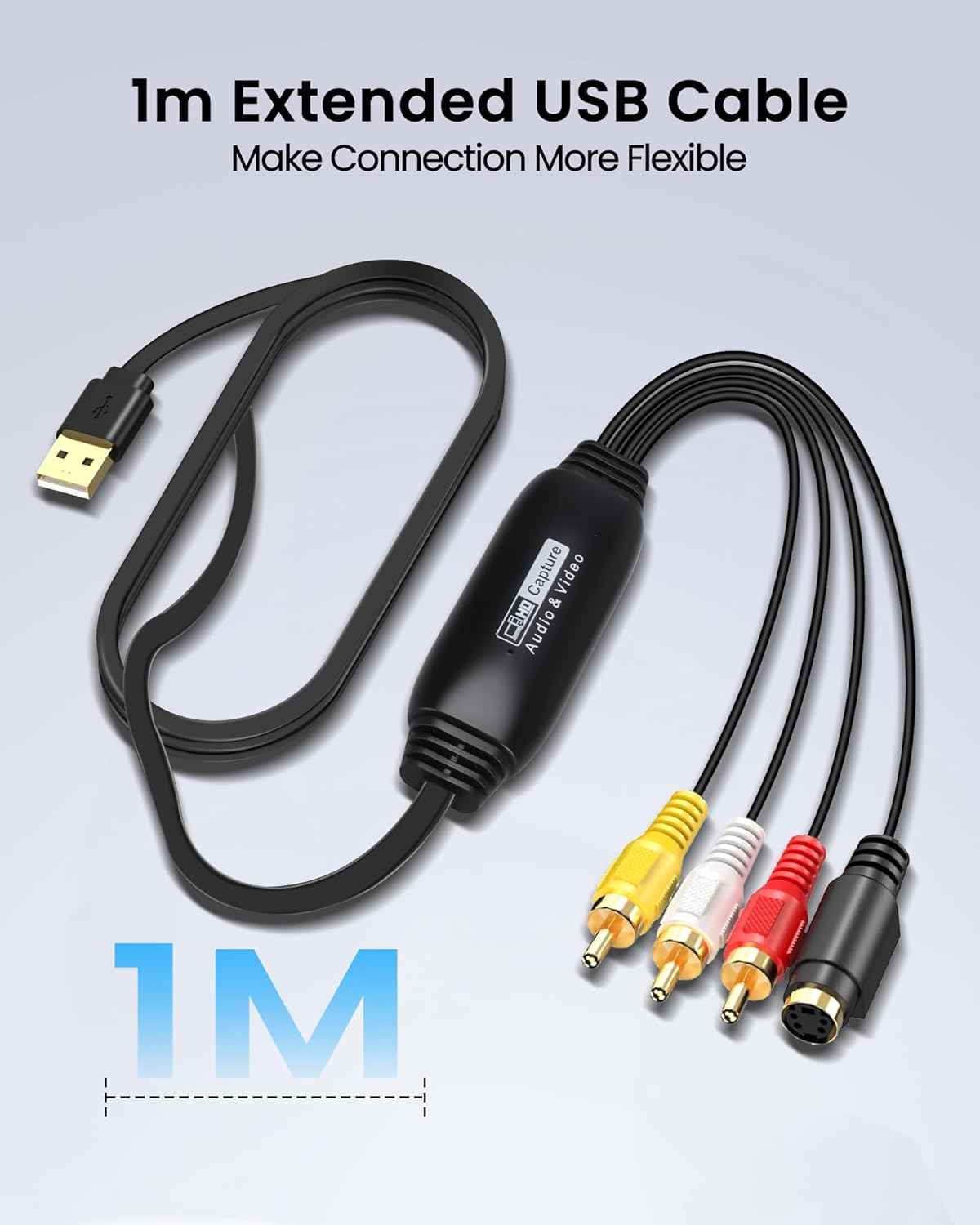
On paper, the appeal lies in the combination of familiar input options (RCA and S-Video) and a relatively simple USB 2.0 capture path. The long 1-metre USB cable adds some practical flexibility, reducing the need to juggle the computer position during capture. Compatibility with Windows and MacOS broadens the potential setup, and software included on the CD offers a baseline capture and editing flow without needing to buy additional tools.
Trade-offs and limitations
It’s worth noting that the maximum capture resolution is 1080P at 30Hz. For those hoping for higher framerates or 4K capture, this device may fall short. The reliance on USB 2.0 means bandwidth is shared with other peripherals, which can influence performance depending on system load. Some users may find the included software adequate for basic tasks, but those with more advanced editing needs might prefer a workflow that integrates with higher-end capture suites.
What to check before buying
- Ensure your computer supports USB 2.0 connections and has enough CPU headroom for video capture tasks.
- Confirm you have suitable analogue sources (VHS, VCR, DV camcorder, DVD player, etc.) and that cables are intact.
- Consider whether 1080P at 30Hz meets your project requirements, if you need smoother motion or higher fidelity, you may want to evaluate alternative capture solutions.
- Check your preferred capture software compatibility (OBS, PotPlayer, or other editors) to ensure seamless integration.
How it compares in practice
Compared with purely digital capture devices, this option emphasizes transforming legacy media rather than delivering cutting-edge digital features. For casual hobbyists and nostalgia projects, it offers a pragmatic balance between ease of use and reasonable output quality. If you prioritise professional-grade archival with higher framerates or 4K upscaling, you might explore alternatives that push beyond the 1080P/30fps boundary.
Practical use case
Imagine sitting beside a cluttered pile of VHS tapes, a VHS player humming quietly, and a laptop ready to receive the footage. You connect the RCA outputs, fire up the included software, and start recording a cherished home video. The capture path is straightforward, and the 1-meter USB cable helps you position the laptop at a comfortable distance from the TV and player, reducing cable strain during a long transfer.
FAQ
- Q: What sources can I connect? A: RCA composite and S-Video inputs are supported, suitable for VHS/VCR and similar analogue devices.
- Q: What resolution and frame rate are achievable? A: Up to 1920x1080P at 30Hz.
- Q: Is it compatible with my software? A: It’s stated to work with common capture apps such as OBS and PotPlayer on Windows and MacOS, though performance can vary by system.
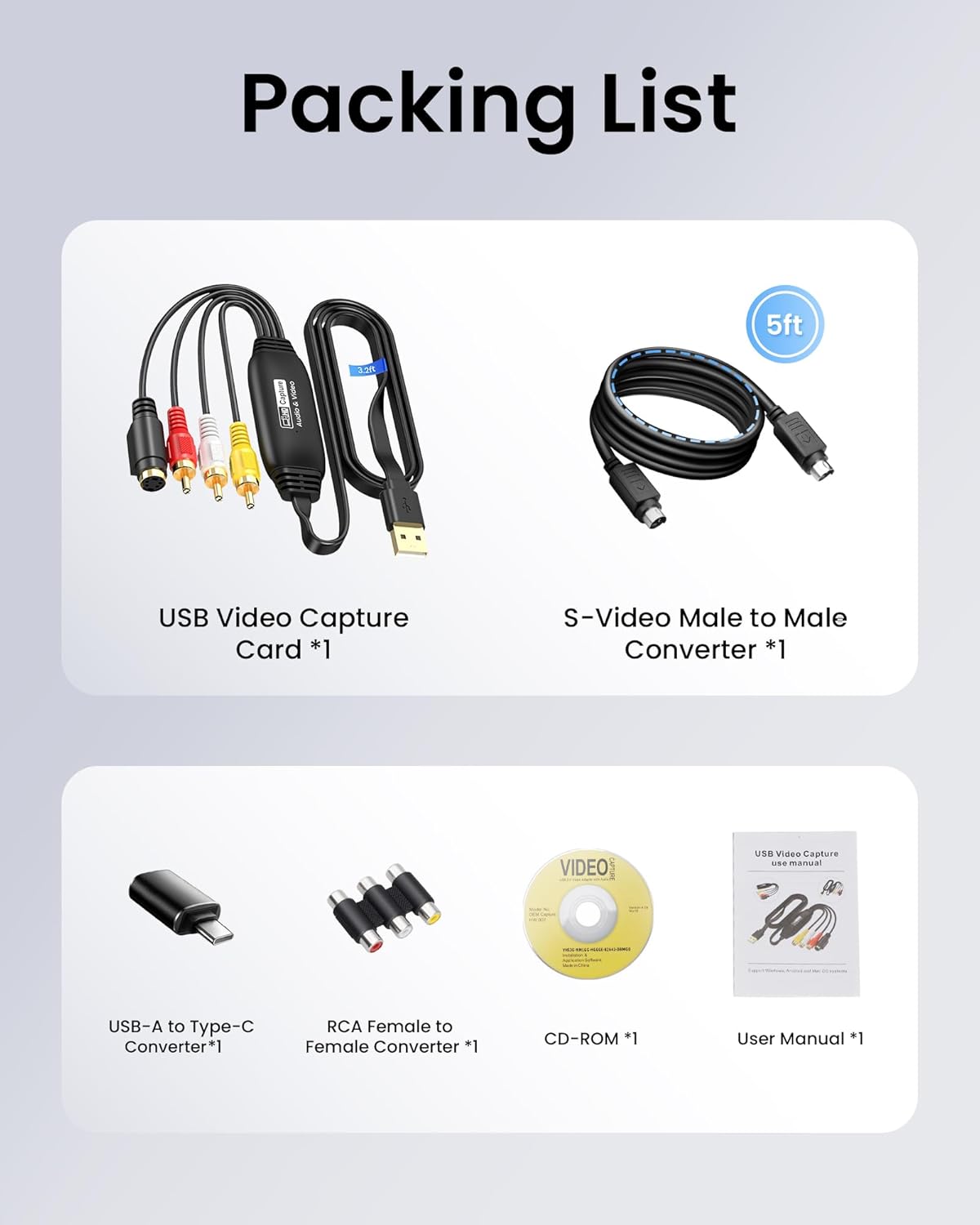
- Q: Does it come with everything needed to start, right out of the box? A: The pack includes the RCA to USB capture card, USB A to Type-C converter, a CD with software, and a user manual, enabling a straightforward setup.
Is it worth it?
A solid pick if you want a practical, no-nonsense way to convert analogue footage to digital on a modest budget. It makes sense if you already have a workflow centred on basic capture and simple editing, and you prioritise a plug‑and‑play approach over cutting-edge tech. It might not be the best option if your project demands higher framerates, 4K output, or advanced noise reduction.