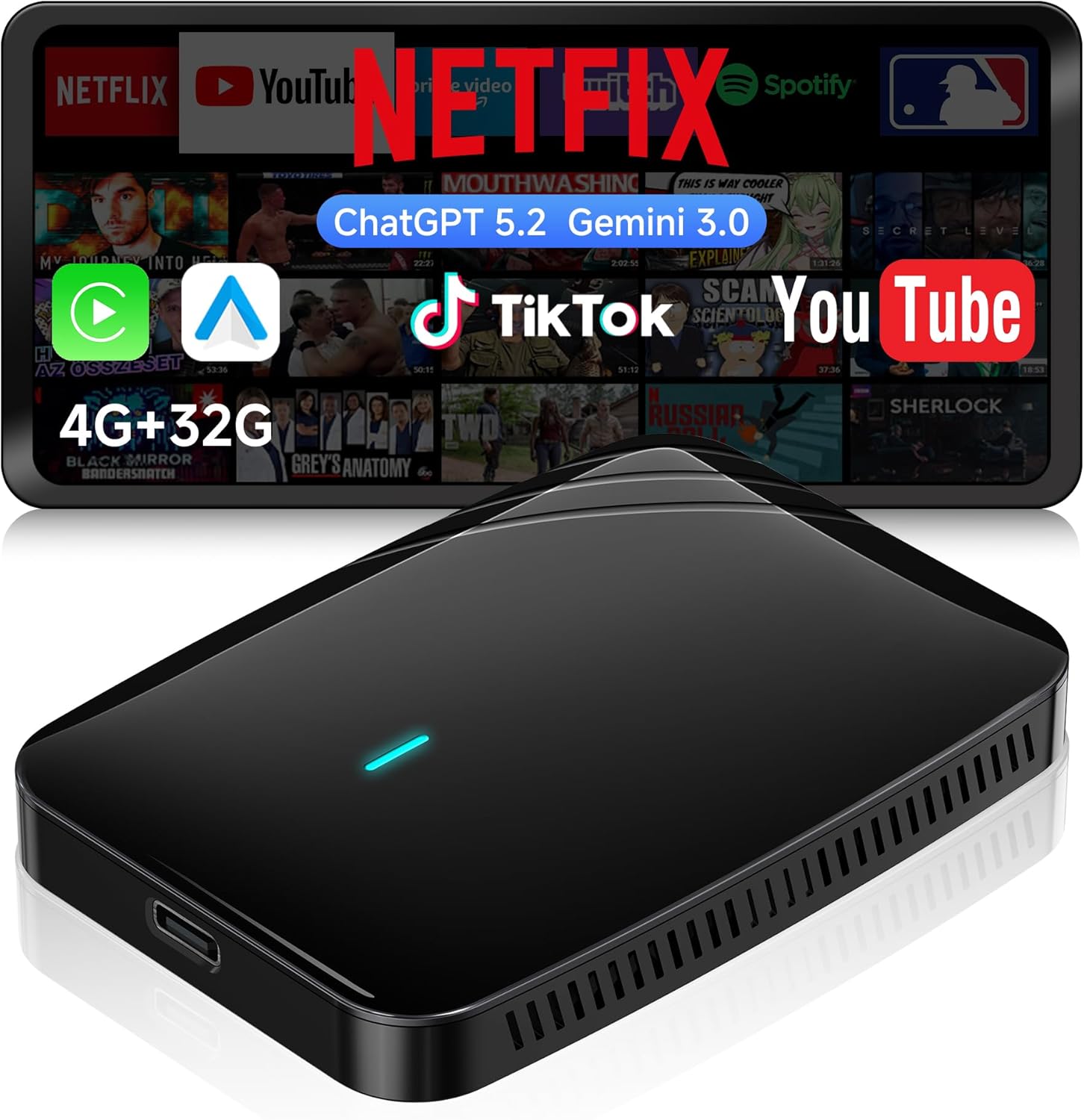
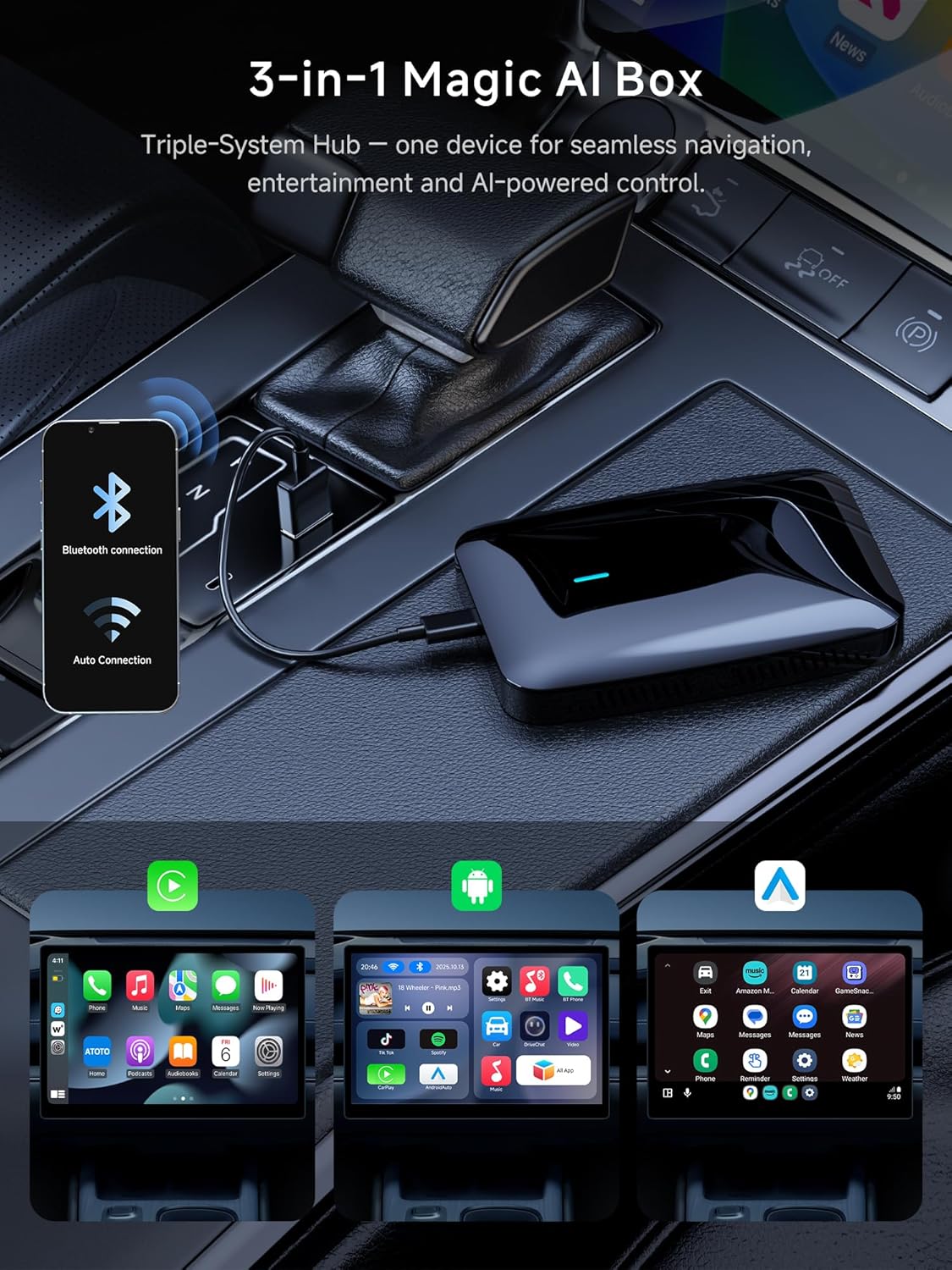
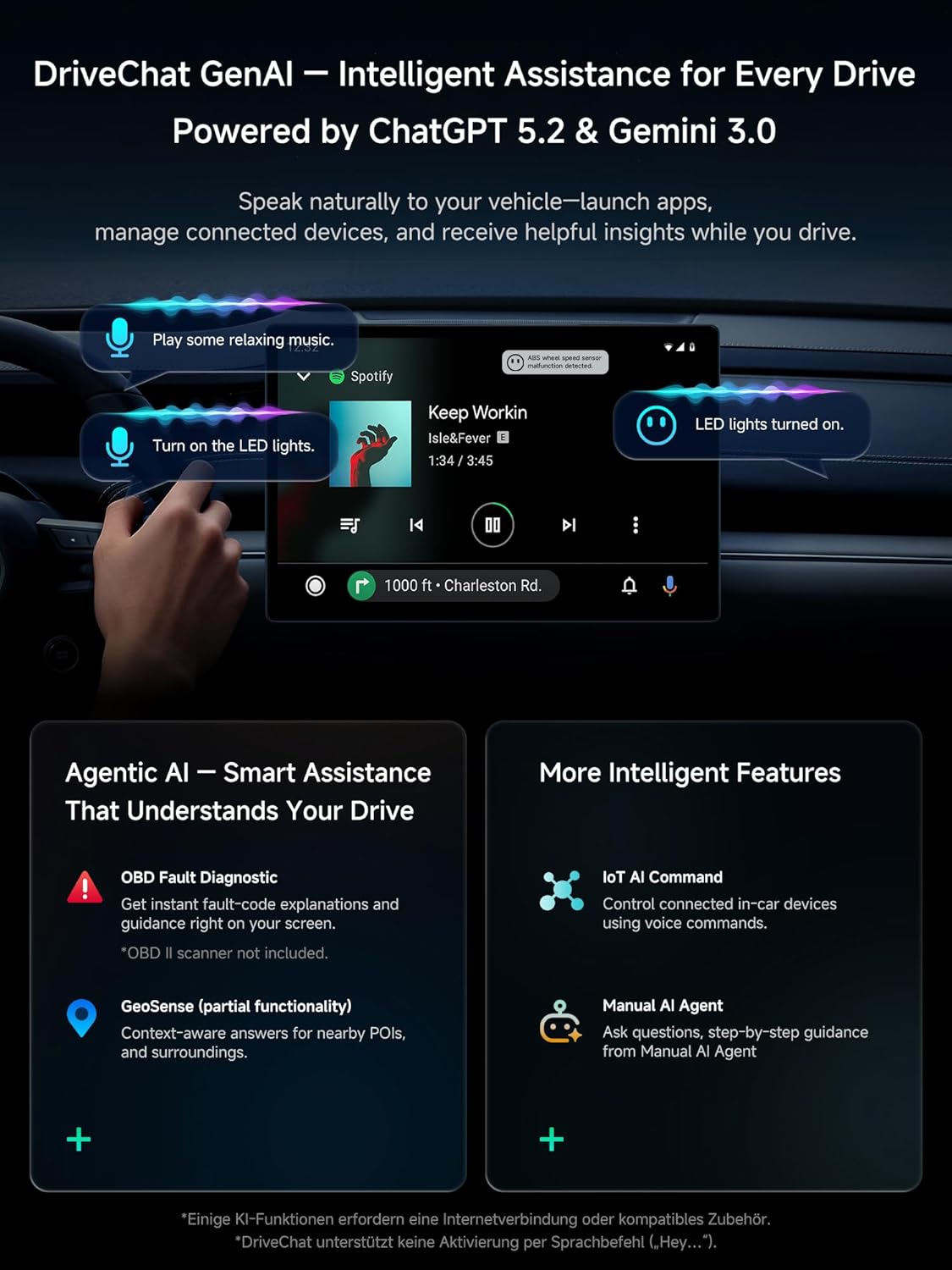
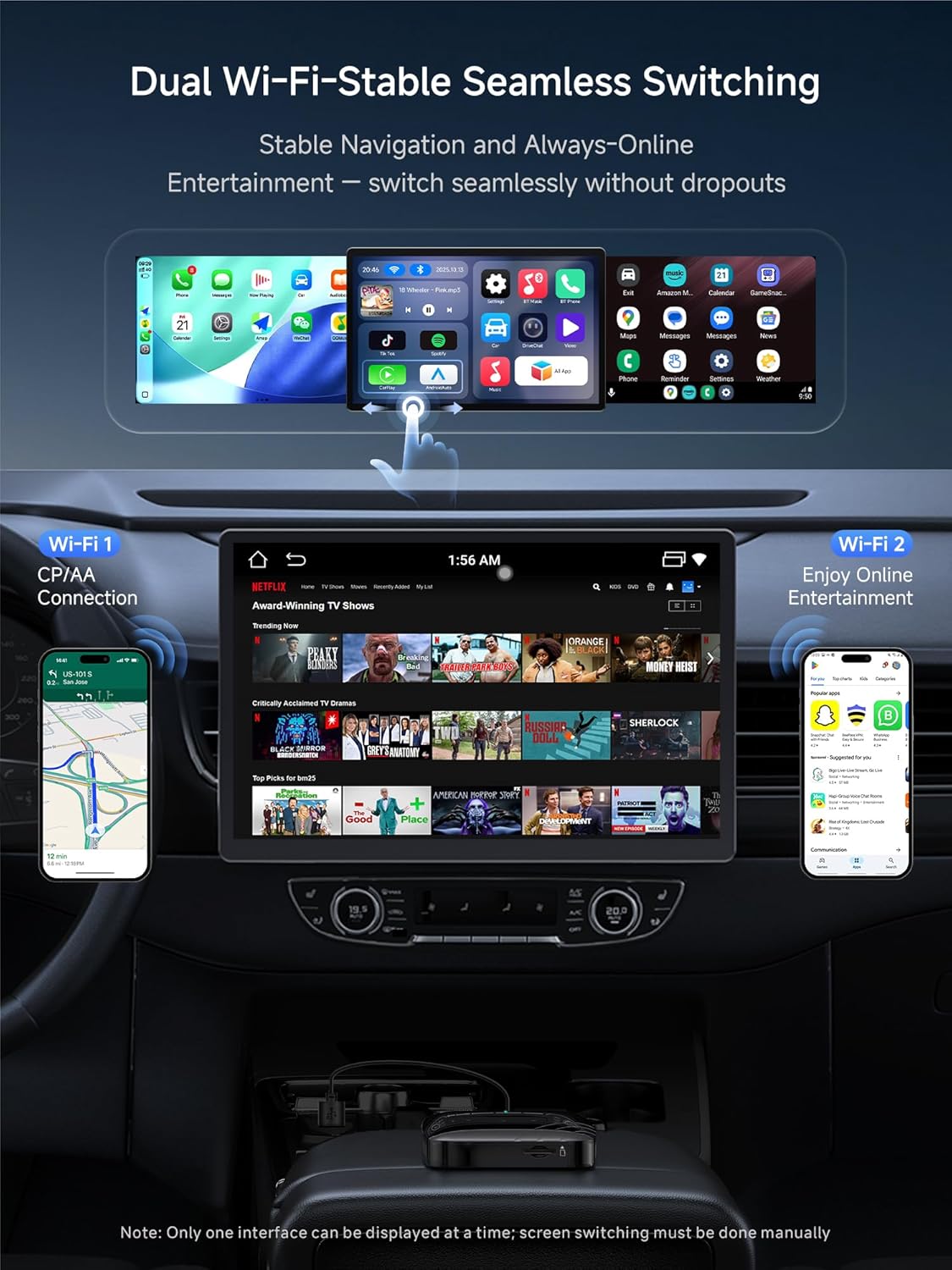
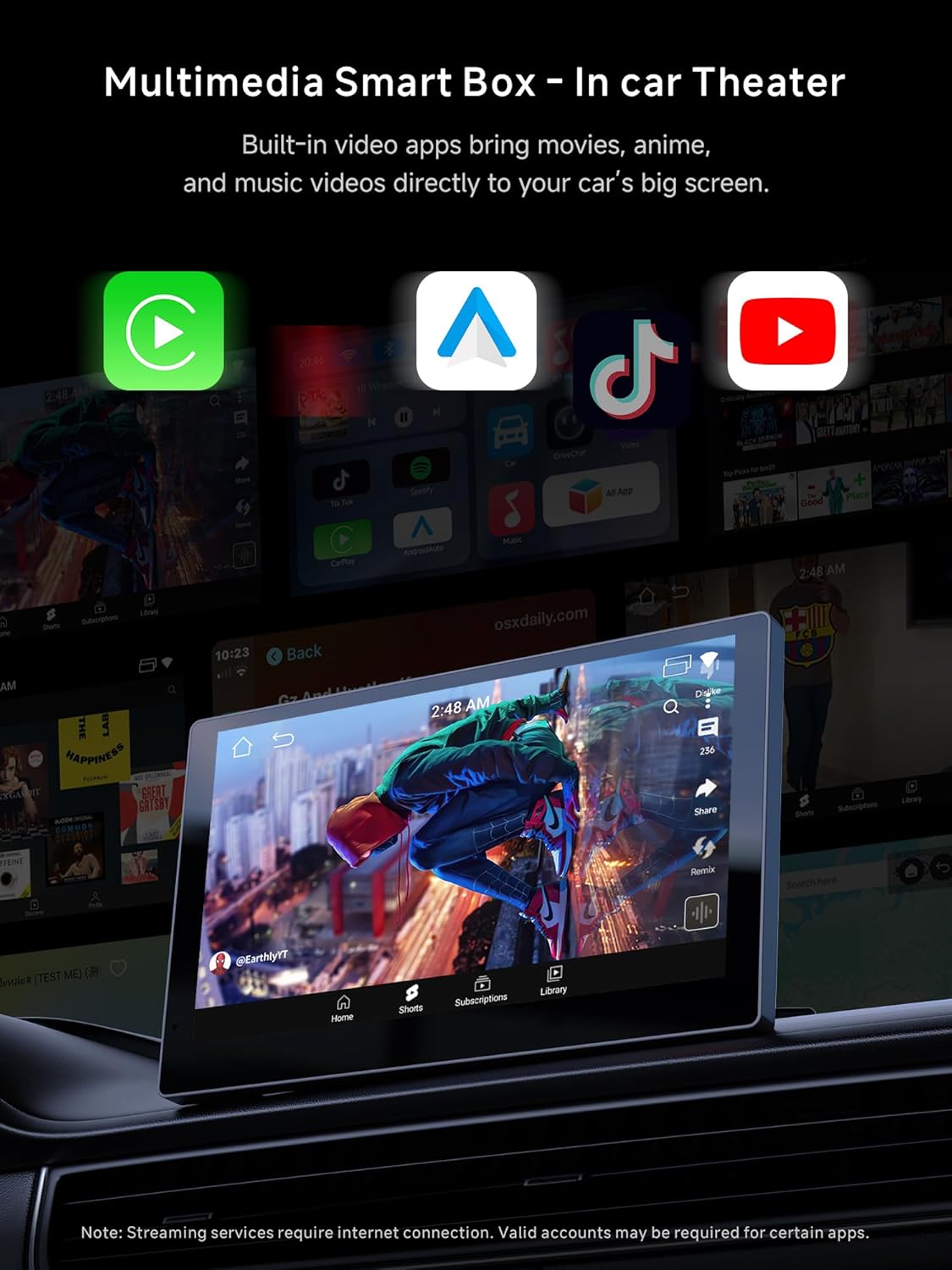
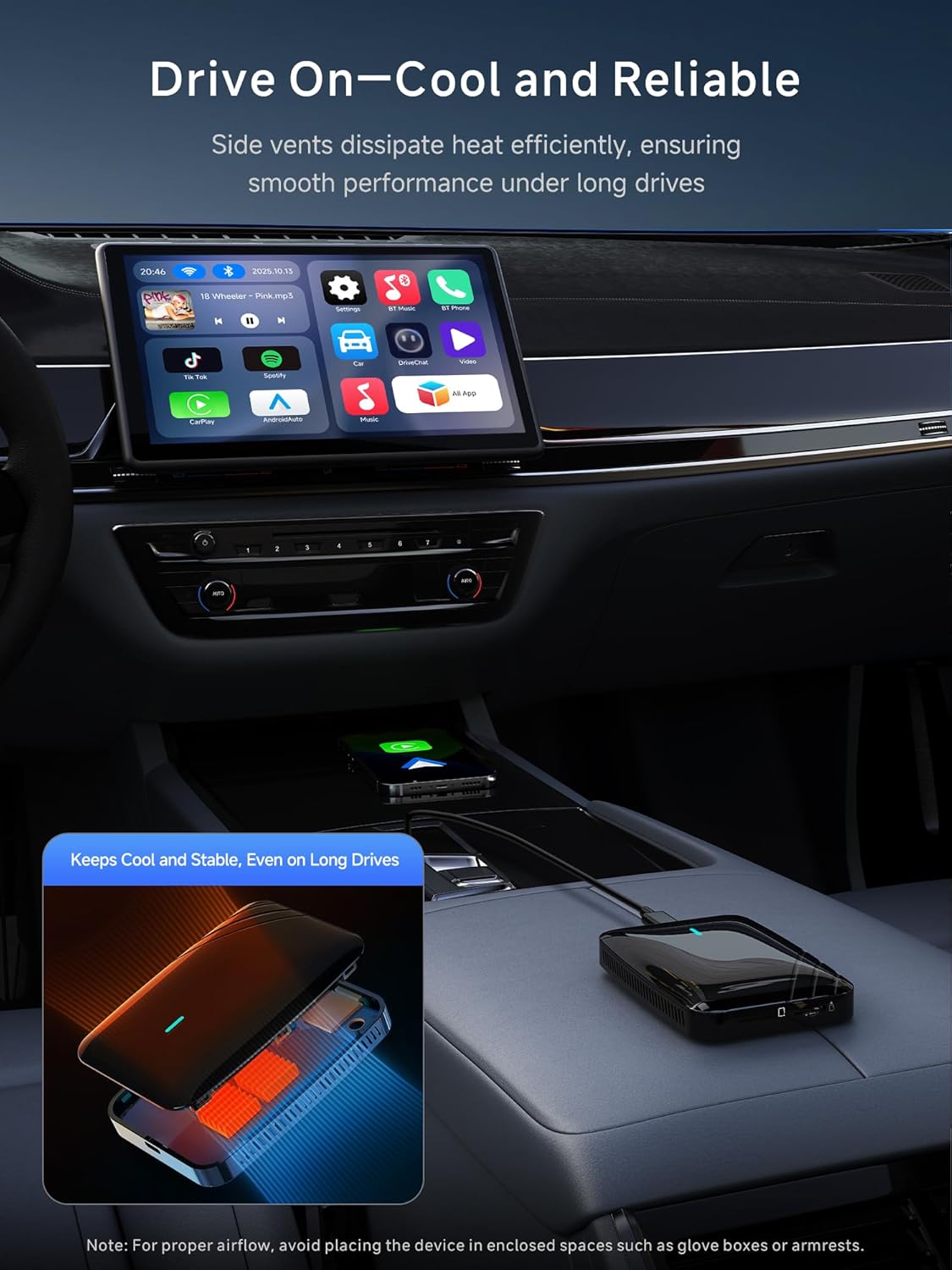
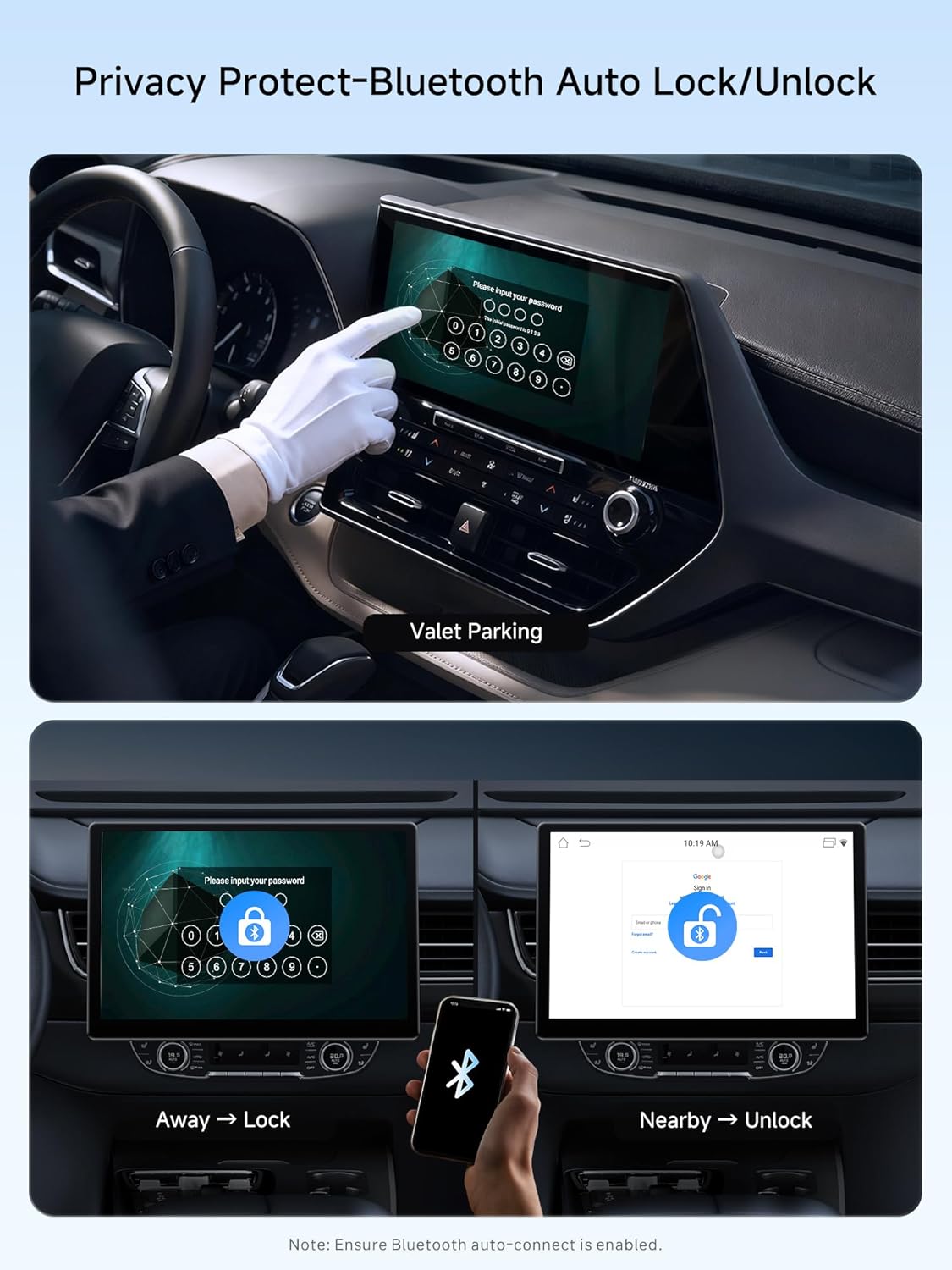
What it is and what it aims to solve\nThe ATOTOSELECT CB4B is a wireless CarPlay/Android Auto adapter designed to convert wired connections into cable‑free experiences in cars that support the relevant systems. It positions itself as a practical, all‑in‑one entertainment and connectivity hub, aiming to keep your car’s infotainment online and capable of streaming apps while retaining access to vehicle data via Bluetooth and optional OBDII pairing. On paper, it’s pitched as useful for households with mixed device setups, as it can mirror wired CarPlay while offering Android Auto wireless behaviour.\n\n## How it’s put together and what’s inside\nThe box ships with a versatile set of cables (USB C‑to‑C, USB A‑to‑C, and a Y‑shaped power lead) to maximise compatibility across a wide range of vehicles. Firmware updates are delivered over‑the‑air, so features can be refreshed over time without extra hardware. The package also includes dual WiFi modules intended to improve stability for navigation and media streaming, even when the device is projecting wirelessly.\n\n## Core strengths and what to watch out for\nOn the plus side, you get direct streaming of services like YouTube and Spotify via the FindApps tool, plus the convenience of hands‑free control through DriveChat, which is described as upgraded with AI capabilities. The Bluetooth security feature is noted to lock the screen when you walk away, which adds a layer of practical security for in‑car use.\nHowever, the stated compatibility caveats are important: the product is not described as compatible with BMW, most Subaru models, aftermarket head units, or OEM units that only support wireless CarPlay or wireless Android Auto. This means it’s prudent to check your vehicle’s factory system before purchase.\n\n## Ideal user profile\nIf you prioritise a genuinely wireless experience that still leverages your wired CarPlay port, and you want a central hub that can keep multiple devices connected, this could be a workable fit. It may suit drivers who value integrated AI assistance for questions on the road and who want to access streaming apps without tethering devices to a cable.\nIt may not be the best option if your car’s head unit relies exclusively on wireless CarPlay/Android Auto or if you drive a model explicitly listed among the incompatibilities.\n\n## Practical usage in everyday life\nImagine taking a short commute where you listen to music, passively stream a show, and occasionally need navigation that stays online as you move through town. The dual‑WiFi approach is meant to help with continuity, so you don’t experience abrupt drops when switching between networks. If you use a supported OBDII device, you can tap into live vehicle data—though this feature is dependent on compatibility with a separate scanner.\n\n## What to review before buying\n- Confirm your car’s head unit accepts wired CarPlay or wired Android Auto, and that it has a touch control or compatible navigation interface.\n- Check that your vehicle isn’t listed among the common incompatibilities (BMWs, many Subarus, aftermarket head units, or OEM units that only support wireless CarPlay/Android Auto).\n- Decide whether you’ll benefit from DriveChat AI assistance and real‑time vehicle data via OBDII, if you intend to use those features.\n- Ensure your expectations around streaming apps and AI responses align with the device’s documented capabilities.\n\n## How it compares to other approaches\nIf you already have a wired CarPlay/Android Auto setup and want a cable‑free experience without changing the head unit, this kind of adapter offers a middle path between a factory wireless solution and a full head‑unit retrofit. For those who prioritise a straightforward wireless boost with minimal additional hardware, a simpler wireless module or a dedicated head unit might be more expensive but possibly more seamless in the long run. This device strives to balance flexibility with ease of use, at the cost of relying on the car’s existing system to support the AI Box mode.\n\n## Should you buy it?\n## Should you buy it?\nIt’s worth considering if you want to convert a wired CarPlay port into a cable‑free setup while gaining access to mixed‑device wireless behaviour and AI assistance on the road. It makes sense for drivers who value stable wireless connectivity aided by dual WiFi and who rely on streaming apps in the car. Not ideal if your vehicle is listed in the compatibility caveats or if you specifically need a solution that works perfectly with every OEM head unit without any caveats.\n\n## FAQ (brief)\n- Does DriveChat require an internet connection? Yes, it relies on online AI services for more advanced responses.\n- Can I use OBDII data with this device? It’s possible with a compatible scanner, but setup depends on your vehicle and scanner compatibility.\n- Will it work with all streaming apps? It supports YouTube and Spotify via FindApps as described, but app availability may vary by region and vehicle.\n