



ASUS Zenbook A14 UX3407QA Copilot+ PC: Lightweight AI-Driven Productivity
Reviews
Price
Product description
What this is and what it’s for
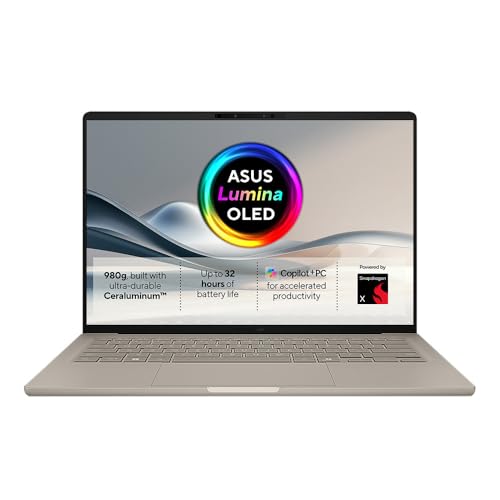
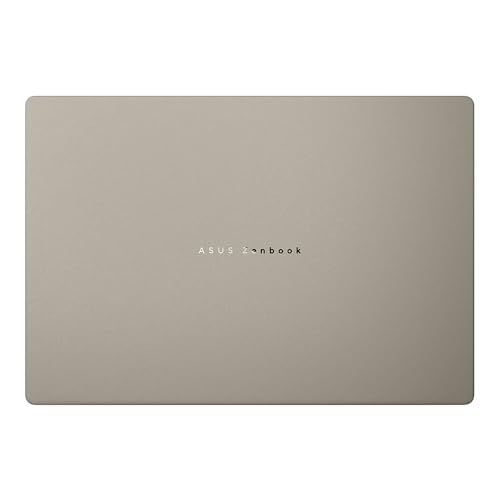
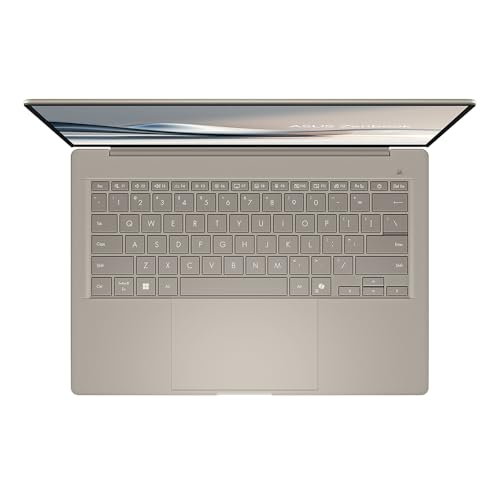
The ASUS Zenbook A14 UX3407QA Copilot+ PC is positioned as a lightweight portable that blends everyday productivity with AI-assisted features. On the page it’s described as under 1Kg with carefully chosen lightweight materials to preserve strength, performance and battery life. The idea is to offer a device you can carry between tasks and locations without sacrificing usable power. For buyers prioritising unplugged work, there’s a notable emphasis on battery longevity, with claims of substantial endurance (the base copy mentions up to 32 hours of sustained battery power, though the product title itself notes 21 hours). If you value an AI companion in your daily workflow, Copilot is presented as a feature that searches, summarises and helps manage tasks, potentially speeding up planning and keeping focus on what matters.
Design and endurance — what to expect in the real world
On paper, the emphasis is on lightness and durability: a chassis described as under 1Kg, made from materials chosen to balance weight, strength and battery life. In practice, that combination often translates to a device that feels easy to carry for a day’s worth of activities—classwork, note-taking, light content creation, and casual browsing. The battery claim is intriguing but potentially variable in real use: if you’re away from a power outlet for long stretches, the 21–32 hour range suggests it can stretch beyond a typical day, but real-world longevity will depend on screen brightness, AI tasks, and how aggressively you use the Copilot features.
Everyday AI companion — Copilot+ at a glance
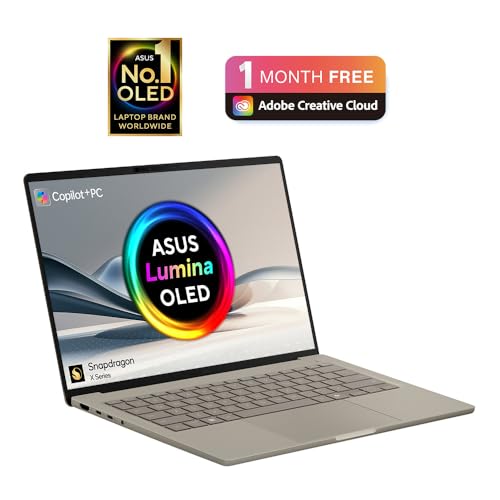
Copilot is positioned as an AI-assisted layer over everyday tasks: quick search, summaries and smart task management. If your day involves juggling meetings, reading and drafting, Copilot may offer helpful nudges to stay on track, spark ideas, and streamline schedules. It’s a promise that AI can handle some routine cognitive load, letting you devote attention to more complex or creative work. That said, the value hinges on how well Copilot integrates with your typical workflows and whether its outputs align with your needs rather than adding friction.
Performance implications and what’s not said
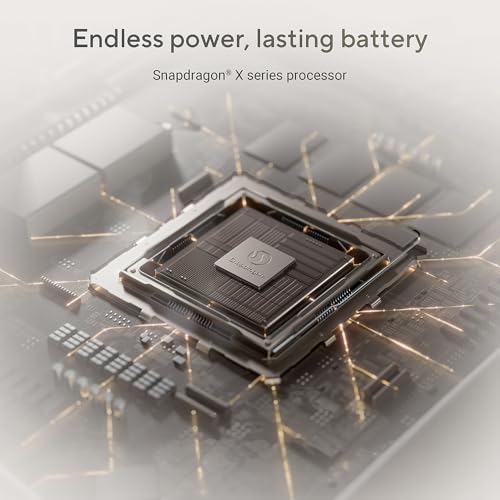
The product name highlights Snapdragon X Plus as a processor reference. Without concrete benchmarks in the provided data, it’s prudent to view this as a promise of solid efficiency and integrated AI capabilities rather than a clear performance guarantee. If your use cases involve standard productivity tasks, web apps and light media work, this configuration could be adequate. If you’re a power user or you rely on demanding software, you may want to verify what real-world speeds look like and how Copilot affects battery drain.
Who it suits — ideal scenarios and caveats
This Zenbook appears well-suited for students, commuters and professionals who want a light notebook that can handle day-to-day tasks without frequent recharging. The combined focus on light form factor, long battery life and an AI companion makes it appealing for those who value portability and convenience as part of their workflow. It may be less compelling if your needs include heavy video editing, 3D rendering or gaming, where more robust hardware and thermal management typically come into play. Also, given the range stated for battery life, expect some variation in real-world endurance depending on usage profile.

What to check before buying
- Clarify which battery figure applies to your region and usage pattern (21 hours vs. up to 32 hours). Clarify the conditions under which each figure is claimed.
- Assess how Copilot integrates with your essential apps and whether it genuinely speeds up tasks or adds optional features you won’t use.
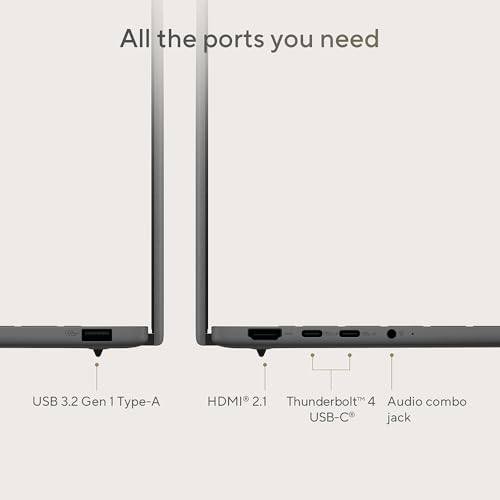
- Consider display quality, keyboard comfort and port selection for your typical day’s work, these details aren’t specified here but tend to impact long-term satisfaction.
- Think about the balance between weight, build quality, and screen size. If you prioritise a featherweight device for all-day carry, this model’s premise aligns with that goal, if you need more screen real estate or heavier performance, you may want to compare against other options.

What stands out in use
In practice, you might notice the ease of carrying the device between lectures or meetings, a battery that keeps you productive without constant recharging, and the convenience of Copilot for quick summaries or task organisation. The idea of an AI helper in a lightweight laptop is attractive for daily routines that involve a mix of reading, outlining and drafting. A practical example could be preparing lecture notes while on the move, where Copilot helps capture highlights and suggests a rough outline for follow-up tasks.
Final decision — should you buy it?
Is it worth it?
Worth considering if you prioritise portability, long unplugged use and a productivity assistant that sits in the background. It makes sense if your day-to-day involves a lot of movement and you want a device that stays light while offering AI-driven support. You may want to skip it if your workloads demand sustained high-performance tasks or if you require a more consistent, explicit battery figure across real-world scenarios.
Quick FAQ
- How light is it in practice? The device is described as under 1Kg, aimed at easy carry.
- What does Copilot actually do day-to-day? It’s positioned to assist with AI-driven search, summaries and smart task management.
- Will I get the claimed battery life in daily use? Battery figures vary with usage, expect that longer endurance requires light-to-moderate workloads and lower screen brightness in practice.