

Angusplay USB-C to HDMI 2.1 Cable (3.3ft) – 8K@60Hz / 4K@144Hz, Thunderbolt 3/4 to HDMI, HDR10 & HDCP 2.3
Product description
What it is
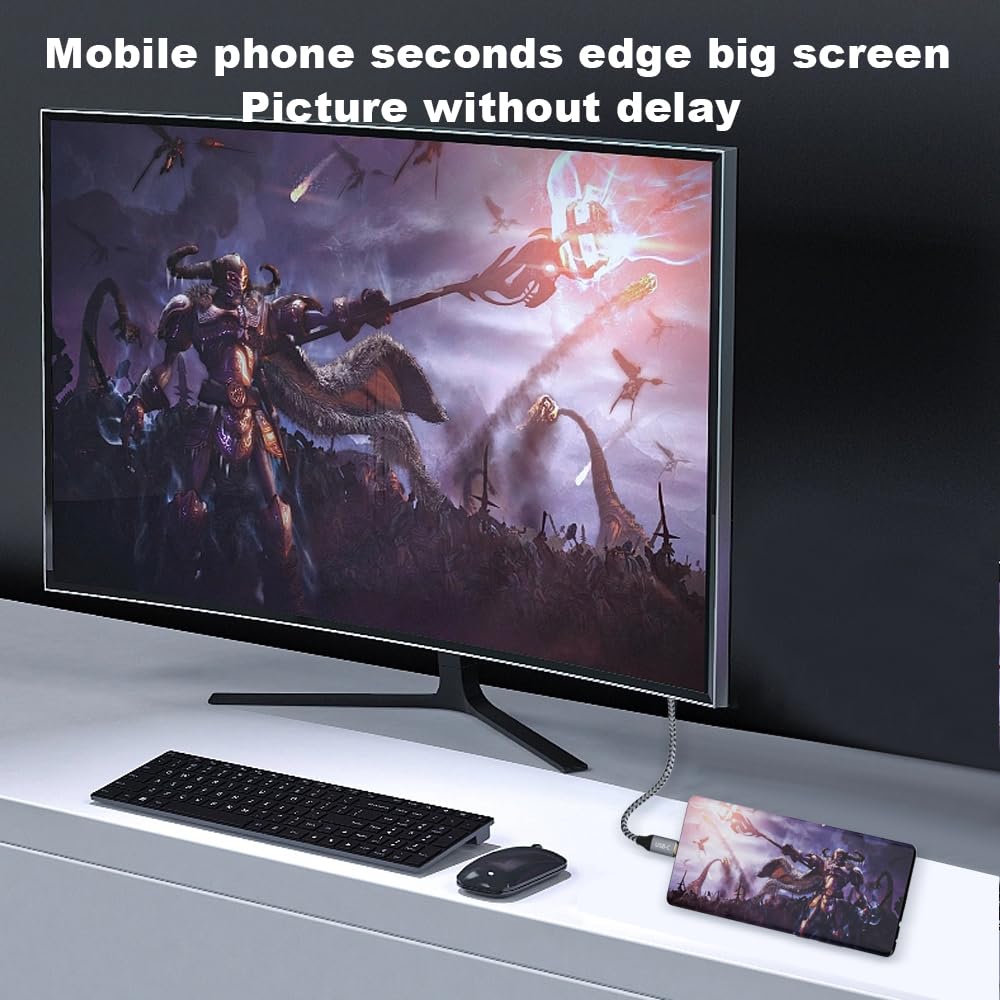
The Angusplay USB-C to HDMI 2.1 cable is a direct, plug-and-play solution designed to connect devices with USB-C ports (including Thunderbolt 3/4 and USB4) to displays with HDMI 2.1 inputs. It’s built to carry high-definition video and audio with little fuss, without needing an external power supply. The listed length is 3.3ft, offering a compact option for desk setups, travel kits or living room connections.
What it solves
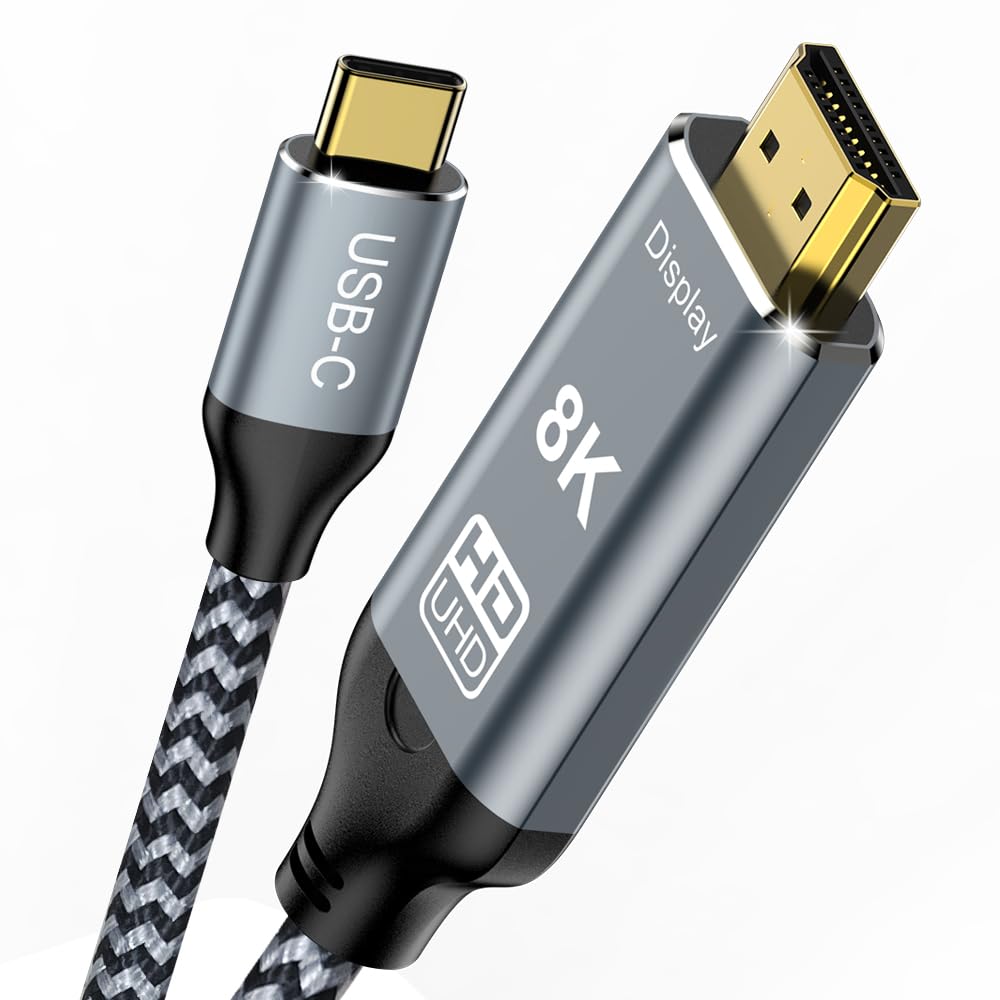
If you want a tidy, single cable that can handle demanding video signals from modern laptops, tablets or phones to large screens or monitors, this lead aims to cover it. It supports very high bandwidth, enabling high resolutions and fast refresh rates that are useful for creators, gamers and professionals who need clarity and smooth motion without lag.
On paper performance and compatibility
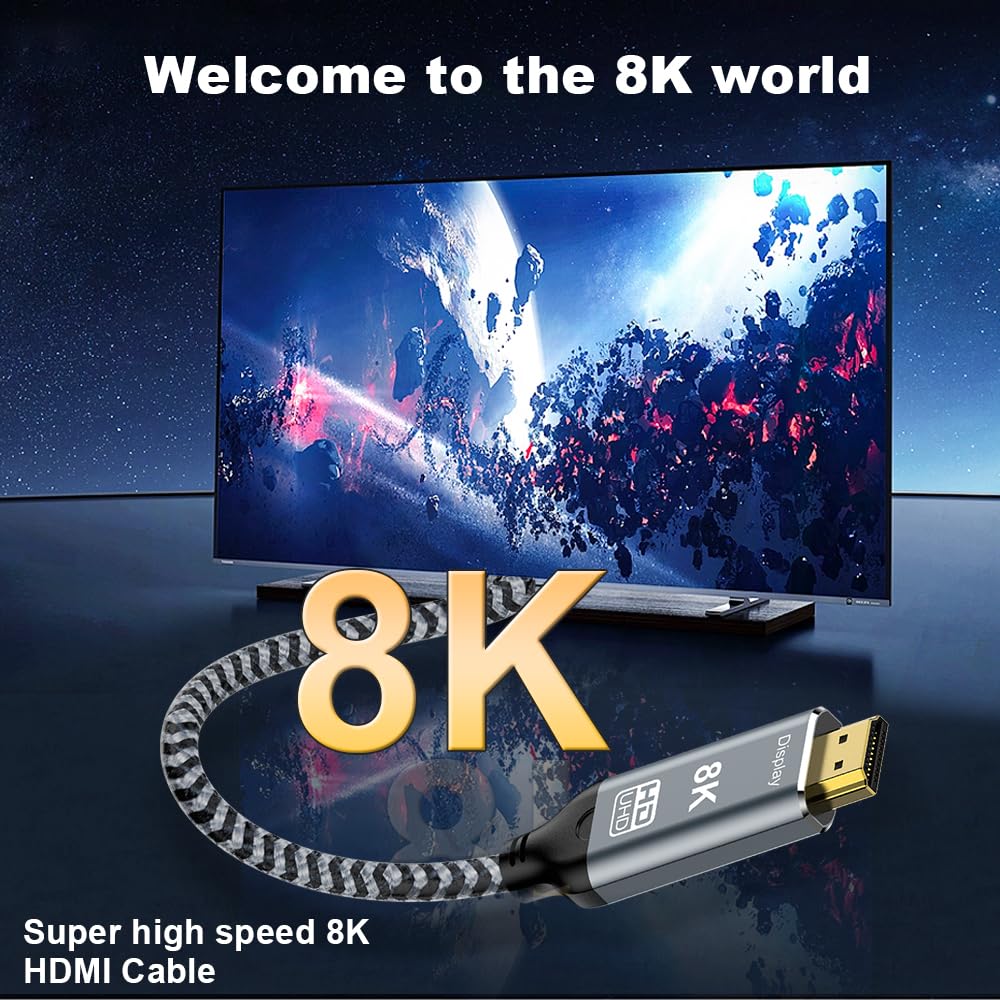
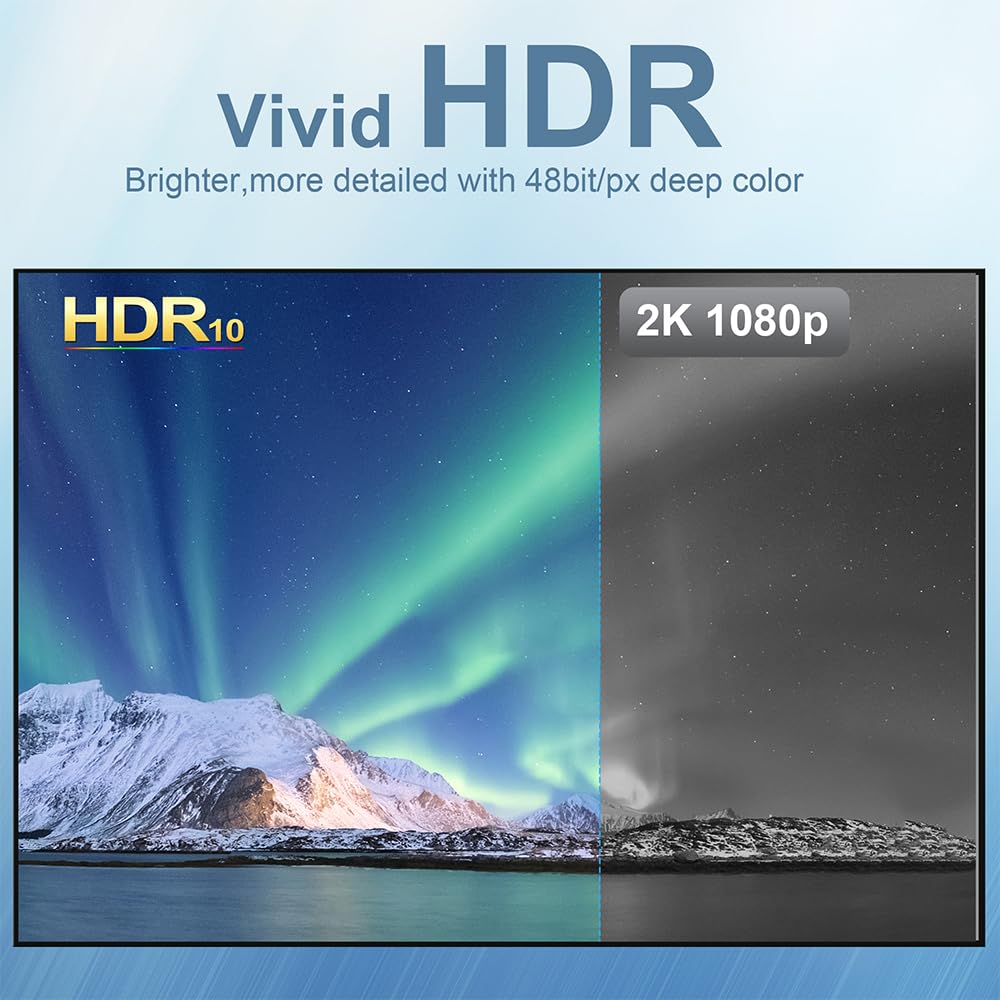
The cable advertises support for up to 8K@60Hz and 4K@144Hz, with HDMI 2.1 bandwidth up to 48 Gbps. It also includes HDCP 2.3 and dynamic HDR, plus eARC, which can improve audio return scenarios on compatible equipment. It’s described as backwards compatible with HDMI 2.0/1.x generations, which can be helpful if you’re pairing with older displays. A note within its usage guidance mentions that the USB-C port should be in DP Alt mode (not a two-way cable), and that the product is designed for a USB-C to HDMI connection rather than a generic USB-C to HDMI without the Alt Mode.
What stands out in use
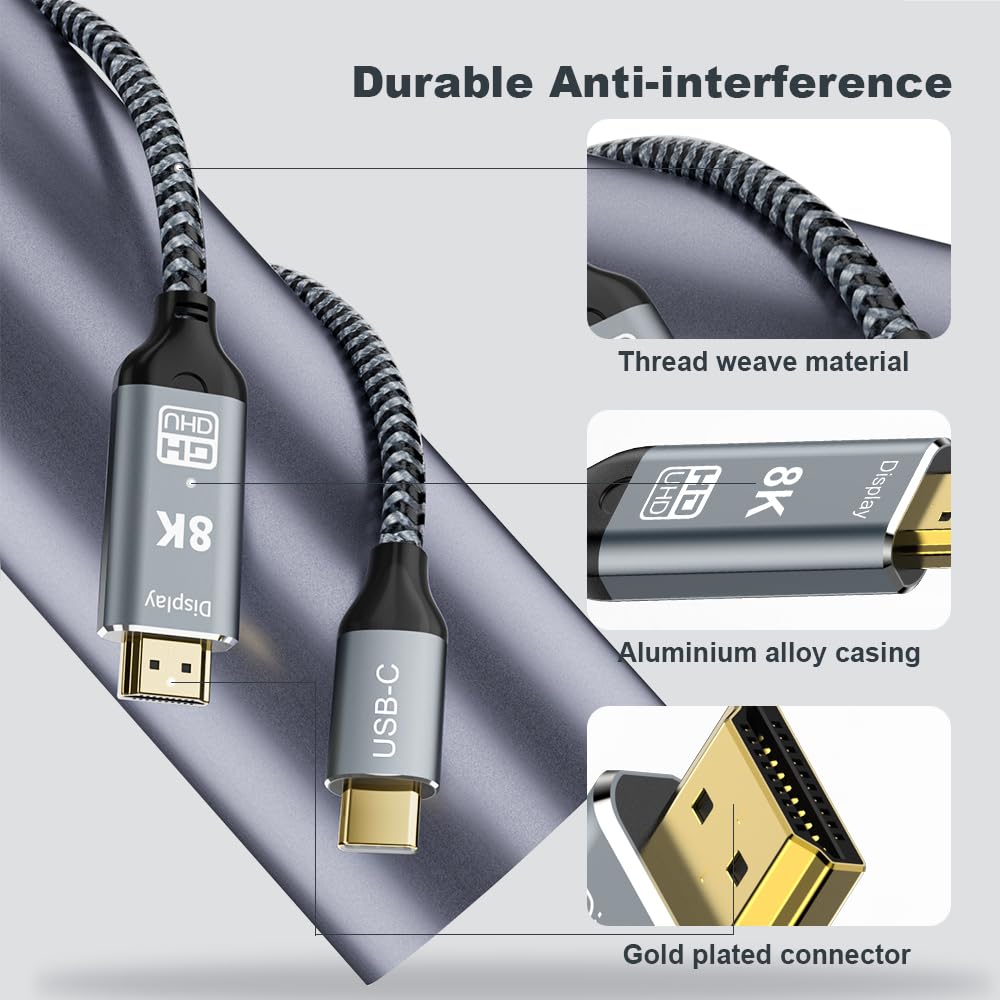
Triple shielding is highlighted as a mitigation against interference, and the connectors are 24K gold-plated for durable, reliable contact. The build includes a thickened shell and a nylon braided jacket, which suggests durability for frequent plugging and unplugging in daily use. In practical terms, this means it’s potentially well suited to a laptop-driven workstation, a home cinema setup, or a portable presenter kit where you want a single, sturdy lead.
The good and the caveats
Pros: high potential for very high resolutions and smooth motion, robust physical build, broad compatibility with Thunderbolt/USB-C devices, supports HDR and HDCP 2.3, plug-and-play. Cons: the claimed 8K@60Hz and 4K@144Hz capability may depend on both source device support and display compatibility, the note about DP Alt Mode means not every USB-C port will work, which could limit universal usage. For people prioritising portability over maximum resolution, the 3.3ft length is convenient, but ensure the cable is long enough for your setup.
Who it’s for
This cable seems aimed at users who want a single-cable solution from a USB-C/Thunderbolt-equipped laptop or iPad/phone to a modern HDMI display, particularly if 4K/8K playback or gaming at high refresh rates is a consideration. It could suit creators, presenters, or professionals needing reliable video output without extra hubs, as well as consumers building a high-quality home office or cinema PC station.
When it makes sense to buy
If your device supports DP Alt Mode and you need the highest practical video bandwidth available via USB-C to HDMI, this cable offers a straightforward path to HDMI 2.1 capabilities. It may be especially appealing if you already own HDMI 2.1 displays or plan to upgrade soon and want one cable that can handle future-proofed signals—provided your devices can actually push those rates.
When to rethink or look elsewhere
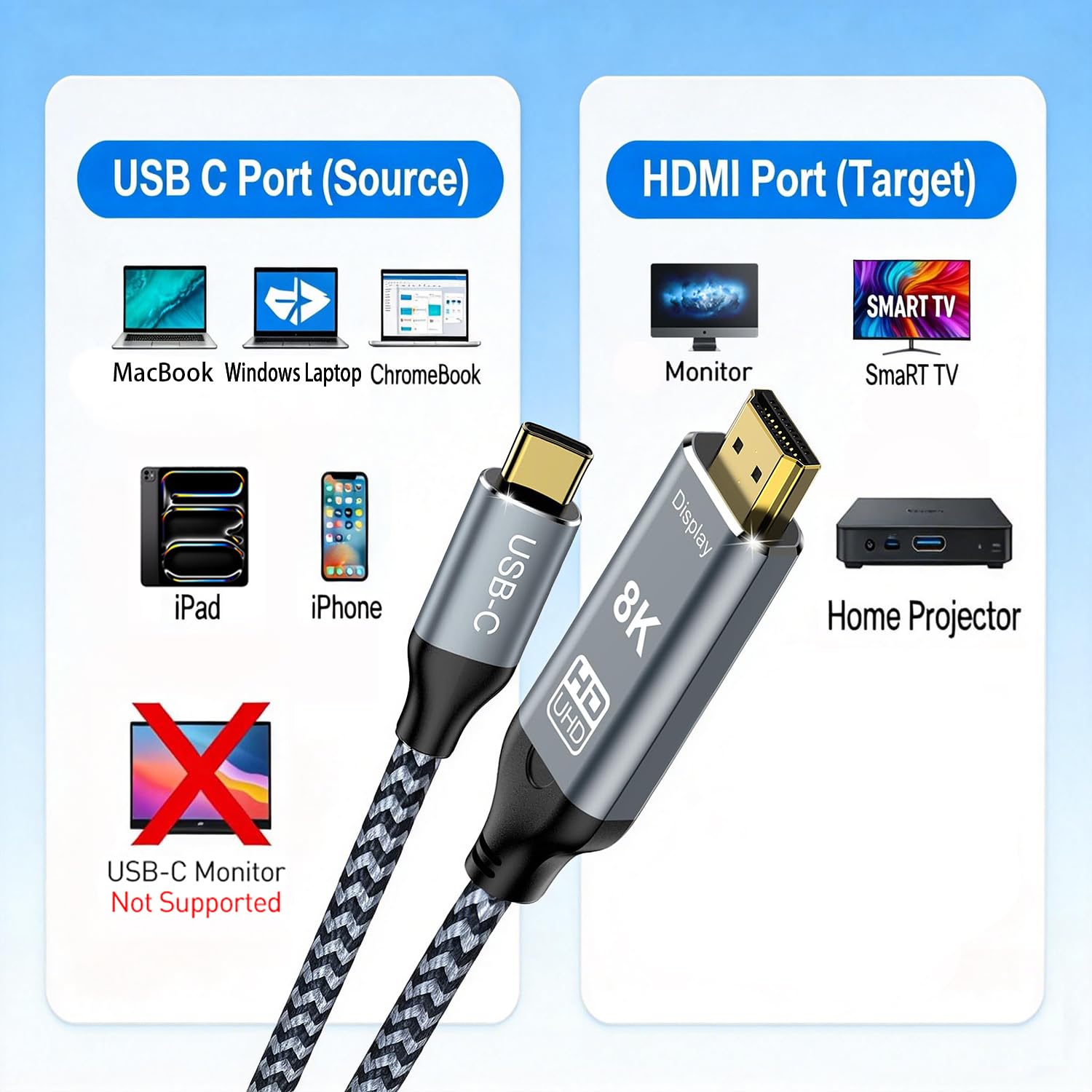
If your source device or display doesn’t support HDMI 2.1 features (or DP Alt Mode on the USB-C side), you won’t access the claimed peak bandwidth and may not see the full benefit. Also, if you primarily require simple 1080p output or only occasional high-refresh gaming, the extra capability might be more than you need. Finally, if you require a longer cable or a solution that works across a wider range of ports beyond DP Alt Mode, a different design may suit you better.
What to check before buying
- Confirm your USB-C port supports DP Alt Mode for video output.
- Verify your display can accept HDMI 2.1 inputs and supports the targeted resolutions/refresh rates.
- Consider whether 3.3ft is the right length for your setup to avoid excess slack or tension on connectors.
- Check the backing compatibility with devices in your ecosystem, especially if you use Apple products or Windows laptops with Thunderbolt 3/4.
Practical use example
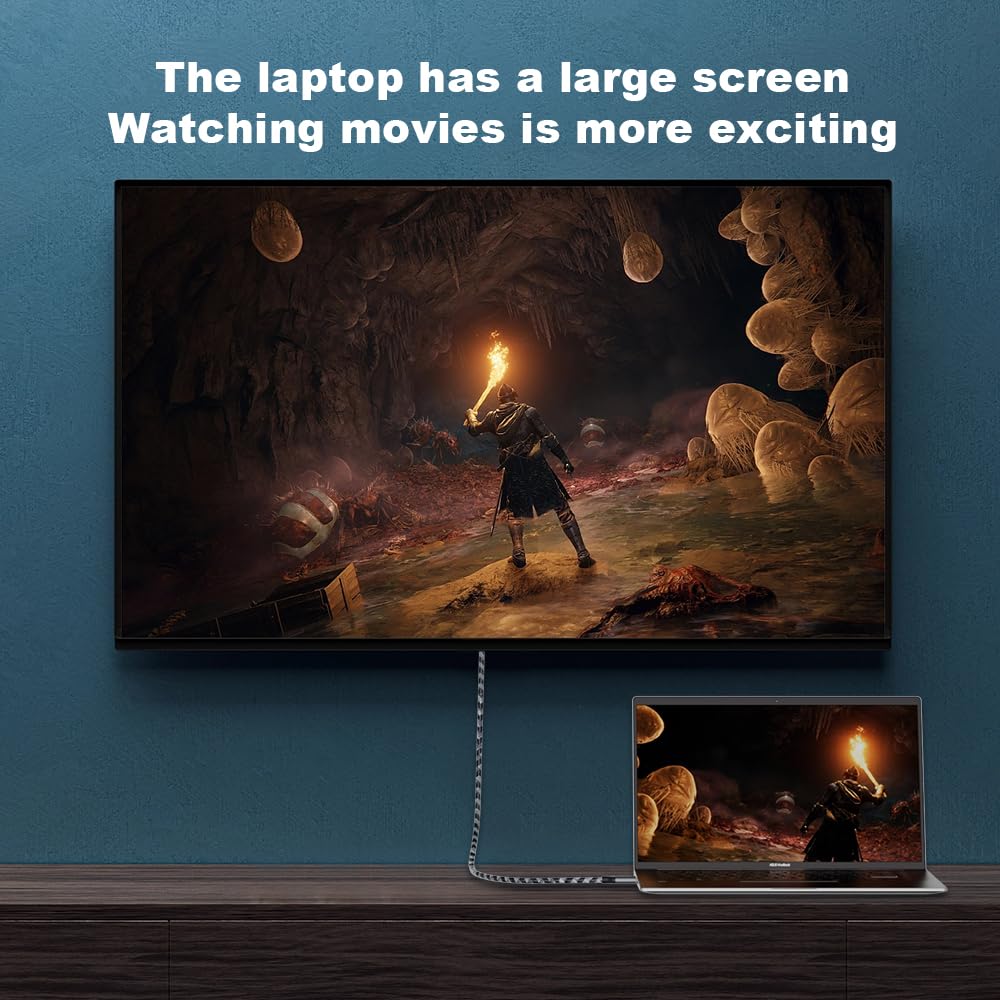
Imagine you’re presenting from a MacBook Pro to a large 4K monitor for a conference. You connect the Angusplay cable, the setup is clean, with a single cable delivering crisp visuals and audio as you switch slides and video. If you’re a gamer, you might appreciate the potential for high refresh rates on a compatible display, provided your game and GPU can deliver those rates.
FAQ (short)
- Does it work with any USB-C laptop? It requires DP Alt Mode on the USB-C port.
- Do I need external power? No, it’s designed as a plug-and-play cable without a separate power supply.
- Can I use it with HDMI 2.0 displays? Yes, it’s described as backwards compatible with older HDMI standards.
Final decision
Is it worth it? It makes sense if you need a compact, durable USB-C to HDMI 2.1 solution that could handle high-resolution and high-refresh content, and your devices support DP Alt Mode. If you don’t require HDMI 2.1 bandwidth or your ports aren’t in DP Alt Mode, you may want to explore simpler or cheaper options. In short, it’s a practical choice for people embracing high-end output on compatible hardware, but not a universal fix for every USB-C to HDMI need.