

Lightning to HDMI Adapter Cable for iPhone by idoove (2.0m) — up to 1080p mirroring
Product description
The essentials
If you want to view what’s on your iPhone on a bigger screen, a Lightning to HDMI adapter cable like this idoove model is built for that job. On paper it’s a straightforward “plug in and mirror” setup for HDMI-equipped TVs, projectors and similar displays, with support up to Full HD 1080p.
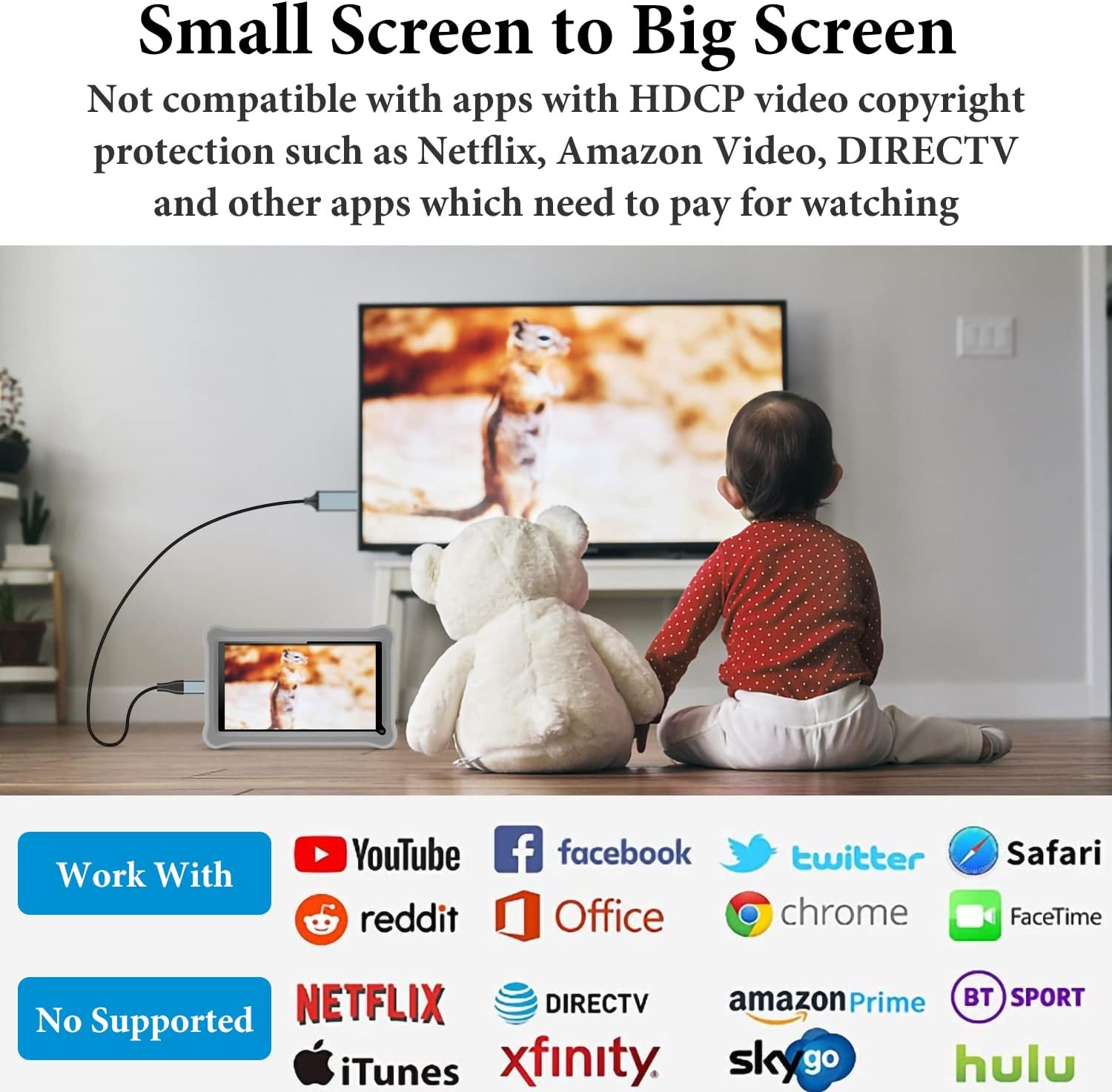
It’s also worth being clear about the limits. The listing specifically calls out that paid video services may not be supported due to copyright protection, and it also notes it won’t support certain iPhone generations (including iPhone 15/16 series) and some iPad models. So it’s less of a universal media-casting solution and more of a practical mirroring cable for compatible Apple devices.
Key points
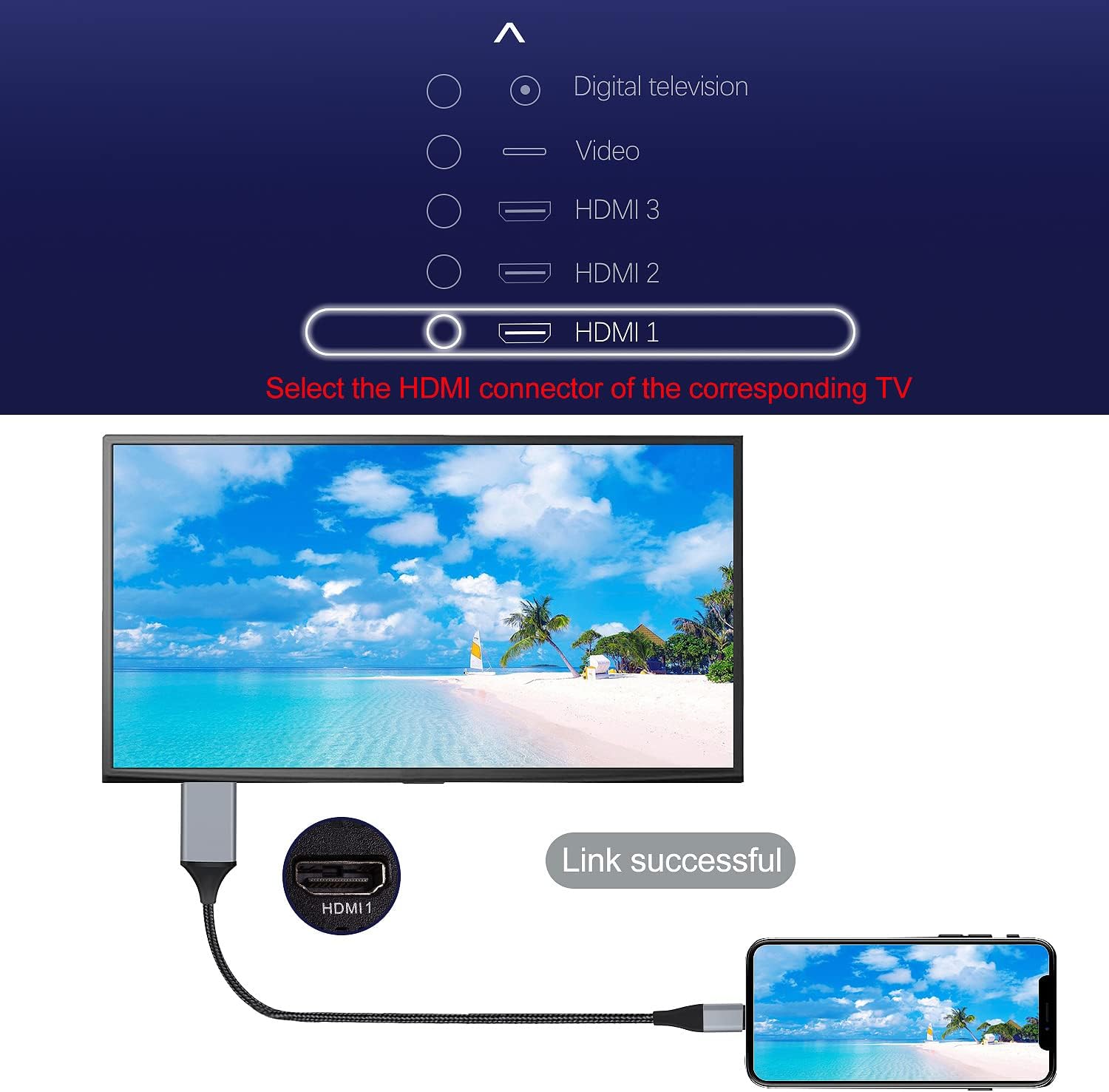
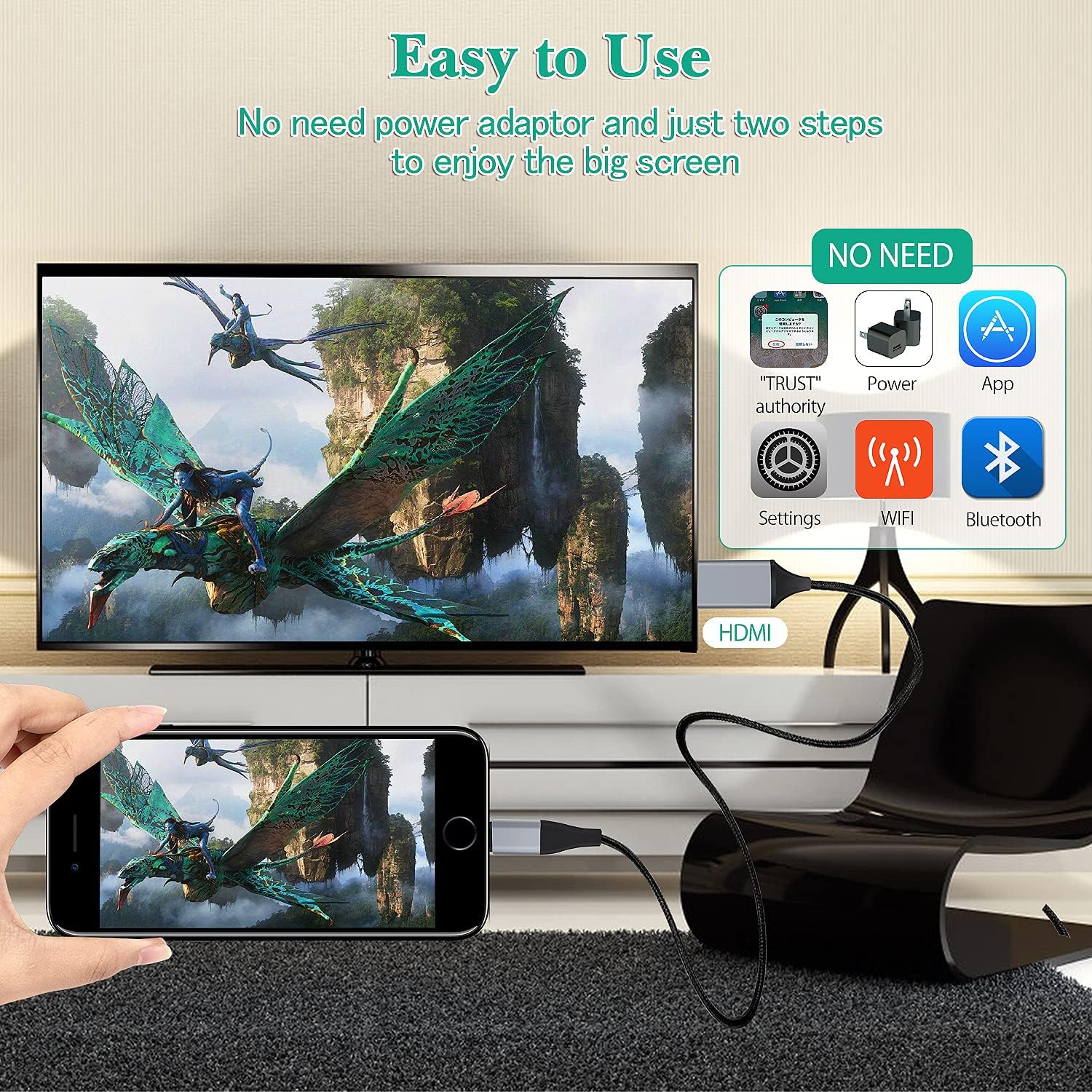
You’re getting a Lightning-to-HDMI cable that aims to reduce faff: connect it to your iPhone, plug the HDMI side into your TV or projector, then switch the TV to the correct HDMI input. The cable is designed around screen mirroring, so it’s useful for things like watching videos already available on your phone, showing photos, using apps on a bigger display, and giving simple presentations.
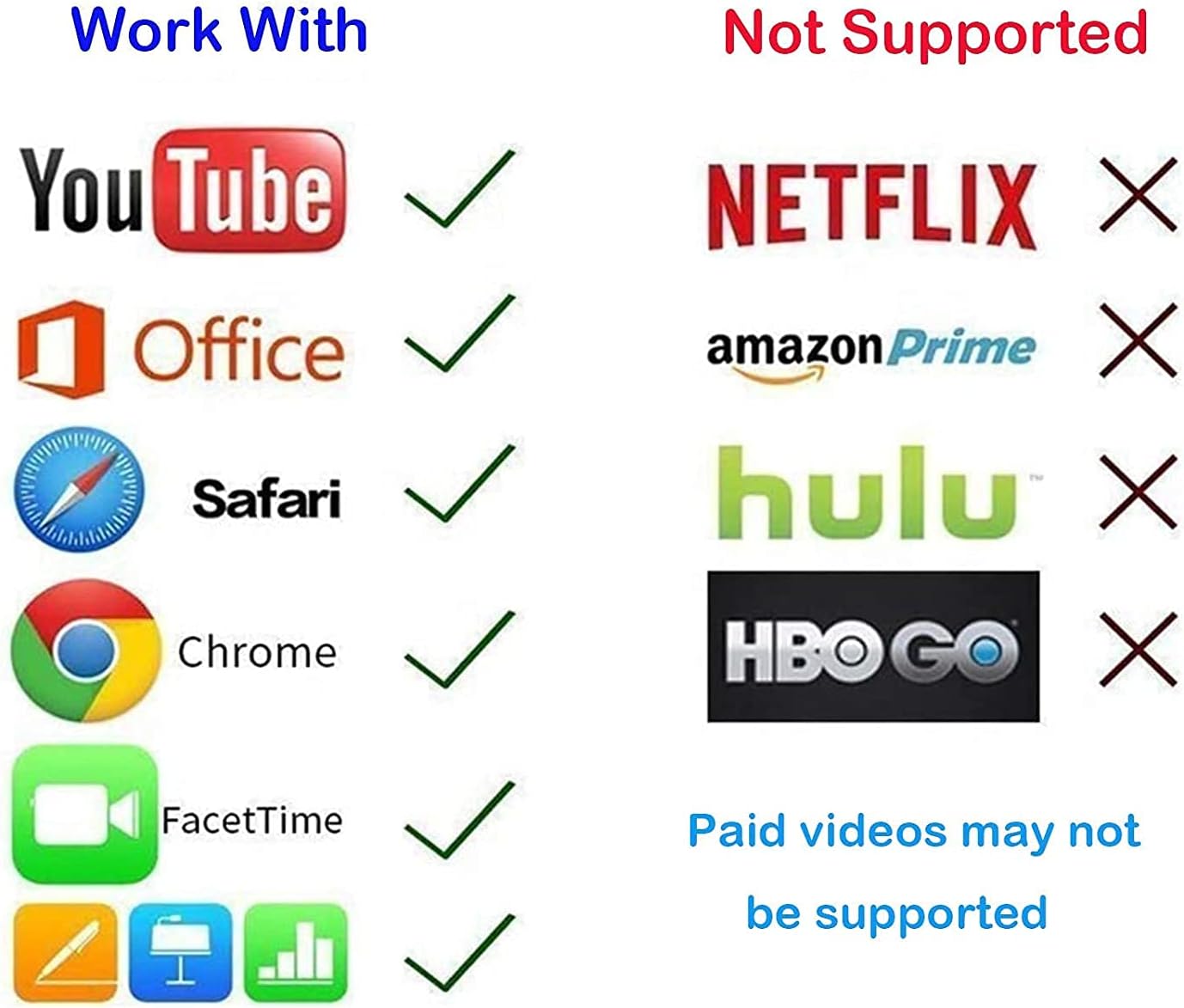
The appeal here is that you don’t need extra steps beyond selecting the right HDMI channel on the TV. But if your main goal is streaming Netflix/HBO GO and other subscription apps on the big screen, the guidance in the listing suggests you may run into restrictions. That doesn’t make it useless—just a cable with a specific kind of success.
Worth considering if you want a practical way to share what’s on your iPhone screen at home. Better avoided if your expectation is “always works for every app” or if you’re on an unsupported iPhone or iPad model.
Where it shines in everyday use
A simple example: you’ve got holiday photos on your iPhone. You connect the Lightning adapter to your phone, plug HDMI into your TV, change the TV input to that HDMI port, and then mirror the phone display. The payoff is that everyone can see the images on the TV without squinting at a small screen.
It’s also the sort of setup people use for casual viewing, games (depending on the app and content you’re using), or running through a slide-style presentation directly from the iPhone.
What to know about compatibility and restrictions
This is the part that can make or break the experience.
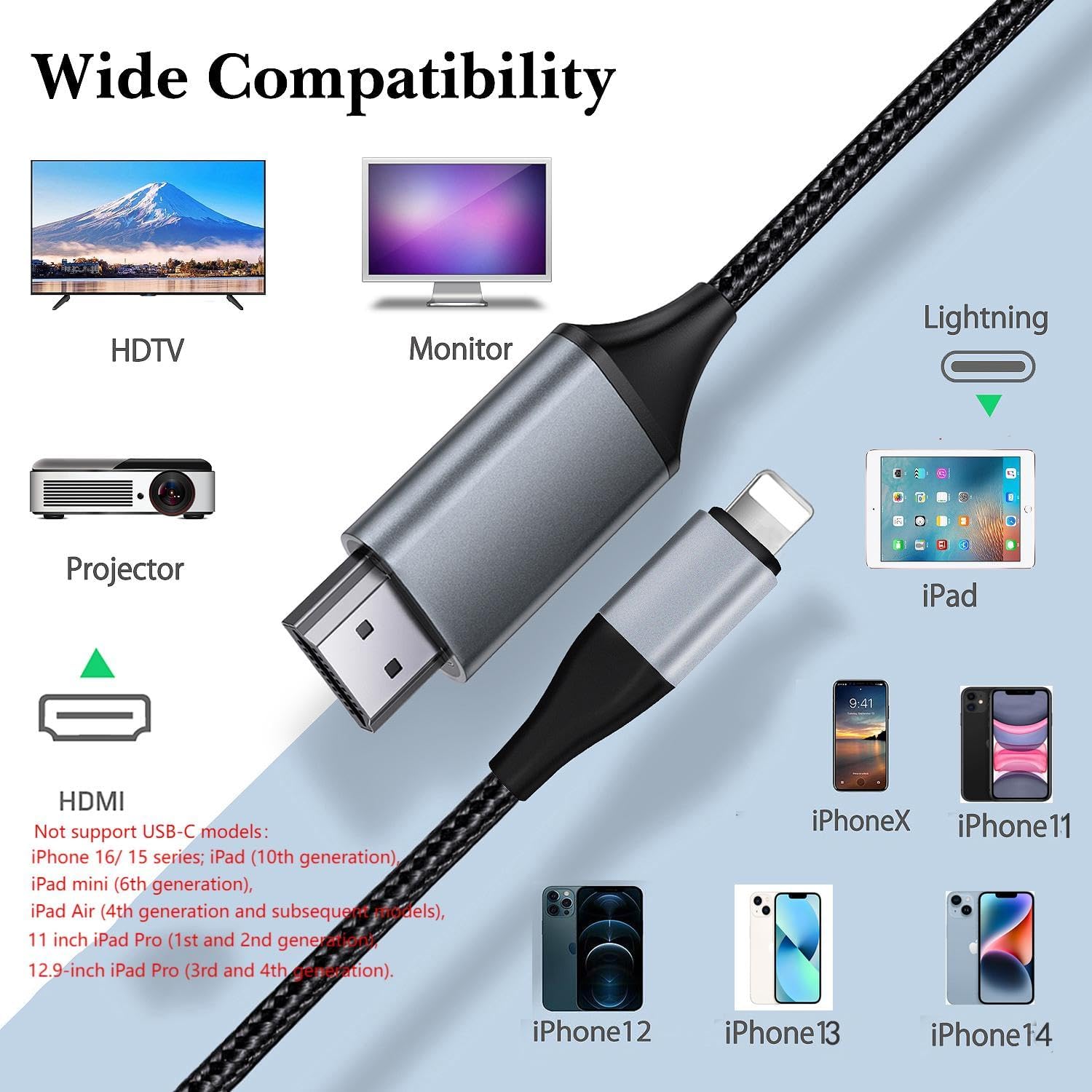
The listing says compatibility is aimed at iPhone models such as iPhone 14, 13, 12 (and also several older iPhone models listed). It also states support for iOS 18/17/16/15.
However, it explicitly notes it does not support iPhone 16/15 series and also does not support certain iPad models (including iPad 10th generation, iPad mini 6th generation, iPad Air 4th generation and later, and specific 11-inch and 12.9-inch iPad Pro generations).
On top of that, phone HDMI cables may not support paid videos in apps like Netflix, HBO GO, Hulu, and others due to copyright protection measures. So if you’re planning to use subscription streaming apps as your main use case, you may not get the result you’re hoping for.
Tech specs
- Name: idoove Lightning to HDMI Adapter Cable
- Type: Lightning to HDMI adapter cable for iPhone screen mirroring
- Format: HDMI cable connection (TV/projector/monitor with HDMI)
- Length: 2.0m
- Resolution: up to 1920 x 1080p Full HD (1080p)
- Support: screen mirroring of what’s displayed on the iPhone screen
Pros and limits (so you don’t get caught out)
What’s strong about it: - Straightforward plug-and-play mirroring concept, with the key step being selecting the correct HDMI input on your TV. - Full HD 1080p support on compatible setups. - Useful for everyday sharing: photos, presentations, and big-screen viewing from the phone.
What to be mindful of: - It may not work as expected with paid video apps, due to copyright protection measures (the listing names several services). - It won’t support certain newer iPhones and several iPad models, so you need to double-check you’re using one of the listed compatible devices. - “No lag or buffering” is claimed in the listing, but like any mirroring approach, real-world performance can depend on the phone, the app, and your display chain. It’s reasonable to treat that as a goal rather than a guaranteed outcome in every scenario.
Is it worth it?
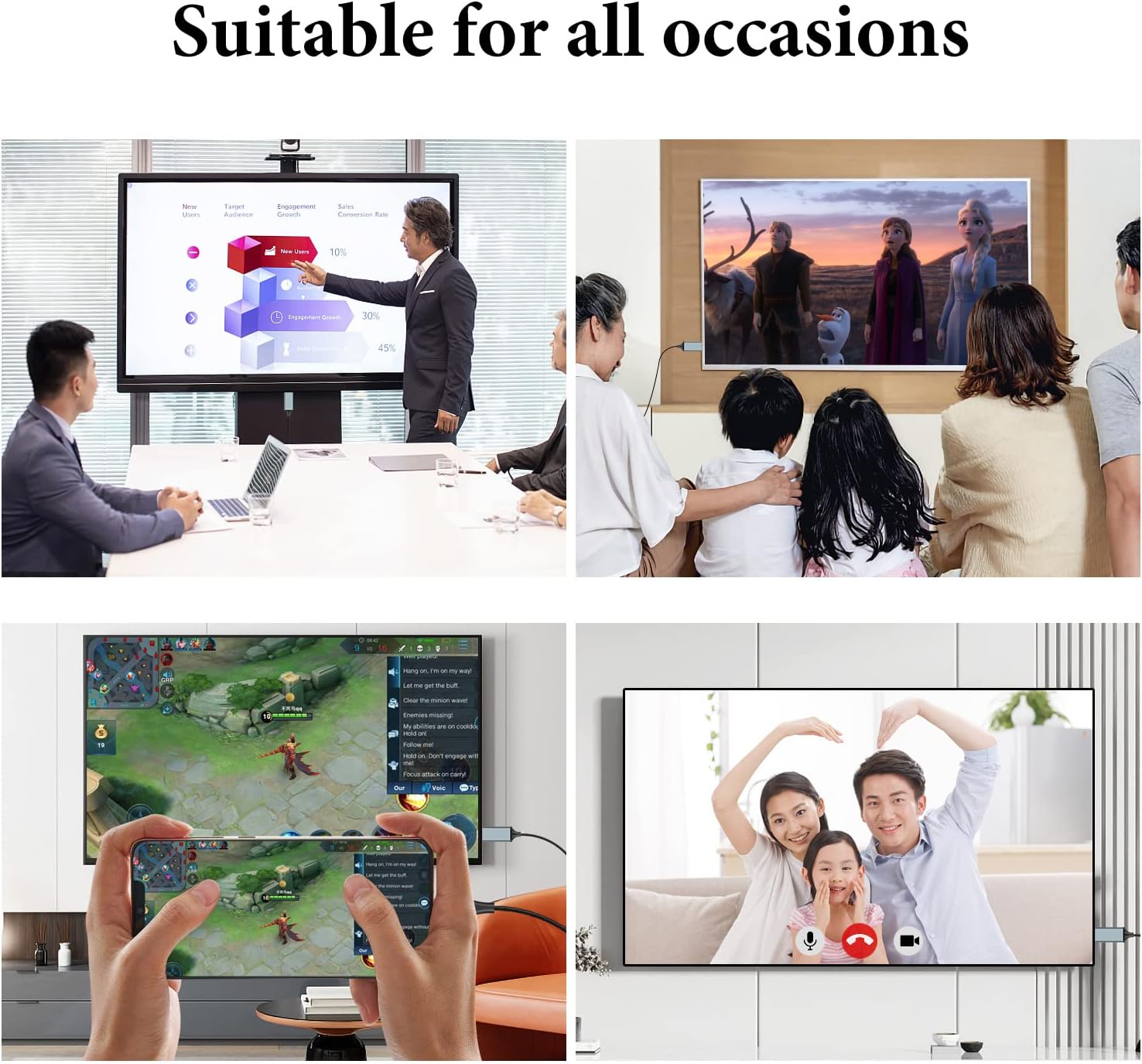
Buying verdict: this idoove Lightning to HDMI Adapter Cable is a solid pick if you have a compatible iPhone (from the models the listing mentions), and you primarily want screen mirroring for everyday content like photos, general viewing, and on-screen presentations on an HDMI-equipped TV or projector.
It may not be the best match if you’re relying on it for subscription streaming apps (Netflix/HBO GO and similar), or if you own an iPhone 15/16 series or one of the unsupported iPad models named in the listing. In those situations, it’s better to look for an approach that’s known to handle your exact apps and devices—because here the restrictions are part of the deal.
Mini FAQ Does it work with Netflix? The listing indicates that paid videos in Netflix and other subscription apps may not be supported due to copyright protection measures.
What does it do once connected? It mirrors what’s displayed on your iPhone screen to a TV/projector/monitor with an HDMI connection.
What resolution can it output? It supports video resolution up to 1920 x 1080p (Full HD 1080p).
Will it work with iPhone 15 or iPhone 16? No—it's stated as not supported for iPhone 16/15 series.
Do I need to set anything on the TV? Yes, you’ll need to select the HDMI signal source on your TV that matches the HDMI port you plugged in.