

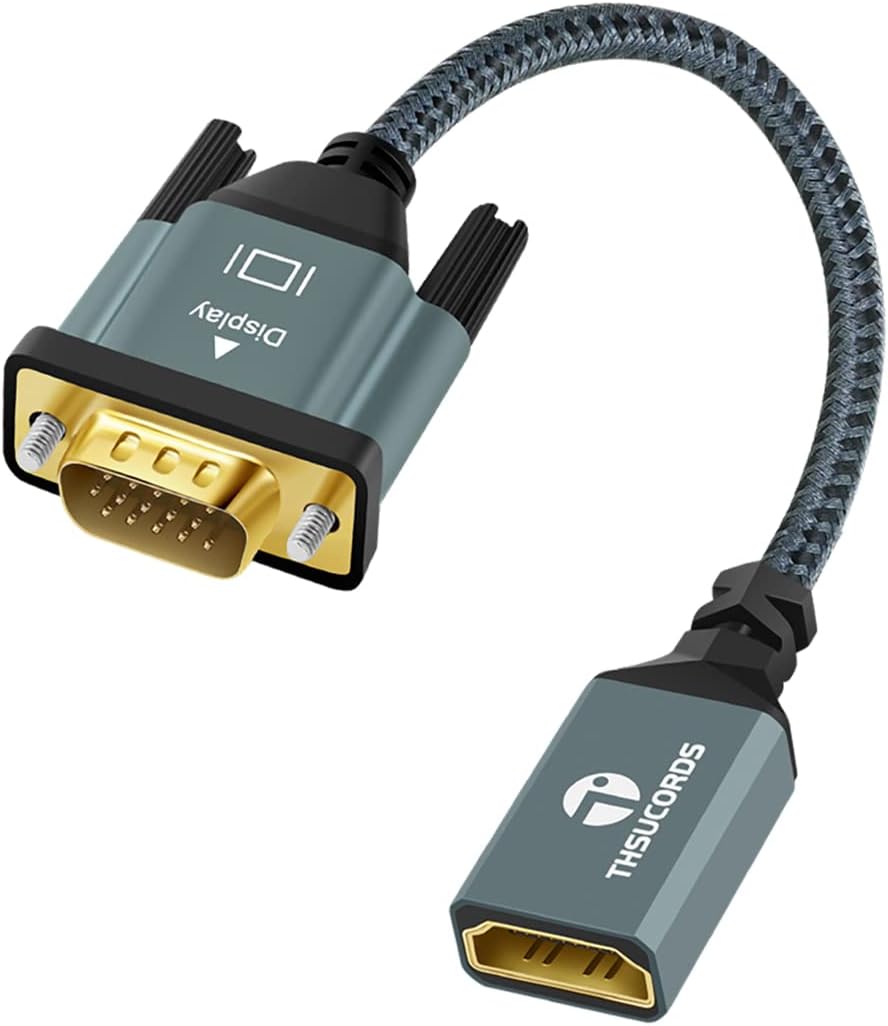
Thsucords HDMI to VGA Adapter Cable 1M — USB-C to monitor bridge with nylon braided build
Product description
What it is and what it does
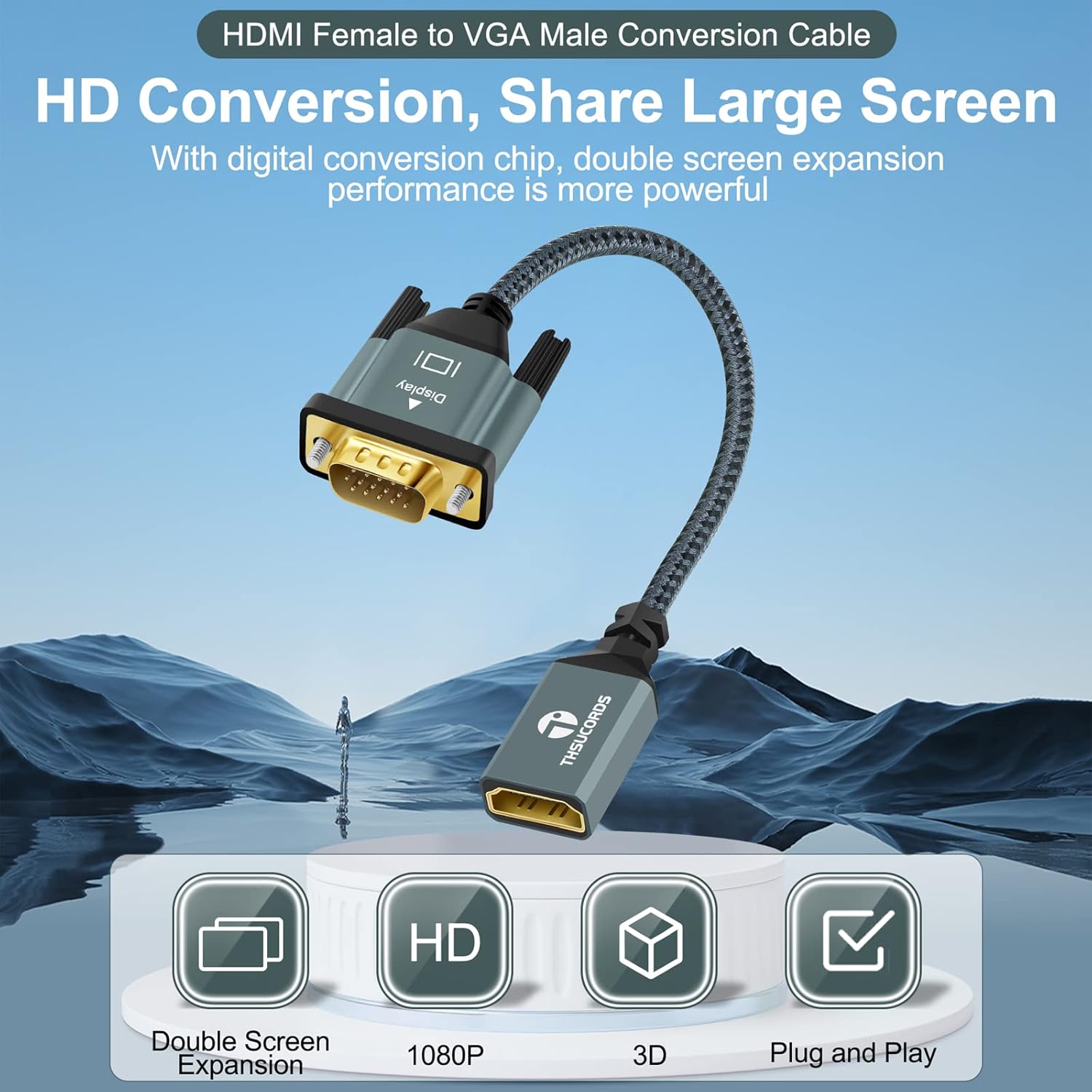
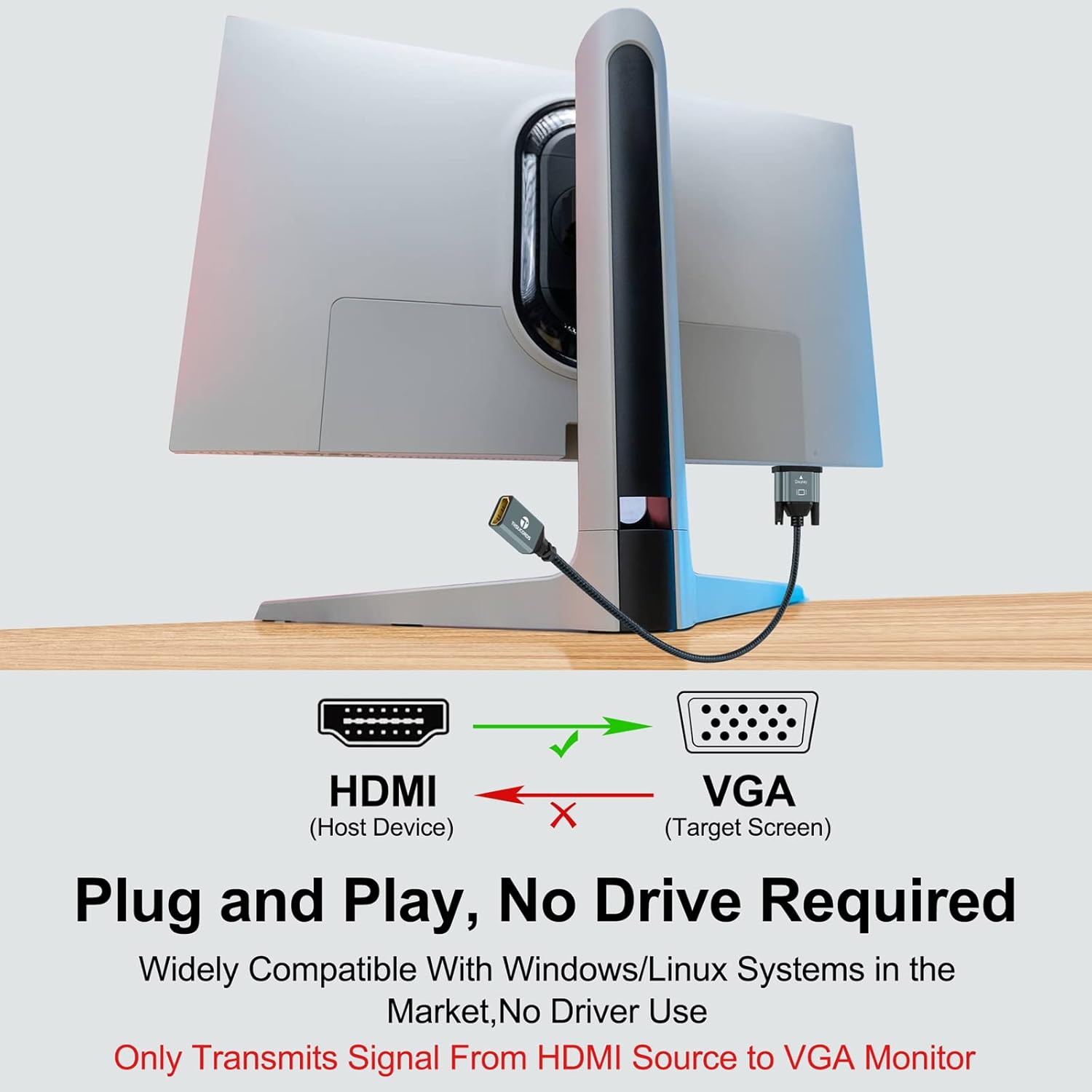
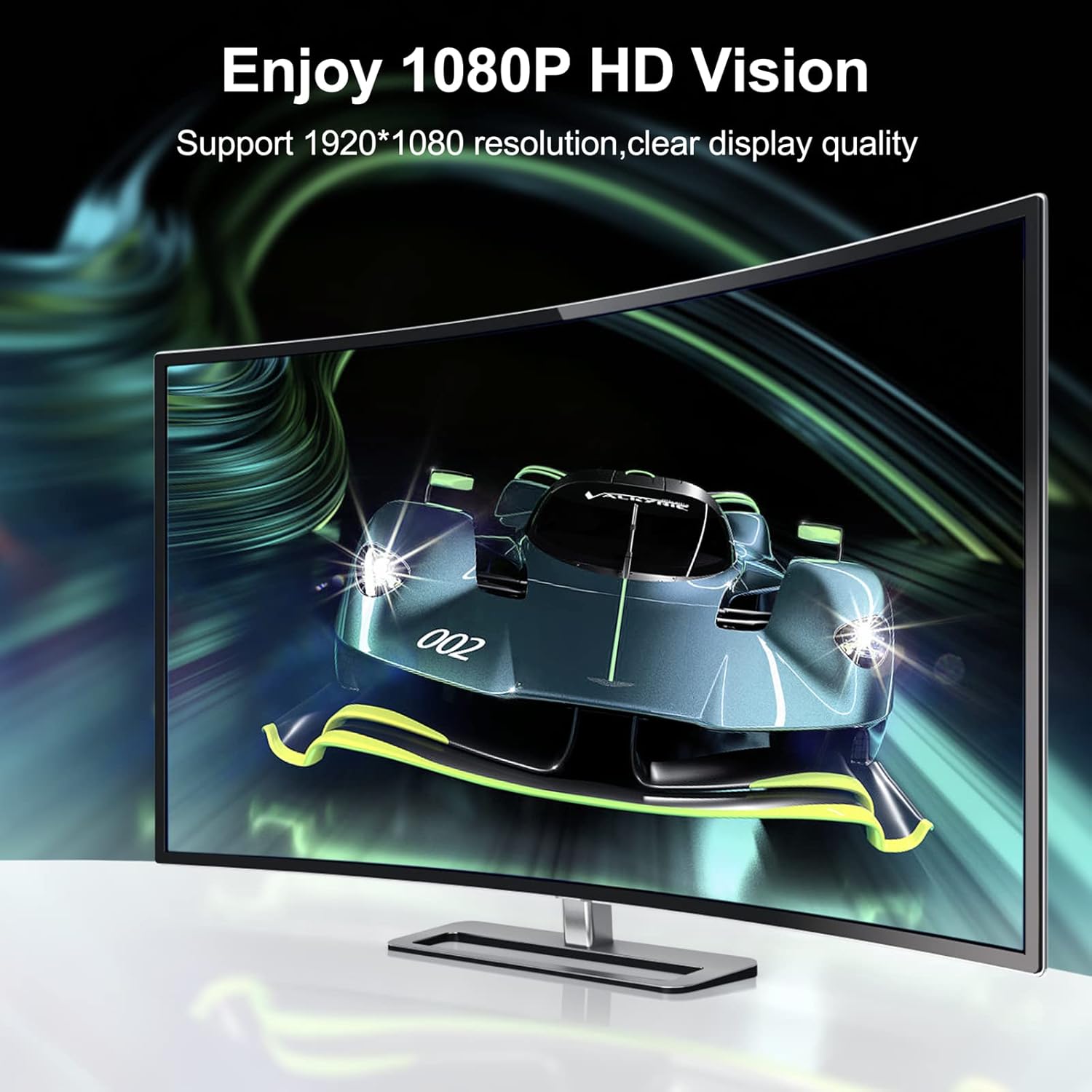
The Thsucords HDMI to VGA Adapter Cable is a 1 metre, nylon braided extension that converts a female HDMI source to a VGA male output. On paper, it supports video resolutions up to 1920x1080 @ 60 Hz (1080p Full HD) including 720p, 1600x1200 and 1280x1024. It is a unidirectional adapter, so it should be used to connect an HDMI source (like a PC, laptop or media device) to a VGA display (monitor, projector or HDTV).
How it’s designed to perform
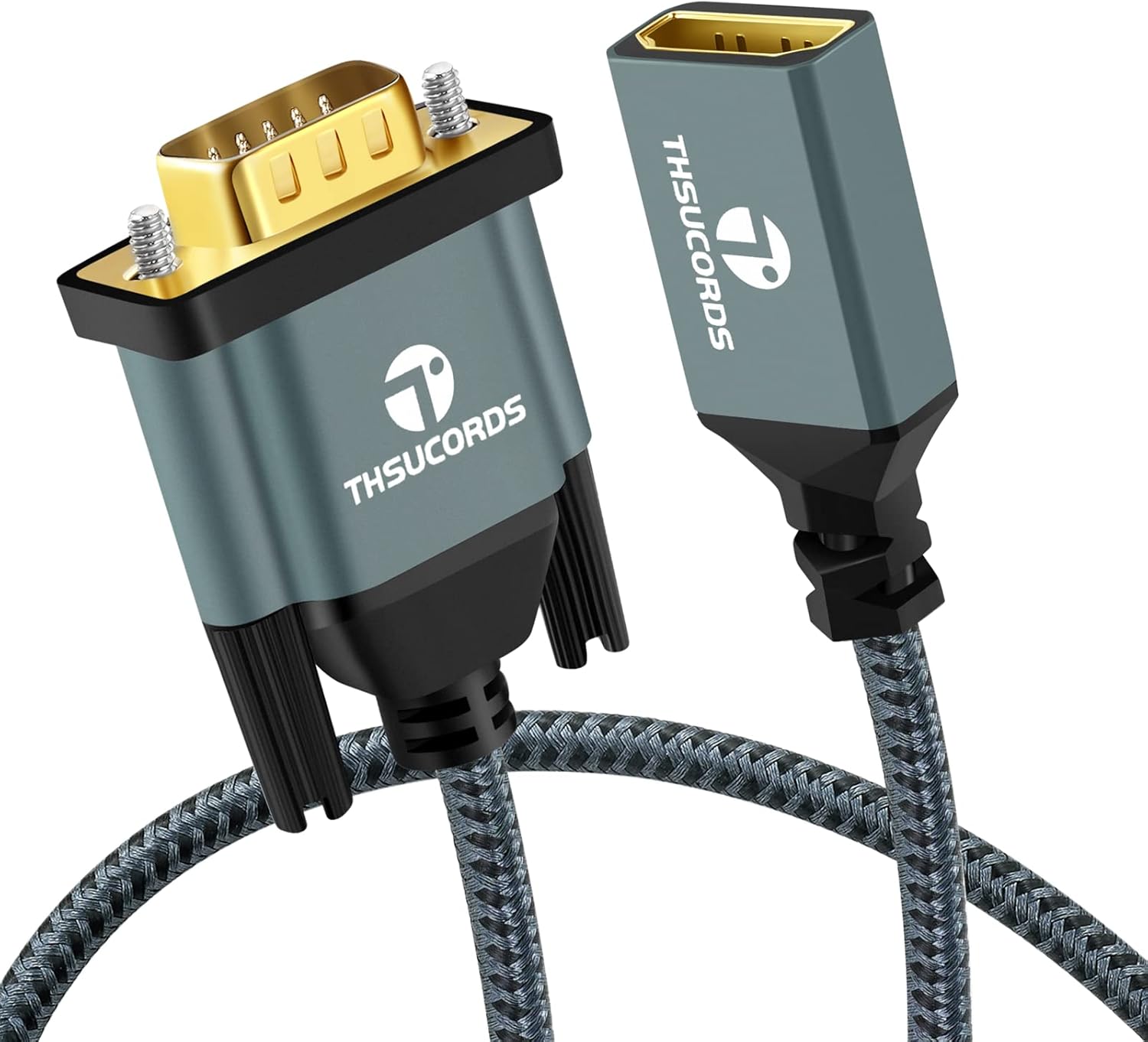
With gold-plated connectors and a rugged housing, the adapter aims to deliver reliable signal transmission while resisting corrosion and physical strain. The inclusion of strain relief at the cable ends helps protect against bending, which is practical for desks and travel setups where cables get tugged or coiled.
Practical use and who it’s for
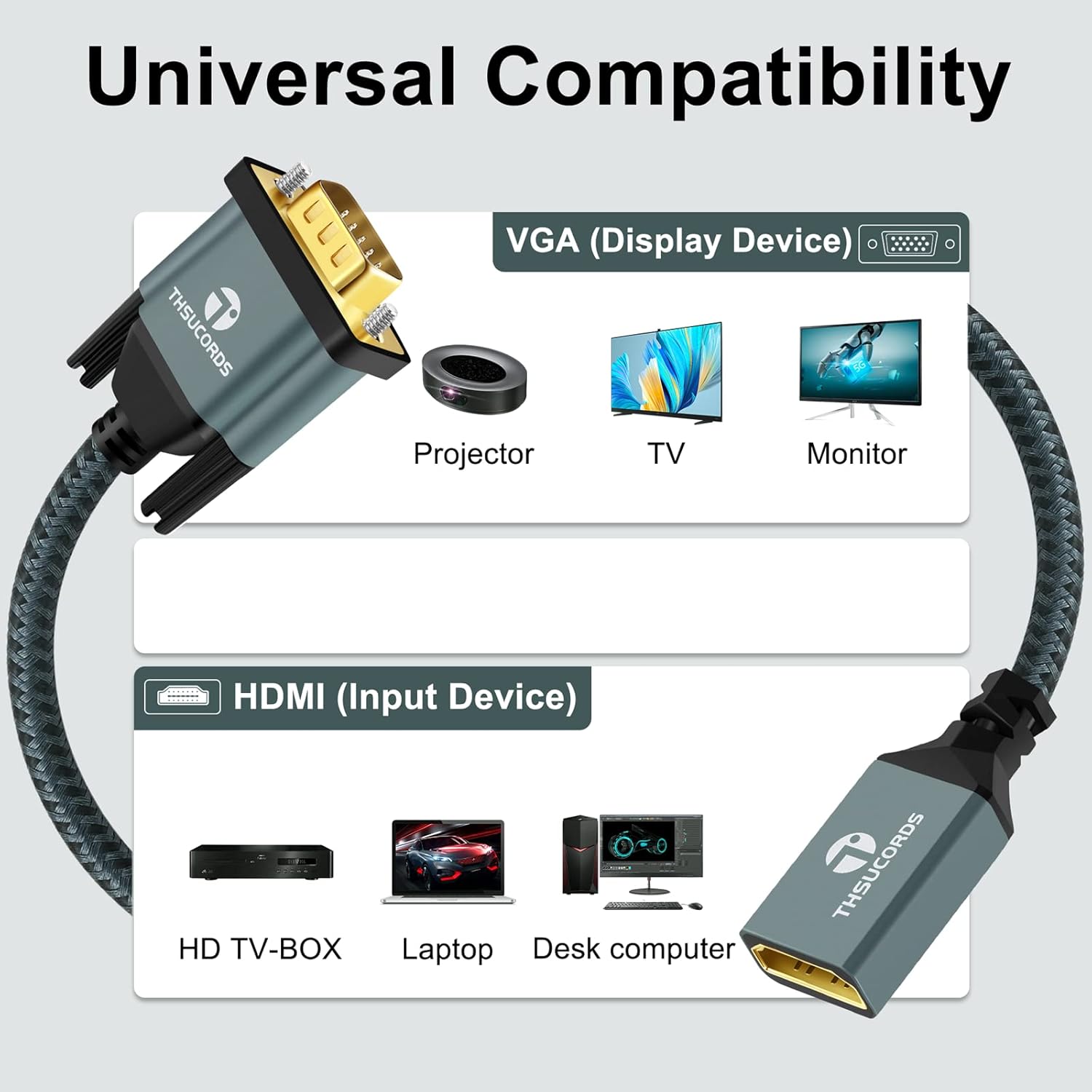
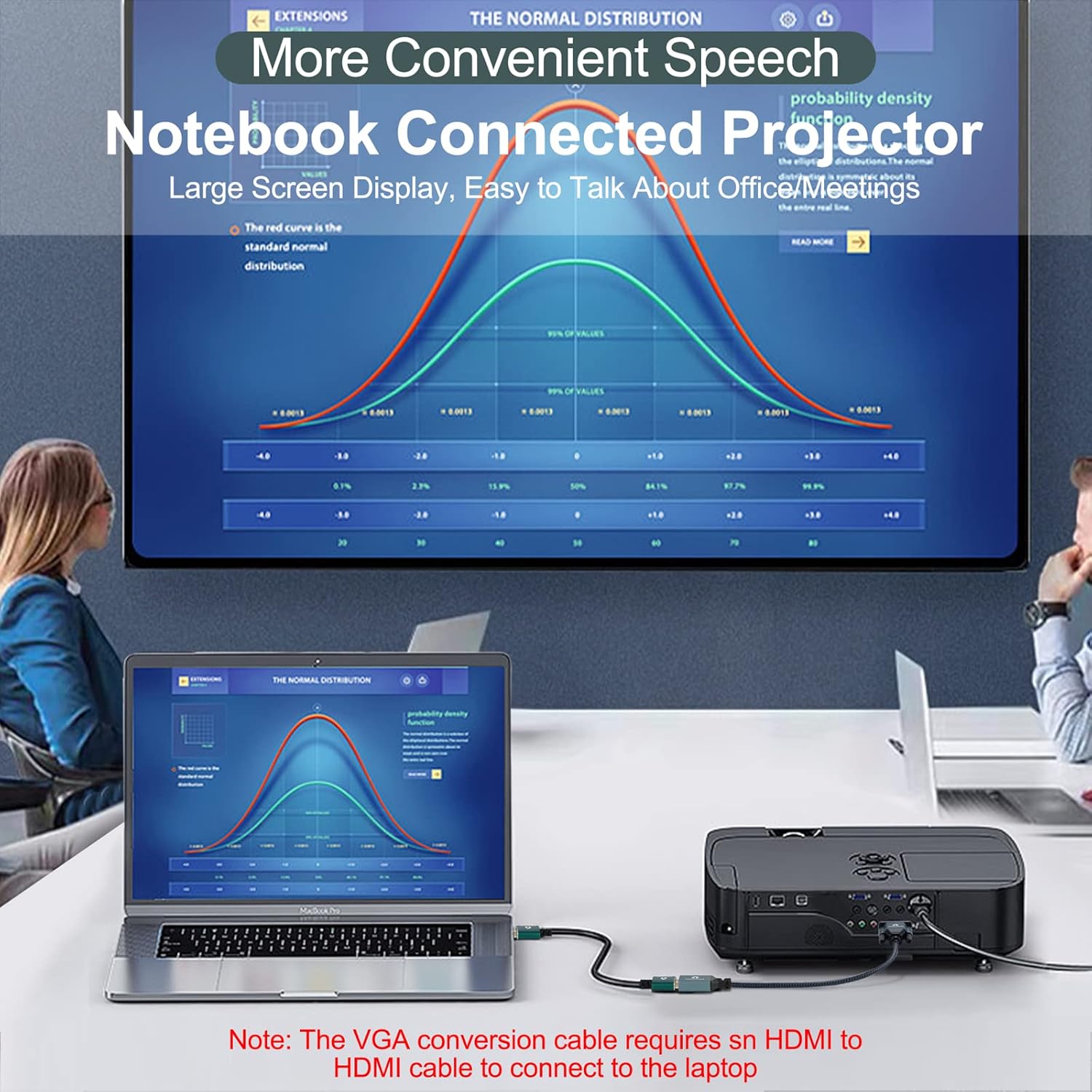
This adapter suits users who have HDMI-out devices and need to drive an older VGA monitor or projector without HDMI input. It covers a range of common devices listed in the base description, such as desktops, laptops, Raspberry Pi, and some game consoles and set-top boxes. If your display only has VGA, and your source has HDMI, this product offers a straightforward, plug‑and‑play solution that doesn’t require drivers.
What stands out and where it may fall short
On the plus side, you get a simple, driver-free setup with a robust build and immediate usability. Its unidirectional nature is important: it only converts from HDMI to VGA, so you can’t use it to go the other way. Also, while 1080p at 60 Hz is common for many VGA displays, you may encounter limitations on higher refresh rates or non-standard resolutions depending on your source and display capabilities.
Compatibility and constraints to check before buying
Before purchase, confirm that your HDMI source is indeed outputting compatible video and that your display accepts VGA input at 1080p or lower. If you rely on audio through this path, remember VGA itself does not carry audio, so you’ll need a separate audio solution. The 1 m length is convenient for nearby setups, longer runs can introduce signal loss depending on cable quality and devices involved.
How it compares to alternatives
If you have a very modern monitor with HDMI, USB-C, or DisplayPort, an HDMI-to-VGA adapter may feel like a compromise. It’s a practical solution when you’re dealing with legacy displays or projectors, rather than replacing peripherals with newer interfaces. For some users, a dedicated HDMI-to-VGA converter with built-in active conversion might offer broader compatibility, but at a higher price and typically more bulk.
When it makes sense to buy
If you need to connect an HDMI source to a VGA-only display and you value a simple, no-fuss setup, this adapter offers a pragmatic option with a familiar 1080p support ceiling and a modest 1 m cable length. It’s sensible for quick presentations, classroom use, or home office scenarios where a legacy display remains in use and you want to avoid upgrading multiple screens.
When it might not be the best fit
If you require high refresh rates, longer cable runs, or bidirectional conversion (for example, VGA to HDMI), this solution may not meet those needs. Also, if your display supports only non-standard resolutions or requires audio transmission over HDMI, you’ll need additional hardware or cables.
Quick usage tips
- Confirm the HDMI source and VGA display you intend to pair. If you don’t see a picture, recheck that you’re using the HDMI-to-VGA direction (HDMI source to VGA display).
- Remember audio won’t travel via VGA, plan for an external audio path if needed.
- Keep the cable away from tight bends to maximise longevity, the nylon braiding helps, but gentle routing matters.
FAQ
- Does this adapter enable 4K output? No, the stated maximum is 1920x1080 @ 60 Hz (1080p).
- Can I use this with a Raspberry Pi to a VGA monitor? Yes, as long as the Pi’s HDMI output and the monitor’s VGA input are compatible with 1080p/60 Hz signals.
- Is there any setup required? No drivers or software are needed, it’s plug‑and‑play.
Final verdict
Final verdict: Worth considering if your goal is a straightforward HDMI-to-VGA link for 1080p content on a legacy display, with a modestly built, easy-to-use cable. It’s a sensible value-for-money option for basic use cases, but not the best choice if you need higher resolutions, audio over the connection, or bidirectional conversion.