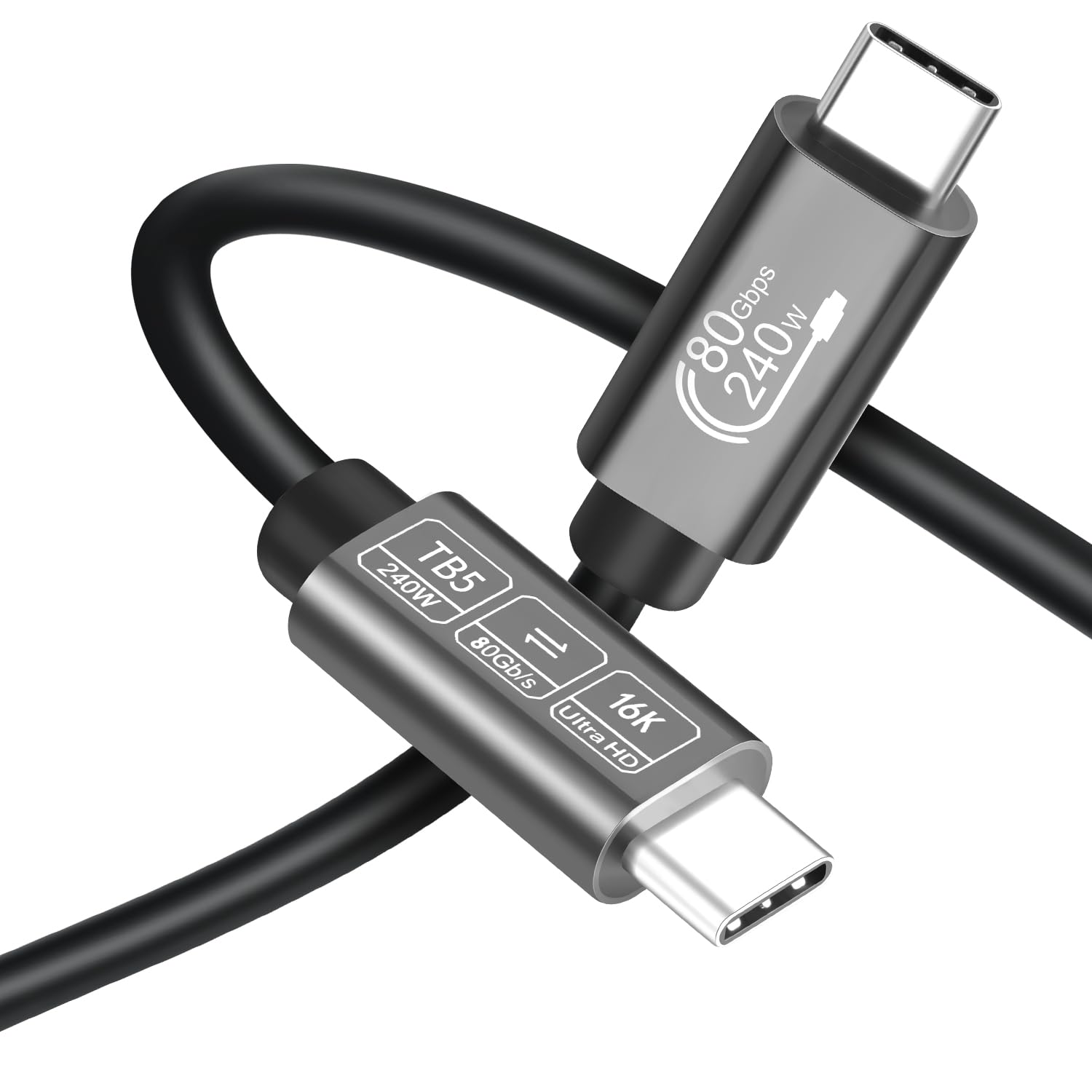
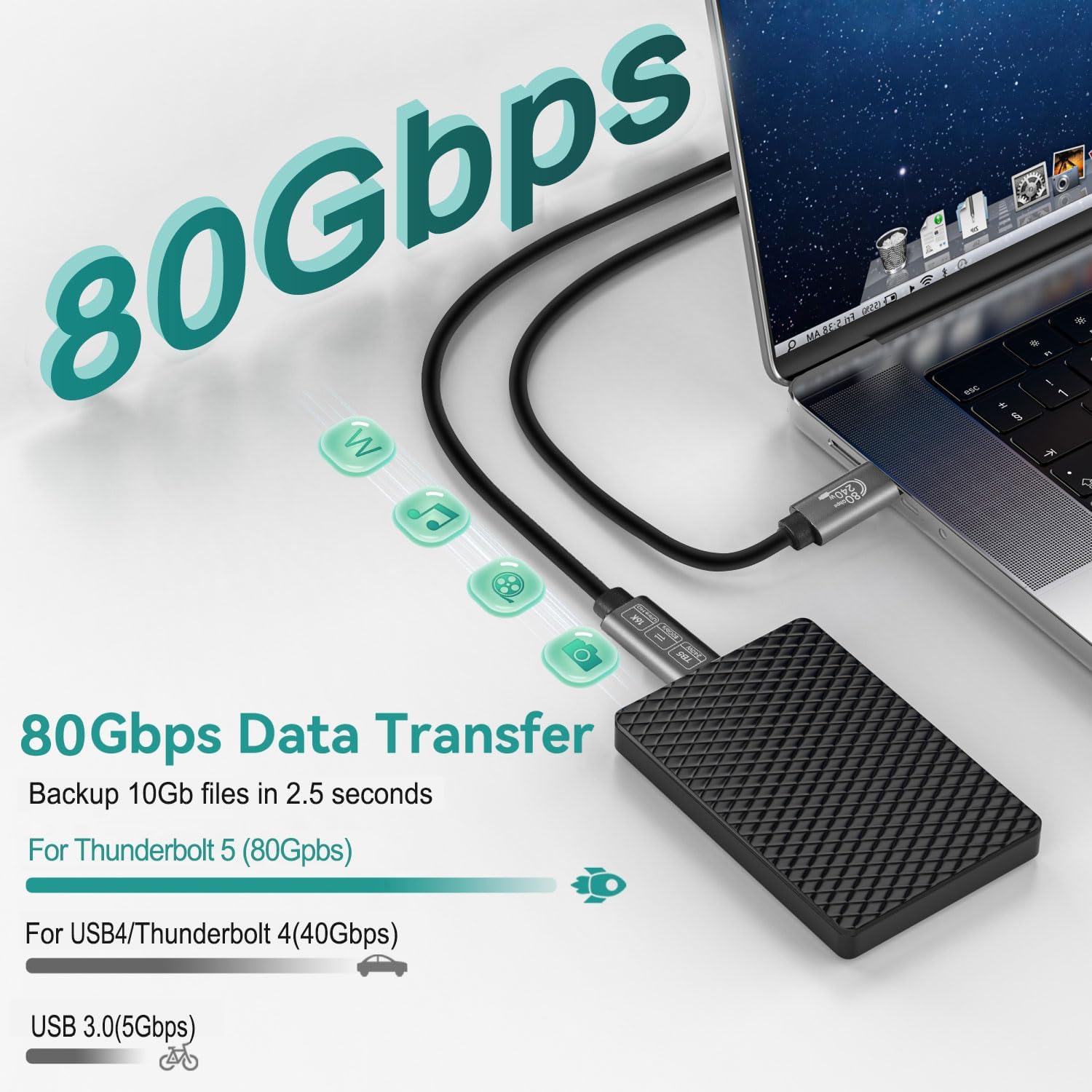
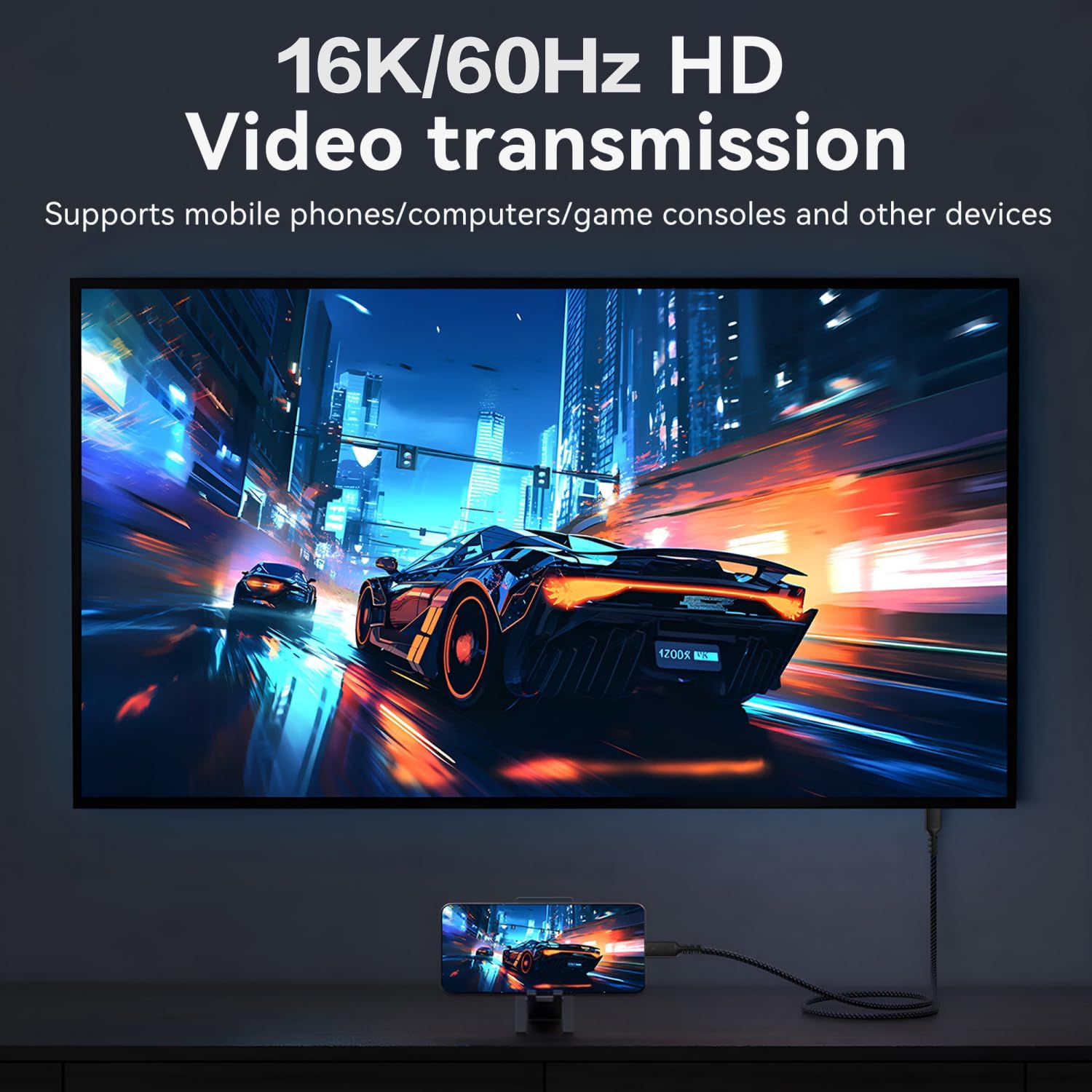
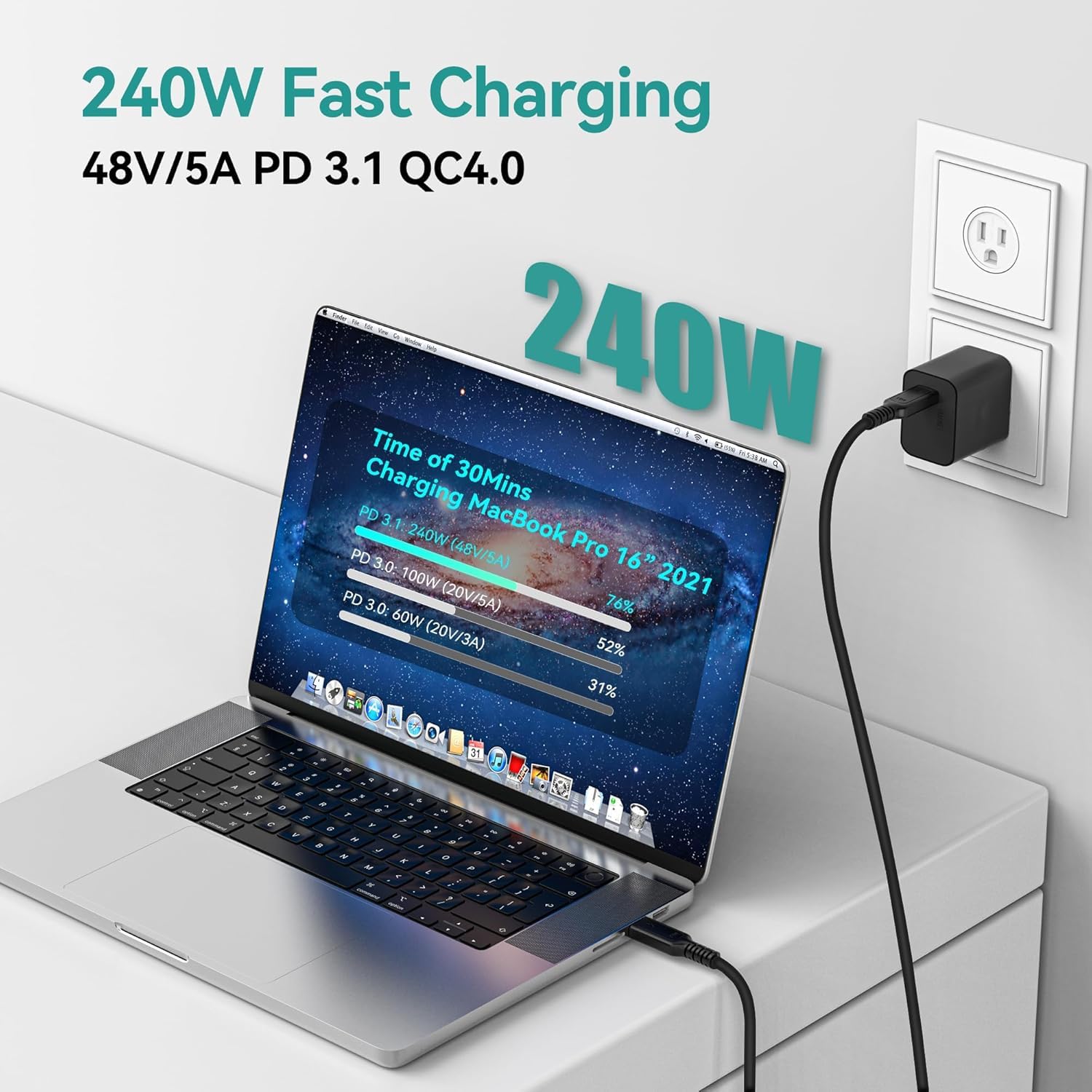
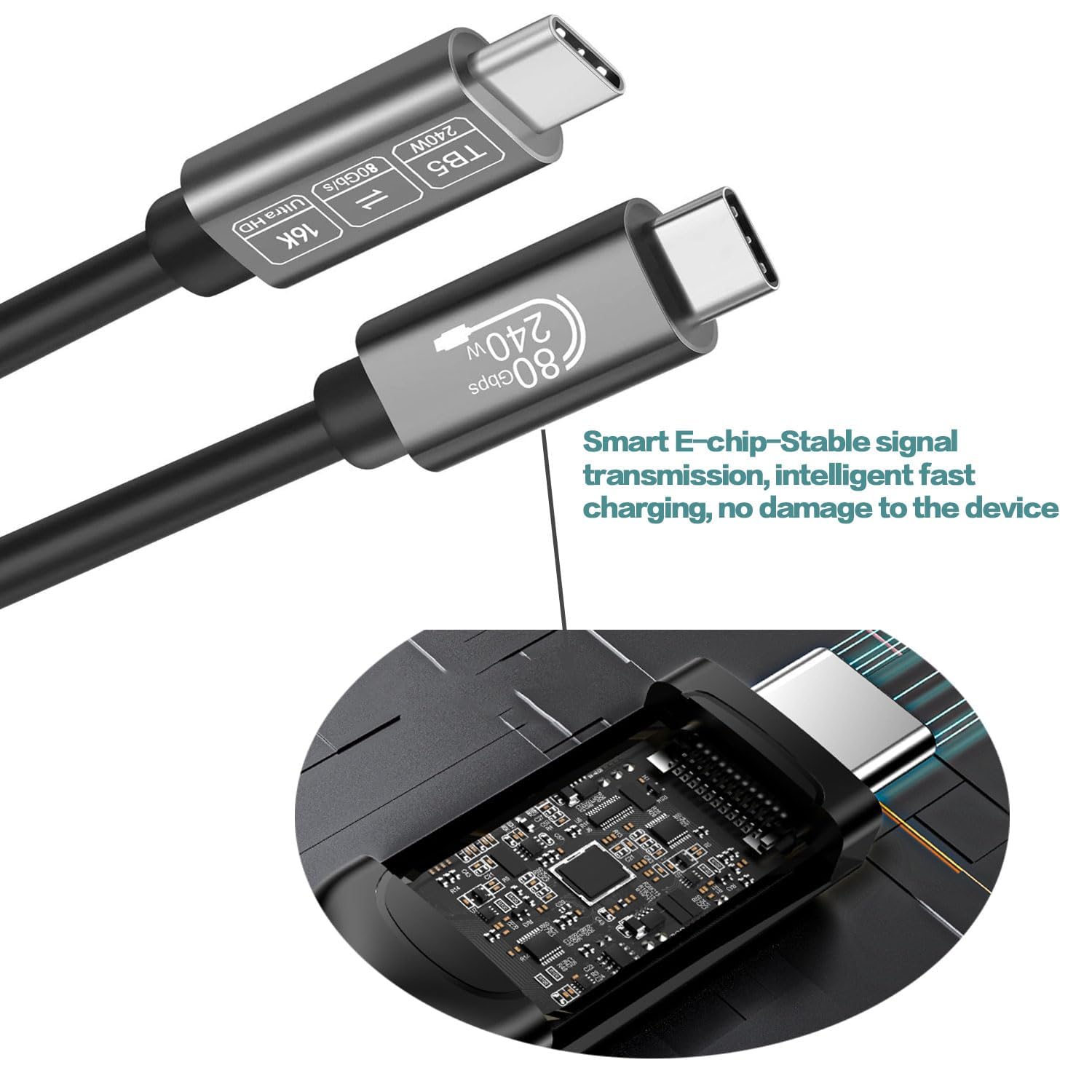
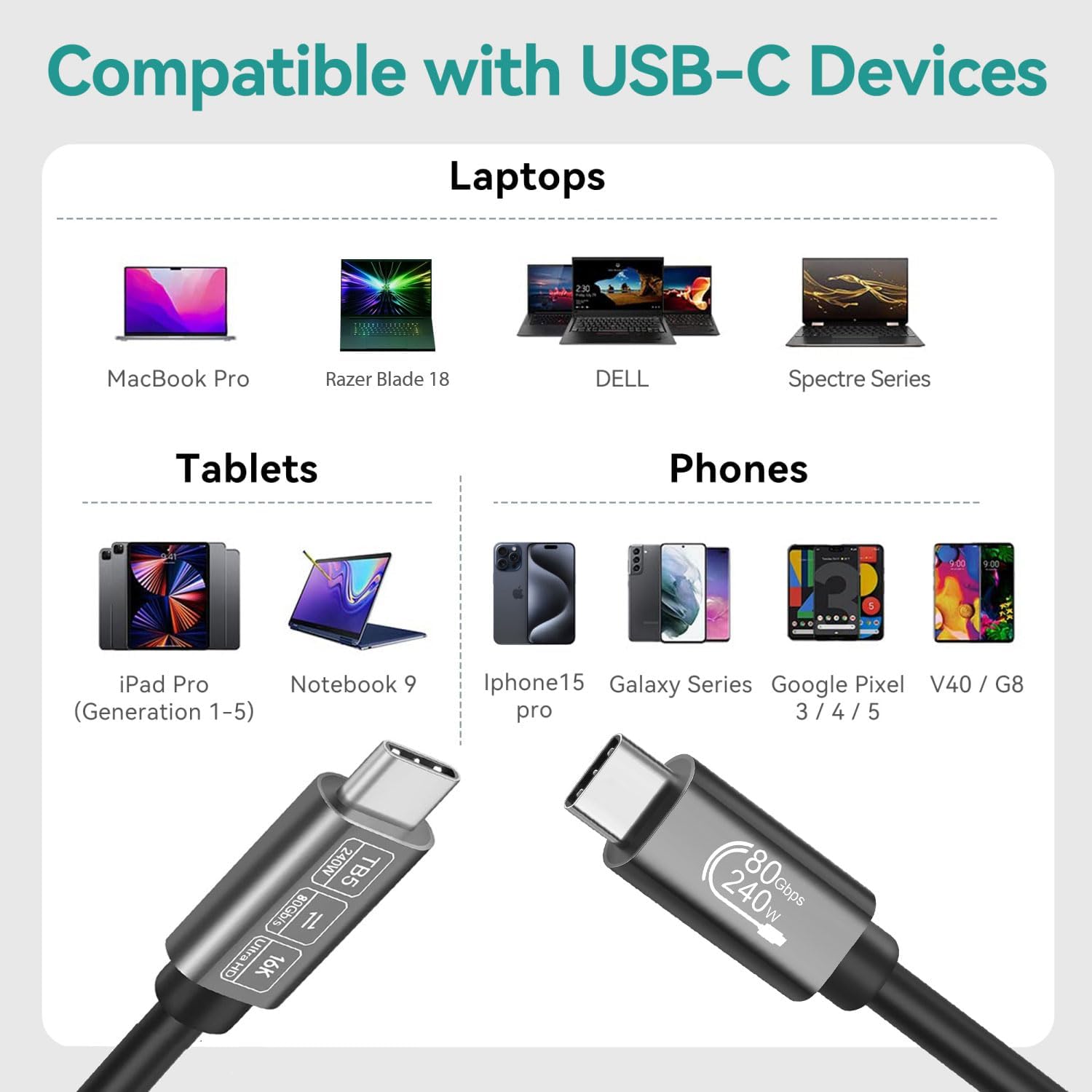
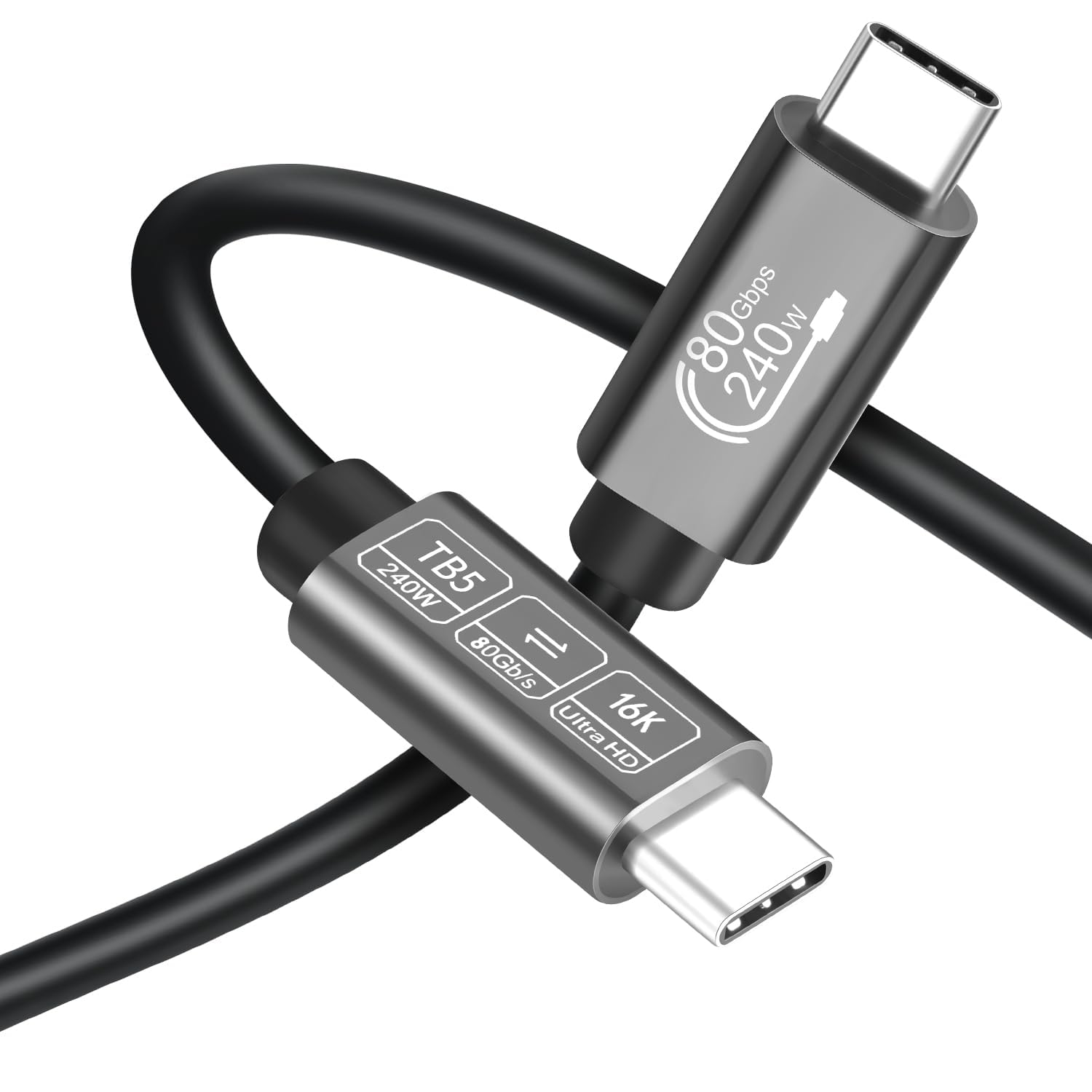
What it is and what it’s for\nThe Angusplay Thunderbolt 5 Cable is a high‑performance USB‑C/Thunderbolt 5 cable designed to handle very fast data transfers and substantial display and power needs. On paper, it supports up to 80Gbps data transmission, can drive single 16K, dual 8K or triple 4K displays at high refresh rates, and delivers up to 240W of charging power. If you regularly move large video files, edit 8K or multi‑monitor workflows, or need serious power delivery to compatible laptops and devices, this cable aims to be a single‑solution option rather than a tangle of adapters.\n\n## Build and durability thoughts\nThe product description emphasises a rugged, durable build. It’s described as sleek yet robust, with materials and construction designed for frequent plugging and unplugging. If you value longevity in a daily driver for a workstation or studio, this is a point worth considering. However, real‑world durability depends on how carefully you treat connectors and how often you bend or coil the cable. A 1.8m length often sits between convenient reach and cable sag, for desk setups where the distance to hubs or docks is variable, this length can be practical, though not the most compact option for travel.\n\n## Key capabilities in context\nWith 80Gbps bandwidth, you’ll see benefits if you routinely transfer large media files or work with high‑resolution streams. The claim of 240W charging is relevant if your devices support high‑watt PD charging, such as recent laptops and power‑hungry peripherals. The display support aligns with creative or engineering setups that push beyond basic external displays. In practice, you’ll want to pair the cable with Thunderbolt 5–compatible hardware to realise the full bandwidth and features.\n\n## What stands out day to day\nIf you’re often moving between home and office or using a single dock for multiple devices, the Thunderbolt compatibility and the potential to streamline connections can reduce clutter and simplify workflows. The claim of compatibility with Mac Mini, M5/M4 devices (as per the product naming) suggests it’s aimed at newer Macs and other Thunderbolt ecosystems.\n\n## What might hold it back\nThere’s a reliance on compatible hardware to unlock the highest speeds and display capabilities. If your setup involves older USB‑C or non‑Thunderbolt hubs, you may not see the full 80Gbps or 240W benefits. The long‑term durability of the connector hinges on usage patterns, occasional users may not notice a meaningful difference versus a high‑quality USB‑C cable. Also, pricing and warranty details aren’t provided here, which matters when weighing value for money against simpler cables.\n\n## Ideal user profiles\n- Creative professionals or power users with 16K/8K workflows and multi‑display setups who also need fast, reliable charging.\n- Mac users or Windows users with Thunderbolt 4/3/5 docks and devices that can exploit higher bandwidth.\n- Those who want a single cable to handle data, video, and power travel.\n\n## Who should think twice\nIf you don’t run high‑res video editing, gaming at multi‑display resolutions, or don’t require 240W charging, a less expensive USB‑C or Thunderbolt 4/3 cable may cover your needs. If you frequently bend or coil cables aggressively, you might prefer a more flexible or shorter option to mitigate wear.\n\n## Before you buy: quick checks\n- Confirm your device supports 80Gbps Thunderbolt 5 data rates and 240W charging, some devices may cap at lower speeds.\n- Ensure your dock or hub is compatible with Thunderbolt 4/3 or 5 to utilise the full bandwidth.\n- Check the length you actually need, 1.8m can be perfect for mid‑to‑large desks but may be too long for travel kits.\n\n## Practical usage example\nImagine editing 8K footage from an external SSD while running a companion 16K display through a single Thunderbolt dock—this is where the cable could keep data streaming cleanly and provide needed power without a second cable. In daily use, you’d likely notice smoother file transfers and quicker wakeups when connecting to a TB4/5 hub.\n\n## Decision time: Is it worth it?\nIs it worth it? If your setup demands high bandwidth and robust power delivery in a single cable, and you own compatible Thunderbolt hardware, this Angusplay option presents a coherent package. If, however, your needs are modest or you rely on older hardware, the premium for these capabilities may not deliver proportional value.\n\n## Quick FAQ\n- What devices will max out 80Gbps? Compatible Thunderbolt 5 devices and docks are needed to realise the full bandwidth.\n- Will it charge my laptop at 240W every time? It can supply up to 240W where the host and device support it, real charging speeds may vary with the device and usage.\n- Can I use it with non‑Thunderbolt USB‑C ports? You may still charge and transfer data, but you won’t access full Thunderbolt performance or multi‑display capabilities.\n