

Amazon Kindle Scribe 16 GB
Product description
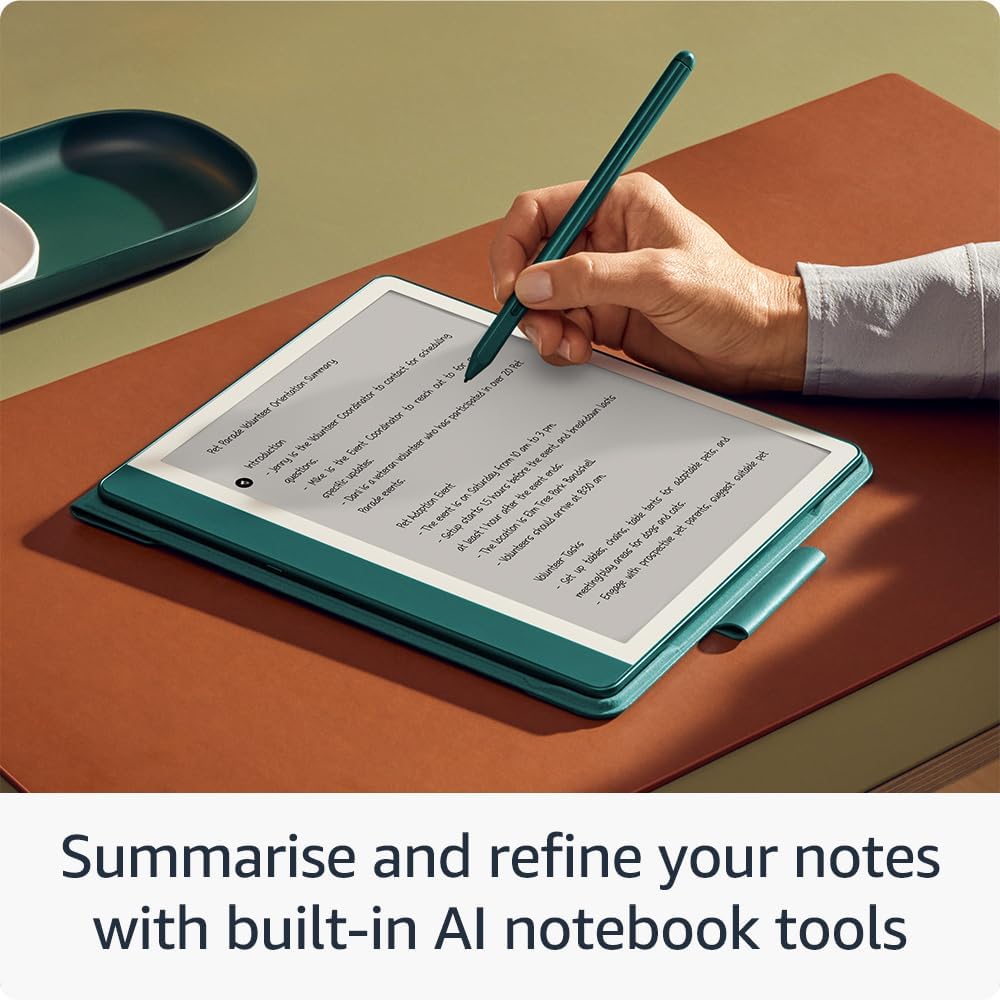
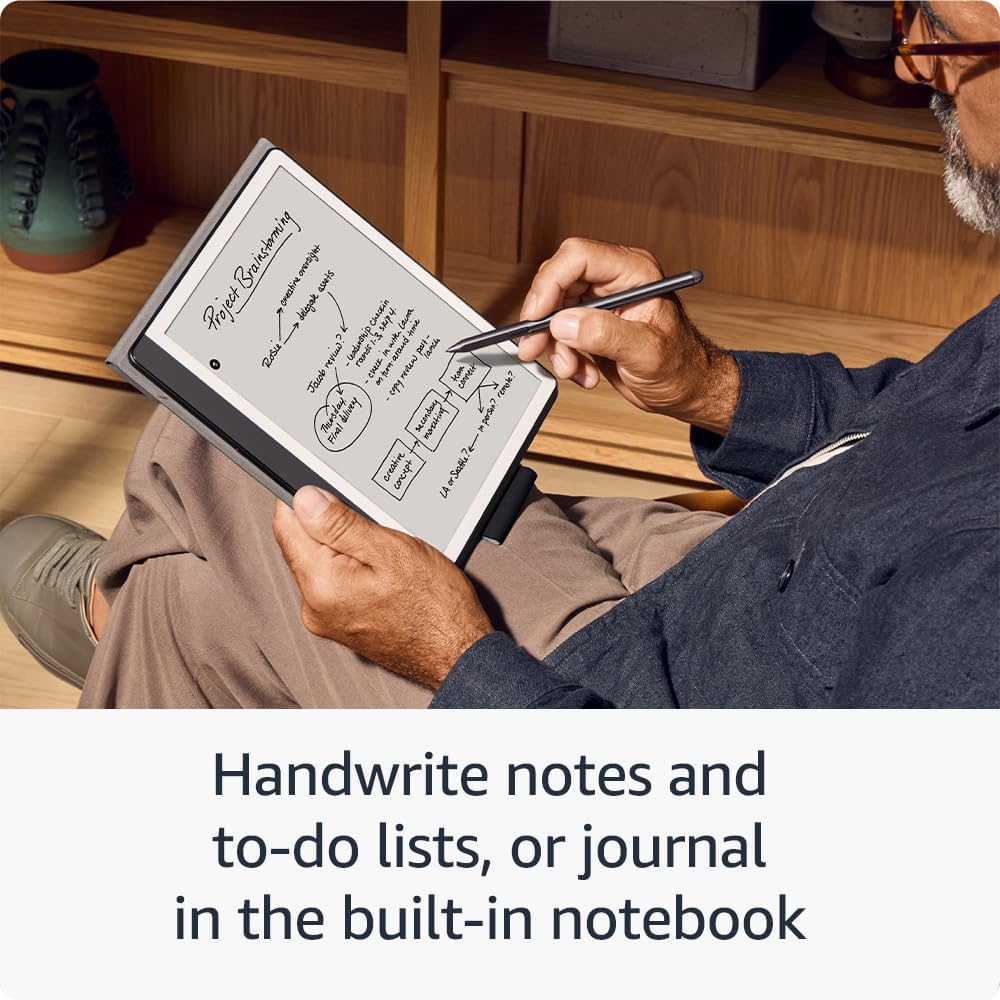
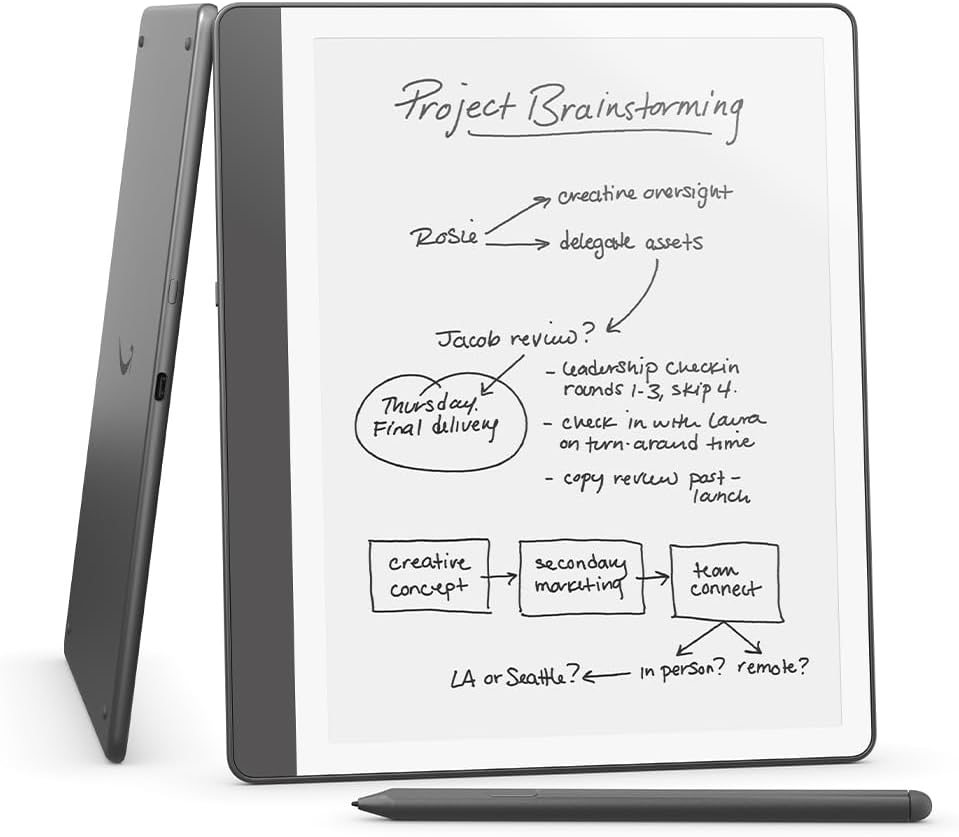
This Kindle Scribe combines reading and handwriting in one device, offering a quiet workspace for notes and long reads. The e-reader with stylus allows you to mark up books and documents while keeping distractions away, and the built-in notebook and AI tools help turn scribbles into usable text.
Key features
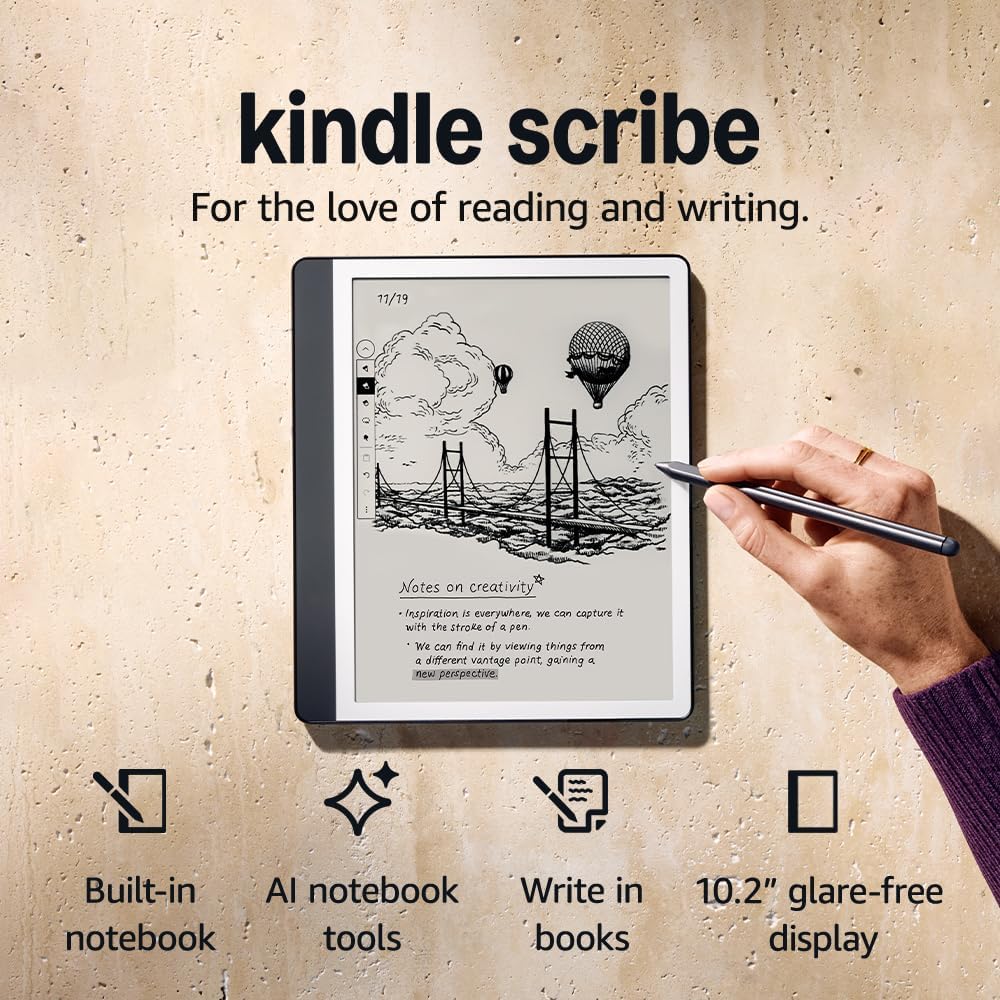
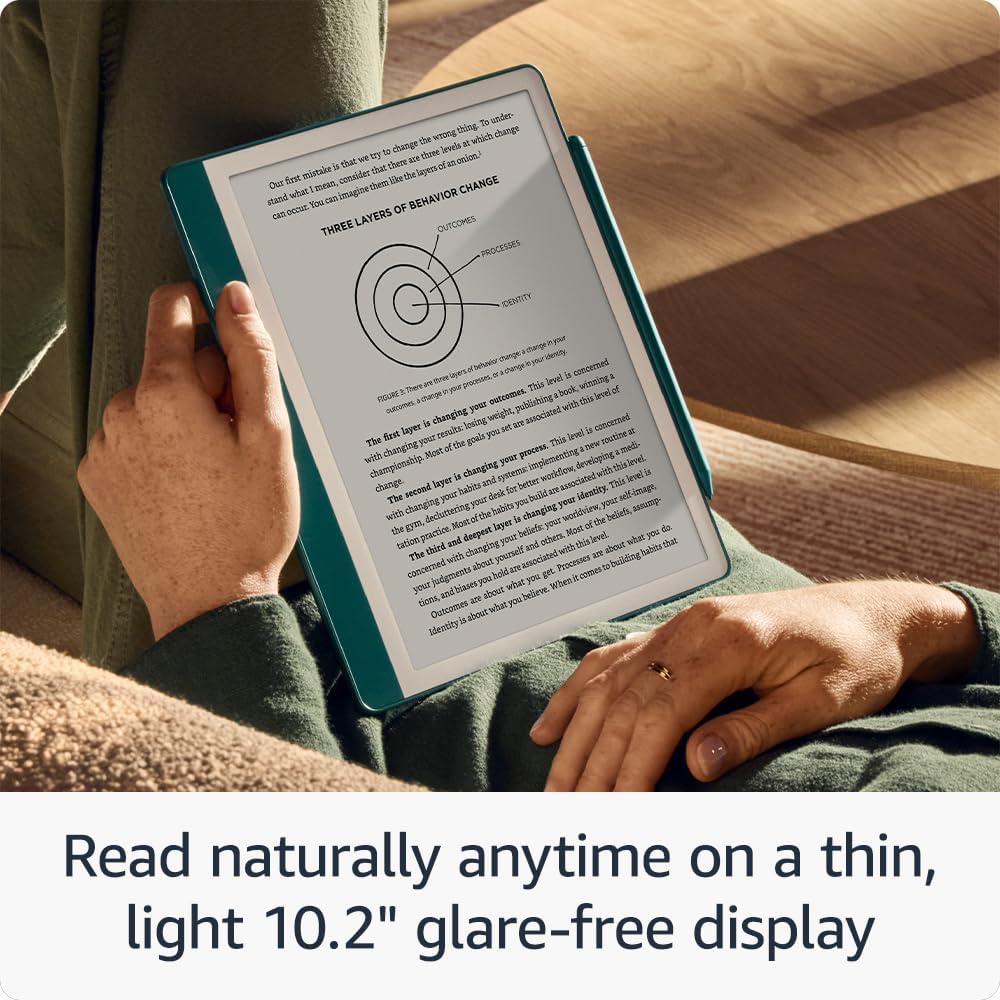
The redesigned flush-front display with uniform white borders gives a clean page feel and supports reading and writing in varied light. The 10.2" glare-free, 300 ppi front-lit screen is tuned for legibility both indoors and outdoors. The Premium Pen included requires no charging and offers a shortcut button and soft eraser for smoother editing. Active Canvas expands or collapses margins so notes sit next to the original text without obscuring it. Built-in notebook functions let you create meeting notes, to-do lists and journals, then convert handwriting to typed text and email it to contacts, while AI summarisation tools help refine notes quickly. 📝
Tech specs
- Name: amazon Kindle Scribe (16 GB)
- Display: 10.2" glare-free, 300 ppi
- Memory: 16 GB
- Colour: Tungsten Grey
- Battery: according to manufacturer
Why it’s worth it
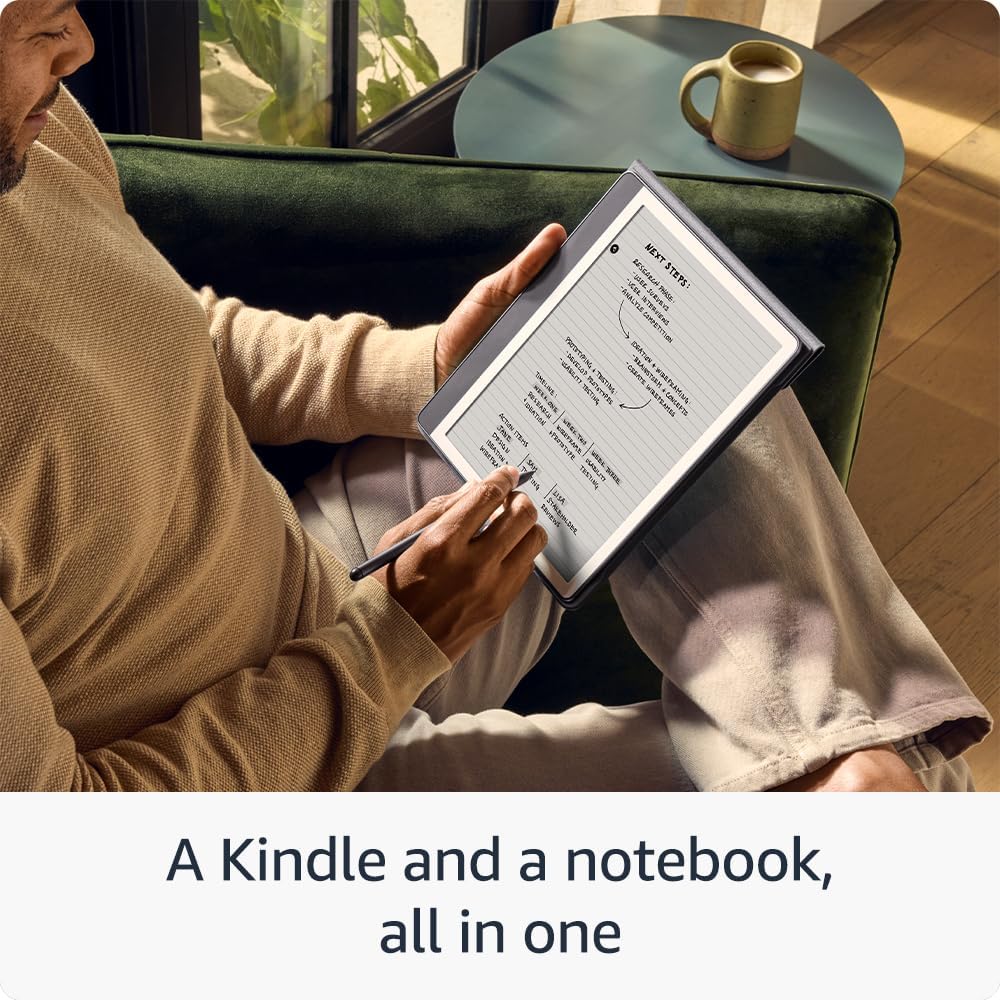
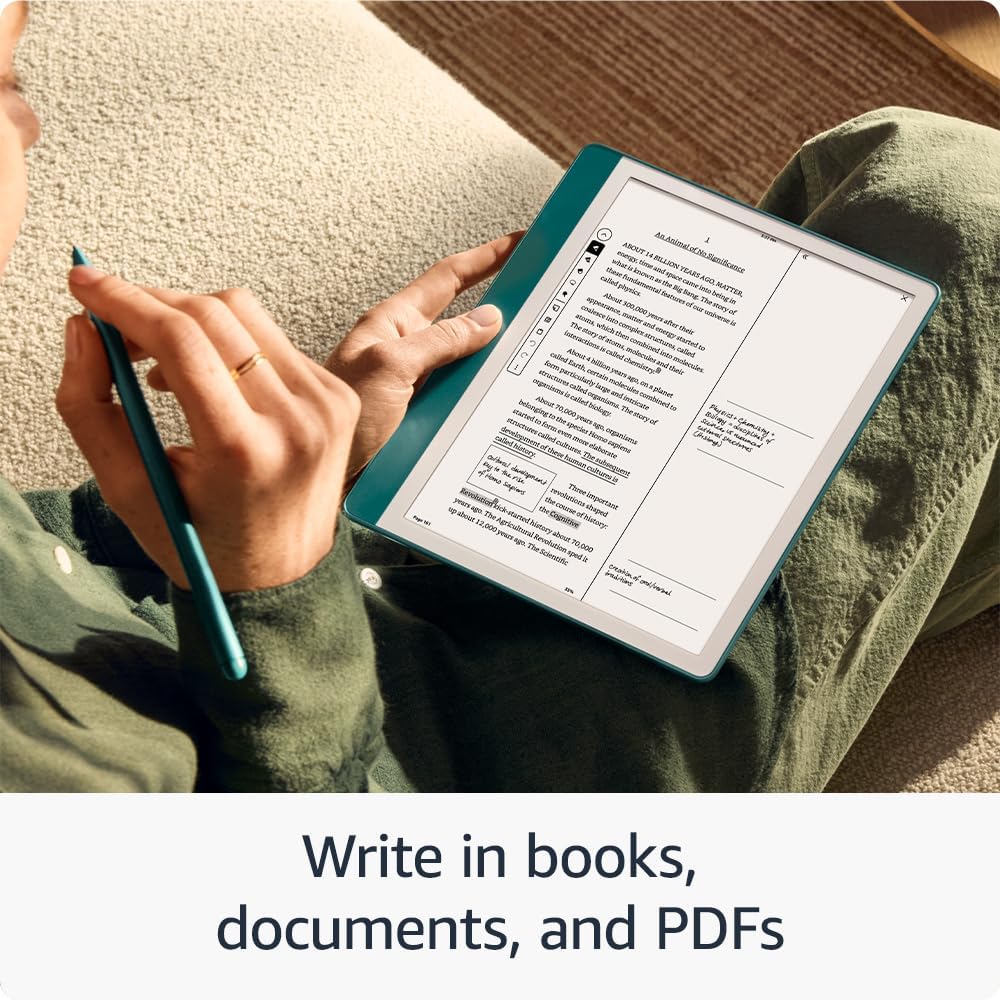
The device is focused on concentration, with no notifications or social feeds to interrupt writing or reading. The Premium Pen feels like writing on paper, which may help with longer note sessions. The AI notebook tools are useful for summarising and organising handwritten content, though advanced users should note that the feature set is geared toward clarity and convenience rather than professional text editing. ✍️
Practical tips
For clearer handwriting conversion, write in short, neat lines and use the soft eraser to tidy mistakes before converting. When working across books and notebooks, use Active Canvas to keep notes linked to specific pages so your annotations remain contextually relevant. The device pairs reading comfort with simple document markup and note workflows, making it practical for study, meetings and day-to-day journaling. 📚