

Alltolink Autolink Wireless Carplay and Android Auto Car Play Screen – 7-Inch Portable Car Tablet with Voice Control
Product description
What is it
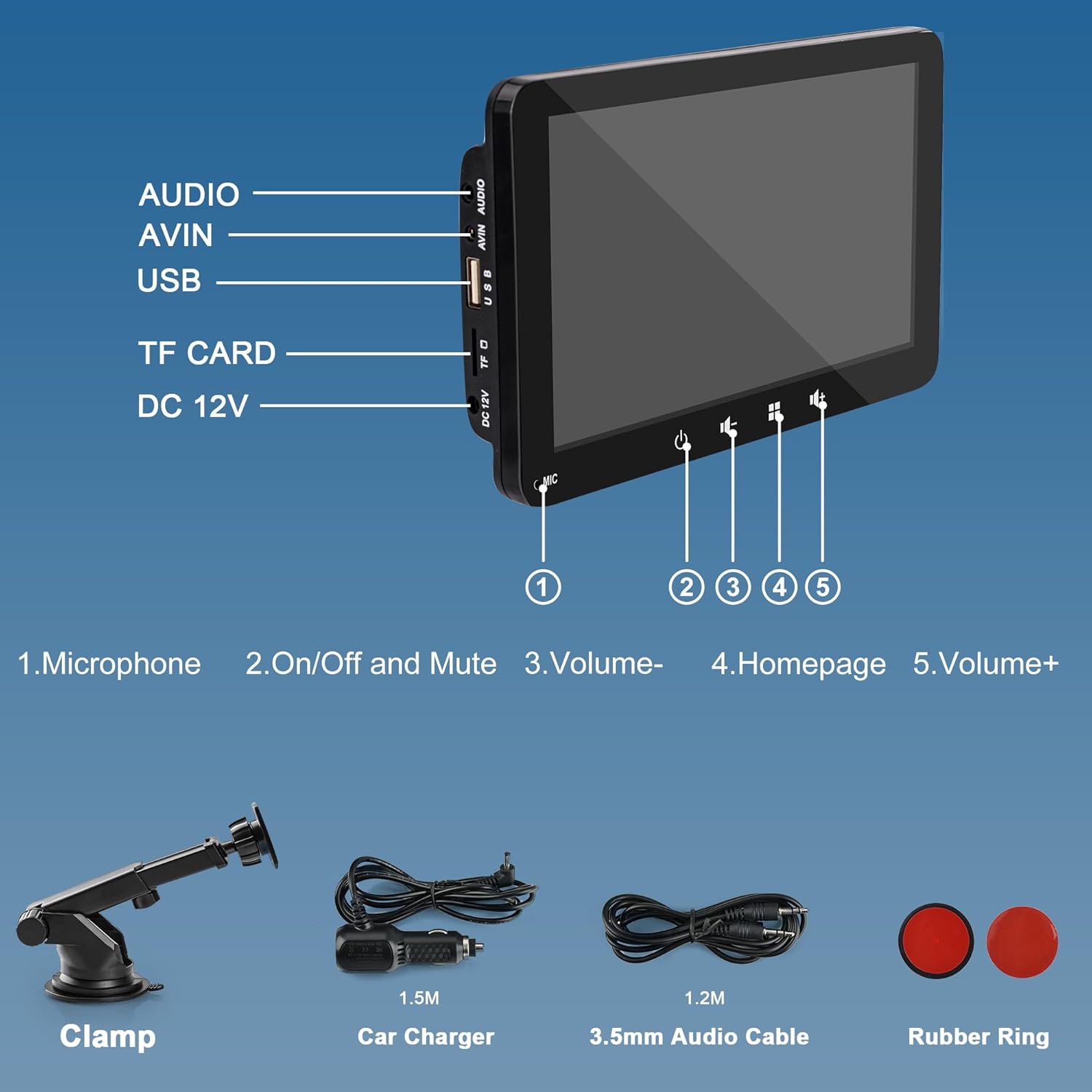
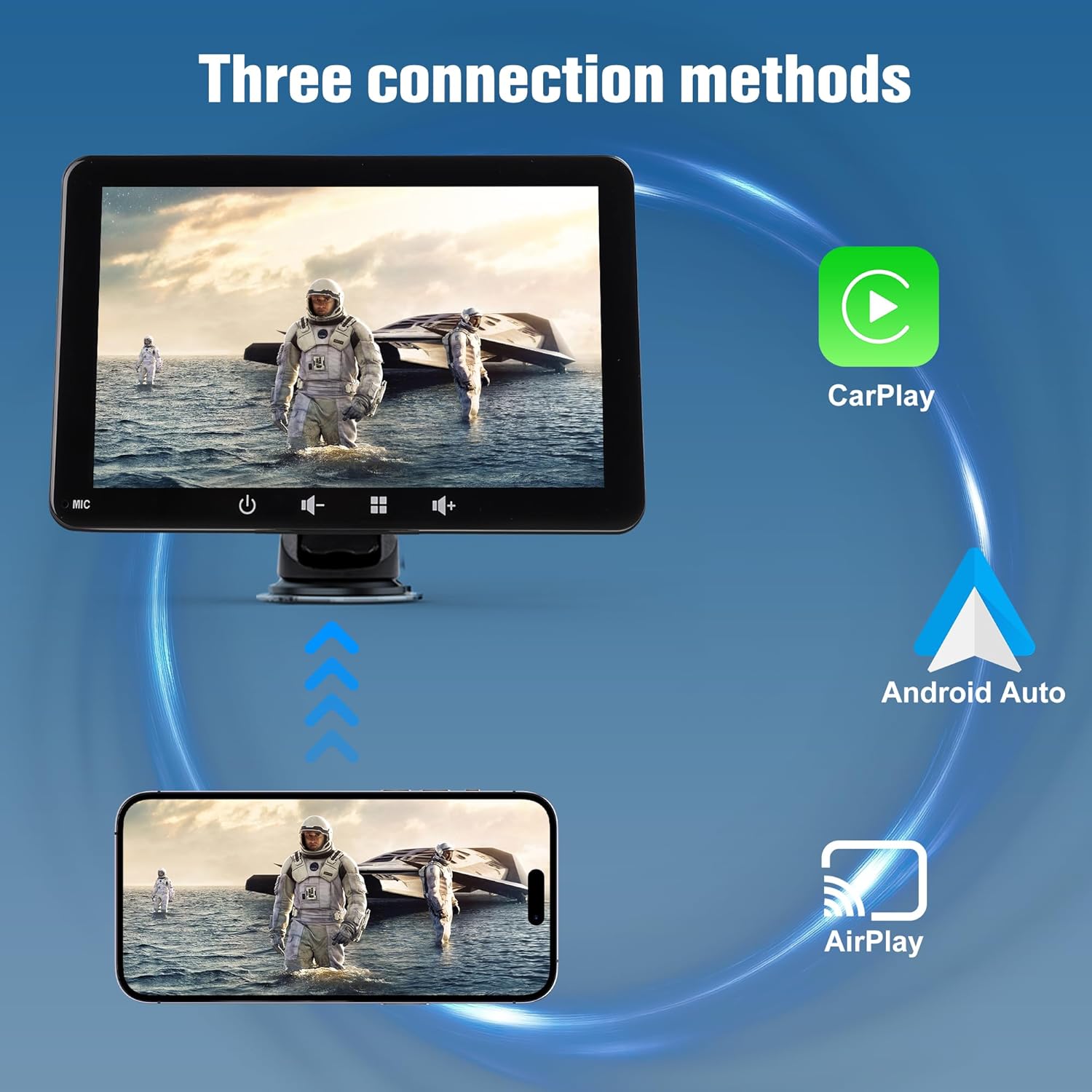
The Alltolink Autolink is a 7-inch wireless CarPlay and Android Auto display designed to sit in your vehicle as a portable car tablet. It wires into your phone’s ecosystem via Bluetooth 5.0 and Mirror Screen, letting you access calls, music, maps and more without a traditional wired setup. Its portability and suction-cup mounting mean you can trial a smarter in-car experience across different vehicles or simply switch it between cars as needed.
How it works
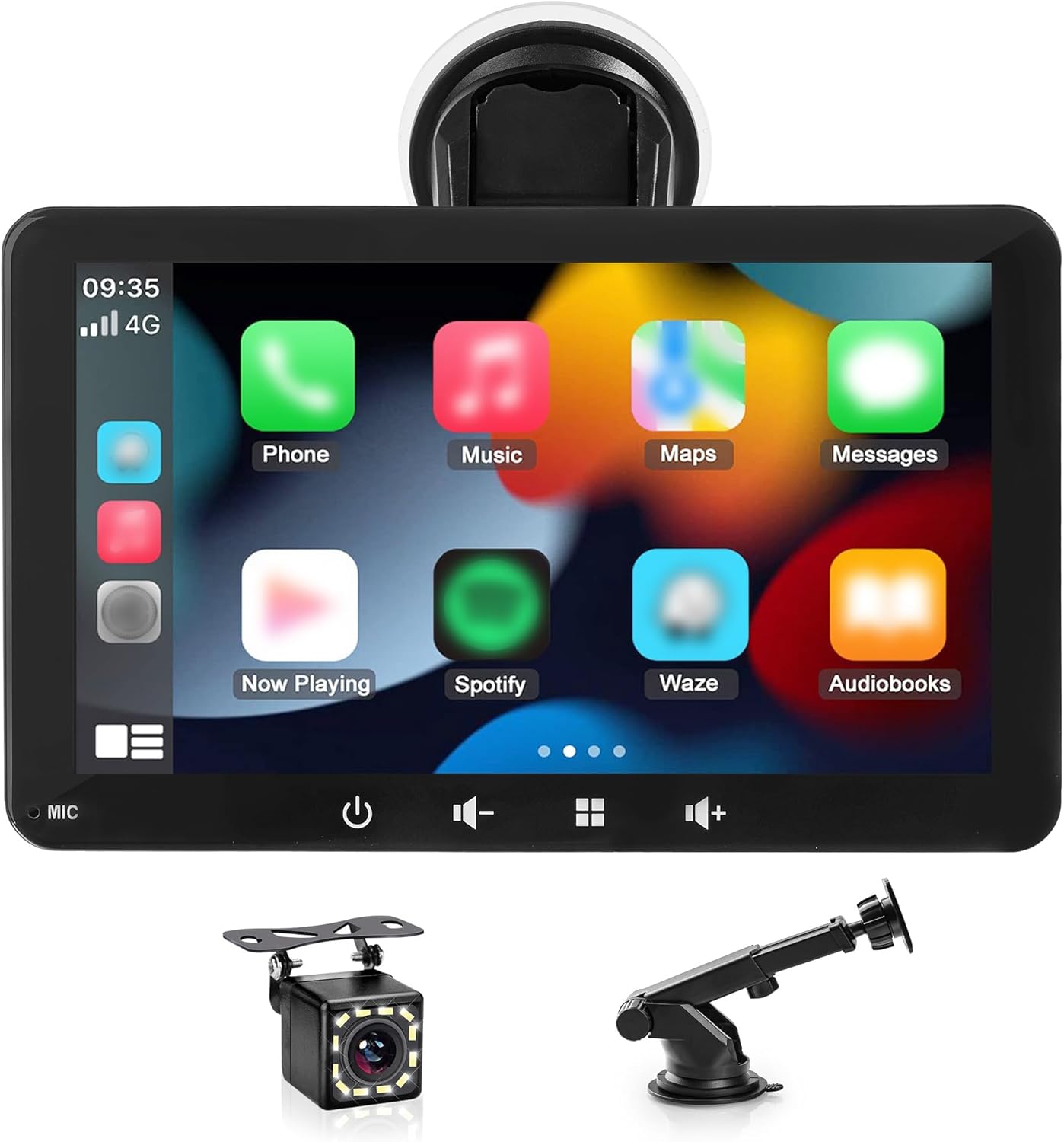
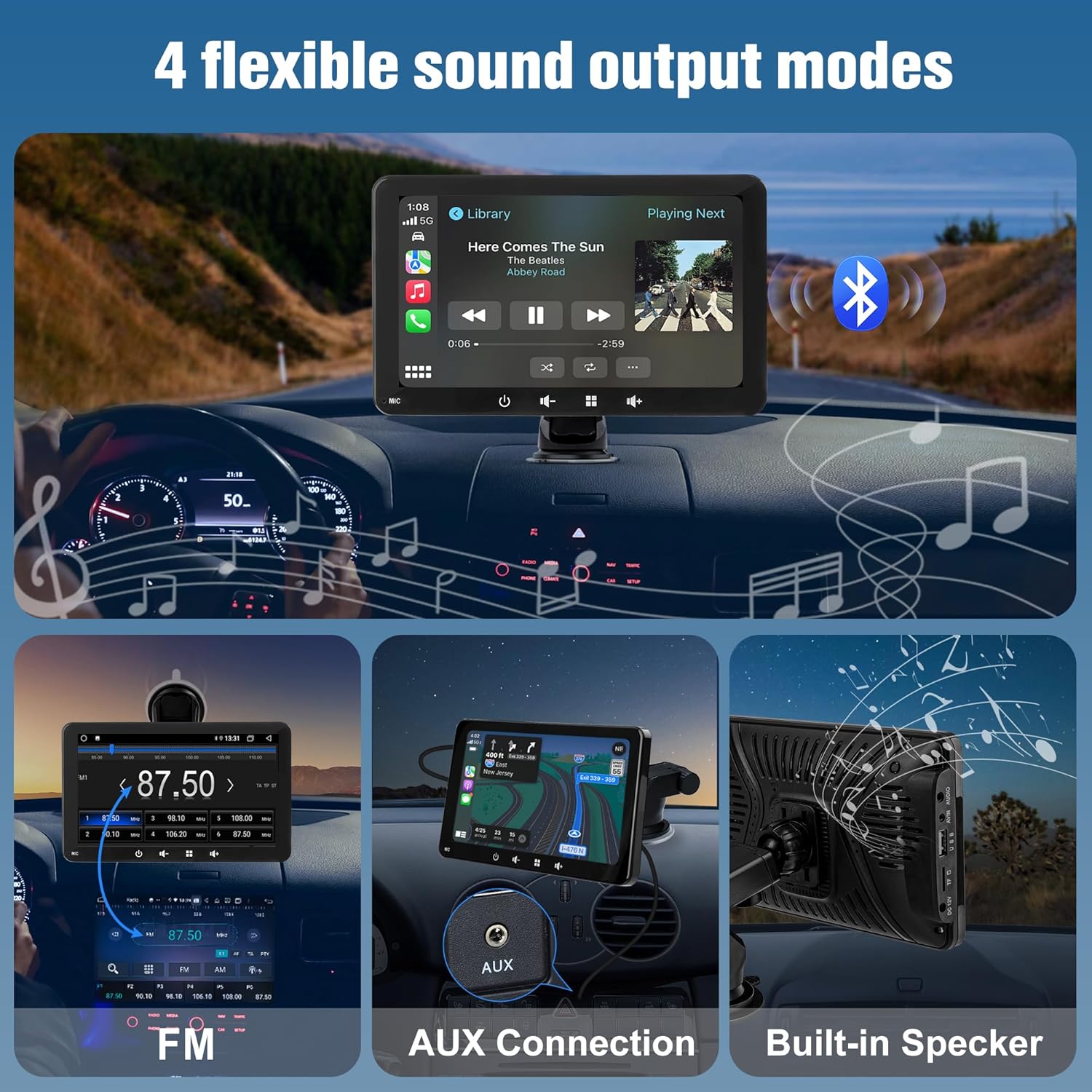
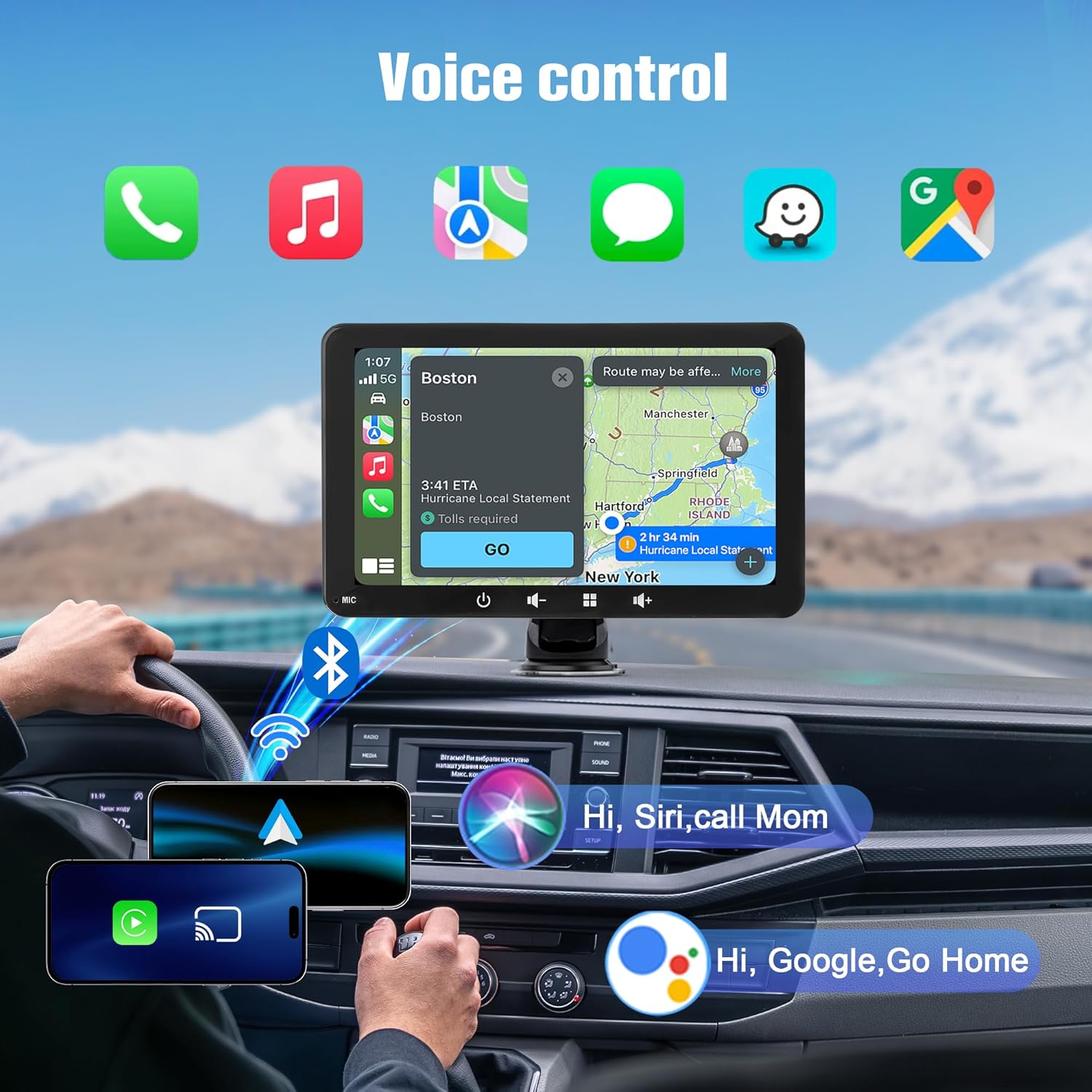
Pairing happens quickly: once connected, the CarPlay screen links to your phone automatically when you get into the car. Real-time navigation from your phone is shown on the display, with up-to-date traffic information and turn-by-turn directions. The device supports audio output through built‑in speakers and also offers AUX connectivity for compatible audio setups. It does not include FM radio functionality.
Core strengths
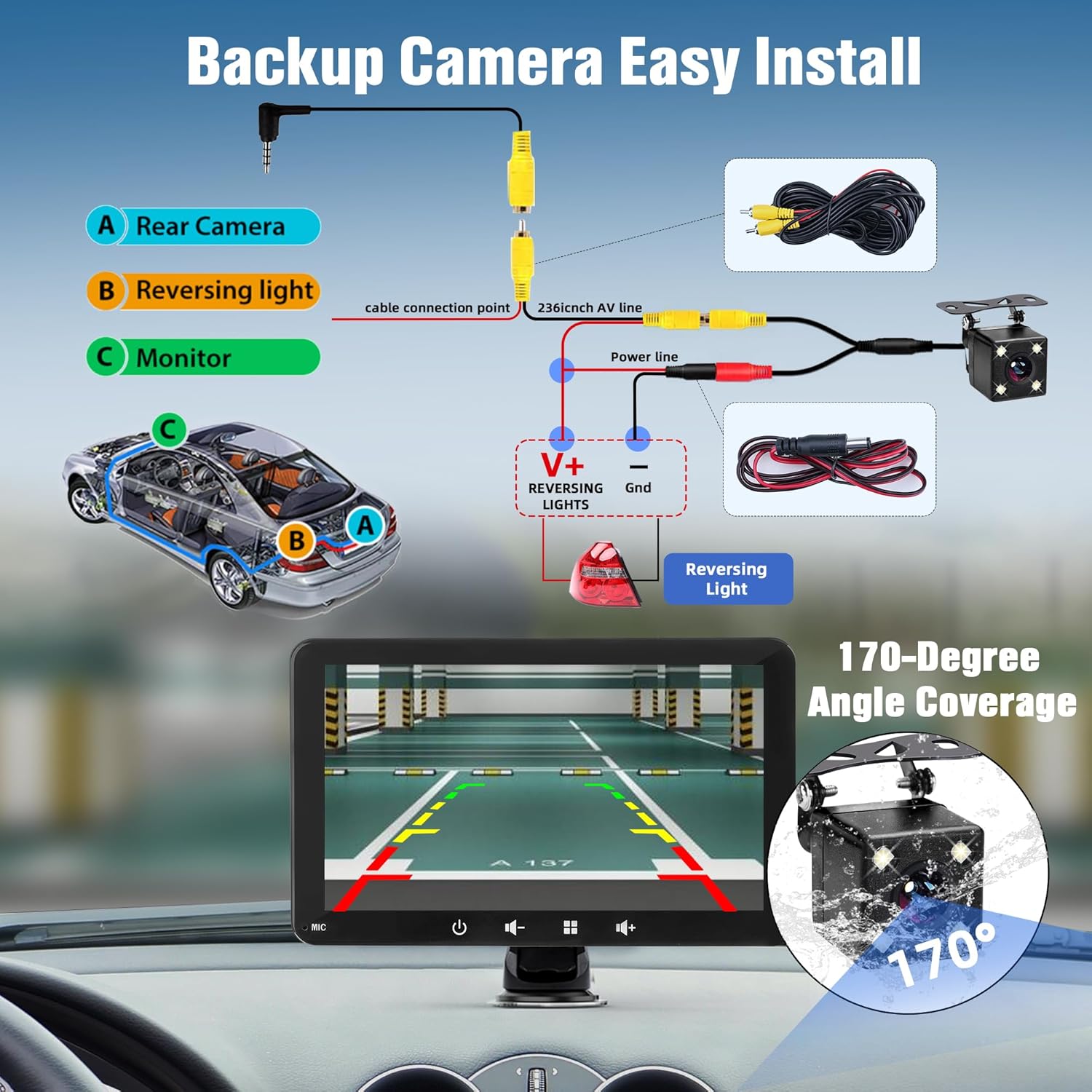
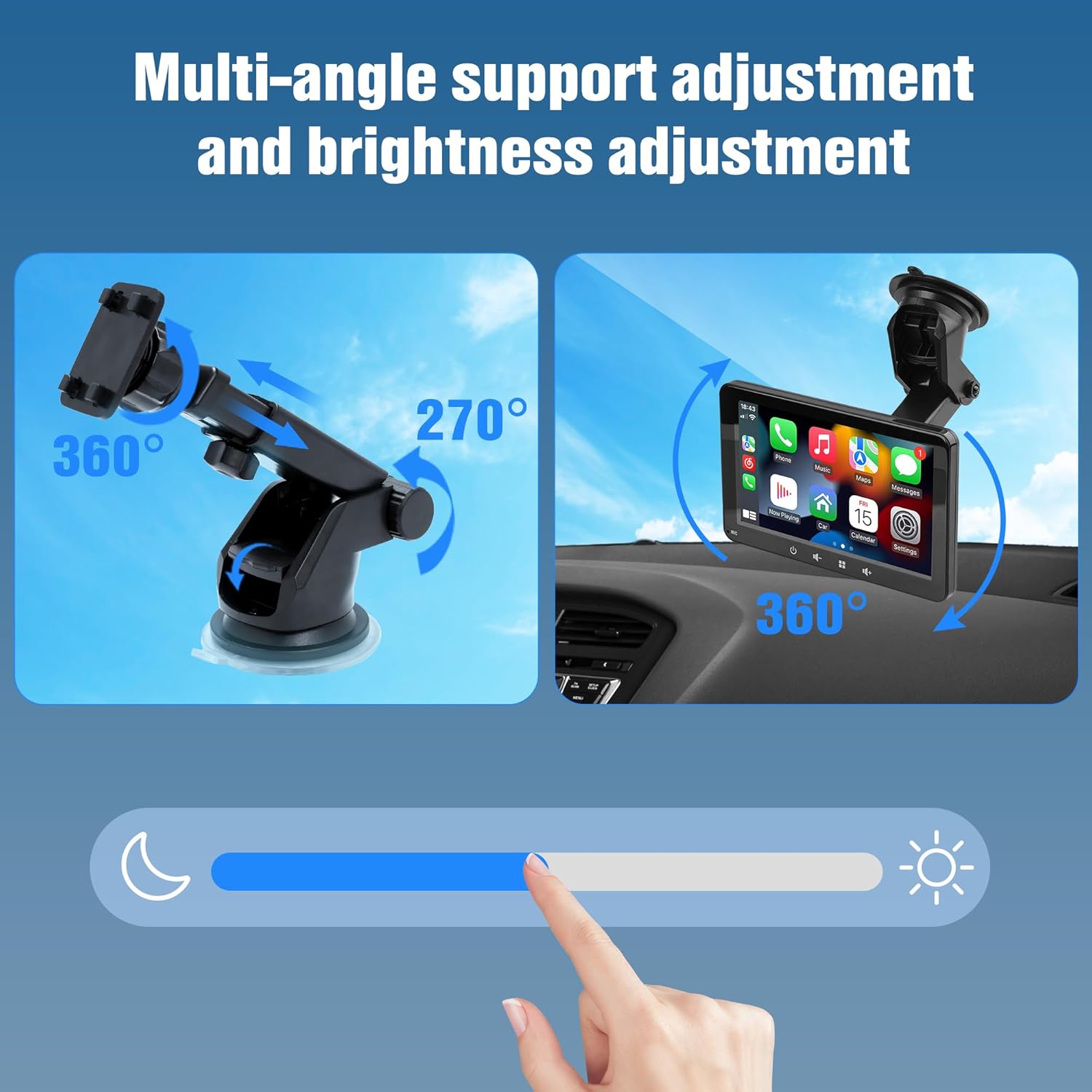
On the surface, this is a straightforward way to add CarPlay or Android Auto without a full head unit replacement. The 270° adjustable bracket helps you find a comfortable viewing angle, and the compact form keeps sightlines unobstructed. The installation is designed to be easy: attach the display with the included suction cup mount in seconds, with no messy cables or professional installation required. This makes it sensible for drivers who want a pragmatic upgrade without committing to an expensive, permanent solution.
Possible limitations
If you expect FM radio or a wider array of built-in features, the Autolink may fall short. It relies on your phone for navigation, maps, and some media, which means performance is tied to your phone’s data connection and battery life. While Bluetooth 5.0 is reliable for pairing, there could be occasional latency or interference in busy wireless environments. Also, the device is described as a screen for CarPlay/Android Auto rather than a full multimedia head unit, so features and integrations stay within the scope of smartphone mirroring.
Who it’s for
This product seems well-suited to drivers seeking a practical, lower-friction path to CarPlay or Android Auto in multiple vehicles, or for those who want a temporary solution while assessing a permanent upgrade. It could be appealing if you prioritise easy installation, portability, and a compact screen that won’t dominate your dashboard. It may particularly suit seasonal drivers, shared cars, or rental contexts where a fixed head unit isn’t ideal.
Who it isn’t for
If you’re looking for a full-featured in-car entertainment system with built-in radio, extensive offline apps, or deep system integration, this portable screen may not meet those expectations. It’s also worth noting that the user experience depends heavily on your paired smartphone, data plan, and map app — so if you value independence from your phone, this solution isn’t the best match.
When does it make sense to buy
Consider this device if you want a quick, non-permanent CarPlay/Android Auto setup that works across vehicles, and you value straightforward installation. It’s sensible if you want a clear display for navigation and hands-free access while keeping a compact, unobtrusive footprint, without paying for a dedicated head unit.
What to check before buying
- Confirm your phone supports CarPlay or Android Auto and that the wireless pairing is seamless in your vehicle environment.
- Check that the suction-mount and bracket provide stable positioning in your car’s dash or windscreen area.
- Be aware of the absence of FM radio, if radio is important, you may need alternative listening options via AUX or Bluetooth.
- Consider how often you’ll move the device between vehicles and whether portability aligns with your daily driving patterns.
- Ensure there’s adequate power supply in the car to keep the screen active during longer trips, battery life is not specified.
Practical use case
Imagine a daily commuter who rotates between two cars. With Autolink, both cars instantly mirror their phone’s navigation and calls on the 7-inch screen. You can glance at a clear map while keeping your phone out of reach, switch to music via CarPlay or Android Auto without fumbling for cables, and adjust the viewing angle with the 270° bracket for a comfortable glance while at the wheel.
What it feels like in use
On paper, the concept is simple: a wireless CarPlay/Android Auto screen that mirrors your phone. In real life, the value comes from the hassle-free installation and the ability to trial a smarter in-car interface without committing to a fixed, more expensive setup. It’s not revolutionary, but it does what it sets out to do with a calm, practical approach.
Alternatives and how this compares
If you’re weighing options, you’ll likely compare against traditional aftermarket head units or built-in system upgrades. The Autolink option is better for those who want a no-permanent-fix approach and flexible usage across vehicles. If you want deeper on-device features, offline maps, or advanced multimedia controls, you might prefer a more feature-rich head unit. This device sits in the middle ground: pragmatic, easy to trial, and value-oriented for everyday use.
FAQ (focused on what you can verify from the product data)
- Does it require a professional installation? No, it uses a suction cup mount and is designed for quick, do-it-yourself setup.
- Can it play audio through the car speakers? Yes, via built-in speakers with Bluetooth, and it also supports AUX for audio output.
- Is FM radio supported? No, FM radio is not supported.
Is it worth it?
A solid pick if you want a portable, easy-to-use CarPlay/Android Auto screen that can move between vehicles and avoid the cost of a full head unit. It makes sense if you prioritise convenience and a non-permanent upgrade, but not if you require a feature-rich, fixed installation or independent navigation that doesn’t rely on your smartphone.