

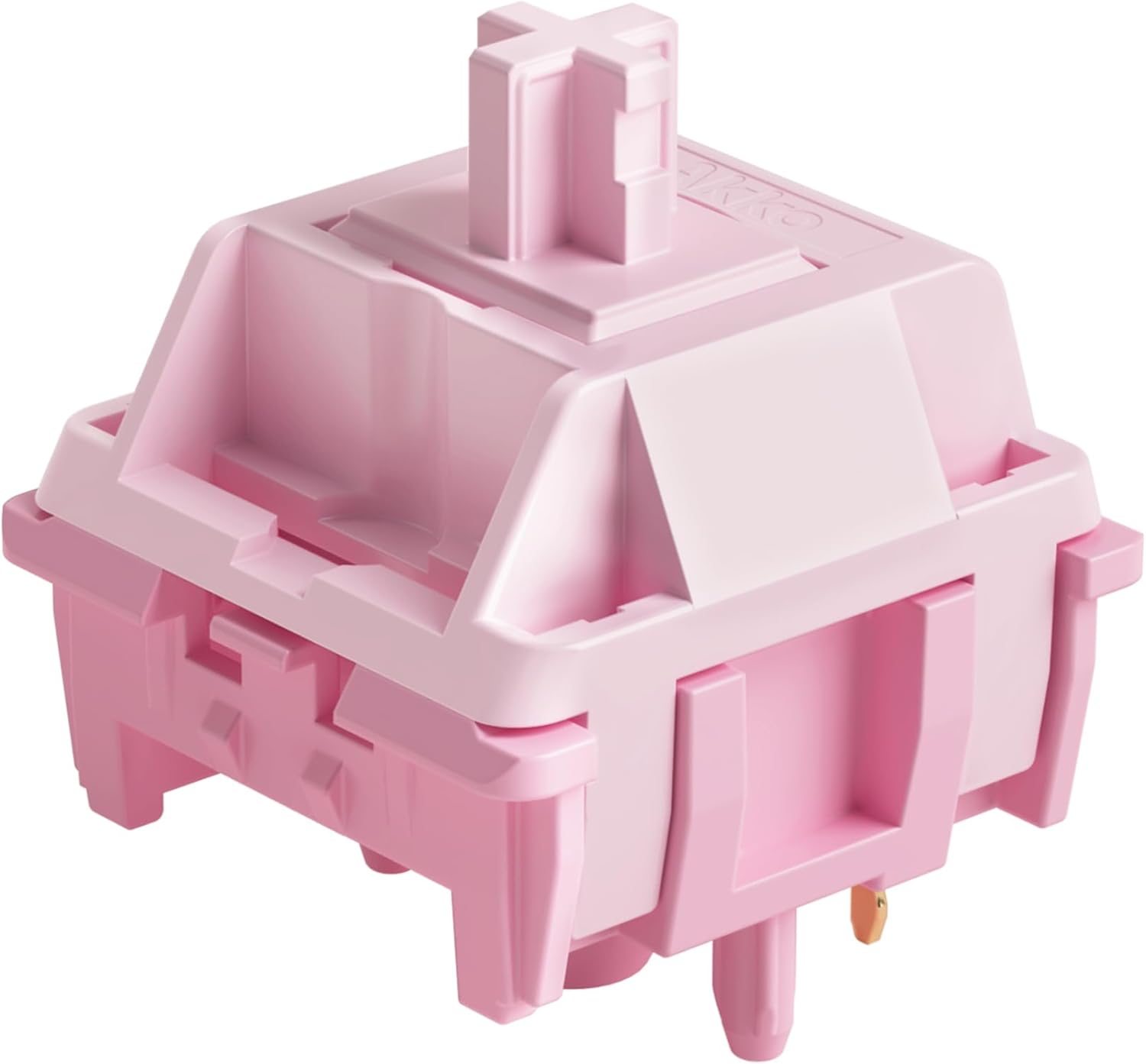
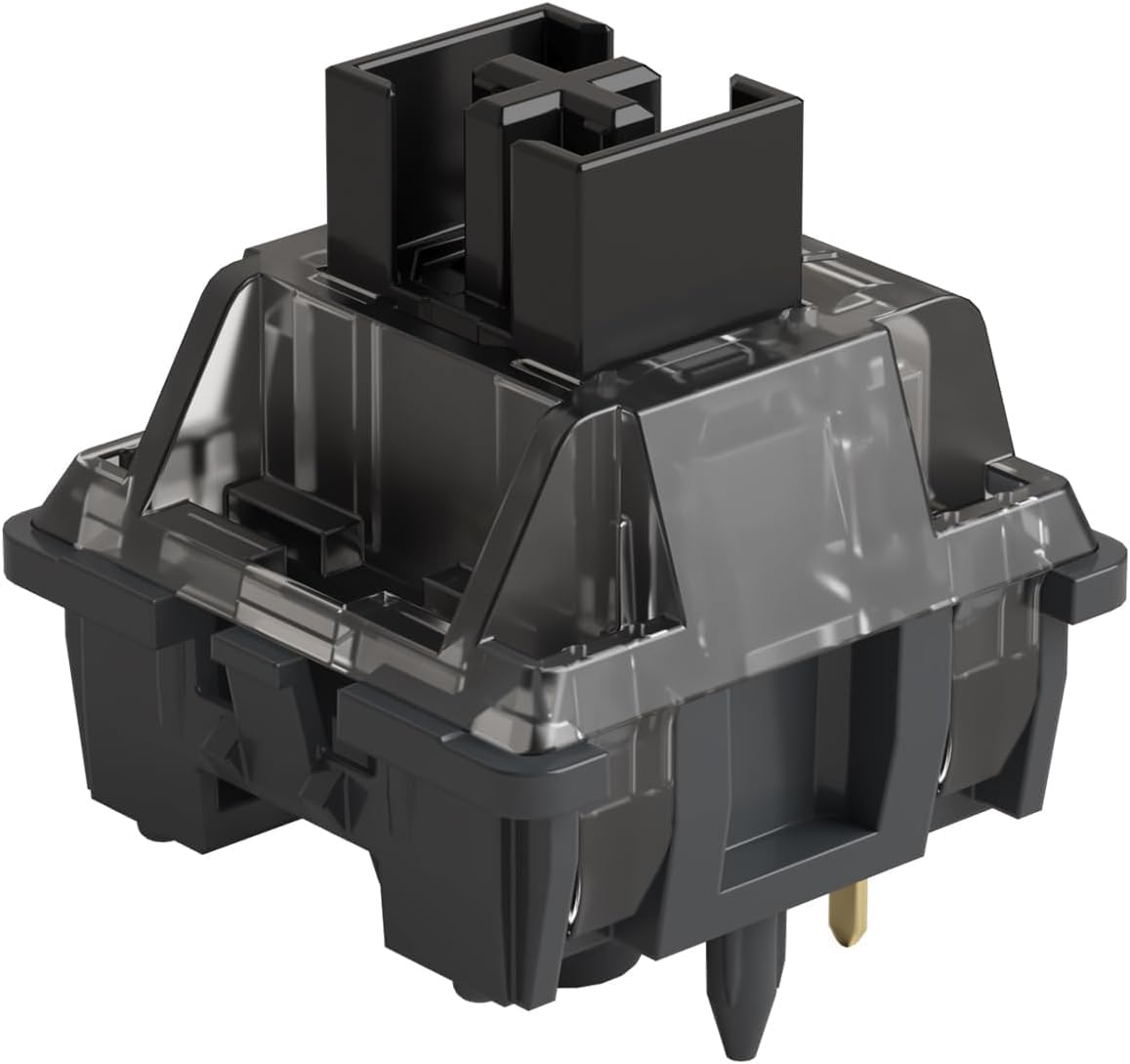
Akko V3 Pro Cream Black mechanical keyboard switches (linear, 5-pin) with dustproof stem, 45 switches
Product description
The essentials
Akko’s V3 Pro Cream Black switches are built for people who want a smooth, linear feel and a bit more confidence in long-term consistency. On paper, they’re aimed at mechanical gaming keyboards where stability during fast repeated presses matters, but they’re also the sort of switch you’d consider for everyday typing if you like that creamy linear character.
A big part of the pitch here is the dustproof stem plus a 5-pin design, alongside a contact setup using alloy copper and palladium gold. That combination is meant to improve conductivity, stability and durability. It’s not a “one switch solves everything” product though—if you’re chasing a very light, ultra-bouncy feel or you need a matching upgrade bundle, you may find it a bit niche.
What to know before you buy
These are linear switches, so they’re designed to glide rather than provide tactile bumps or clicks. The package you’re getting is 45 switches, which is enough for a common partial build or a targeted upgrade, but it won’t cover every full-size board unless you’re sure about your key count and layout.
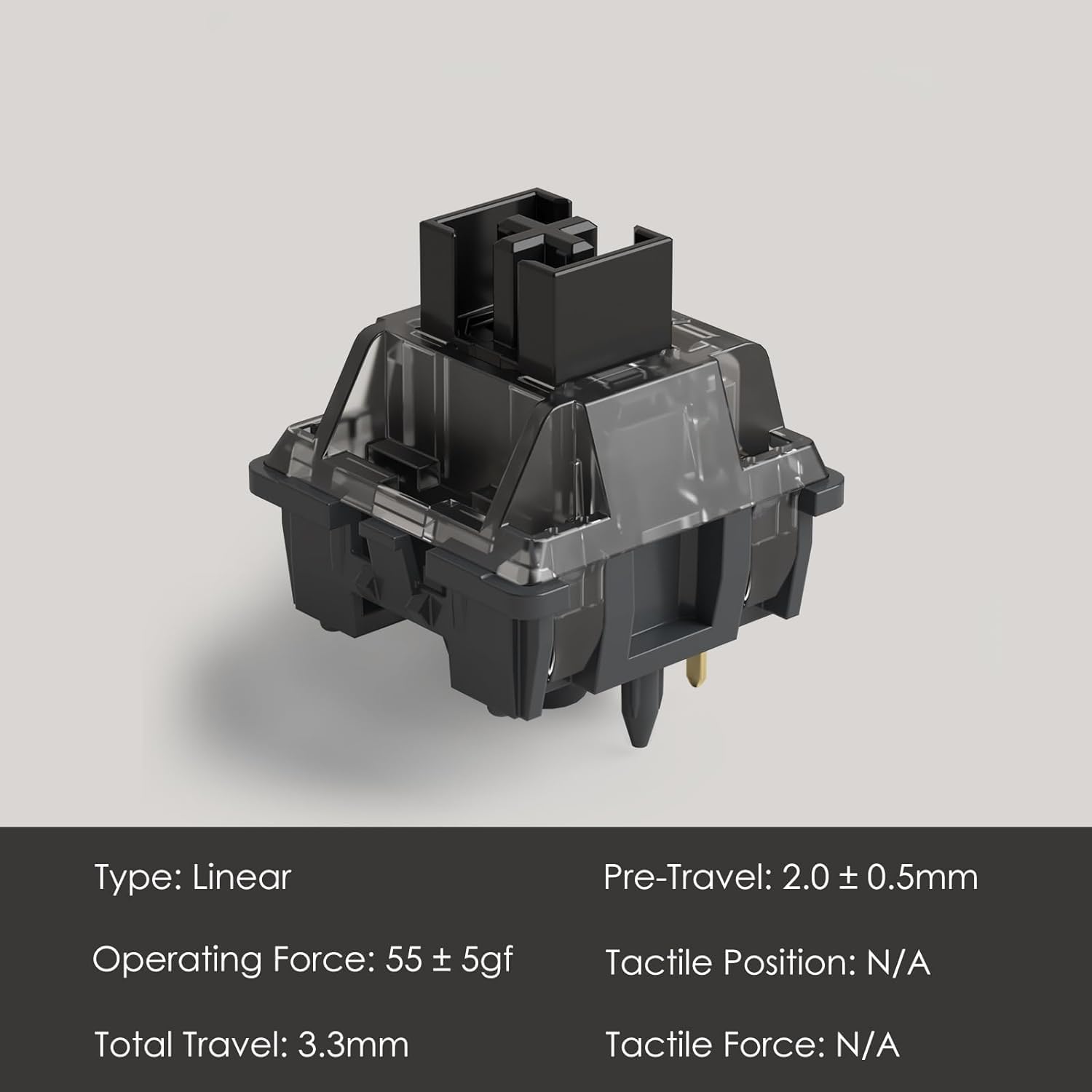
Also worth noting: the kit mentions MX-style compatibility with keycaps that use an (X) cross stem. That’s helpful if you already own keycaps. One small downside is that a switch opener isn’t included, so if your swap process relies on that tool, you’ll need to plan it separately.
Key features that affect feel and reliability
The headline “smooth & creamy” claim isn’t just marketing language in this case—Akko points to specific materials (POM/PC/PA) and a lubed rail approach to shape the typing experience. The idea is a consistent glide with a pleasant, slightly “creamy” sensation rather than a harsh or scratchy linear.
For durability, Akko quotes an approximate lifespan of 60 million keystrokes based on laboratory durability tests. That’s the kind of figure that matters if you play a lot, because switch wear is one of those slow changes you only notice once it starts affecting your confidence.
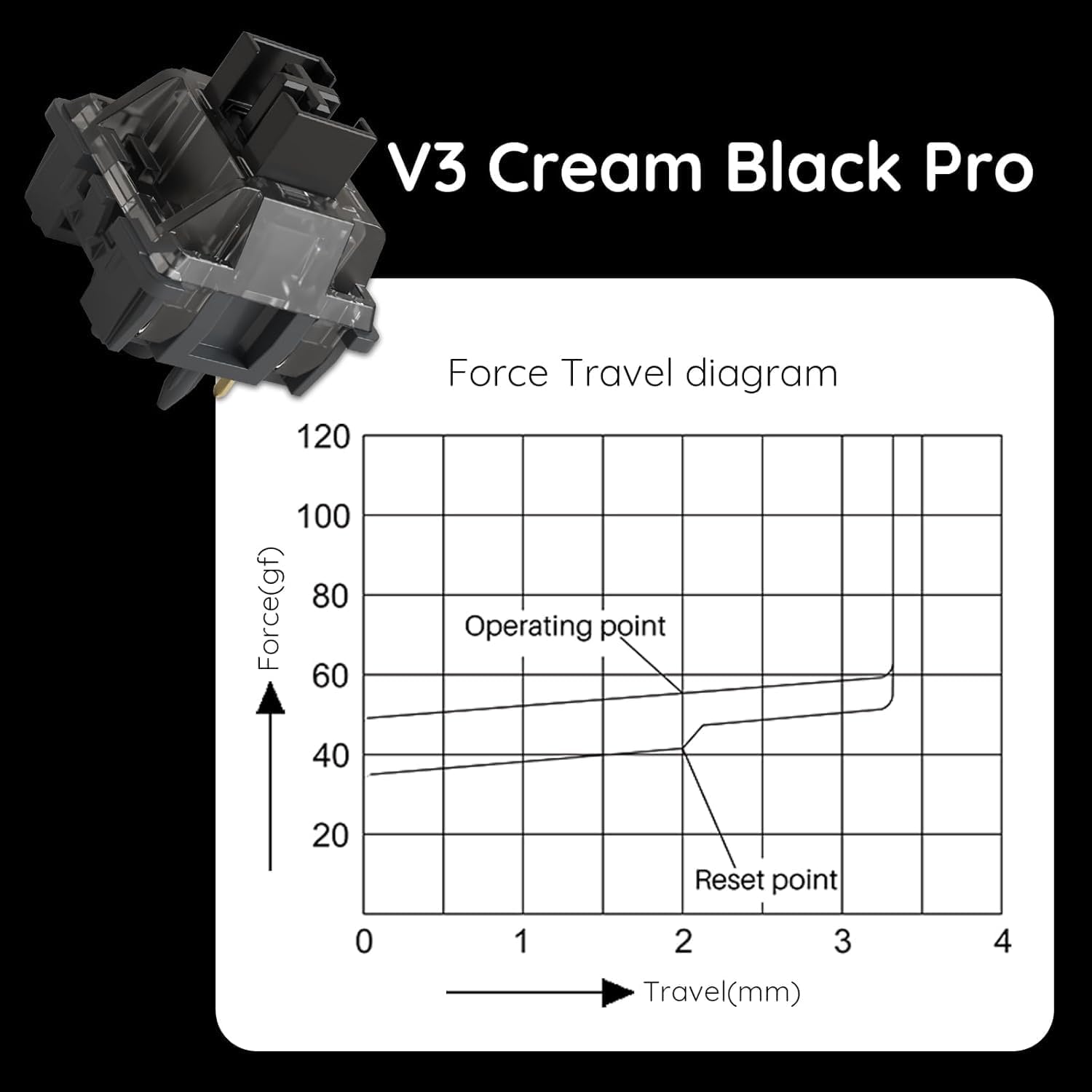
There’s also a dustproof stem included in the design. In day-to-day use, dust and grime can build up over time, having a dust-resistant element is a practical step for anyone who uses their keyboard in a less-than-sterile environment.
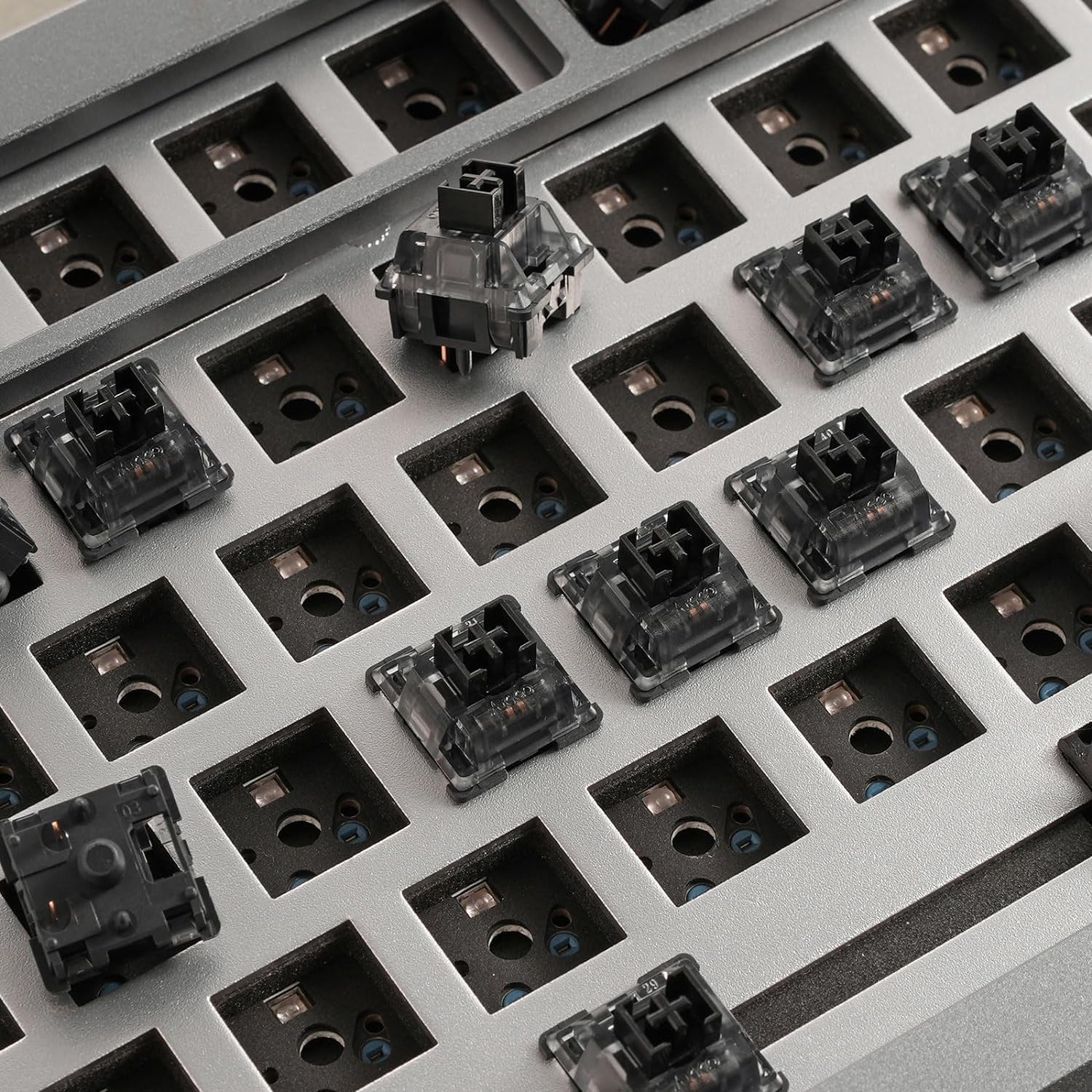
Tech details that matter in practice
A few practical design choices are doing the work here: - 5-pin switches: the extra pins generally help with a more stable electrical and physical connection during fitting. - Alloy copper and palladium gold contacts: positioned to improve conductivity and stability. - LED slot / SMD compatibility: the switches are described as ready for LED mod/assembly, and SMD compatible for LEDs underneath the switch.
If you care about custom lighting (or you’re building a keyboard where LED behaviour underneath the switch is part of the look), this “LED underneath” note is one to take seriously—without it, some builds look less clean than you’d expect.
Everyday use: what it feels like, and where it fits
In a gaming setup, linear switches are often chosen for their consistent actuation without a tactile “event”. With the Cream Black v3 Pro family, the focus is on a smoother, creamier press. For example, in fast directional inputs in an FPS or rapid strafe/crouch movement, a smooth linear feel can make transitions feel less jarring.
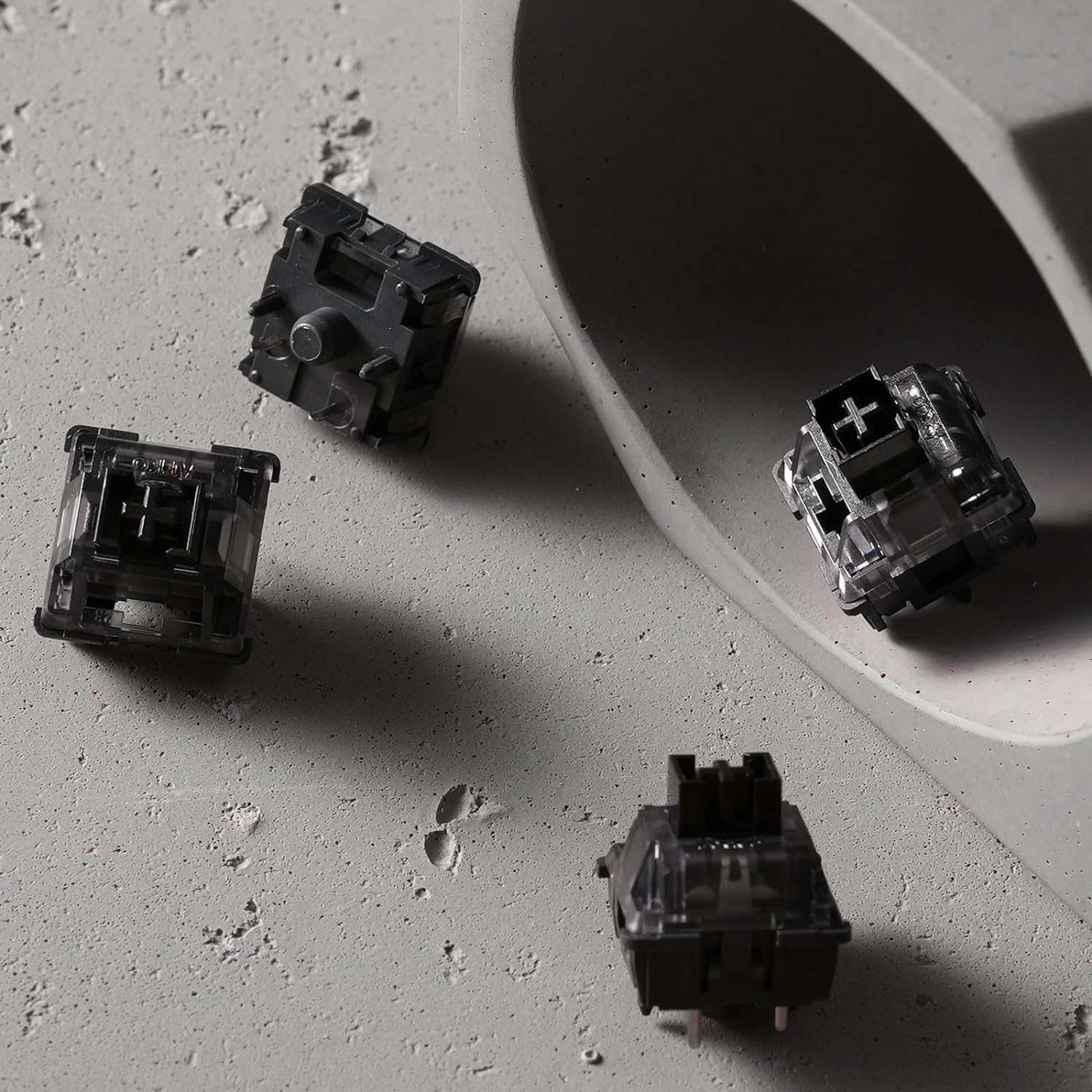
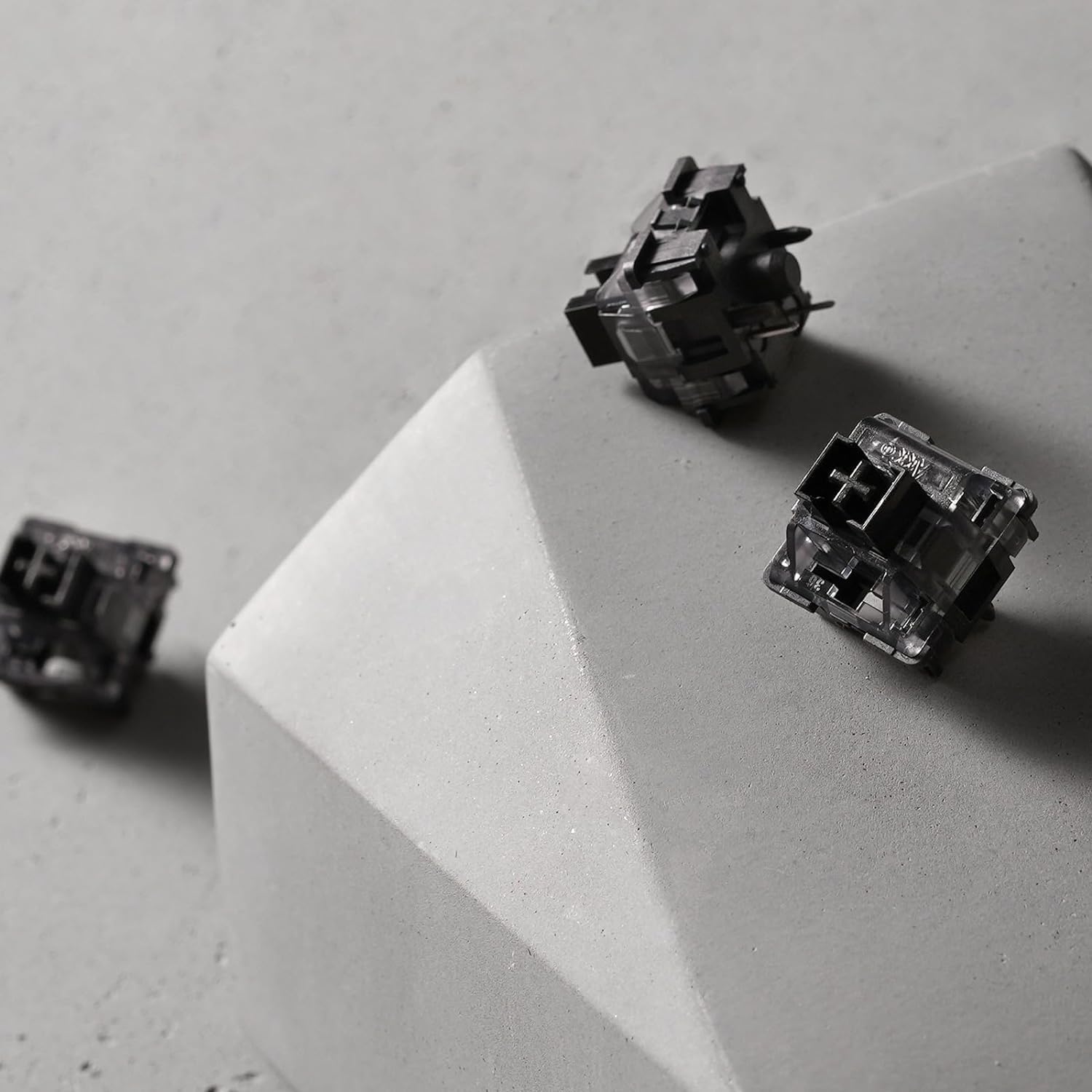
For typing, the same smooth glide can be enjoyable if you prefer an even press and don’t want a bump interrupting your rhythm. That said, not everyone likes creams/linear smoothness—if you’re someone who relies on tactile feedback to avoid mistakes, this may feel like it “blends too much”.
Who it’s for (and who should look elsewhere)
It’s a good fit if you want a linear upgrade that’s designed to be stable over time, and you like the sound of a creamy smooth feel. It also suits buyers who need MX-style cross-stem compatibility and care about LED under-switch setups.
It might not be a great match if you’re expecting something tactile/clicky, or if you’re trying to cover a full keyboard with 45 switches without checking your key count first. And if you already know your build process requires a switch opener, you’ll likely want to source that separately.
Is it worth it?
If you’re building or upgrading a mechanical gaming keyboard and you specifically want linear switches with a dustproof stem, a smoother “creamy” press feel, and a durability figure you can take seriously, the Akko V3 Pro Cream Black switches are worth considering. The 5-pin design and the contact materials are also the sort of details that matter when you want stability rather than a purely gimmicky upgrade.
However, it’s not the obvious choice for tactile switch fans, and the 45-switch quantity means you should double-check your layout before committing. A simple rule: if your plan is a partial upgrade and you want a smooth linear experience with LED-under-switch potential, it makes sense, if you need a full-board coverage or a tactile signature, you may end up disappointed.