

Adobe Creative Cloud Pro for Students & Teachers (1 Year) – All Apps with AI features
Product description
What it is
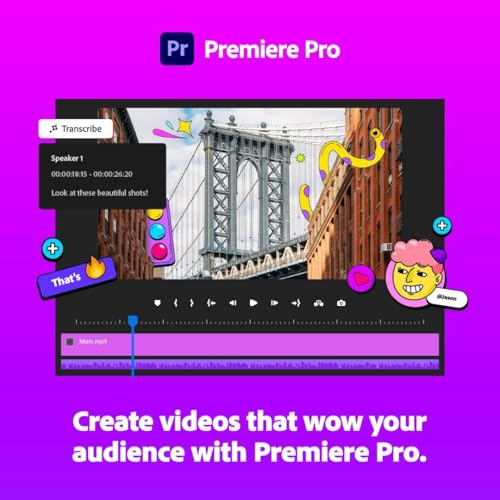
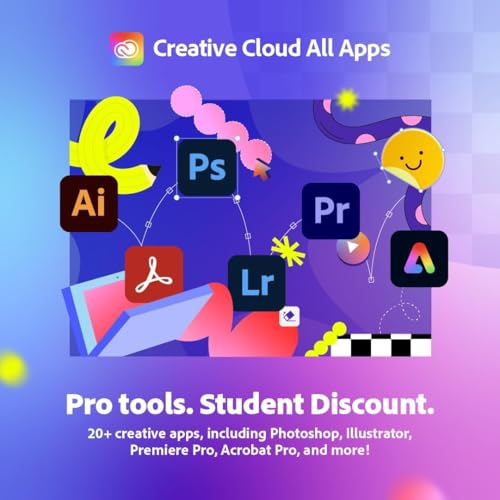
Adobe Creative Cloud Pro for Students & Teachers is a one-year digital access pass to the suite of Adobe’s core design and production tools. It’s positioned as the cost-effective route to the full Creative Cloud All Apps experience, including Photoshop, Illustrator, Acrobat Pro, Premiere Pro, Adobe Express and a growing selection of apps enhanced with generative AI features. On paper, it bundles industry‑standard tools under one licence, aimed at those who want a complete workflow for media, graphics, video and document work.
Who it’s for
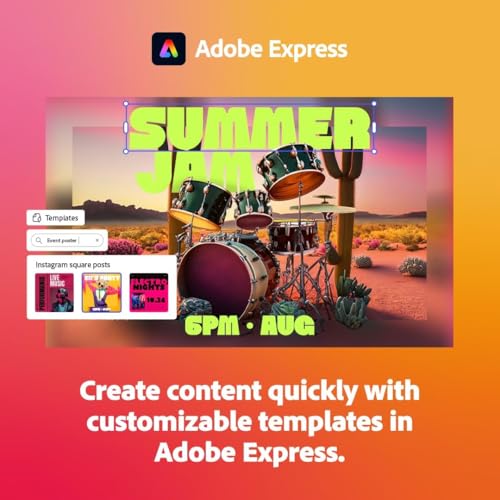
If you’re a student or teacher needing professional-grade software for coursework, portfolio work or light-to-mid‑demand creative projects, this plan promises convenience and breadth. It’s potentially appealing for learners who want templates to accelerate outputs, yet still value the ability to customise from scratch. It isn’t designed as a long‑term, perpetual licence, it’s a one‑year digital download with activation tied to student/teacher verification.
What stands out
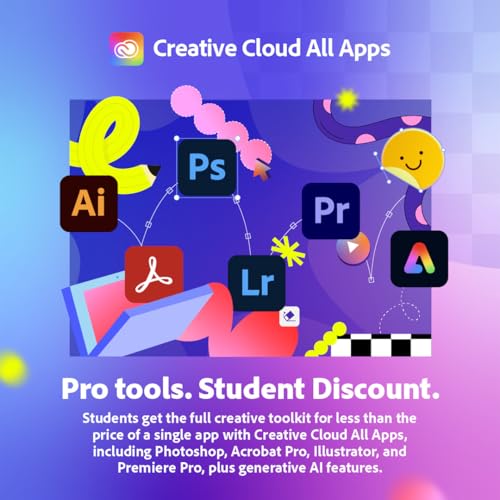
The main draw is breadth of apps plus access to AI‑assisted features that can speed up ideas from concept to final delivery. You’ll recognise the familiar edit suites for photography, vector design, video editing and document handling, all under one account. It also includes access to tutorials, templates, fonts and a creativity community, which can help if you’re building a portfolio or learning new techniques.
Potential limits
The plan requires verification of student or teacher status to activate, which means it won’t unlock without proof. The one‑year term is a practical consideration: if you’re planning long‑term use, you’ll need to assess renewal options and pricing after expiry. Additionally, while AI features can speed workflows, they don’t replace traditional skill—often you’ll still need to adjust output to suit your project needs.
What to review before buying

- Confirm eligibility: you’ll need to verify student/teacher status to activate.
- Consider your timeline: a 1‑year licence makes sense if you’re currently studying or teaching, for longer commitments, explore renewal costs and options.
- Assess your needs: if your work leans heavily on a subset of apps, ensure the included suite aligns with your typical projects.
- Check device compatibility: the plan is listed as PC/Mac, verify your primary workstation meets the current system requirements and that you’re comfortable with cloud-based activation.
- Usage balance: AI features are useful, but review how much you actually rely on them vs. traditional manual methods.
How it compares to alternatives
Compared with purchasing individual apps, this All Apps bundle offers a wider toolkit in a single subscription, which can be valuable for students juggling multiple courses. If you mainly work with one or two tools, a lighter, more focused plan could be more economical. For those who prioritise offline access or perpetual licences, this model might feel less appealing. In practice, it’s a pragmatic choice for learning environments and multi‑disciplinary projects rather than a single‑tool workflow.
Practical use case
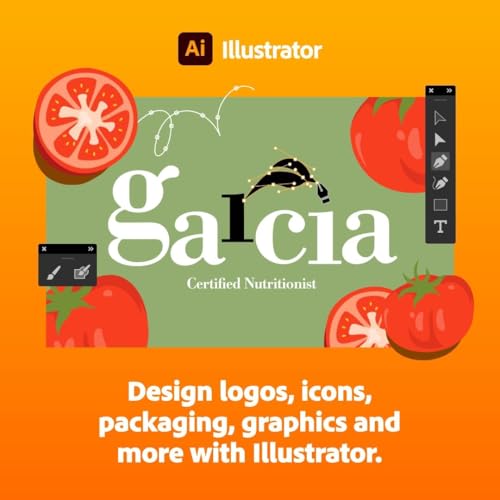
Imagine filming a short student project: you edit video in Premiere Pro, touch up visuals in Photoshop, design the poster in Illustrator, and package the final presentation with InDesign or Acrobat Pro. The AI features might help with taglines, auto‑generation of design variants, or quick layout suggestions, while templates save time on repetitive tasks. You’ll work across devices and store assets in the cloud, which helps when collaborating on group assignments.
What to expect in terms of value

If you value having a complete, industry‑standard toolkit with a safety net of tutorials and community resources, this plan offers tangible convenience for the academic year. You’re paying for breadth and potential future‑proofing across multiple courses—graphics, video, and documentation—rather than a single‑app solution.
Final thoughts: Is it worth it?
Should you buy it? It makes sense if you’re actively studying or teaching and you need access to a broad suite of pro tools for the academic year, with the bonus of AI-enabled features and learning resources. It may not be the best fit if you only work with one or two apps, if you don’t anticipate completing a full year of use, or if you require a perpetual licence.
FAQ
- What if my student status changes during the year? Activation requires ongoing verification, you should verify status to maintain access.
- Are updates included? Yes, access to updates for included apps is typically part of Creative Cloud subscriptions.
- Can I use the software for commercial projects? The licence terms for educational plans usually permit commercial work produced during the subscription period, subject to the standard terms.
Final decision
Final verdict: A solid pick if you need a broad, industry-standard toolkit for student or teacher use over a 12‑month period, with the benefit of AI features and learning resources. It’s sensible to weigh whether a shorter or more focused setup could suit your coursework better, and to confirm eligibility before committing.