

ACMER P1 S Pro 6W Laser Engraver – Large 380x370mm Workspace with Wi‑Fi, Class 1 Safety
Product description
What it is and what it handles
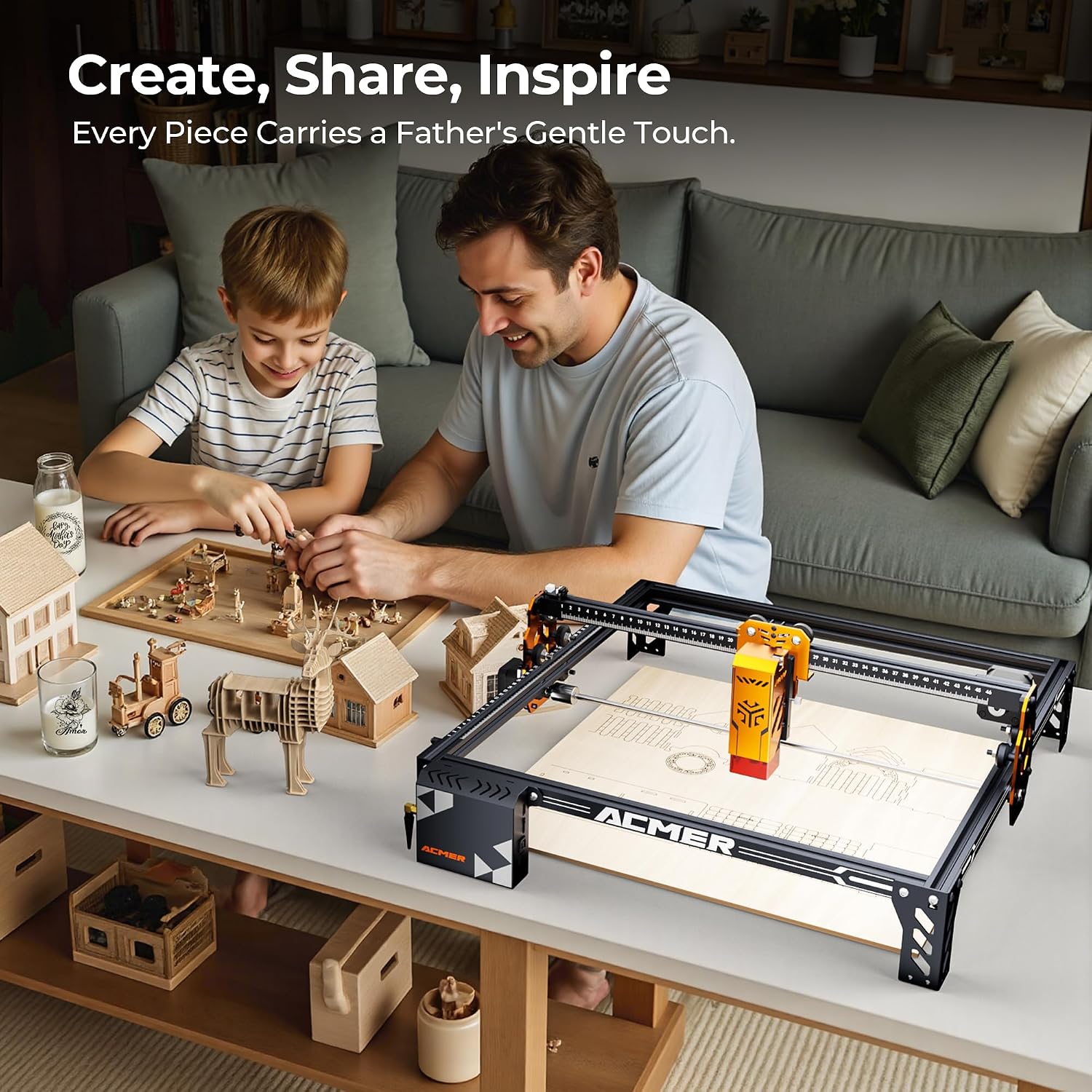
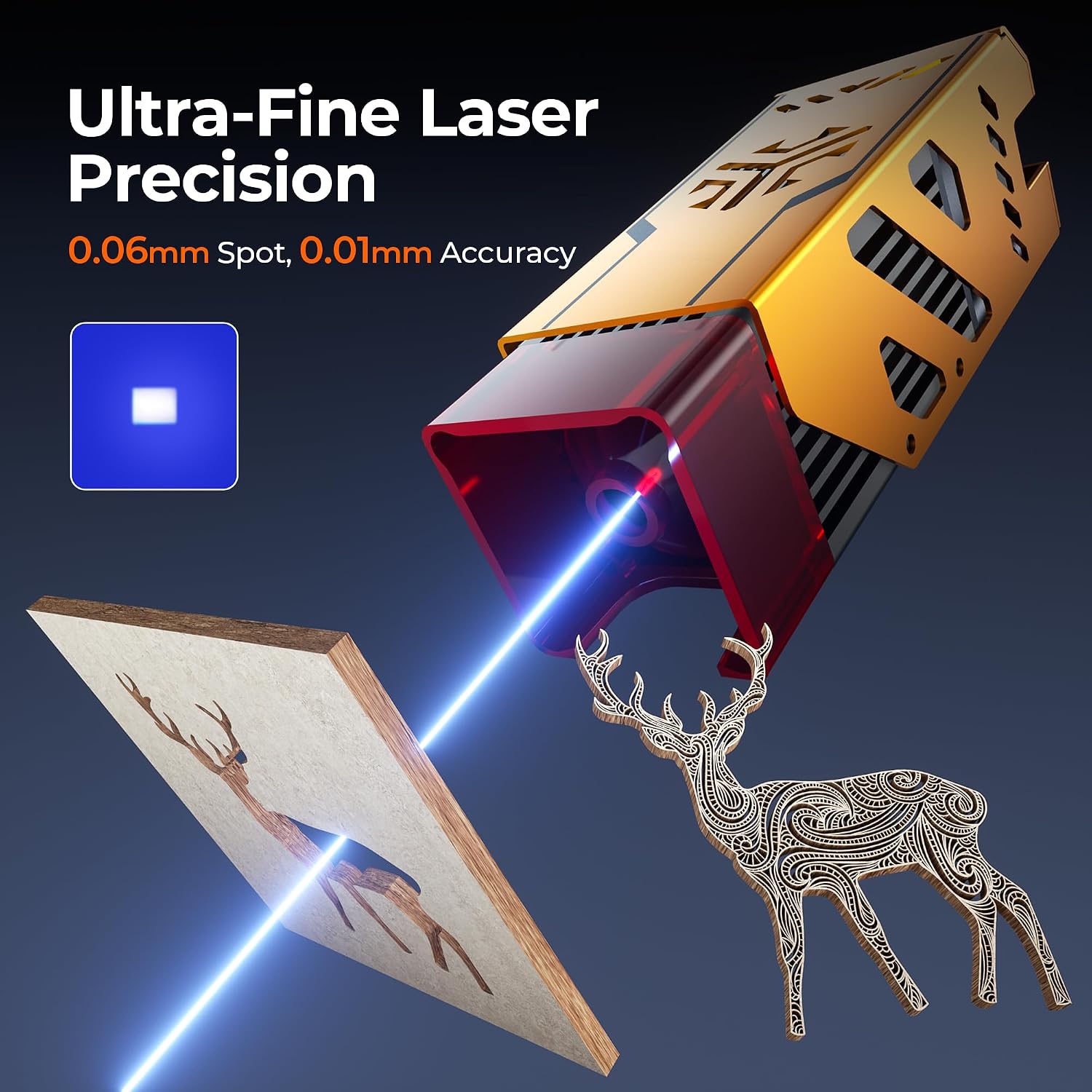
The ACMER P1 S Pro is a compact yet capable laser engraver and cutter designed for DIY enthusiasts, hobbyists and small businesses. It uses a 6W dual‑beam laser and claims a precise spot size of 0.06 mm, enabling fine engraving and clean cuts on a range of materials. The sizeable 380 × 370 mm work area supports larger designs without constant tiling, and the optional rotary attachment expands its use to curved objects like tumblers, bottles and mugs. On paper, this places it in the mid‑range segment for entry to intermediate users who want more space and flexibility than small desktop units offer.
How it fits into a typical workflow
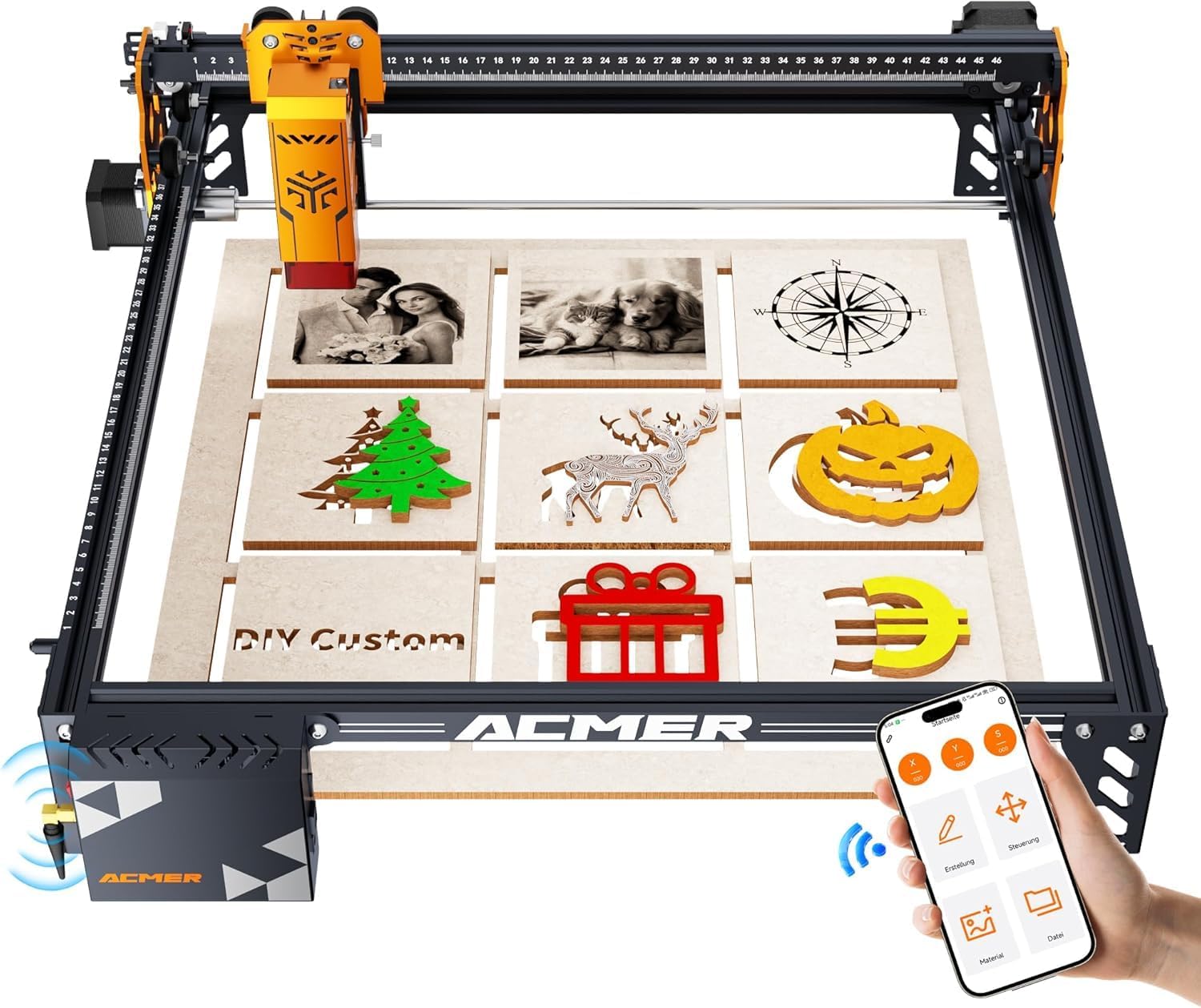
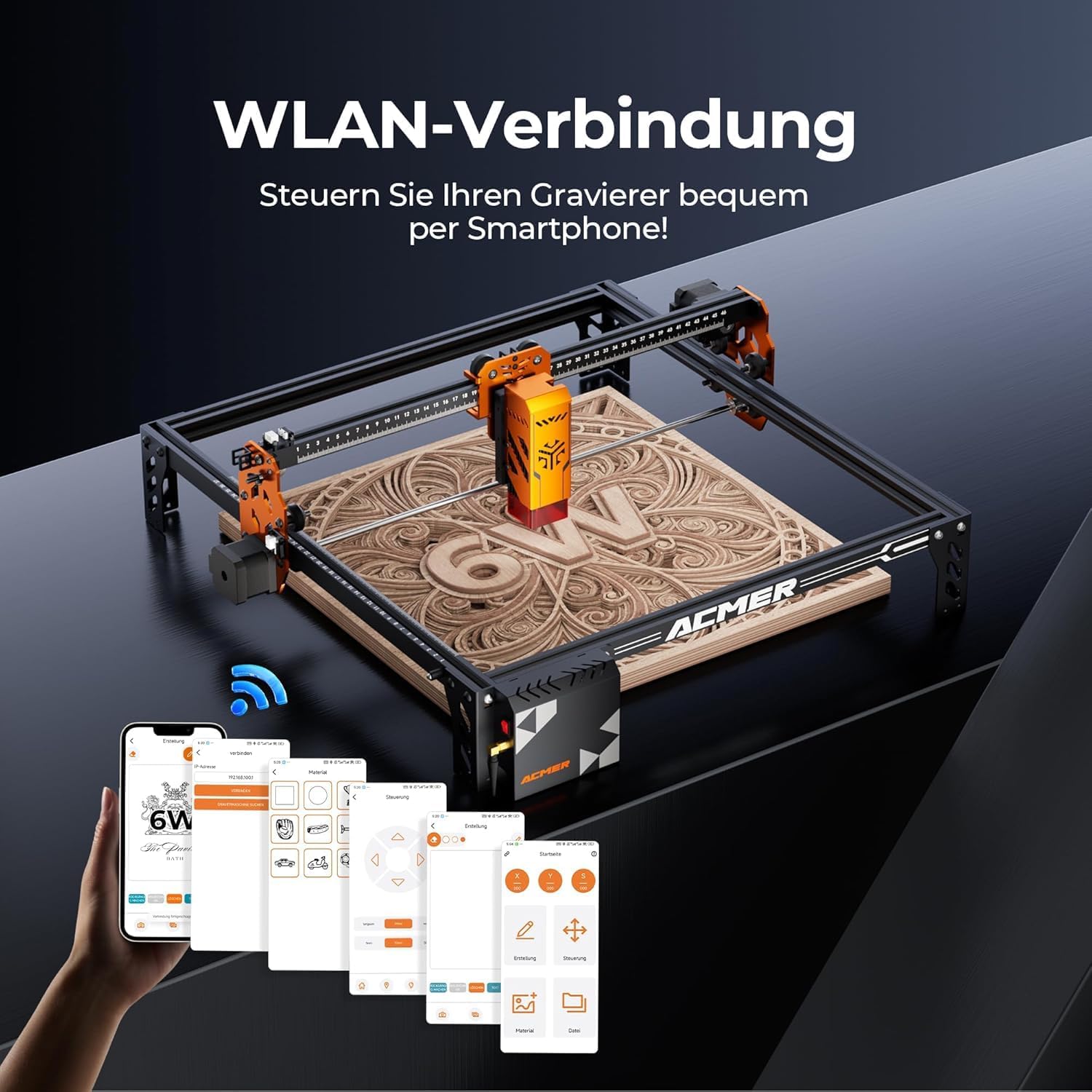
Out of the box, the engraver is optimised for AcmerTool, a self‑developed software included with the device. It also supports other popular engraving programs, which is handy if you already have a preferred workflow. The transfer options are broad: WiFi, USB and TF card, plus compatibility with PC software and mobile apps. That makes it practical to design on a computer and send jobs to the machine from different devices around a workshop or studio.
What’s impressive on paper
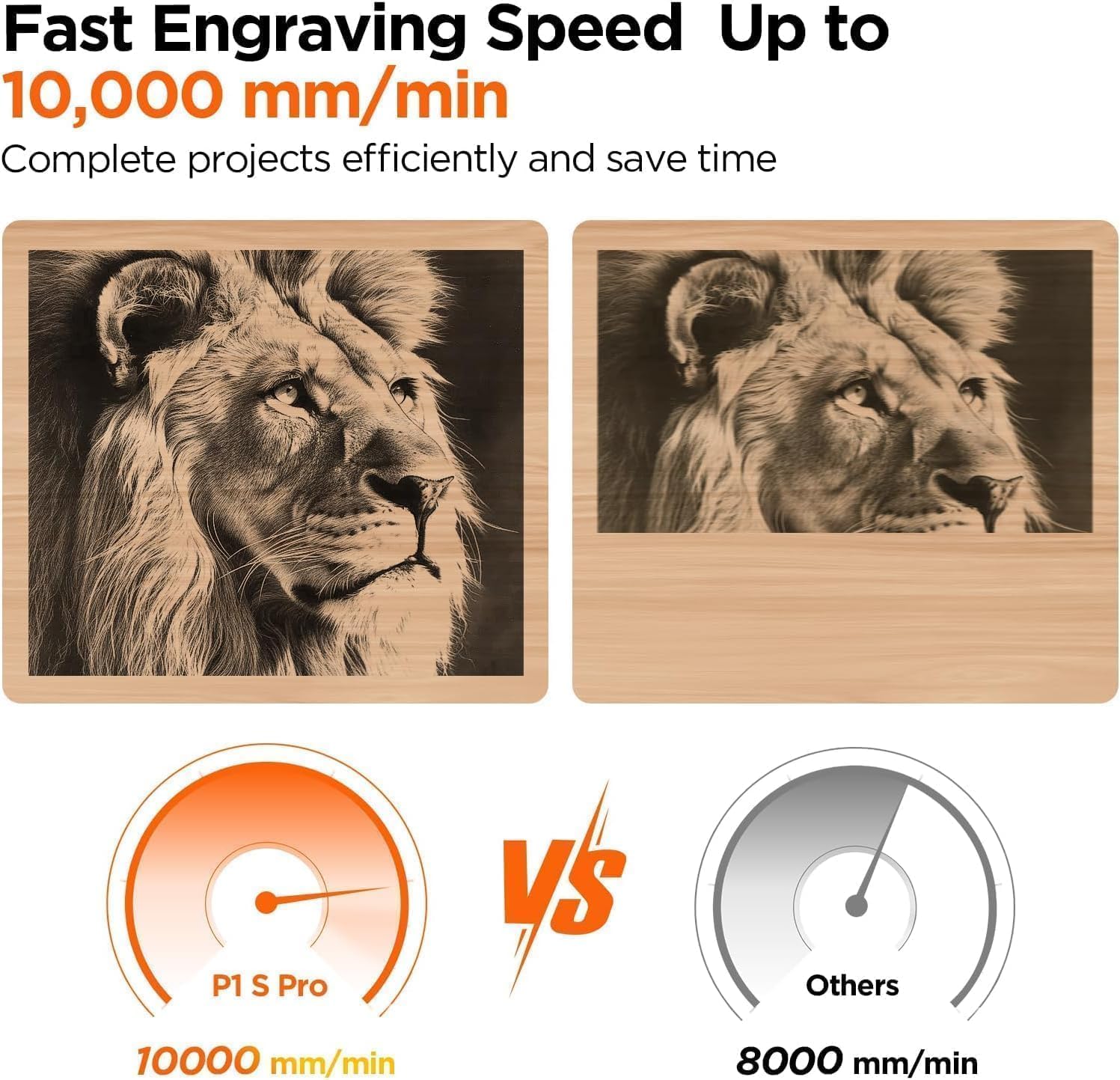
The P1 S Pro advertises engraving precision down to 0.01 mm with speeds up to 10,000 mm/min. It also claims the ability to cut 10 mm wood and 6 mm acrylic, which covers many common DIY projects from signs and plaques to light acrylic accents and board cuts. The modular frame design is pitched as a reason for quicker assembly and easier maintenance—another practical point for people who value a straightforward setup and ongoing upkeep.
Materials and versatility
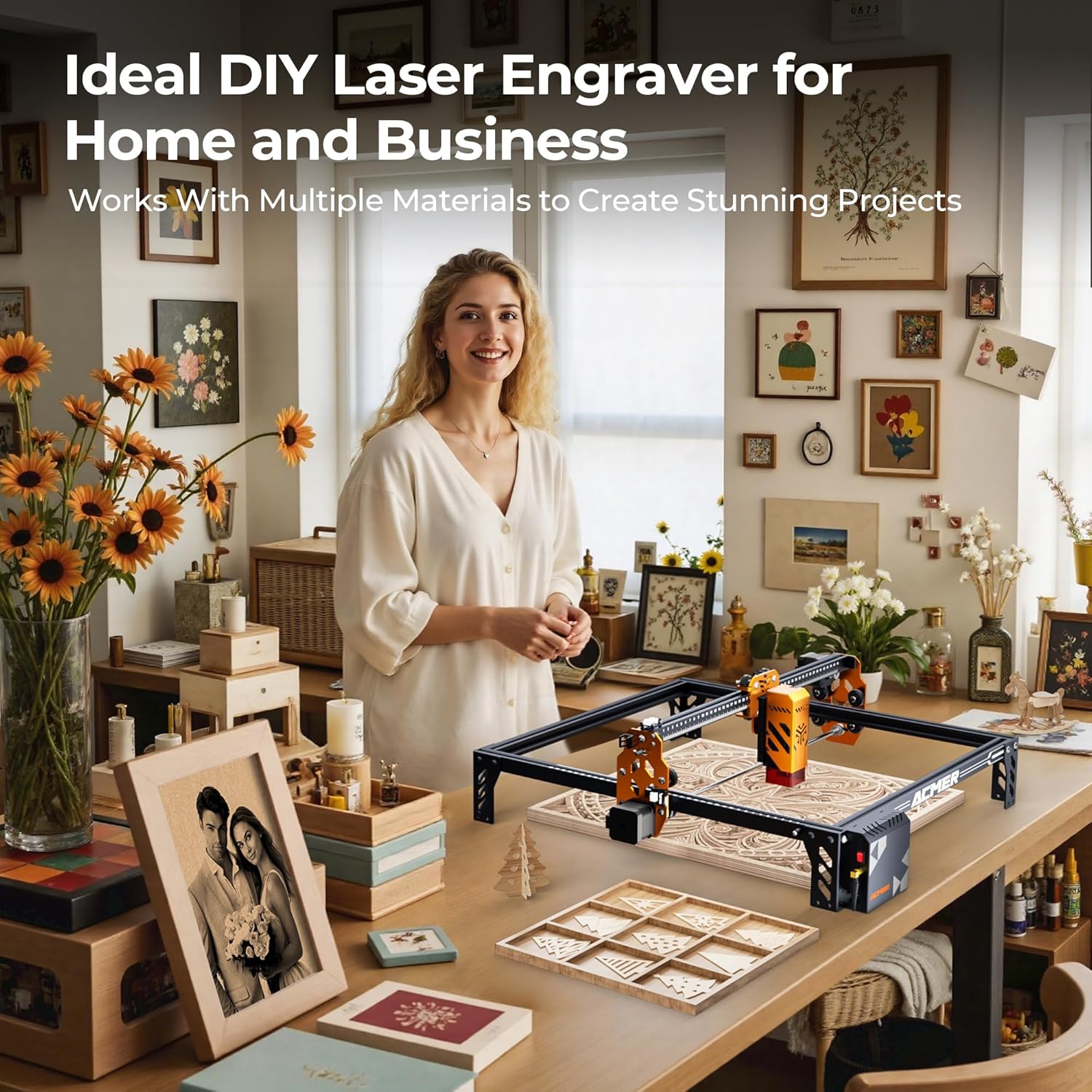
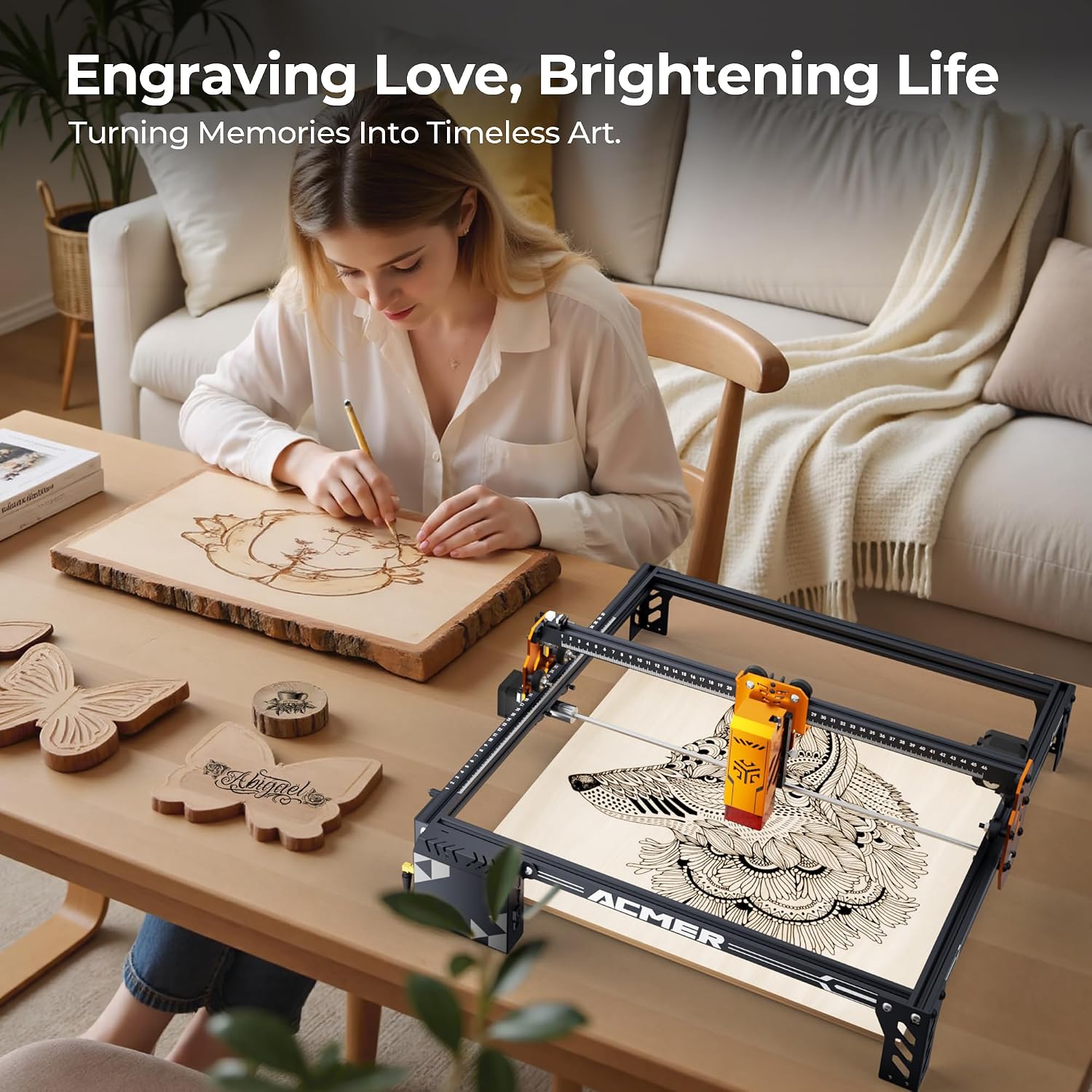
A notable strength is material compatibility. The machine is described as able to engrave or cut wood, bamboo, acrylic, leather, coated metals, anodised aluminium, glass and paper. This breadth makes it a versatile tool for makers, craft enthusiasts and small workshops that need a single device for a variety of surfaces. It’s worth noting that performance is highly dependent on material thickness and type, users should temper expectations for very dense metals or deeply thick acrylic beyond the stated capabilities.
Safety and usability
Safety is addressed with Class 1 laser certification under IEC 60825-1 and a protective pair of laser goggles included. In practice, this means the product is designed to be safer for casual users, provided the standard precautions are followed. The inclusion of eye protection does a lot to reassure new users who are transitioning from consumer light‑engraving devices. Still, using a laser emphasises caution around reflective surfaces and proper ventilation in enclosed spaces.
Pros and cons in real terms
On the plus side, the large work area, multiple connectivity options and the rotary accessory option unlock a range of practical projects—from personalised gifts to small‑batch production ideas. The integration with AcmerTool and the flexibility to use other software are meaningful for users who don’t want to be locked into a single ecosystem. The 6W power level strikes a balance between cutting capability and safety for hobbyists.
On the downside, some users may find that the stated cutting depths (10 mm wood, 6 mm acrylic) still require careful material selection and potentially slower passes for thorough results. The machine’s actual performance will depend on material type, thickness and finish. For high‑volume production or very heavy, dense materials, this unit might not replace a larger industrial laser. Also, while the rotary option broadens use, that attachment is optional rather than standard, so some users will need to budget for an add‑on to realise curved‑surface engraving fully.
Who this is for
It suits makers who want a larger engraving area without stepping up to a full industrial laser, small brands prototyping products, and hobbyists who value a flexible setup with Wi‑Fi connectivity. If you prioritise a broad material range and a sizeable workspace in a compact footprint, this model can be a sensible middle‑ground choice.
Who might think twice
If your work hinges on deep metal cutting, ultra‑high throughput or extremely tight tolerances for industrial runs, this device may feel limited. For users who require frequent large‑volume production, scanning long runs or working with very thick metal, a heavier duty machine could be more appropriate. The experience also depends on how well you adapt to the included software and whether you’ll rely on the rotary accessory regularly.
What to check before you buy
Confirm the power tolerance and ventilation needs for your intended materials, especially if your workspace is compact or lacks dedicated extraction. Consider whether you’ll use the rotary attachment often, if so, verify availability and compatibility with your chosen materials. Finally, reflect on your software preferences: if AcmerTool’s workflow aligns with you, the out‑of‑the‑box convenience is a real plus, otherwise, ensure your preferred software integrates smoothly.
Practical usage scenario
Imagine bespoke wooden plaques with carved initials, a clear acrylic name tag with a white underlay, or leather coasters etched with a logo. You can sketch ideas on your PC, push the files to the engraver via Wi‑Fi and monitor progress from a tablet in your workshop. If a project’s space is larger, the 380 × 370 mm bed accommodates more generous designs before you need to mosaic pieces together.
The decision moment
Is it worth it?
It’s worth considering if you want a larger, flexible laser engraver with a mid‑range price point, capable of handling a broad set of materials and occasional curved‑surface work. It makes sense if you value a practical setup with multiple ways to move files to the machine and you don’t mind investing in the rotary accessory later if curved projects become a regular thing. If your priorities include heavy metal cutting, very high production volumes or the absolute simplest user experience, you may want to explore other options.
FAQ
- Can I use software other than AcmerTool? Yes, the device supports other popular engraving software.
- What is the maximum engraving speed? Up to 10,000 mm/min, subject to material and thickness.
- Is the laser safe for beginners? It is class 1 safety certified with eye protection included, but basic laser safety practices still apply.