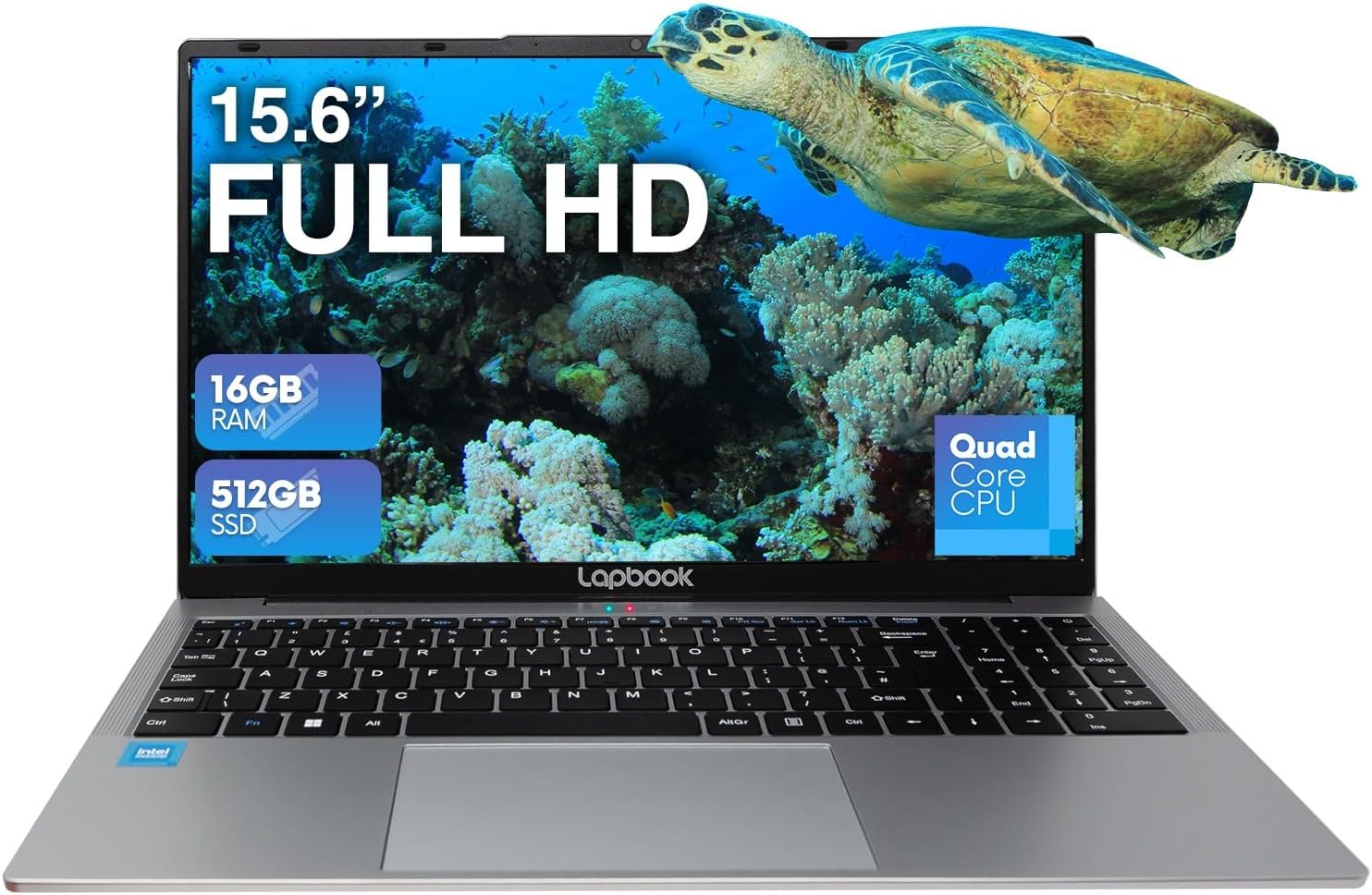
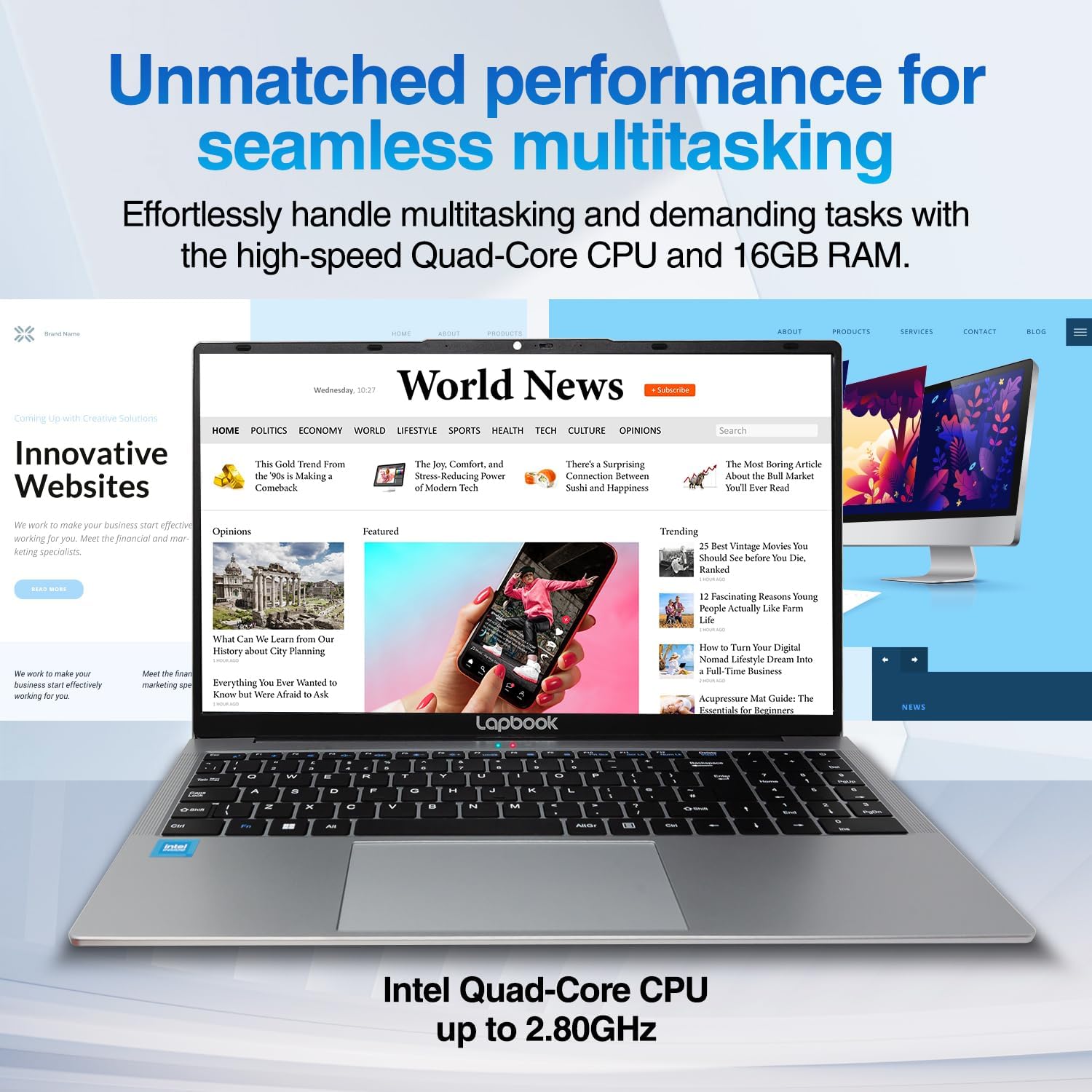
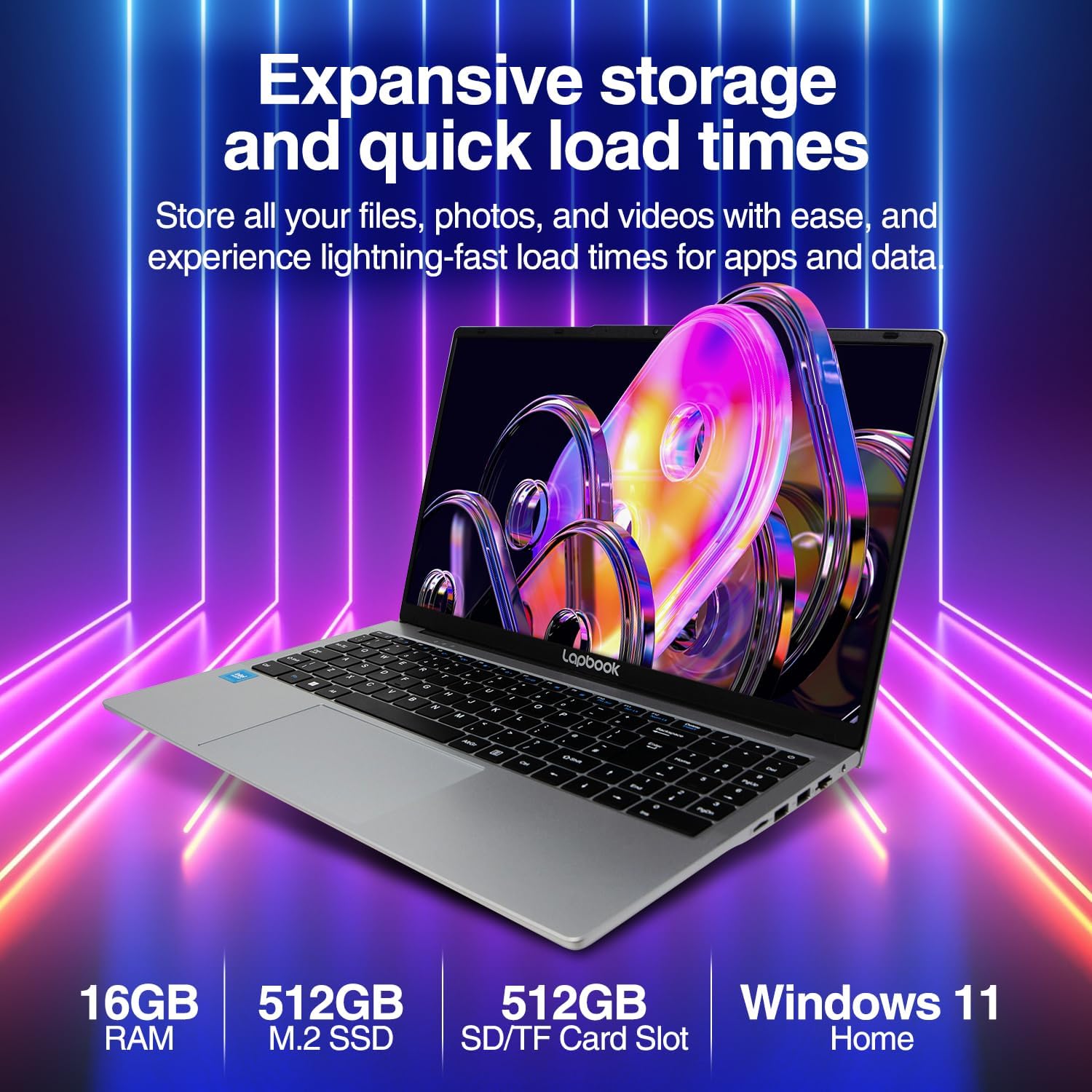
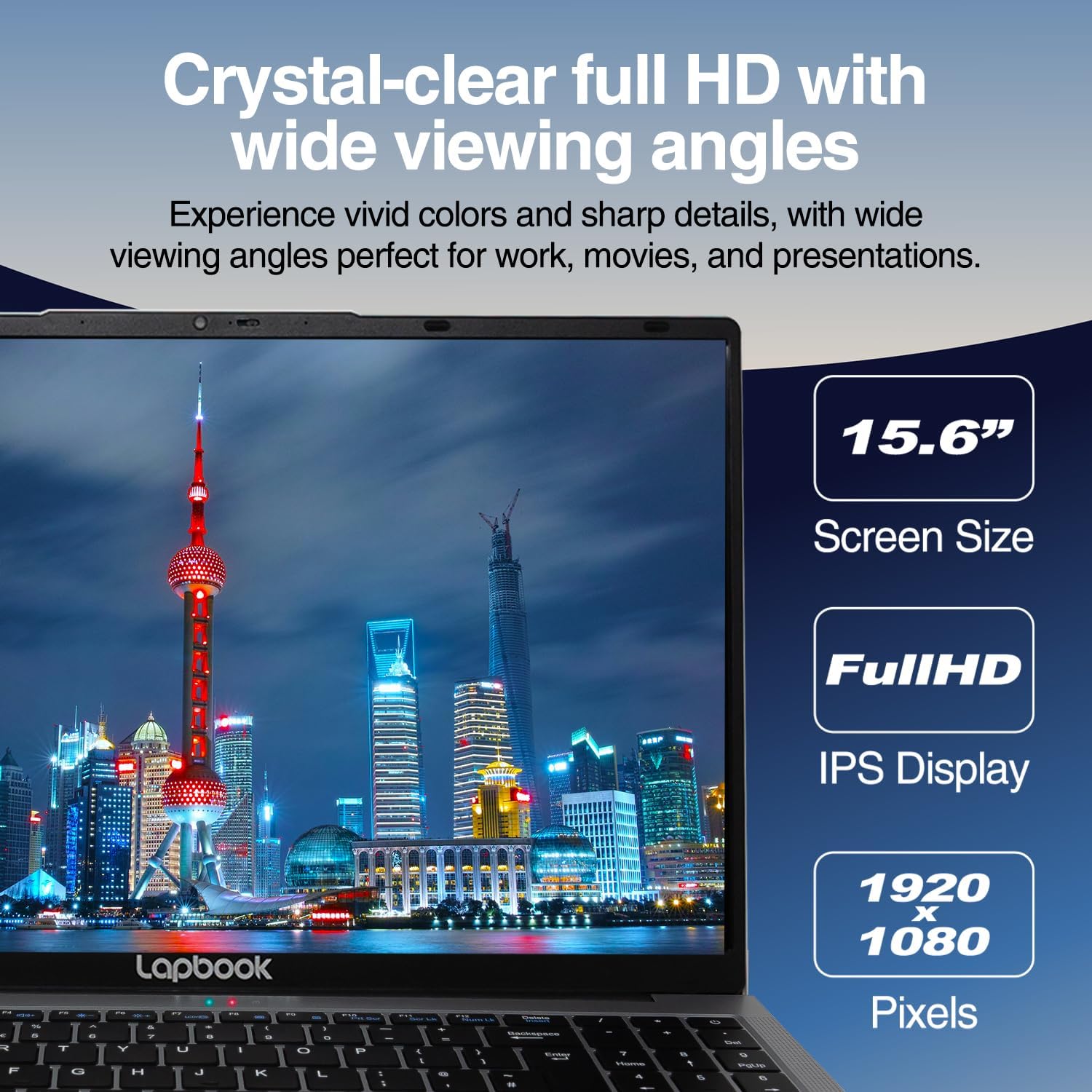
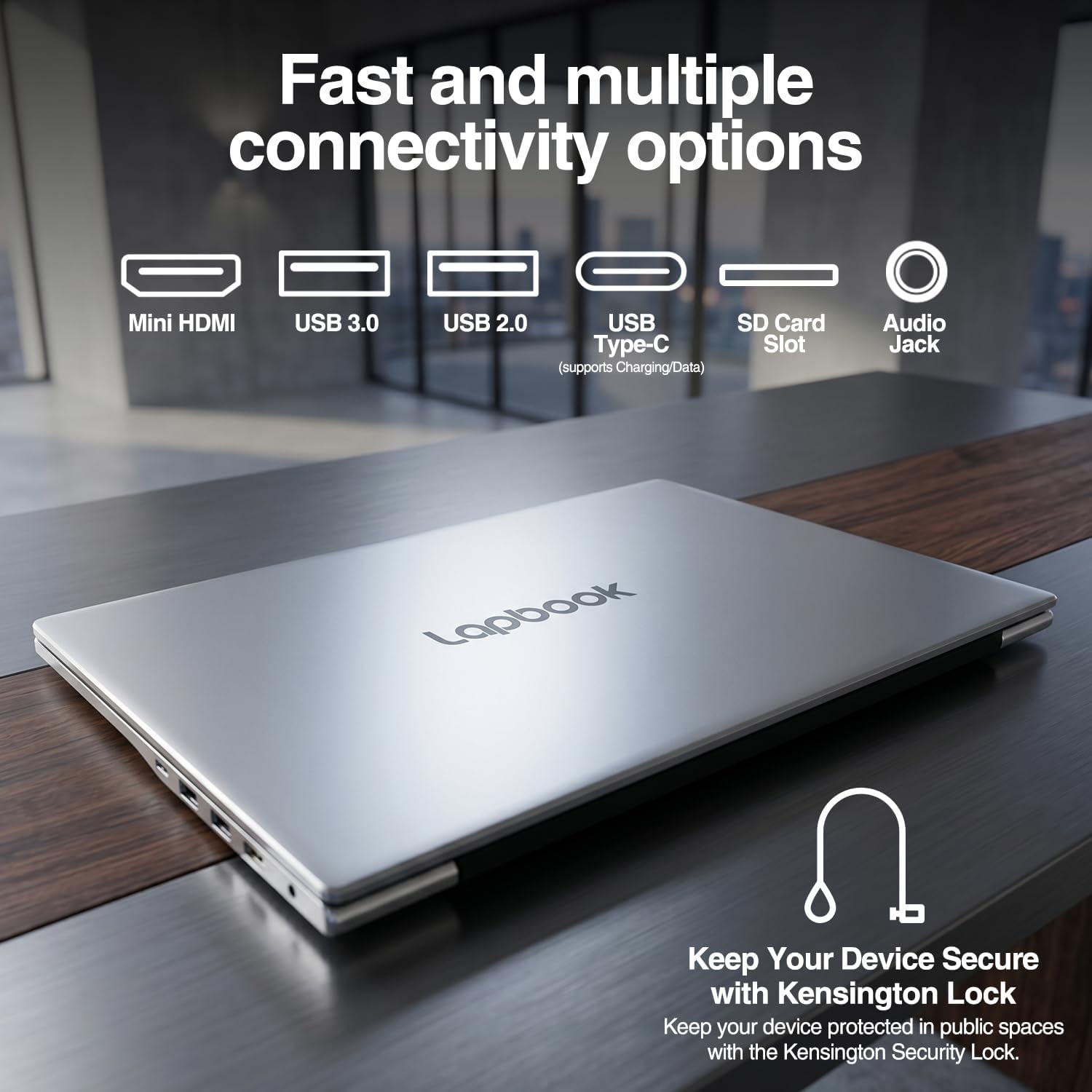
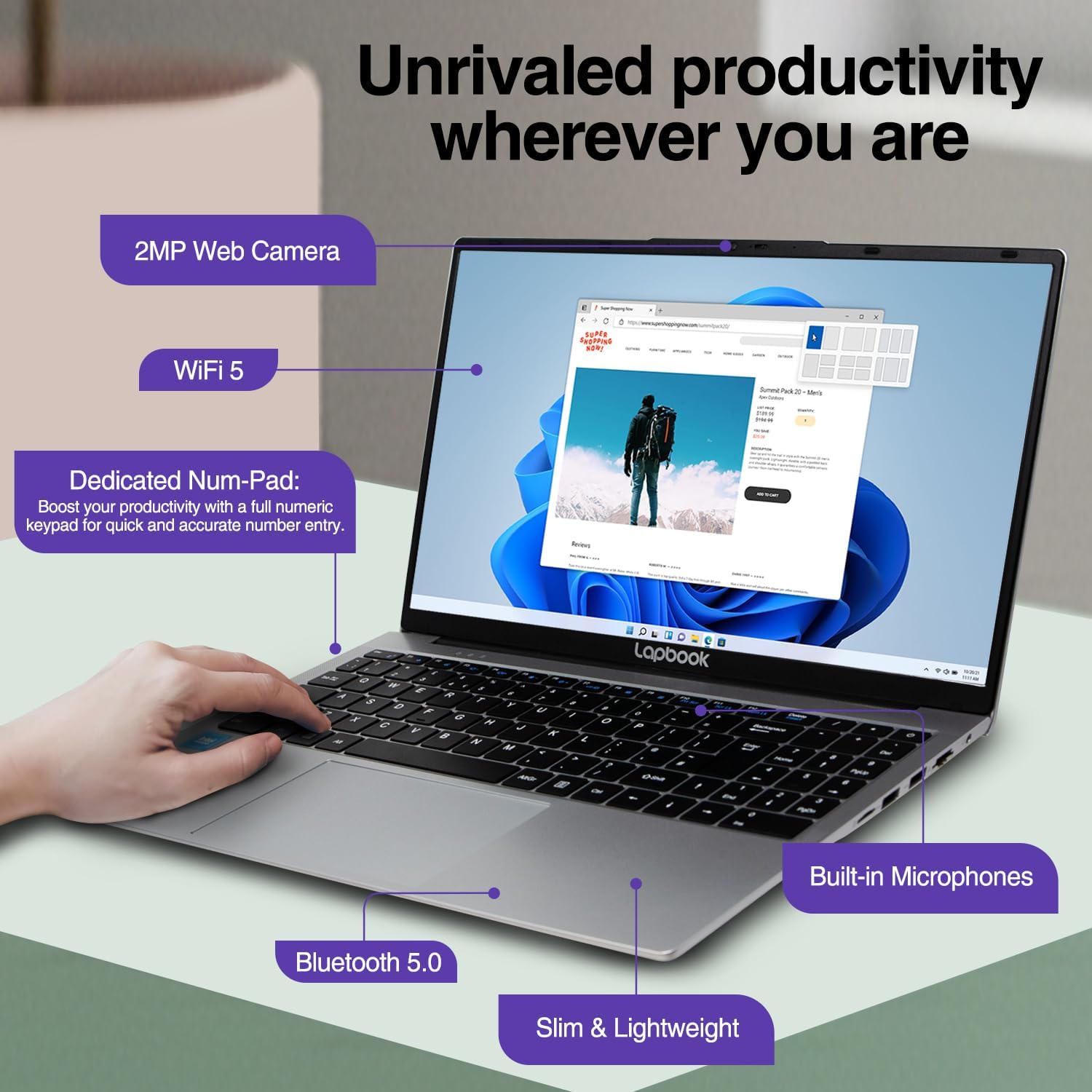
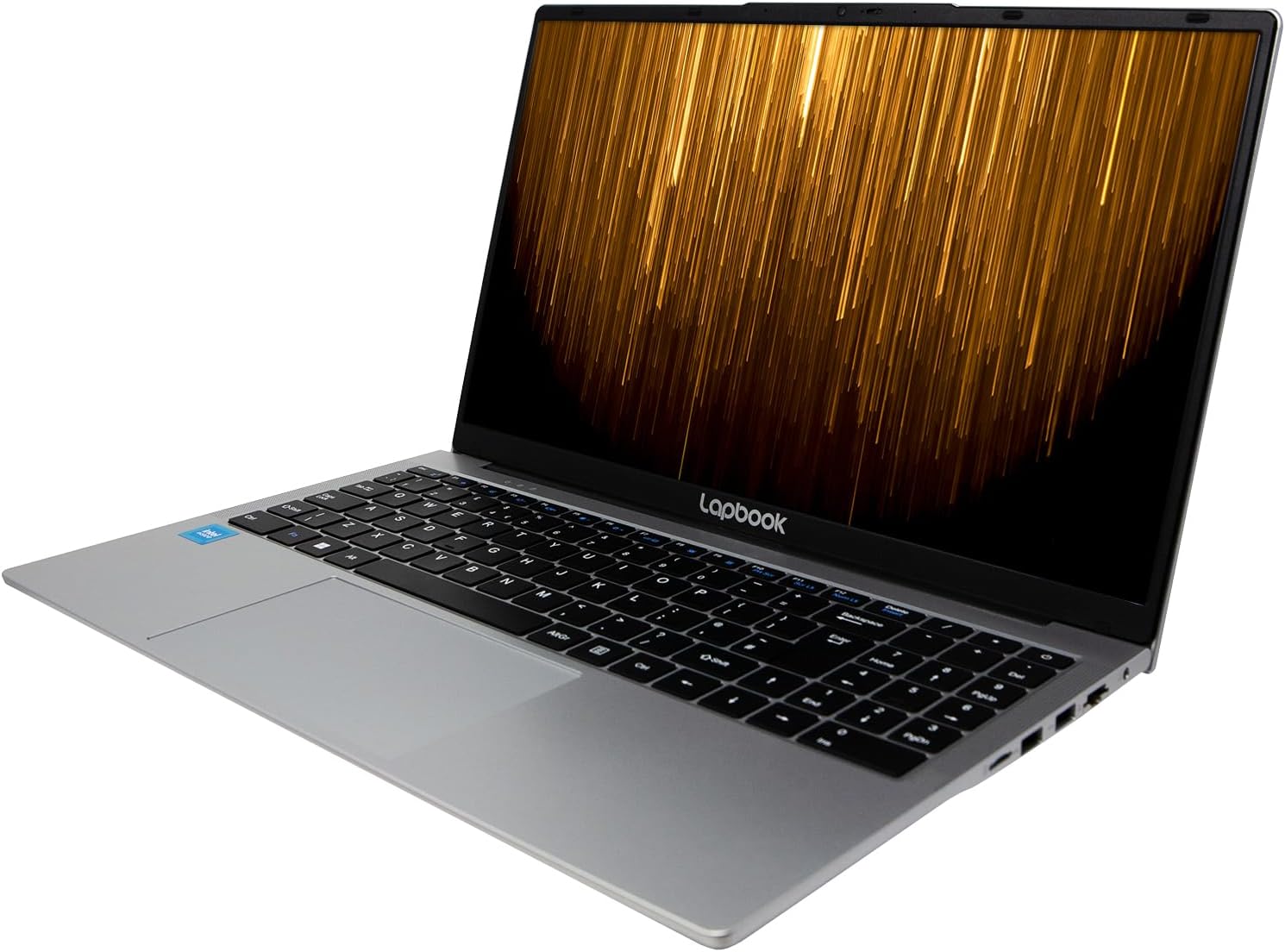
What it is and who it’s for\nThis is a 15.6-inch Full HD laptop designed for everyday tasks and light productivity. With 16GB of DDR4 RAM and a 512GB M.2 SSD, it aims to balance smooth multitasking with decent storage for documents, photos, and media. It runs Windows 11 Home, which is meant to provide a familiar, approachable interface for work, study and casual use. If you’re after a compact workstation for general use, streaming and occasional editing, this model is worth considering.\n\n## Design and display: what you’ll notice on screen\nThe standout feature on paper is the 15.6" Full HD IPS display, delivering 1920 × 1080 resolution for crisp text and relatively wide viewing angles. For everyday browsing, video streaming and document work, the display should feel comfortable. It’s not a high-end panel, so if you rely on precise colour accuracy for photo or video editing, you may notice limitations compared with dedicated models. Still, for casual media consumption, the visuals are clear and usable.\n\n## Performance and storage basics\nWith a quad-core N5100-class processor, the system targets everyday tasks rather than heavy-duty workloads. The 16GB RAM helps with multi-tab browsing and switching between apps, while the 512GB M.2 SSD offers quicker boot times and snappy file access compared with older HDD-based setups. It’s sensible to manage expectations: this setup is solid for office suites, web apps and light editing, but you’ll likely hit limits with demanding software or large-scale gaming.\n\n## Connectivity and collaboration\nA broad range of ports supports everyday peripherals: USB 3.0, USB 2.0, HDMI, USB Type-C (usable for charging and external display), plus RJ45 and Kensington Lock. The built-in 2MP webcam and microphones enable video calls and virtual meetings without extra accessories. Dual-band Wi‑Fi helps keep online work stable in typical home or small office networks. If you prioritise future-proofing with modern connectors, the USB-C option is convenient for charging and display daisy-chaining.\n\n## Software and usability\nWindows 11 Home comes pre-installed, offering a refreshed Start menu and integration with Microsoft 365 and various app ecosystems. For many users, this translates to straightforward setup, familiar file management and efficient window organisation. The user experience will depend on how you use the device day-to-day—if you’re comfortable with Windows 11, you’ll likely settle in quickly.\n\n## What’s good and where it might fall short\nWhat stands out is the combination of a sizeable RAM amount and a fast SSD in a lightweight chassis. The result should feel responsive for everyday tasks and portable enough for travel or commuting. On the downside, the display’s true-to-life colour accuracy and brightness may not satisfy professional photographers or colourists, and the processor is more about general use than heavy multitasking with demanding software. If you need sustained high performance, you might look for a tougher CPU or a higher-end display.\n\n## Who it’s built for (and who it isn’t)\nIt suits students, remote workers and casual home users who want a complete Windows 11 setup with ample RAM and fast storage without entering premium price ranges. It’s less compelling for power users who run intensive design suites, video editing or gaming at high settings. If you often run many browser tabs and office apps side by side, you’ll likely appreciate the 16GB RAM, if your needs lean toward backend development or data-heavy tasks, you may prefer something with more CPU headroom.\n\n## Practical checks before buying\nBefore pulling the trigger, consider your exact needs: screen brightness and colour accuracy, keyboard comfort, and portability. Check the weight and battery life expectations if you plan to travel with it a lot. Also, assess whether your preferred accessories or docks are compatible with the available ports, especially if you rely on USB-C charging and external displays.\n\n## Alternatives and how this fits in the market\nThis laptop sits in the practical, value-focused segment. It’s a sensible option when you want a balance of RAM, fast storage and a modern OS without paying premium for a high-end display or top-tier CPU. If your priority is portability with long battery life or you need a higher-resolution screen for professional work, you might compare it with devices targeted at higher performance or higher colour fidelity.\n\n## What you’ll notice in use (a practical vignette)\nImagine editing a brochure, keeping several projects open in different windows, and streaming a video for reference—all at once. The 16GB RAM helps keep those tasks responsive, and the 512GB SSD shaves time off boot-ups and file transfers. You’ll likely appreciate the quick startup and smooth multitasking in this setup, provided your workload remains within the bounds of an everyday laptop.\n\n## Decision time — Is it worth it?\nIt makes sense if you want a solid everyday laptop with a healthy amount of RAM and fast storage, suitable for study, remote work and light creative tasks. It’s not the best choice if you require professional-grade colour accuracy, high-end CPU performance or advanced gaming. If portability, straightforward Windows 11 usage and a pragmatic price point align with your needs, this model offers real value.\n\n## FAQ (quick answers)\n- Can it handle video calls reliably? Yes, the integrated webcam and microphones are designed for conferencing and casual calls.\n- Will 16GB RAM help with multitasking? For typical productivity tasks and browser-heavy workloads, 16GB is beneficial, heavy editing or 3D tasks may still strain the system.\n- Is the storage upgradeable? The unit features a 512GB M.2 SSD, if you need more space, you’d typically upgrade the SSD or use external storage.\n- How is the display for long reading sessions? The 15.6" Full HD IPS panel is clear for everyday use, but colour accuracy and brightness may not satisfy professional photo/video editing needs.