

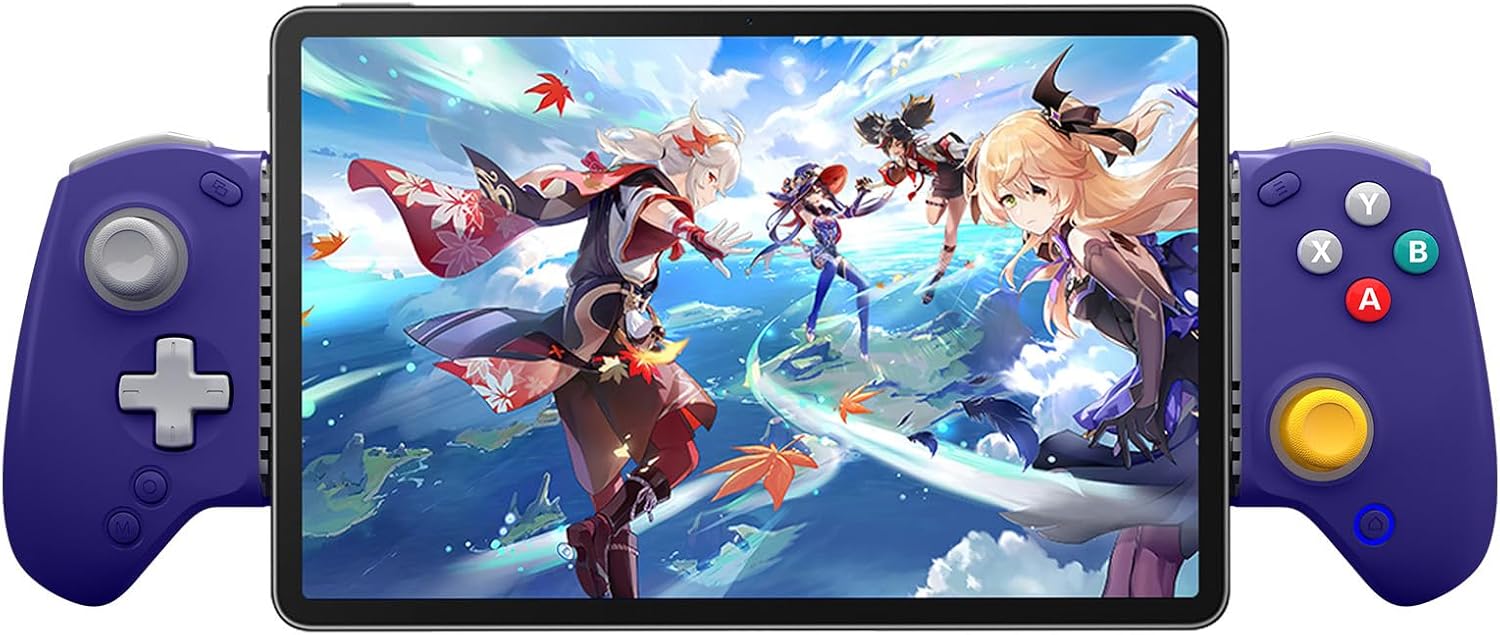
abxylute S8 Retro Blue Bluetooth Mobile Gaming Controller (Black) for iPhone 15/16/17, iPad, Android Phones & Switch
Product description
What this is and what it solves
The abxylute S8 is a versatile Bluetooth game controller designed for mobile and handheld gaming across several platforms. It aims to simplify playing on iPhone, iPad, Android devices and Nintendo Switch consoles, while offering a single hub for cloud gaming, local titles and retro emulation. On paper, it combines multi‑platform compatibility with pro‑level controls, so you can switch from a phone to a tablet or Switch without swapping hardware.
How it feels in use (impressions based on the design)
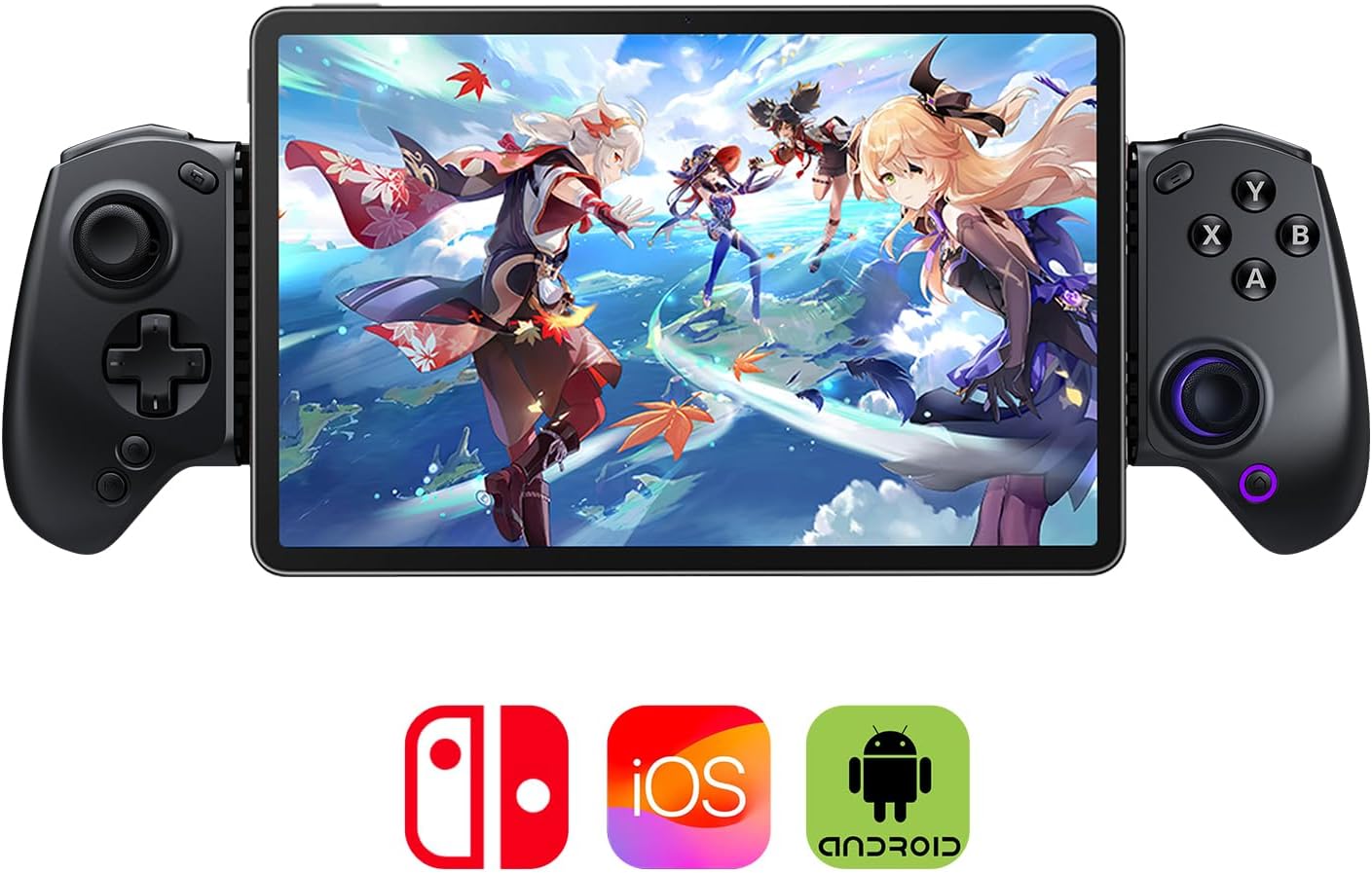
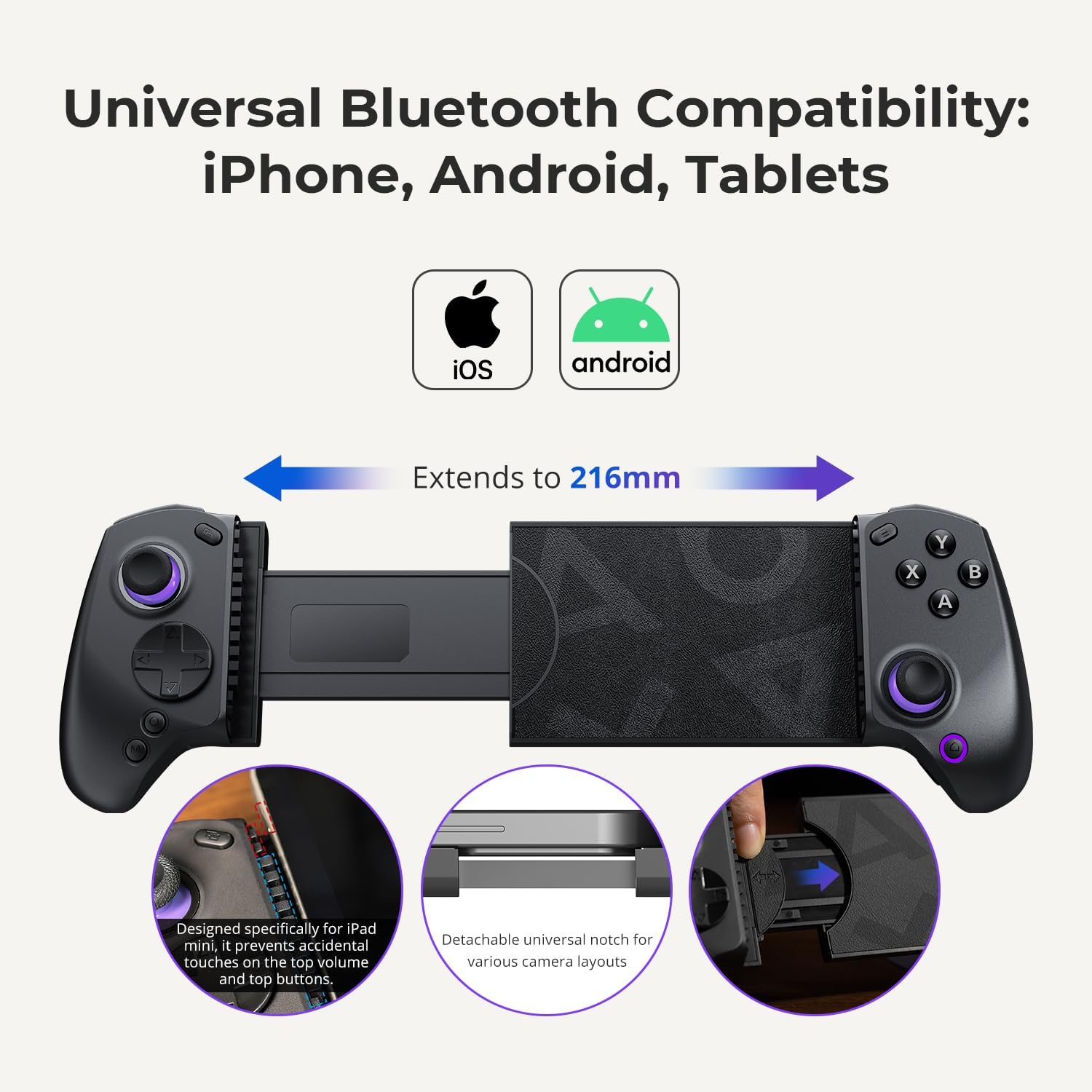
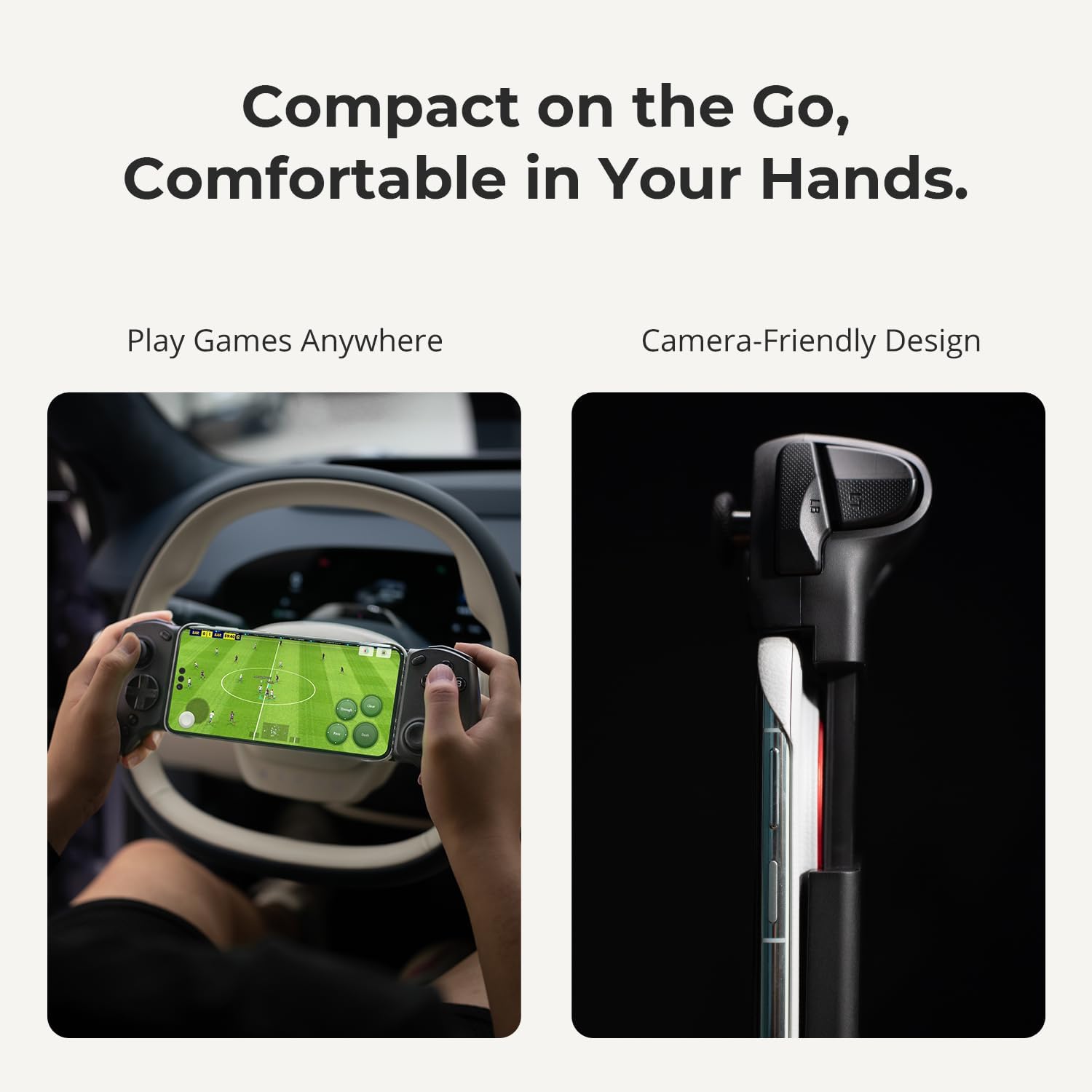
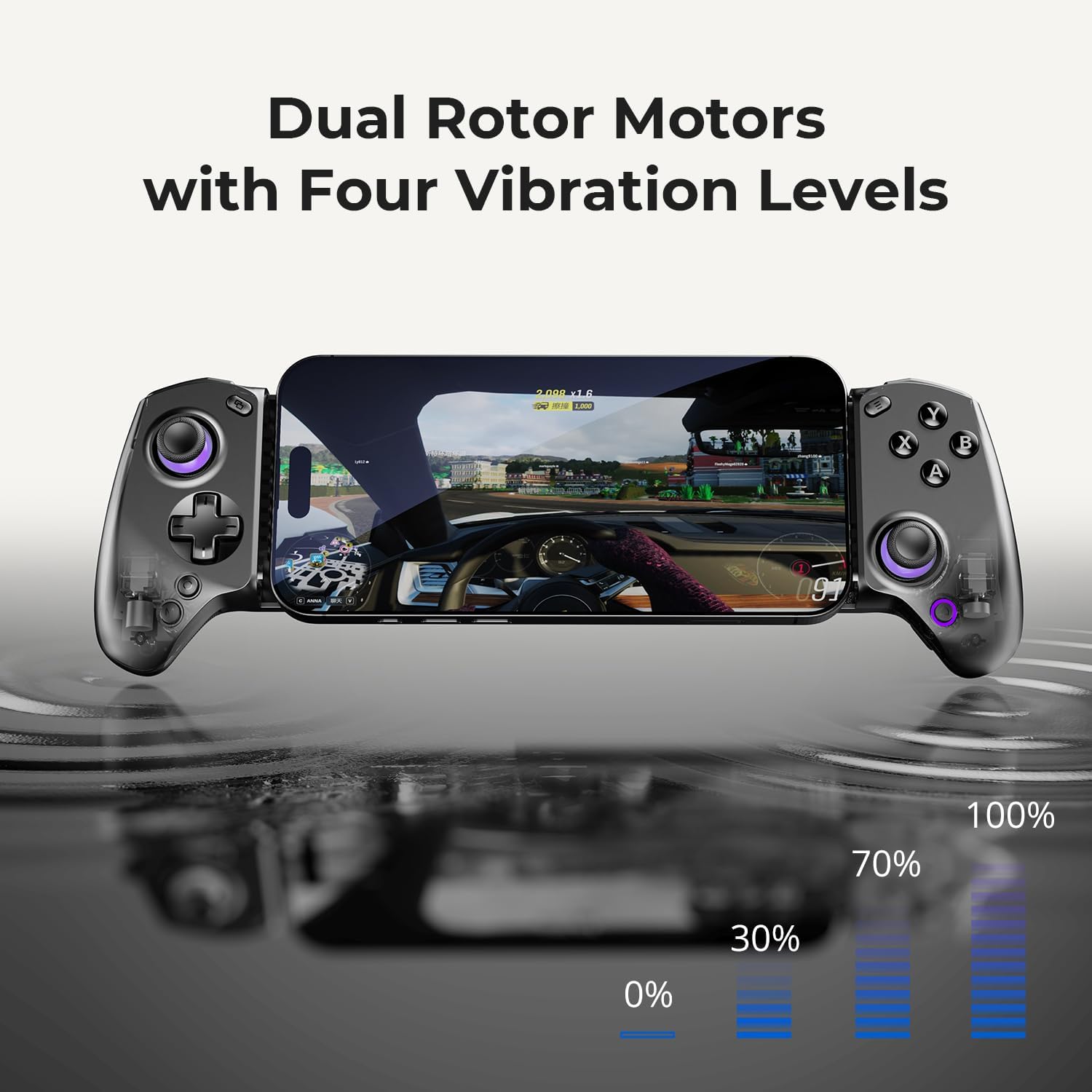
The S8 uses Hall Effect joysticks and triggers, which are marketed to reduce drift and give smooth, precise input. The back buttons are programmable, enabling rapid combos or personalised layouts. A dedicated one‑tap screenshot button is handy for capturing moments during fast‑paced games. The ergonomic design is lightweight and foldable, with extendable grips to help reduce fatigue during long sessions. Note that the extended grips are designed to fit tablets up to 216 mm (8.8 inches), so there’s a practical size limit to consider depending on your device.
What stands out day to day
On the software side, the all‑in‑one experience is driven by the abxy App, which folds together cloud streaming, local game mapping, retro emulation and a curated game library. If you prioritise flexible gaming across devices and want a single control scheme, this ecosystem is a notable advantage. The controller’s note‑worthy features include remapping via the companion app and a focus on not needing extra adapters for most devices.
The best and the not‑so‑great
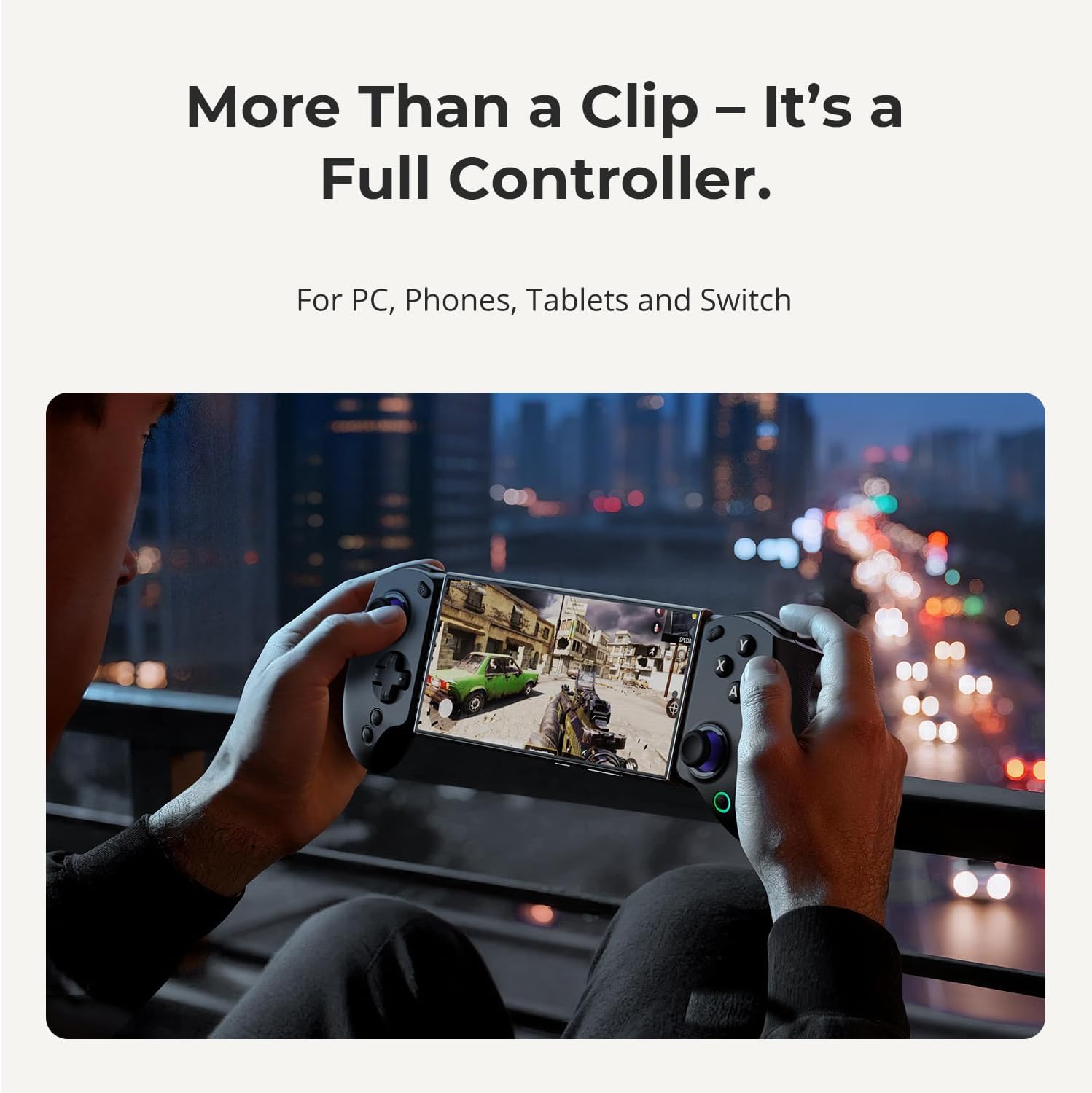
What’s compelling: drift‑free input thanks to Hall Effect tech, programmable back buttons, and a unified platform for different playstyles (cloud, local, retro). It’s also convenient that there’s no need to juggle multiple controllers if your gaming spans phone, tablet and Switch. What might not win you over: if your primary use is ultra‑compact portability, the foldable design adds some bulk when stowed, and if you don’t frequently use a tablet near the 216 mm limit, the extended grips may feel superfluous.
Who it’s for
This controller fits gamers who Play across mobile, tablet and Switch, enjoy cloud gaming, and occasionally dive into retro emulation. It’s sensible for those who appreciate a single, reconfigurable control setup and value precise inputs for FPS, racing or action titles. It’s probably less ideal for players who only game on one small phone screen and prioritise the most compact hardware possible.
Who it isn’t the best for
If you need a tiny, ultra‑mobile controller with minimal bulk, or you rarely use a tablet, you might find the S8’s footprint more noticeable. If you want a plug‑and‑play, non‑configurable button layout, the extensive remapping options and back buttons may feel overkill.
When to buy and when to pass
Buy if you want a unified controller that covers cloud, local and retro play across multiple devices, and you’re happy to use the abxy App for mapping. Pass if you’re after a lightweight, single‑device solution or if you primarily game on a single small device and don’t need the extra grips.
What to check before you buy
- Confirm the “Supported Devices List” on the product page matches your exact phone or tablet model.
- Consider whether you’ll benefit from the extended grips and tablet compatibility (up to 216 mm).
- Decide if you want the convenience of programmable back buttons and an in‑app mapping system, and whether you’ll use cloud streaming services often.
- Remember this is a multi‑platform solution, setup may involve pairing via Bluetooth and configuring the abxy App for optimal layouts.
A practical use case in real life
Imagine you’re commuting and want to play a mix of Genshin Impact on an iPhone and then switch to a Switch for a casual racing session. With the S8, you can pair once, use the same button layout (or a customised one) for both experiences, and quickly switch between cloud titles via the app without searching for a new controller.
FAQ (where data allows)
- How compatible is it with iOS and Android? Compatibility is multi‑platform via Bluetooth, with guidance to check the Supported Devices List on the product page.
- Can I remap buttons for MMO or esports shortcuts? Yes, through the companion abxy App.
- Do the grips extend for tablet use? Yes, the extendable grips are designed to fit tablets up to 216 mm / 8.8 inches.
Is it worth it?
A solid pick if you want a single ecosystem for mobile, tablet and Switch gaming with adjustable controls and a focus on precision. Not the best option if you prioritise the smallest possible device or a plug‑and‑play, non‑configurable controller.
Final verdict
If you value cross‑device versatility, configurable controls and a platform that can handle cloud, local and retro gaming, the abxylute S8 Retro Blue stands as a reasonable option. It may require some initial setup in the app, but it rewards you with a unified control experience across multiple devices. Consider your device family (phone/tablet/Switch) and whether the extended grips will be useful in your typical gaming sessions.
Mini‑FAQ
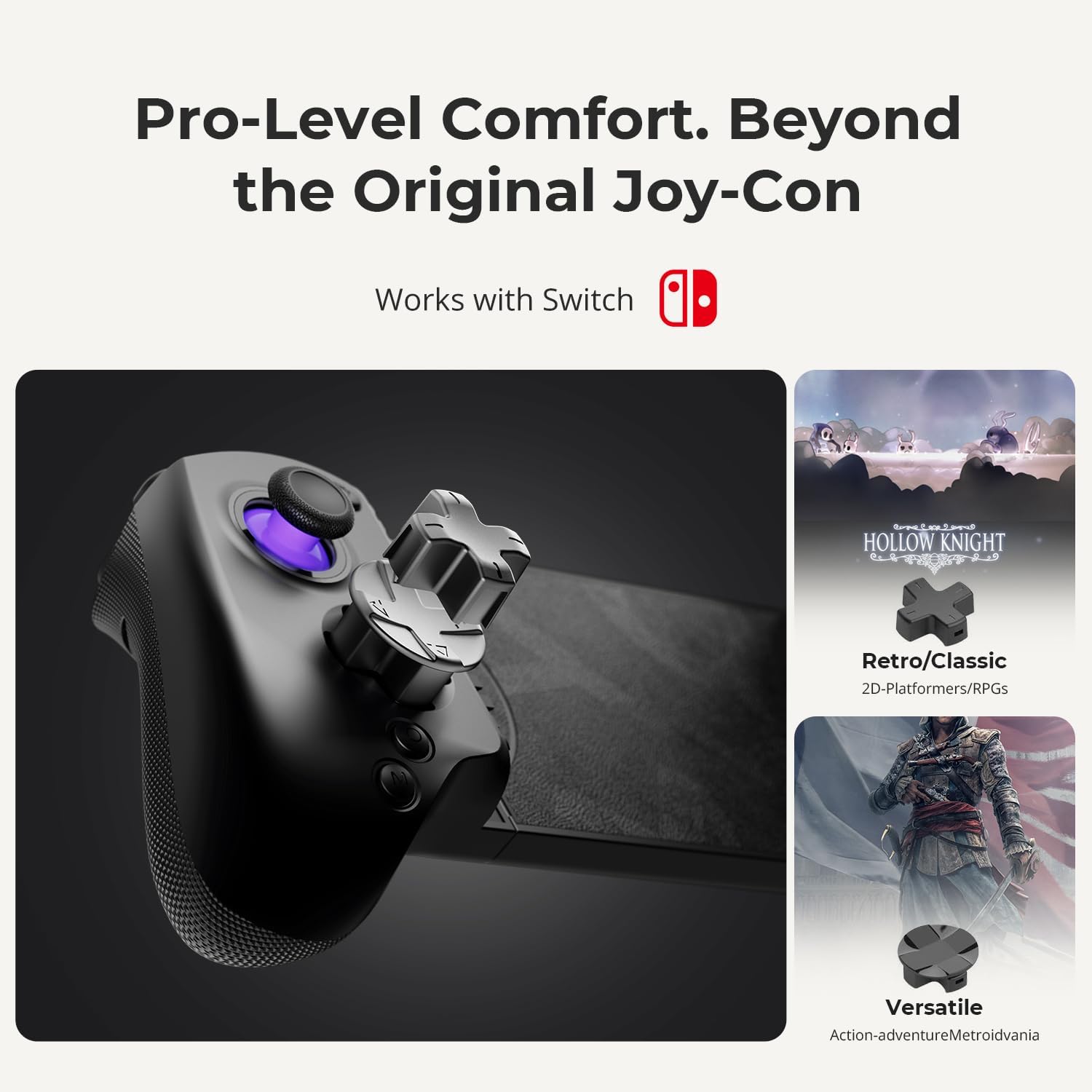
- What platforms does it work with? Switch 1 & 2, iPhone, iPad and Android devices via Bluetooth.
- Can I use it for retro emulation? Yes, via the abxy App’s retro emulation mode.
- Do I need extra adapters? No, the design aims to work without extra adapters for most devices.