

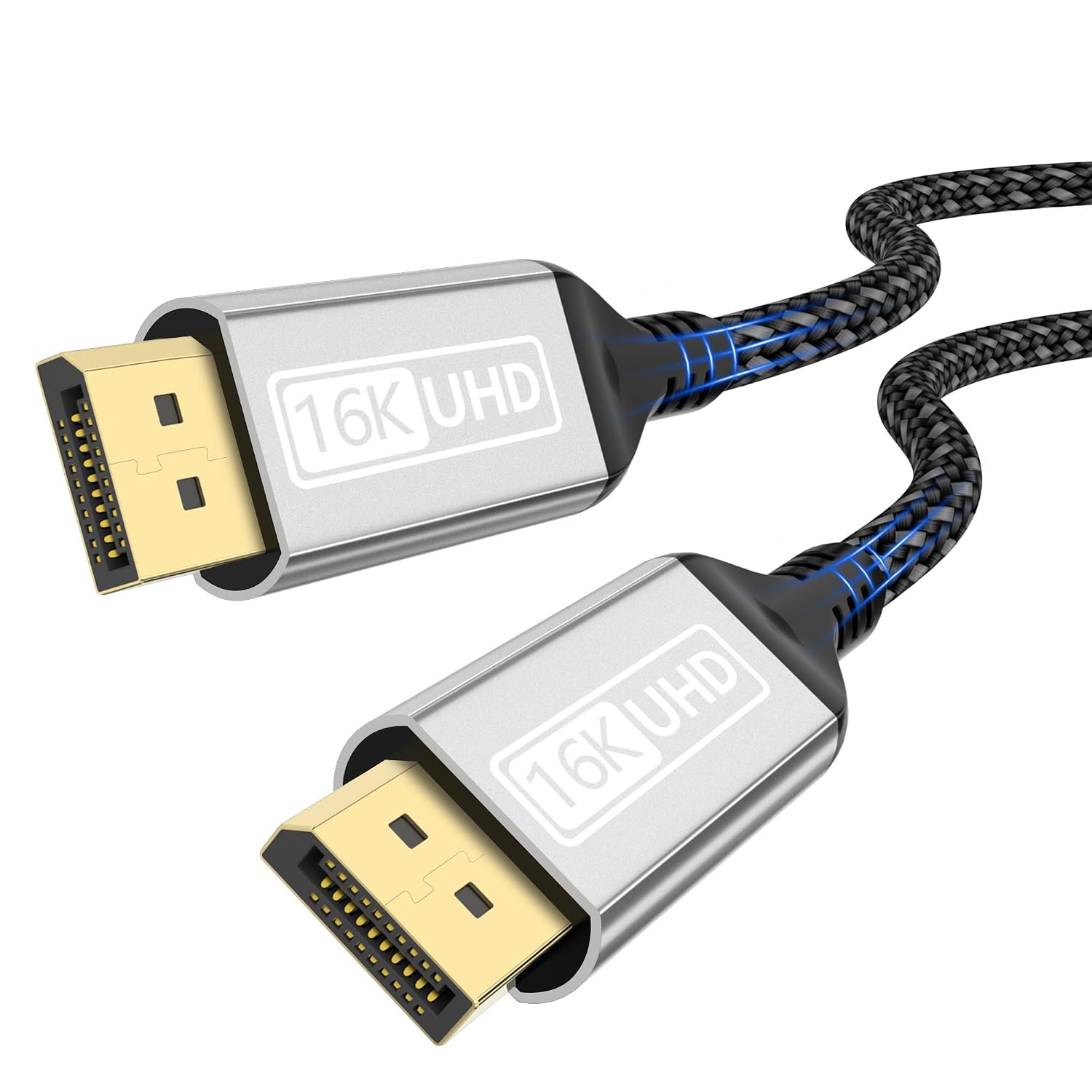
16K DisplayPort 2.1 Cable (1m) – 80Gbps, HDR, DSC 1.2a, HDCP 2.2
Product description
What it is and the need it meets
This is a DisplayPort 2.1 cable of 1 metre intended for high‑end video setups. It targets users who want maximum bandwidth to drive very high resolutions and refresh rates, with room to run multiple displays via MST. If you’re building a workstation, gaming rig, or multi-monitor setup, this cable promises a robust, HDMI‑level image quality over a DisplayPort link, while remaining compatible with prior DisplayPort generations. It’s designed to carry both high frame rates and rich metadata (HDR), alongside audio, making it a single‑cable solution for compatible GPUs and monitors.
The on‑paper performance and what it means in practice
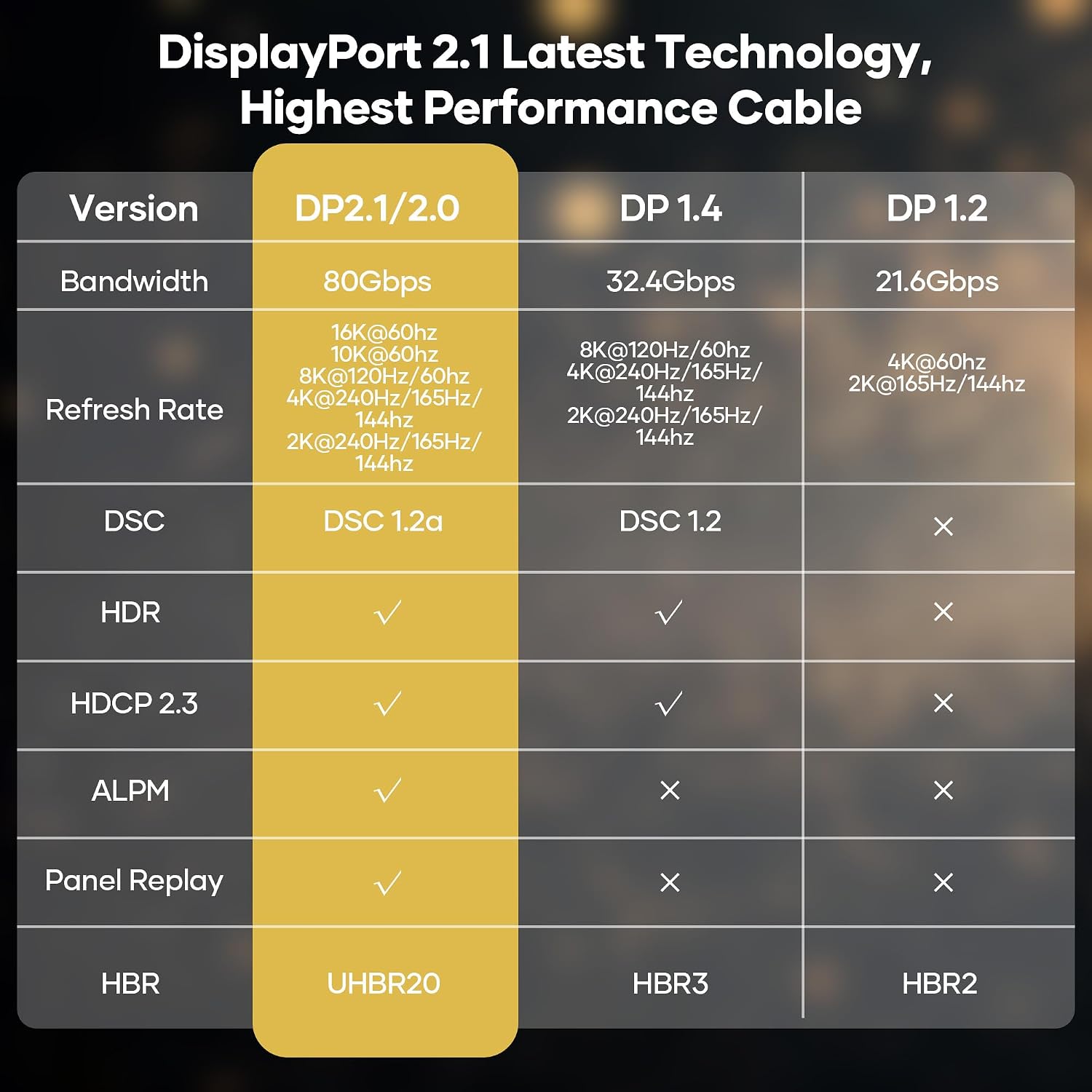
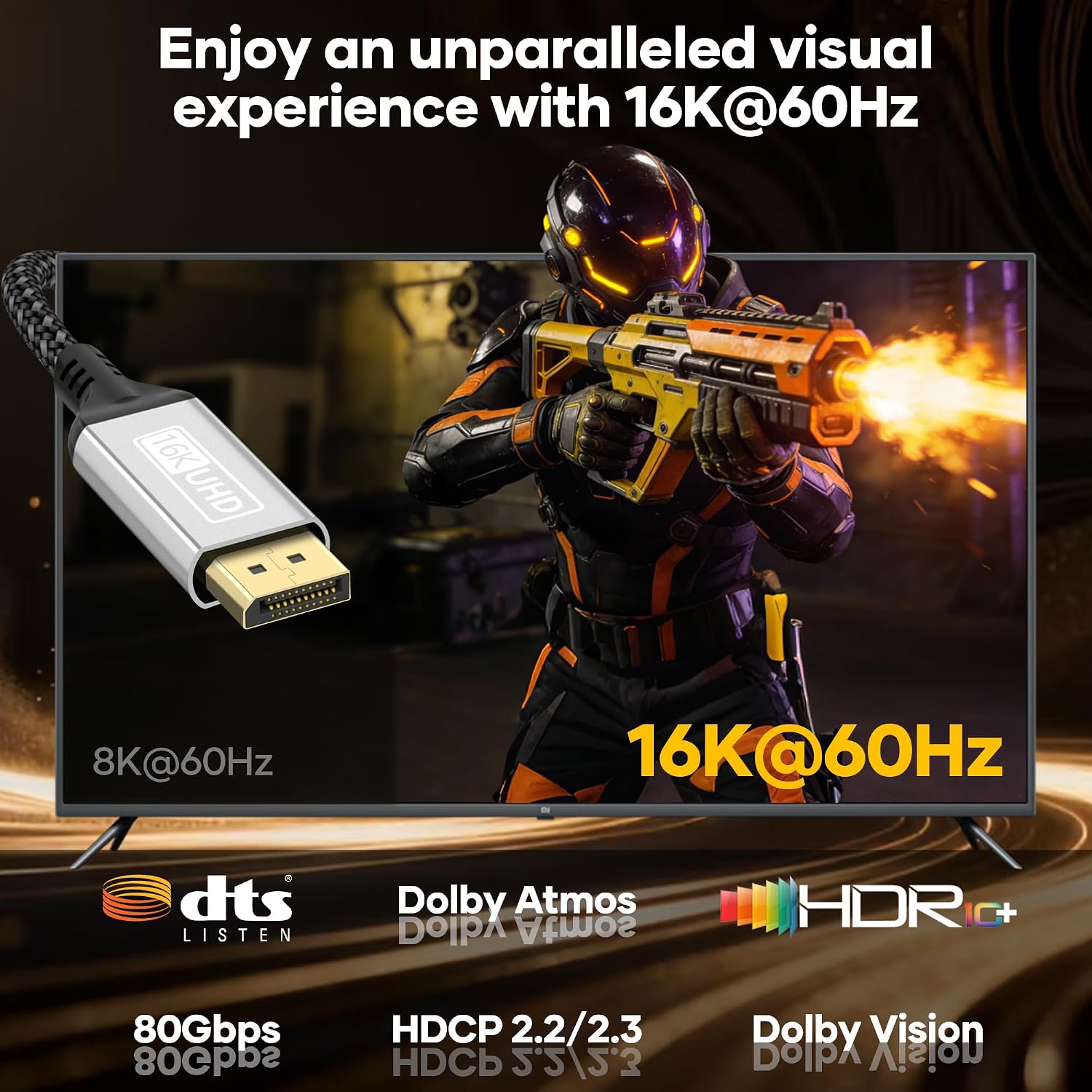
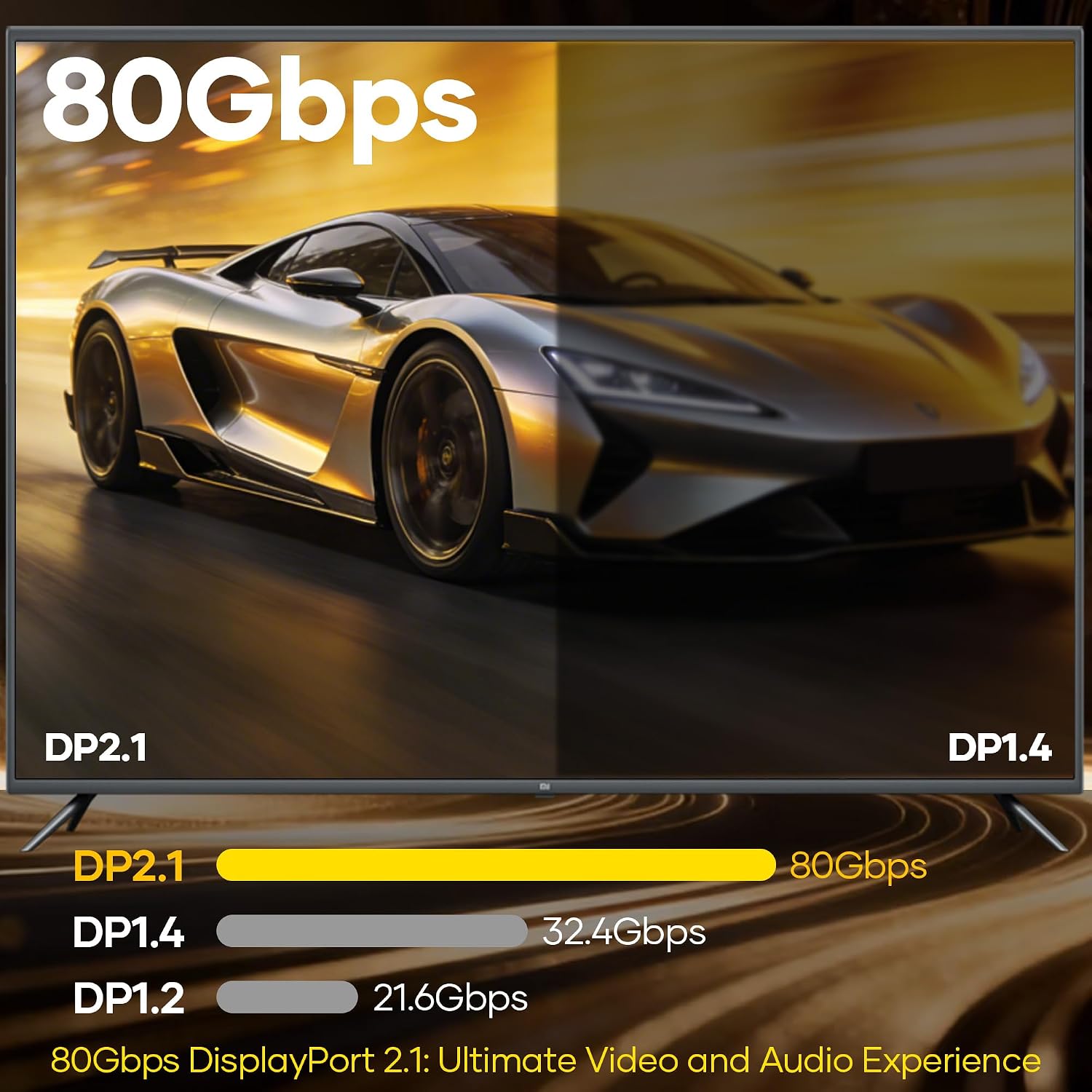
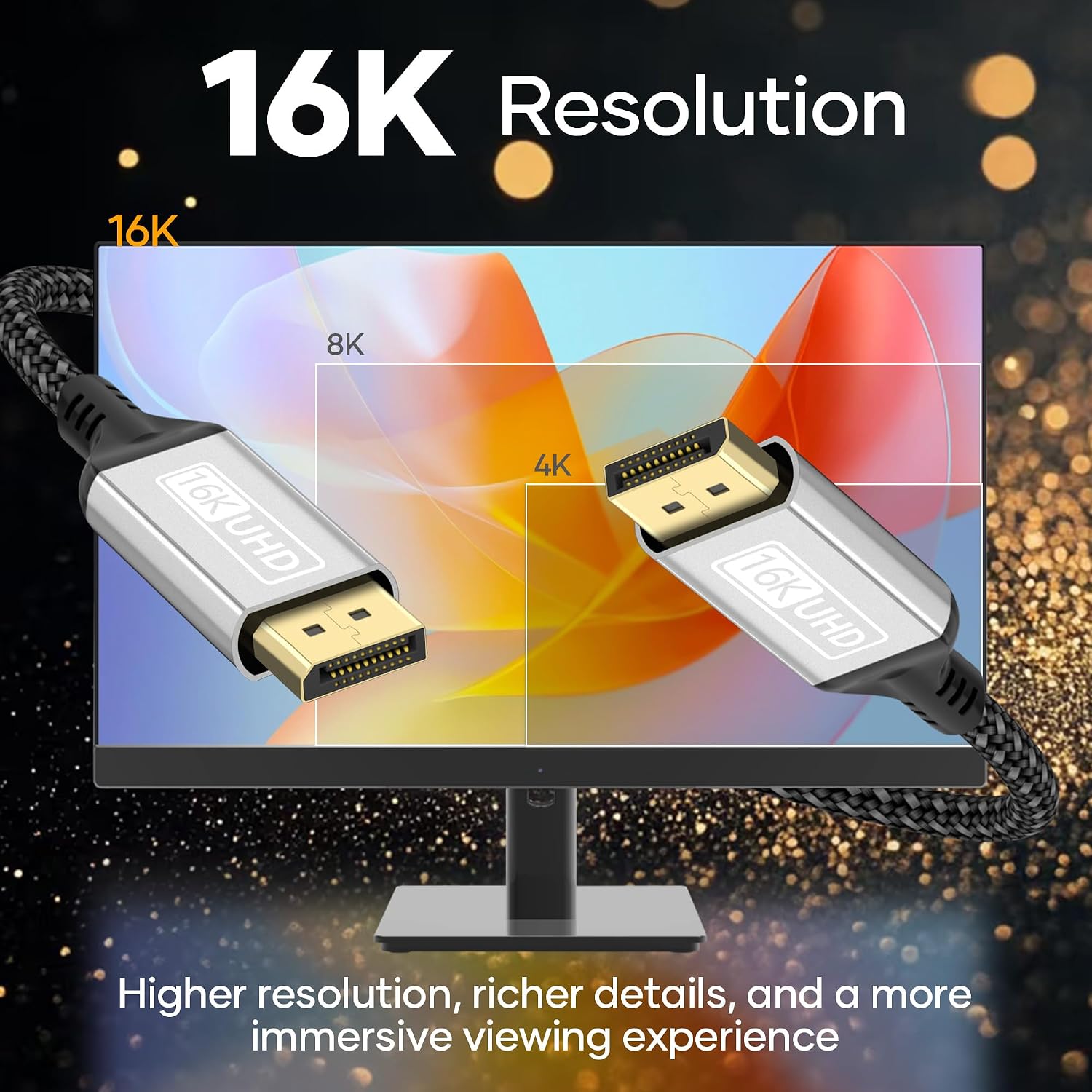
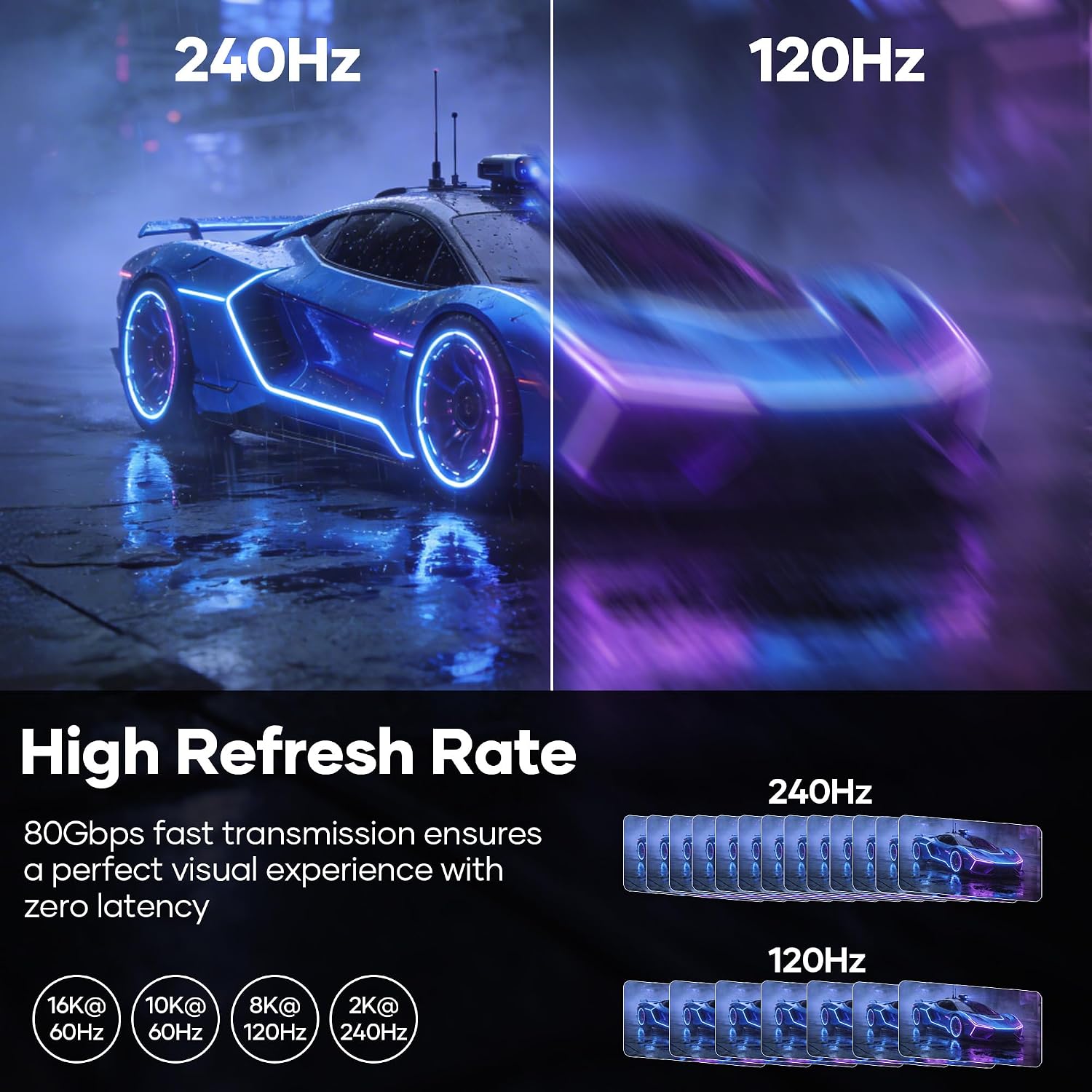
On paper, the cable supports up to 80Gbps and claims 16K at 60Hz, plus 8K at 120Hz and 4K at very high refresh rates. In real terms, that means you can expect sharp detail and smoother motion on compatible gear, with Dynamic HDR and lossless audio transmission. The inclusion of DSC 1.2a helps maintain image quality at high data rates, and HDCP 2.2 ensures compatibility with protected content. The cable is also backward compatible with DP 2.0/1.x generations, which eases the upgrade path for mixed setups.
What stands out and where it can fall short
What stands out is the combination of very high bandwidth and broad compatibility—along with multi‑monitor arrangements via MST. For a power user chasing maximum refresh and resolution, this is compelling on paper. However, it’s worth noting that actual benefits depend on your hardware: GPUs, monitors, and cables all need to support the same profiles for 16K or ultra‑high‑refresh levels to be meaningful. If you’re not running at top tier resolutions or don’t need HDR/DSC, the advantage may be marginal compared with more modest DP 1.4/2.0 cables.
Who it’s for
This is best suited to users with high‑end GPUs (NVIDIA/AMD) and displays that can handle very high bandwidth and HDR metadata. It’s particularly relevant for multi‑monitor esports desks, content creators working at high resolutions, or professionals relying on accurate colour and fluid motion. If your setup includes modest monitors or older hardware that can’t push 4K/8K at high refresh, you may not see the full benefit.
Who it isn’t ideal for
If you don’t plan to drive multiple displays at elevated resolutions or you’re working within a tight budget, this may be more capability than you need. It also depends on the rest of your chain, a fast HDMI alternative or a lower‑spec DP cable might suit you better if your monitors cap out at 144–165Hz or 4K.
When it makes sense to buy
Consider this cable if you’re upgrading a gaming or graphics workstation to unlock higher refresh rates, dynamic HDR, and robust multi‑monitor configurations. If you already have compatible devices and want to maintain signal integrity over longer runs, or you’re building a future‑proof rig that could push 8K/16K someday, it’s worth considering.
What to check before purchasing
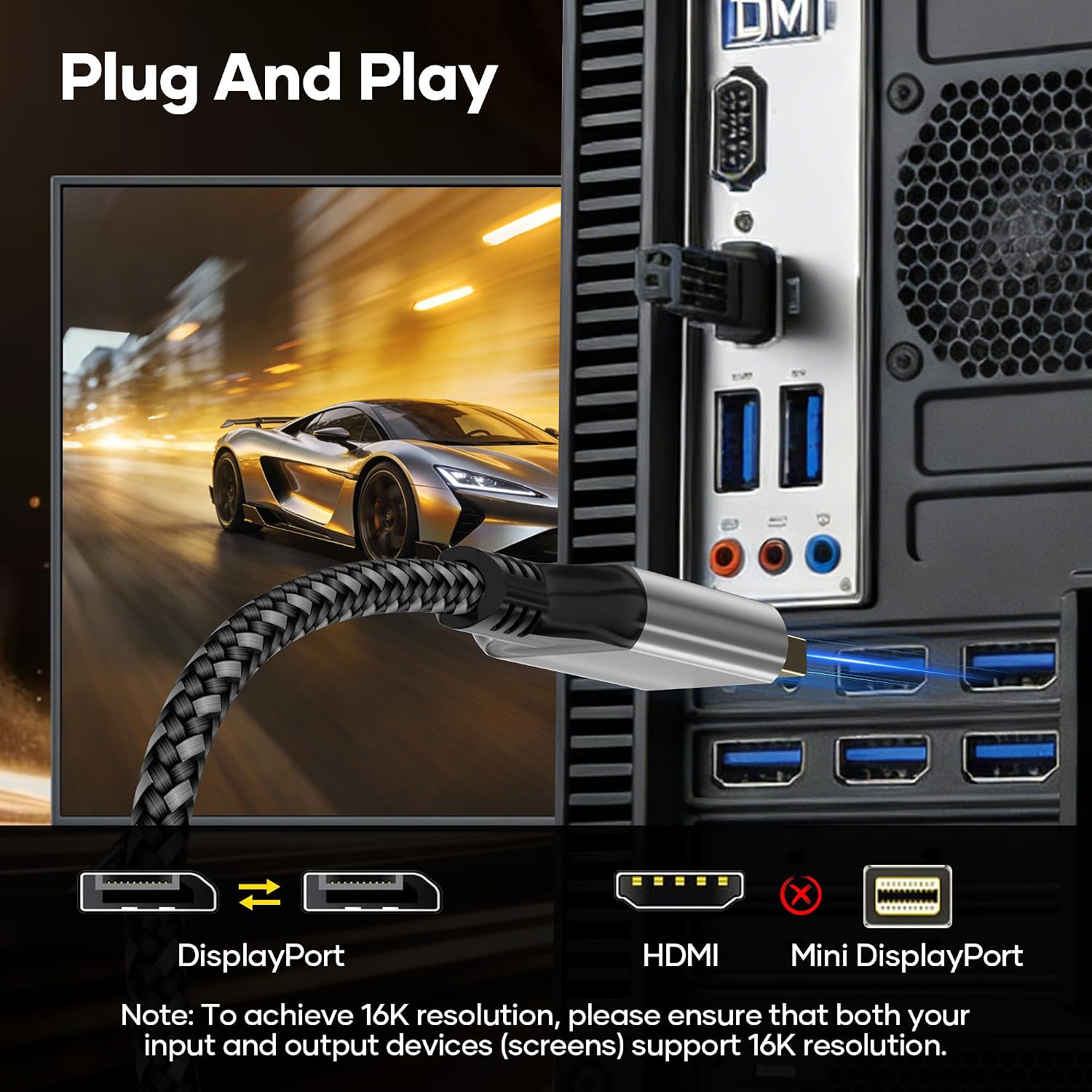
- Confirm that both your GPU and monitor support DP 2.1 features you plan to use (HDR, DSC, high refresh rate).
- Verify whether your current setup requires MST for multiple displays and whether your operating system and GPU drivers support it smoothly.
- Review the physical build: aluminium housing, nylon braid, and gold‑plated pins hint at durability and signal integrity, but ensure the connector length and stiffness fit your cable management.
- Consider whether 1 m is the right length for your desk layout, very high bandwidth cables can be stiffer, potentially affecting routing in tight spaces.
Practical use: how it could feel day to day
Imagine a high‑end gaming PC connected to a 4K display running at 144Hz with HDR, the picture looks sharp, motion is smooth, and there’s less tearing thanks to G‑Sync/FreeSync compatibility. If you’re running a multi‑monitor setup for professional work or immersive gaming, MST can be handy to extend across screens without sacrificing frame rates.
How it compares to other approaches
If your needs are less demanding, a DP 2.0/1.x cable or a lower‑cost option might deliver most of the benefits you actually use, at a lower price and with more flexible cable handling. For those who prioritise future‑proofing and peak bandwidth, this DP 2.1 offering aligns with a premium approach to desktop displays and gaming rigs.
Is it worth it?
Final verdict: Worth considering if you’re aiming for the top tier in both resolution and refresh, and your setup can exploit DP 2.1 features. If your gear caps at lower refresh rates or you don’t require multi‑monitor scaling, you may prefer a more modest, cost‑effective option.
FAQ
- Do I need DP 2.1 to enjoy HDR on a 4K monitor? Not necessarily, HDR depends on the monitor and the source, but DP 2.1 helps when chasing higher bandwidth and advanced features.
- Will this cable work with older displays? It’s backward compatible with DP 2.0/1.x, but you’ll only get the features your devices support.
- Is 1 m the best length for performance? For most setups, 1 m is convenient, longer runs could introduce more signal loss risk unless the cable quality is very high.
Tech specs
Tech specs: 80Gbps, HDR, DSC 1.2a, G‑Sync, FreeSync, HDCP 2.2, Audio, MST support, DP++ compatibility.