

Insta360 Link 2C 4K Webcam with HDR, 1/2-inch Sensor and Auto-Framing
Product description
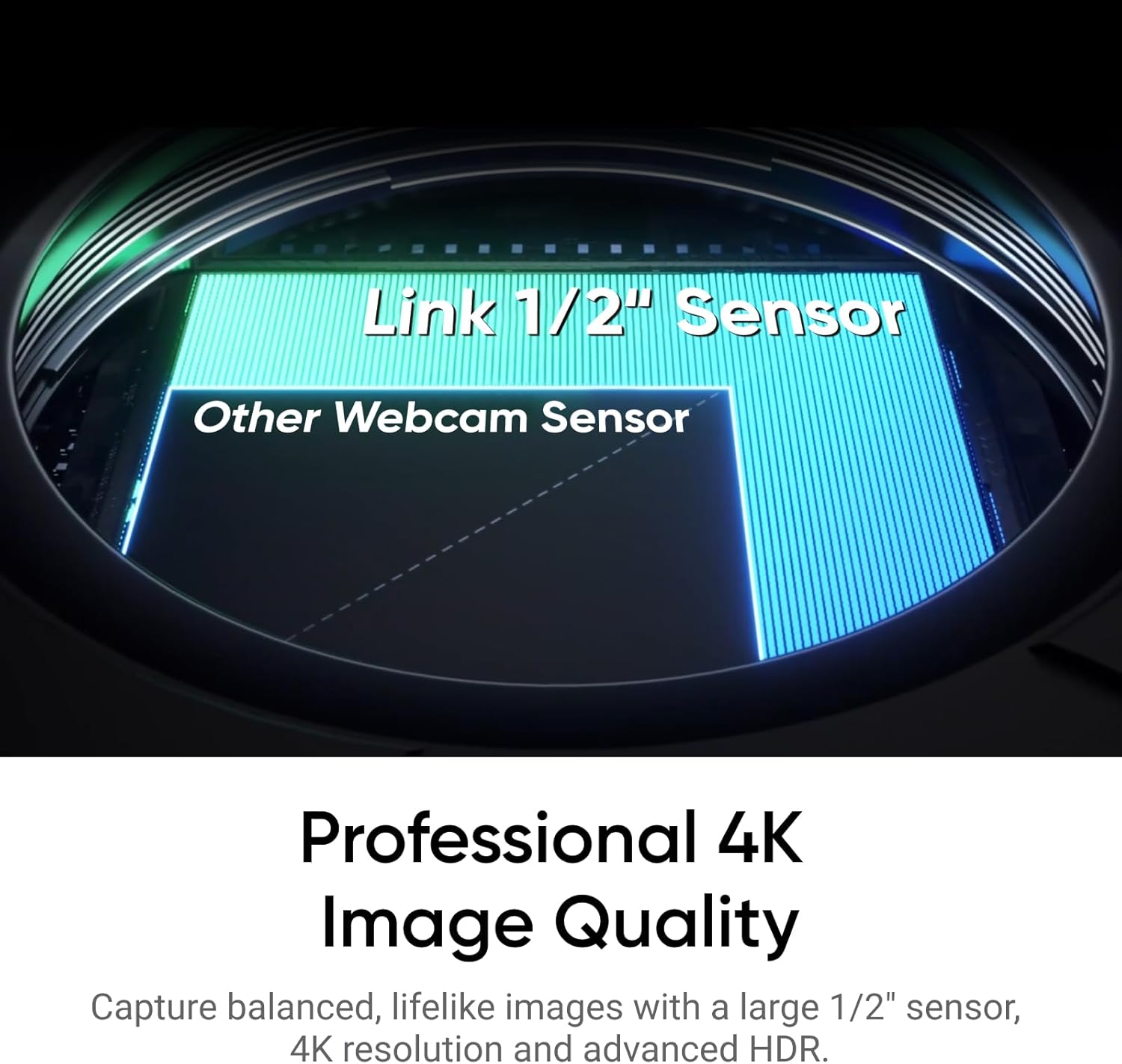
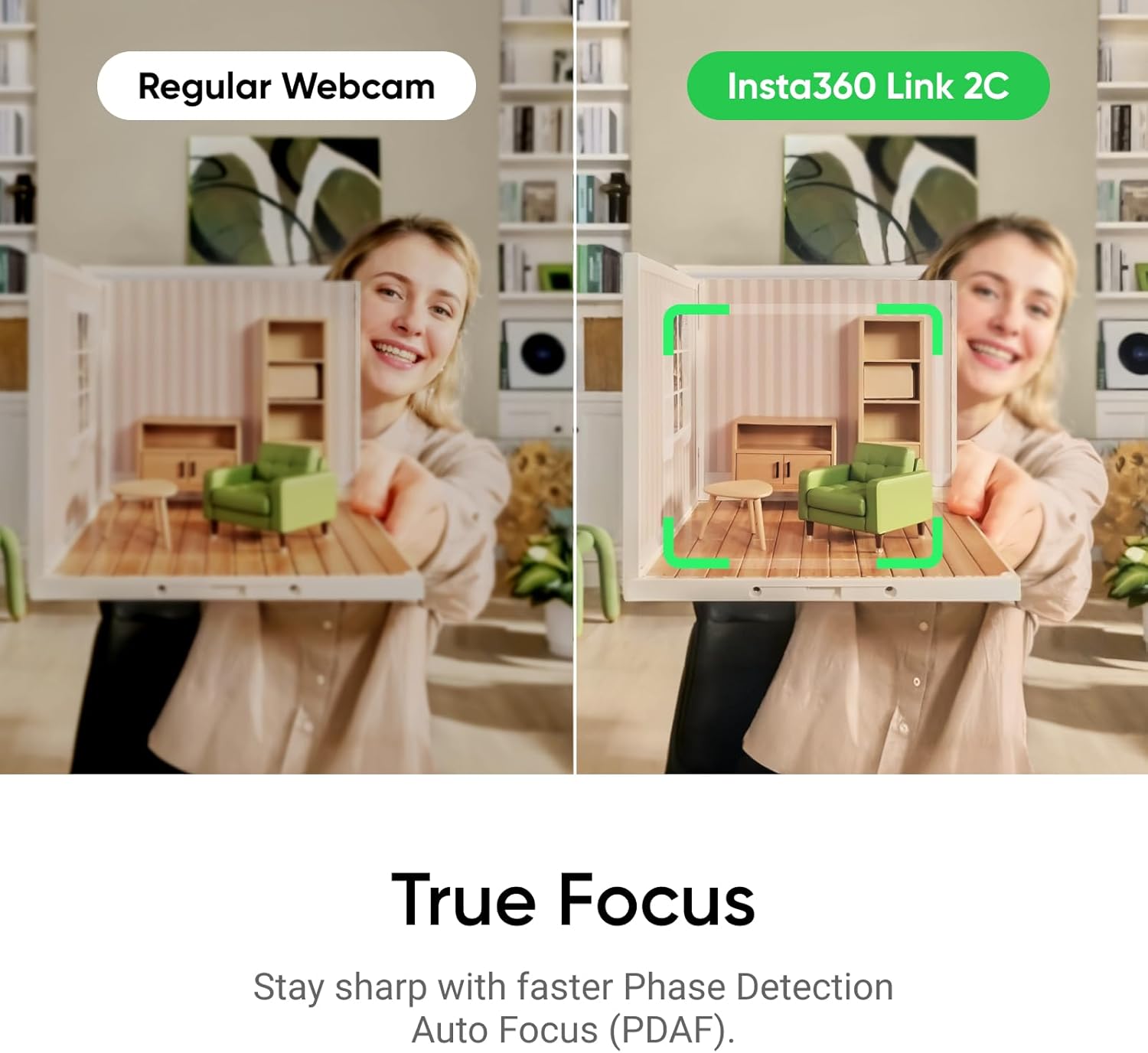
A 1/2-inch sensor and 4K video capture are the headline features of the Insta360 Link 2C, giving calls and streams more scope for detail than a basic webcam. HDR is designed to balance brighter and darker areas, while phase-detection autofocus helps keep the image in focus as you move.
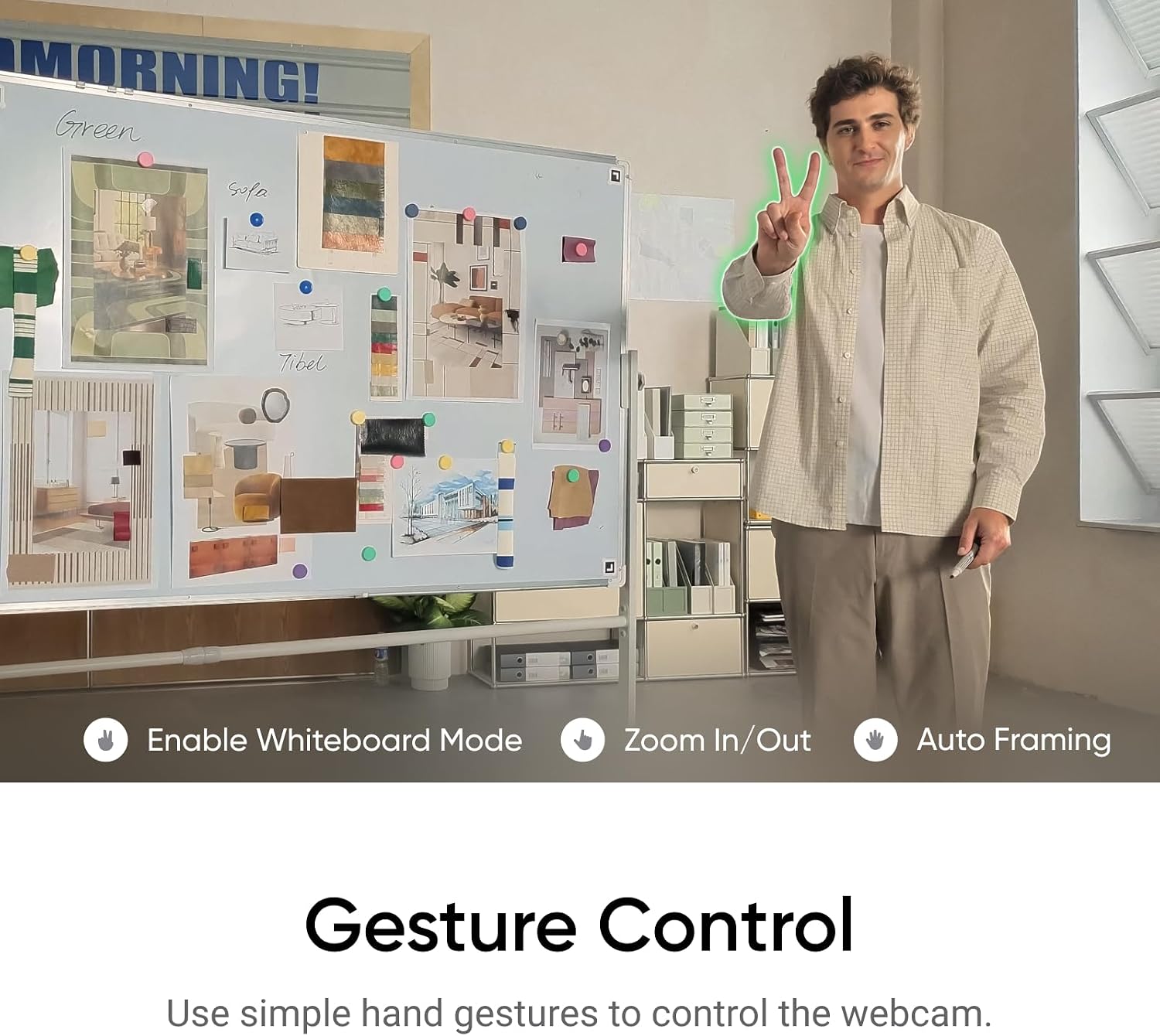
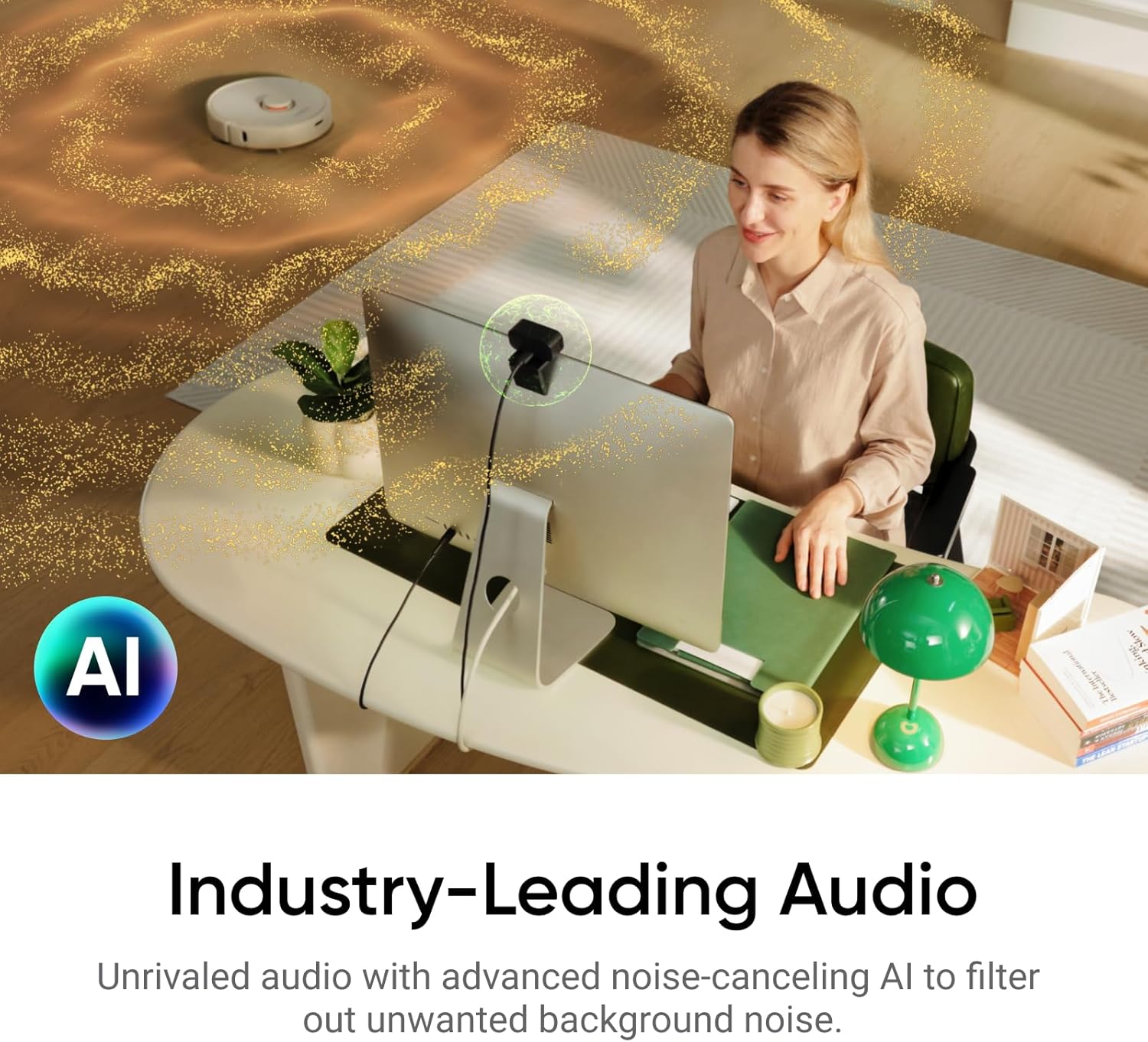
Auto-framing, gesture controls and a built-in microphone with AI noise cancellation add useful options for meetings and streaming. If you mainly want a straightforward camera for occasional calls, those extras may matter less, if you switch between presenting, group calls and live content, they offer more ways to manage the picture.
Key takeaways
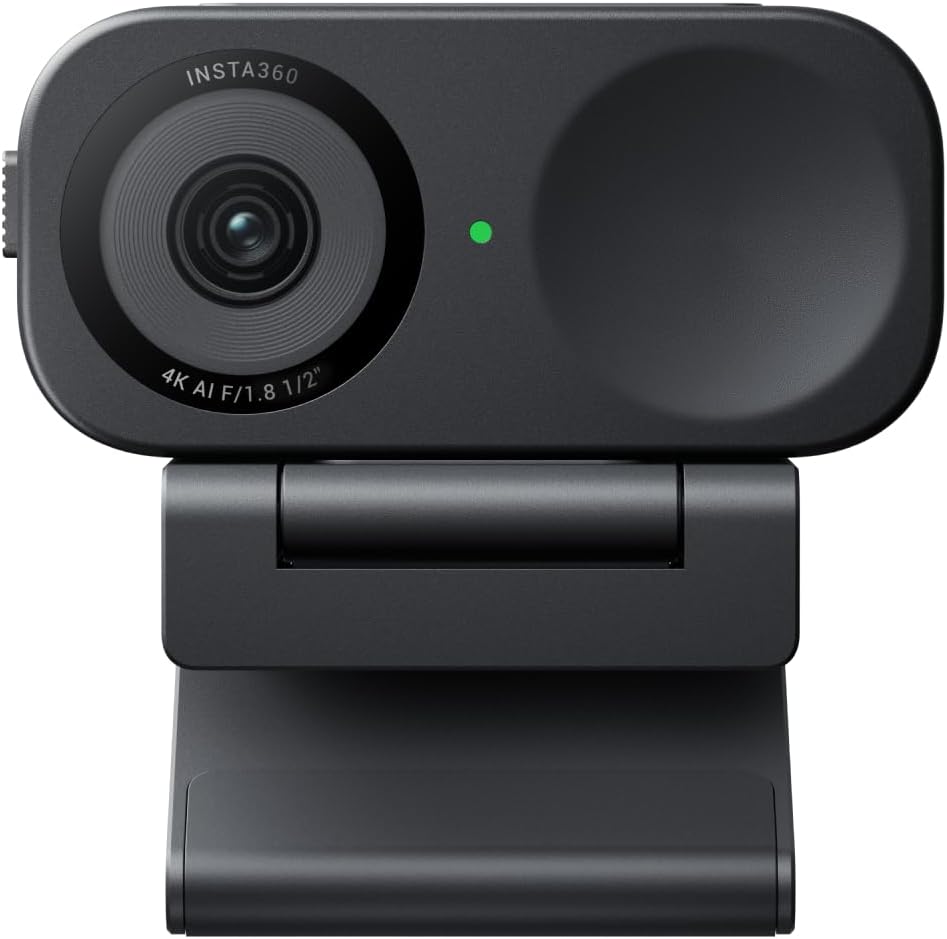
The Link 2C is a USB webcam for a personal computer, with 4K capture, a CMOS sensor, HDR and PDAF autofocus. The listing also describes AI auto-framing, gesture control, a privacy switch and Link Controller desktop software for adjusting settings. Its Graphite Black finish is a practical, understated choice for a desk setup.
The feature set points to more than a fixed, basic camera view. Auto-framing is intended to keep a person or group in shot, while gesture controls can trigger functions such as tracking, zooming or Whiteboard mode. The software also provides access to modes including DeskView and 4K Portrait. These controls are most relevant if you expect to use them, a simpler webcam may be enough for occasional calls where a fixed view does the job.
Buyers particularly praise the image and low-light performance, and some describe setup as straightforward. Feedback also highlights the microphone sound and mounting arrangement. These are customer impressions rather than a guarantee of results in every room or setup, so the camera’s stated features remain the clearest guide to what it offers.
Best use cases
For regular video meetings, the combination of autofocus and auto-framing may be useful if you move around while speaking or need to bring more than one person into view. HDR and the larger sensor are aimed at handling mixed or dimmer lighting, making the camera worth considering for a desk that does not always have controlled lighting. The microphone’s AI noise cancellation is another practical inclusion when you want audio capture built into the webcam.
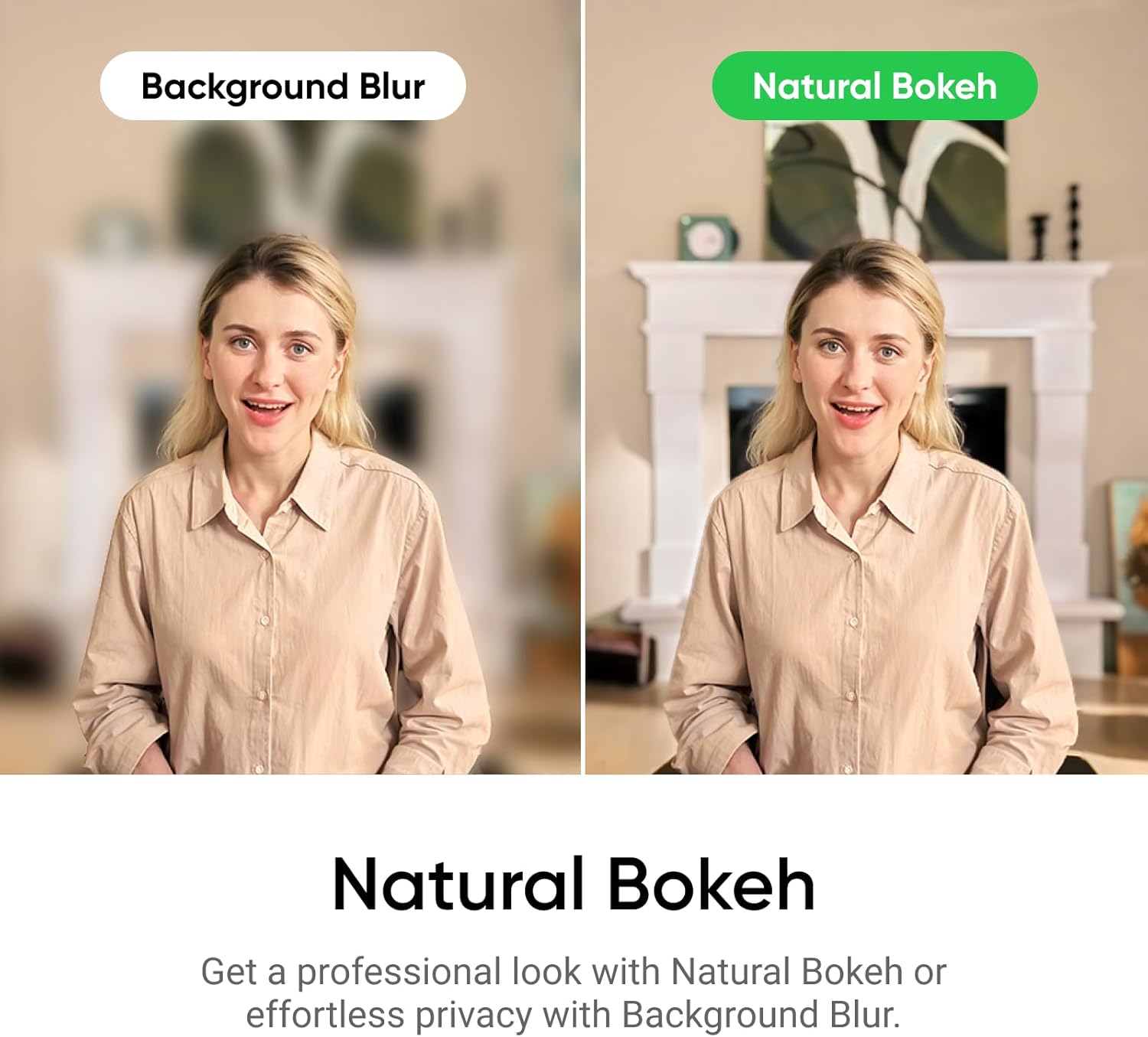
It suits you if you want a flexible camera for both calls and streaming, and are likely to use its framing and software controls. You may want to skip it if your needs are limited to a basic fixed webcam and its 4K capture, HDR and extra modes would go unused.
How to use it
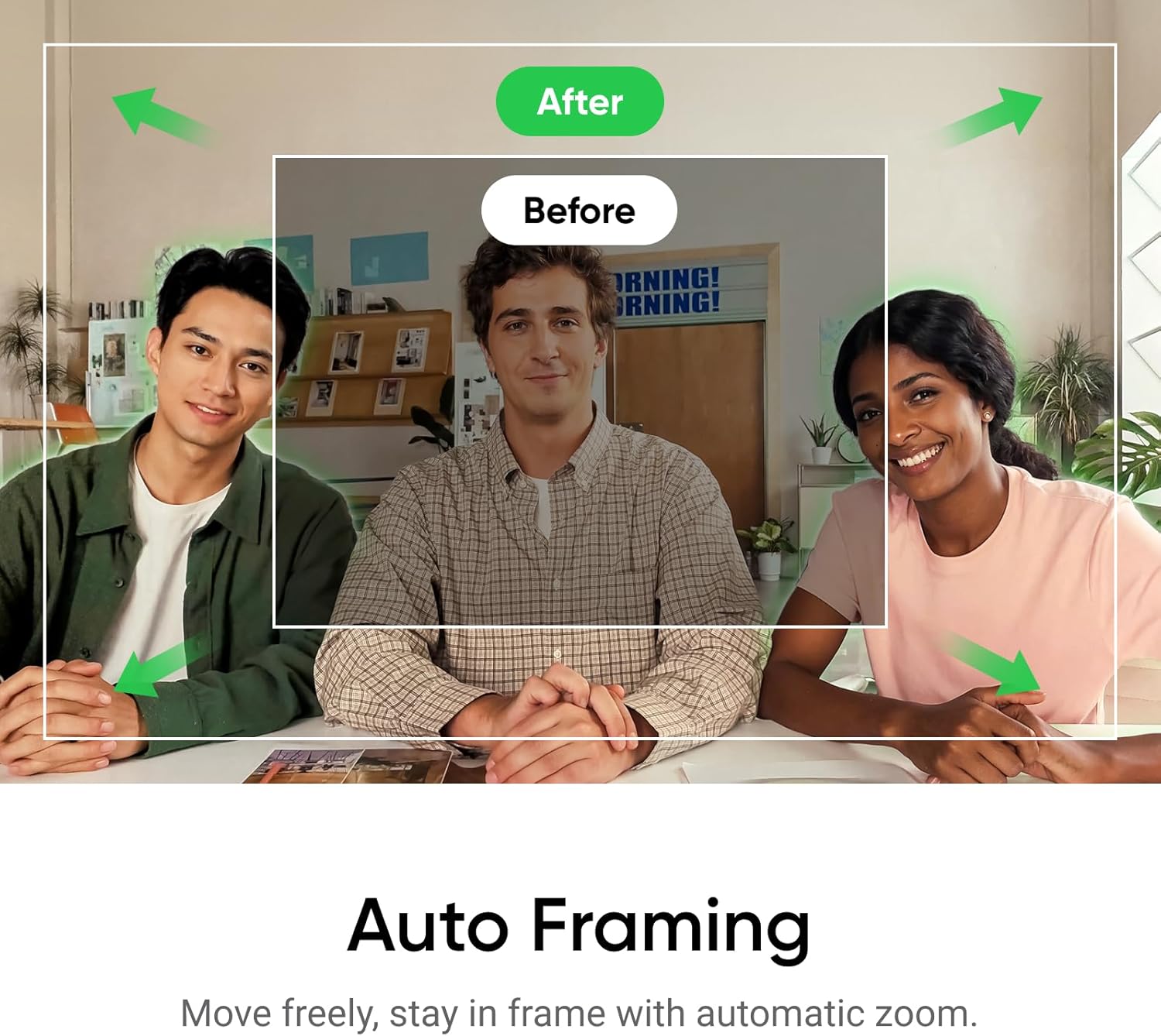
Connect the webcam to a personal computer using USB, then use the Link Controller software to adjust settings and access the listed modes. For a call, auto-framing can help keep the speaker or group in view, gesture control offers a way to activate supported functions without reaching for the controls. The privacy switch is there for times when you want to cover the camera’s view at the device.
For a presentation, DeskView or Whiteboard mode may suit showing a desk or written material, while 4K Portrait is listed for portrait-oriented content. The camera is also described as compatible with video-conferencing and streaming software, including Microsoft Teams, Zoom and Twitch. Which controls are available in practice may depend on the software and setup you use.
Questions before you buy
Does the Link 2C capture 4K video? Yes. The product details specify 4K video capture and a 1/2-inch CMOS sensor.
Can it adjust the framing automatically? Auto-framing is listed as a feature, alongside gesture controls for functions such as tracking and zooming.
How can you manage privacy? The webcam has an accessible privacy switch, so you can use it when you want the camera’s view covered.
Final verdict
The Insta360 Link 2C is aimed at people who want more control than a basic fixed webcam provides: 4K capture, HDR, autofocus, auto-framing and software-assisted modes are the main reasons to consider it. Its USB connection and built-in microphone keep the setup focused on a computer-based camera, while the privacy switch adds a simple physical control. If you only need a camera for occasional calls, a more basic model may suit that job, the Link 2C makes more sense when its picture controls and streaming features will be part of your routine.