

TONOR T20LP Low-Profile Microphone Boom Arm with Desk Mount and Cable Management
Product description
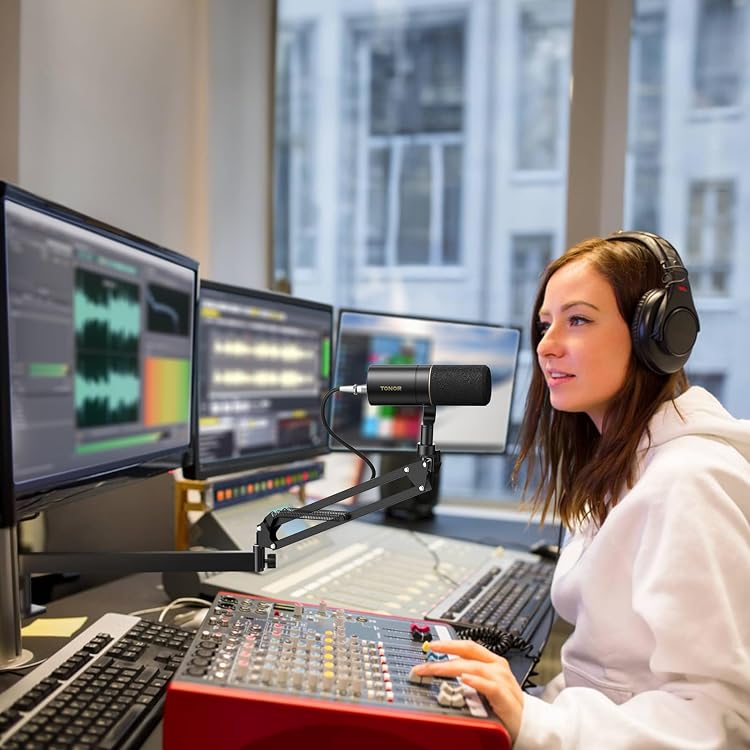
For recording, streaming or calls at a desk, the TONOR T20LP positions a microphone on a low-profile boom arm that extends from below the computer screen. Its design helps keep the line of sight clear while leaving more room on the desktop.
The adjustable arm mounts to a desk with a clamp and includes cable management, a 5/8-inch adapter screw and microphone clips. Steel and ABS components make up the arm, with a metal clamp and silicone pads where it contacts the desk.
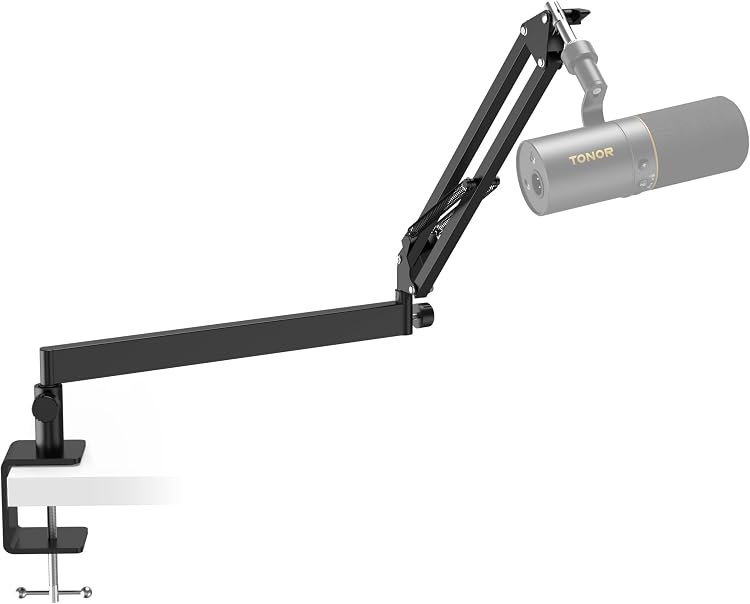
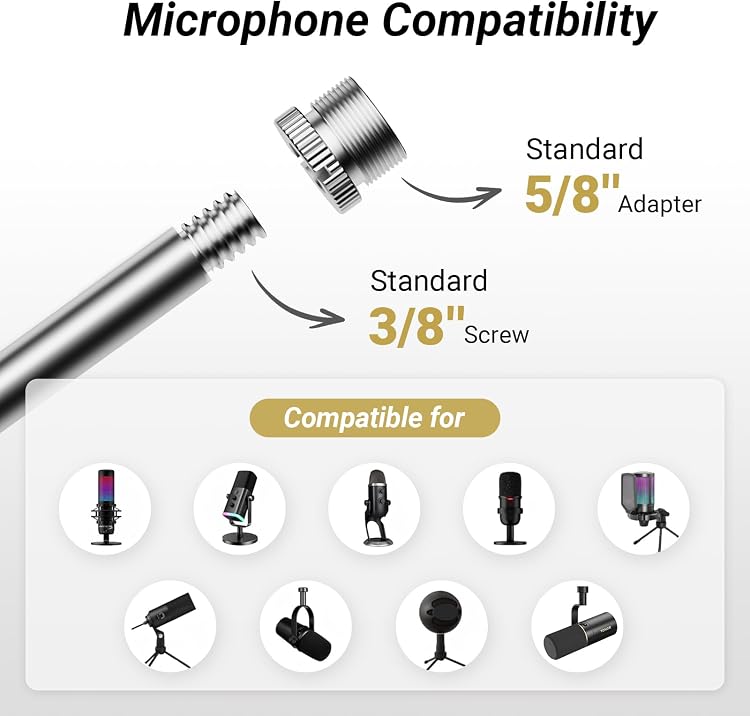
It is designed for compatible microphones including the Blue Yeti, HyperX QuadCast, AT2020 and Shure SM58. The clamp supports desks up to 7cm thick, making the T20LP a practical alternative to a freestanding microphone stand when you want the mic held off the work surface.
Quick overview
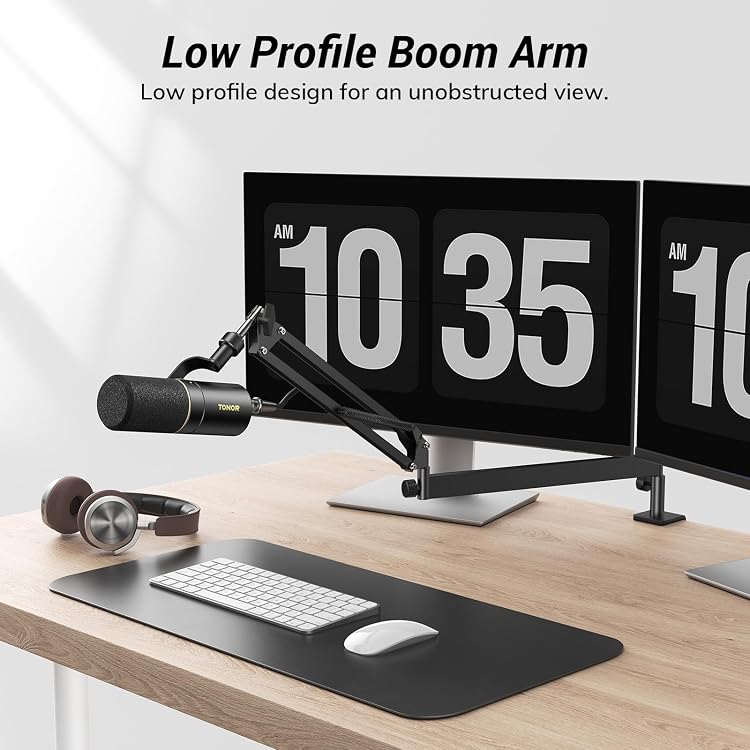
The low-profile layout is useful when a microphone needs to sit close to the screen without rising across the viewing area. Position the arm for a recording or call, then move it out of the way when you need more desk space. Cable management helps keep the microphone cable routed along the setup instead of loose across the work area.
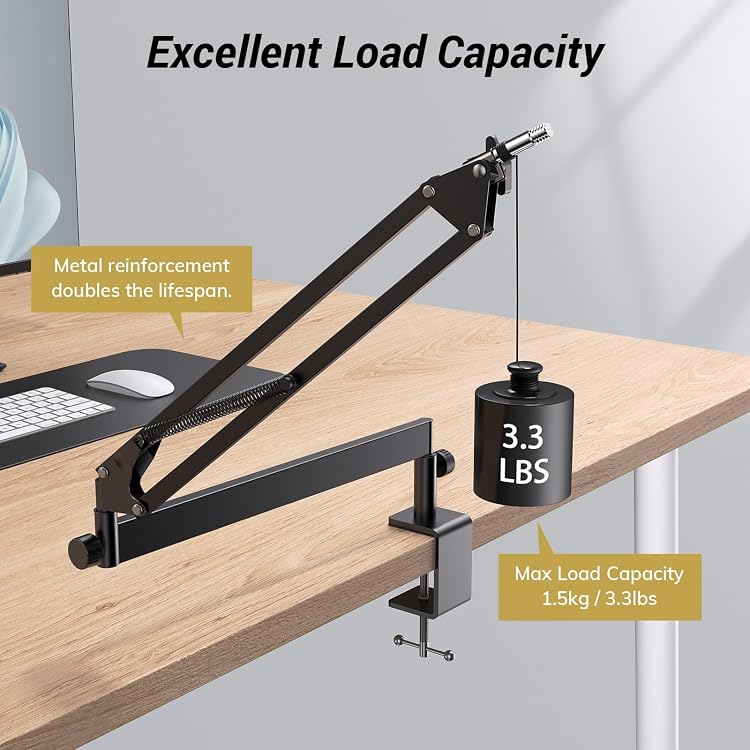
A desk clamp anchors the arm, while the included 5/8-inch adapter screw and microphone clips support the listed microphone styles. The arm supports microphones up to 1.5kg. Its 360° rotation gives you flexibility to orient the setup around your screen, keyboard and preferred speaking position.
Buyers often appreciate the straightforward setup and day-to-day functionality. Feedback is more mixed on stability, fit, adjustability and durability, so the clamp and microphone connection are useful details to consider when arranging the setup.
How it fits
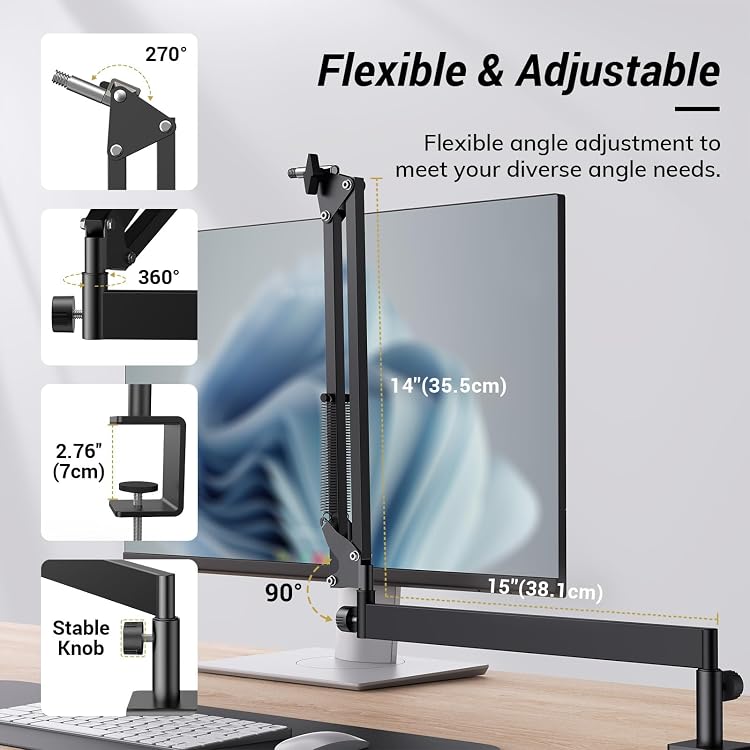
The clamp attaches to a desk edge and accommodates surfaces up to 7cm thick. Silicone pads at the contact points help protect the desk as the clamp is secured. Before mounting, choose an edge with enough room for the clamp and a clear route for the arm to move.
The T20LP is intended for microphones with a 5/8-inch screw connection and includes an adapter screw and microphone clips. The product listing names the Blue Yeti, HyperX QuadCast, AT2020 and Shure SM58 among compatible examples. Check that your microphone’s mounting arrangement matches the supplied connection before positioning it.
Usage tips
Secure the clamp to a stable desk edge, then arrange the arm so the microphone sits where you speak without crossing your screen. Route the cable along the arm using the cable-management ties, leaving enough slack for repositioning. This keeps the work area tidier while allowing the microphone to move as needed.

For a call or recording session, bring the mic into position and adjust the arm around your normal desk layout. When the microphone is not in use, swing the arm aside to free up the space in front of you. Keep the microphone within the stated 1.5kg support limit.
Questions before you buy
How thick can the desk be? The clamp supports desks up to 7cm thick, with silicone pads where it contacts the surface.
Which microphones can it work with? The listing names the Blue Yeti, HyperX QuadCast, AT2020 and Shure SM58. It is designed for microphones using a 5/8-inch screw connection, with an adapter screw and microphone clips included.
Does the setup include cable-management accessories? Yes. Cable-management ties are included to help route the microphone cable along the arm.
When it makes sense
The T20LP suits a desk-based recording, streaming or calling setup where keeping the screen view open and the work surface clear matters. Its low-profile arm, desk clamp and cable management make it a useful choice for positioning a compatible microphone within reach, then moving it aside when the desk is needed for other tasks.