

Quntis LI-HY-0210-WT 16-inch Monitor Light Bar with Remote and Auto-Dimming
Product description
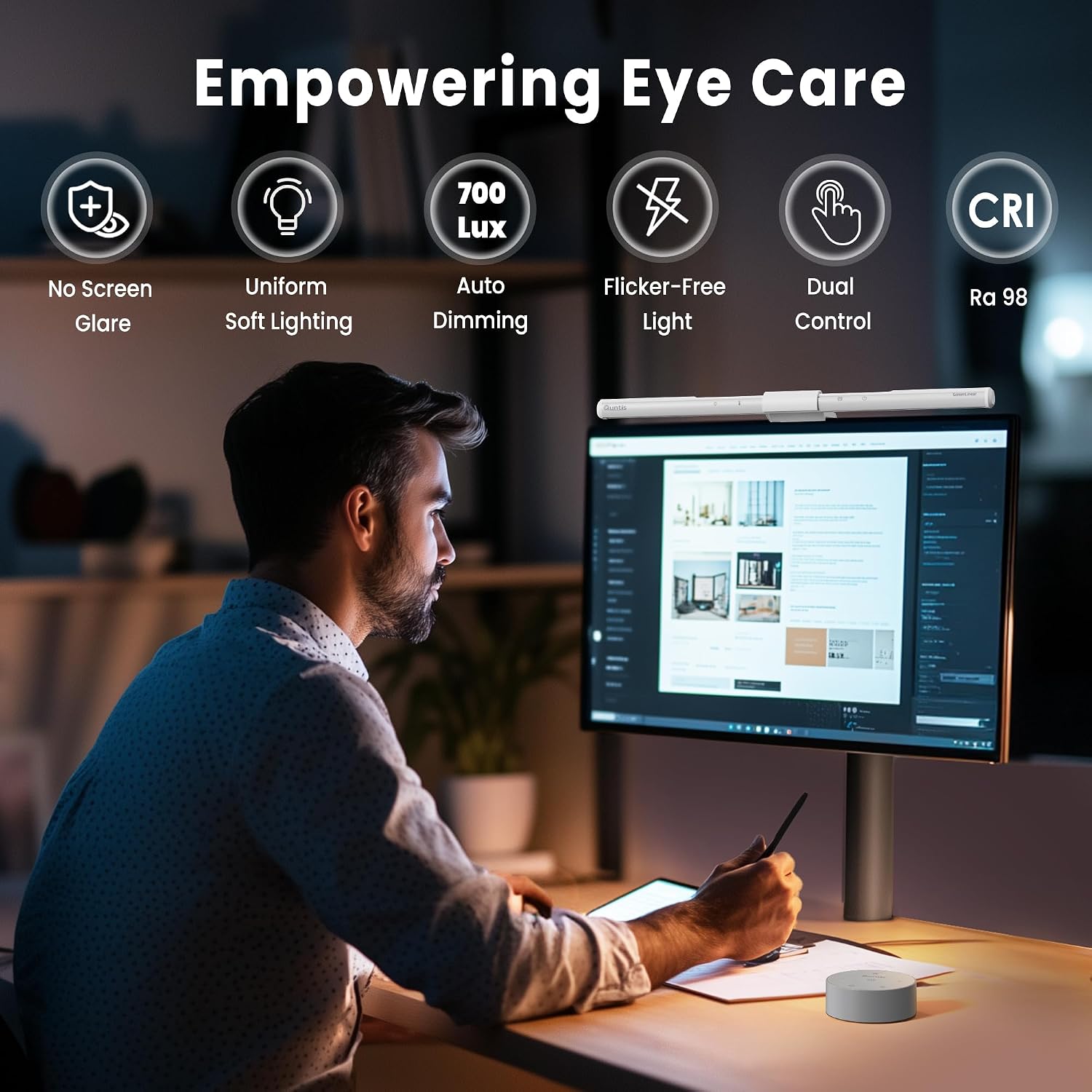
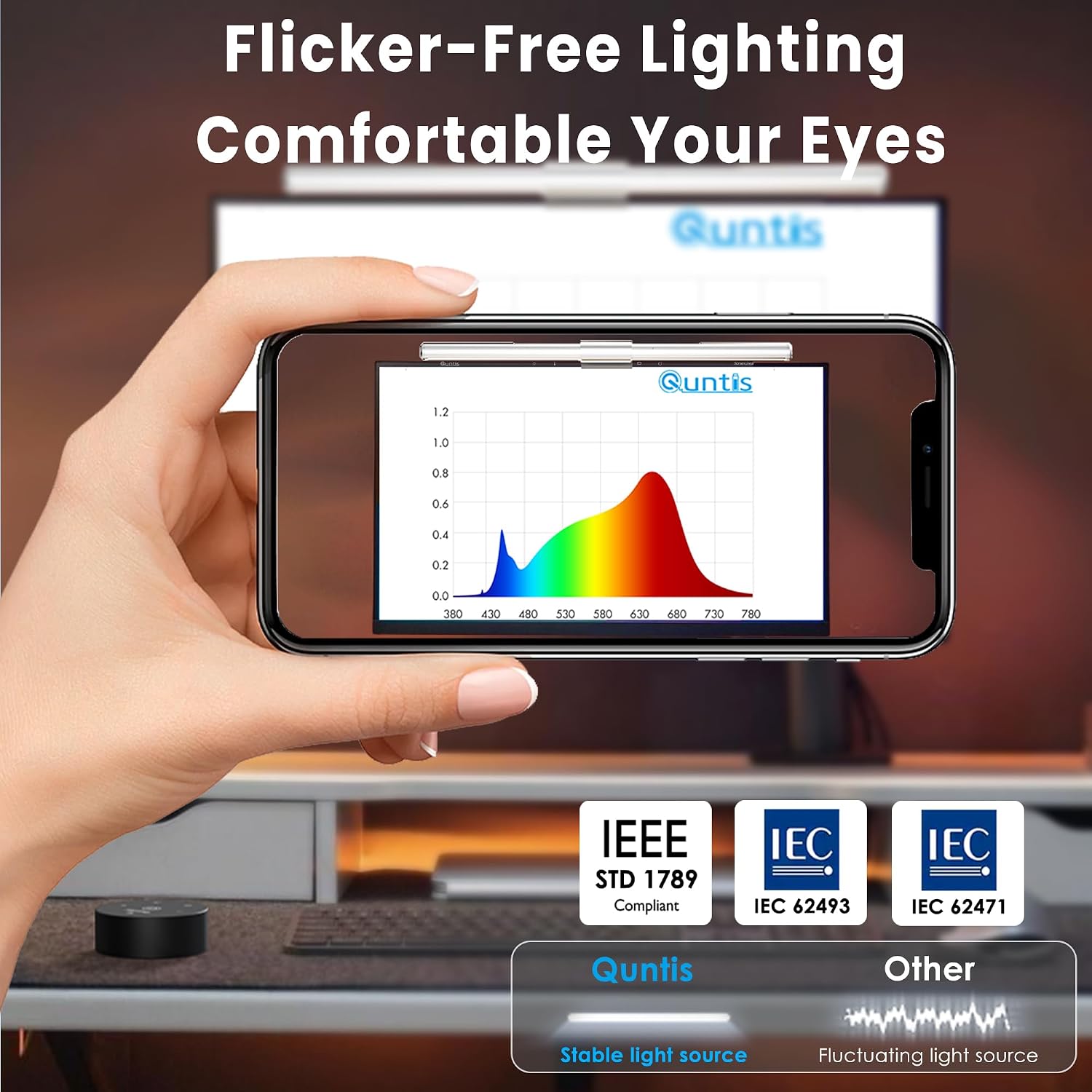
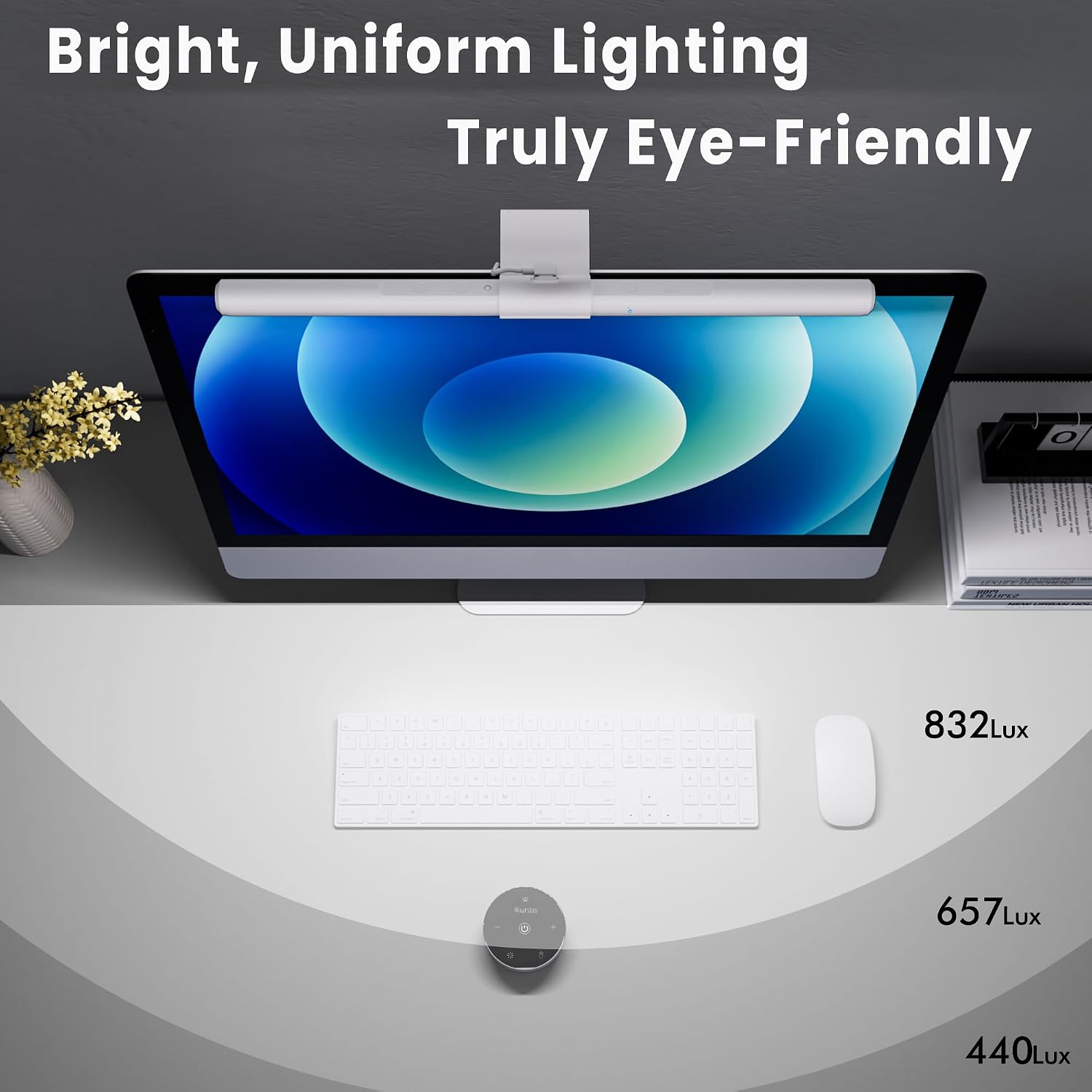
At 16 inches, the Quntis Basic Pro Monitor Light Bar adds focused lighting above your screen while keeping the desk surface clear. Its asymmetrical optical design directs light onto your keyboard and work area, helping limit reflections on the screen and glare into your eyes during work, reading or creative tasks.
Choose touch or remote control to adjust brightness and colour temperature, or let the light sensor adapt the illumination to the room. For a tidy setup, the bar mounts on top of the monitor rather than taking up space beside it.
What you’ll notice day to day
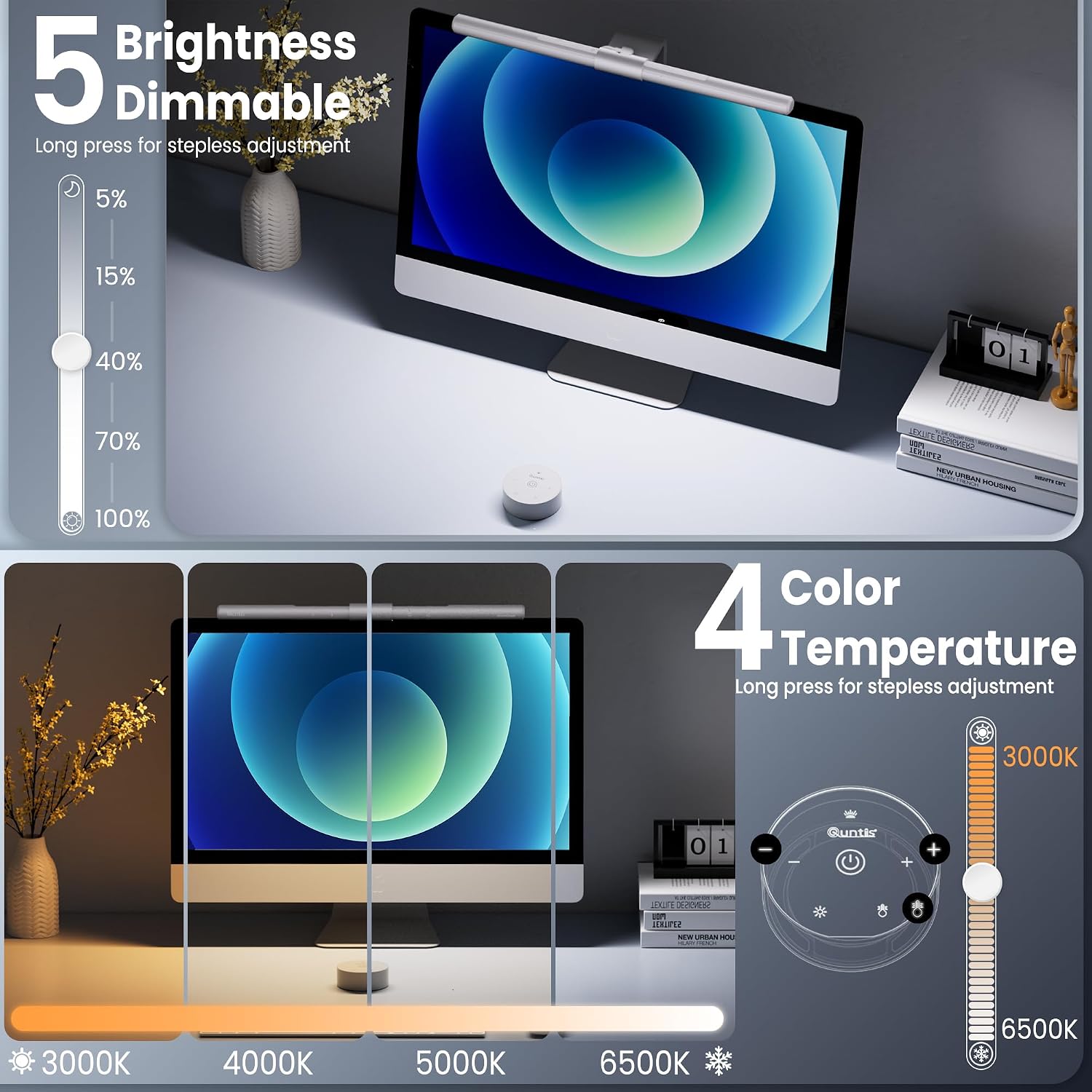
The downward-facing light helps make your keyboard and work surface easier to see in a dim room, whether you’re finishing a workday, studying or editing at your computer. Adjust the brightness and select a colour temperature from 3000K to 6500K to suit the task: warmer tones for a more relaxed feel, or cooler white light for focused desk work. The auto-dimming function adjusts illumination to the surroundings, with a stated target of 900 lux.
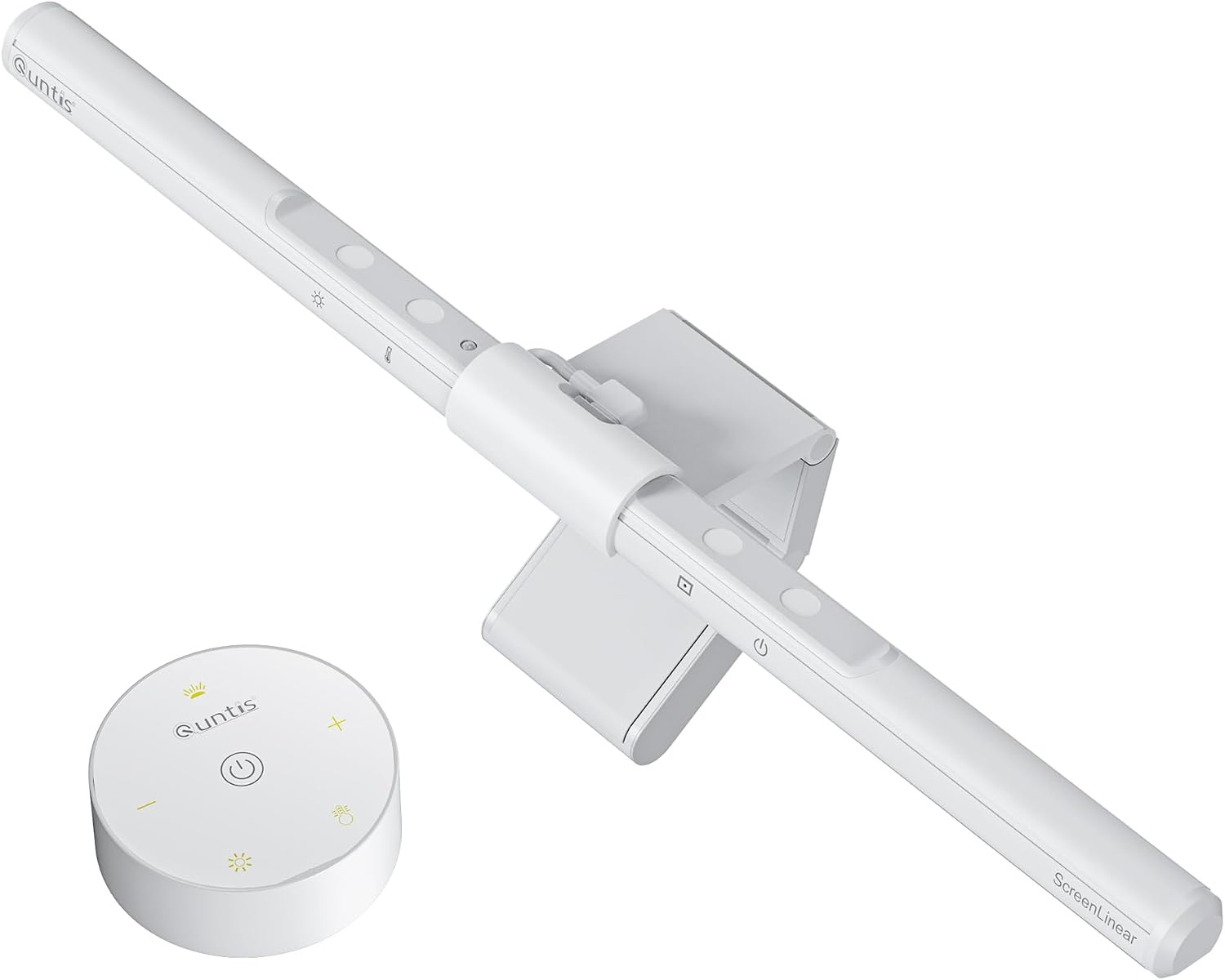
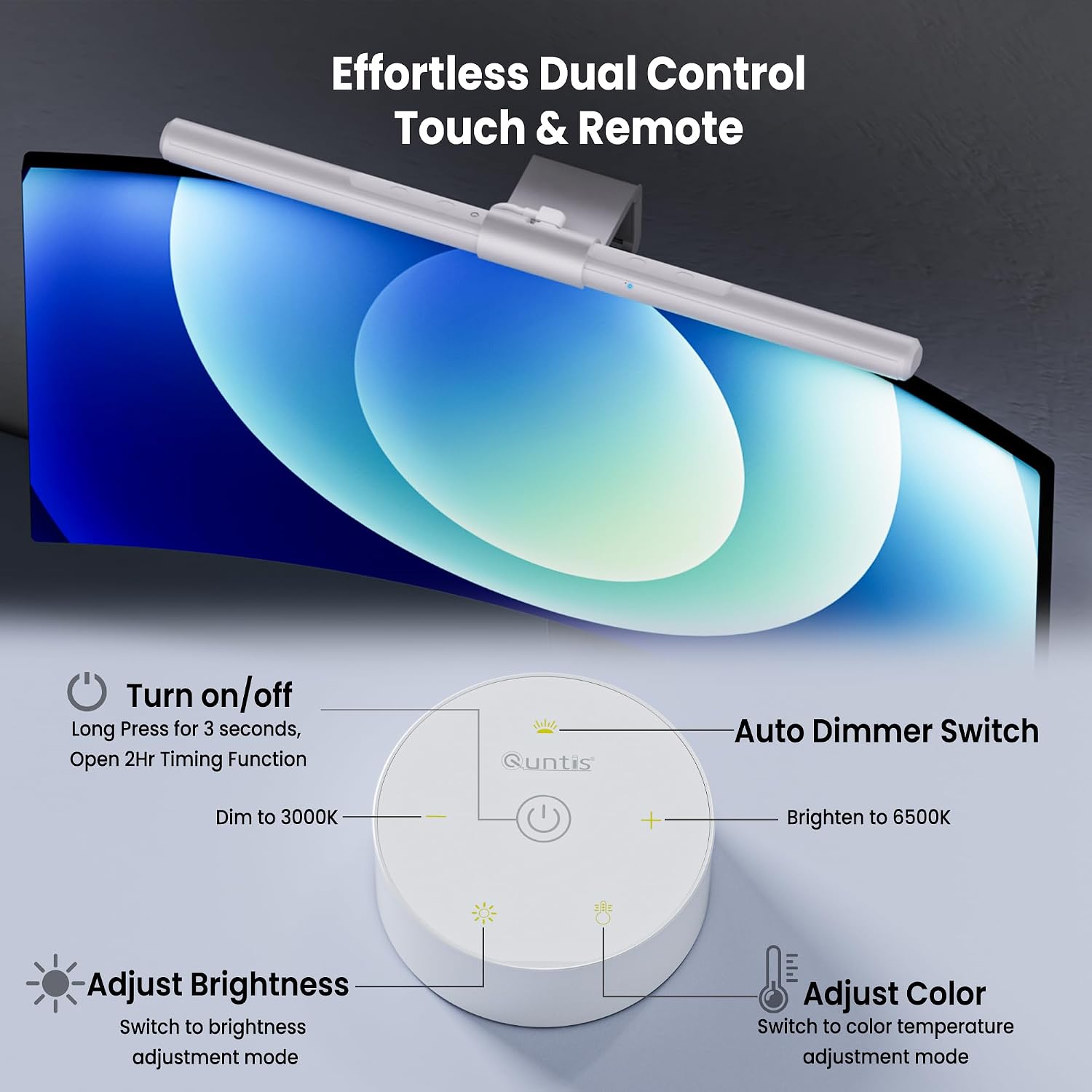
Would you rather keep controls within reach instead of reaching up to the monitor? Use the touch controls on the bar or the remote to change settings. A two-hour auto-off timer can also serve as a prompt to take a break. Buyers often appreciate the range of brightness and modes, and many find the monitor light straightforward to attach. Feedback on sturdiness is mixed: some describe it as stable, while others find the mount less robust.
What matters most
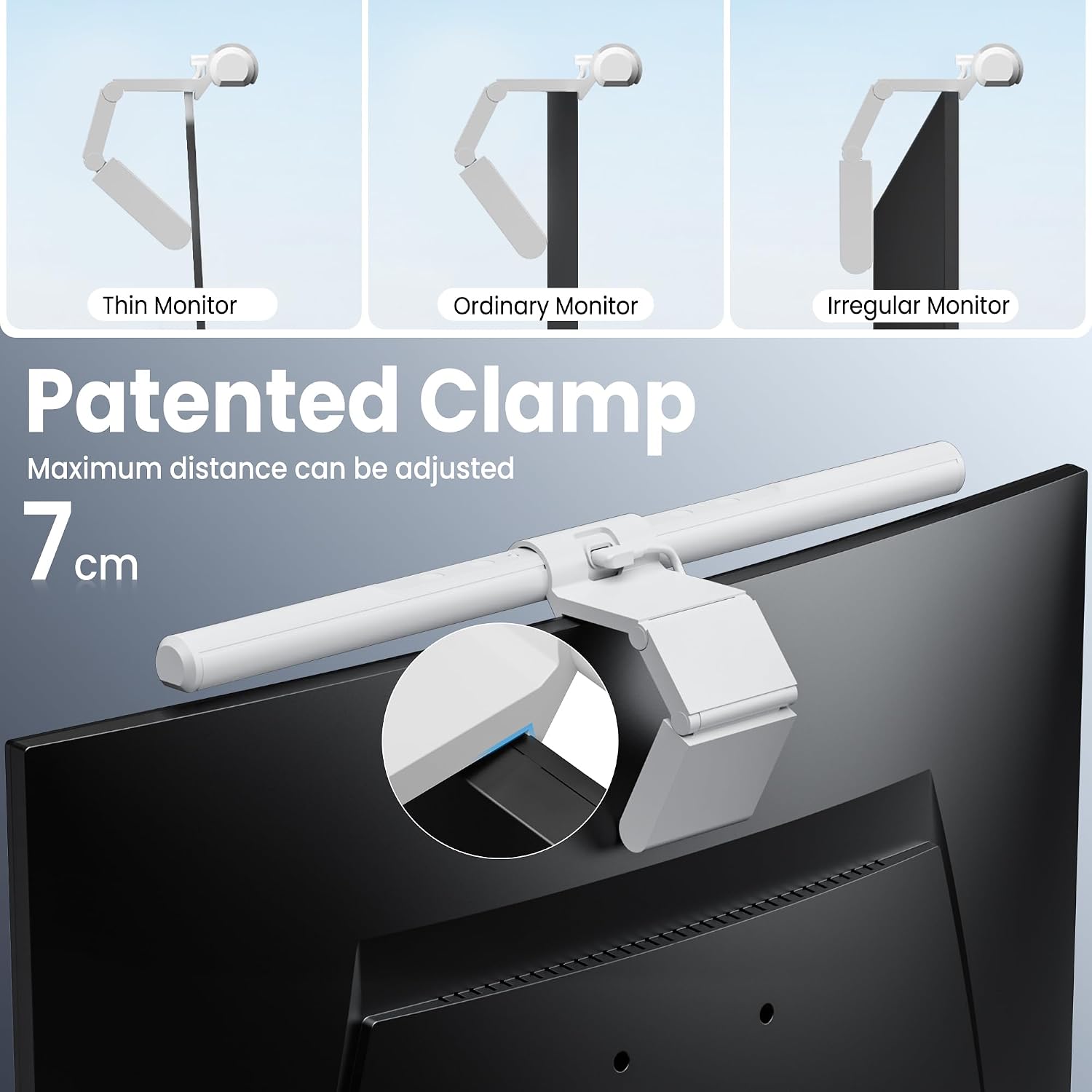
The screen-mounted design is a practical alternative to a separate desk lamp when you want to preserve space for a keyboard, notebook or other desk essentials. Its three-stage clamp is designed to fit most monitors, including models with non-flat top bezels or distinctive backs. It also allows a webcam to sit on top without blocking the lens, supporting a compact arrangement for video calls and streaming.
The lamp is USB-powered and intended for indoor use. Its white finish and modern style suit a clean home-office setup, while touch and remote operation let you adjust the light without disrupting what you’re doing. Reading, crafting, gaming and everyday computer work are all among its stated uses.
Practical tips
Mount the light bar across the top of the monitor and position it to illuminate the keyboard and work area. Use the remote or touch controls to set brightness and colour temperature, or enable auto-dimming for adjustment to the ambient light. The timer provides a simple way to have the light turn off automatically after two hours. Keep the setup aligned with your usual screen and webcam placement so the bar supports your desk arrangement.
Before you decide
How can I adjust the light? Use the touch control on the bar or the remote to change brightness, colour temperature and lighting modes. The listed colour-temperature range is 3000K–6500K.
Does it fit every monitor? The three-stage clamp is designed for most monitors, including some with non-flat top bezels or distinctive rear designs. It is also designed to leave room for a webcam on top without blocking its lens.
What does the auto-dimming feature do? Its light sensor adjusts illumination to the surrounding room, with a stated target of 900 lux. The two-hour auto-off timer is a separate function.
Is it worth it?
For a home-office, study or creative desk where clear task lighting and an uncluttered surface matter, this monitor light bar brings the light source above the screen and offers useful control options in one compact setup. Its adjustable colour temperature, remote and touch controls, and ambient-light sensing make it a practical fit for people who spend time reading or working at a computer.