

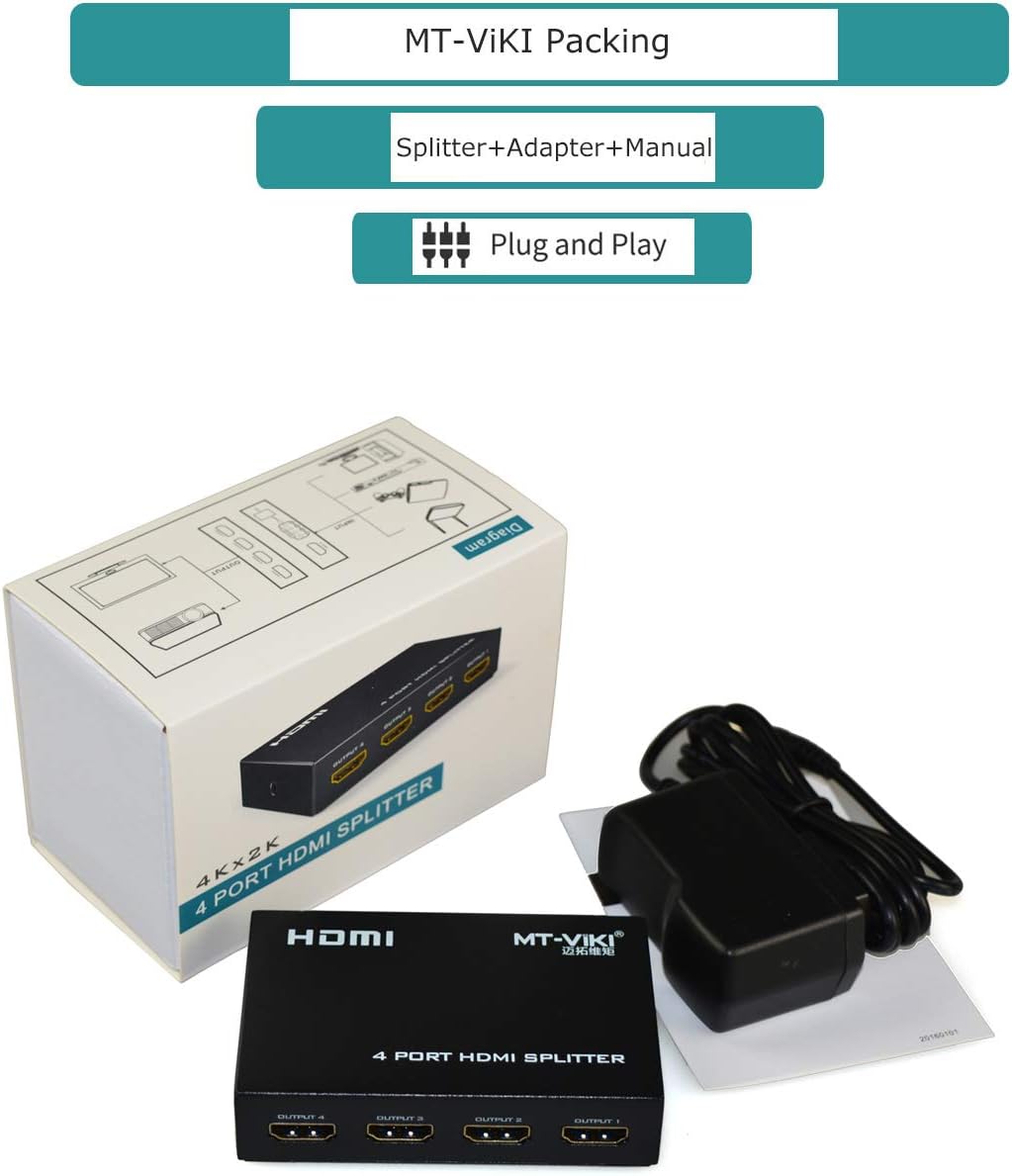
MT-VIKI MT-SP104-M HDMI Splitter, 1-In 4-Out, 4K@30Hz, 3D
Product description
Distribute one HDMI source to four displays at once, so the same programme or presentation can appear in several rooms. The MT-VIKI MT-SP104-M supports mirrored output up to 4K@30Hz and 3D. It’s powered by the included AC adapter and uses plug-and-play setup. Choose a splitter when several screens need the same picture, choose a switch when you need to select between multiple sources for one screen.
The essentials
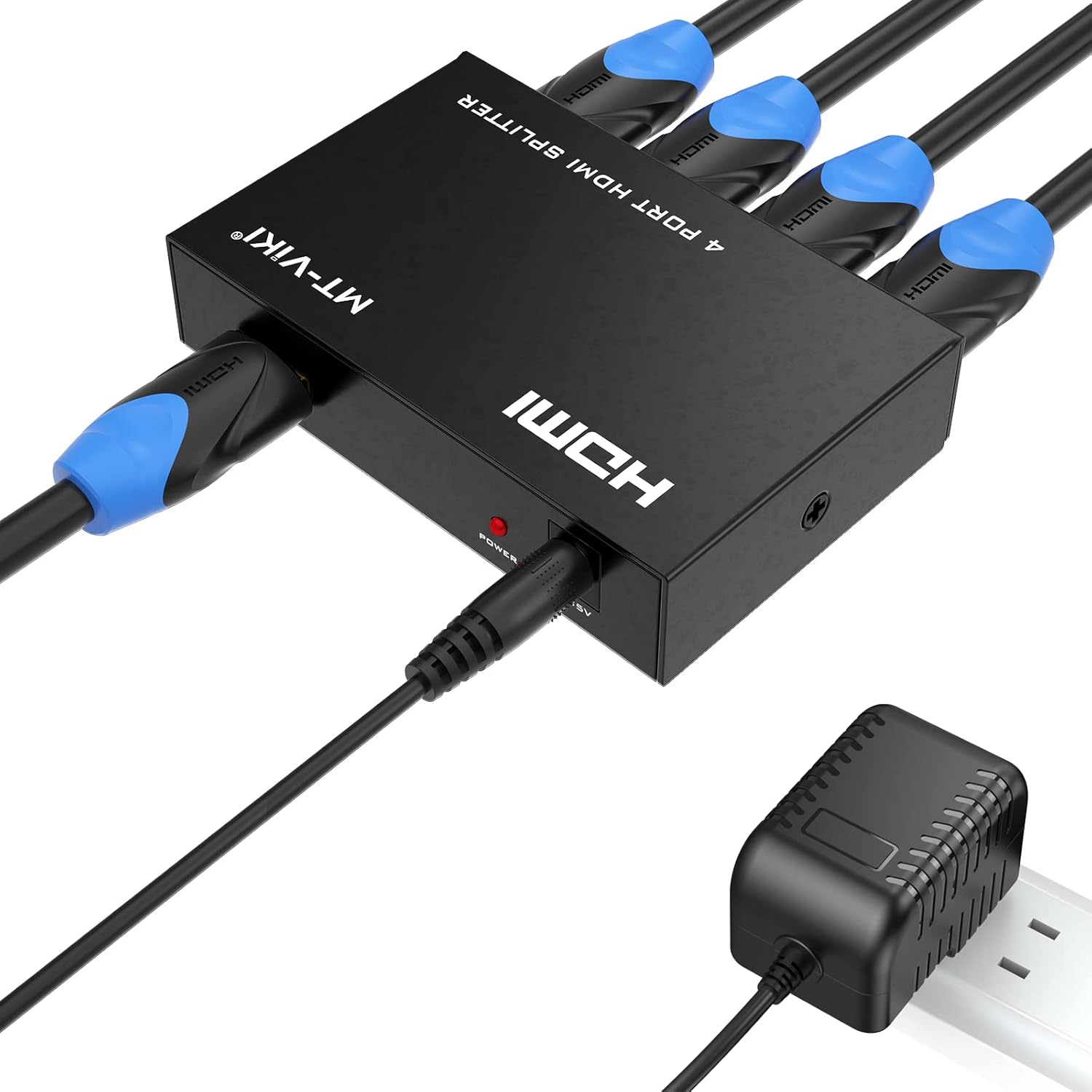
This 1-in-4 HDMI splitter sends one input signal to four HDMI displays, showing the same image on each. It’s suited to sharing a game, video, presentation or other source across multiple TVs or monitors, rather than extending a desktop across separate screens. Compatible source examples include game consoles, Blu-ray players, streaming devices and computers, the displays need HDMI inputs.
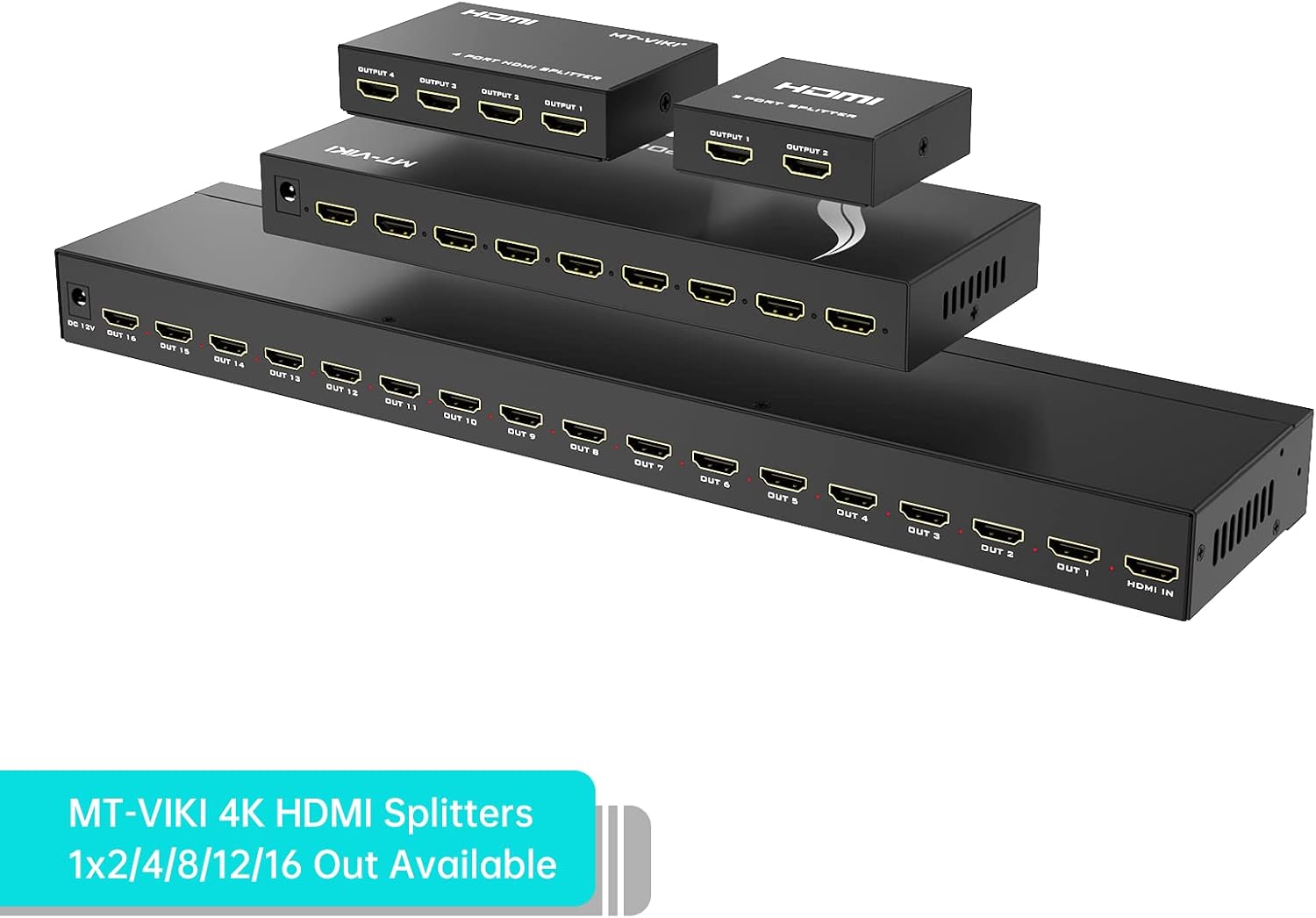
Supported output includes 4K×2K at 30Hz, Full HD 1080p and 3D, along with deep colour at 8, 10 or 12 bits. The source, displays and HDMI cables all need to support 4K for a 4K picture. If connected displays have different resolutions, the splitter outputs at the lower resolution across the screens. The unit supports HDCP 1.4 and can be cascaded with additional splitters for a larger distribution setup. Buyer feedback often appreciates the straightforward signal-splitting and setup, comments on picture quality and value are more mixed.
How to use it
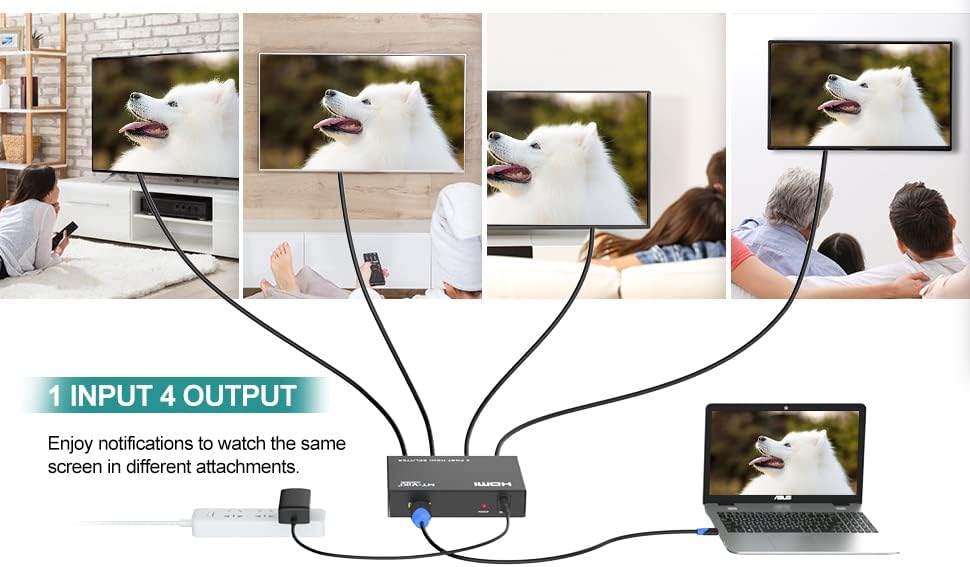
Connect the HDMI output from your source device to the splitter’s single input, then connect its four outputs to the displays you want to show the same content. Attach the included AC adapter to power the splitter, then start the source and displays. No software is required. This arrangement works well for a shared viewing area, such as sending a console or Blu-ray player’s picture to multiple TVs, or showing one presentation on several monitors.
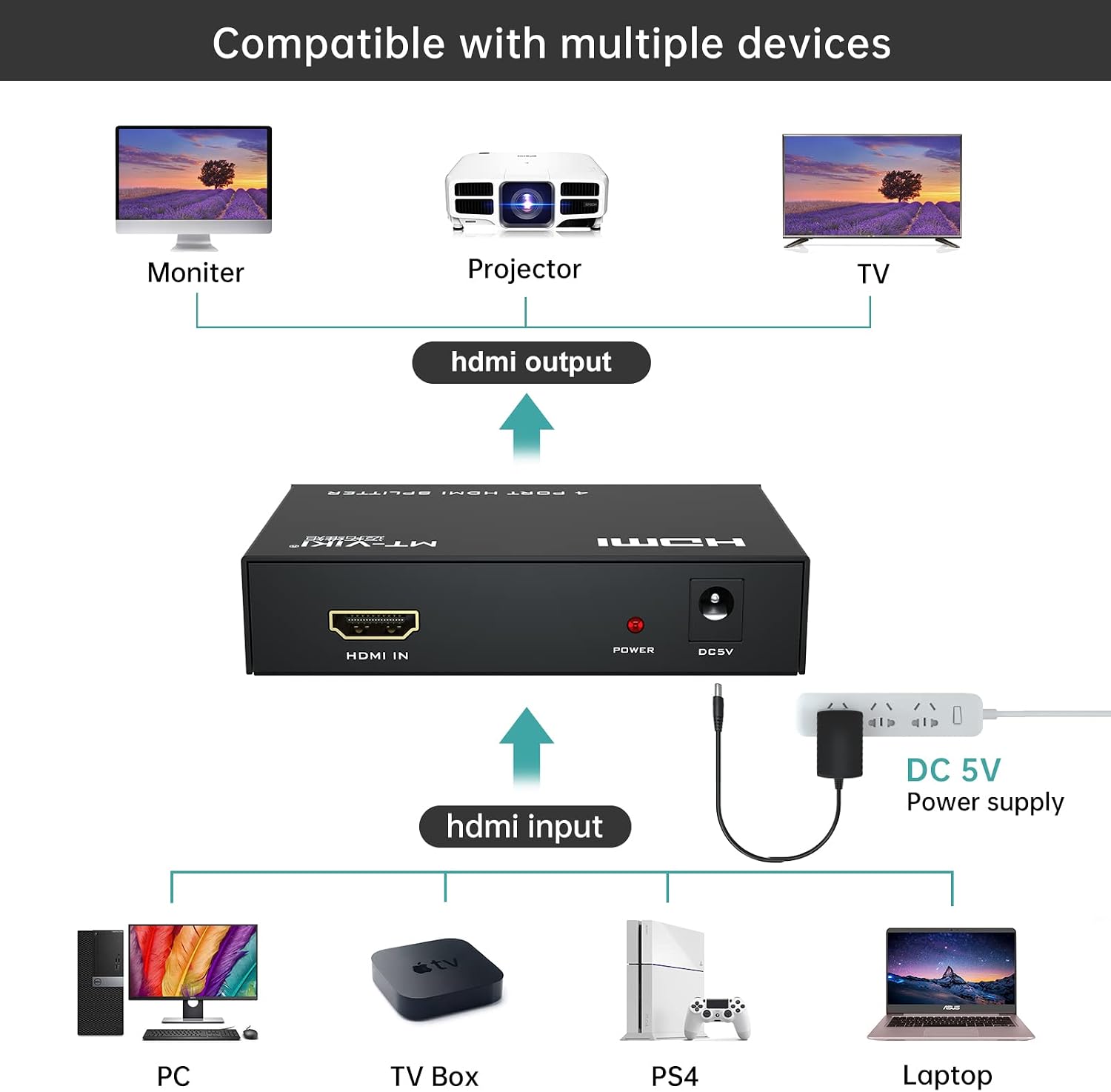
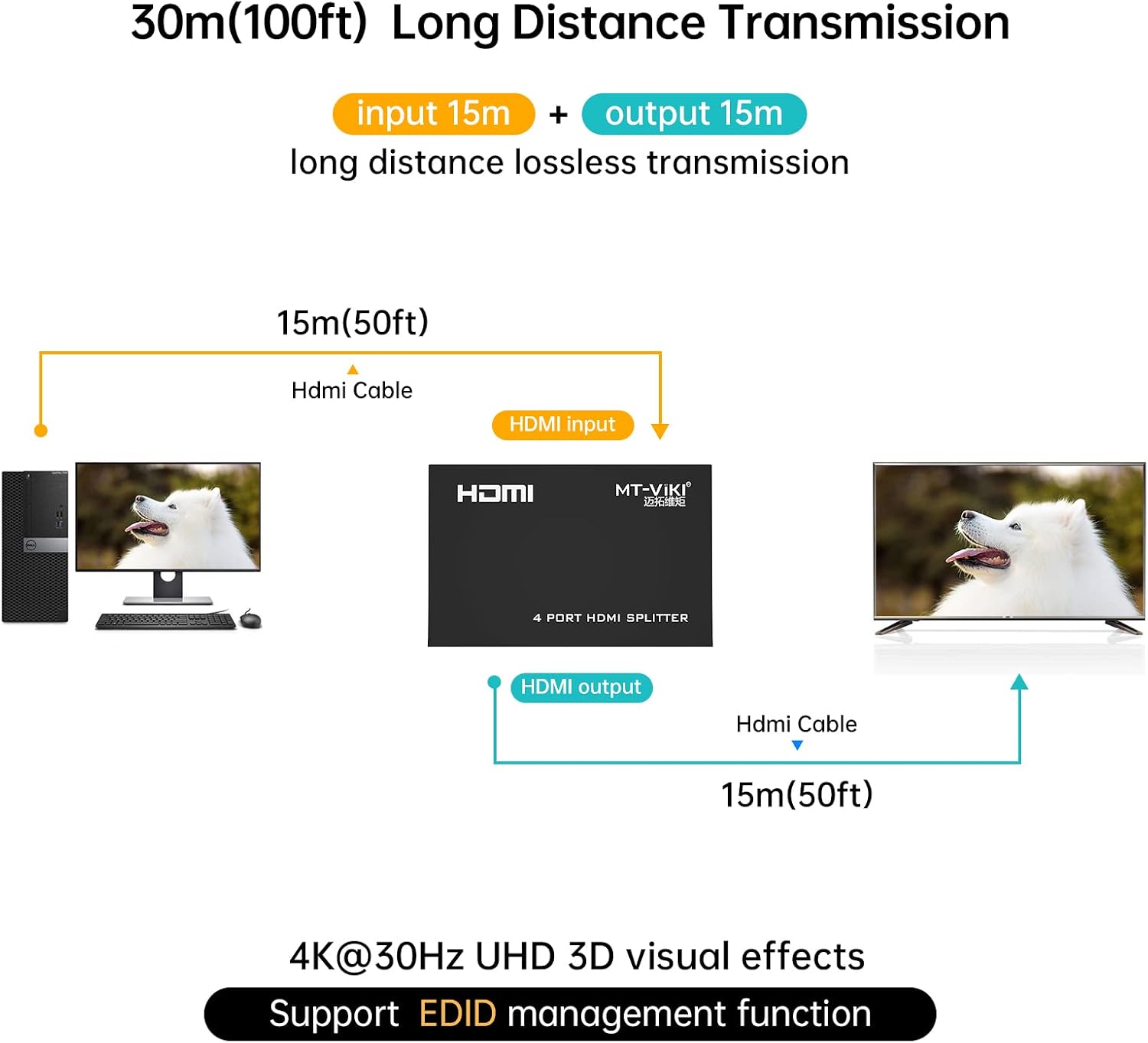
The splitter duplicates one signal, it does not provide four independent images or act as a source selector. For example, it can distribute a laptop’s picture to four displays, but those displays mirror one another rather than forming an extended desktop. If your goal is to switch between a game console and a streaming device on a single TV, a multi-input HDMI switch is the appropriate type of device instead.
Practical tips
For consistent output, use HDMI-capable displays and connect the source and screens before checking the picture. When targeting 4K, make sure the source, every display and the cables in the signal path support 4K at 30Hz. With screens at different resolutions, plan around the lower-resolution output that will be shared across all four. These checks help match the splitter to the display setup and the content you want to distribute.
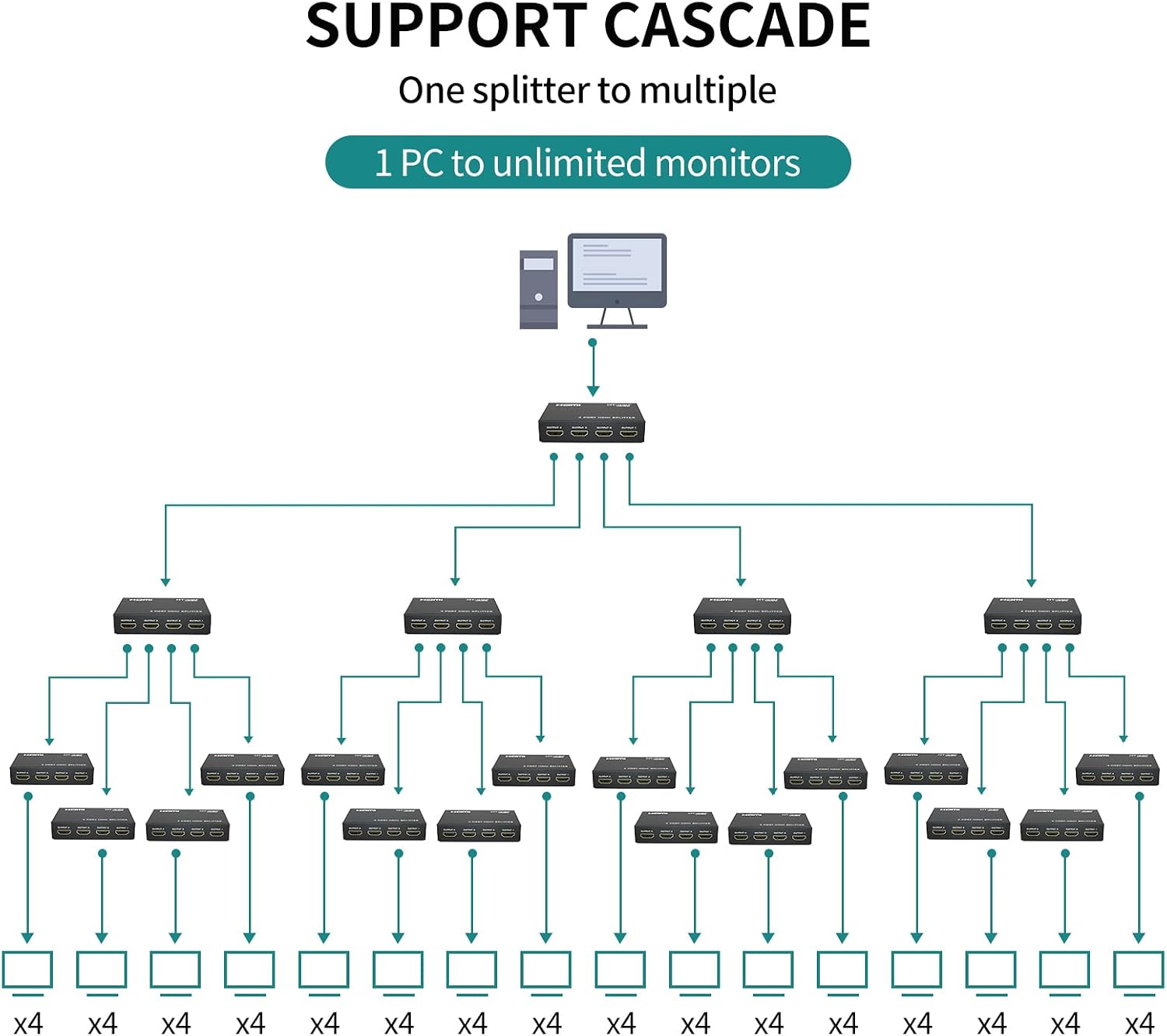
For more than four screens, the MT-SP104-M supports cascading with additional splitters. This can suit installations that need to distribute one source beyond a single group of four displays while keeping the same mirrored image. The included AC adapter powers the unit, connect the HDMI source and displays separately as part of your setup.
Should you buy it?
Choose the MT-VIKI MT-SP104-M when one HDMI source needs to appear on up to four screens at the same time. Its 4K@30Hz and 3D support, four HDMI outputs, powered operation and plug-and-play setup make it a practical fit for shared viewing or repeated display of the same content. If the goal is a single image across several screens, this splitter is designed for that job.