

Insta360 webcam Link 2C
Product description
If you mainly need a straightforward camera for occasional calls, this feature set may be more than you need, if you also stream, present or switch between desk and whiteboard views, the Link 2C has more ways to shape the shot. It combines a 1/2-inch sensor with 4K video, HDR and automatic framing, while its AI noise-cancelling microphone is intended to help keep speech clear in busy surroundings. For a practical example, you could use DeskView to show something on your desk, then switch to a regular video-call setup without relying on a separate camera for each task. The listing names Zoom and Teams among compatible services, but doesn’t specify the microphone’s pickup range or the connection requirements.
How to use it
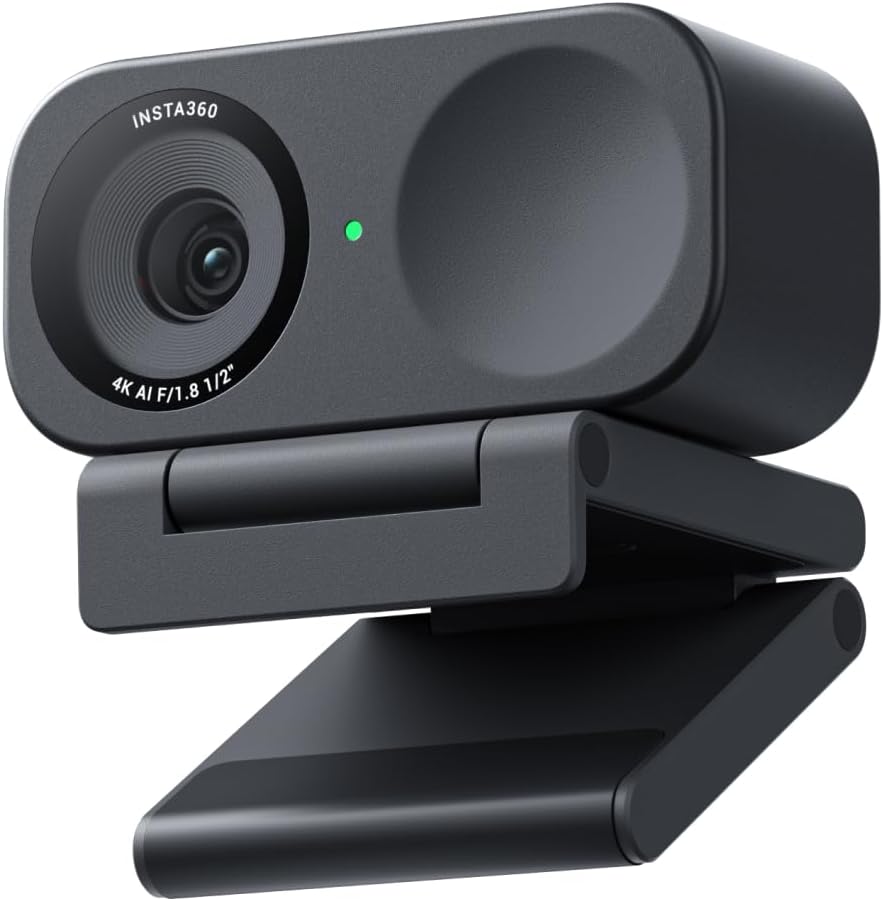
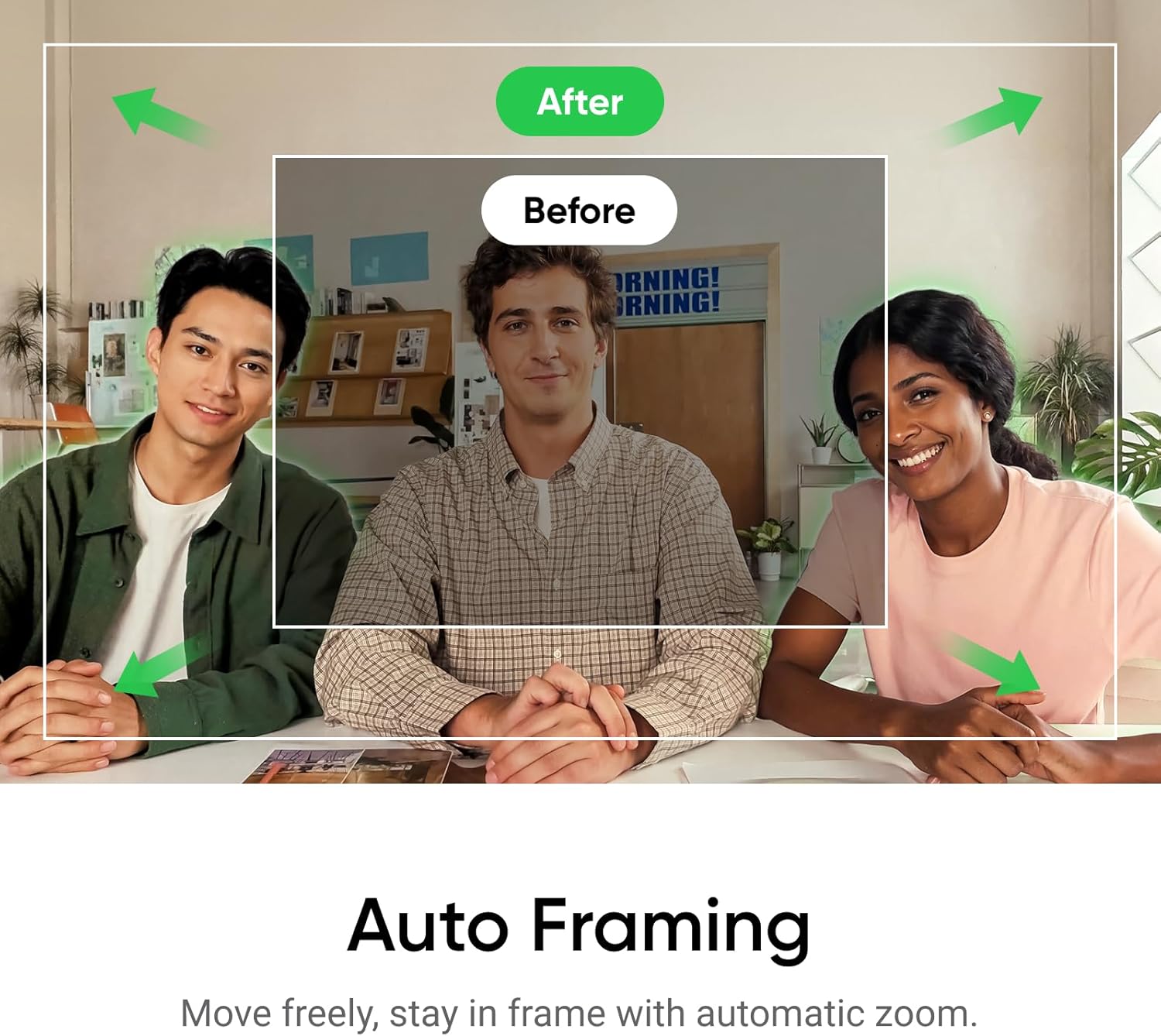
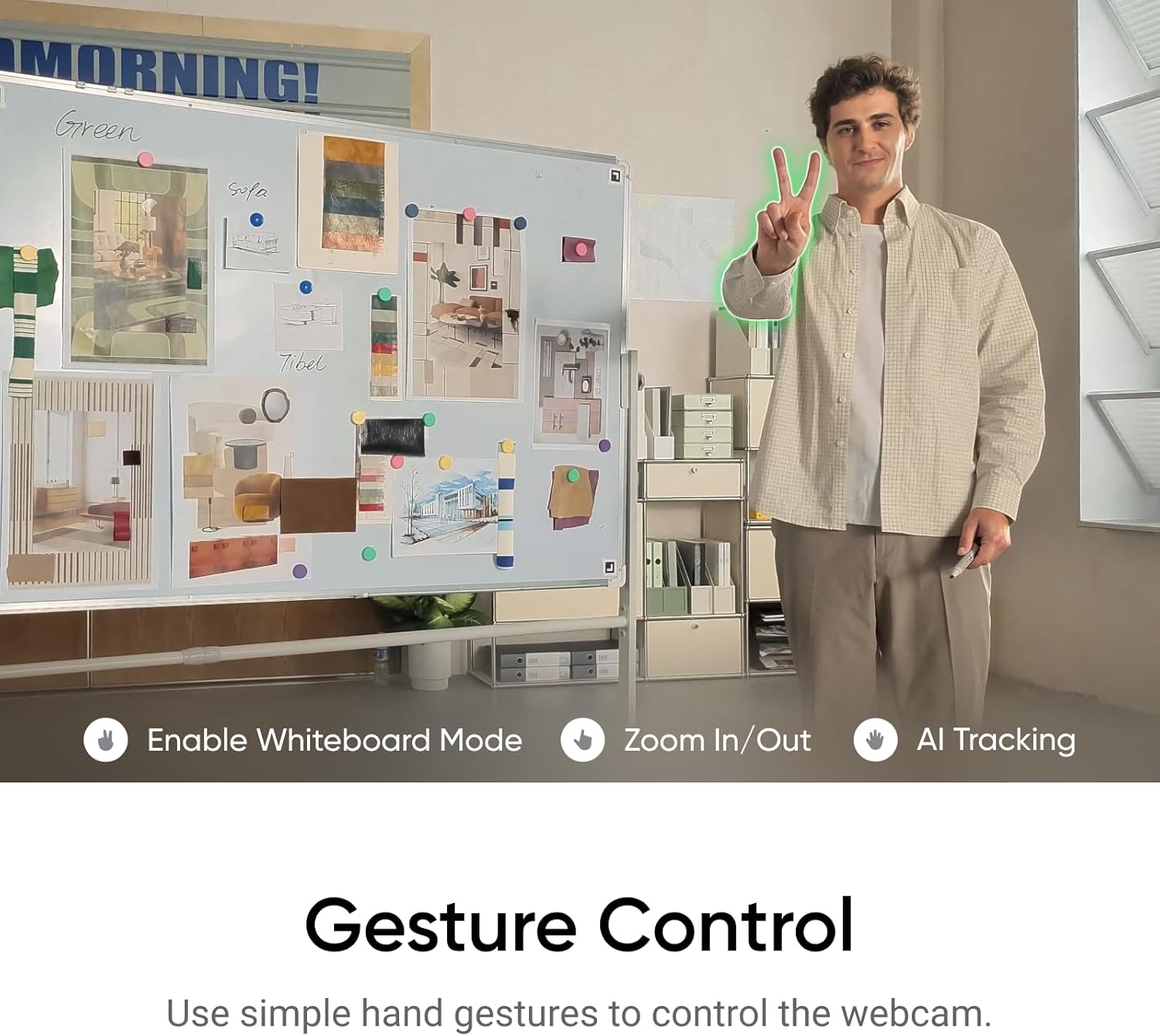
The Link 2C is a webcam for PC and Mac, aimed at video calls, streaming and gaming. Auto framing adjusts the view to keep a person or group in shot, gesture controls can start tracking or framing, zoom in or out, and activate Whiteboard Mode. Smartphone control is also listed as an option. What’s more useful to you: having the camera keep you in frame, or being able to show what’s on your desk? The range of modes suggests it can serve both needs, although how well auto framing suits a particular room or group setup isn’t established by the supplied details.
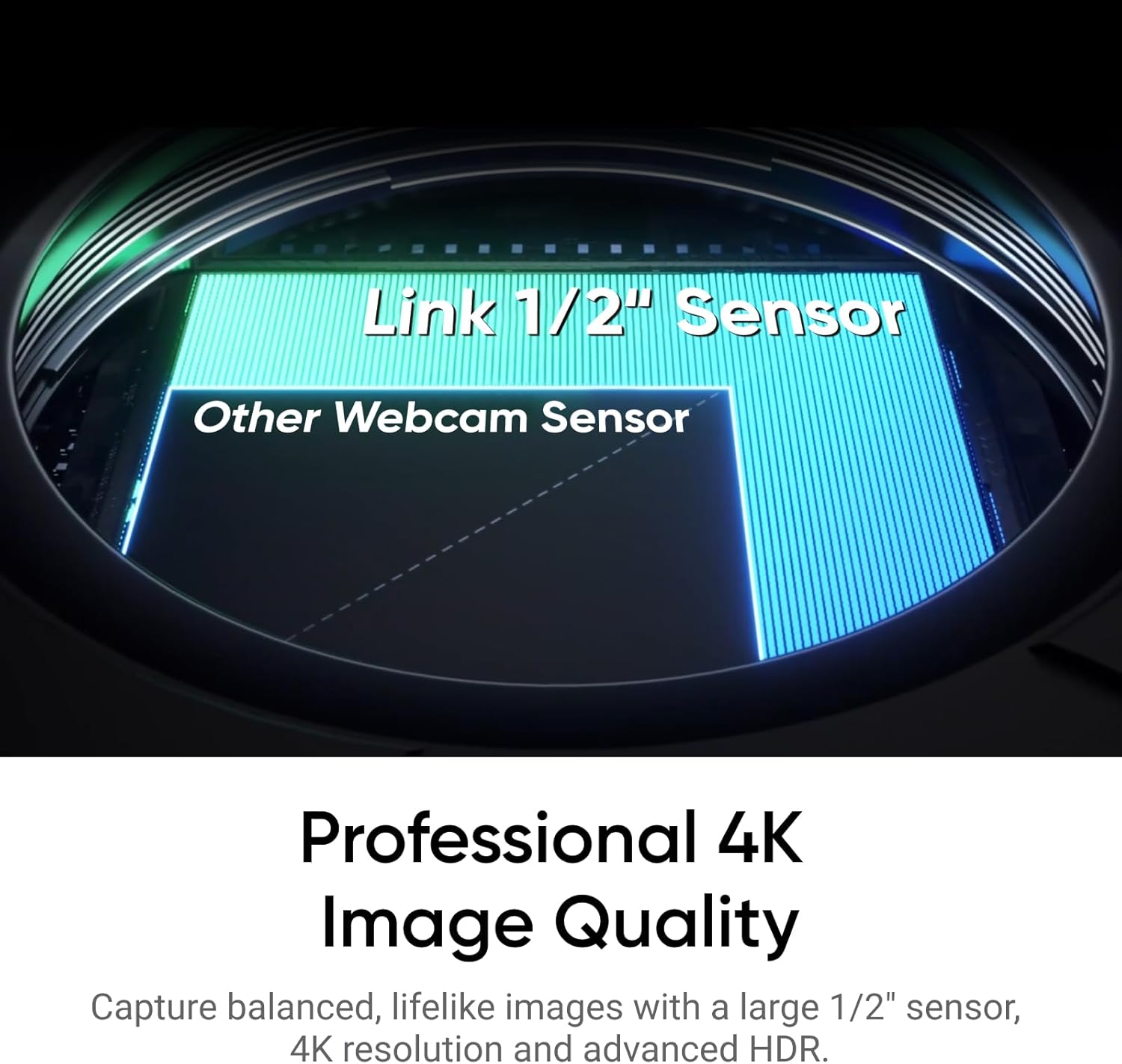
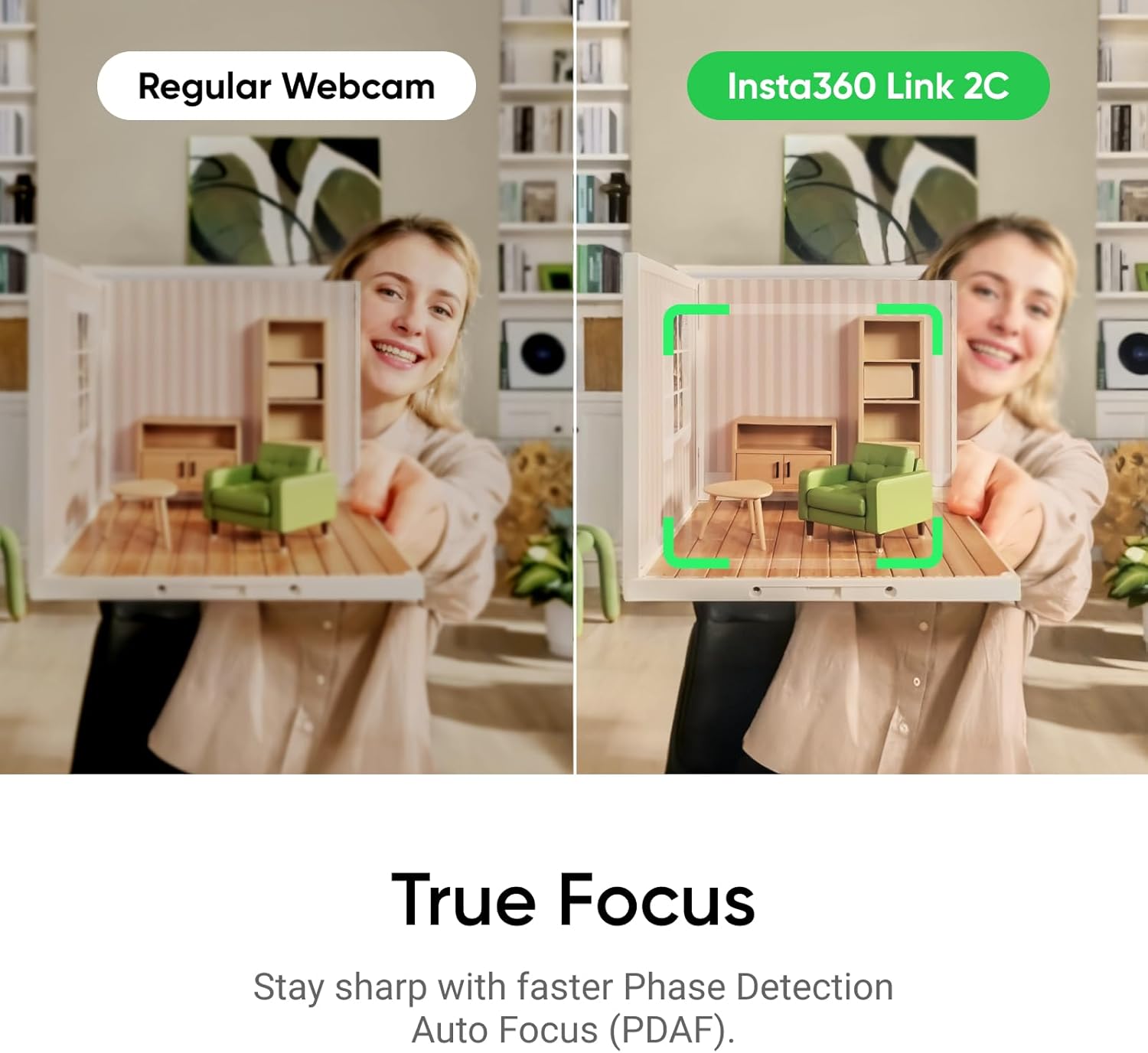
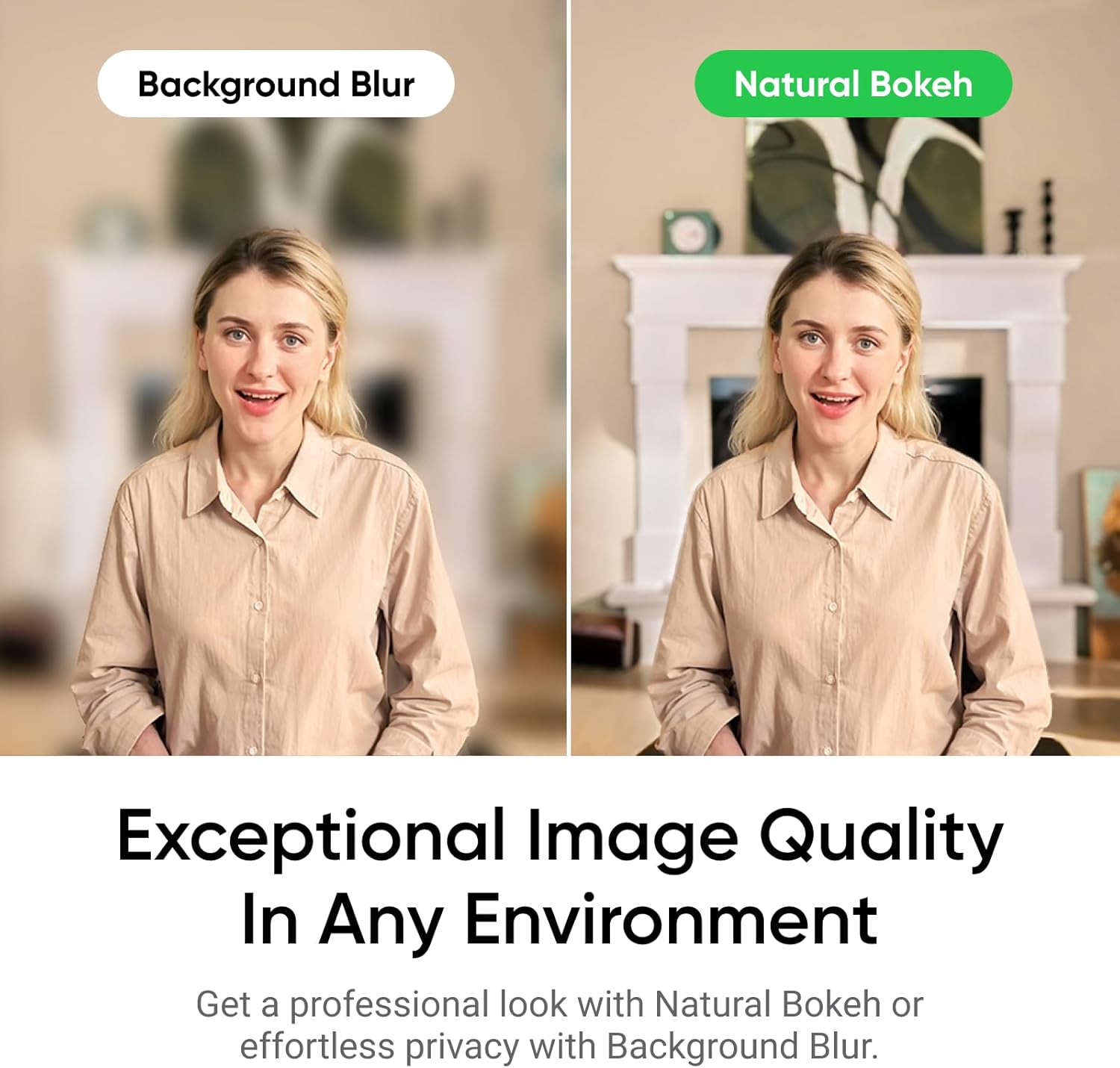
Its 4K resolution, HDR and low-light performance claims point to a camera intended for more than basic call quality. PDAF autofocus is listed to help it focus quickly, while the natural bokeh effect is accessed through Link Controller. That adds creative control, but the information here doesn’t explain which settings are available or how much adjustment they allow.
Pros
- 4K video, HDR and a 1/2-inch sensor, with low-light performance highlighted in the product details.
- Auto framing for individual users or groups, plus gesture and smartphone controls.
- DeskView, Whiteboard and 4K Portrait modes offer different ways to present on camera.
- An AI noise-cancelling microphone is designed to reduce unwanted background noise.

The trade-off is that several useful-sounding features are described without practical boundaries: there’s no stated audio pickup range, and no detail here on how tracking behaves when people move around. Given its design, it appears more appealing to someone who will use its modes and controls than to a buyer seeking only a basic webcam.
Spec sheet
- Type: Webcam for PC and Mac
- Model: Link 2C
- Colour: Graphite Black
- Resolution: 4K, with HDR
- Sensor: 1/2 inch
- Focus: Phase Detection Auto Focus (PDAF)
- Audio: AI noise-cancelling microphone
- Features: Auto framing, gesture control, smartphone control, natural bokeh, DeskView, Whiteboard Mode and 4K Portrait Mode
- Named services: Zoom and Teams, among others
What I’d decide
It makes sense if you want one webcam for calls and streaming, and expect to use framing, presentation modes or remote controls rather than leaving the camera on its default view. Better avoided if all you need is a simple camera for occasional meetings, or if you need confirmed microphone range and setup requirements before choosing. Compared with a basic webcam focused only on showing your face, the Link 2C offers more presentation options, the extra modes matter most when you’ll actually switch between them.