

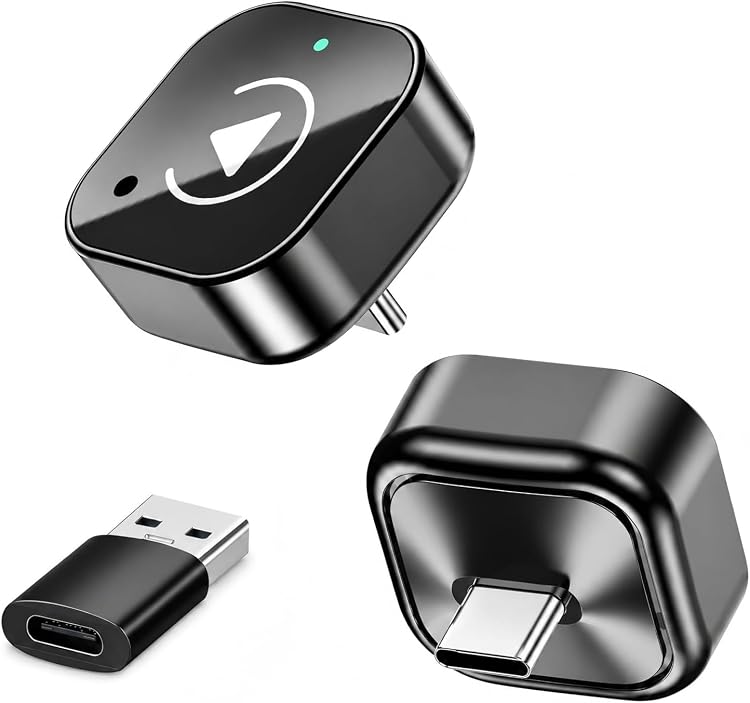
Hyphoon Wireless CarPlay Adapter, Compact USB-C Dongle with USB-A Adapter
Product description
Some drivers want wireless access to navigation and calls, others want to keep using their car’s original screen and controls. This compact Hyphoon adapter is designed for vehicles with factory-wired CarPlay or Android Auto. Pair your phone once, then connect wirelessly on later drives.
Why it’s worth it
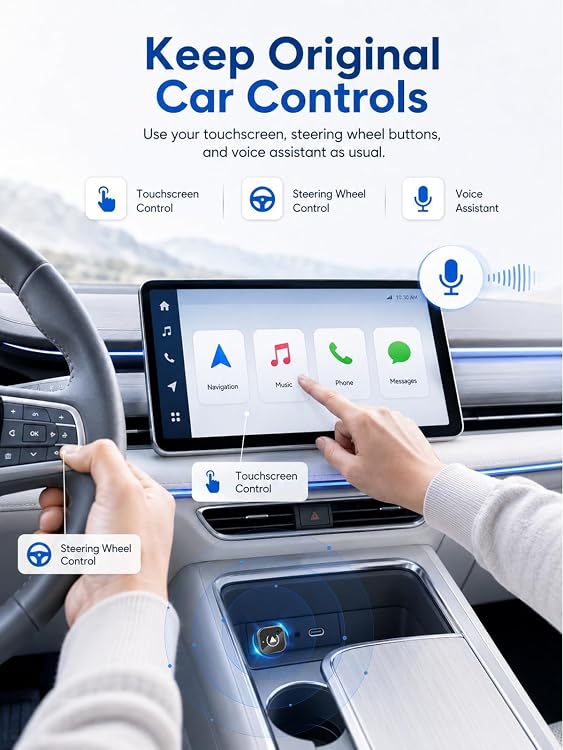
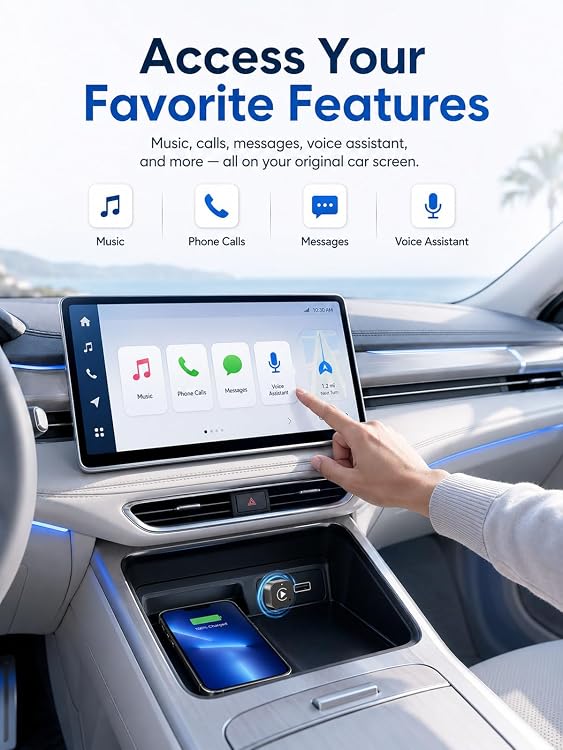
The adapter brings a cable-free connection to a compatible factory system without replacing the car’s screen or changing its familiar controls. You can continue using the touchscreen, steering-wheel controls, knobs and microphone while accessing navigation, music, calls, messages, Siri or Google Assistant from your phone. That makes it practical for a commute, errands or a road trip when you want these everyday functions available without plugging in each time.
Bluetooth handles initial pairing, while 2.4GHz/5GHz Wi-Fi carries the wireless CarPlay or Android Auto connection. After the first setup, the adapter reconnects automatically when the car starts. Its compact, matte-black body plugs into the vehicle’s USB-C port, and the included USB adapter offers a connection option for compatible USB-A ports. It’s a way to reduce cable clutter while keeping the factory system you already use.
Worth noting
The vehicle must already support factory-wired Apple CarPlay or wired Android Auto through a USB data port. The adapter converts that existing wired connection to wireless, it does not add CarPlay or Android Auto to a vehicle without wired support. A charging-only USB port won’t provide the required connection, and the port’s shape alone does not establish compatibility.
Use a compatible iPhone running iOS 10 or later for wireless CarPlay, or a compatible Android phone running Android 11 or later for wireless Android Auto. The adapter is not recommended for Tesla, BMW, or aftermarket systems that lack wired CarPlay or Android Auto over USB. For a useful compatibility check, confirm that the car can run its wired system using a compatible phone and a USB data cable before choosing a wireless adapter.
Practical tips
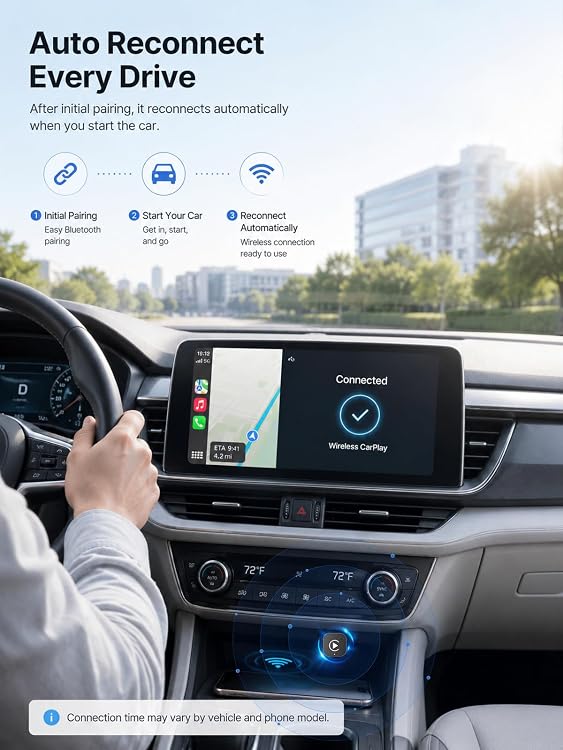
Connect the adapter to the vehicle’s USB port, then pair the phone for the initial setup. For USB-C, plug it in directly, for a compatible USB-A connection, use the included USB-A adapter. Once paired, the automatic reconnection is intended to make everyday departures simpler: start the car and use supported phone functions through the factory system without reaching for a cable.
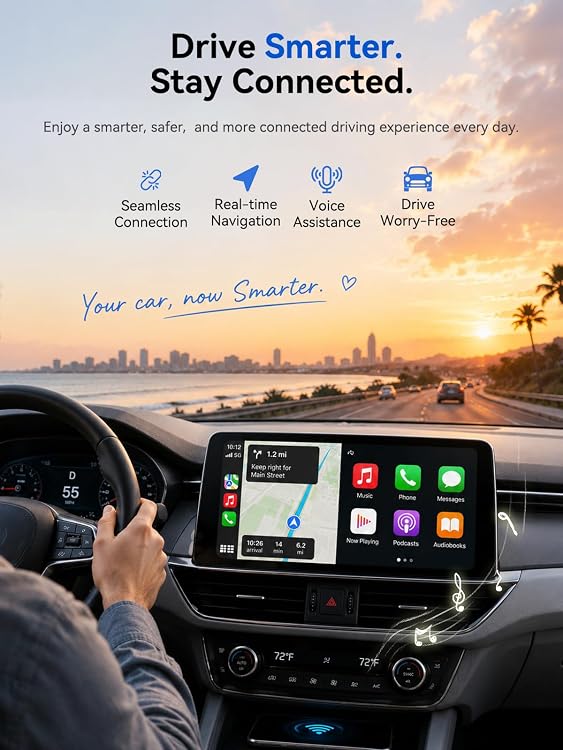
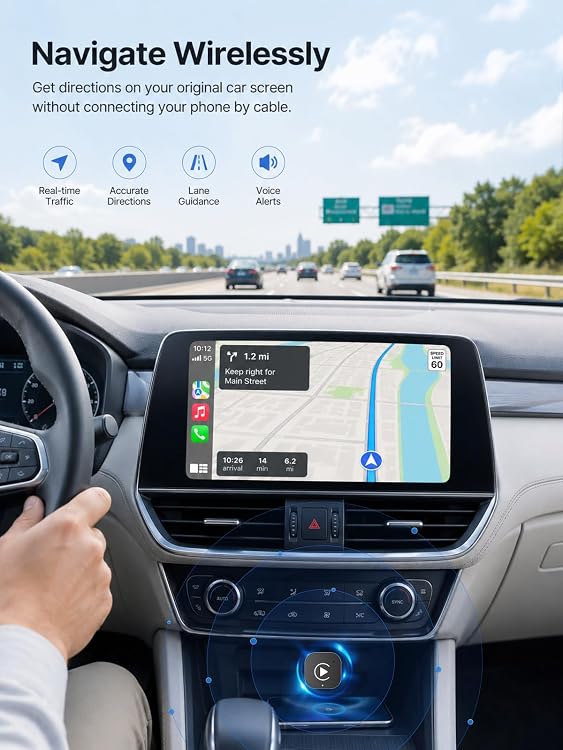
A typical use is starting a route on the car’s screen, then switching to music or a hands-free call while driving. The factory screen and controls remain part of the experience, so there’s no need to learn a new interface. If you’re comparing wireless adapters with replacing or adding a complete in-car system, this product takes the more focused approach: it’s for making an existing wired CarPlay or Android Auto setup wireless.
What to clarify
Will it add CarPlay to a car that doesn’t already have it? No. The vehicle needs factory-wired CarPlay or Android Auto through a USB data port, the adapter makes that existing system wireless.
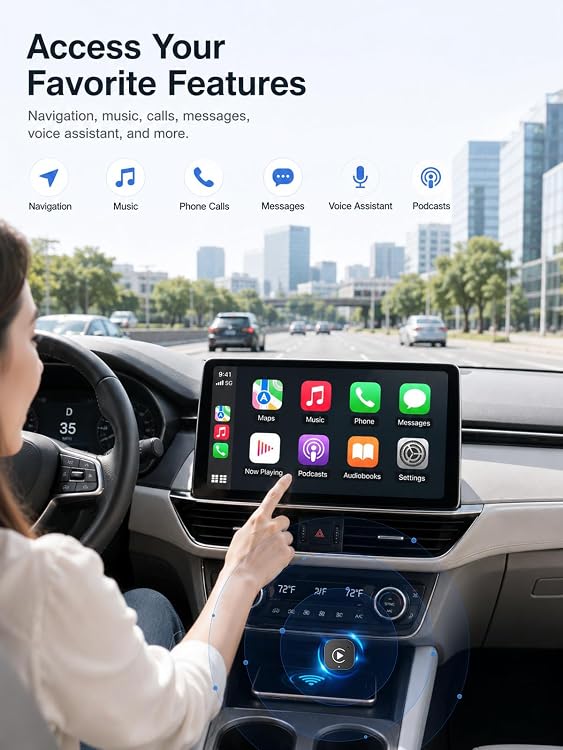
How does the first connection work? Plug the adapter into the vehicle’s USB port and pair your compatible phone. After setup, it reconnects automatically when the car starts.
Can I keep using the car’s built-in controls? Yes. The original screen, steering-wheel controls, touchscreen, knobs and microphone remain in use with the compatible factory system.
When it makes sense
Choose the Hyphoon adapter when your car already has wired factory CarPlay or Android Auto and you want the convenience of using supported phone features without connecting a cable on every drive. Its compact USB-C design, included USB-A adapter and automatic reconnection make it suited to daily trips as well as longer drives, while preserving the factory screen and controls you’re accustomed to using.