

HP OfficeJet Pro 9135 C2WM0A#B1H All-in-One Inkjet Printer with Duplex Scanning
Product description
A printer for occasional pages has different priorities from one that also needs to handle scanning and office paperwork. The HP OfficeJet Pro 9135 brings colour printing, copying, two-sided scanning and fax into one inkjet device. Automatic duplex printing and a two-sided document feeder help keep routine jobs moving. Wi-Fi, Ethernet and USB give you practical ways to connect at work or at home.
Key takeaways
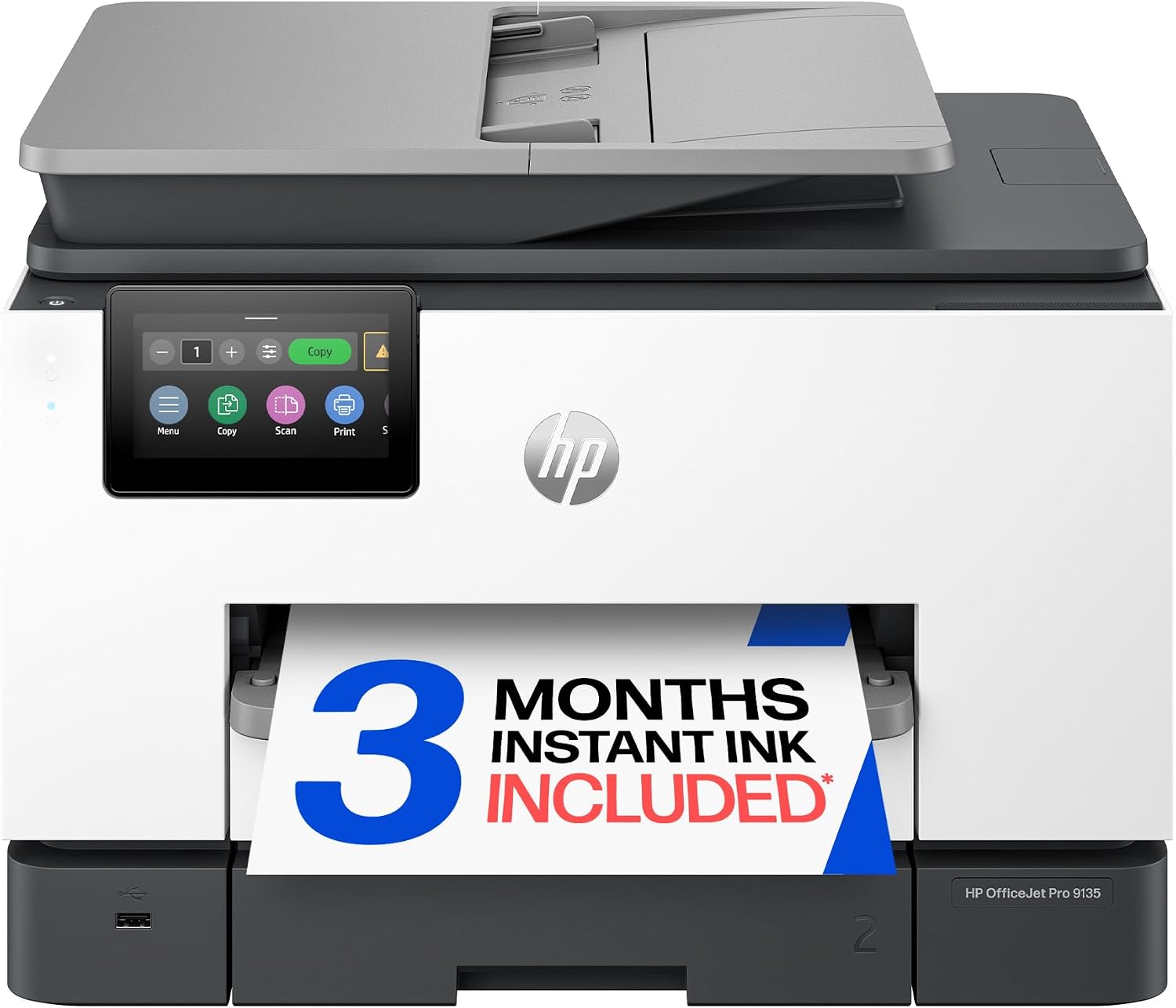
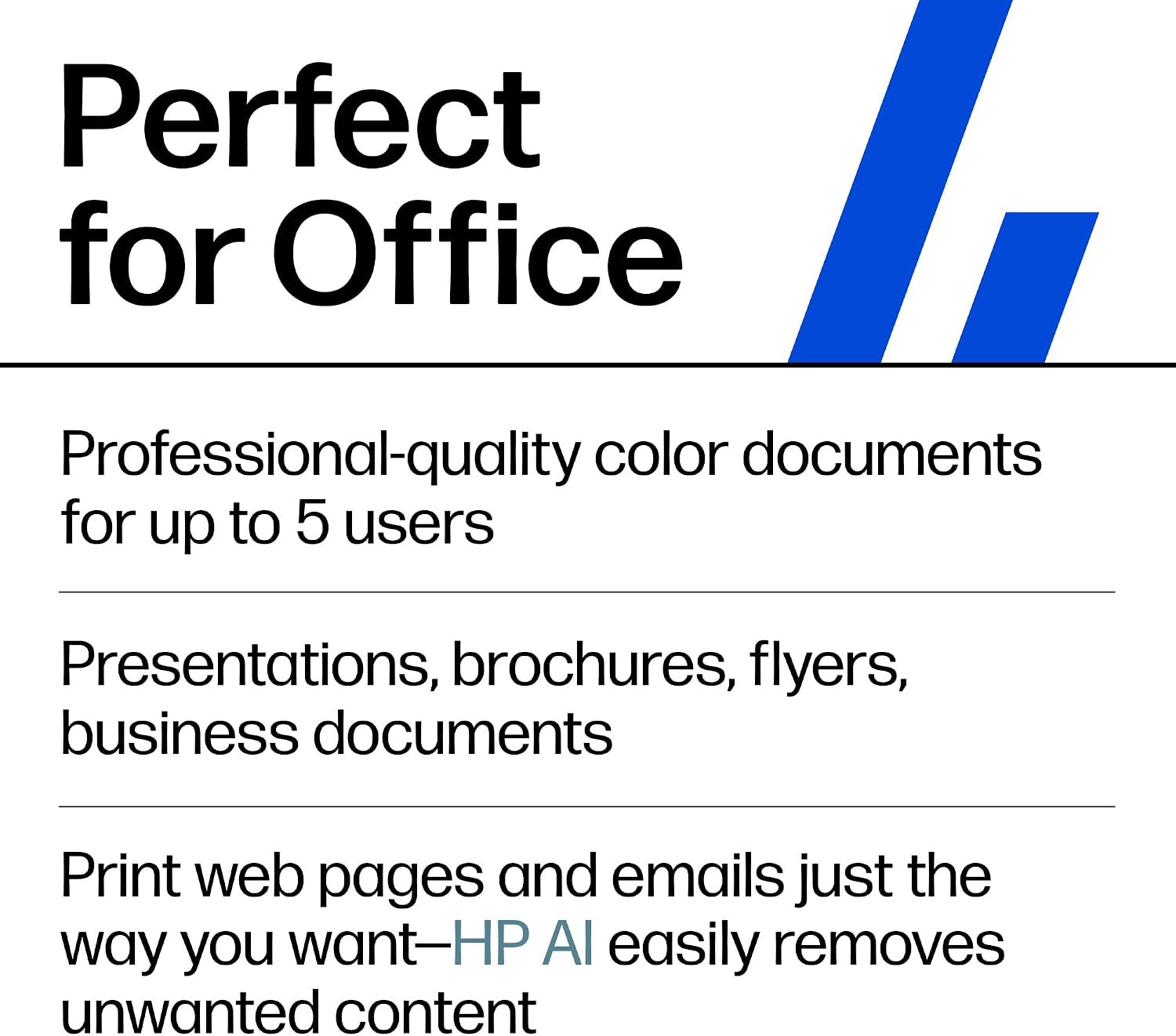
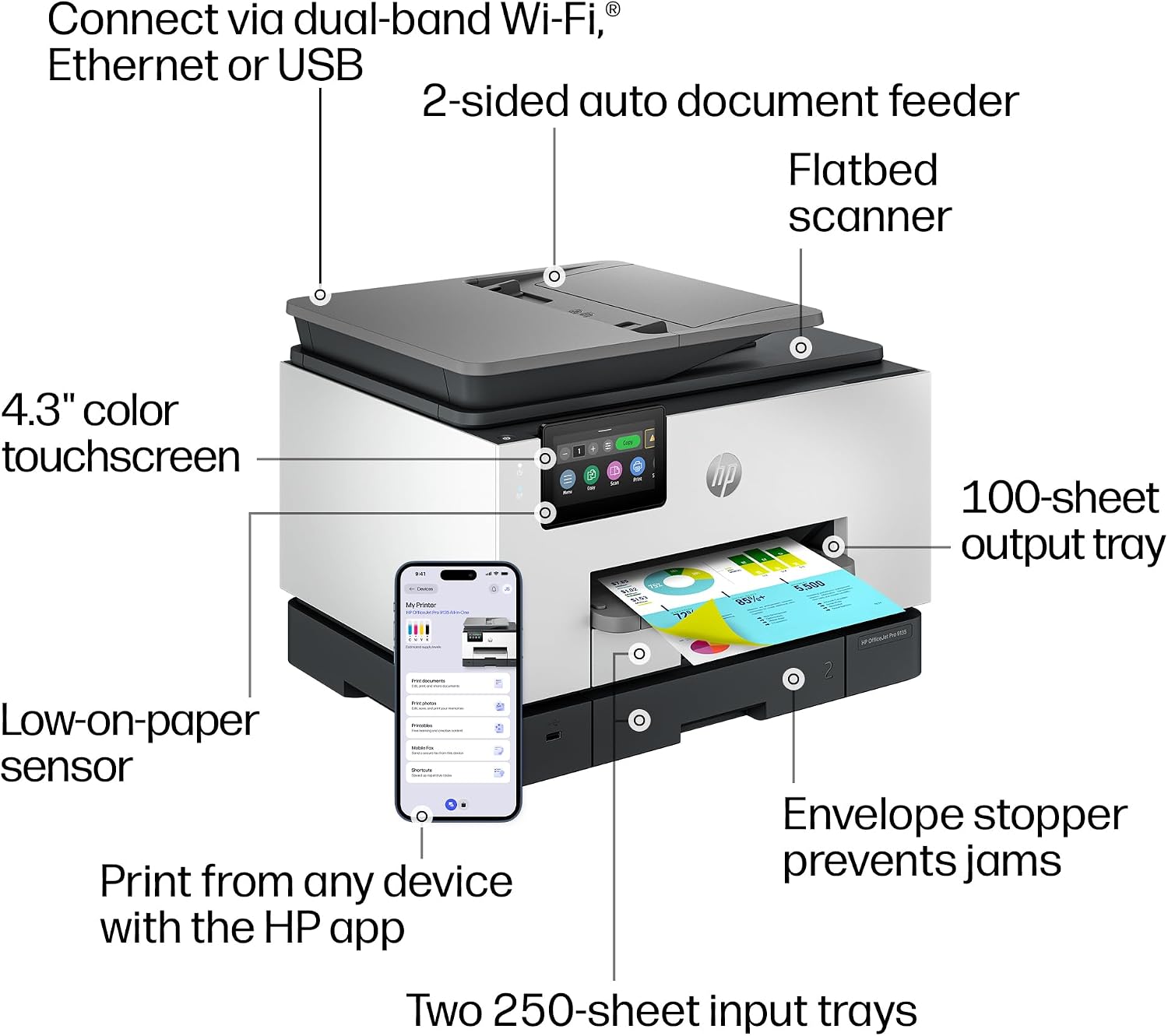
Designed for small and medium businesses and small work teams, this all-in-one combines everyday document tasks in one machine. It prints in colour at up to 20 pages per minute and in black at up to 25 pages per minute. Automatic two-sided printing can reduce the need to turn pages by hand, while the single-pass two-sided automatic document feeder supports scanning both sides of a document. A 4.3-inch colour touchscreen provides an on-device control point for common tasks.
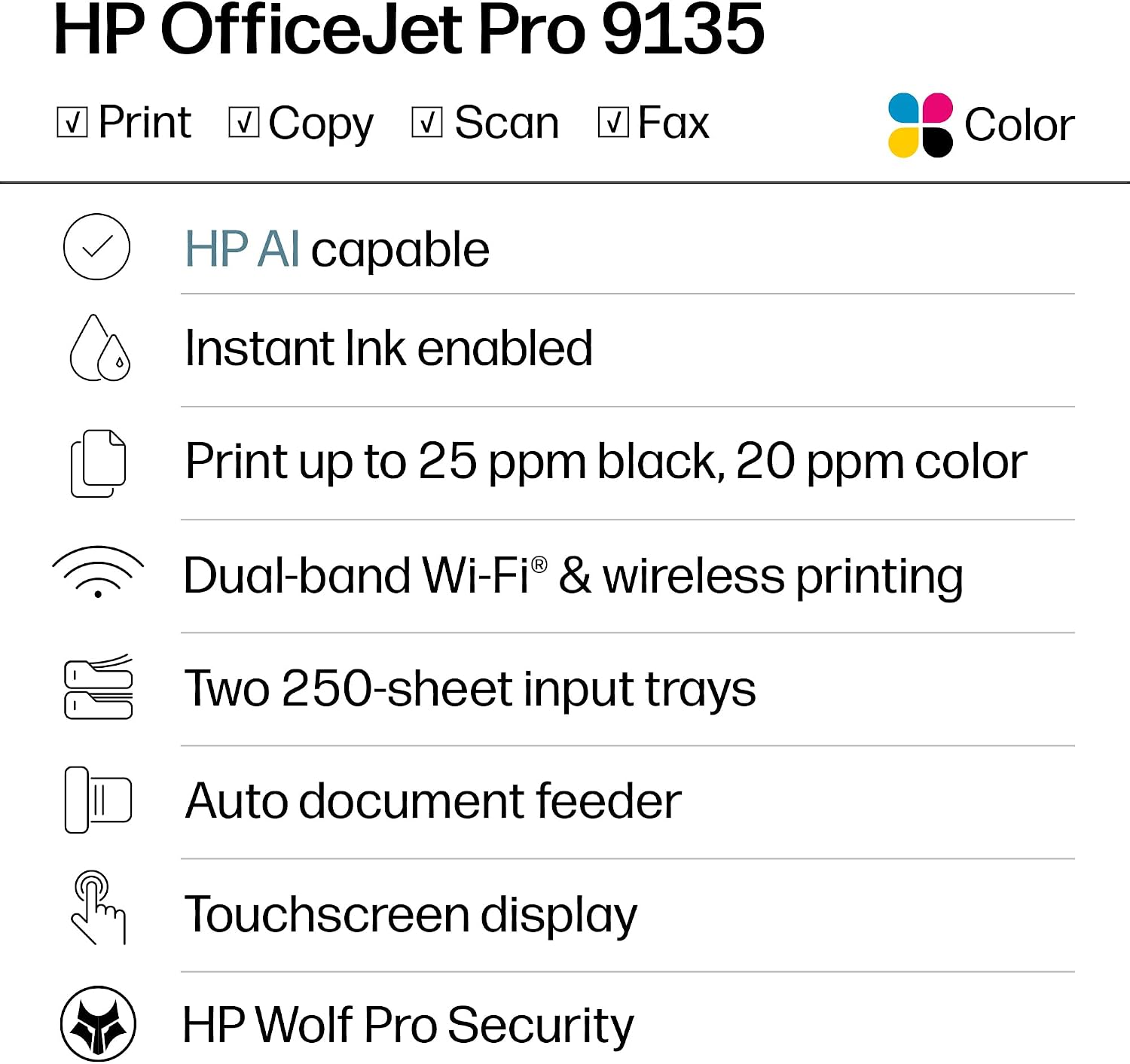
For a team handling forms, reports and colour materials, having print, copy, scan and fax functions together can simplify the desk setup. Two paper trays and a maximum sheet capacity of 500 help accommodate regular print work. Buyers often highlight straightforward setup, while opinions vary on overall quality, colour output and print speed. The listed print rates describe the printer’s maximum speeds, actual jobs can differ with the document and settings.
Size & fit
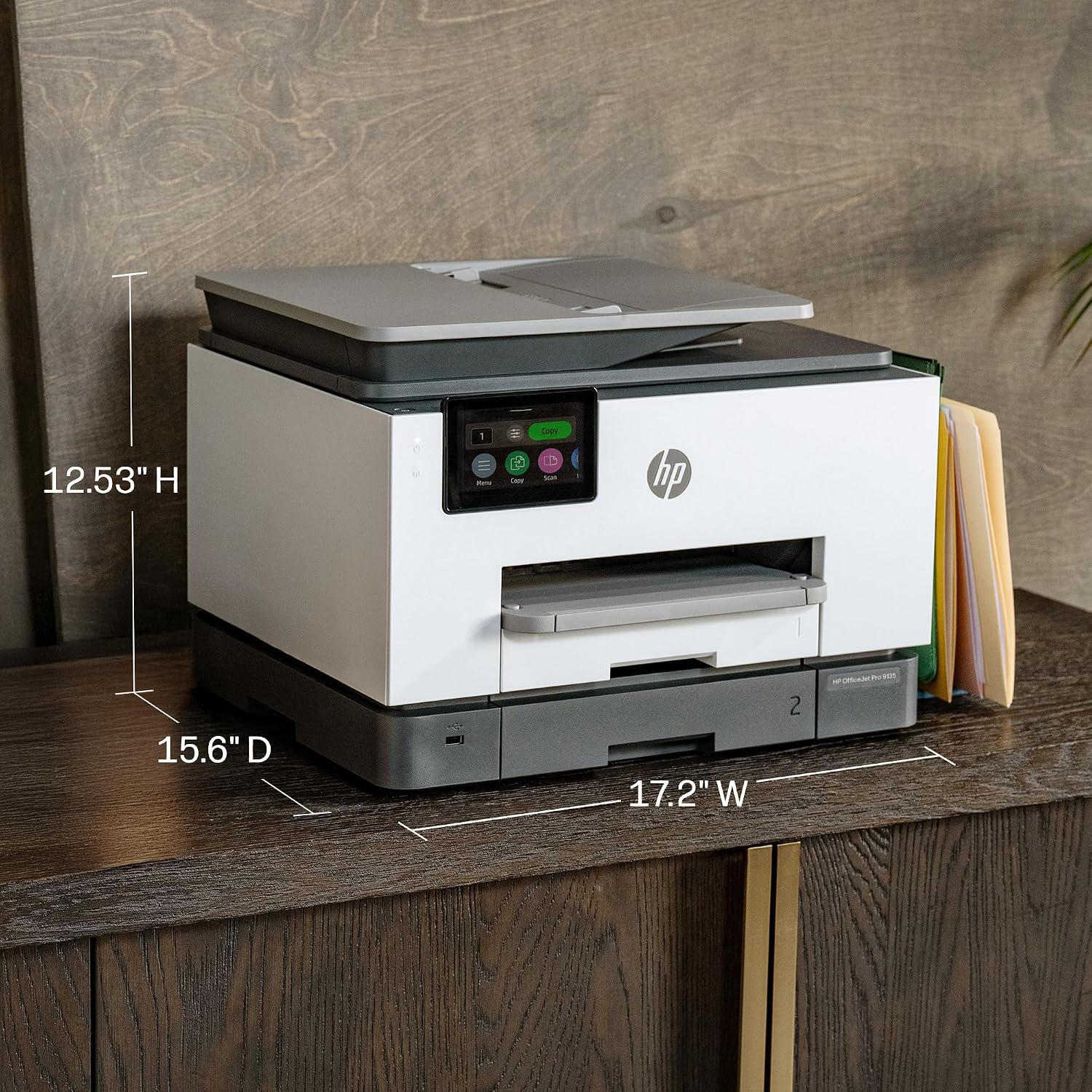
The printer measures 39.6 x 43.7 x 31.8 cm and weighs 11.84 kg, so it’s worth planning a stable spot with room to access the trays and scanner. Its combination of document feeder, flatbed scanner and touchscreen suits a shared workspace where more than one person may need to print or digitize paperwork. The two trays and 500-sheet maximum capacity are useful when a team prints regularly and wants paper handling in the same unit as its scanning and fax functions.

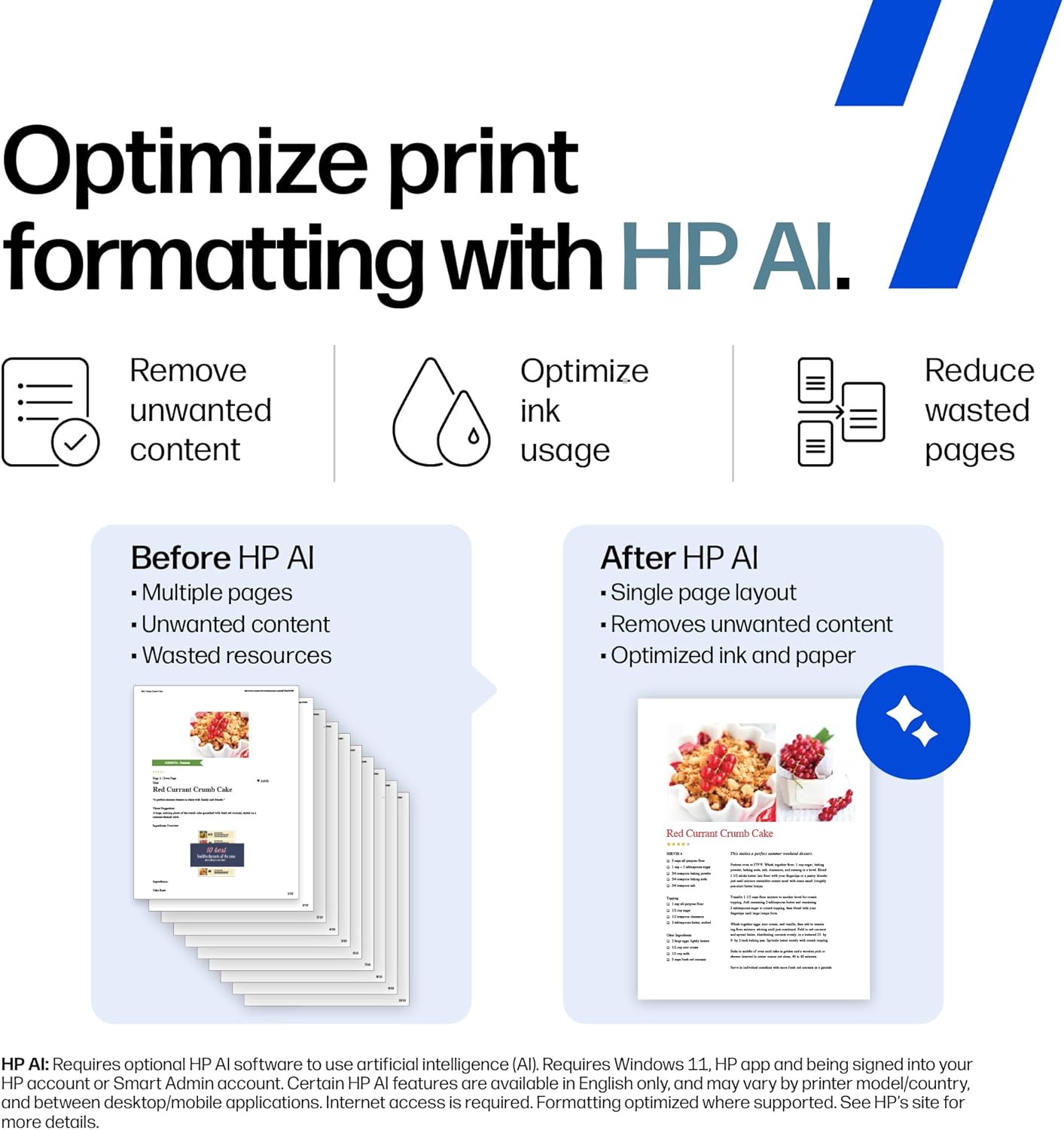
Getting the most from it
Connect over dual-band Wi-Fi, Ethernet or USB, depending on how the printer will be shared. Mobile and computer printing options include the HP app, Apple AirPrint, Wi-Fi Direct Printing, Mopria and Chrome OS. For a multi-page document with information on both sides, the automatic two-sided scanning feature and document feeder can handle the scanning task without turning each sheet manually. The front USB flash drive port offers another way to work with files at the printer.
Compared with a setup centred only on printing, the OfficeJet Pro 9135 brings scanning, copying and faxing into the same workflow. That can be useful when a small office regularly processes paperwork as well as produces printouts. Use the touchscreen for on-device controls, or choose a supported connection that fits the team’s devices and network.
Questions before you buy
Can it print and scan on both sides? Yes. It supports automatic two-sided printing and two-sided scanning, with a single-pass two-sided automatic document feeder for scanning documents.
What connection options does it have? It supports dual-band Wi-Fi, Ethernet and USB, as well as RJ-11 fax/modem and phone-line ports for fax connectivity.
Can I print from a phone or tablet? Supported options include the HP app, Apple AirPrint, Wi-Fi Direct Printing and Mopria. Chrome OS is also listed as supported.
When it makes sense
Choose the OfficeJet Pro 9135 when a small business or work team needs more than print output from its desk printer. Colour inkjet printing, automatic duplexing, two-sided scanning, fax and several connection methods make it a practical fit for mixed document workflows. Its touchscreen and document feeder add convenient ways to manage common jobs, while the two trays and substantial paper capacity support regular office use.