

HDMI KVM switch, 4-port
Product description
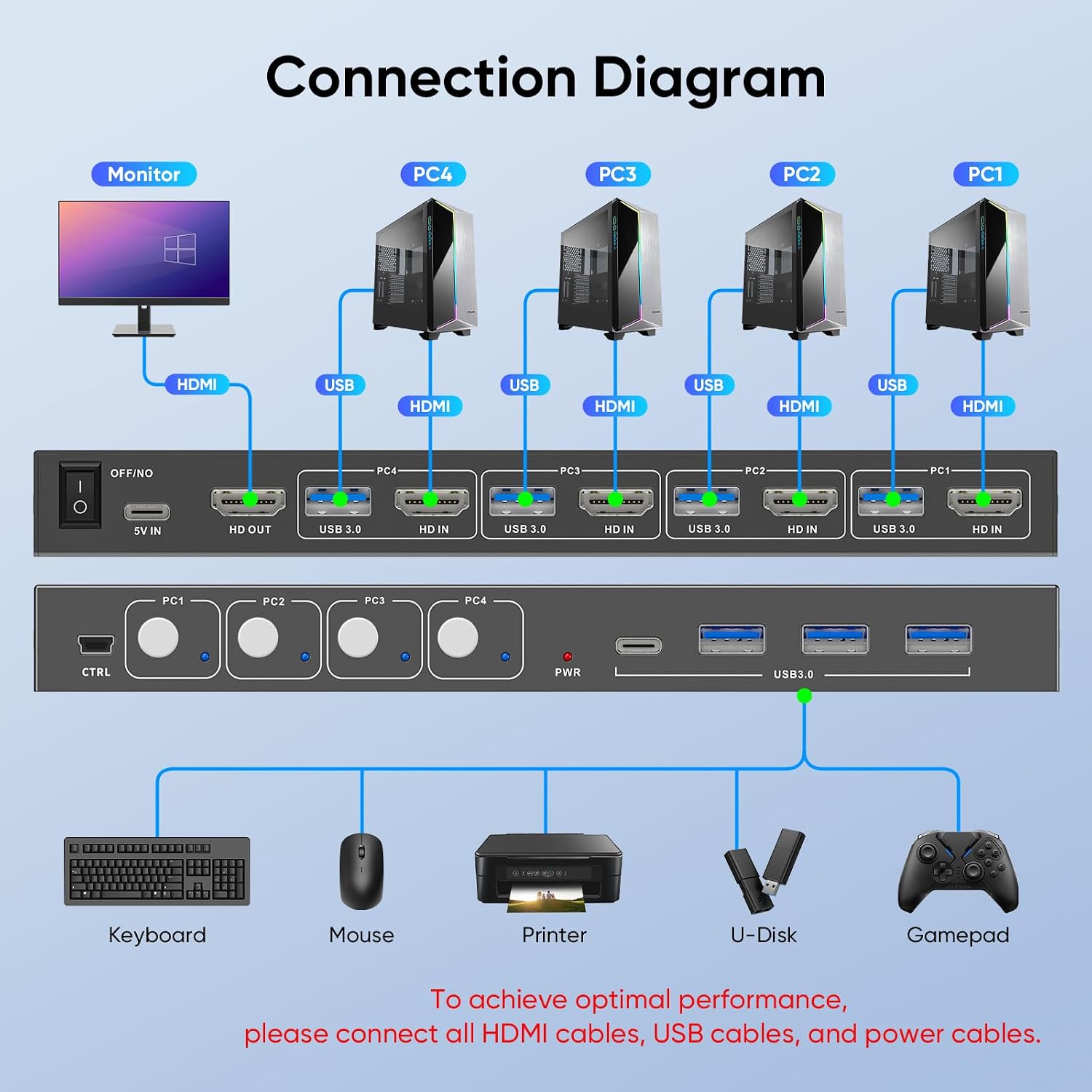
When several computers need to share one desk setup, switching between separate monitors, keyboards and mice can take up room and add clutter. This 4-port HDMI KVM switch is designed to let up to four computers share one monitor, keyboard and mouse, as well as connected USB devices. It supports a maximum resolution of 4K at 60 Hz, provided the computers and monitor also support that output. For a workday that moves between a desktop and other computers, the button or desktop remote control gives you two ways to change the active system without rebuilding the setup each time.
Key specifications
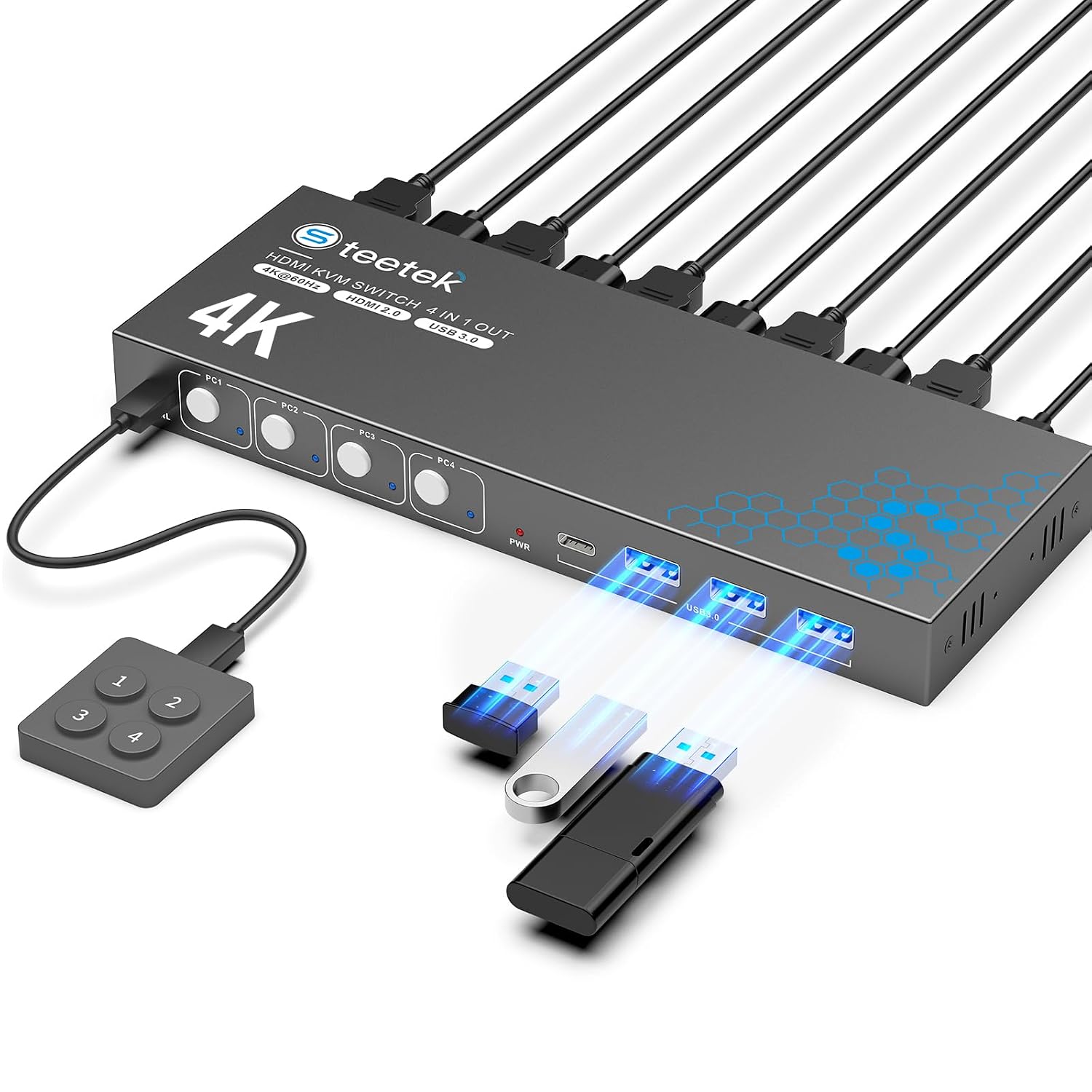
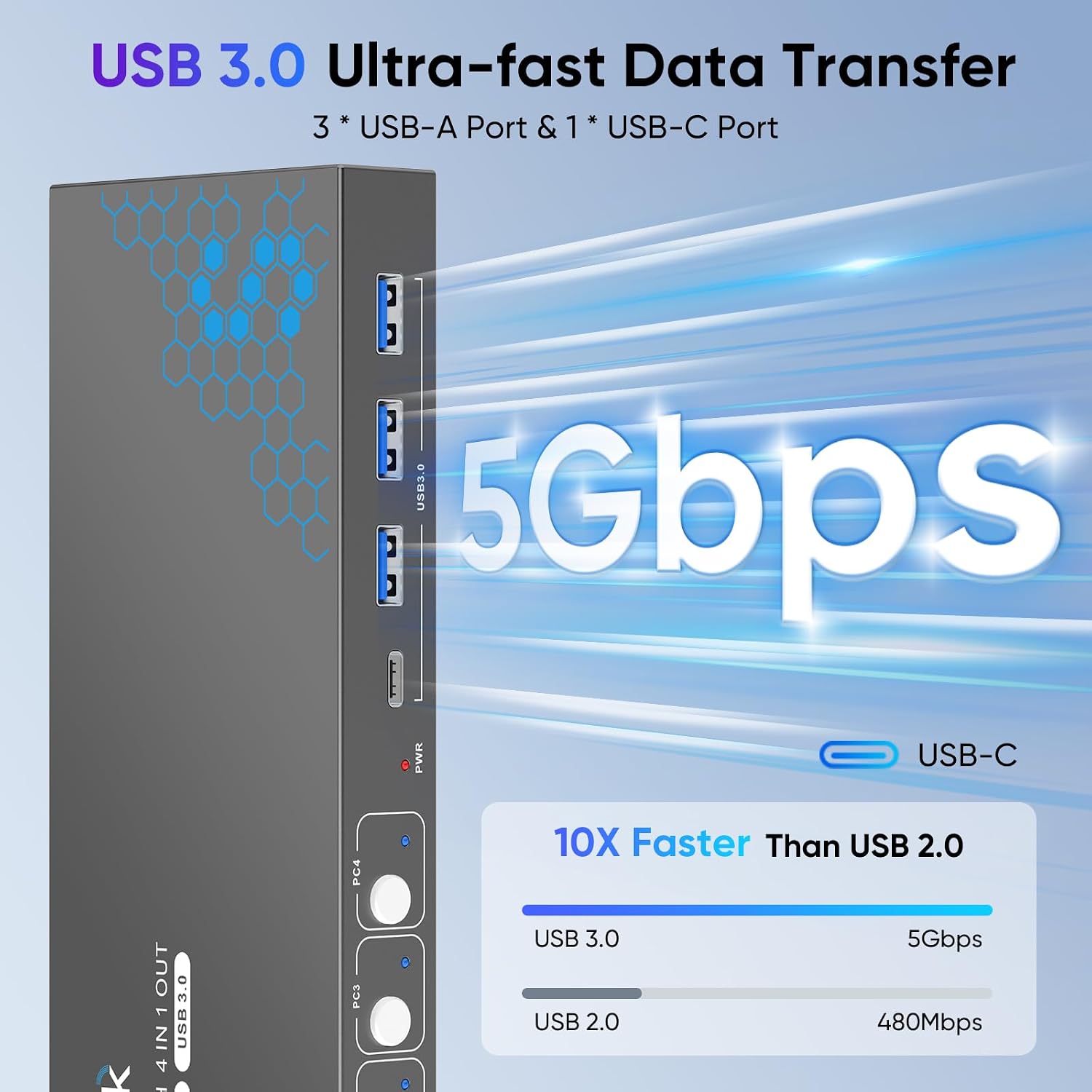
The switch has four computer inputs and one shared HDMI monitor connection. Its four USB 3.0 ports comprise three USB-A ports and one USB-C port, intended for peripherals such as a keyboard, mouse, printer, scanner or storage device. The stated USB transfer speed is up to 5 Gbps. That figure is a listed maximum, not a guarantee for every connected device or file transfer.
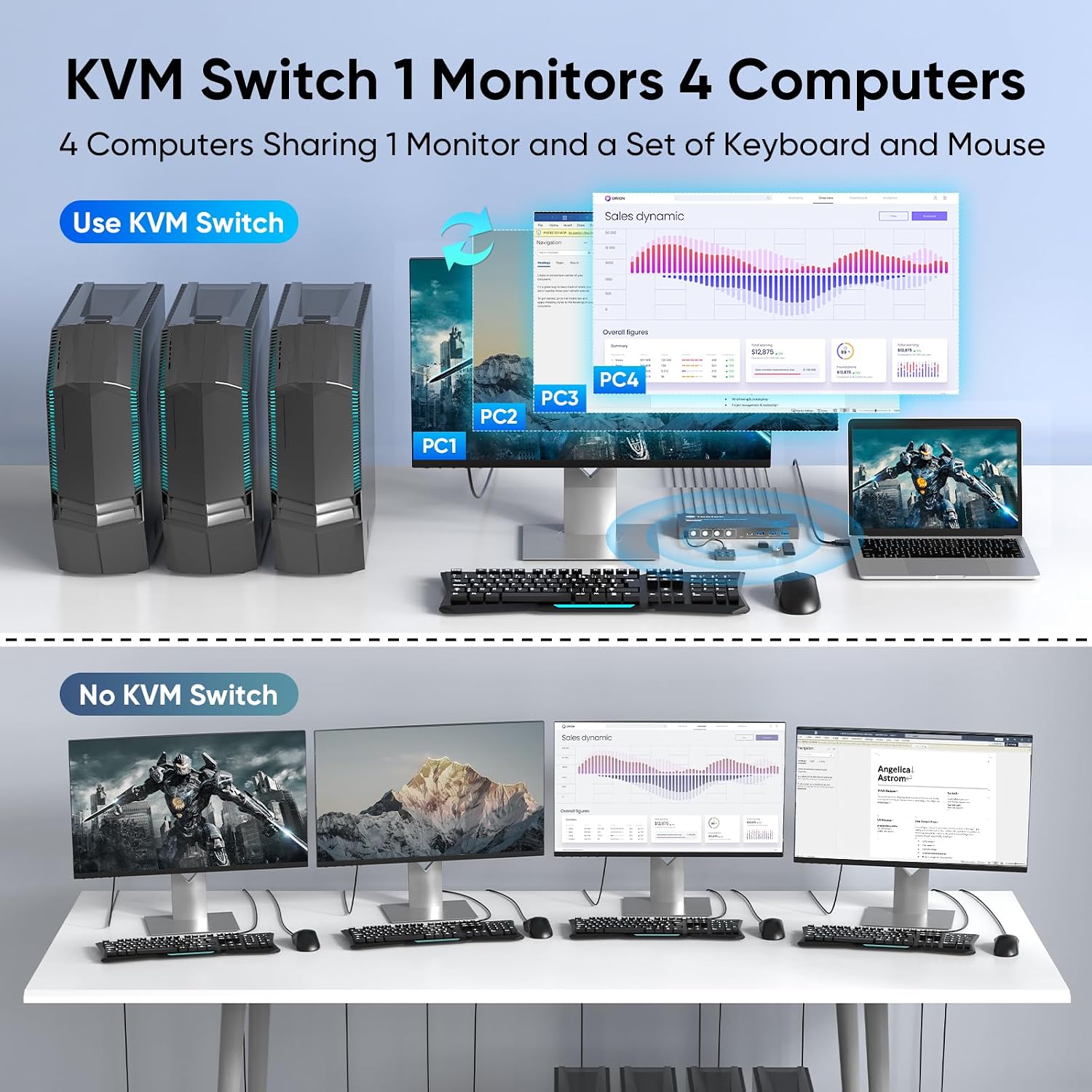
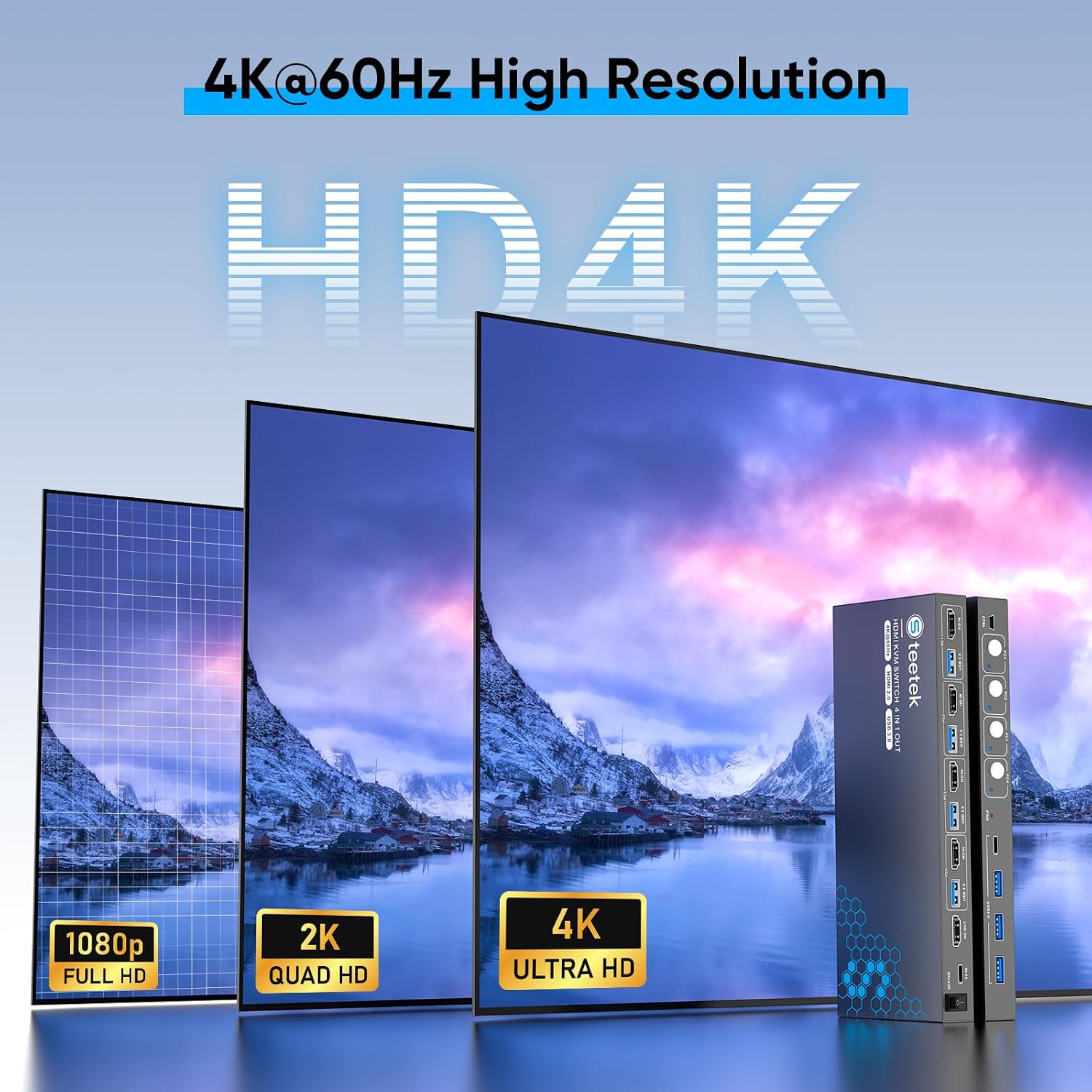
Video support is listed up to 3840 × 2160 at 60 Hz, with HDMI 2.0 and HDCP 2.2 support, lower resolutions, including 4K at 30 Hz and 1080p, are also supported. A practical example: leave a keyboard, mouse and USB drive connected to the switch, then select the computer you need while keeping the same monitor and desk peripherals. Adaptive EDID is included, and the product description says no additional software or drivers are required. The exact result still depends on the connected computer, monitor and cables supporting the intended resolution and refresh rate.
Who it’s for
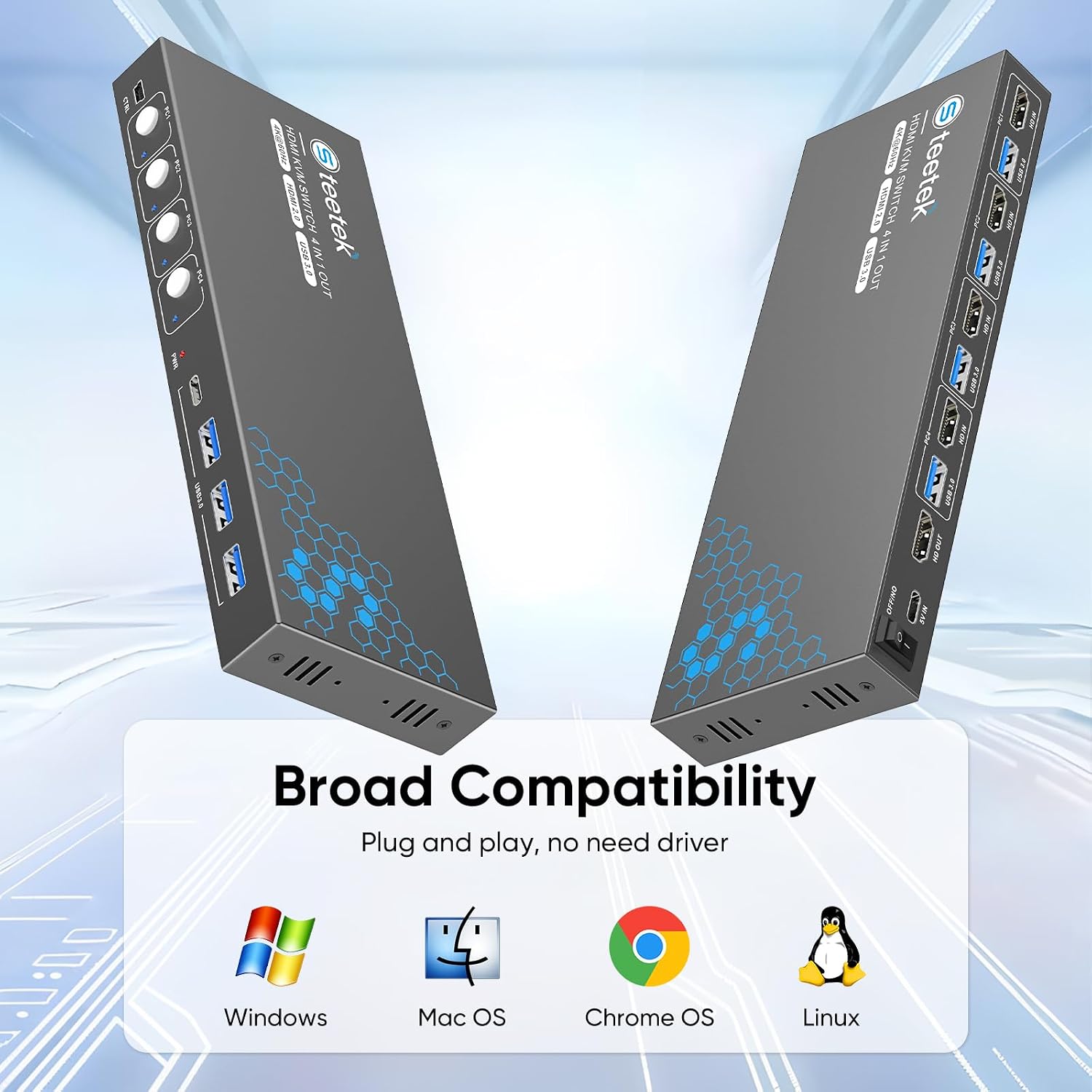
This setup may suit a home office or workstation where several computers need to use one display and shared USB accessories. It offers a different approach from buying a separate monitor and input devices for every computer, especially when desk space is limited. It’s also described as suitable for mixed Windows, macOS and Linux environments, although no specific computer models are listed.
Puede interesarte si you want to switch between computers using a button or the desktop remote control, or if keeping shared accessories plugged in is more convenient than moving cables by hand. Puede no ser la mejor opción si you need each computer to display at the same time, since the product is described as switching between systems rather than showing multiple sources together. By design, it also relies on your computer and monitor both supporting 4K at 60 Hz to deliver that resolution and refresh rate.
Package contents
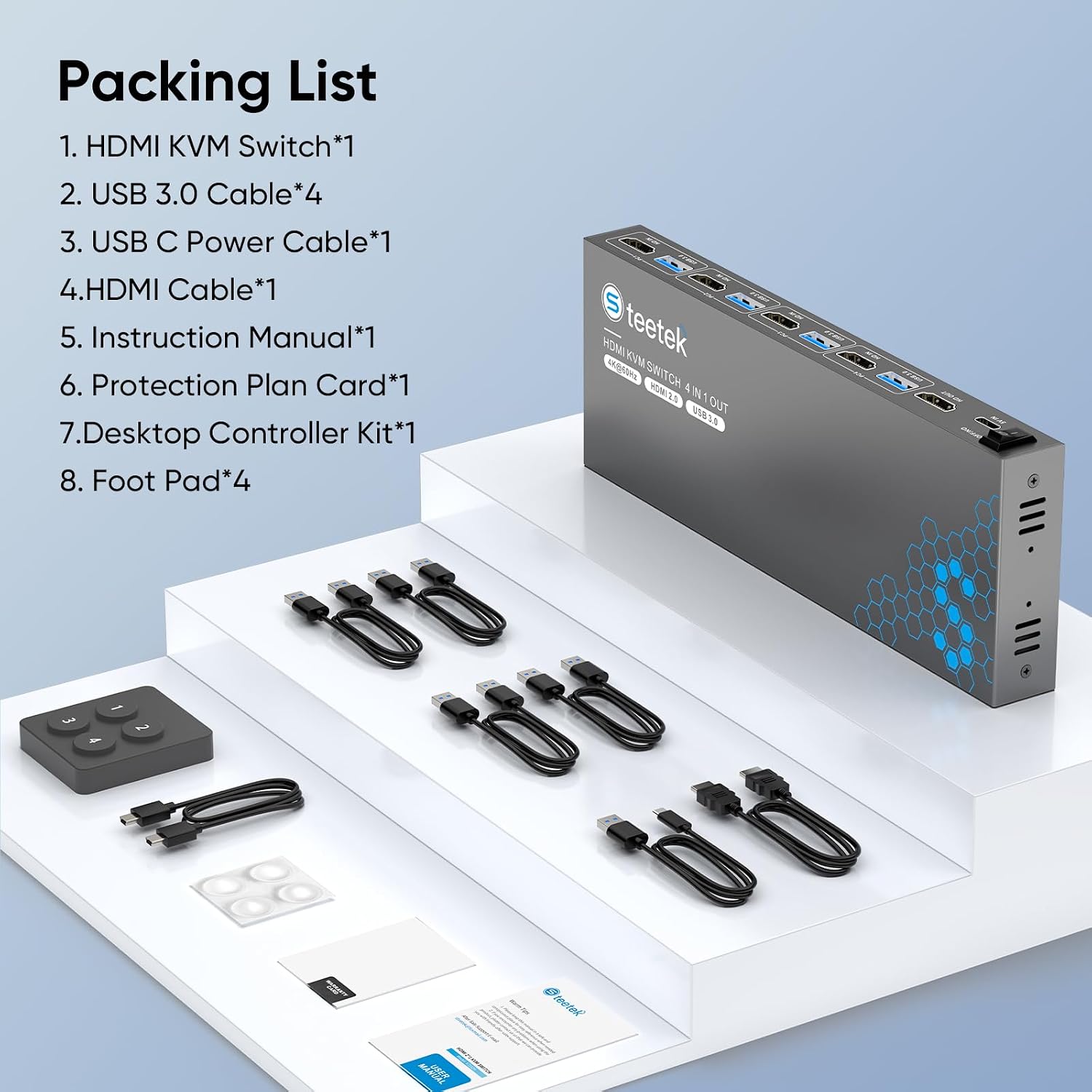
The product name lists one HDMI cable and three USB cables. It does not specify the cable lengths or identify the connector type at each end, so check that the supplied cables suit the layout and ports of your computers before planning a tucked-away installation. The switch itself provides the shared connections, cable reach may affect where it can sit on or under a desk.
Buying questions
Can it connect four computers to one monitor? Yes. It is described as a four-computer HDMI KVM switch sharing one monitor and connected USB devices.
Will it provide 4K at 60 Hz with any computer and display? That is the stated maximum, but the computer and monitor must support 4K at 60 Hz as well.
Does it require driver installation? The product description says it is plug and play and needs no additional software or drivers.
Final verdict
Choose this KVM switch if the main goal is to share one monitor and USB peripherals across as many as four computers, with button and desktop remote switching and a stated 4K-at-60-Hz ceiling. It is a less space-intensive route than duplicating a full set of desk equipment, but it is not a multi-screen solution, and the listing leaves cable lengths unspecified. Before choosing it, match the HDMI and USB connections to your equipment and confirm that both the computer and display can handle the video mode you want.