

Gana Prime HDMI switch 4K
Product description
Key points
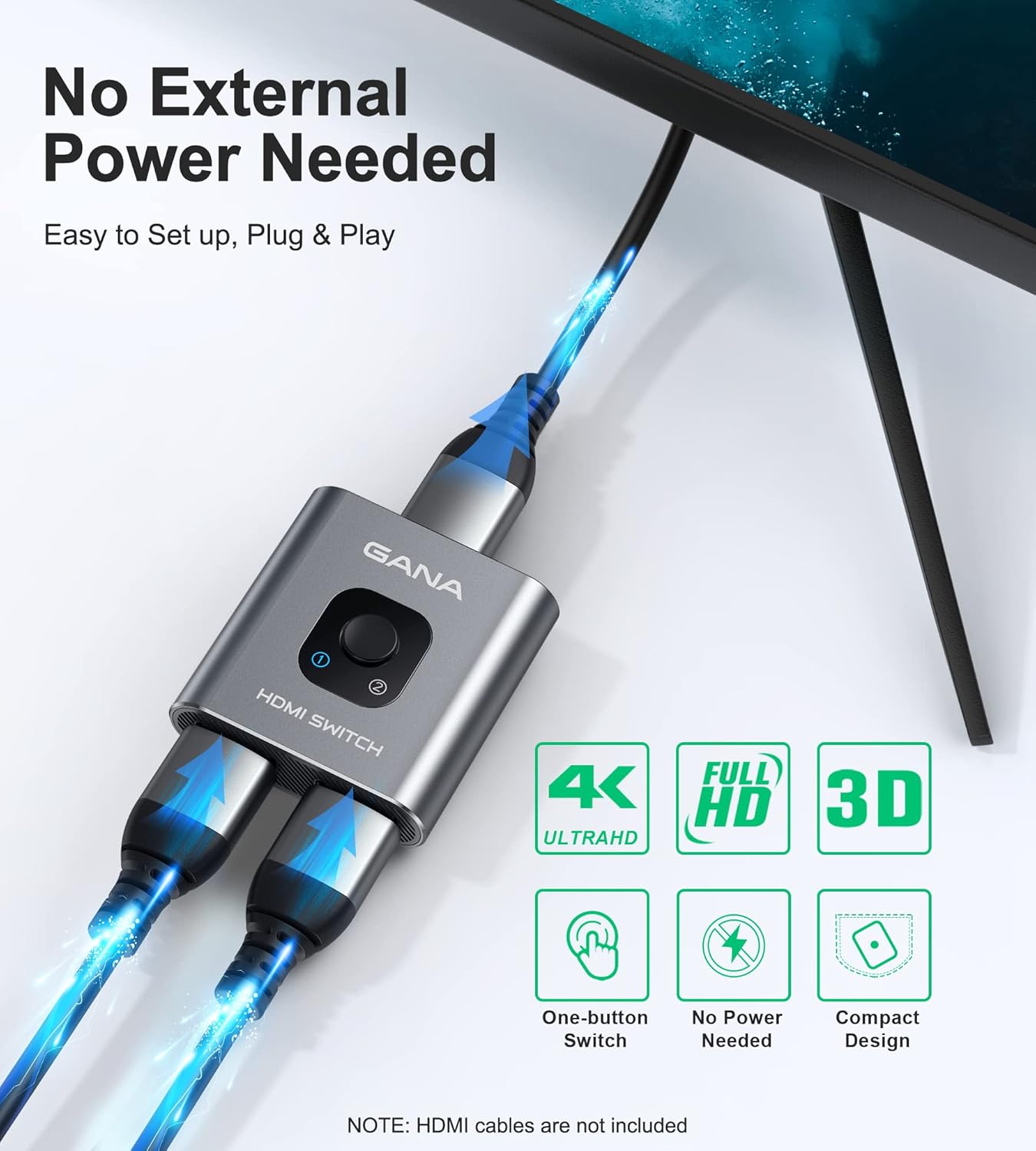
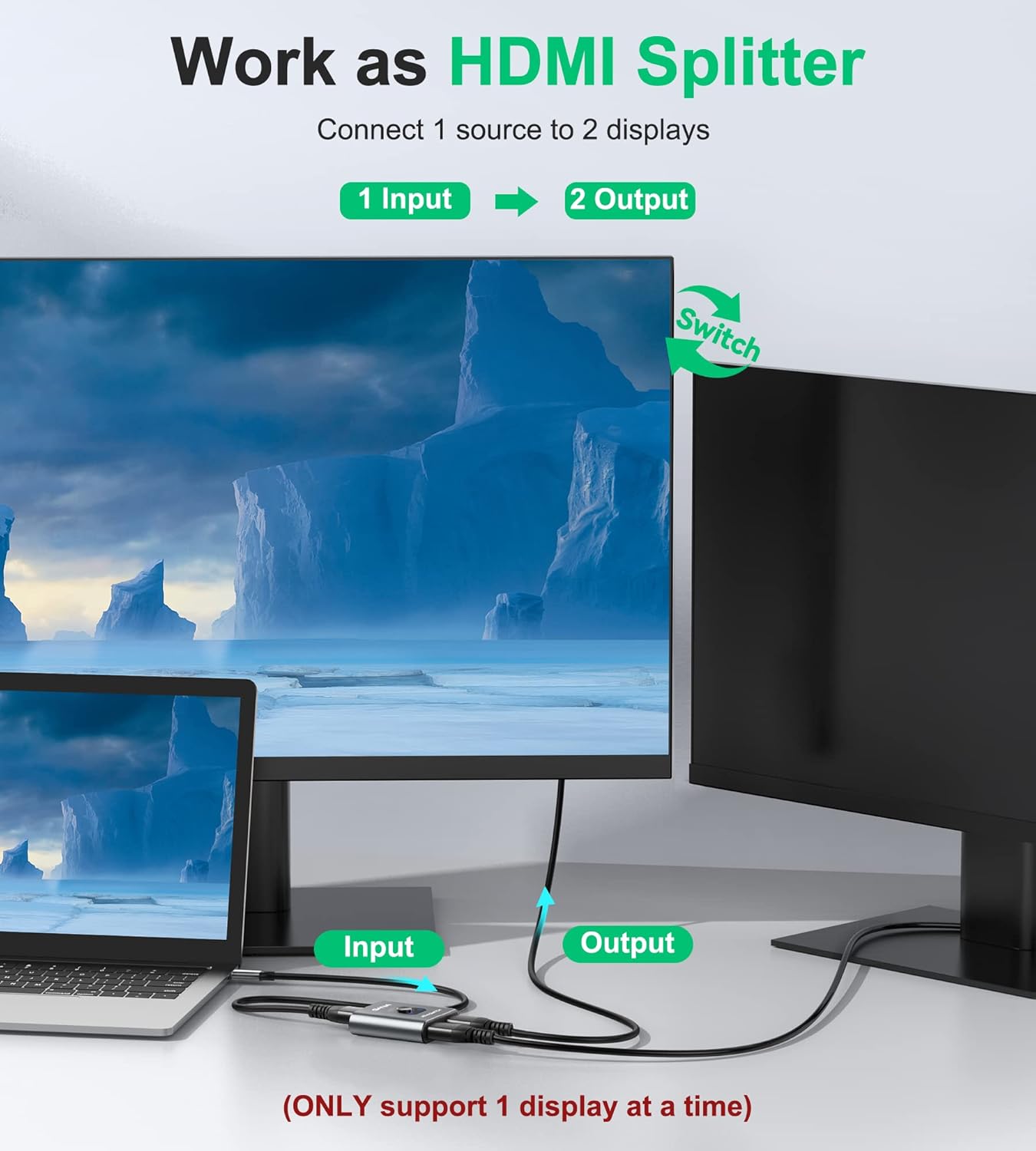
This Gana Prime HDMI switch can route two HDMI sources to one display, or one source to either of two displays. That gives you a simple way to switch between devices without repeatedly unplugging cables. It supports 4K at 60Hz, 1080p at 60Hz and 3D display, with a button to change the active connection and an LED to show which port is selected.
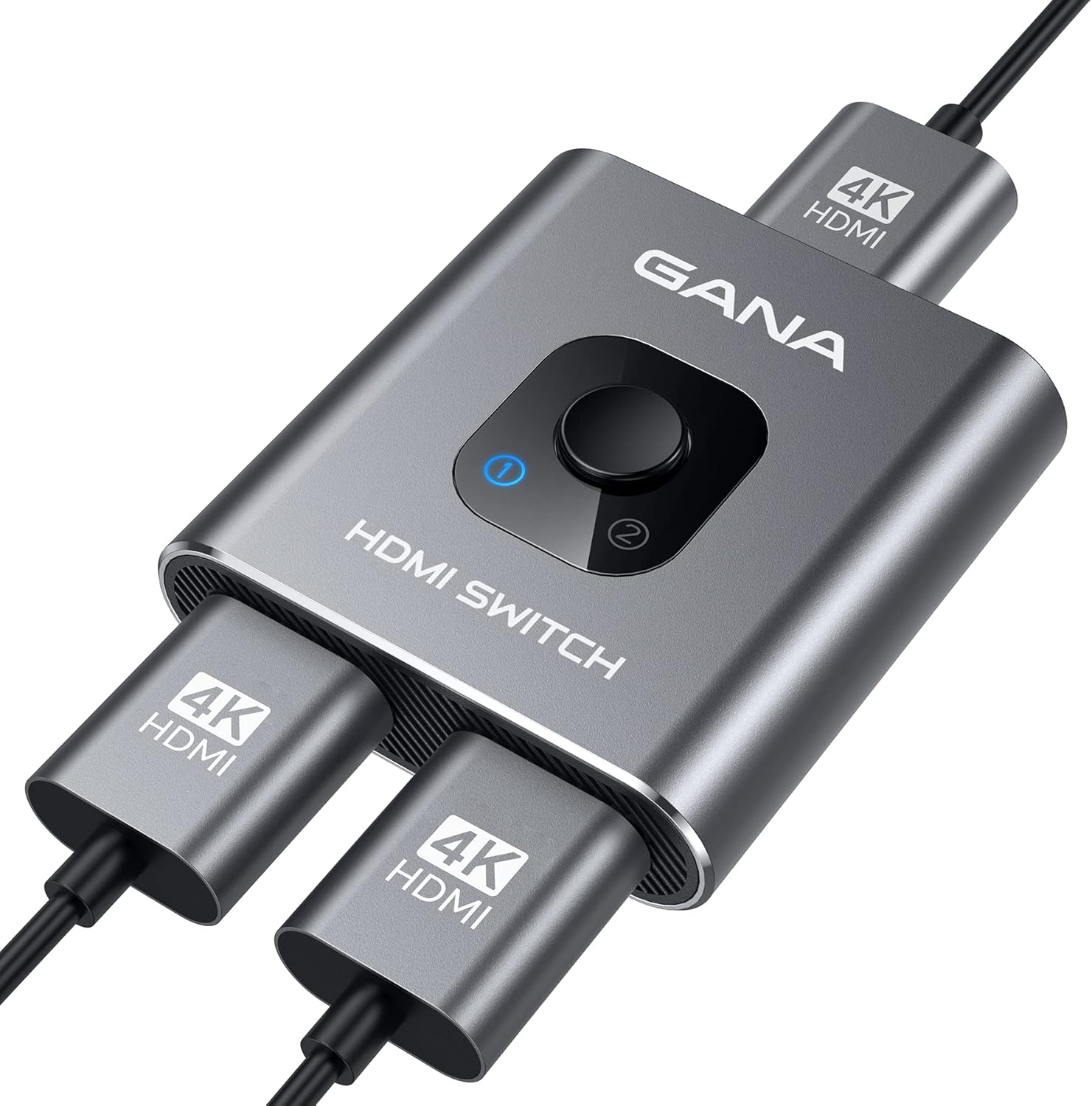
The important distinction: it switches between connections, it does not show one source on two screens at the same time.
There’s no external power supply or driver to set up, and the unit is described as plug and play. Keep in mind that an HDMI cable is not included, and HDMI 2.0 cables are recommended for connecting your source devices.
Best use cases
Use it in 2-input, 1-output mode if a TV or monitor has limited HDMI ports and you want to alternate between devices such as a game console and a Roku. Press the switch when you want to change sources, the LED indicates which port is active. This is more convenient than swapping cables by hand, though it still requires a button press rather than automatically displaying both inputs.
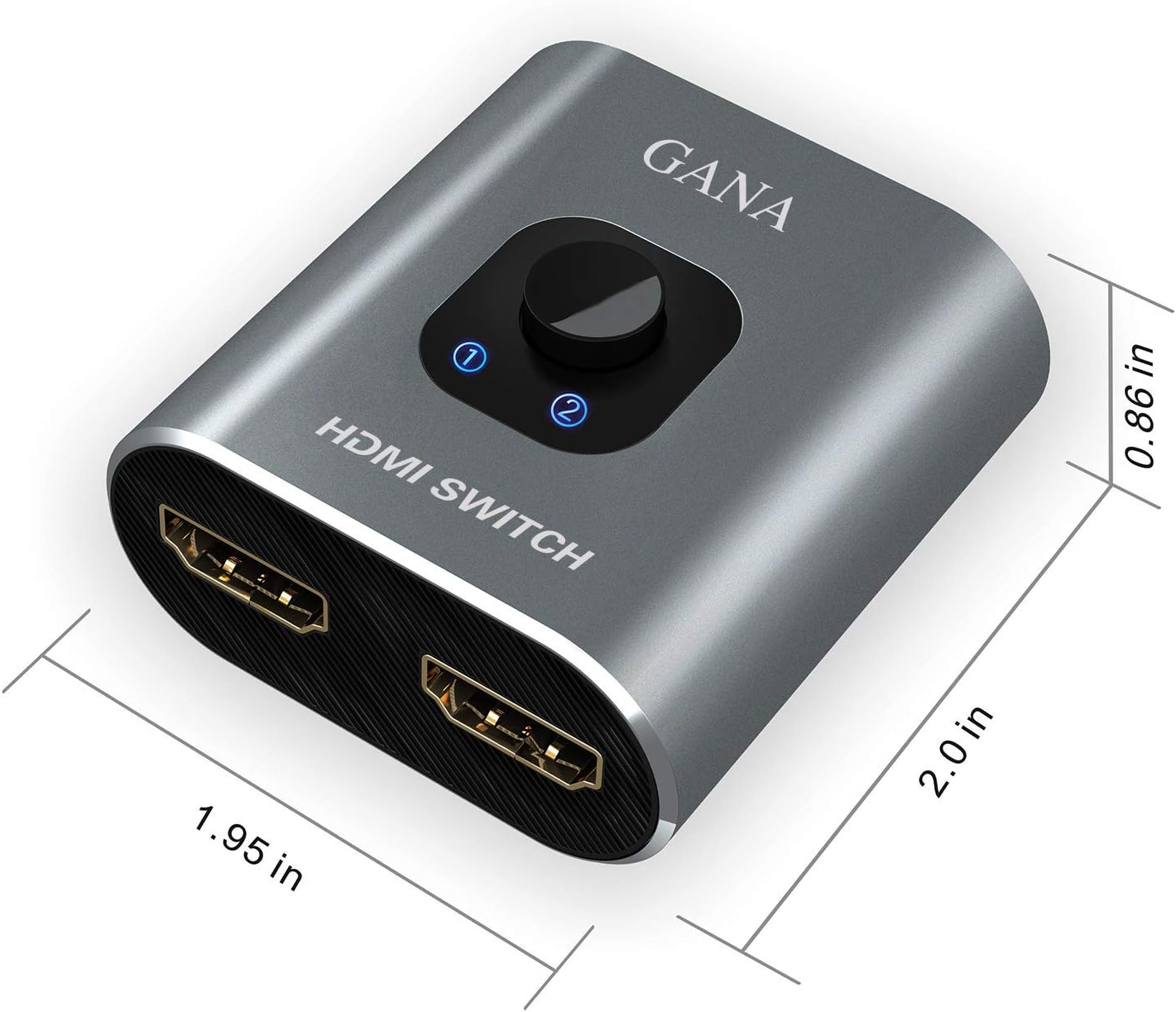
The other arrangement, 1 input to 2 displays, is for choosing which display receives the signal. Only one display works at a time in this mode, so it won’t mirror a picture to both screens simultaneously. It may suit a setup where you move a single source between a TV and a monitor, but not one that needs both displays active together.
Tips for day-to-day use
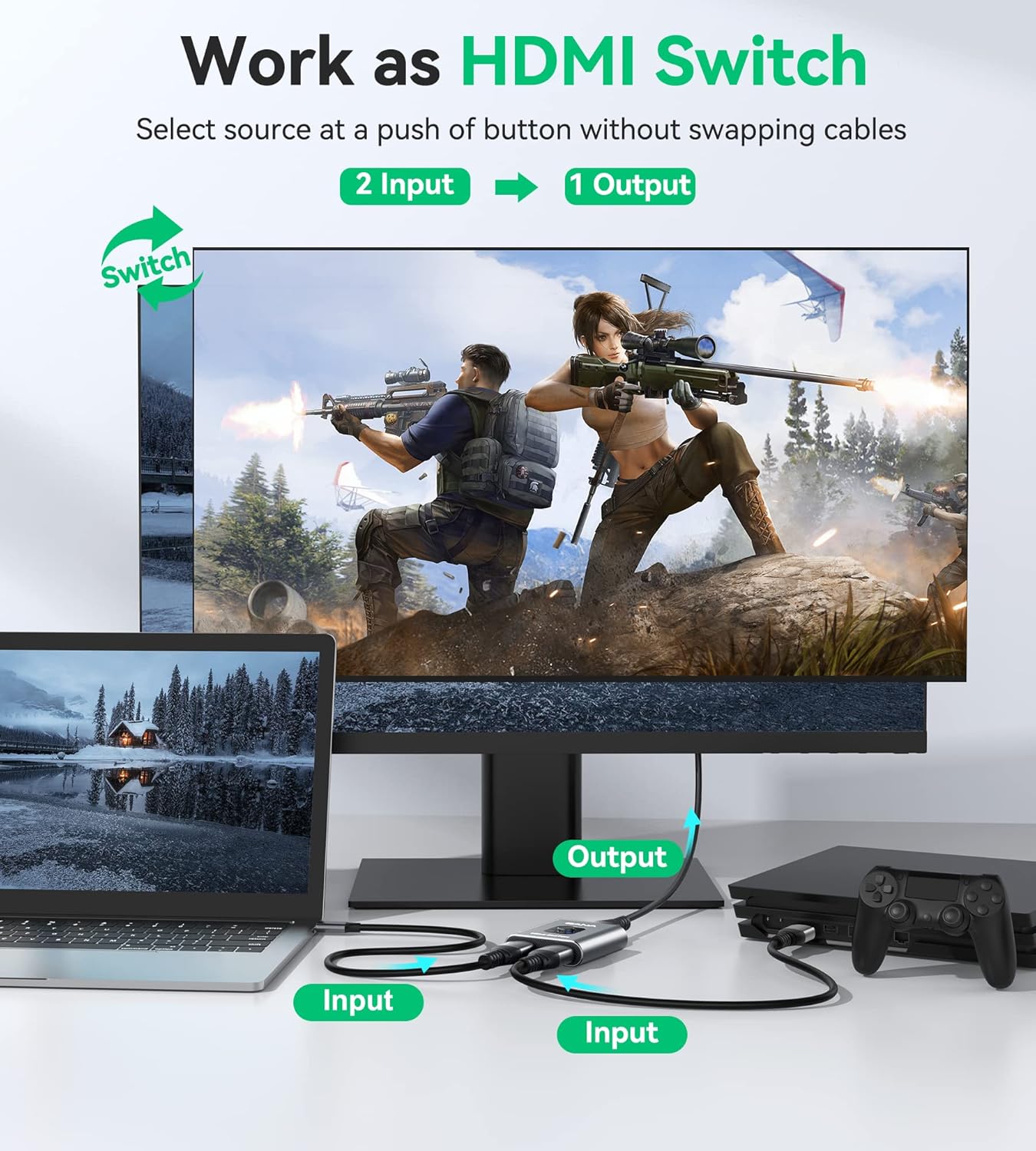
Connect the source and display cables to the appropriate ports, then use the button to select the connection you need. For a 4K signal, use HDMI 2.0 cables as the product instructions specify. The listing also states that standard AWG26 HDMI cables can reach up to 5m, cable quality and the connected equipment may matter in an actual setup, so avoid assuming every cable will behave the same way.
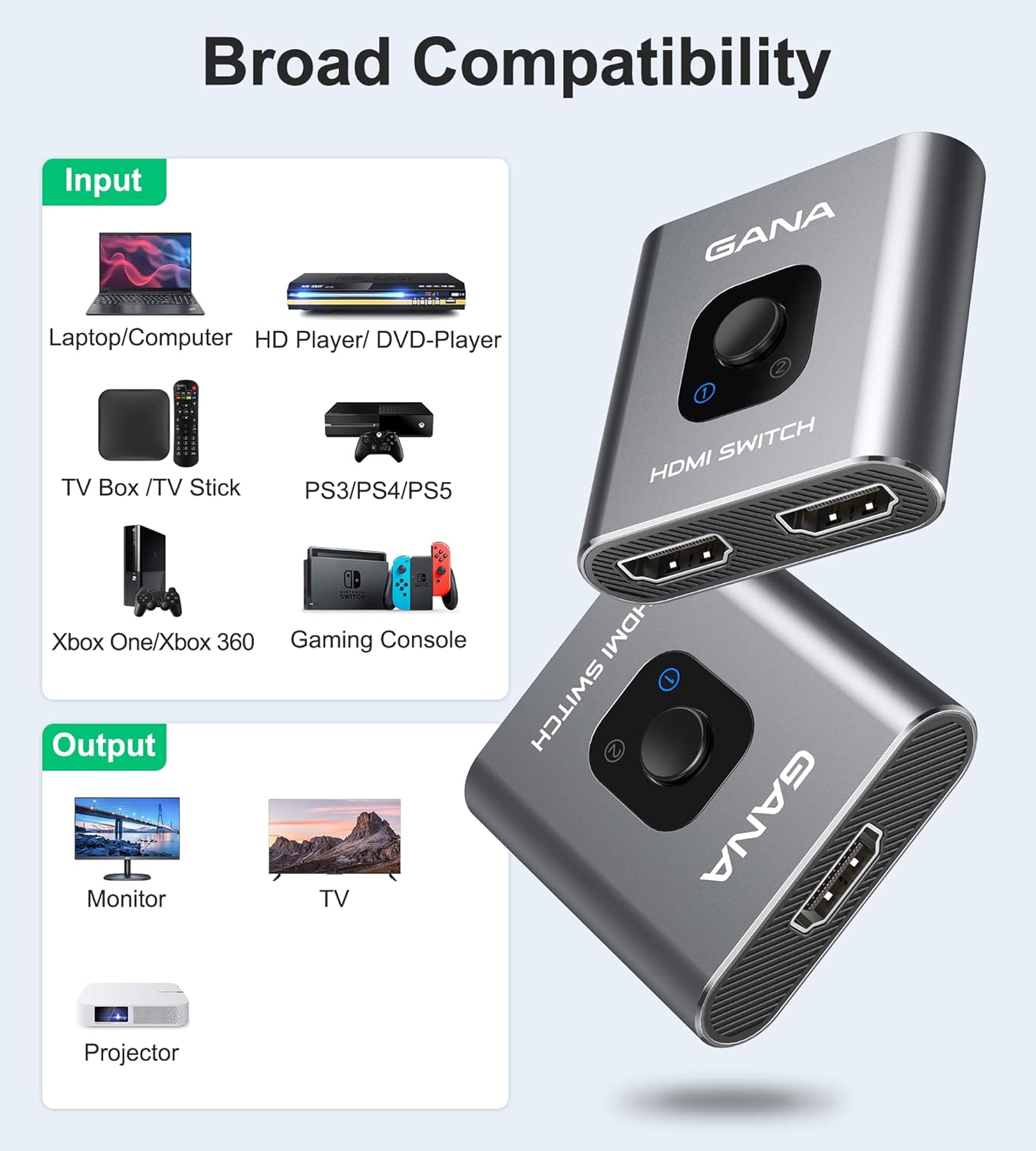
It’s a good fit if you want a compact, manual way to change between HDMI sources or displays and your setup matches one of its two switching modes. It may not suit you if you need simultaneous output to two screens, or if you expect a cable to be supplied in the box. The compatibility list includes devices such as Nintendo Switch, PS4, Xbox, Roku, Blu-ray players, TVs, monitors and projectors, but the key requirement is an HDMI connection.
Before deciding
Does it let two devices appear on one screen at once? No. It selects an active HDMI connection, it doesn’t combine two sources on one display.
Can one HDMI source feed two displays at the same time? No. In 1-in, 2-out mode, only one display works at a time.
Does it need a separate power supply? The listing says no external power is needed. An HDMI cable is not included.
¿Merece la pena?
This switch makes sense when the goal is straightforward: share a display between two HDMI sources, or choose between two displays for one source, using a button rather than moving plugs around. Its support for 4K at 60Hz and the stated no-external-power setup are useful on paper, but the listing doesn’t provide detail about automatic switching or simultaneous dual-screen output. Choose it for manual, one-at-a-time switching, look for a different type of device if both displays must show the same signal together.