

EWO'S 1312A-NPS Universal Remote for Samsung TVs, Pack of 2
Product description
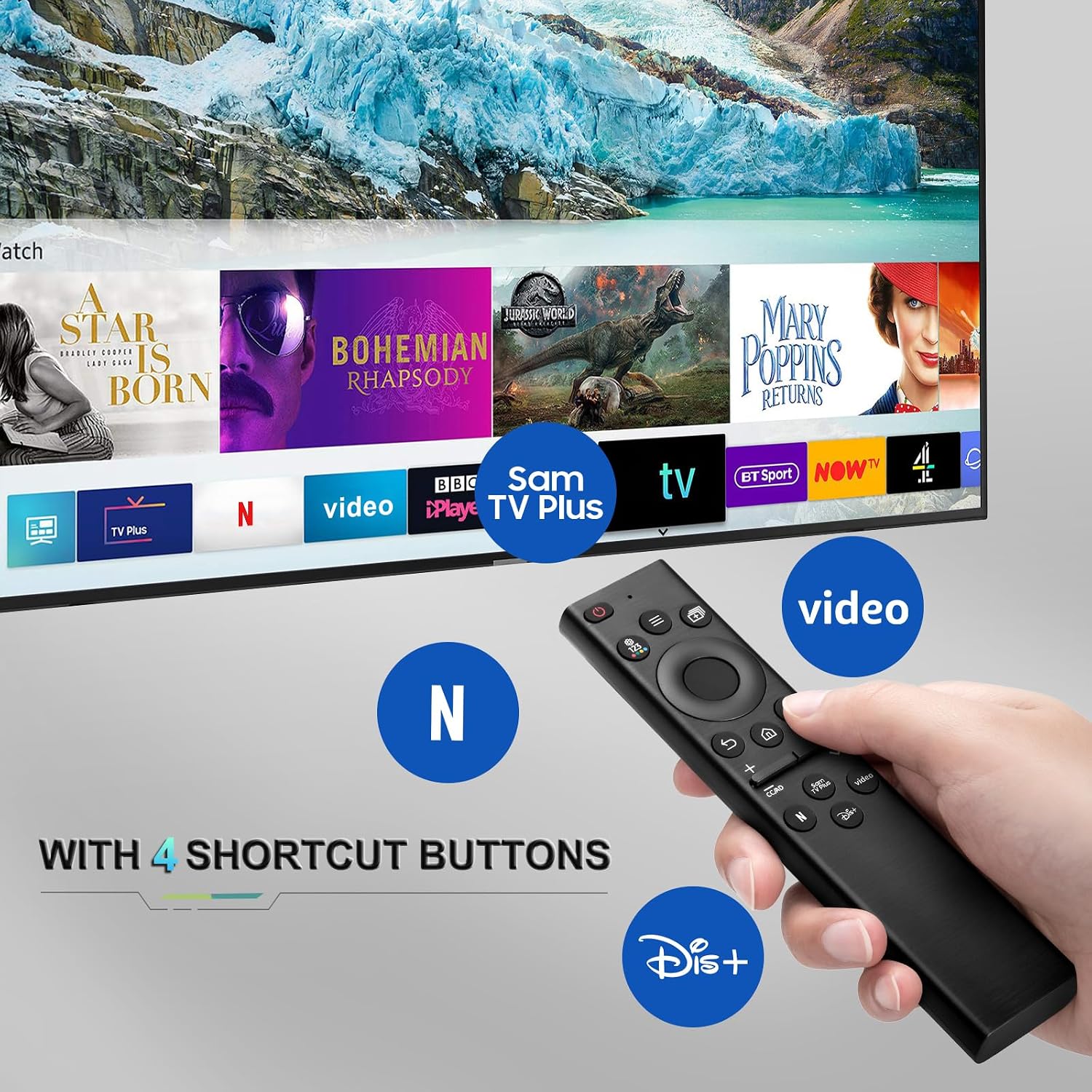
Replacing a Samsung TV remote or keeping a spare close by? This two-pack of EWO'S 1312A-NPS infrared remotes is designed for Samsung TVs, with no pairing or programming required. Insert 2 AAA batteries in a remote and use its buttons to control your TV, including dedicated shortcuts for popular streaming services.
The pack gives you a replacement and a backup, or a second remote for another compatible Samsung TV. Is a straightforward, Samsung-focused replacement what you need?
At a glance
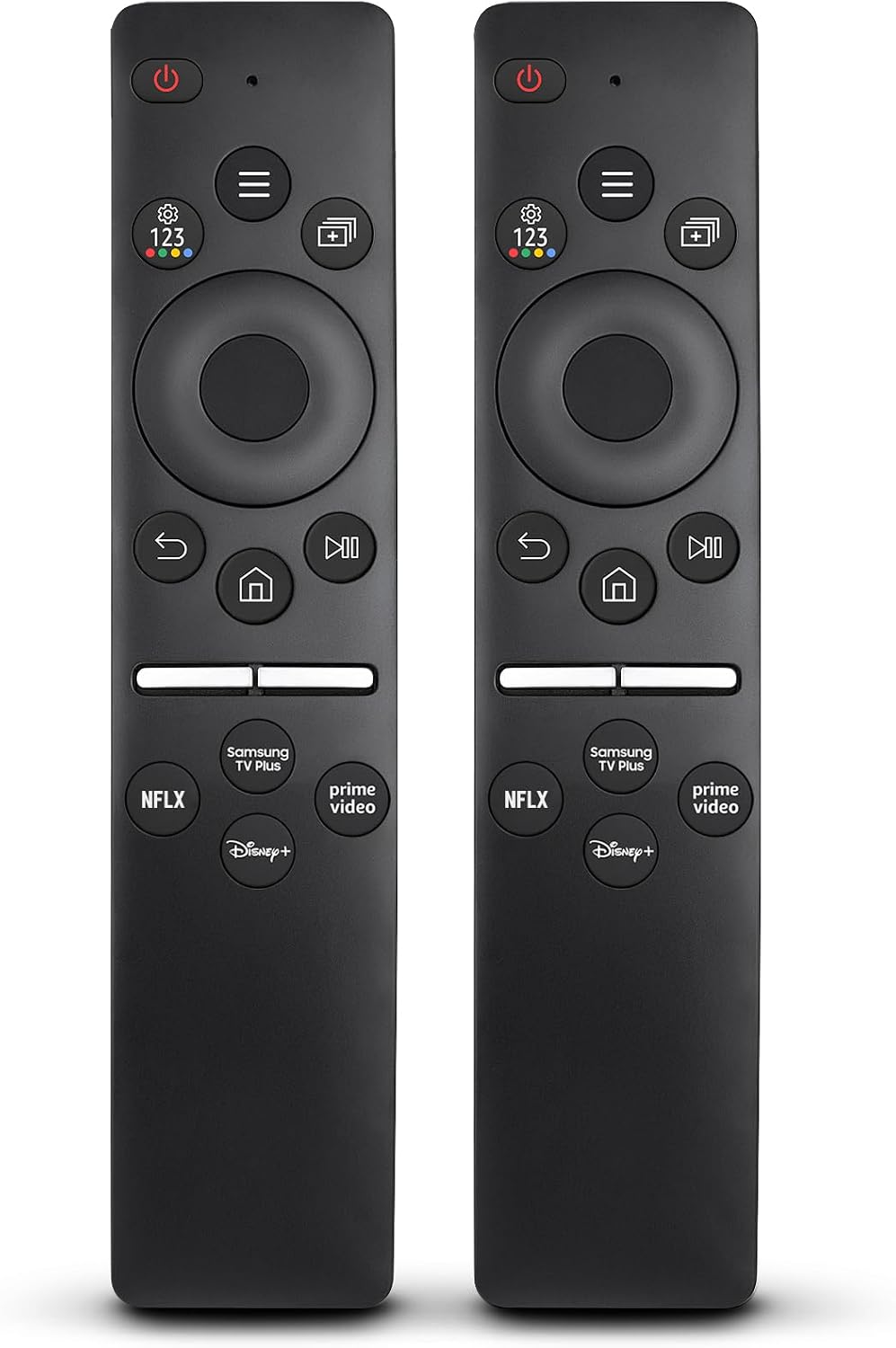
Each remote uses infrared control and has 30 buttons, including popular streaming-service shortcuts. The stated maximum range is 12 metres, giving you room to operate the TV from across a typical living space. The no-programming setup keeps the first use simple: insert the batteries and point the remote at a compatible Samsung TV.
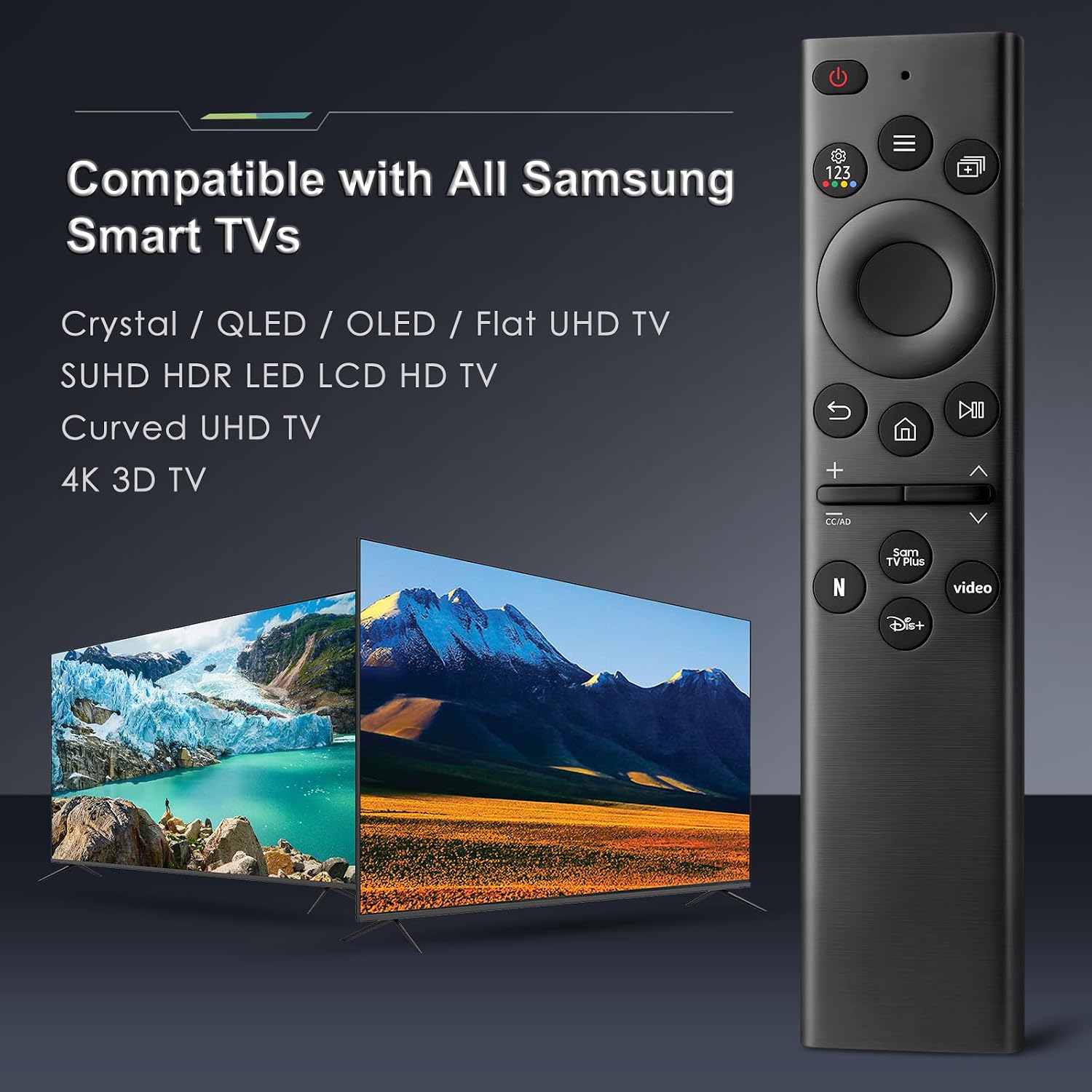
Compatibility is limited to Samsung TVs. The listed examples span a range of Samsung series and model families, including QLED, UHD and Frame models. Check your TV’s model against the compatibility list before choosing a replacement, the model names listed include QN90A, Q60A, TU8000, RU8000 and LS03. This Samsung-specific approach suits someone replacing a lost or worn remote, while a household with TVs from different brands may prefer to choose a controller designed for those brands as well.
Customer feedback highlights ease of setup and use, while reports on button response and longevity are mixed. That makes it useful to consider the simple setup alongside your everyday expectations for a replacement remote.
Practical tips
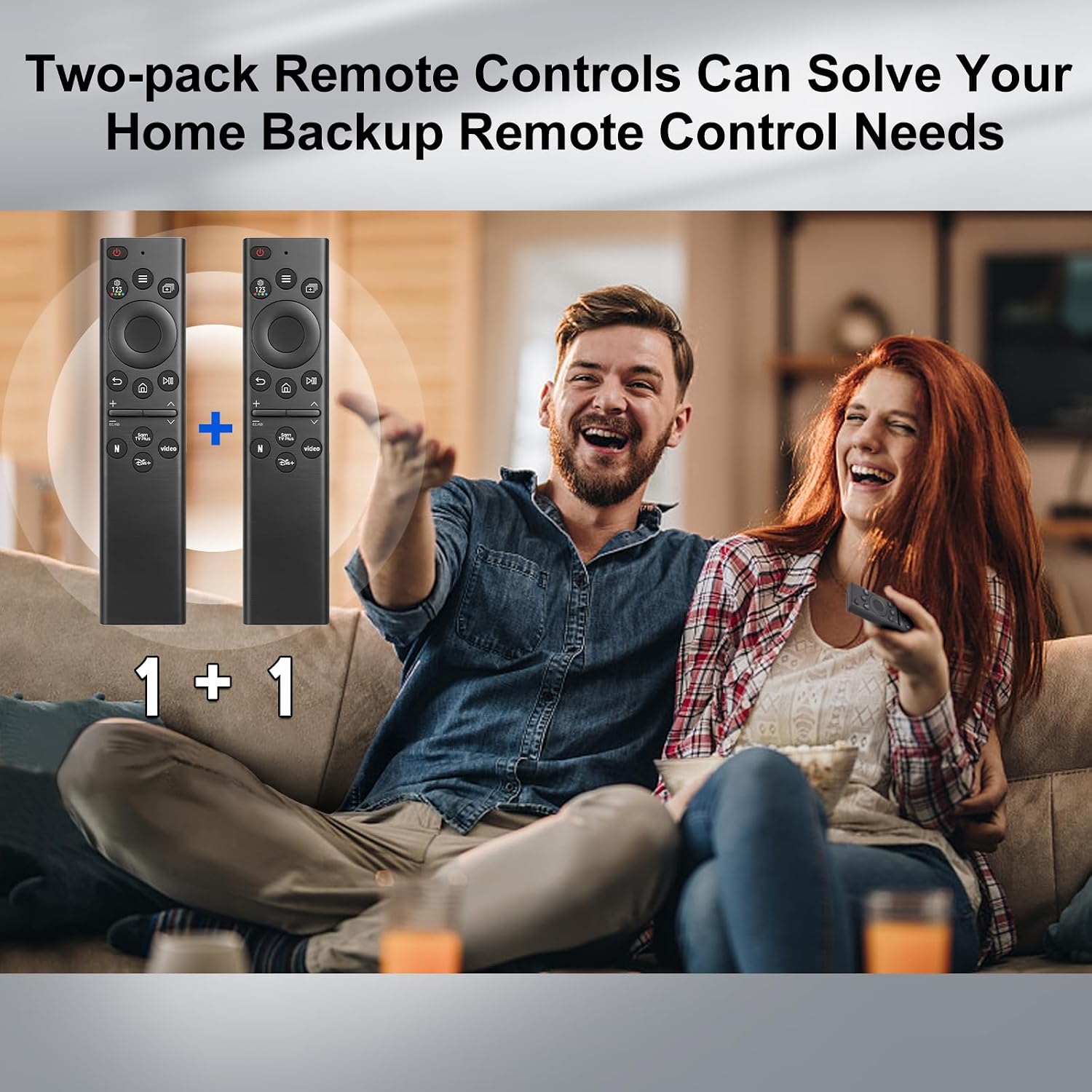
Keep the second remote as a backup, or place it where another viewer can reach it without moving the main handset. The shortcut buttons are intended to make popular streaming services quicker to access, while the regular button layout covers everyday TV control. The listed 12-metre range can be helpful when watching from farther back in the room.
Before buying, match your Samsung TV’s model to the compatibility examples rather than relying on the word “universal” alone. The listing specifically limits compatibility to Samsung TVs, so brand matching is the key step when selecting this replacement.
How to use it
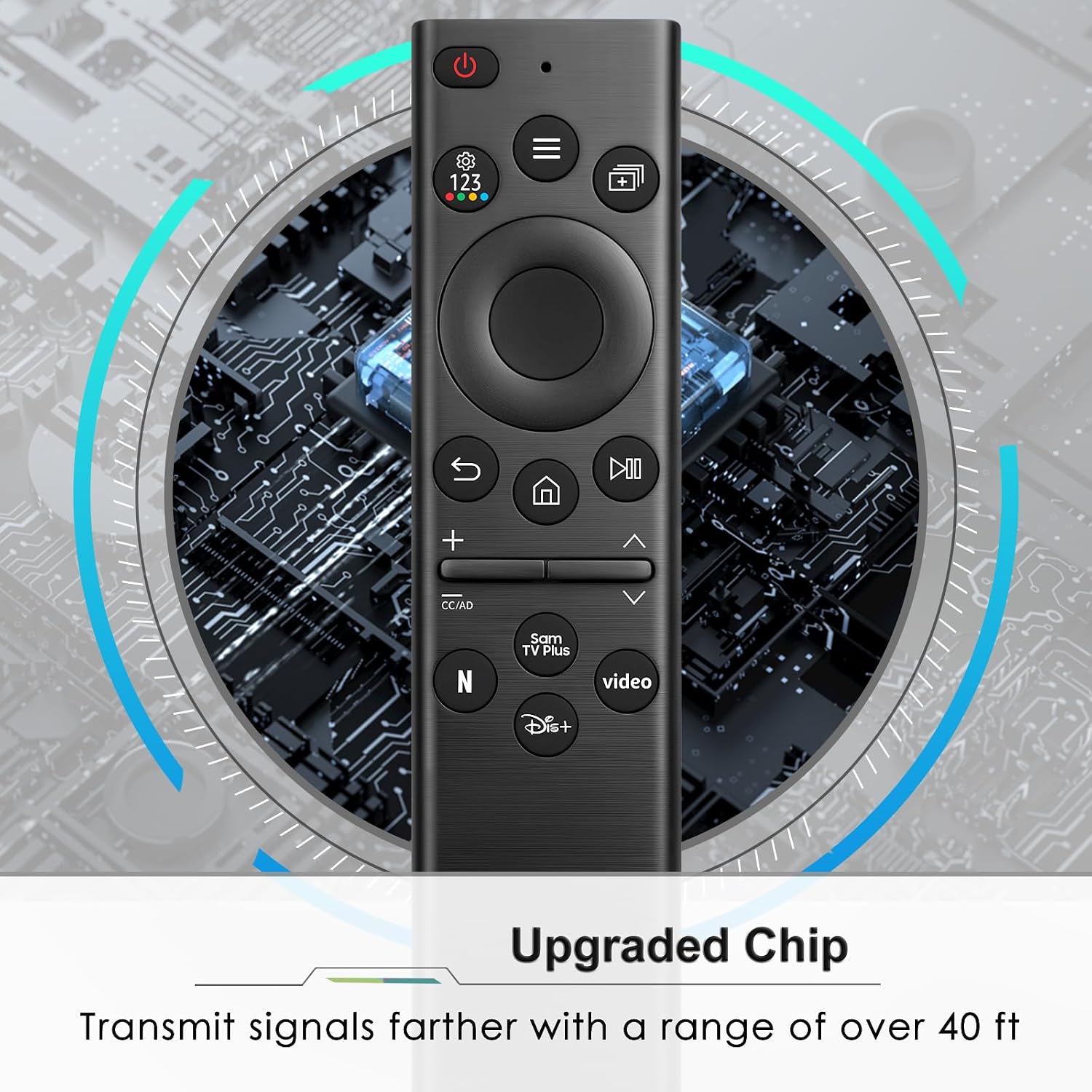
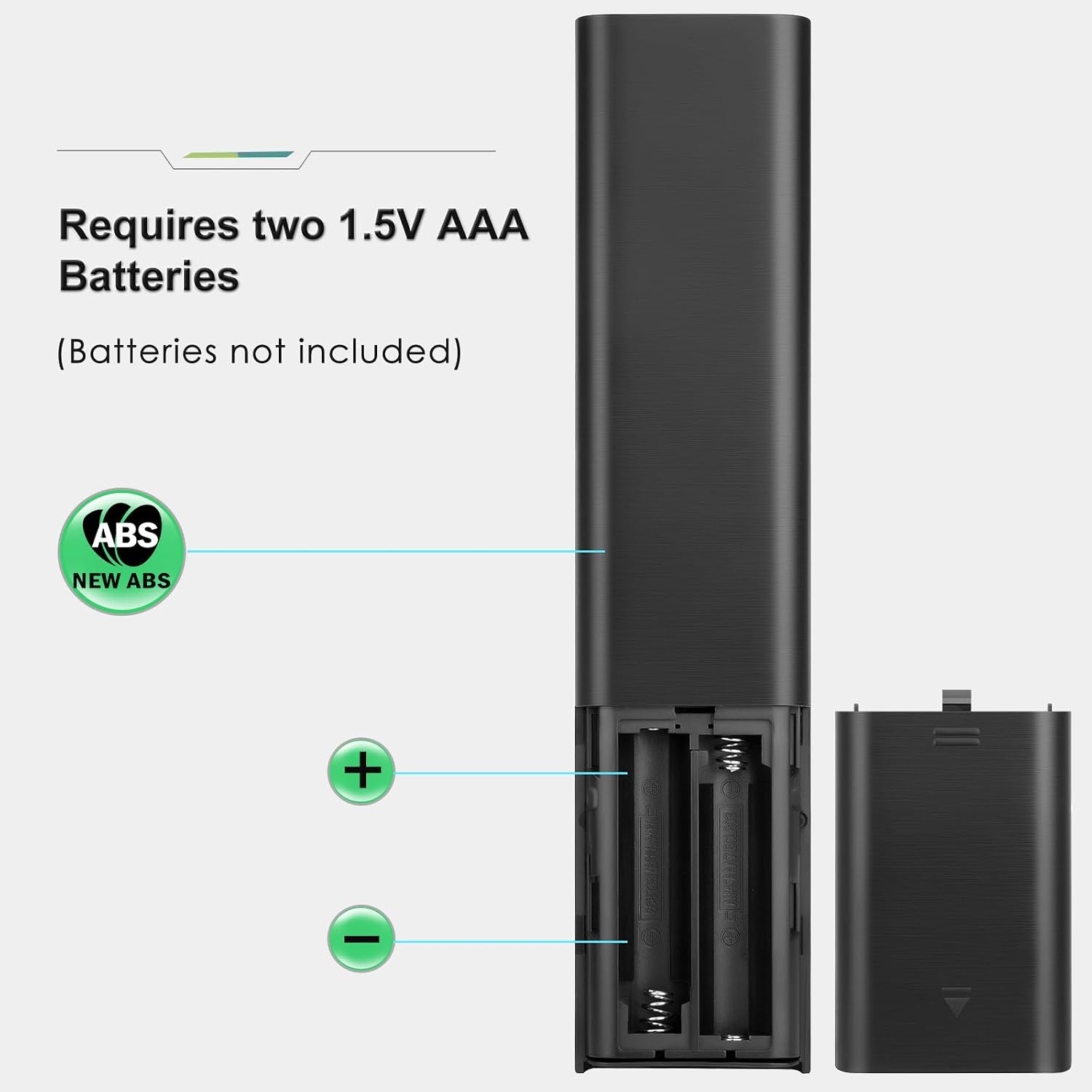
Open the rear battery cover, insert 2 AAA batteries with the positive and negative ends aligned to the markings, then close the cover. The batteries are not included. No pairing or programming is required, point the remote toward the television and use the controls. For routine viewing, the dedicated shortcut buttons offer a direct route to popular streaming services without navigating there through the TV’s menus.
What to clarify
Will it work with a non-Samsung TV? No. This remote is specified for Samsung TVs only. Match the model of your television to the listed compatibility examples before ordering.
Does it need to be programmed? No programming or pairing is required. Insert the batteries and use the remote with a compatible Samsung TV.
What batteries does it use? It requires 2 AAA batteries, which are not included. Insert them according to the positive and negative markings inside the battery compartment.
Is it worth it?
For a Samsung TV owner who wants a ready-to-use replacement and the convenience of a spare, the two-remote pack brings a practical advantage: one handset can stay in regular use while the other is kept nearby as backup. Infrared operation, streaming shortcuts and a setup that requires no programming make it suited to everyday TV control. Its Samsung-only compatibility makes model matching the important part of choosing this pack.