

TP-Link Archer TBE400UH/A Wi-Fi 7 USB Adapter, BE6500, USB 3.0
Product description
Wi-Fi 7 support adds a modern wireless connection option for a compatible desktop or laptop, while the USB 3.0 interface keeps the adapter external and easy to position at your workspace. Its BE6500-class band figures and two antennas with beamforming are designed to support fast, stable wireless communication.
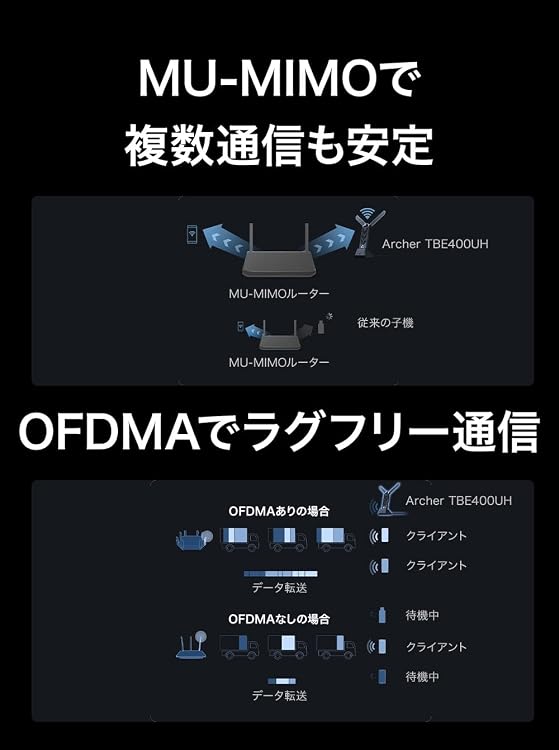
MU-MIMO and OFDMA help manage communication when a network is busy, making the adapter suited to homes with several connected devices.
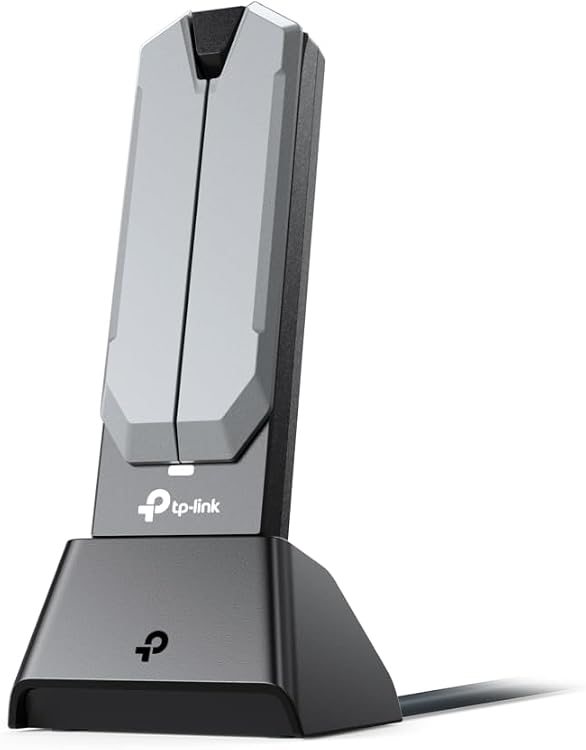
How to use it
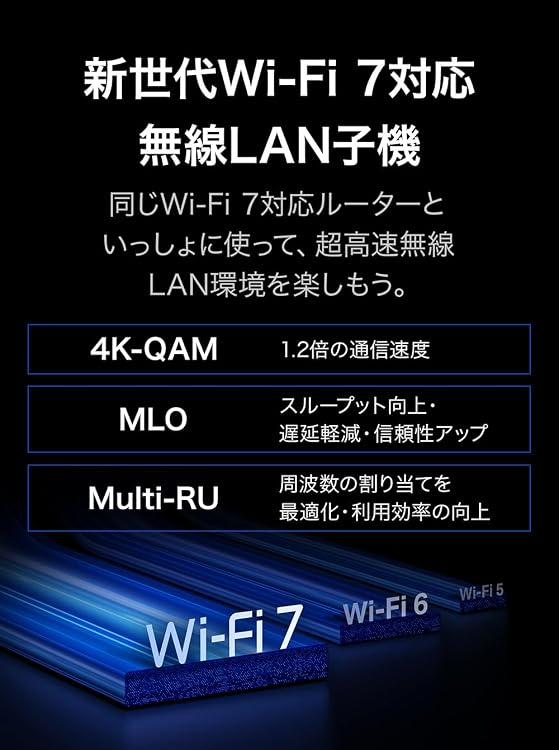
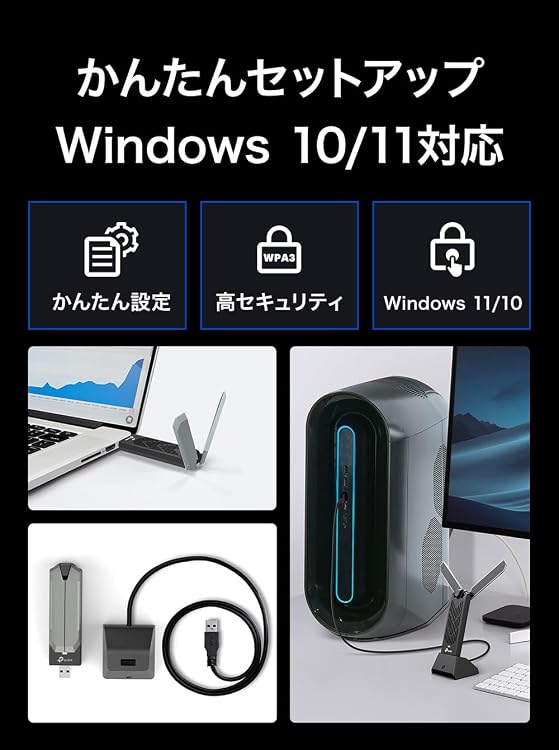
Connect the Archer TBE400UH/A to a USB port on a compatible Windows computer and use it as a wireless network adapter. It supports Windows 10 in 32-bit and 64-bit versions, and Windows 11 in 64-bit. Pair it with a compatible Wi-Fi network to use the available bands and Wi-Fi features, the router and network determine which options can be used.
For a desk-based setup, it offers an external alternative to relying on the computer’s existing wireless connection. The two antennas and beamforming are intended to help direct wireless communication, while USB 3.0 provides the host connection. This makes it a practical way to add Wi-Fi 7 support to a desktop or laptop without choosing an internal network card.
Strengths
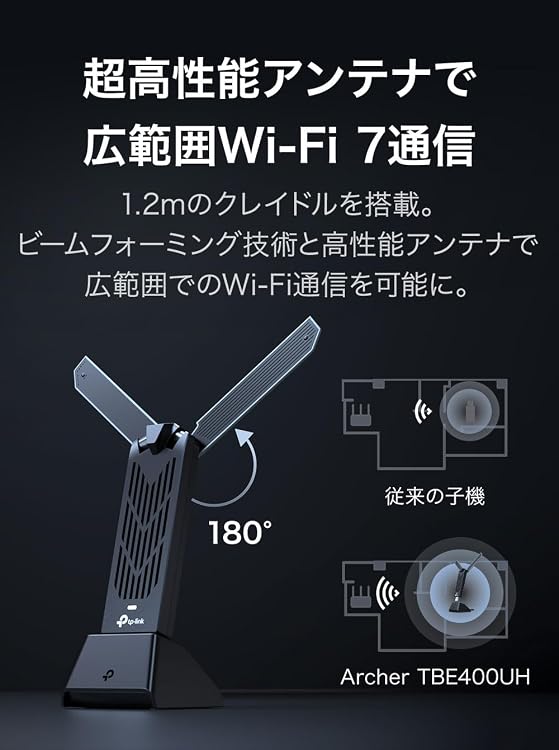
The BE6500 standard is listed with rates of 2,882 Mbps on 6 GHz, 2,882 Mbps on 5 GHz and 688 Mbps on 2.4 GHz. These figures describe the adapter’s supported wireless bands, giving it options for use across compatible Wi-Fi networks. The 6 GHz band supports a 160 MHz channel width, and WPA3 is included among its listed features.
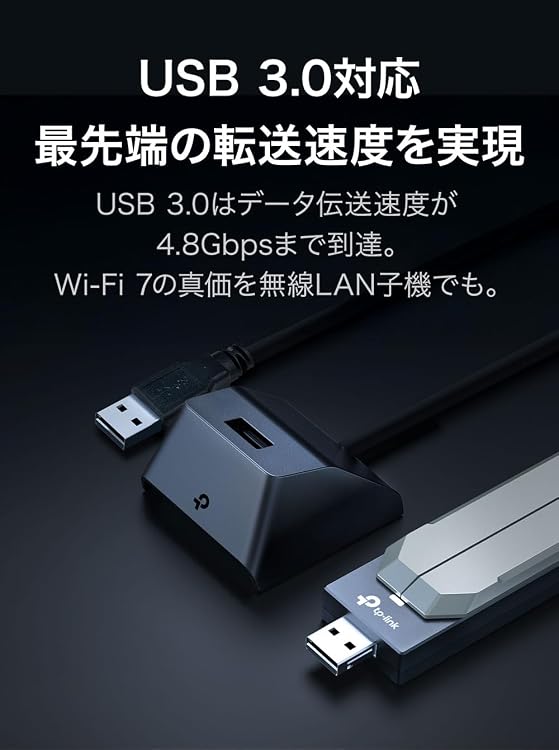
Two antennas work with beamforming for wireless communication, while MU-MIMO and OFDMA are designed to improve efficiency and reduce latency in busy network conditions. That combination is useful in a household where several devices may be online at once, including during everyday browsing, streaming or video calls. USB 3.0 compatibility provides a high-speed connection to the computer, with a stated transfer speed of up to 4.8 Gbps for the USB interface.
What to know
This is a USB wireless LAN adapter for desktop and laptop computers, rather than a router or a stand-alone network device. Its Wi-Fi 7 features and the listed 6 GHz, 5 GHz and 2.4 GHz bands are available when used with a compatible network. The advertised band rates are specifications, not a guarantee of the actual speed a particular internet connection or wireless environment will deliver.
Check that the computer’s Windows version matches the supported options: Windows 10 (32-bit or 64-bit) or Windows 11 (64-bit). For a computer with no suitable wireless adapter, or when adding a separate external Wi-Fi option is preferable to replacing an internal card, the USB format gives this model a clear role.
Final verdict
The TP-Link Archer TBE400UH/A suits Windows desktop and laptop users looking to add Wi-Fi 7 through USB. Its three-band support, 160 MHz capability on 6 GHz, WPA3 and network-efficiency features make it a well-specified choice for connecting a compatible computer to a modern wireless network.