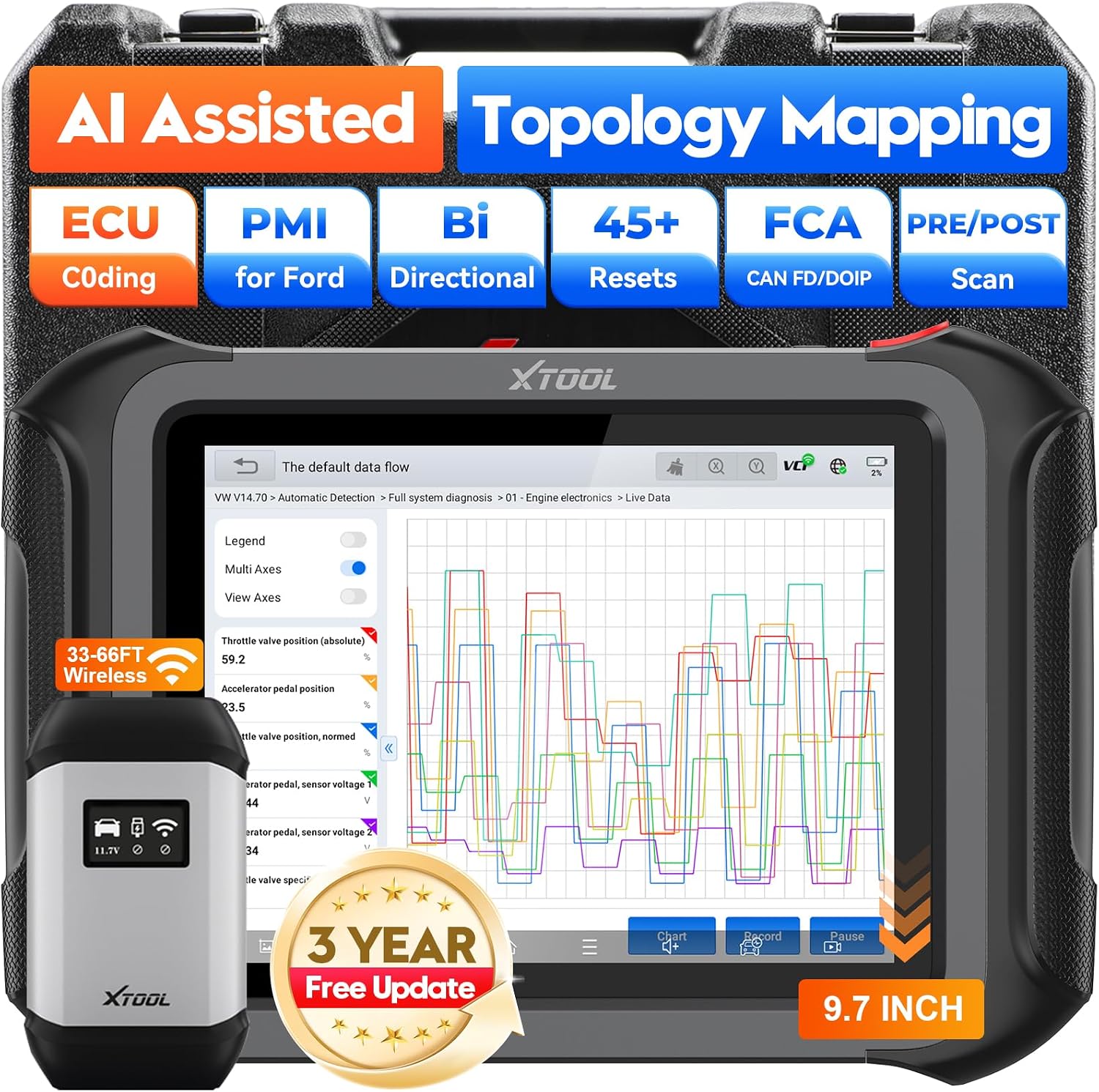
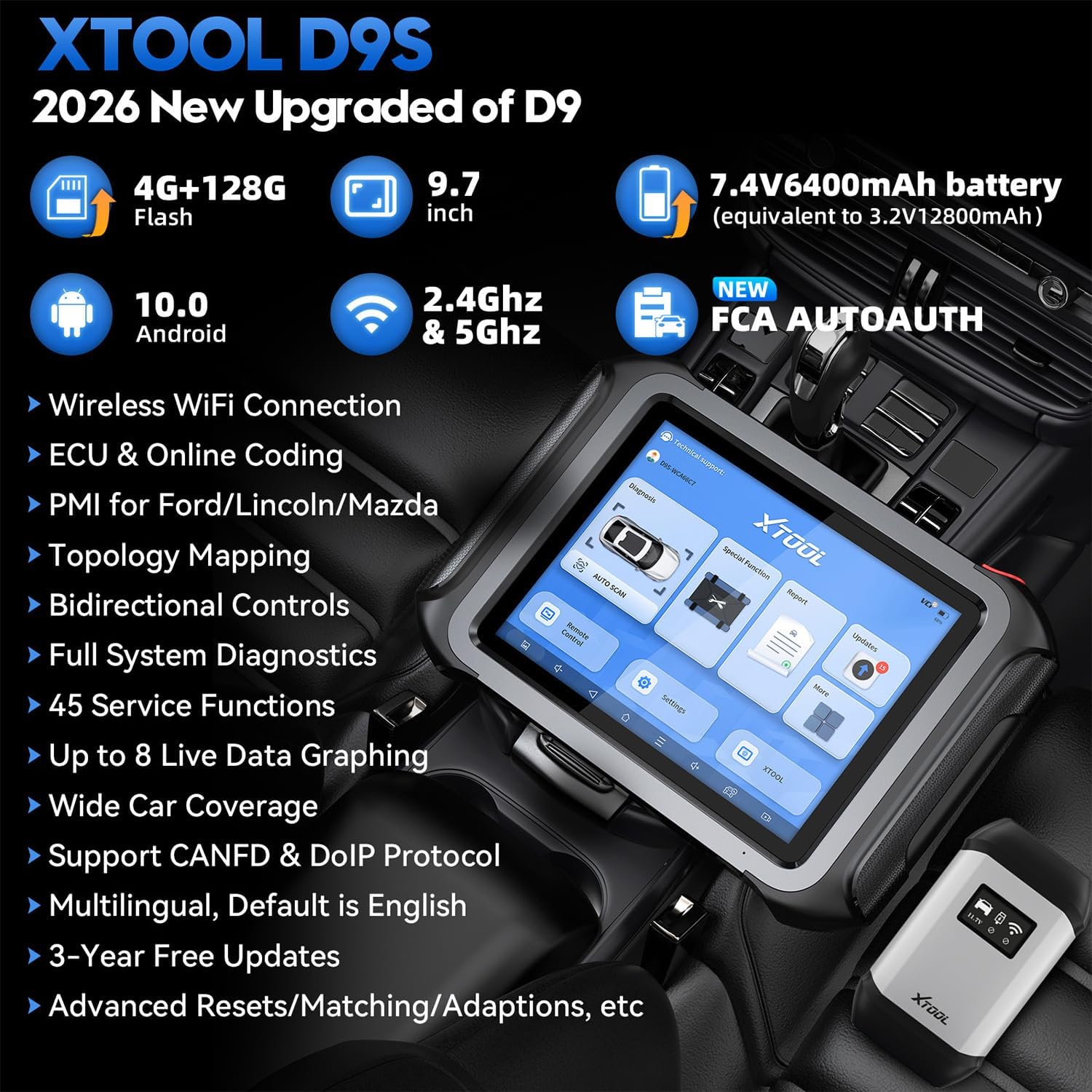
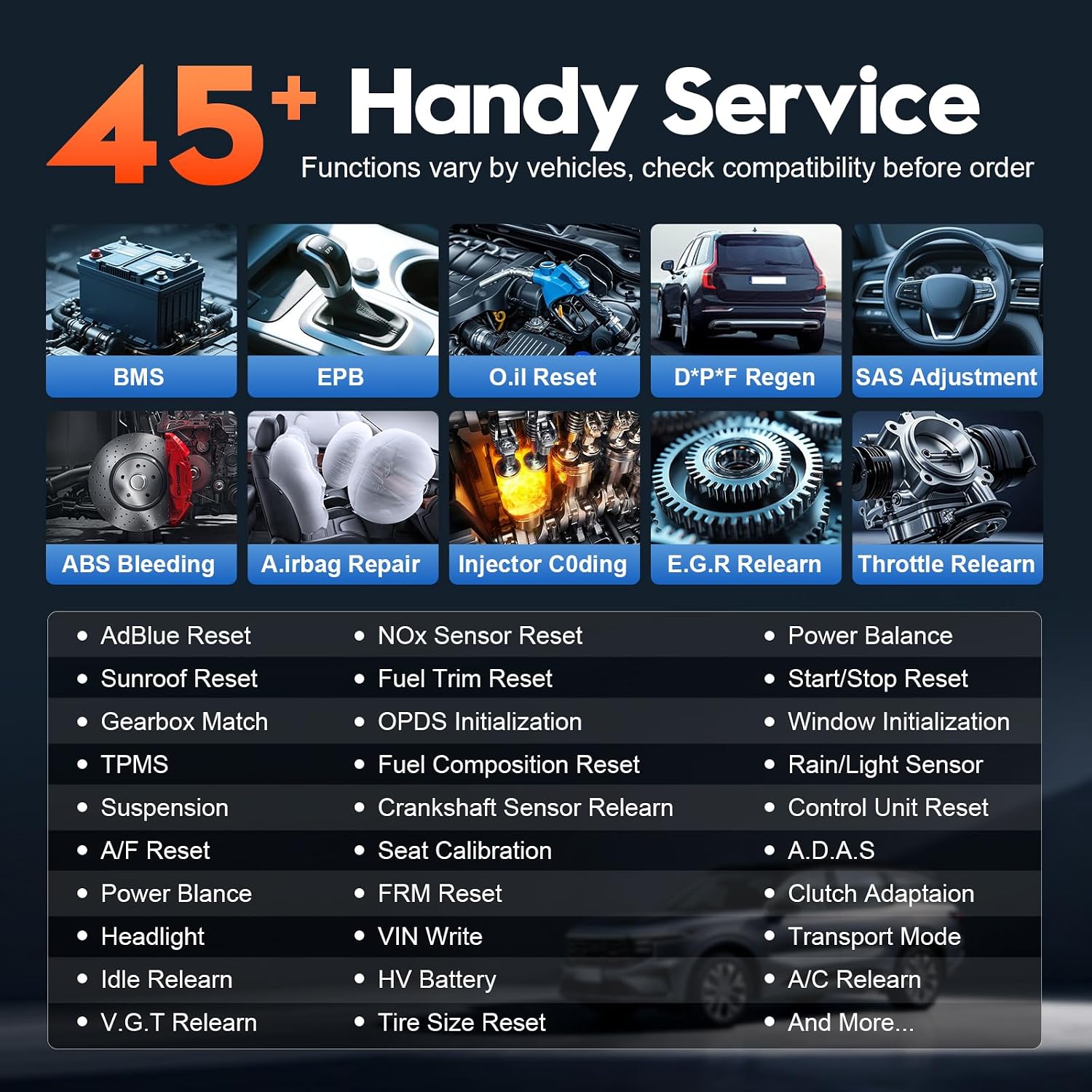
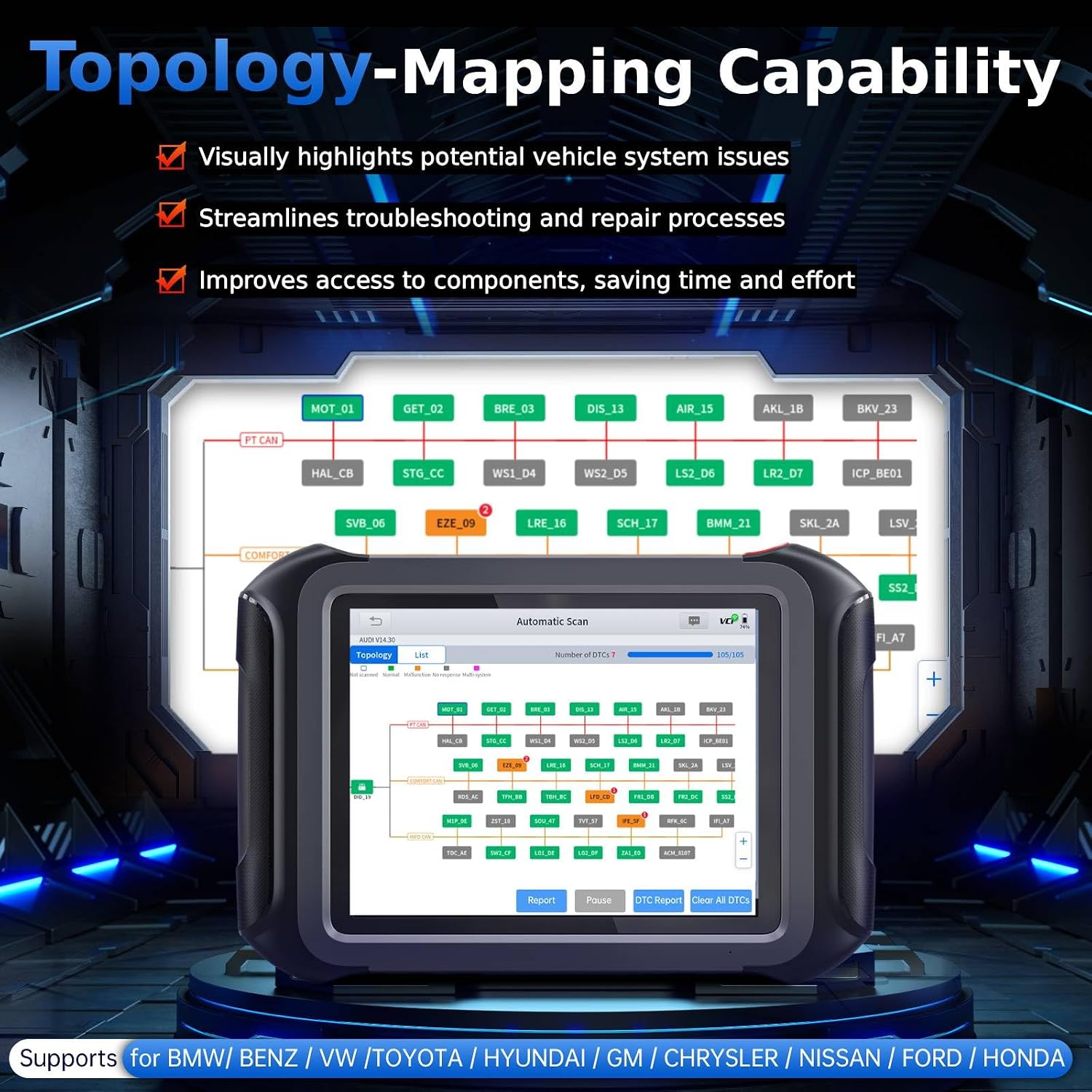
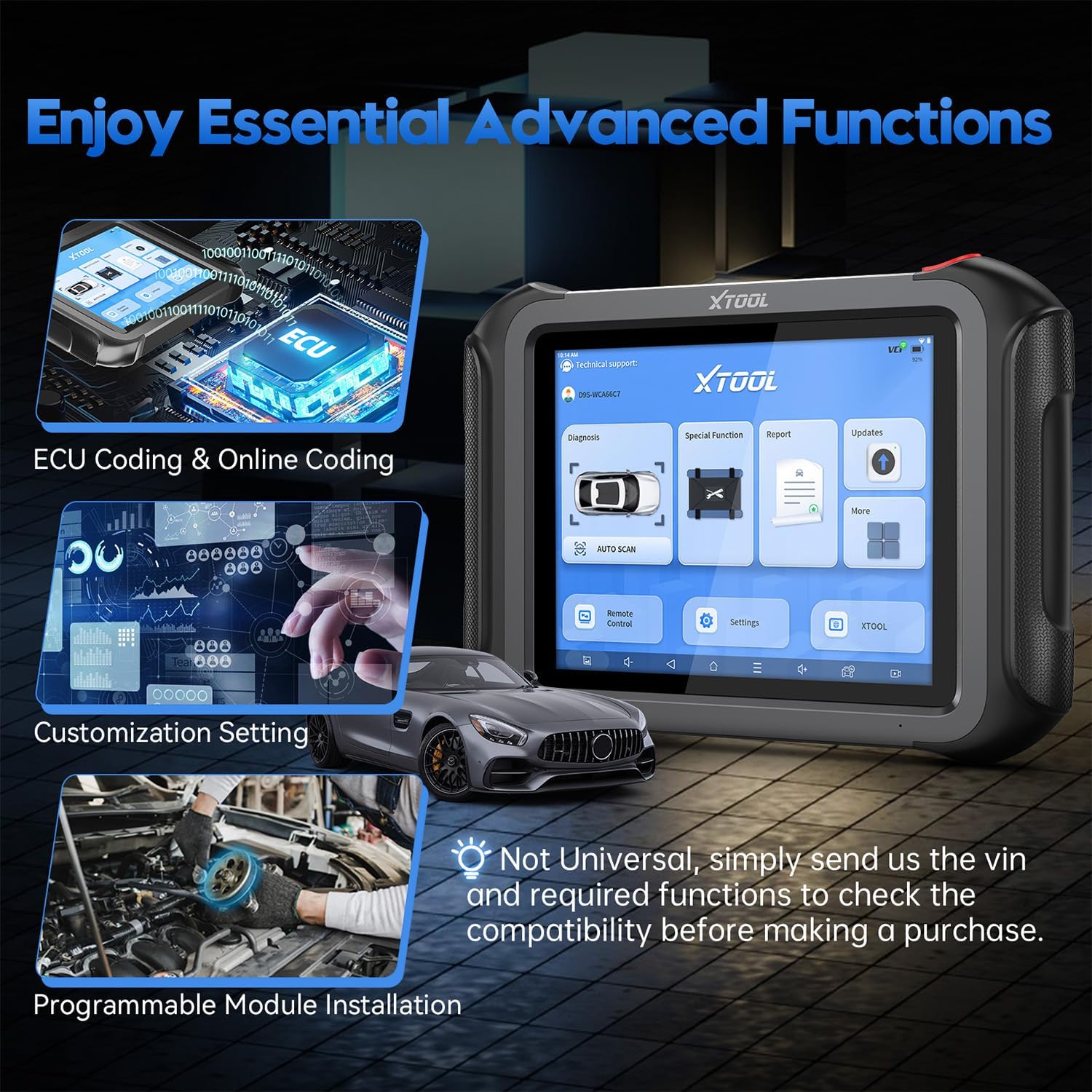
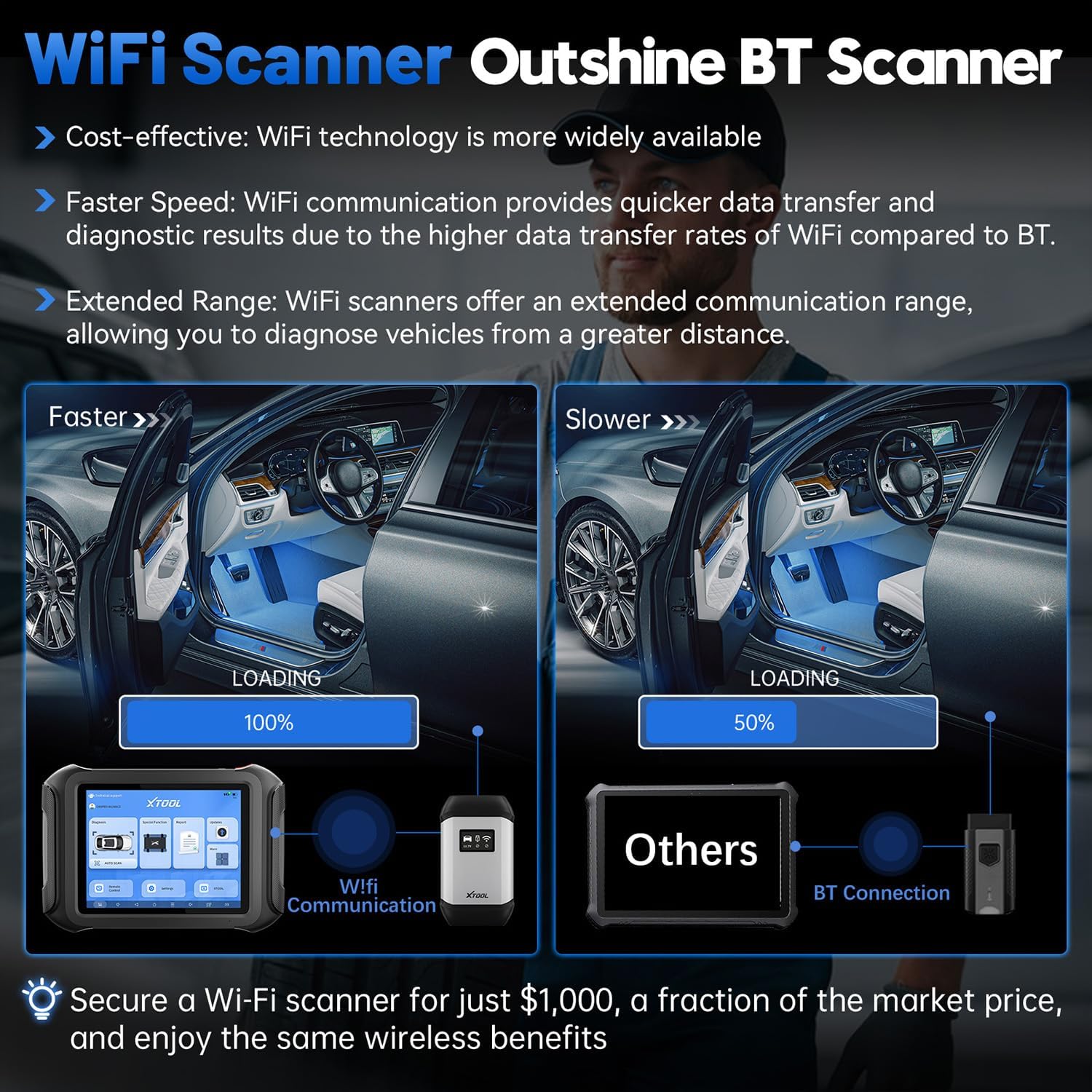
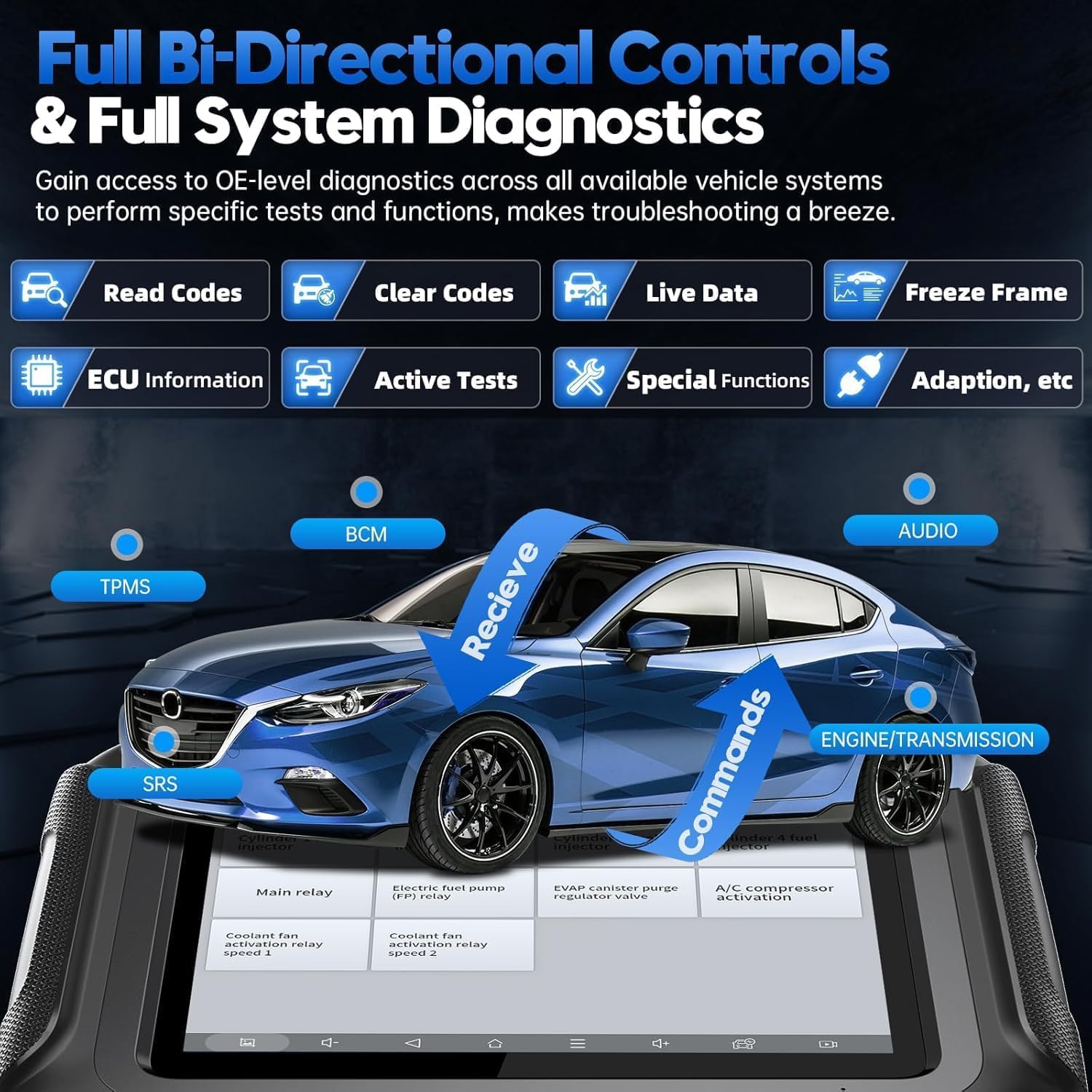
What it is and what it solves\nThe XTOOL D9S 2.0 is a professional full-system automotive diagnostic scanner designed to cover ECU coding, offline programming (PMI), topology mapping, and 45+ reset functions. Built for repair shops and serious DIYers, it aims to reduce guesswork and speed up fault isolation by providing bidirectional control, DoIP/CAN FD support, and AI-assisted insights. On paper, it’s positioned as a high-coverage tool that keeps up with modern vehicle systems while promising faster data transfer thanks to Wi‑Fi connectivity. If you prioritize comprehensive diagnostics and quicker workflows, this model looks like a capable option.\n\n## How it helps in everyday use\nIn practice, the D9S uses a built-in Wi‑Fi connection for data transfer, which can feel noticeably faster than older BT-based scanners. The topology map feature is designed to visualize how modules interact, potentially helping you spot faulty modules without chasing multiple fault codes. A typical use case: you plug it into the OBD port, connect to Wi‑Fi, and run a top-to-bottom scan of the vehicle’s systems, then verify suspected modules with bidirectional tests and relevant resets. The device ships with 3 years of updates, which matters for keeping coverage current as new models roll out.\n\n## Pros: what stands out in practice\n- Bidirectional control and AI-assisted diagnostics can speed up fault verification.\n- Topology Map provides a visual overview of module relationships, which can cut diagnostic time for complex systems.\n- 45+ resets cover common maintenance needs beyond fault codes (e.g., EPB, SAS calibration, injector coding).\n- FCA/DoIP/CAN FD support broadens compatibility for many modern vehicles.\n- Generous on-device storage and a modern Wi‑Fi connection promise stable performance.\n\n## Cons and caveats\n- Compatibility varies by vehicle, always verify with the vendor before purchase to confirm support for your specific makes and models.\n- Internet access is required for software downloads, even though diagnostics run offline-to-online updates are included for 3 years.\n- It’s a feature-rich tool, so the initial learning curve can be steeper compared to basic OBD2 scanners. Expect to spend time with the interface to unlock advanced functions.\n\n## Who it’s for\nThis tool makes sense for professional shops needing broad coverage and modules-level insight, as well as advanced enthusiasts who work across multiple brands and want deeper access than a standard OBD2 reader. If you often service FCA, DoIP-enabled vehicles, or require topology mapping to pinpoint issues, this device aims to justify its breadth of features.\n\n## Who it isn’t the best for\nIf you mainly perform basic code reading and don’t need PMI, topology mapping, or bidirectional control, a simpler, lower-cost scanner could be a better fit. Also, if your workflow relies on offline-only operation without ongoing updates, verify that the 3-year update plan aligns with your expectations.\n\n## What to check before buying\n- Confirm vehicle compatibility for your typical makes and models, especially if you rely heavily on topology mapping for diagnostics.\n- Ensure you have a reliable Wi‑Fi setup for fastest data transfer and software updates.\n- Plan for the learning curve by allocating time to explore the PMI, resets, and report-generation features.\n\n## How it compares to other approaches\nCompared with basic OBD2 tools, the D9S offers deeper system access, bidirectional tests, and a richer reset toolkit. It’s more versatile than entry-level scanners, but it isn’t a maintenance-free plug-and-play device, you’ll benefit from investing time to learn the interface and to confirm compatibility with your typical vehicles. If you prioritize hands-on module-level insights and a broader feature set, this model stands out in its class.\n\n## Practical usage example\nImagine you’re diagnosing a complex fault on a mid-to-high-end sedan. You’d connect the D9S via Wi‑Fi, run a full system scan, review the topology map to identify suspect modules, perform targeted bidirectional tests to confirm faulted components, and apply a relevant reset after repair. The workflow can feel fluid, especially when you’re used to the top-to-bottom diagnostics that the topology view enables.\n\n## Decision point: Is it worth it?\nIs it worth it for shops or enthusiasts who need breadth, speed, and structured insights across many systems? If your priority is speed, networked data, and a wide suite of resets and PMIs, the D9S presents a compelling case. If your needs are minimal monitoring or you rarely work with DoIP/FCA vehicles, you might find lighter options more aligned with your budget.\n\n## Quick FAQ\n- Does it support my vehicle’s brand? Compatibility varies, verify with the seller before purchase.\n- Do I need internet to use it? Software downloads require internet, but core diagnostics leverage the device’s offline capabilities.\n- How steep is the learning curve? It’s steeper than basic scanners due to advanced features, but the topology map and AI-assisted tools are designed to speed up learning once you’re familiar with the interface.\n- What comes with the device? The base description notes 3 years of free updates, exact box contents aren’t enumerated here.