

Topexplore 9-Inch Wireless CarPlay & Android Auto Car Screen with Bluetooth, Mirror Link, and Voice Control
Reviews
Price
Product description
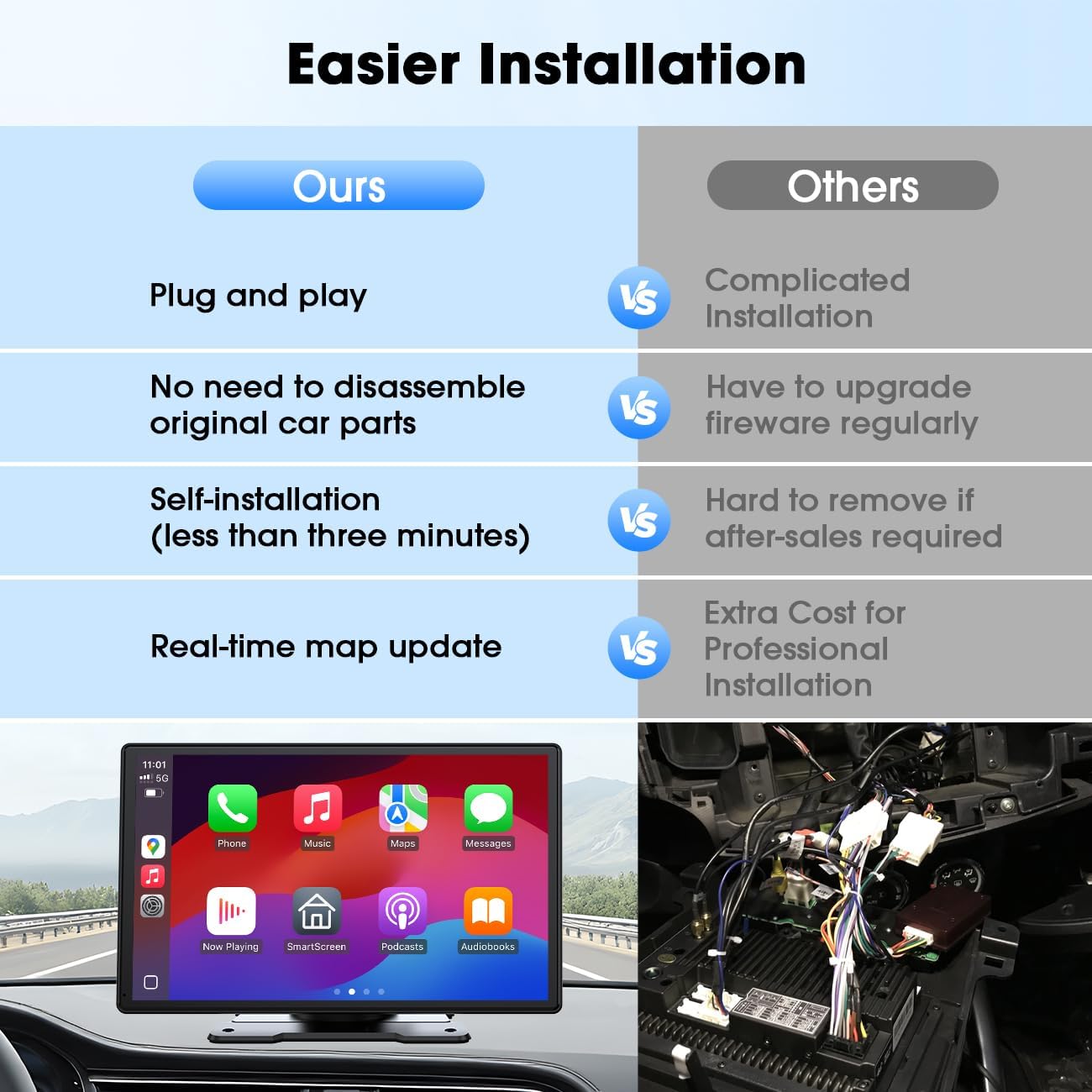
Upgrading an older car’s tech can be surprisingly annoying. This Topexplore portable car screen is built for that exact gap: it’s meant to bring wireless Apple CarPlay and Android Auto into your daily drive without replacing the whole dashboard.
On paper, it’s the kind of device you buy when you want modern smartphone features—hands-free calling, music, and navigation—while still using your car’s existing audio setup. Still, it’s not perfect for everyone: if you’re picky about a very specific installation style or you expect flawless, “built-in” integration, you may be left wishing it felt more like factory hardware.
What it does and why people buy it
This is a 9-inch wireless CarPlay and Android Auto upgrade screen for cars that don’t already support those interfaces. The core idea is simple: pair your phone, open your apps through CarPlay/Android Auto, and use voice commands for safer driving.
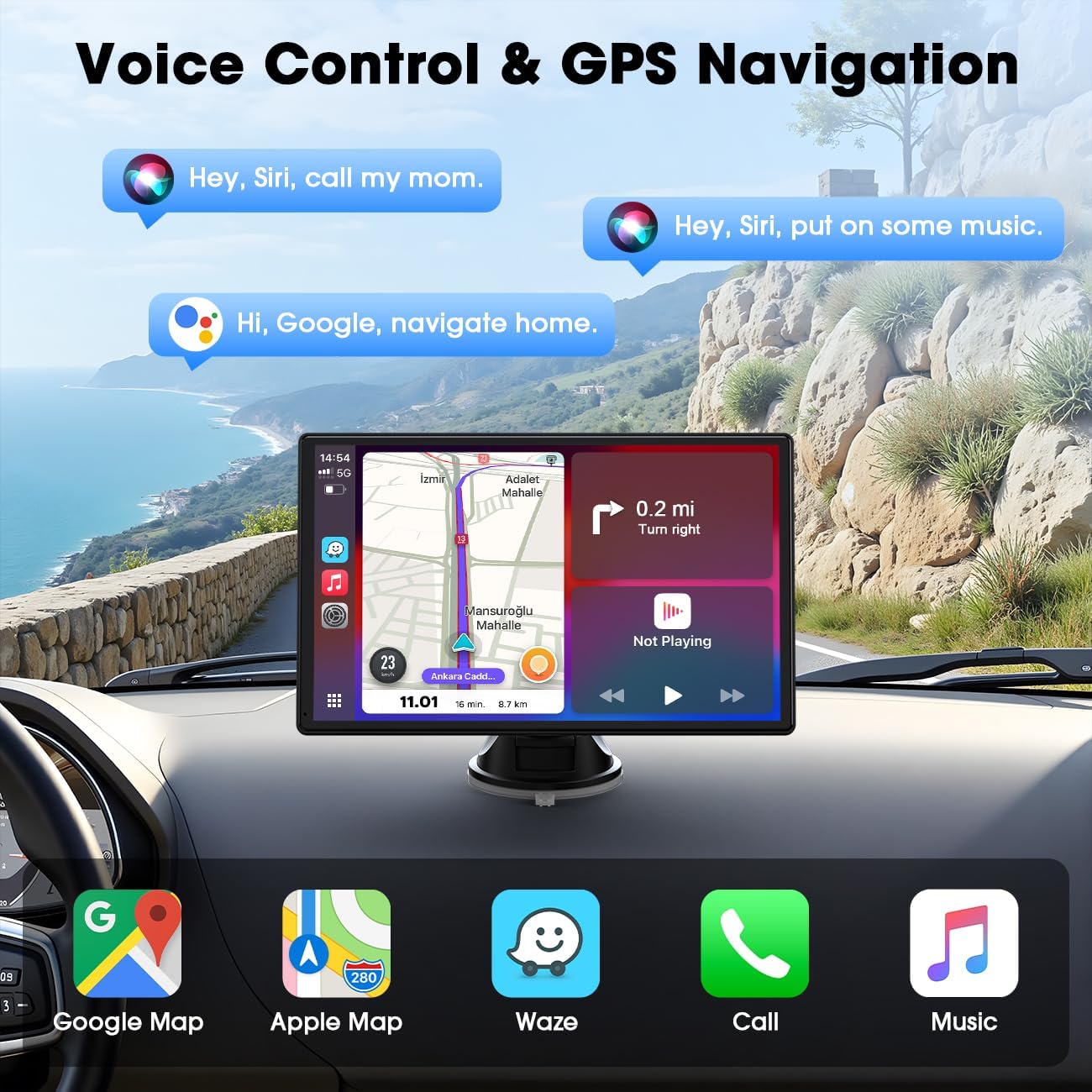
The appeal is mostly practical. Instead of living with a dated infotainment menu (or a clunky navigation system), you can rely on familiar map apps like Google Maps/Waze/Apple Maps for real-time GPS navigation and traffic updates. It’s also positioned as a hands-free solution for calls and media playback—useful when you’re commuting, running errands, or driving in traffic where you don’t want to fiddle with your phone.
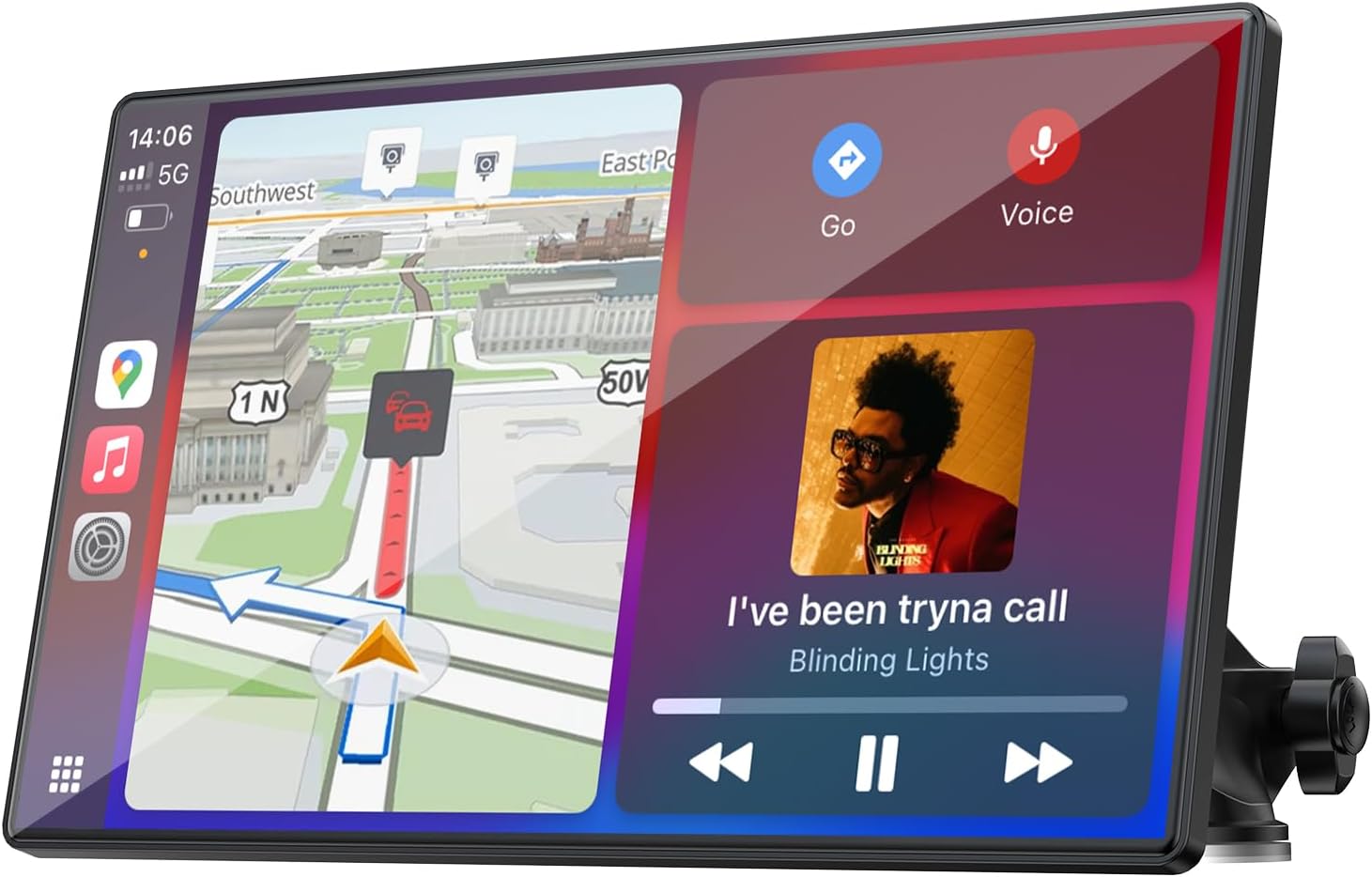
A small real-world moment: imagine pulling out of a grocery store, putting your destination into navigation using voice, and then following directions on the screen while the audio routes through your car. That’s the “less friction” experience this device is aiming for.
Wireless CarPlay/Android Auto with voice control
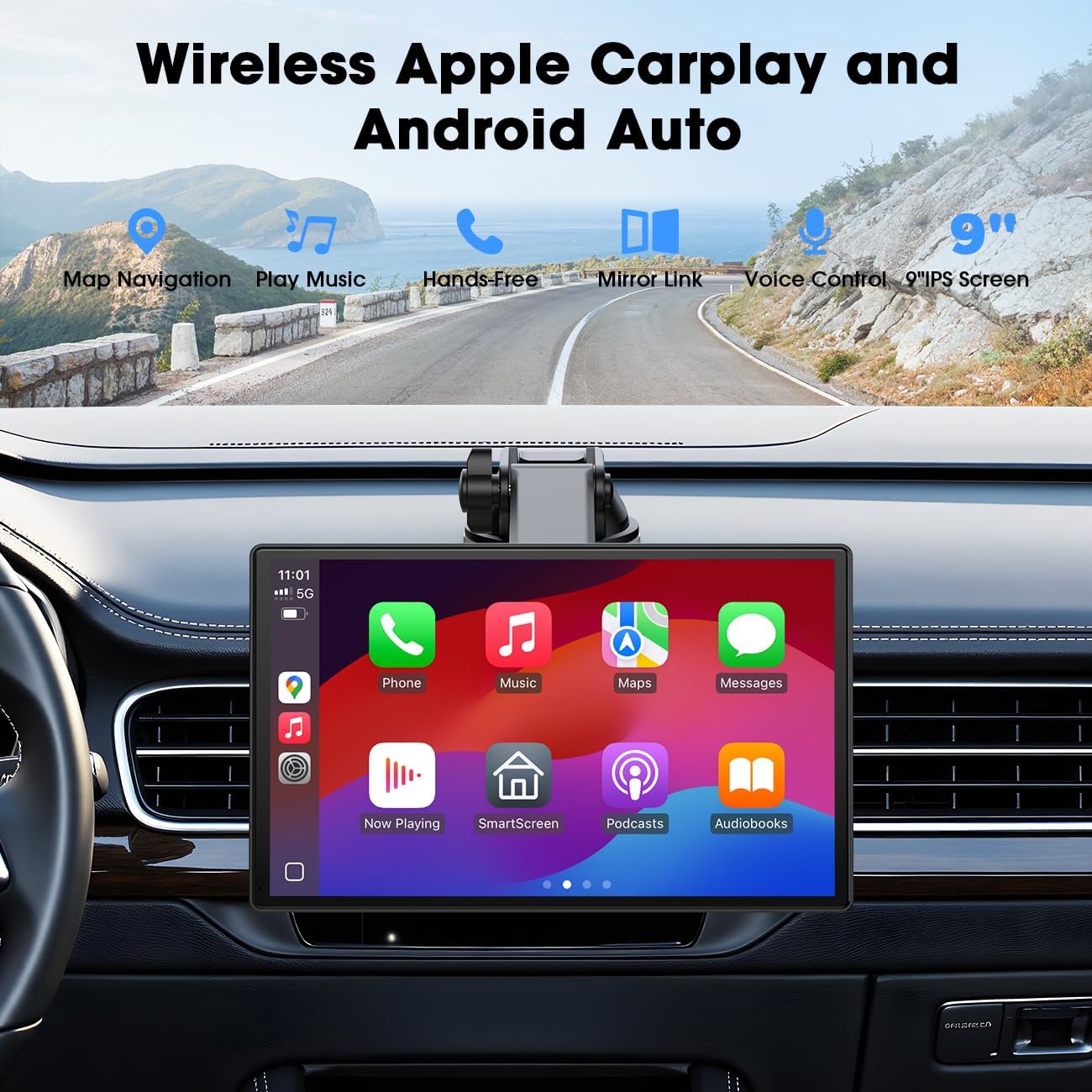
The screen is described as supporting wireless Apple CarPlay and Android Auto connectivity with iPhone and Android phones. It’s designed so you can manage calls, music, and navigation using voice control, which is a big deal if you’d rather keep your hands on the wheel.
One thing to keep in mind: wireless upgrades generally depend a lot on your phone behavior and day-to-day pairing routine. The concept is convenient, but you’ll still want to verify how smooth it feels for your specific setup before committing.
Audio options (and how the sound connects)
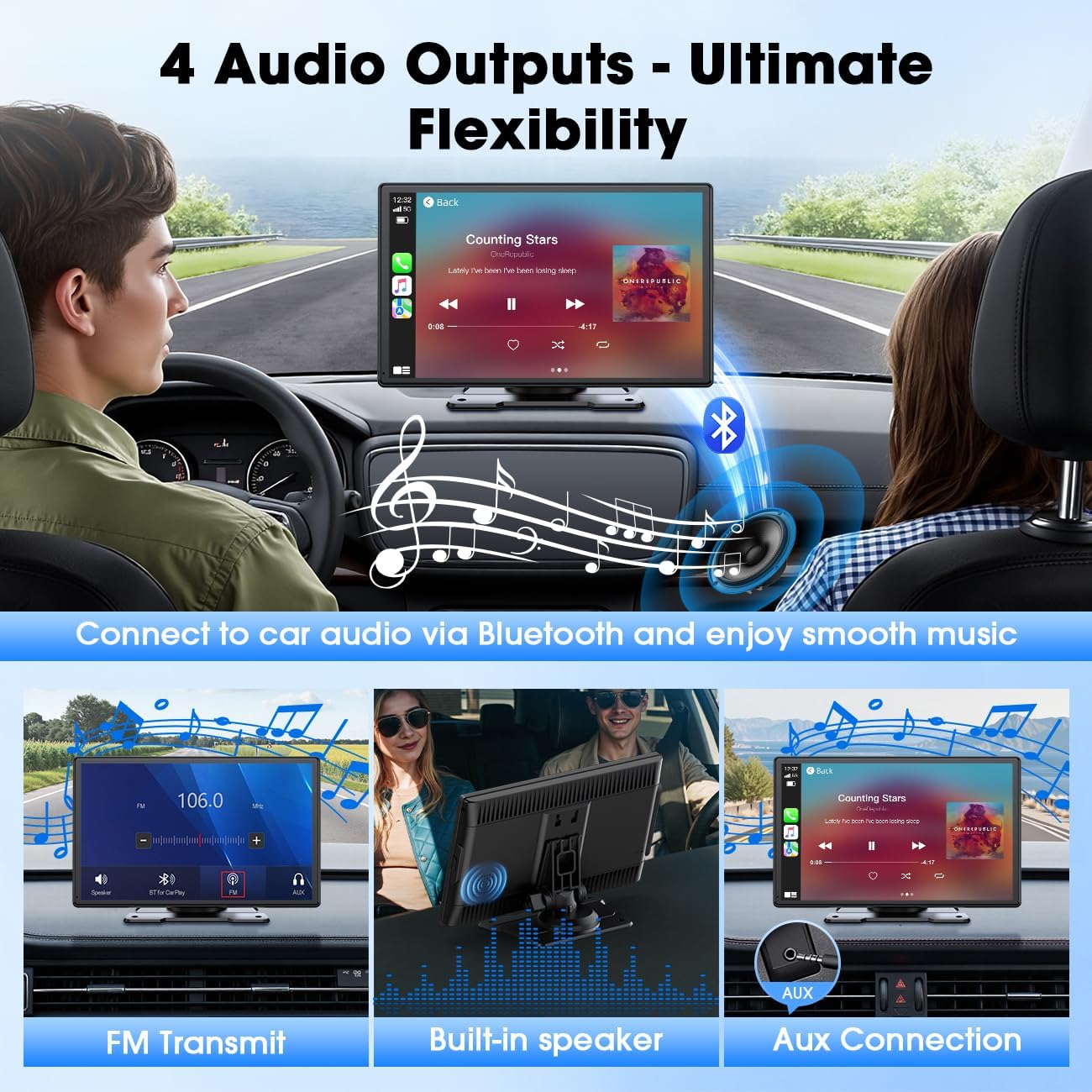
If you care about how the car audio actually works, this is a noteworthy part of the package. The device provides four audio output routes:
- Bluetooth
- AUX
- FM
- Built-in speakers
On top of that, it connects to your car’s stereo through Bluetooth. With multiple audio paths, you’re less likely to be stuck if your car’s ports or signal situation aren’t ideal.
However, four options also means outcomes can vary depending on what you choose (and on your car’s environment). Bluetooth and AUX are often the most straightforward routes, while FM can be more sensitive to local reception conditions.
Screen mirroring via Mirror Link
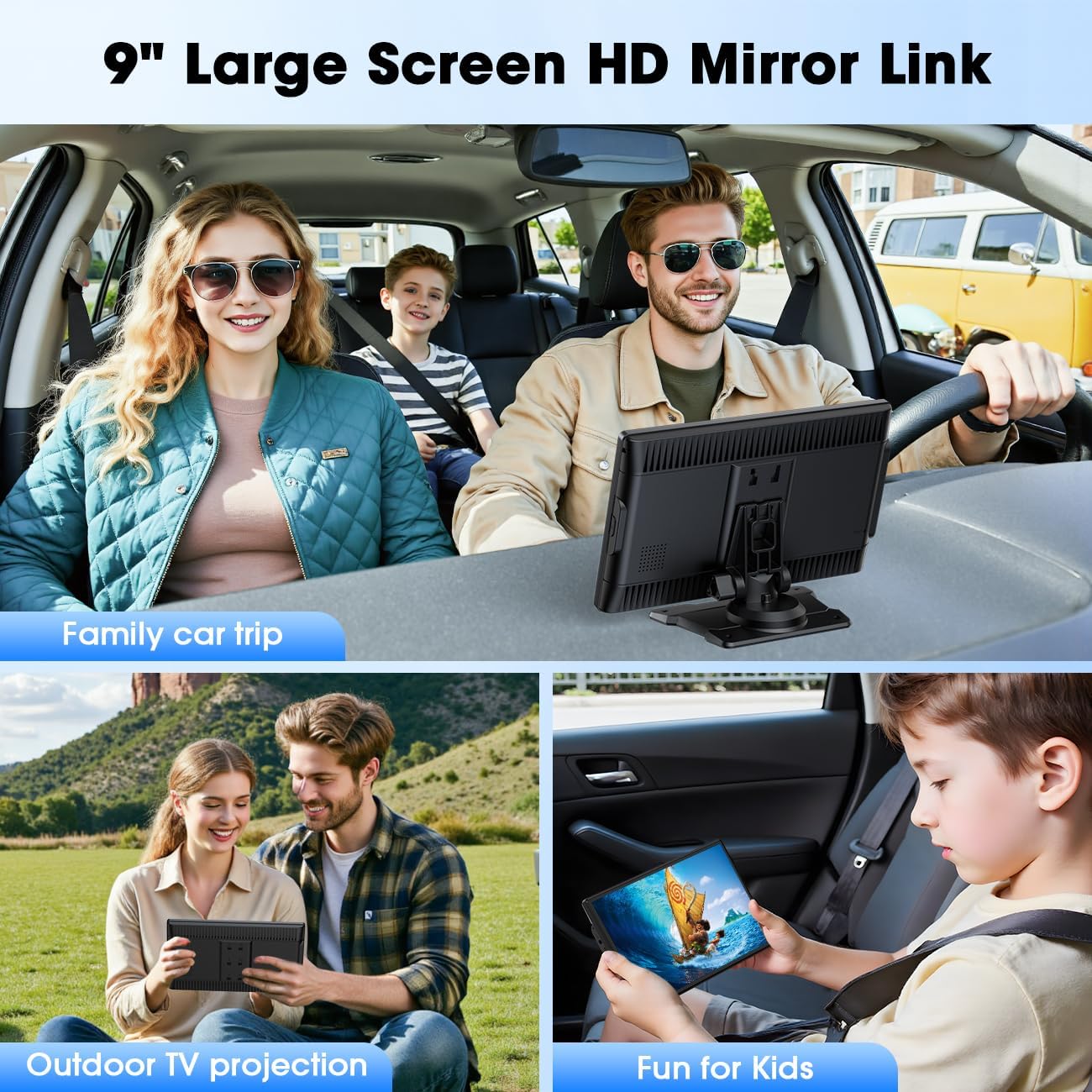
Beyond CarPlay/Android Auto, the portable touchscreen supports screen mirroring (iOS/Android) through Mirror Link. The idea here is to turn it into a broader media display for apps like YouTube and Netflix.
This is the kind of feature that can be genuinely useful for passengers or for quick viewing stops, but it’s still worth remembering that you’re installing something intended for the driving context. If your priority is “always-on full media anytime,” you may find it more limiting than dedicated, factory infotainment systems.
Mounting and stability: suction cup design
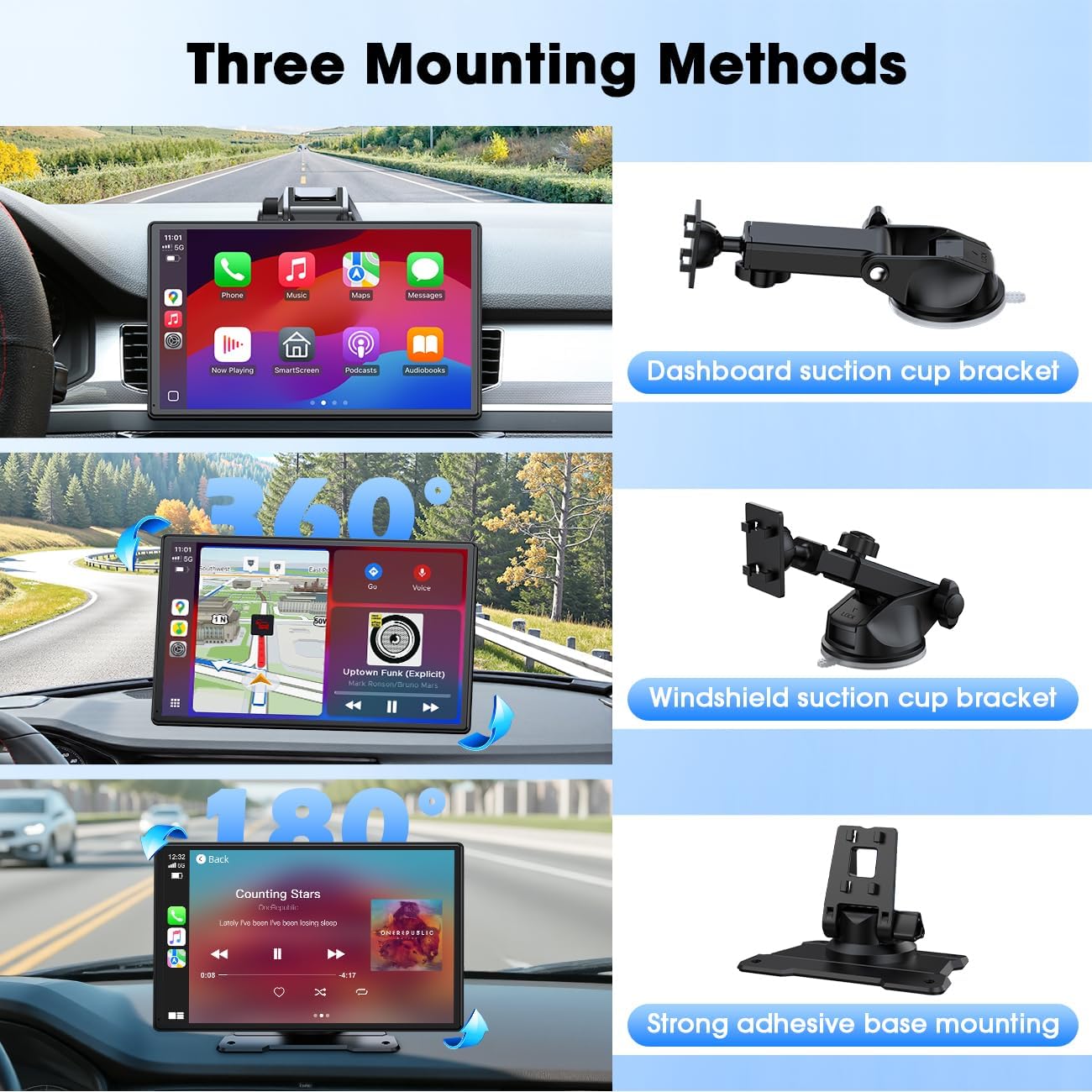
A portable screen lives or dies by how securely it mounts. This one includes an improved suction cup mount with a three-layer nano gel sticky bottom and a smooth base meant to create a stronger vacuum seal. The goal is keeping the screen stable, even on rougher rides.
That “stable in bumpy roads” claim is reasonable given the described mount design, but it’s also worth noting that real-world stability depends on where you mount it (dash surface type, temperature, and how clean the area is). If you’ve had screens shake or fall before, you’ll at least be choosing a product that clearly tried to address that pain point.
Key specs to weigh before you buy
Here are the main concrete details mentioned:
Tech specs
- Screen size: 9-inch
- Connectivity: Wireless Apple CarPlay and wireless Android Auto
- Voice control: Supported
- Audio outputs: Bluetooth, AUX, FM, and built-in speakers
- Mirroring: Mirror Link (iOS/Android)
- Mounting: Improved suction cup with nano gel (three-layer)
Who this is for (and who should skip it)
It makes sense if you drive a car with older tech and you want a fast way to get smartphone navigation, calls, and media—without doing major head-unit replacement. If you like the idea of voice control and multiple audio routing options, this screen is built around that convenience.
You may want to skip it if you need a seamless, factory-style integration (especially in terms of installation feel and long-term “dashboard-perfect” behavior). Also, if you’re extremely sensitive to audio quality differences between Bluetooth/AUX/FM, you’ll want to choose your preferred audio route carefully—because “supported” doesn’t always mean “identical experience.”
Is it worth it?
Worth buying if you want a practical 9-inch portable screen that brings wireless CarPlay/Android Auto into an older car, adds voice-controlled navigation and calls, and gives you several ways to route audio (Bluetooth/AUX/FM plus speakers). It’s also a decent fit if you’re the type who wants mirroring for media like YouTube or Netflix when it’s appropriate.
Not the best match if you’re expecting a built-in infotainment feel or if your use case demands the most consistent audio performance regardless of connection type. On balance, it reads like a solid middle “upgrade path” for people who want modern features without ripping out their car’s current setup.
Mini FAQ
Can it work with iPhone and Android phones?
Yes. It’s described as connecting wirelessly to both iPhone and Android phones for Apple CarPlay and Android Auto.
Does it support hands-free calling?
Hands-free calling is specifically mentioned, along with music and navigation through voice commands.
How does the audio connect to the car?
The screen supports multiple audio outputs: Bluetooth, AUX, FM, and built-in speakers, with Bluetooth described as a connection path to the car stereo.
Does it mirror my phone screen?
Yes, it supports screen mirroring via Mirror Link for iOS/Android.
What warranty and service support comes with it?
The entry mentions technical support, a 30-day refund window, and a 1-year guarantee, with responses within 24 hours.