


XKCZ 4-in-1 USB-C Cable with Wattage Display (240W, 5FT)
Product description
Key takeaways
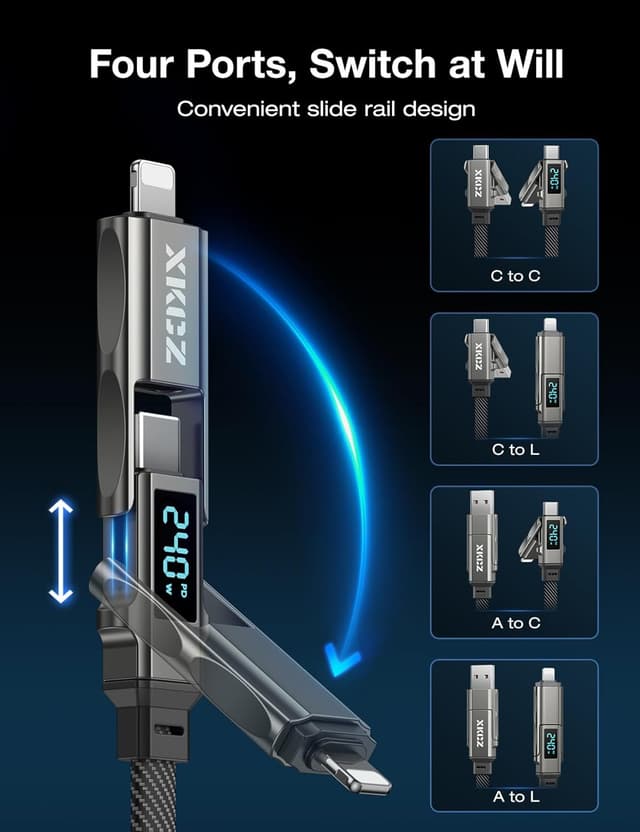
This XKCZ 4-in-1 USB-C charging cable is built for people who hate carrying a bunch of cords. Over the phone, tablet, and laptop side, it aims to cover multiple device needs with a single cable setup and adds a built-in live wattage display so you can see charging power in real time.
On paper, it’s the kind of multi-charge cable you buy to simplify daily life—home, office, travel, or even in the car. The “4-in-1” approach suggests you can switch ports rather than juggling separate cables, while the wattage display tries to reduce the guesswork around whether a charger is actually delivering what you expect.
That said, the big numbers (like “240W”) are only useful if your devices, power source, and cable setup actually support that delivery mode. If your priority is basic charging and you never check wattage, you may not need all the extras.

What you’ll notice day to day
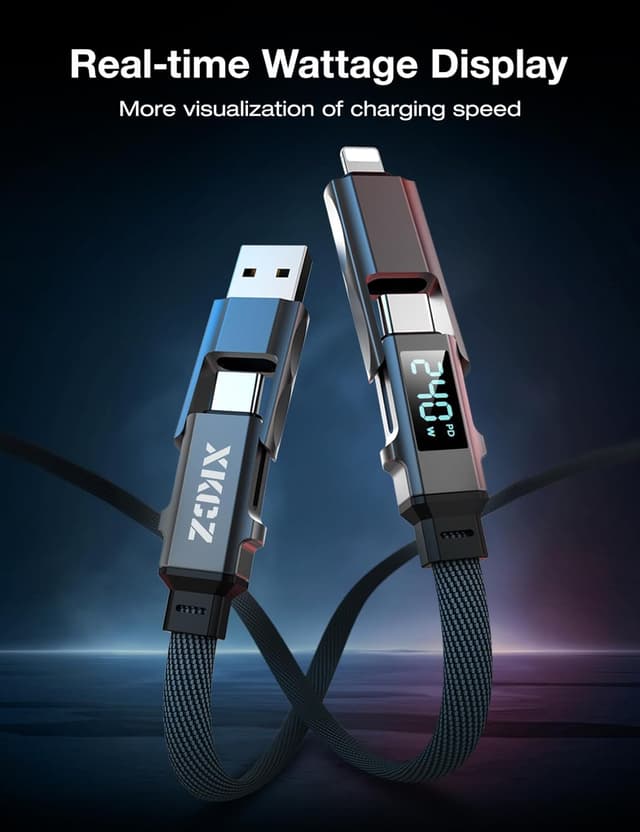
The most distinctive feature here is the smart live wattage display. Instead of treating charging like a black box, you can monitor your charging power as it runs. For fast-charge-oriented buyers, that visibility can be helpful when you’re using different adapters, different outlets, or a car setup.
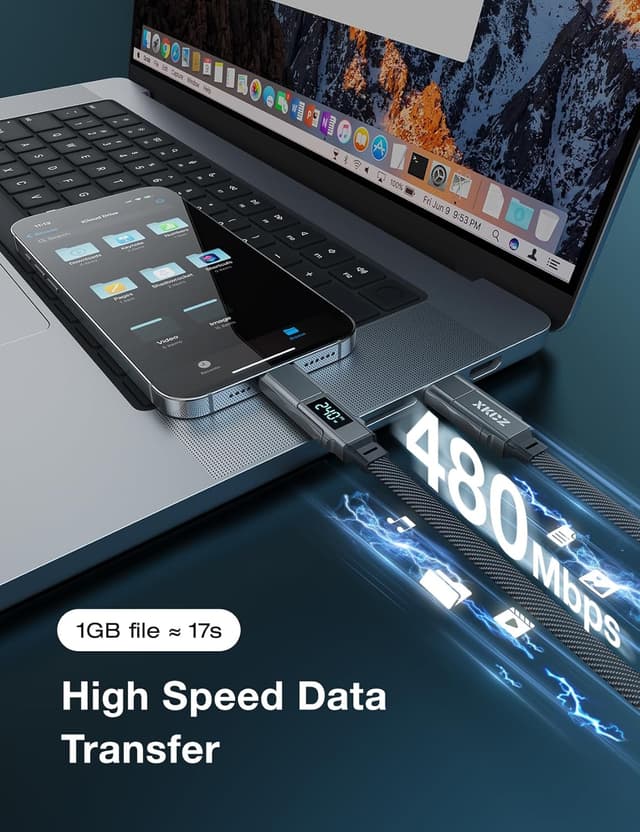
It’s also marketed for data transfer, with a stated 1G file transfer time. If you regularly move files between a phone/tablet and a laptop, having charging and syncing on the same cable can save time—especially when you’re setting up on the go.
One more practical angle: the cable is described as anti-tangle, flat nylon braided, and designed for durability with a high bend-test claim. That matters if you’re the person who keeps cords in bags, drawers, and car compartments and expects them not to turn into knots.
Where it shines
If you want a single cable that can handle multiple types of devices, this is the idea behind the 4-in-1 design. The description specifically calls out compatibility for iPhone/iPad, Samsung, laptops, and general Android devices, plus support for CarPlay and Android Auto—so it’s positioned as a “plug it in and go” option for car use.
Car use example
Imagine you’re in the car and a passenger asks to connect their phone for navigation. With support for CarPlay and Android Auto mentioned in the product info, this cable is meant to let you charge while you’re using navigation, rather than swapping a charging cord for a separate connection.
What to watch out for
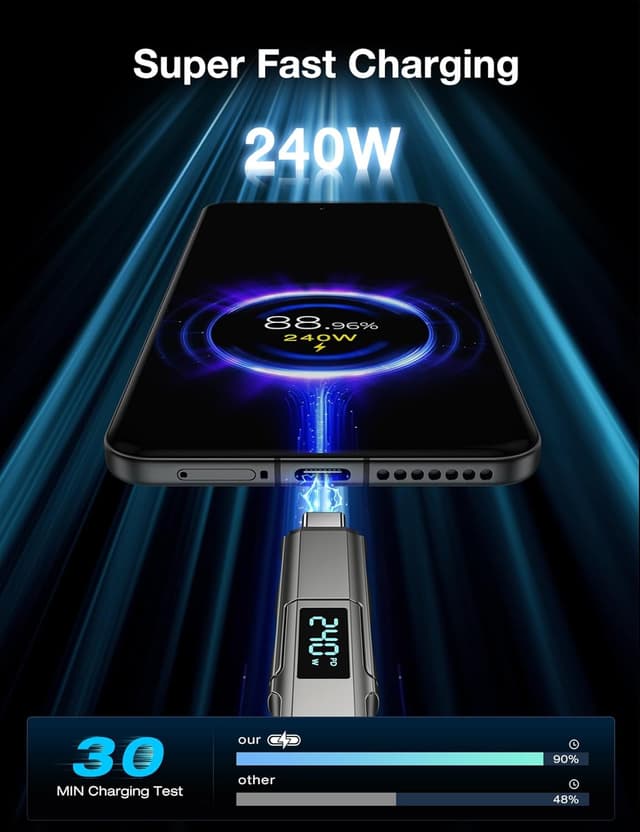
This cable is clearly aiming high, but wattage claims can be misleading if you assume every device will automatically pull the maximum output. Even with a wattage display, the charging power you see will depend on what you’re charging and what adapter you’re using.
Also, while the product claims support for data syncing and quick transfer, the real-world speed will depend on your devices and the actual transfer conditions. If your main goal is just fast charging with no syncing needs, you might prefer a simpler cable.
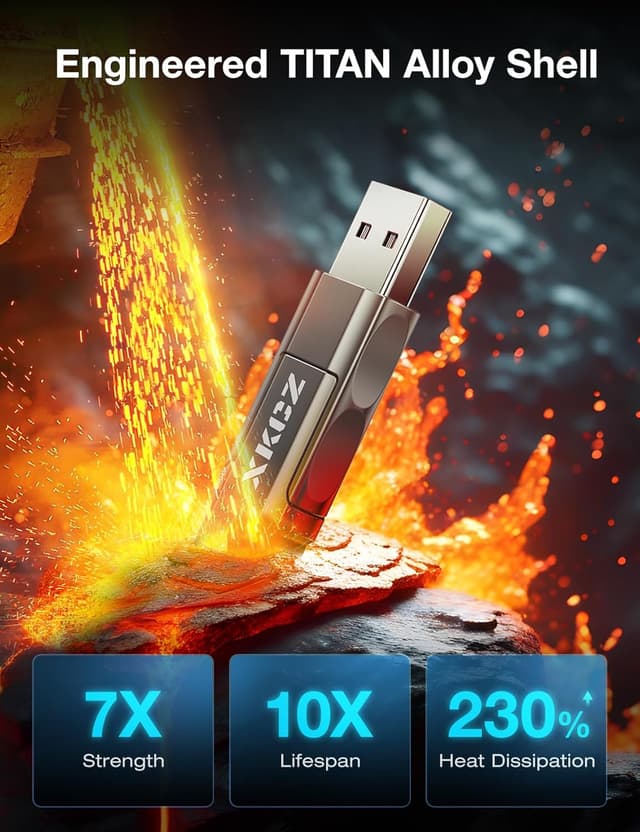
Finally, the “TITAN Alloy shell” and durability claims are positives, but you’ll still want to treat it like any multi-port cable: keep connectors clean and avoid aggressive bending at the plug end.
Tech specs
- Type: 4-in-1 USB-C cable with wattage display
- Wattage output: up to 240W output (as stated)
- Data transfer support: yes (as stated)
- CarPlay & Android Auto support: yes (as stated)
- Cable length: 5FT
- Build: flat nylon braided design, TITAN Alloy shell (as stated)
Is it worth it?
Buy it if you want one multi-port cable for charging and data sync across a mix of phones/tablets/laptops, and you like the idea of a live wattage display to see what power you’re actually getting. It also makes sense if you need something for travel or a car setup where you’d rather keep fewer cords.
Skip it if you only charge one device type, you don’t care about monitoring wattage, or you expect “240W” to automatically apply to every device you plug in—because charging performance is ultimately constrained by your devices and power source. In that case, a simpler USB-C cable may be more than enough.
Mini FAQ
How does the wattage display help?
It’s designed to show real-time wattage while charging, so you can gauge charging power instead of guessing.
Does this cable charge and transfer data at the same time?
The description states it supports data transfer in addition to charging, with a stated file transfer time for 1G.
Is it good for car use?
The product info specifically mentions CarPlay and Android Auto support, aiming to let you navigate and charge at the same time.
What devices is it meant to support?
The description names iPhone/iPad, Samsung, Android devices, and laptops, but actual charging speed will depend on your device’s support.