

LITO 240W USB-C to USB-C Cable with TFT Touch Screen: Power Monitor, PD 3.1, and Braided Durability
Product description
What this cable is and what it solves
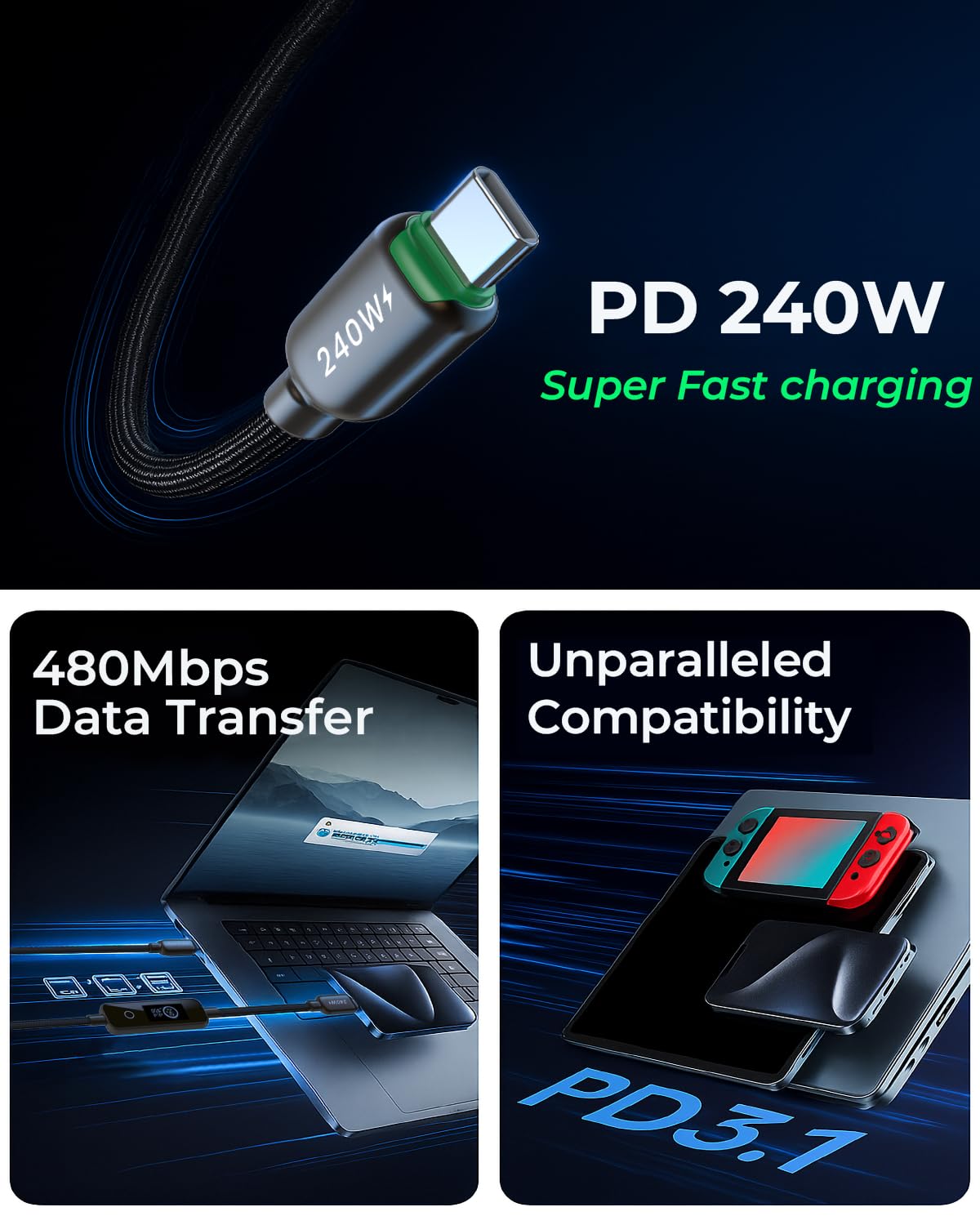
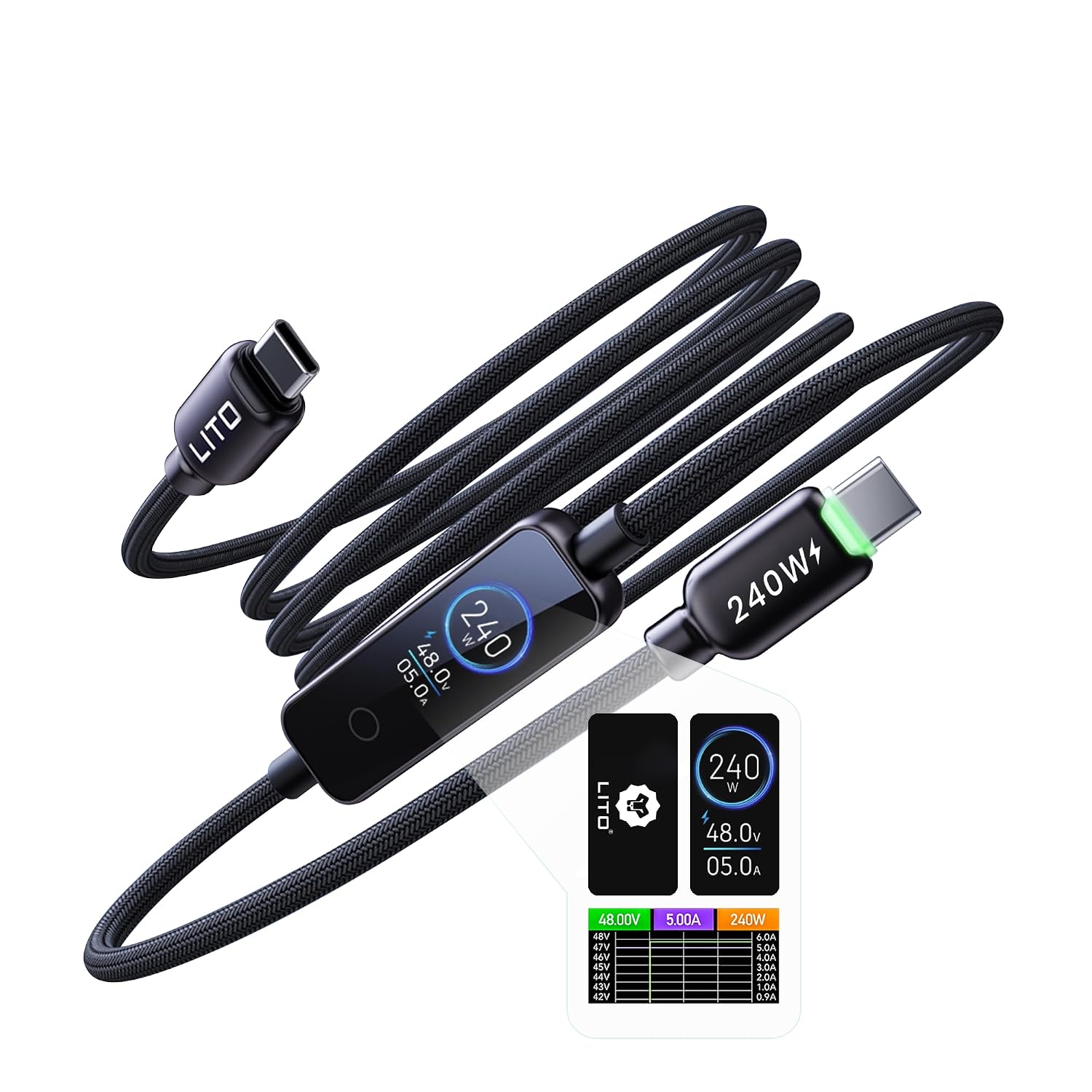
The LITO 240W USB-C to USB-C cable is a high-capacity charging and data cable designed for power users who want more visibility into their charging workflow. Built with a TFT touch screen, it offers a dedicated Digital Power Meter and a Fast Charge mode, letting you switch between precise power readouts and a streamlined charging experience with a simple tap. If you often juggle multiple high-powered devices—MacBooks, iPhones, Galaxy phones, Steam Decks, or other USB-C laptops—this cable aims to bring clarity to power delivery while keeping data transfer at a practical 480Mbps. It’s not a universal video or display cable, its emphasis is on real-time power feedback, safe fast charging, and robust daily use.
How to read it and when it helps
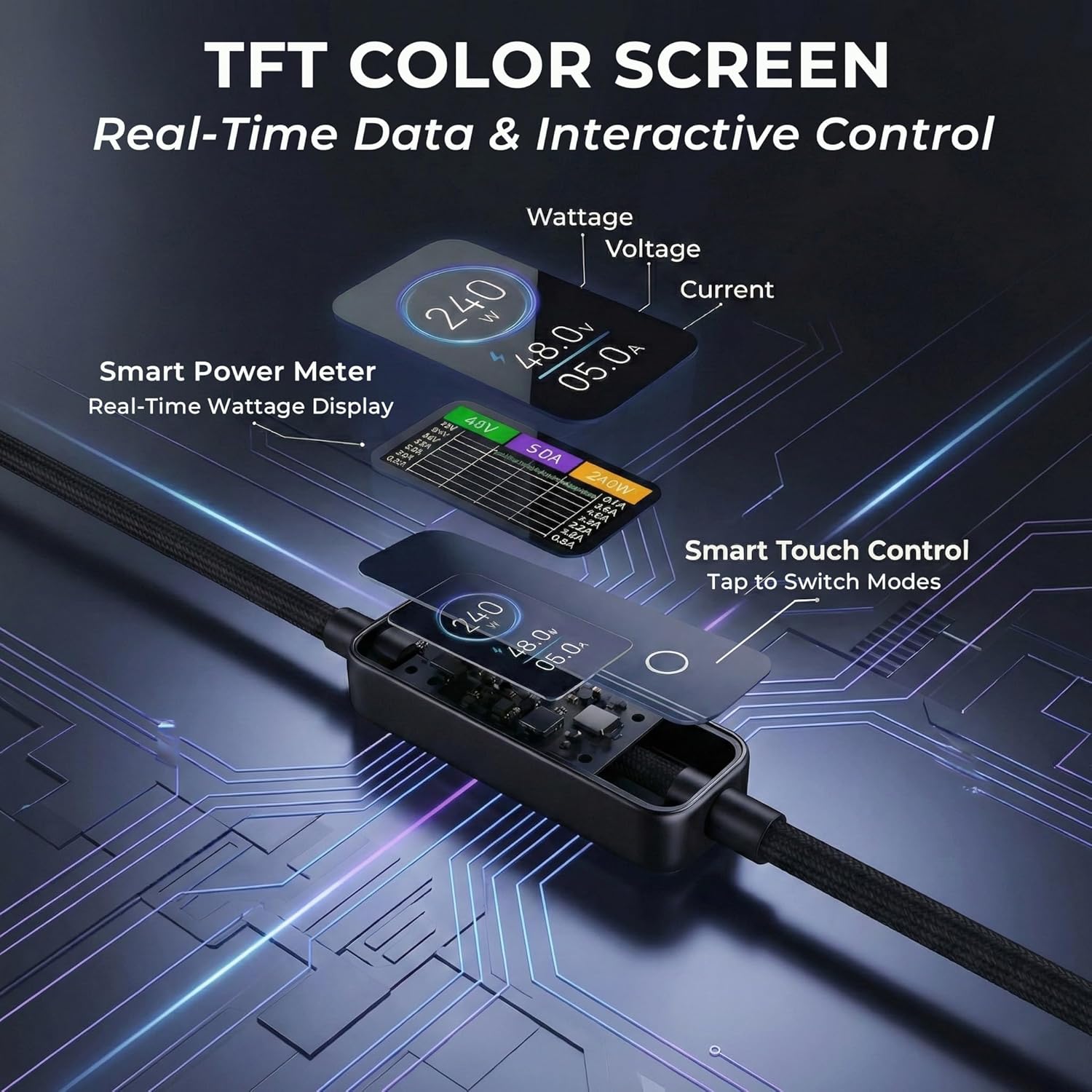
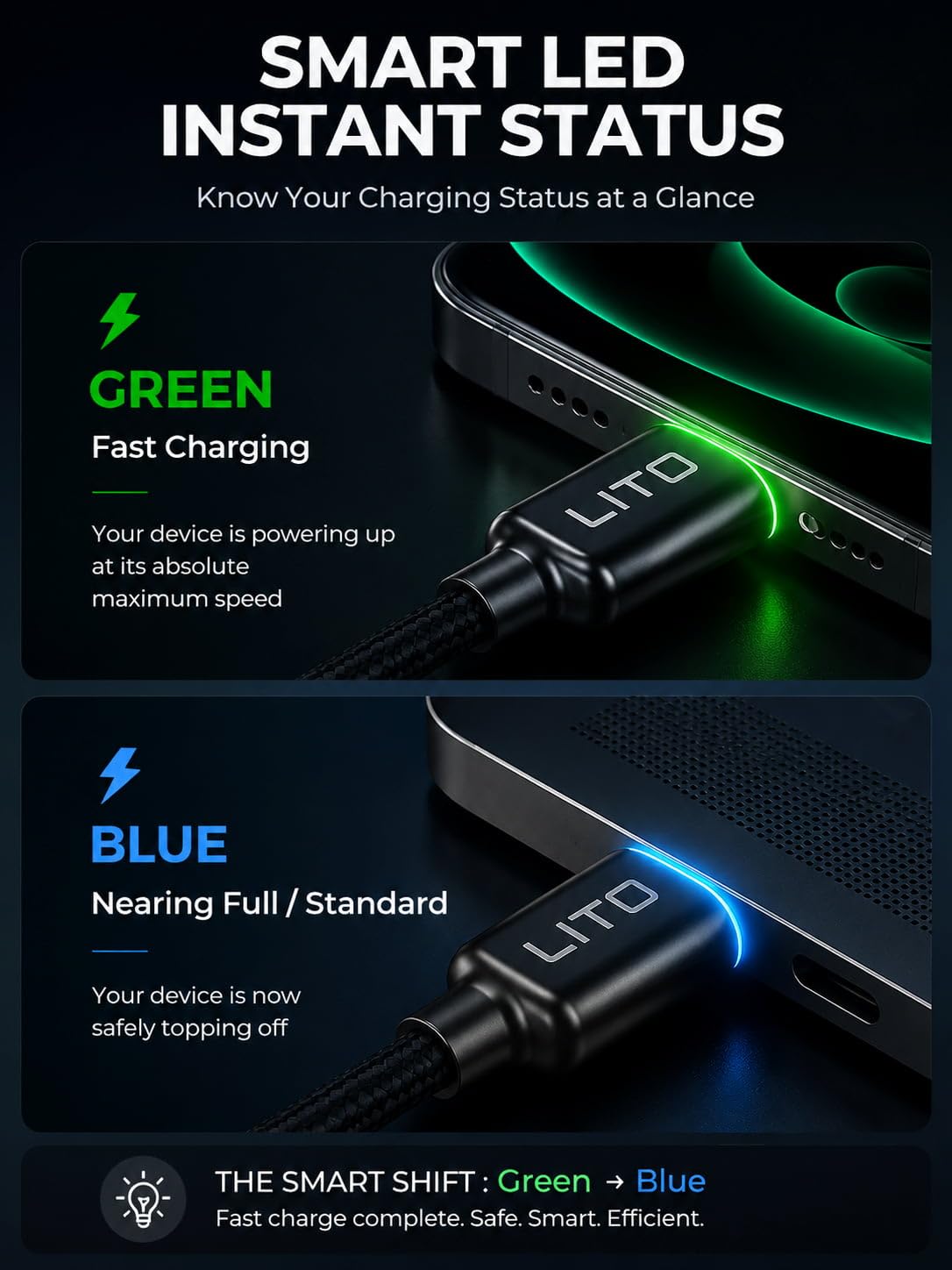
On the surface, the TFT panel provides two UI themes. The Digital Power Meter shows live voltage and current, so you can see how close you are to the 240W PD 3.1 ceiling in real time. If you prefer a simpler readout, you can switch to the dedicated Fast Charge mode to minimize data clutter. This dual-mode approach can be helpful if you’re troubleshooting a charger setup, trying a new power adapter, or ensuring your high-demand device maintains a steady charge during long sessions. The display has a sleep-friendly feature: long-press to turn off the main screen at night, leaving a soft ice-blue indicator to locate the cord in the dark without glare. This is particularly useful for bedside charging or late-night work.
Build and safety you can feel
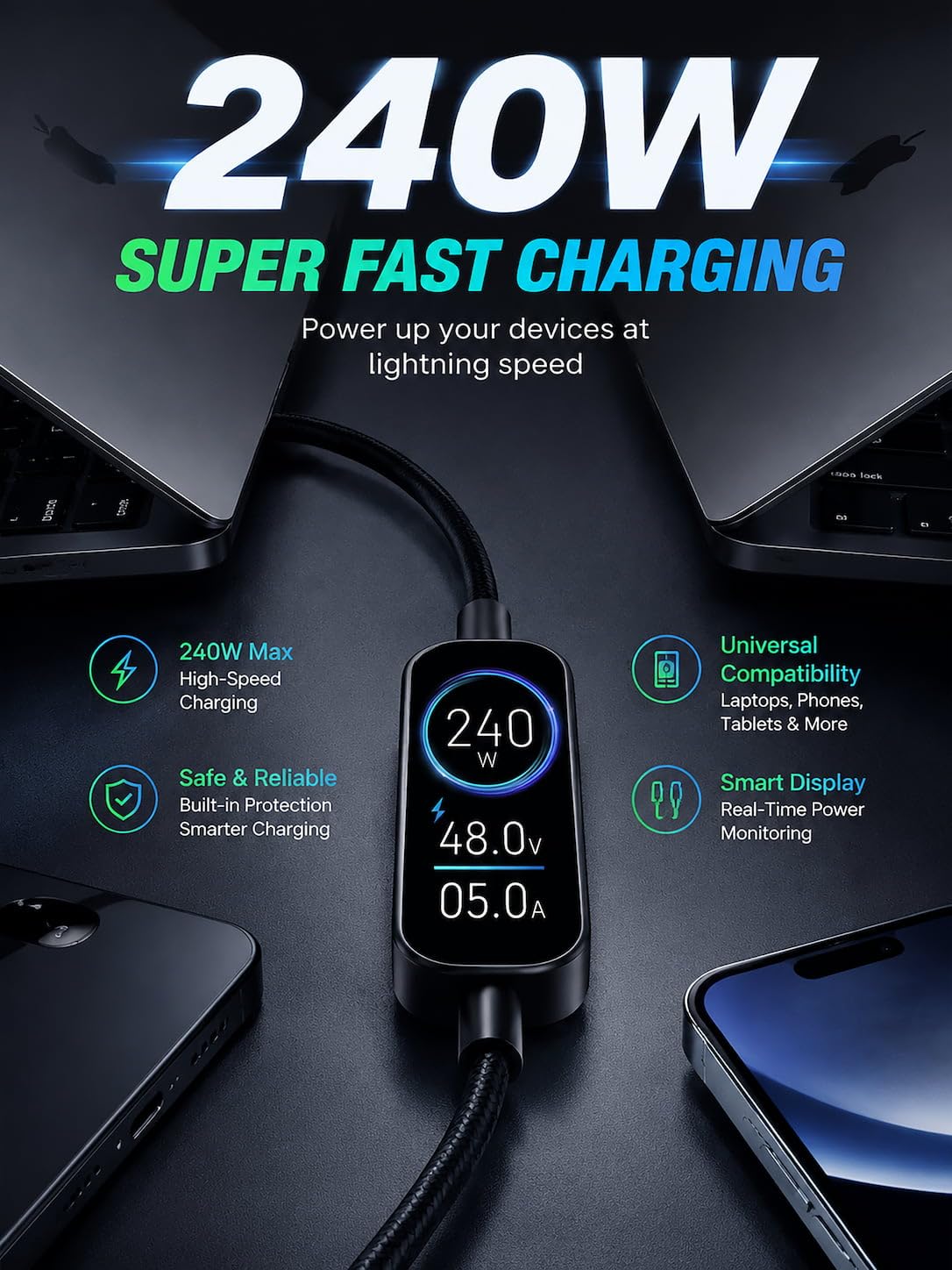
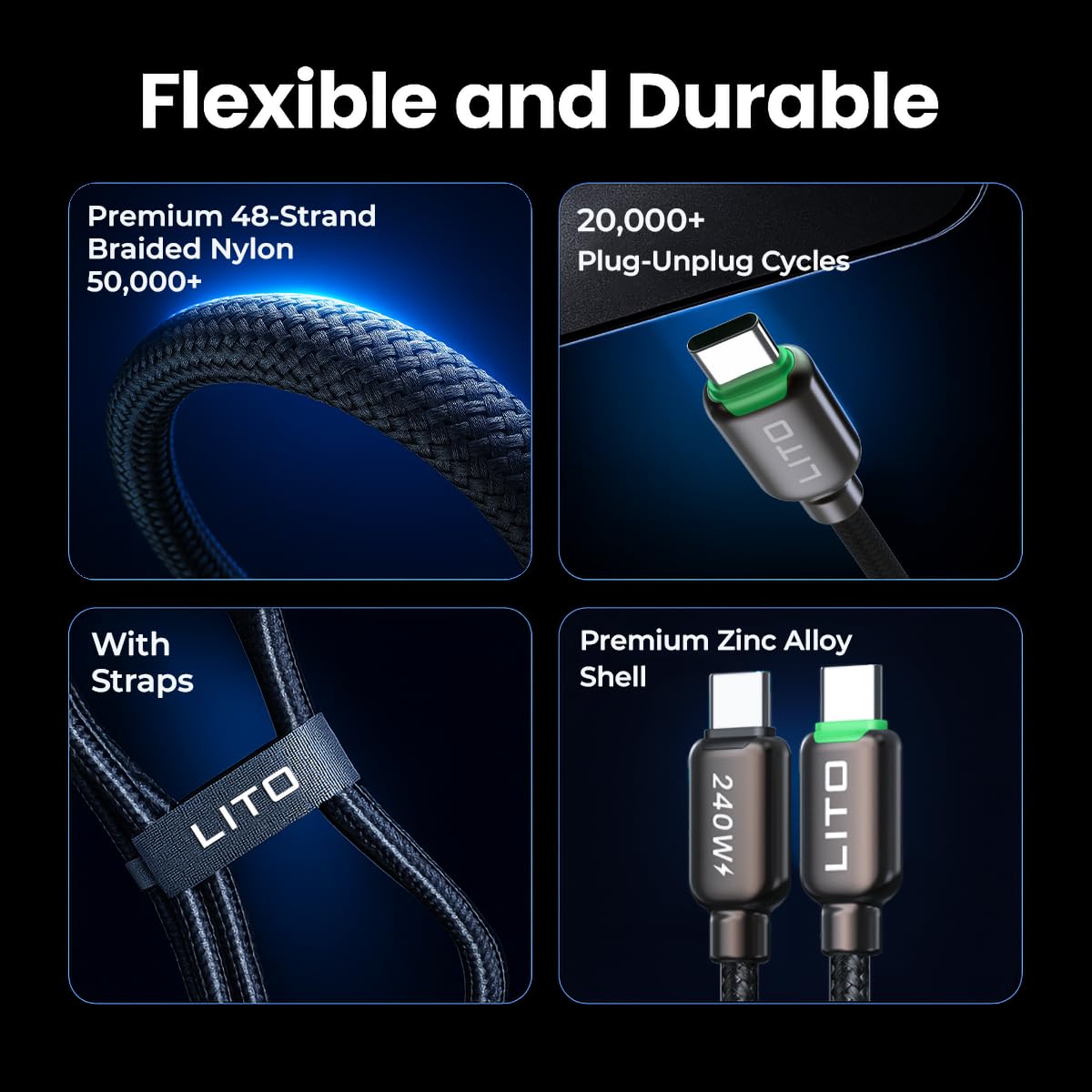
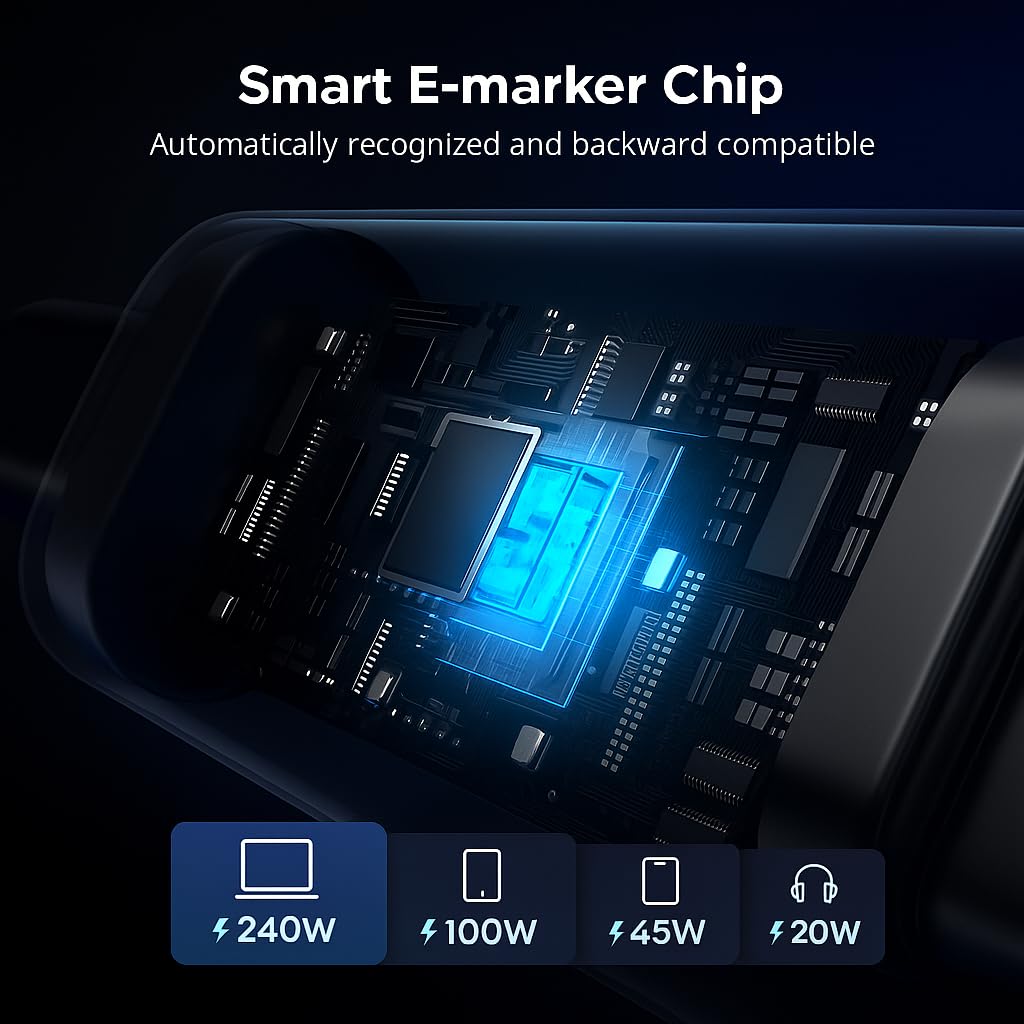
This is a power-focused cable, engineered to handle up to 240W via PD 3.1. The E-Marker chip is built to match power delivery to the connected device in real time, reducing the risk of overheating during heavy loads. The internal TPE layer and fire-resistant materials are designed to keep it safer for long sessions with high-value devices. The zinc alloy shell adds rigidity and helps dissipate heat, while the braided nylon exterior is designed for durability. If you frequently plug/unplug or move your setup, these construction choices translate into a cable that’s less likely to fray or fail under daily use. It’s worth noting that while data transmission is supported at up to 480Mbps, this cable is not intended for 4K video output or external monitor expansion. For power monitoring and fast charging, it delivers a focused feature set rather than a universal display solution.
Who this is for
The target user is a power user: tech enthusiasts, remote professionals, and content creators who rely on reliable high-watt charging and want visibility into how power is allocated. It’s a compelling option if you routinely charge a MacBook Pro 16-inch, iPhone 17/16/15 series, Galaxy S26/S25/S24 Ultra, Steam Deck, or similar devices and want to ensure the power path stays steady during heavy workloads. If your workflow depends on real-time current and voltage awareness while charging, this cable answers that need. If you rarely push the device to its limits, the added display may feel excessive relative to a traditional USB-C cable.
Pros and what may give you pause
On the pro side, you get an integrated power monitor that reduces guesswork, a robust 240W PD 3.1 capability, a durable braid and zinc shell for resilience, and a night-friendly display mode that won’t wake you at night. The inclusion of a 1-year replacement policy adds peace of mind. On the minus side, the 480Mbps data limit means this isn’t a solution for 4K video out or extended high-bandwidth data workflows, you’re paying for power monitoring and build quality more than sheer data speed. If you don’t need the TFT readout or if your charging needs are well below 240W, you might find the value creeps into premium territory for a USB-C cable.
How to use it day to day
If you’re setting up a workstation, plug the cable into a capable PD 3.1 power adapter and a compatible device. Tap the display to toggle between the Digital Power Meter and Fast Charge mode as needed. During bedside charging, press and hold to dim the screen and rely on the soft indicator to confirm charging status without bright light. For a creator’s rig, you’ll appreciate the consistency of power delivery when running demanding software or long rendering sessions. If you’re using it with devices that require sustained power at high levels, monitor the readout the first few times to understand how your device behaves under load.
What to check before you buy
- Ensure your power supply and devices are PD 3.1 capable to realize the 240W potential. Without a compatible charger, you may not hit peak performance.
- Remember that data transmission is at up to 480Mbps, if you need 4K display or high-bandwidth data, this cable isn’t designed for that use.
- Consider where you’ll use it most—nightstands and desks benefit from the sleep-friendly feature, travel or rugged environments benefit from the braided construction and fire-resistant materials.
Practical use case: a real-world scenario
Imagine you’re charging a MacBook Pro 16 while recording a live stream on a separate device. You want to confirm the charger supplies enough watts without overheating. With the LITO cable, you can glance at the TFT screen to confirm the current being delivered, switch to Fast Charge mode to reduce distraction, and still rely on the night-friendly indicator when you charge in a dark room. The cable’s build quality supports a daily routine that includes frequent plugging, unplugging, and occasional bending during movement around a desk or coffee shop.
Final decision: is it worth it?
Is it worth it? It depends on how much you value real-time power visibility and the confidence of safe, high-watt charging for demanding devices. If you prioritize a robust build, a flexible nighttime display, and a dedicated power monitor for high-end USB-C devices, this could be a sensible addition to your setup. If your use case revolves around standard charging or you don’t need the TFT readout, you might prefer a simpler, more cost-efficient cable.
FAQ
- Does the cable support 4K video output? No, it does not support 4K video output or external monitor expansion.
- What devices are explicitly supported for power delivery? MacBook Pro 16-inch, iPhone 17/16/15 series, Galaxy S26/S25/S24 Ultra, Steam Deck, and ROG consoles are mentioned as supported for rapid power delivery.
- How extendable is the sleep mode? You can long-press for 7 seconds to turn off the main color screen, leaving a soft indicator active for night use.