

WiiM Amp Multiroom Streaming Amplifier (Space Gray) with AirPlay, Google Cast, Alexa & HDMI ARC
Product description
A compact way to upgrade passive speakers
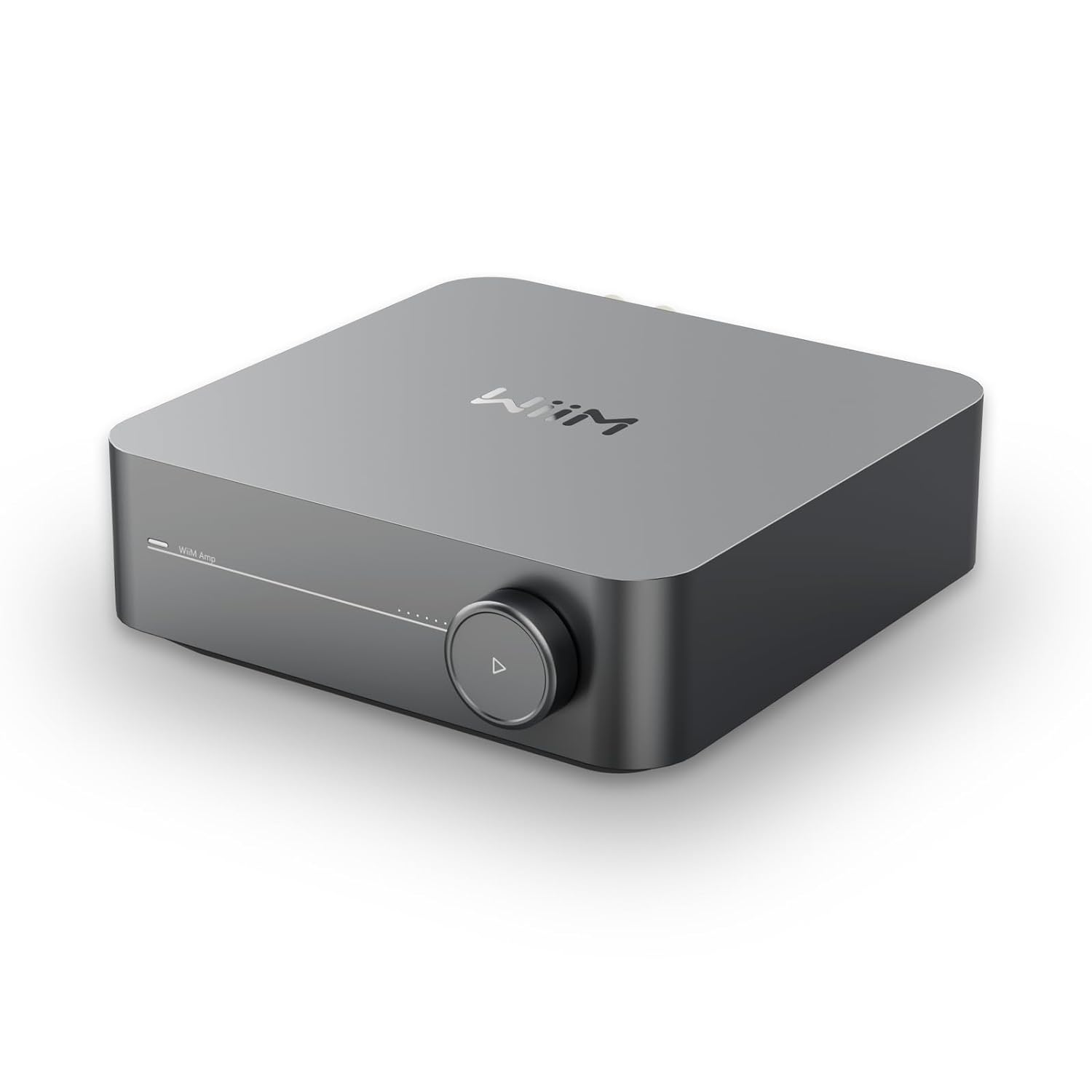
The WiiM Amp is a small streaming amplifier designed to turn passive speakers into a smart, whole-home audio setup. On paper, it’s built for people who want more than just “play music”—they want room-by-room control, voice handling, and easy TV audio through HDMI ARC, all without adding a complicated stack of components.
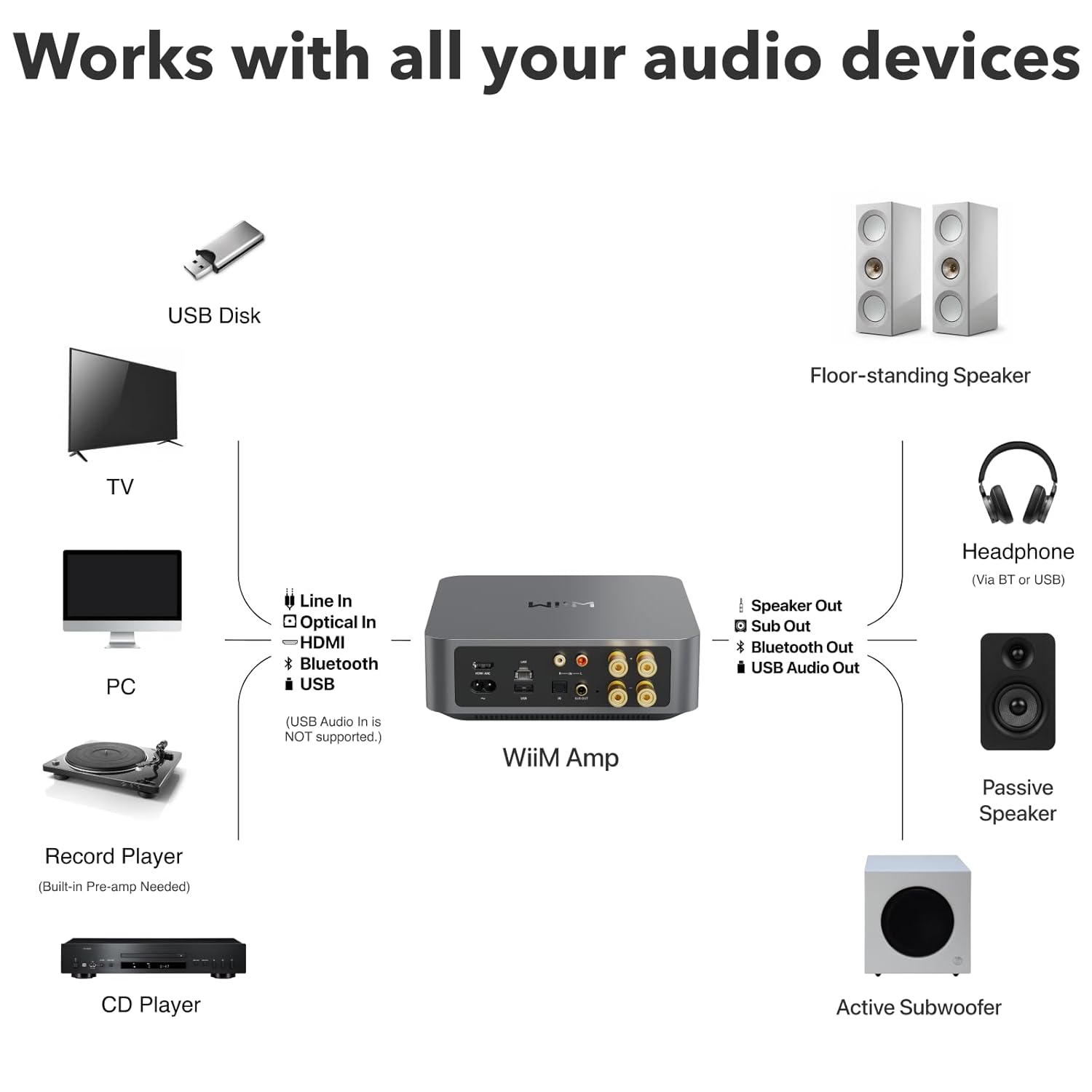
What makes it especially practical is the mix of everyday streaming and home-theater convenience. You can route music through the WiiM Home app, control playback and volume, and also connect a TV via HDMI ARC when you’re switching from music mode to movie/game mode. That combination is exactly what many buyers are aiming for when they’re tired of juggling remotes and separate devices.
Where it stands out in real use
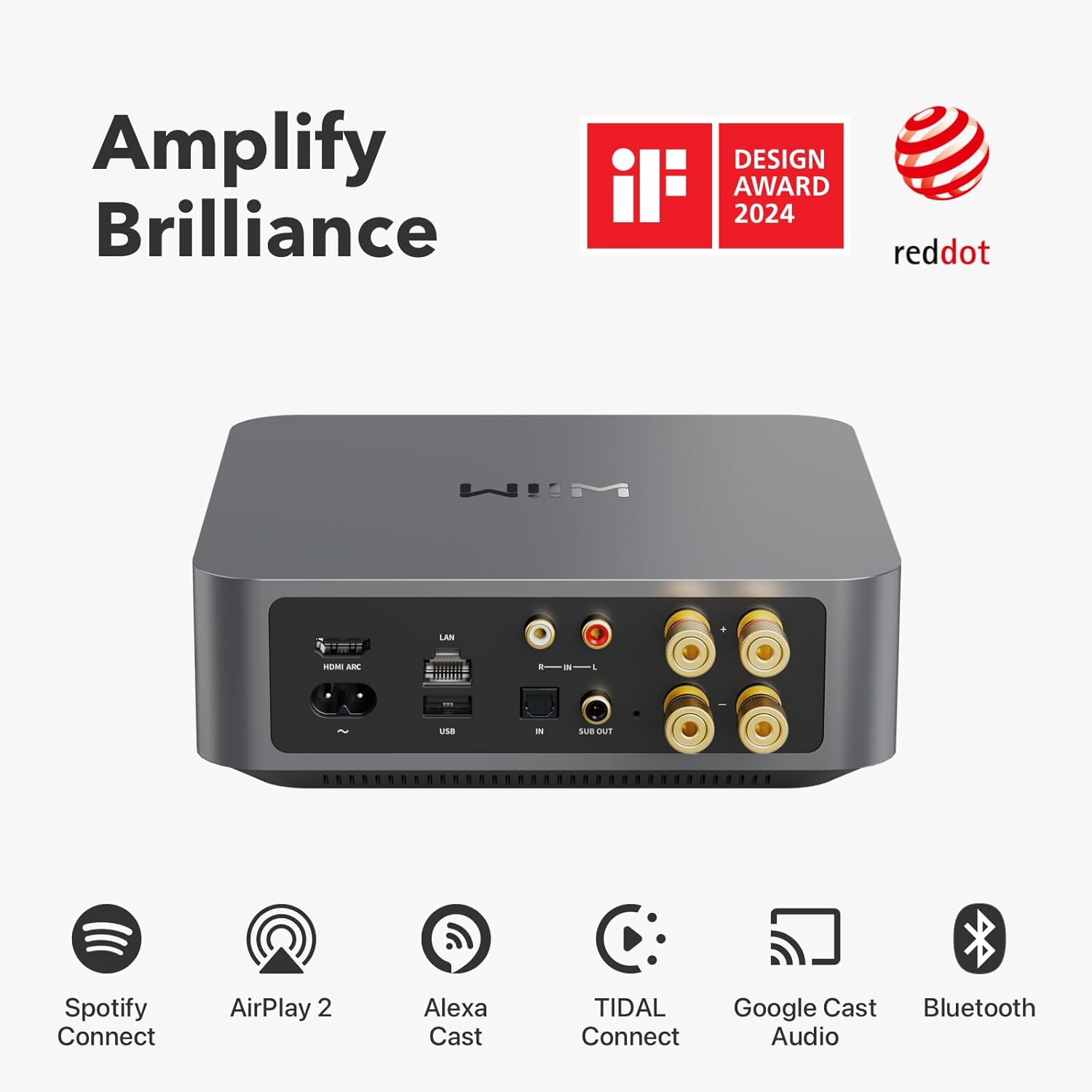
If your goal is multiroom audio, the WiiM Amp is one of those “set it once and forget it” style purchases—at least, that’s the vibe the feature set suggests. It supports multiroom streaming with AirPlay 2 speakers you already have, plus amazon Echo and Google Home devices and other WiiM-brand equipment. The result you’re looking for is simple: the same playlist in multiple rooms, controlled from the app.
It also leans into modern convenience. Streaming can come directly from services like Spotify, Amazon Music, Tidal, and more, and the amplifier is controllable through voice assistants such as Alexa, Google Assistant, and Siri. There’s even mention of a voice-remote approach, which is handy if you don’t want to reach for your phone every time.
And when entertainment night hits, HDMI ARC is the real glue. Connect your TV to the WiiM Amp and you’re set up for richer stereo sound for shows, movies, and video games—without needing a separate home-theater receiver for simple stereo usage.
The audio power you actually get
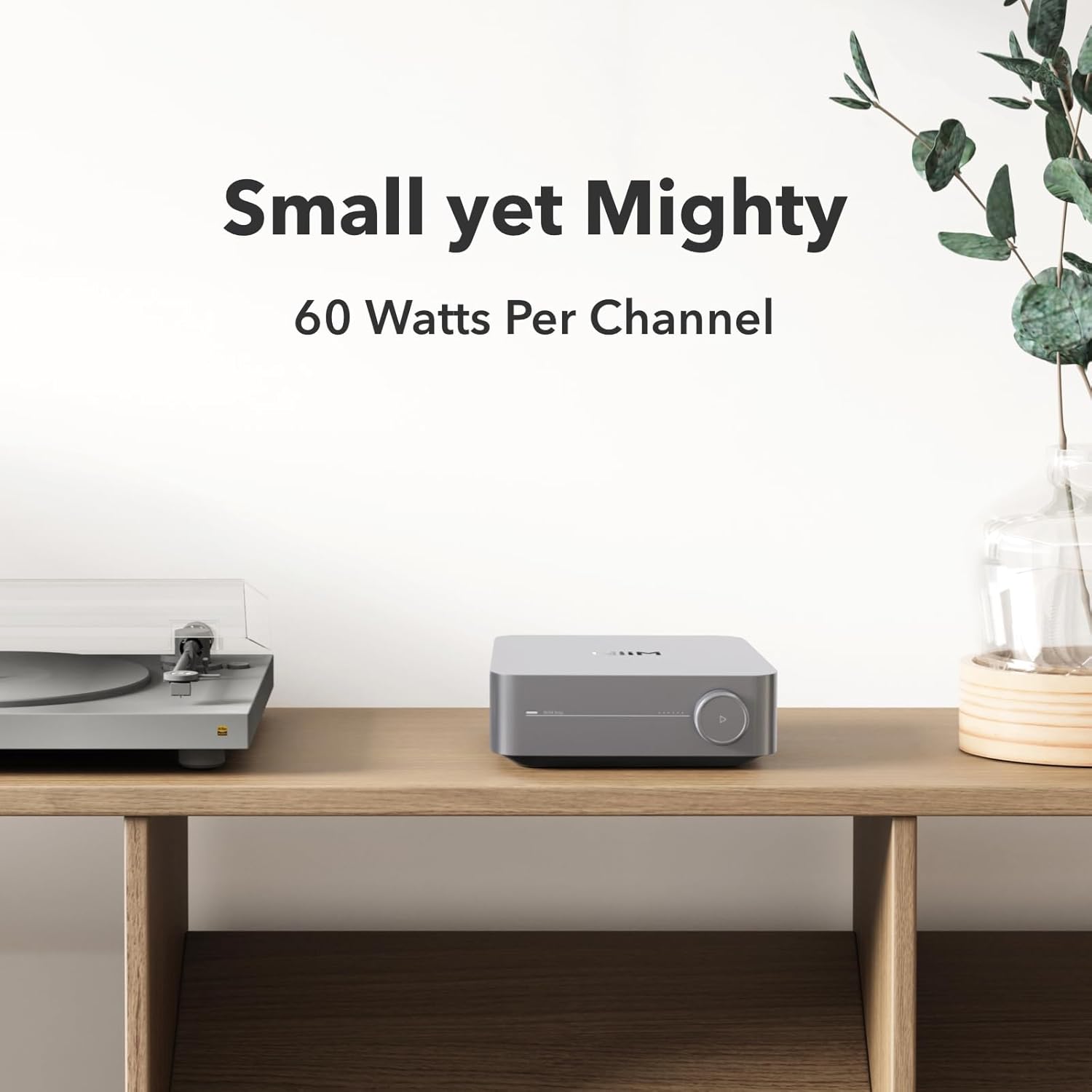
The WiiM Amp is positioned as “small but powerful.” The base description lists 60 watts per channel at 8 ohms and up to 120 watts per channel at 4 ohms. That range matters if your speakers are efficient or if you want more headroom for louder listening.
That said, amplification power isn’t everything. The practical limitation here is that power specs don’t automatically mean every speaker will sound perfect in your space. Your room layout, speaker placement, and tuning will still influence what you hear. The good news is the amp includes advanced room correction and independent EQ adjustments, which suggests it tries to help you dial it in rather than leaving you with flat sound.
What matters for buying decisions (and a key limitation)
Before you buy, confirm how you plan to send AirPlay.

The information provided includes a specific note: the WiiM Amp can receive AirPlay, but it cannot transmit AirPlay to other AirPlay-compatible speakers or devices. So if you’re hoping to use it as an AirPlay “hub” that redistributes to other AirPlay speakers, that expectation may not match what it can do.
Beyond that, it’s a pretty straightforward choice if you want: - A streaming amplifier for passive speakers - App control with multiroom support - Voice control through Alexa / Google Assistant / Siri - TV audio via HDMI ARC - Hi-resolution streaming up to 24-bit/192 kHz from supported services
If instead you’re focused purely on the most advanced multi-zone flexibility through AirPlay-to-everything, you may want to double-check your system plan first.

Key specifications that influence your setup
- Name: WiiM Amp Multiroom Streaming Amplifier (Space Gray)
- Type: Streaming amplifier for passive speakers
- Format: Multiroom audio with app and voice control
- Display: Not specified in the provided info
- Resolution: Supports up to 24-bit/192 kHz streaming (platform-dependent)
- Processor: Not specified in the provided info
- Memory: Not specified in the provided info
Quick everyday tips to get results fast

Getting good sound quickly usually comes down to two things: calibration and source setup. With the WiiM Home app, you can manage volume and sync speakers, and the inclusion of advanced room correction plus EQ suggests you’ll get better results when you actually run through the tuning steps.
A practical example: say you pair your speakers in the living room, connect your TV through HDMI ARC for movies, and then add a second room later. In that case, you’d typically start by setting up the living room audio first (so your correction/EQ is applied to the right speaker pair). Once that’s stable, you add the additional rooms and keep your music control centralized in the app.
Pros
- Multiroom streaming support across AirPlay 2 speakers and smart-home ecosystems mentioned in the info
- Voice control compatibility with Alexa, Google Assistant, and Siri
- HDMI ARC for easier TV-to-audio integration
- Room correction and EQ help tailor sound to your space
- Compact design aimed at turning passive speakers into smart speakers
Is it worth it?
It’s worth considering if you want a compact, app-first streaming amplifier for passive speakers, especially if you care about multiroom control and want TV audio through HDMI ARC without going full receiver-and-preamp complexity. The listed wattage range and the included room correction/EQ are the kind of details that support more than “it works”—they point toward a usable upgrade for day-to-day listening.
You may want to skip it if your plan depends on AirPlay transmitting from the amp to other AirPlay-compatible speakers, because the provided note says it can receive AirPlay but not broadcast it onward. It might also feel like more than you need if you only want basic Bluetooth-style playback and don’t care about app control, multiroom grouping, or TV integration.
Finally, double-check that your speaker setup matches what you’re trying to drive, since the amplifier’s power figures don’t replace practical considerations like speaker sensitivity, placement, and room acoustics.