

Vssoplor Wireless Keyboard Mouse Combo 2.4GHz
Product description
If you want a clean desk setup and fewer USB hassles, this wireless keyboard and mouse combo is built for everyday productivity. The 2.4 GHz wireless link is designed to deliver a stable connection up to 10 m, helping you stay responsive without noticeable delays. With one compact Nano USB receiver that supports both the keyboard and the mouse, setup can feel quick and straightforward for Windows laptops and desktops.
Key points
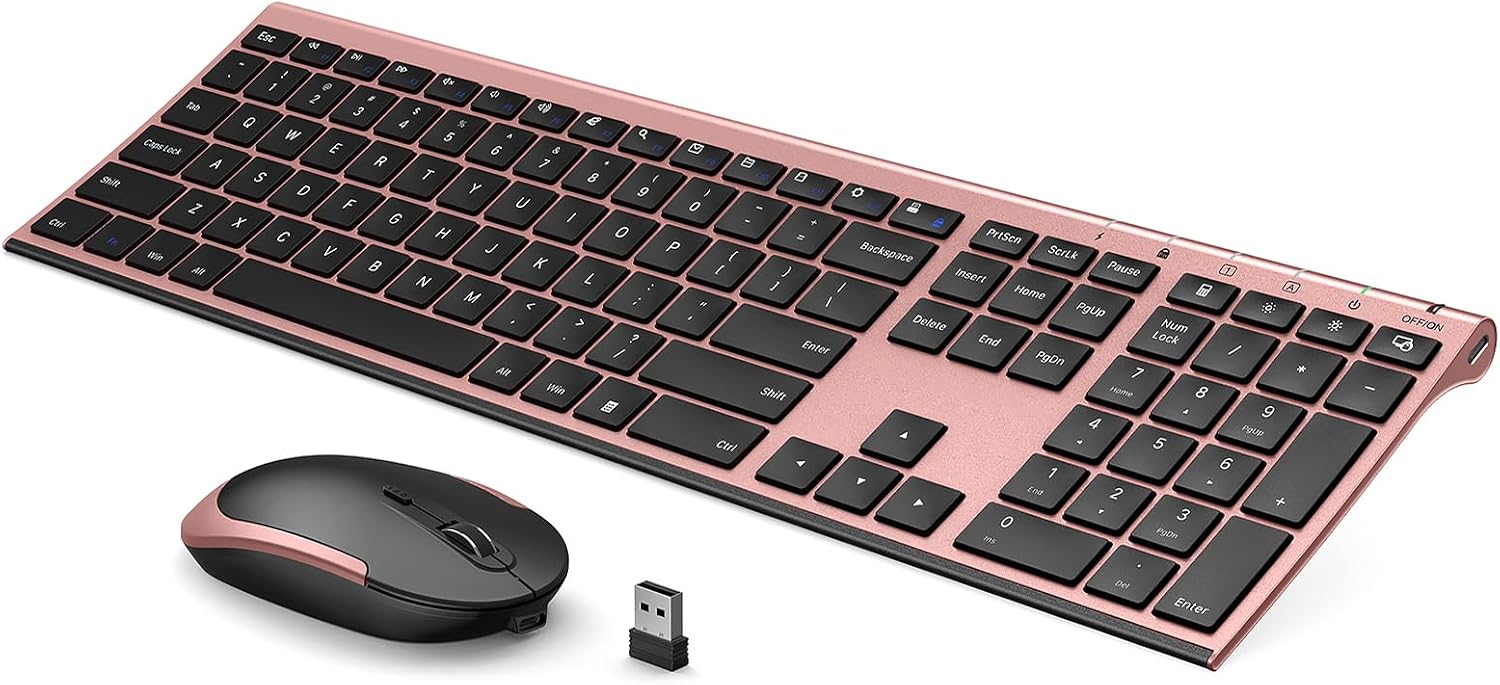
You get a matched keyboard and mouse experience with a single Nano USB receiver, so you are not juggling multiple dongles. The 2.4 GHz connection is meant to stay reliable at distance, which can help if your laptop sits farther from your workspace. Plug and play is a major part of the appeal, especially when you want to get working fast rather than troubleshooting peripherals.
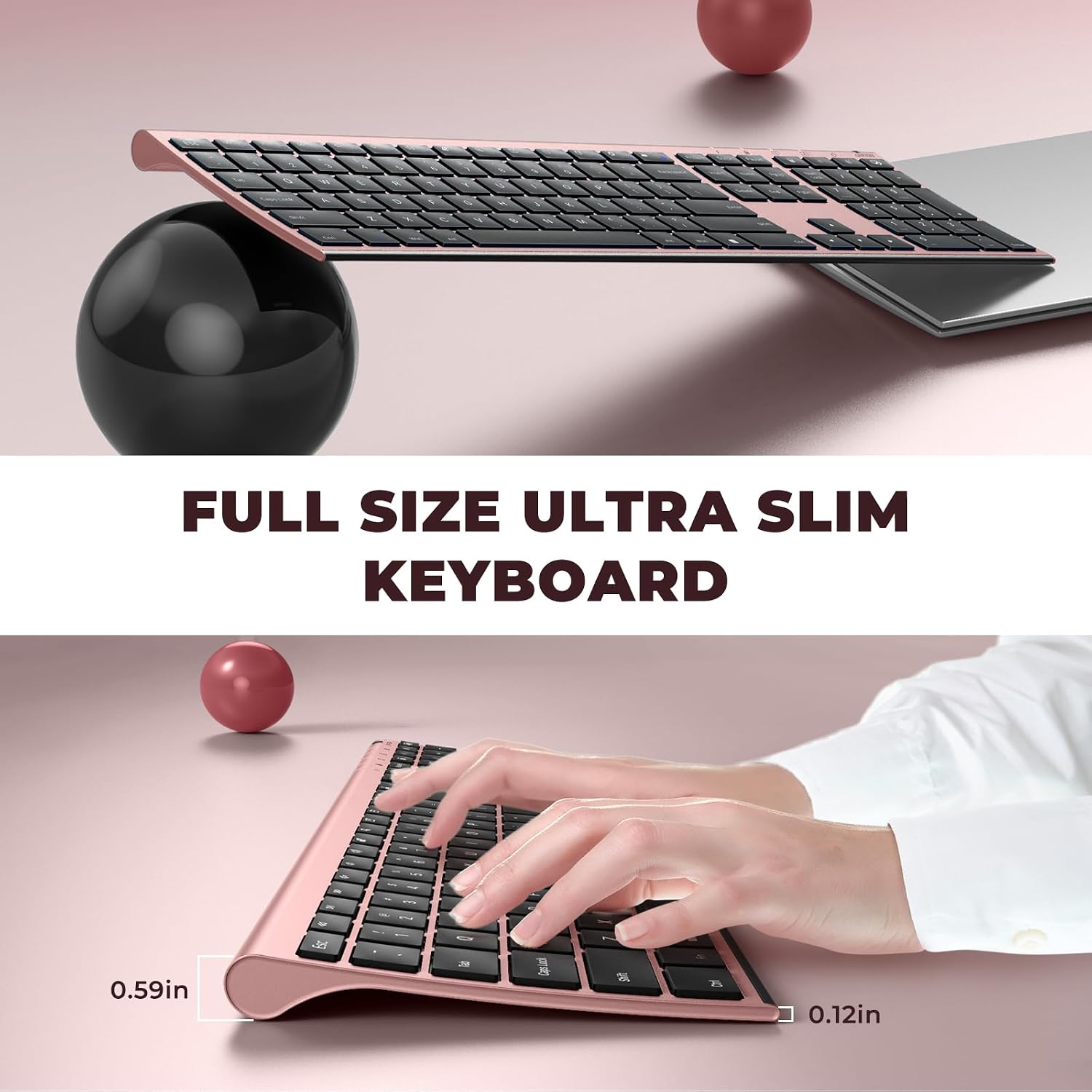
This combo also focuses on comfort during longer sessions. The keyboard is described as ultra slim at 5.5 mm, and it uses a scissor switch design for tactile feedback and whisper quiet typing. On the mouse side, the design includes ergonomic contours meant to reduce hand fatigue while you work. If your day includes emails, spreadsheets, and everyday browsing, the layout and usability can make a noticeable difference in how your setup feels.
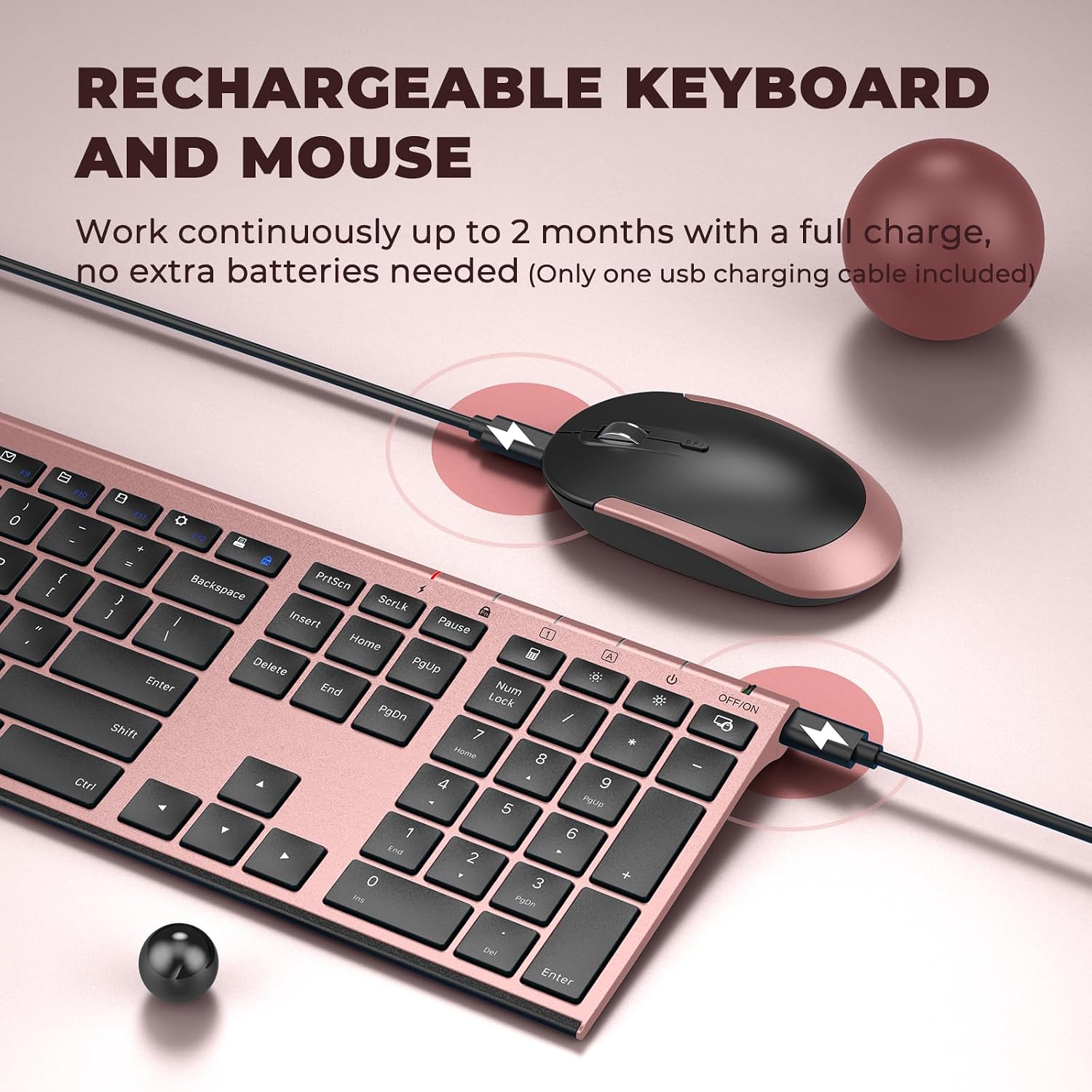
There is also a practical power story here. The keyboard and mouse are rechargeable, and the keyboard supports using for over one month on a single fully charged battery, according to the included details. Auto sleep mode is meant to conserve energy when you step away, and you can press any key to wake it up. With hot keys and a full size layout that includes a number pad, you can keep frequent actions close at hand.
Tech specs
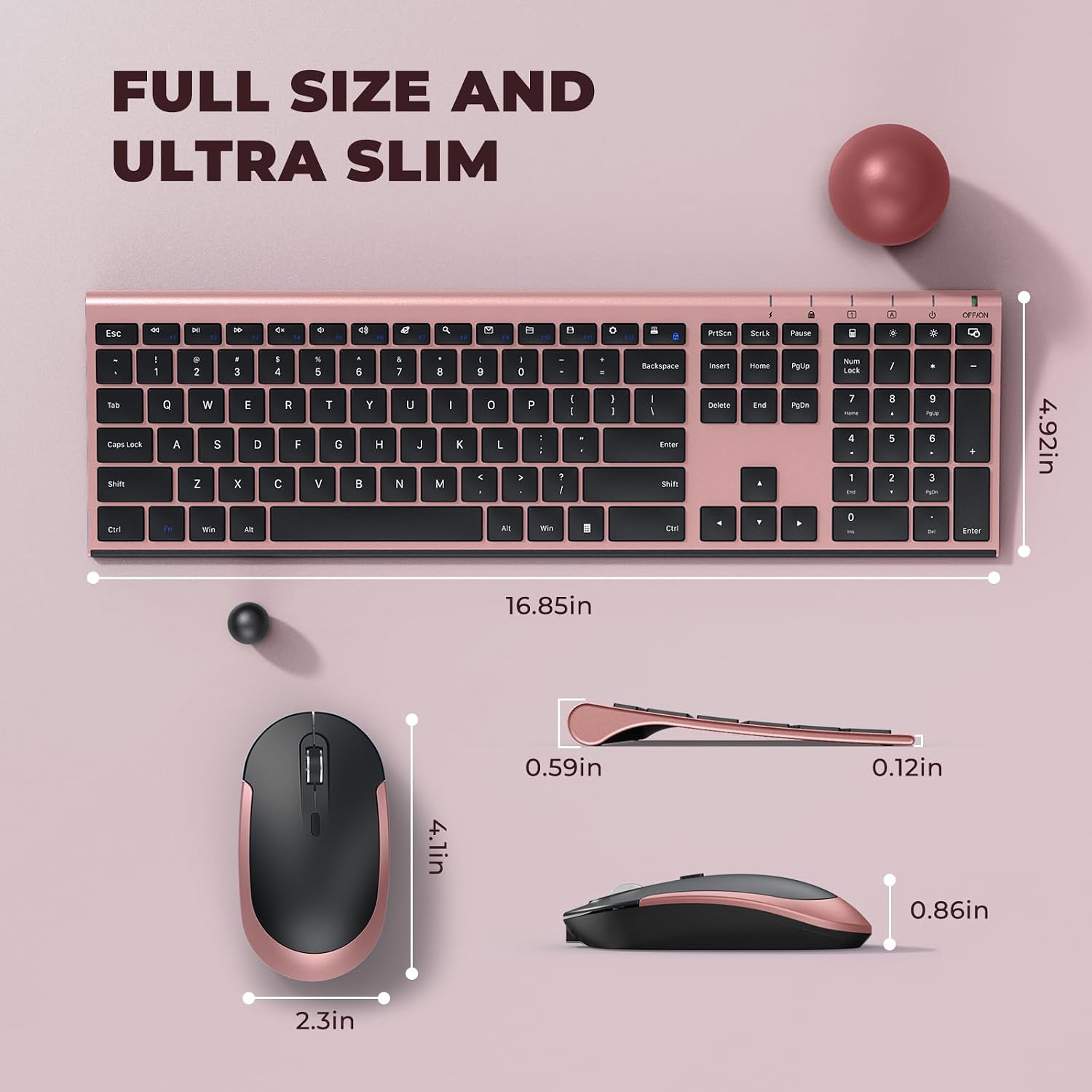

- Name: Vssoplor Wireless Keyboard and Mouse Combo
- Type: Wireless keyboard and mouse set
- Format: 2.4 GHz wireless with Nano USB receiver
- Size: Ultra slim keyboard at 5.5 mm
- Capacity: Rechargeable battery, supports using for over one month per fully charge
- Resolution: 3 DPI levels at 1000, 1600, 2400 DPI
- Compatibility: Windows XP, Vista, 7, 8, 10 or later
Why it’s worth it
A big advantage of this kit is the unified connection approach. Having one Nano USB receiver for both devices can make your desktop or laptop setup tidier, and it reduces the friction of connecting multiple peripherals. The wireless link is described as stable up to 10 m, which helps if you move around your workspace or prefer a little breathing room from the screen.
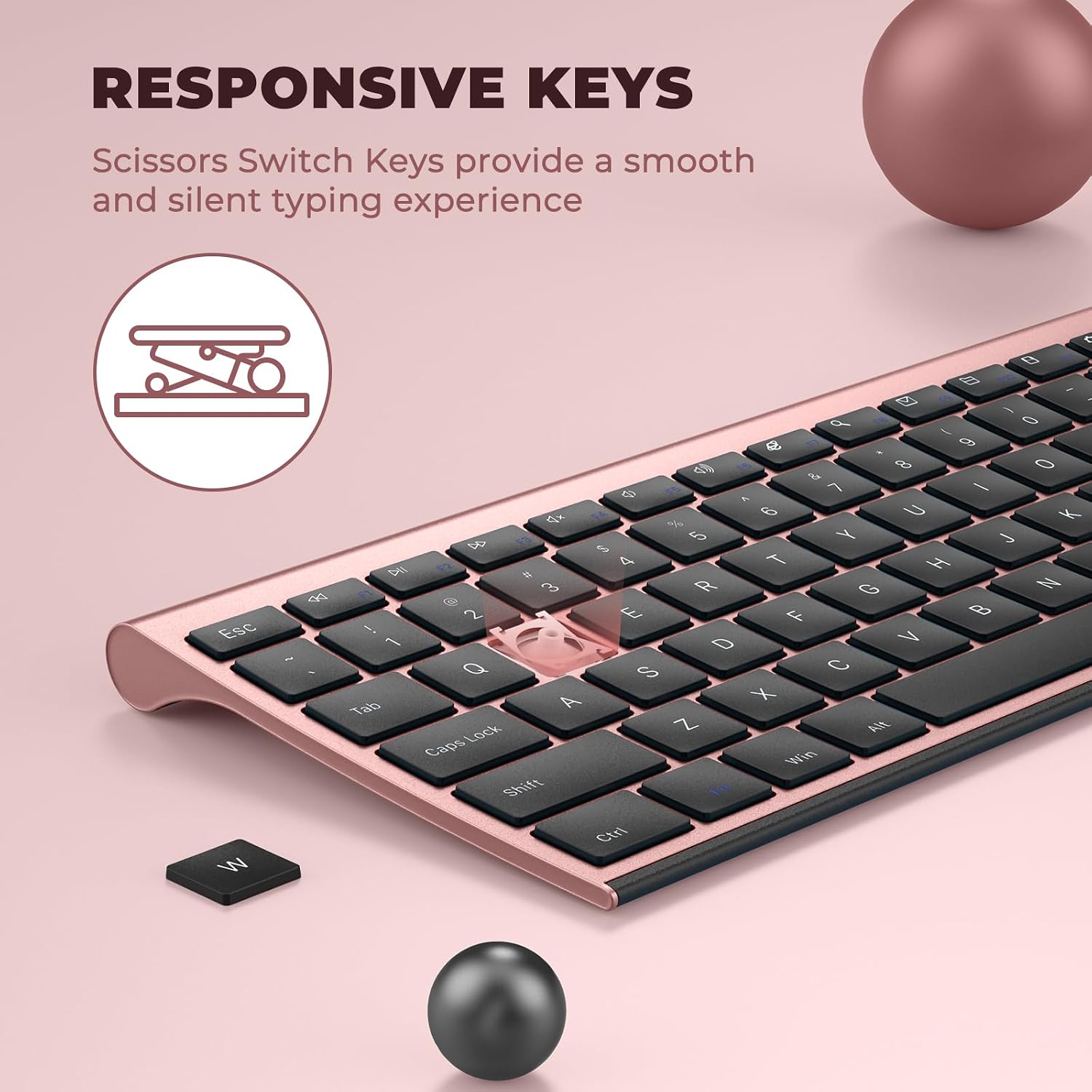
Worth noting is the quiet typing focus. The keyboard uses a high-end scissor switch design, which the manufacturer description pairs with comfortable and whisper quiet typing. When you are working in shared spaces, at home with others nearby, or during late hours, that kind of experience can matter more than you expect 😊.
You will also appreciate the responsiveness controls. The mouse includes 3 DPI settings at 1000, 1600, and 2400, letting you adjust cursor sensitivity to fit how you track on different surfaces. If you are switching between tasks like browsing and spreadsheet work, the DPI change can support smoother control without needing complicated software steps. Keep in mind that the keyboard switch is described as located on the top right corner of the keyboard, which can be easy to miss at first if you do not know where to look.
Finally, the recharge and sleep behavior aims to reduce everyday maintenance. You can charge with the included charging cable, and auto sleep mode is designed to save energy when you are away. Then pressing any key wakes the keyboard, so you spend less time thinking about battery management and more time getting things done 🔋.
Who it’s for
It makes sense if you want a compact, slim keyboard and a comfortable mouse in one combined kit with a simple Nano USB receiver setup. You may like this option if you spend time on a Windows laptop, desktop, or PC and prefer hot keys plus a full size keyboard layout with a number pad. It also suits people who care about quiet, tactile typing, since the scissor switch design is highlighted for that experience.
It might not be a great match if you require a very specific non-Windows setup, since compatibility is described for Windows XP through Windows 10 or later. If you are sensitive to where power controls are placed, note that the keyboard switch is located on the top right corner. For typical home office work, school tasks, and daily computer use, this combo is positioned to help you build a dependable and comfortable workstation without extra cables cluttering your desk.