

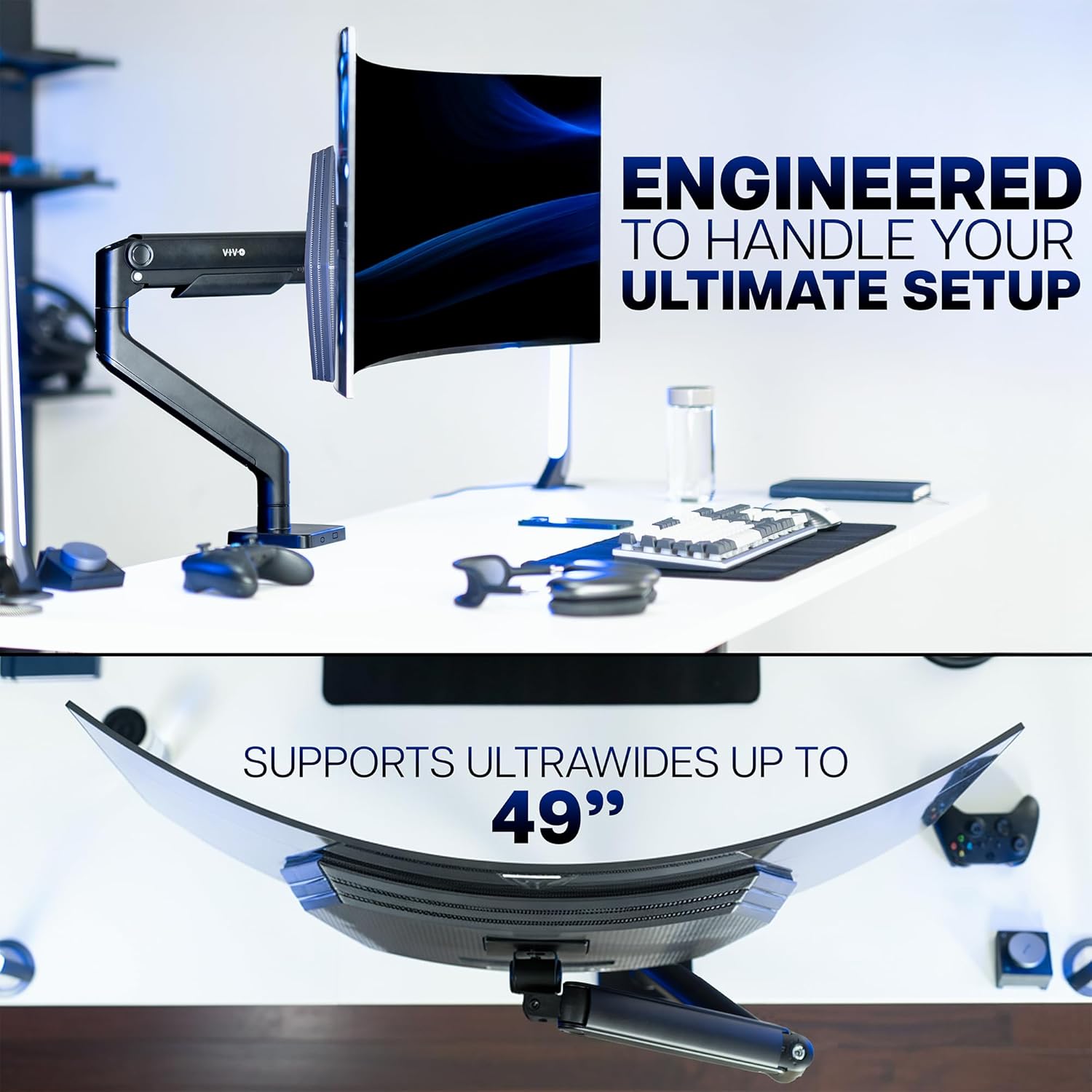
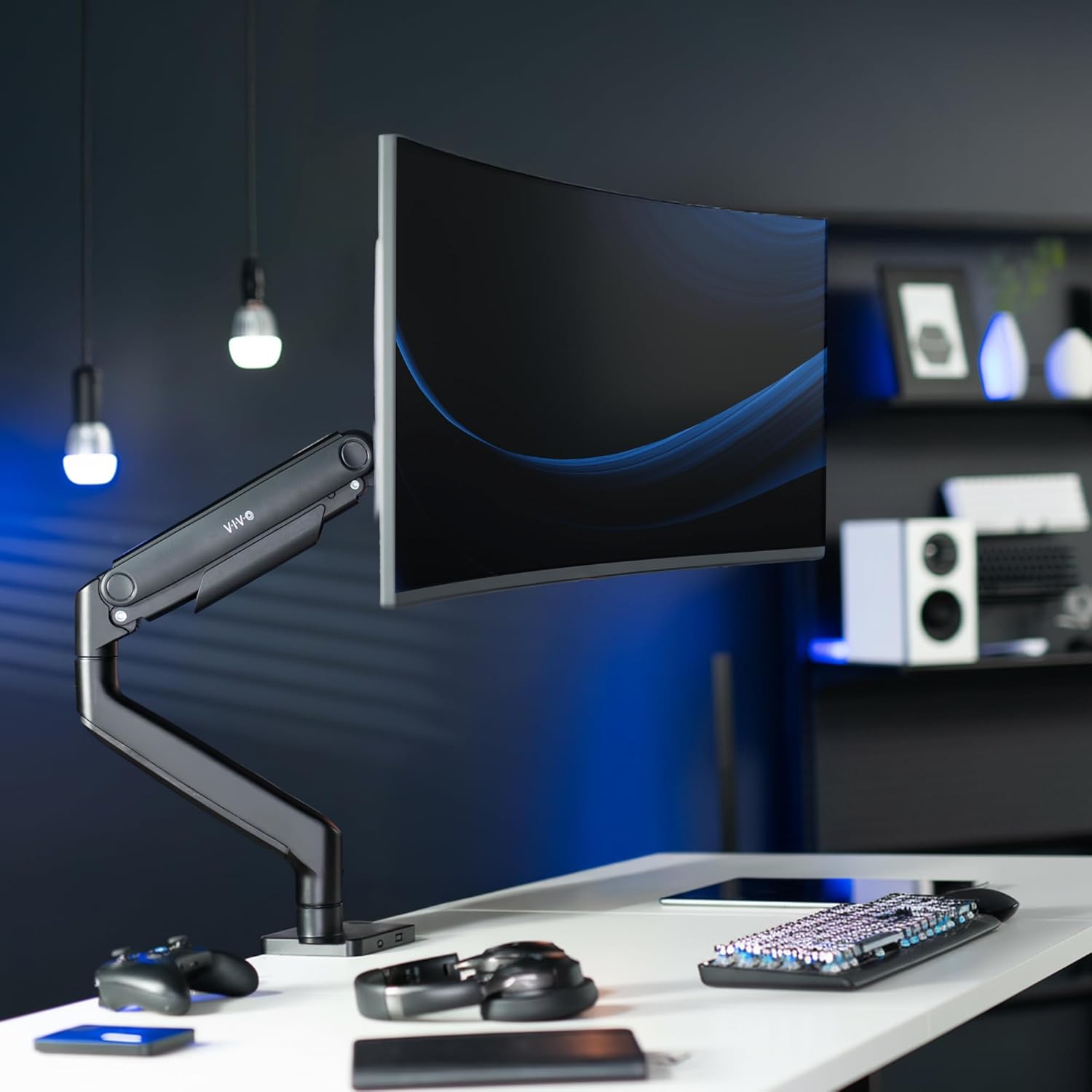
VIVO STAND-V101V Heavy Duty Monitor Arm 44 lbs
Product description
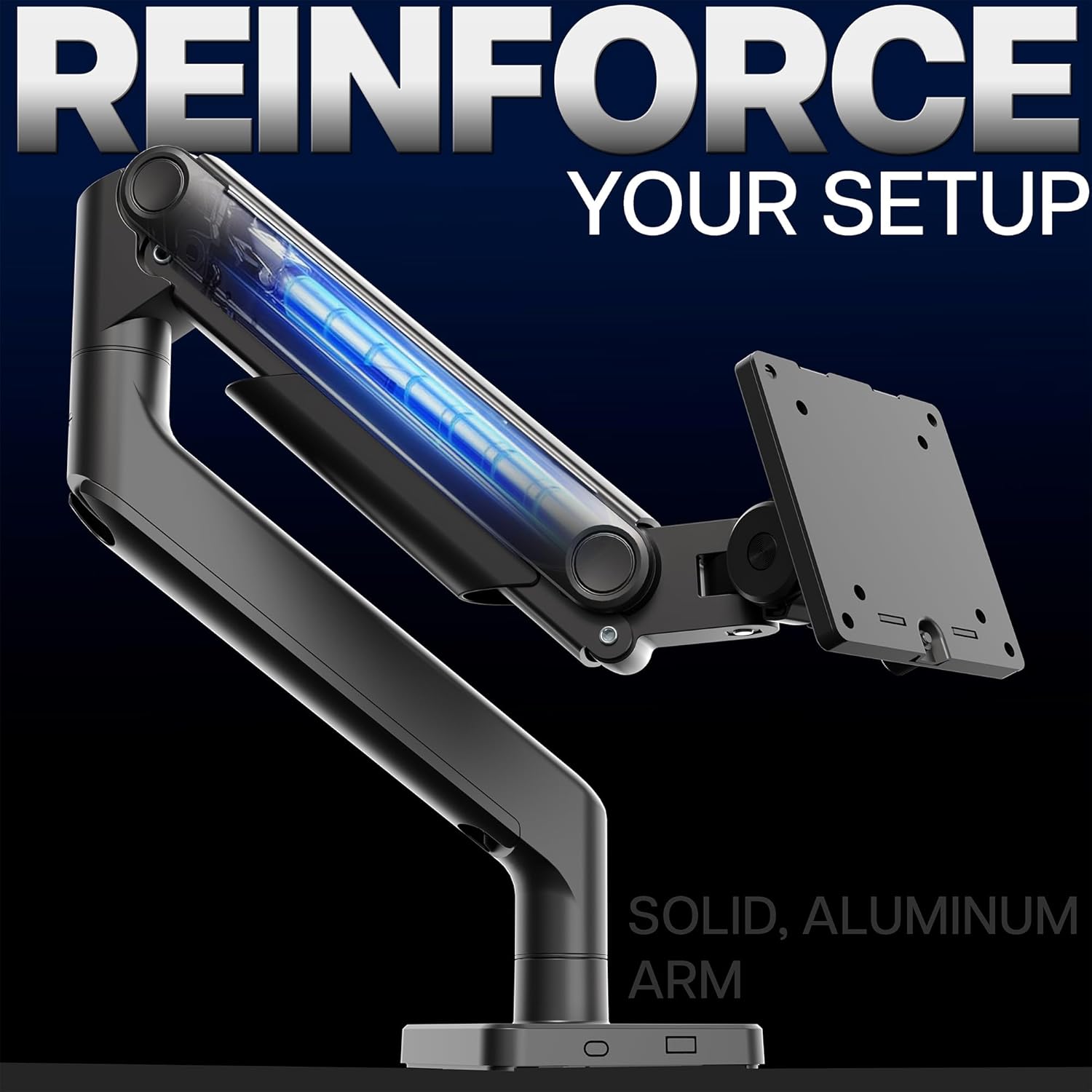
This heavy-duty monitor arm supports large ultrawide screens and makes repositioning a big display simple for gaming desks and productivity setups. With a spring-assist tension arm that balances weight, this mount helps you lift and tilt a bulky monitor smoothly while keeping your desktop organized.
Key Points
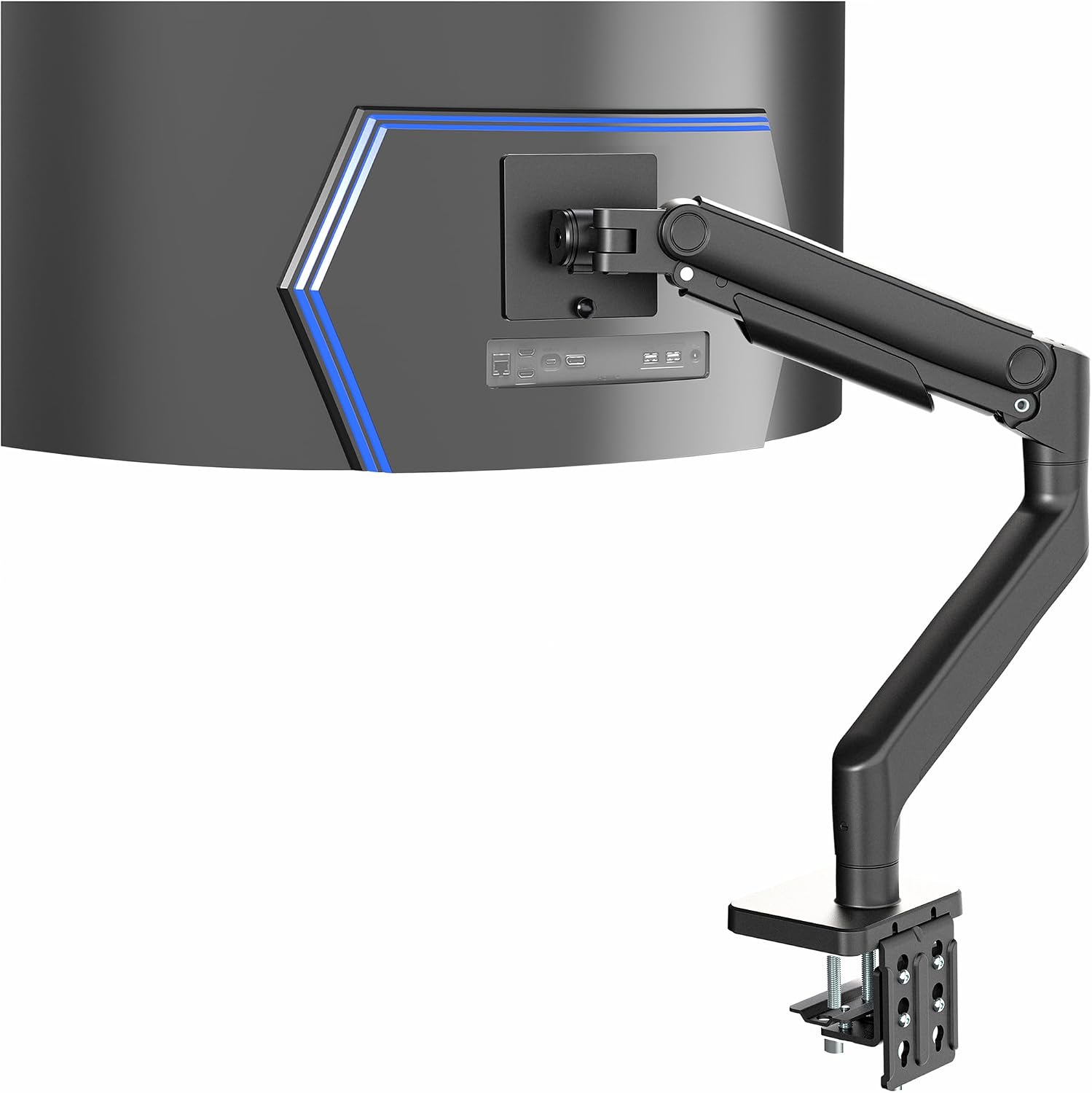
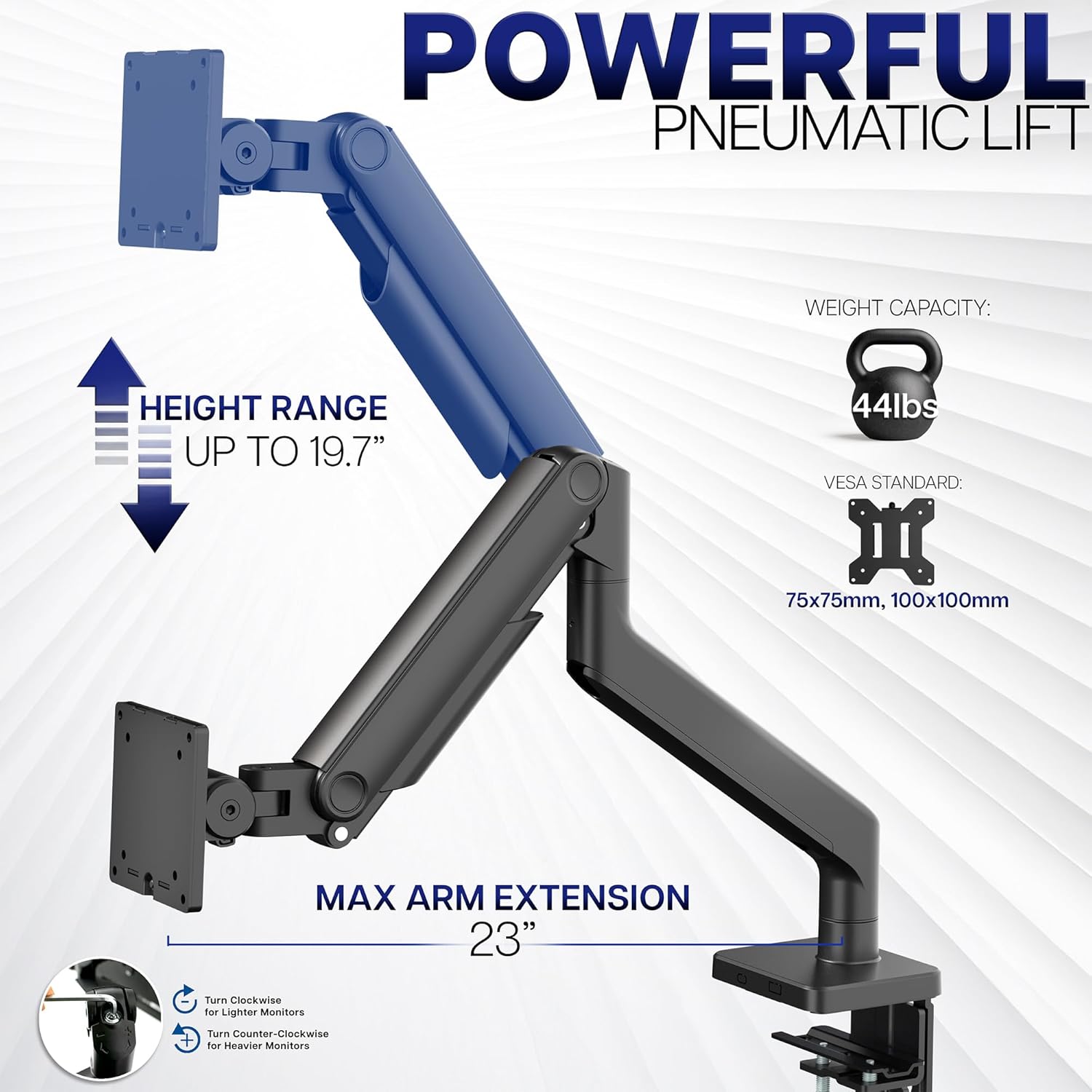
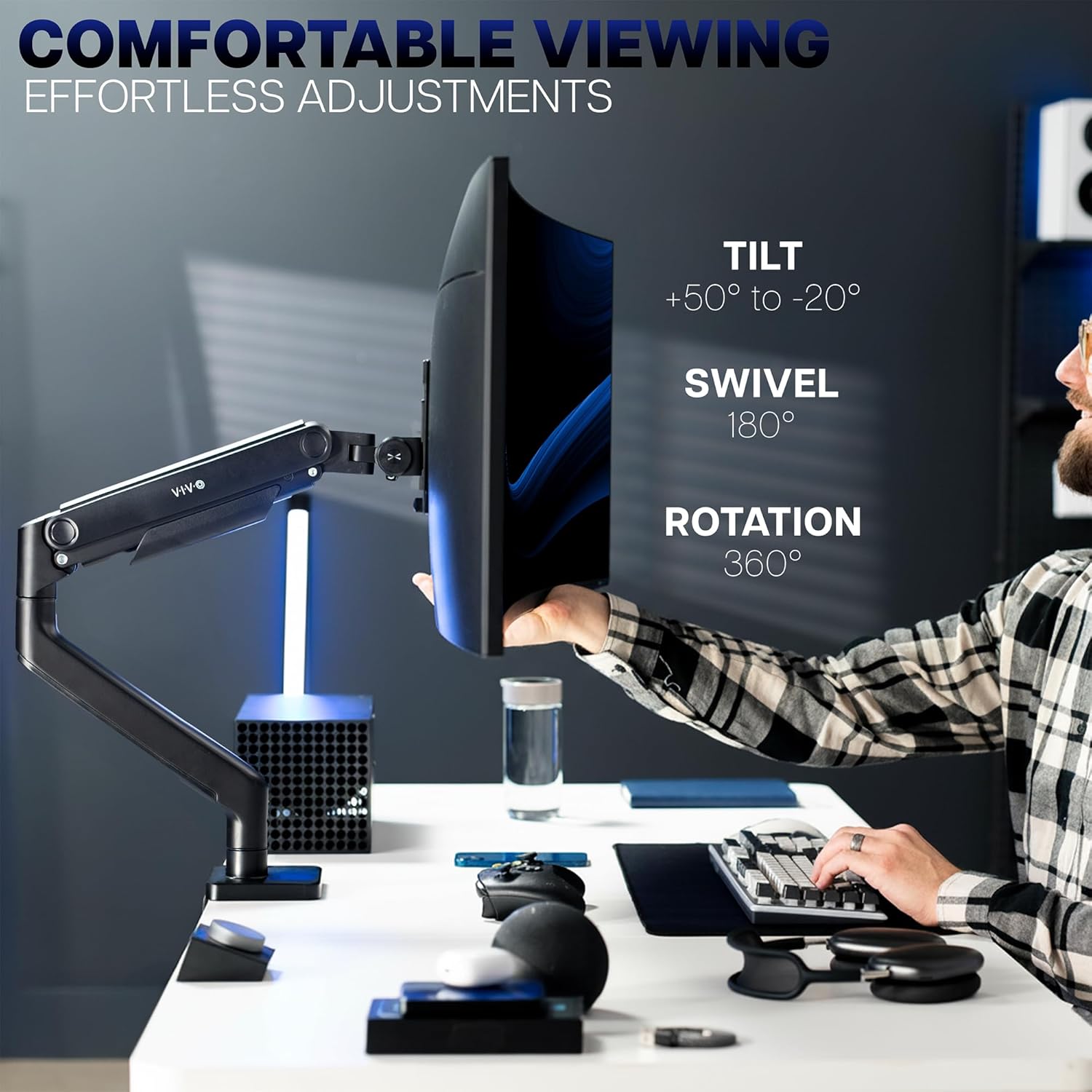
The arm fits ultrawide monitors up to 49 inches and supports screens weighing up to 44 lbs. It accepts common VESA patterns of 75x75 mm and 100x100 mm which covers a wide range of curved and flat panels. The clamp secures to desks up to 3.2 inches thick and there is an optional grommet mounting option for surfaces up to 1.4 inches thick. For users who need flexible ergonomics, the mount offers tilt, swivel, rotation, and up to 11 inches of vertical travel, allowing quick adjustments with minimal effort. Consider that very heavy monitors near the 44 lb limit may require fine tension adjustment according to the manufacturer instructions.
Technical Specifications
- Name: VIVO STAND-V101V
- Maximum screen size: 49 inches
- Maximum weight capacity: 44 lbs
- VESA compatibility: 75x75 mm, 100x100 mm
- Desk mount thickness (clamp): up to 3.2 inches
- Tilt range: +50° to -20°
- Swivel: 180°; Rotation: 360°
- Height adjustment: 11 inches with spring assist
Usage Recommendations
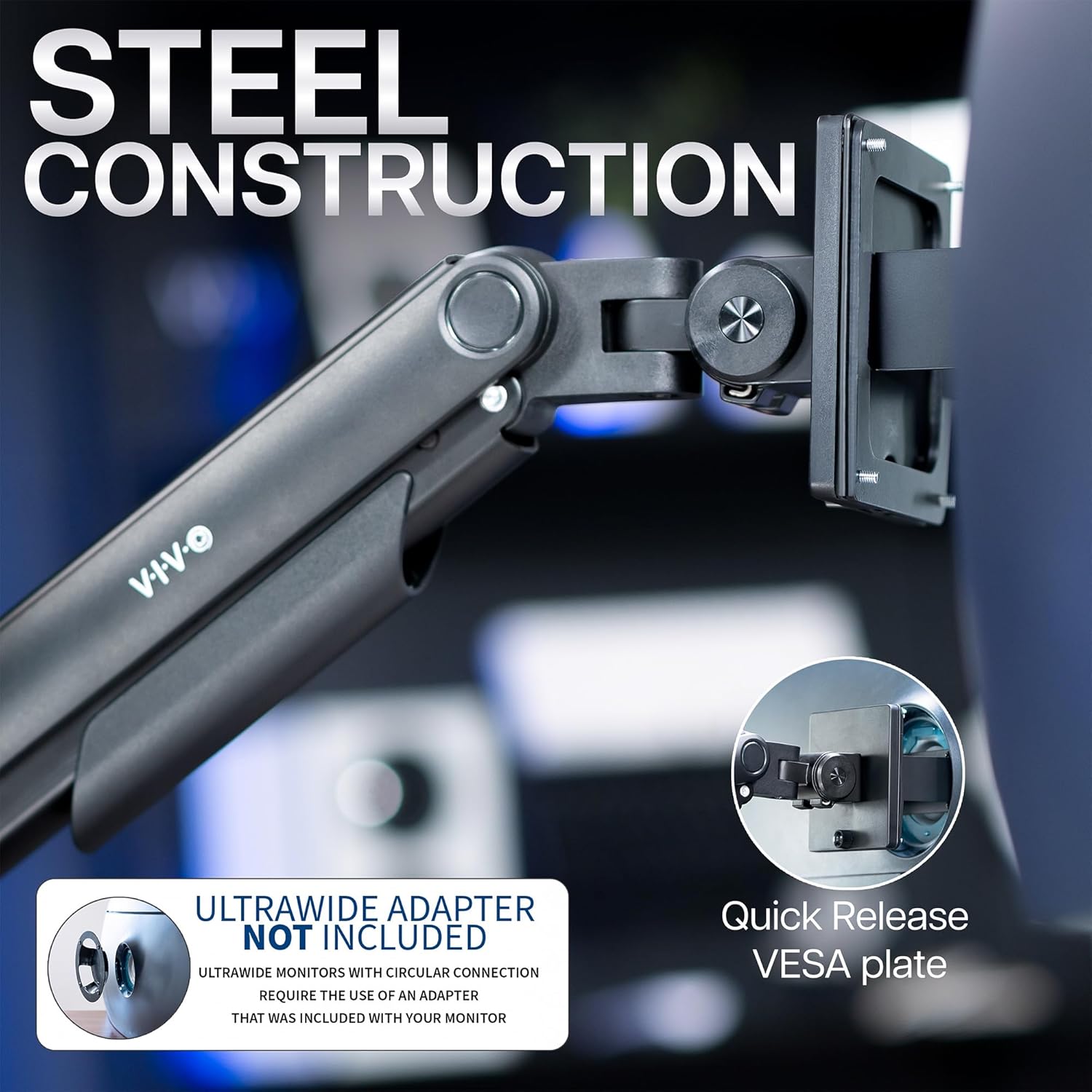
Attach the detachable VESA plate to your monitor first to make installation easier and safer. When setting the spring tension, start from a lower setting and increase gradually until the monitor holds position without drifting. Route cables through the integrated cable management covers to keep cords tucked away during movement and to maintain a clean appearance. For curved ultrawide models such as the Samsung Odyssey G9, double-check VESA pattern alignment and the monitor’s weight to ensure stable operation.