

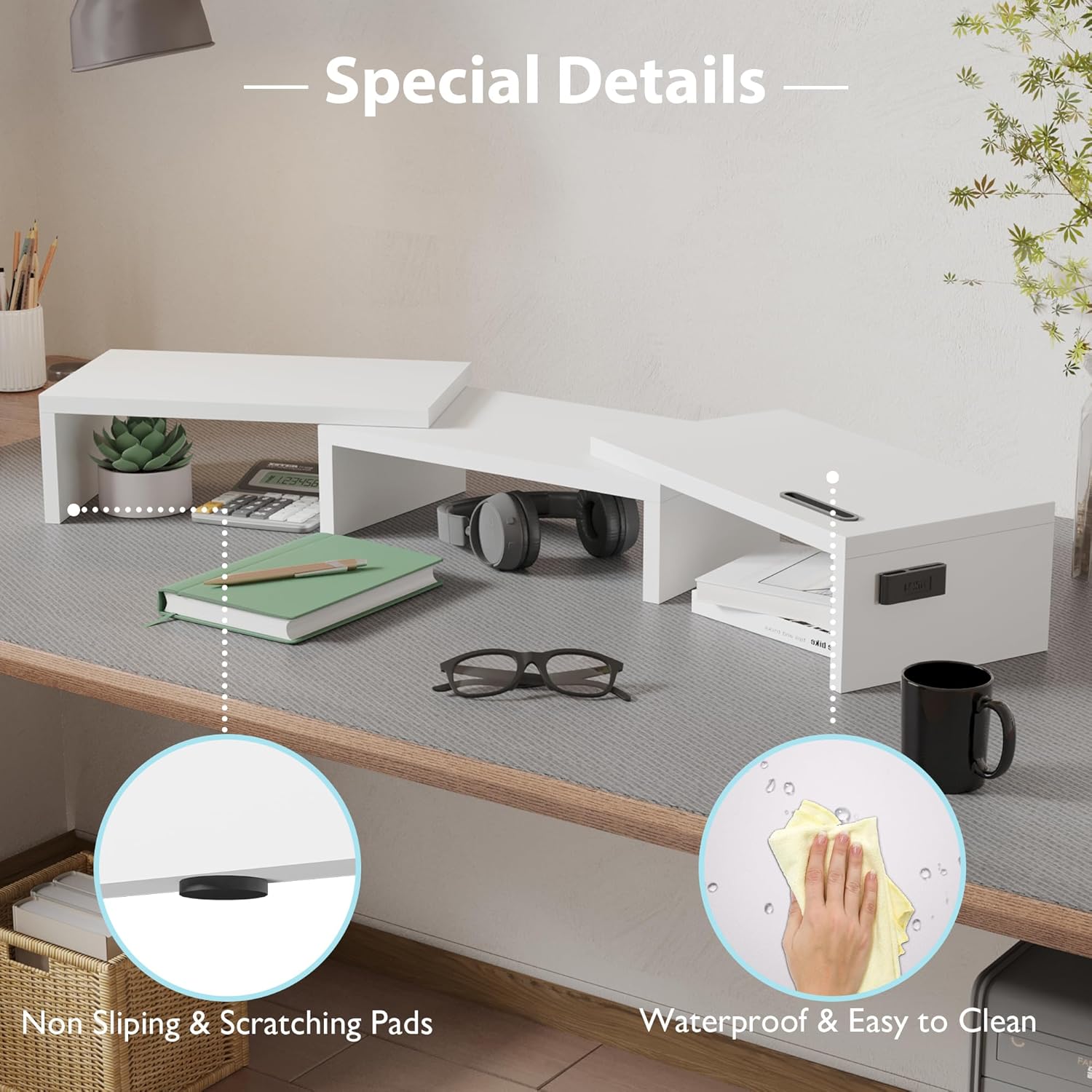
BONTEC Dual Monitor Stand Riser adjustable organizer
Product description
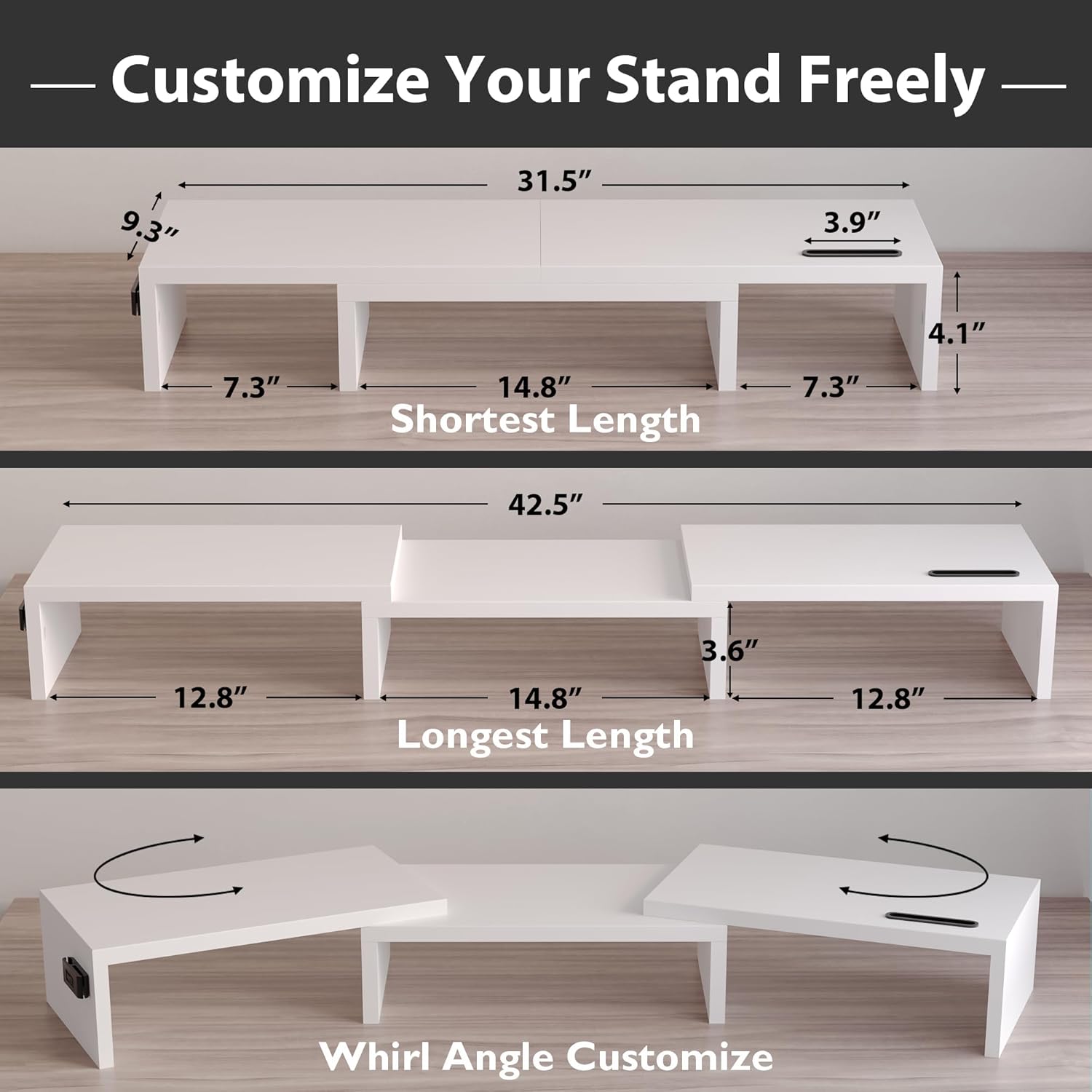
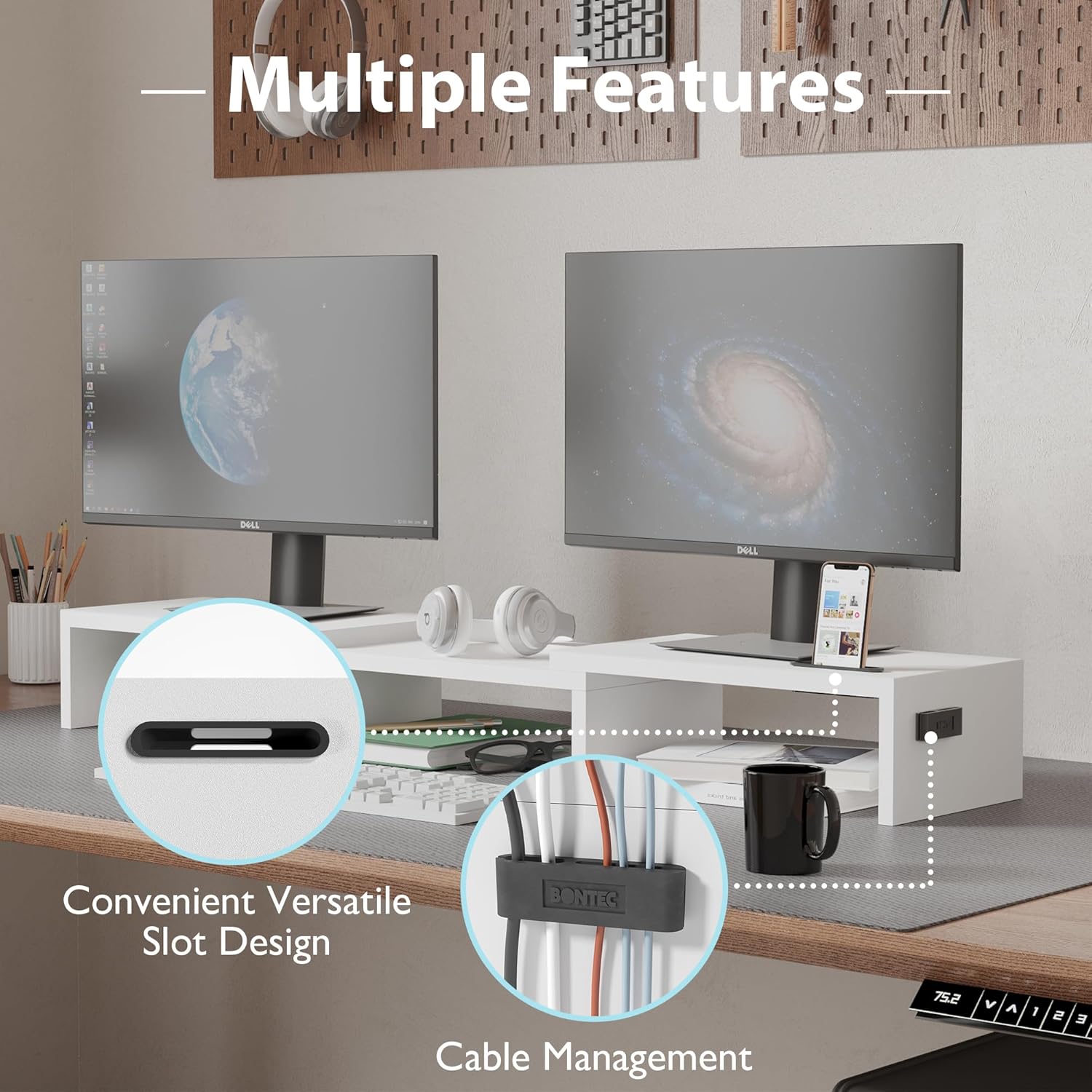
This wooden dual monitor stand raises two screens to eye level and clears desk clutter for longer, more comfortable work or gaming sessions. Its adjustable length and swivel angle let you position monitors between 31.5 inches and 42.5 inches to fit a variety of desk sizes, while the integrated smartphone slot and cable pass-through keep essentials within reach and cords more organized.
Key Points
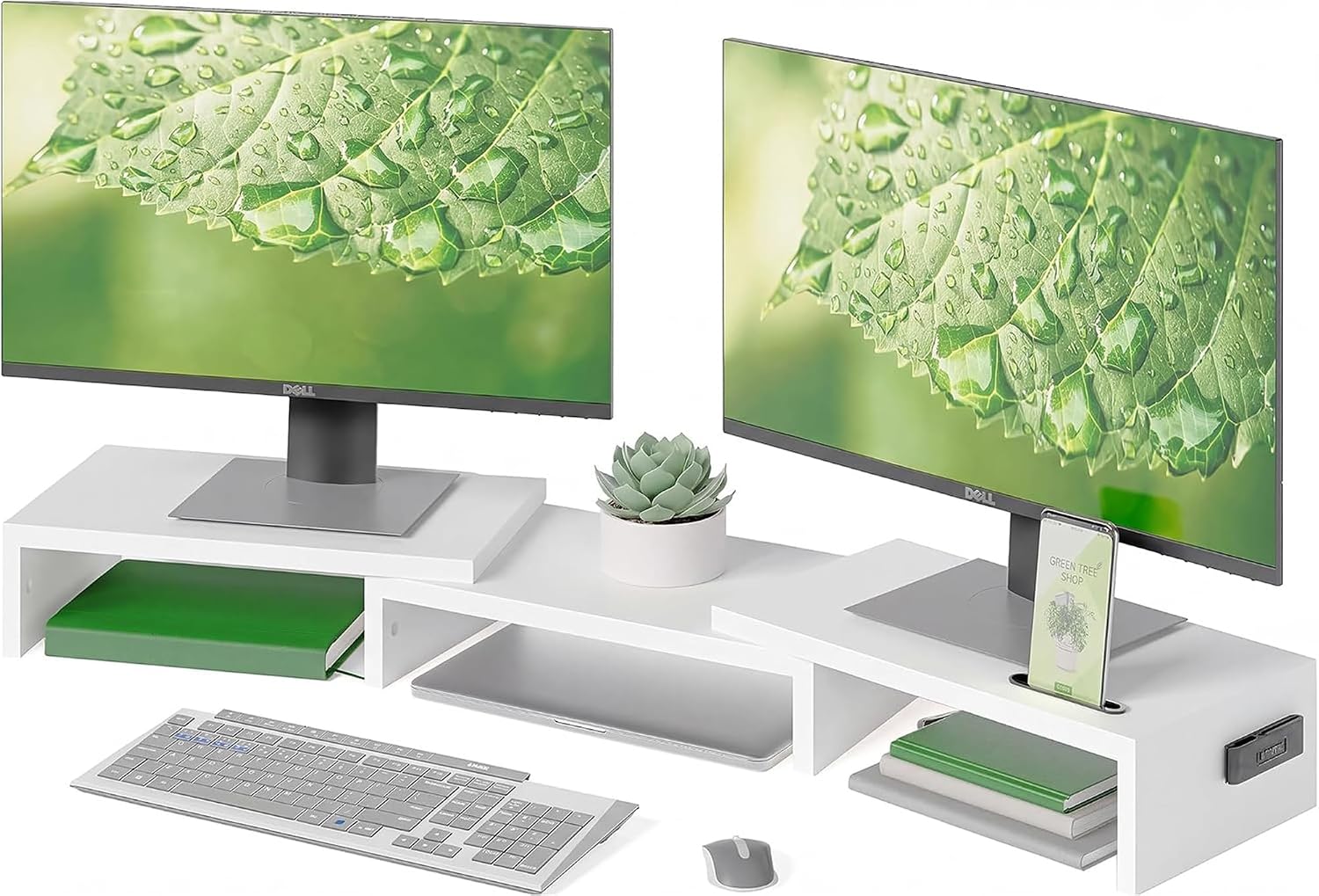
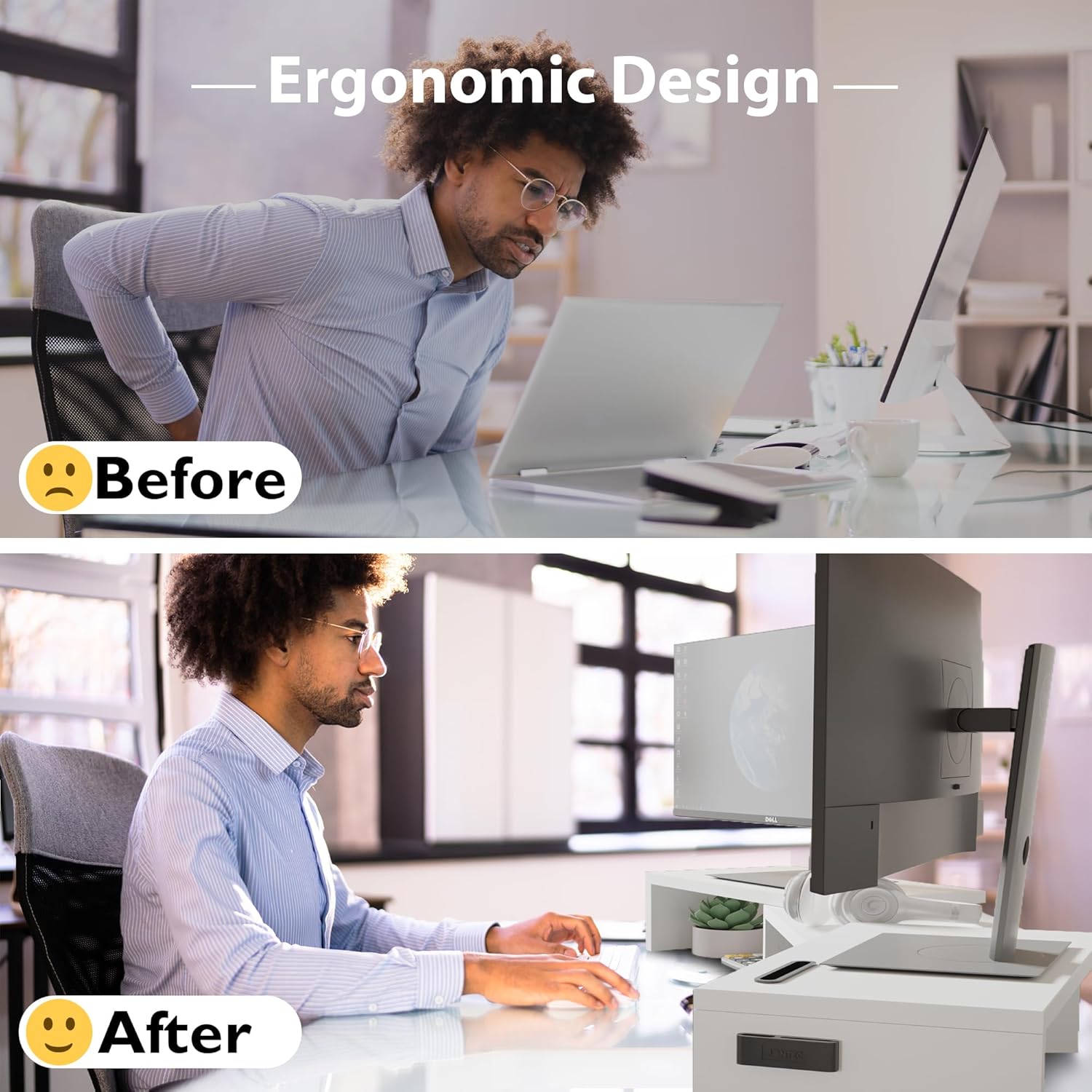
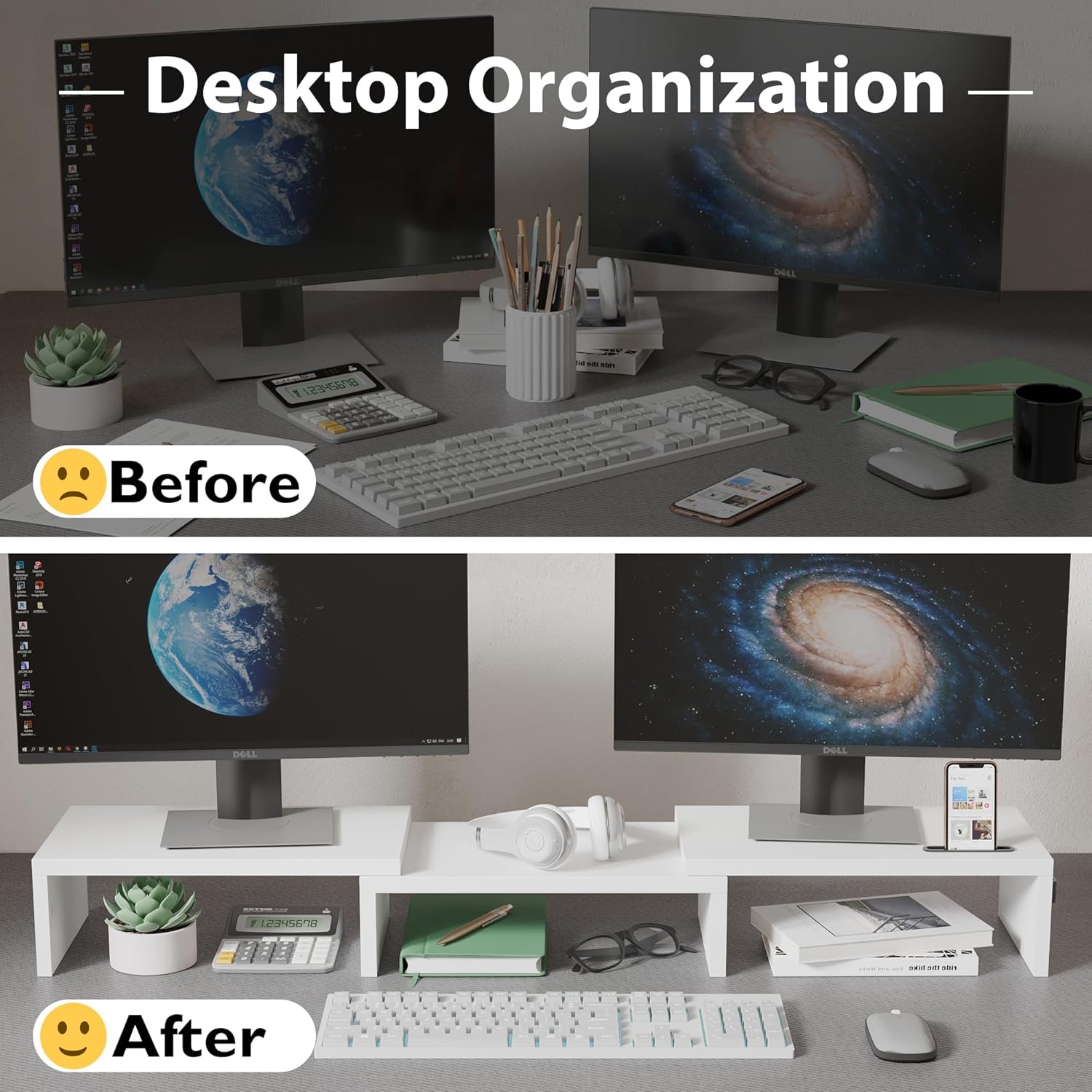
The riser supports two monitors and lifts them to reduce neck and shoulder strain during extended use, improving viewing ergonomics. Built with a wooden top and a non-slip base, it also acts as a desktop organizer by creating usable storage space under the platform. Assembly is straightforward and, according to the manufacturer, can be completed in about three minutes using the included screws.
Technical Specifications
- Name: BONTEC Dual Monitor Stand Riser
- Adjustable length: 31.5 in to 42.5 in
- Materials: wooden top with non-slip base
- Storage: three compartments underneath for keyboard, mouse, files, or printer
- Additional features: smartphone holder, cable management opening
Usage Recommendations
Place the stand so the monitors sit at your eye line for the best posture benefits, and use the compartments beneath to stow the keyboard when extra desk space is needed. The smartphone slot keeps a handset visible and upright, making it easier to glance at notifications without picking it up. For multi-device setups, route cables through the opening to reduce tangling and keep the work surface tidy. Consider that the wooden surface may show scratches over time if heavy or sharp items are placed directly on it, so using protective pads is advisable.