


USB-C to Magnetic 3 Charger Cable (6.6ft) for MacBook Air 13.6" & MacBook Pro 14/16" with Braided Cord and LED
Product description
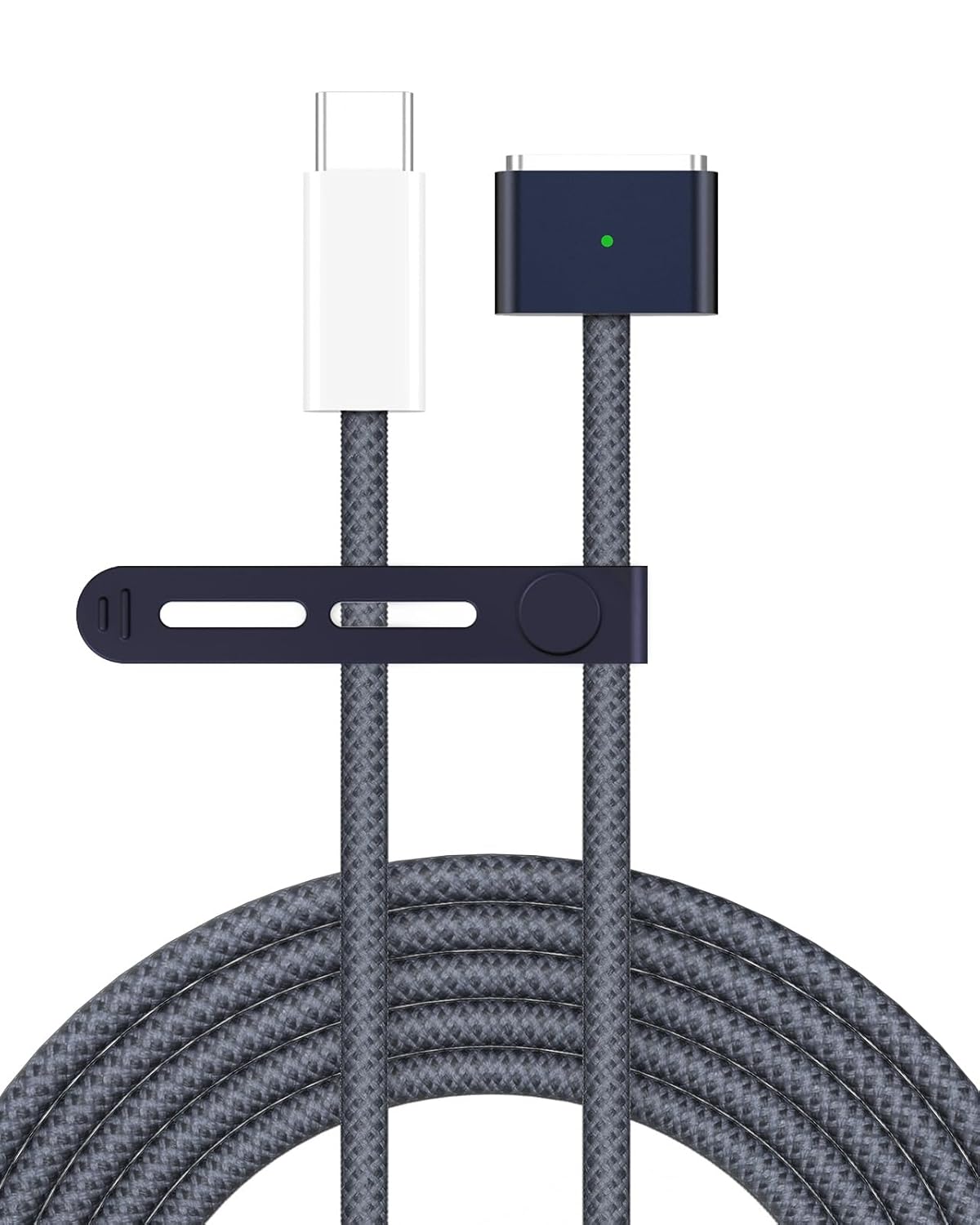
If you’re tired of the “bump the cable, lose charging” problem, a magnetic charging cable is one of the easiest ways to make your setup feel sturdier. This USB-C to Magnetic 3 charger cable is built around a firm magnetic connection and a MacBook-specific plug fit, with a braided nylon cord and an LED status indicator.
That said, it’s not perfect for every situation—if you rarely move your laptop, the extra cost of a magnetic cable may feel unnecessary. And if you’re rough on accessories, you’ll still want to treat any cable with basic care.
Key takeaways for buying with confidence
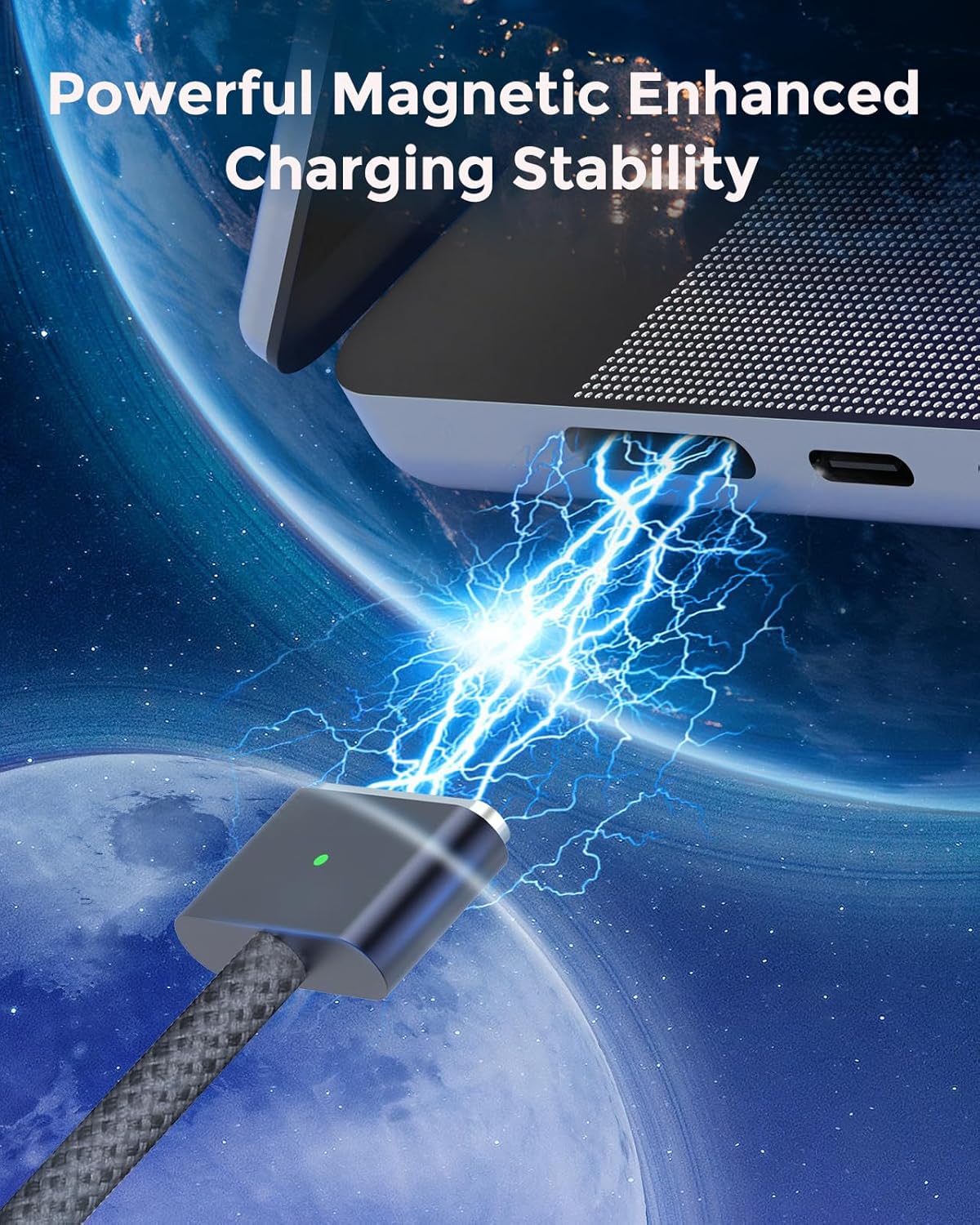
On paper, this cable focuses on two things: charging stability and long-term durability. The magnetic connection is designed to help prevent discontinuous charging, while the braided nylon exterior and thicker copper wire aim to resist wear and reduce strain on the cable.
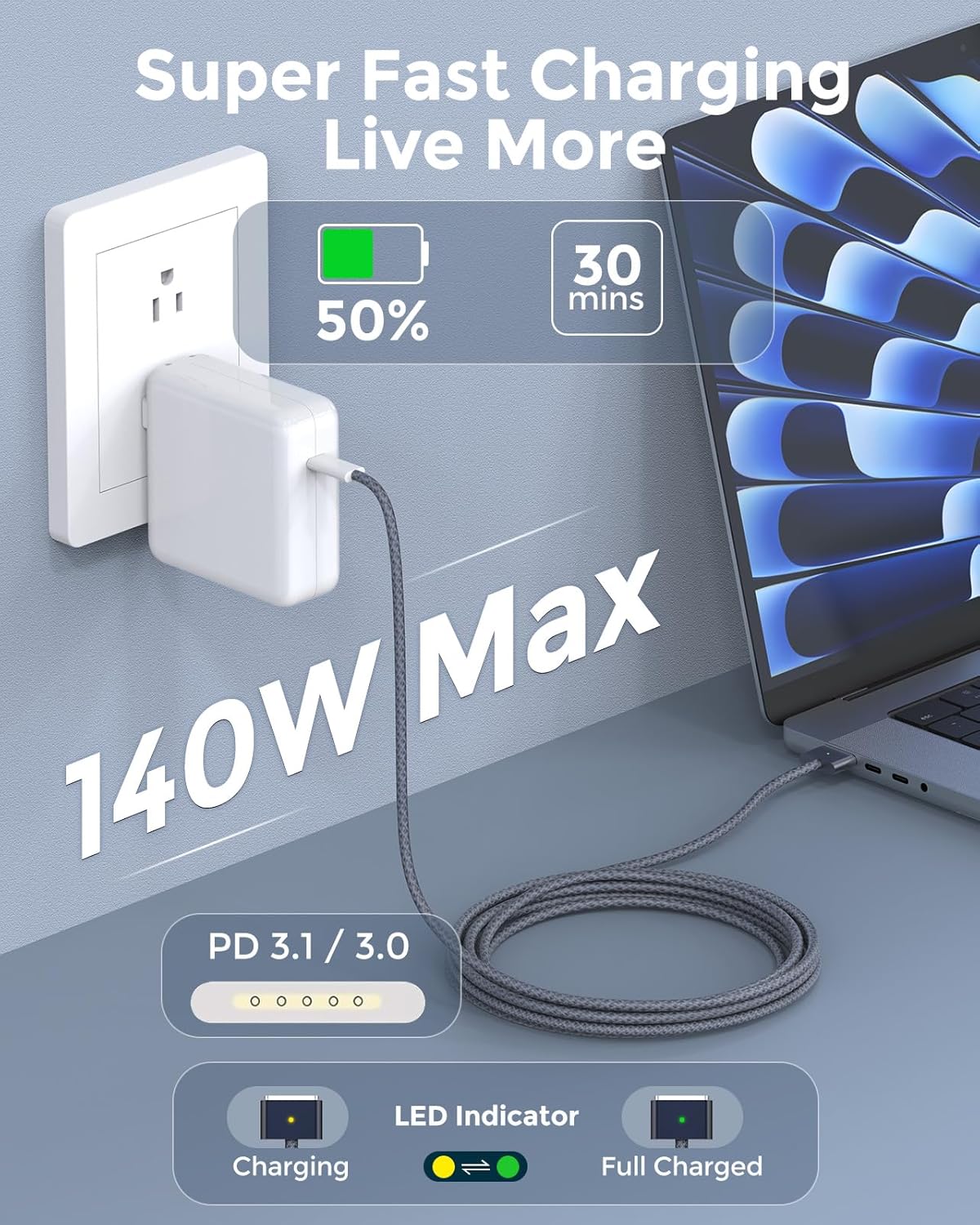
You also get an LED that shows yellow while charging and switches to green after charging is complete (the base description states “after 100%”). For day-to-day use, that kind of simple visual feedback can save you from guessing whether your MacBook is actually topped up.
Where it may not be the best match is if you’re looking for the most minimalist, lowest-profile cable you can find. Longer braided cables can be slightly less “invisible” in a bag, even if they’re meant to be more resilient.
What it does (and why the magnetic angle matters)
This is a USB-C power cable that connects to a MacBook using a magnetic plug design described as a 1:1 fit with the charging port. The pitch here is straightforward: instead of relying only on a tight plug insertion, the cable uses magnetic force to keep the connection stable.
In real-world terms, imagine you’re working on a couch or standing at a desk and your laptop cable gets tugged lightly. A magnetic design typically helps reduce the chance of sudden “charging interrupted” moments—something that happens surprisingly often with non-magnetic cables when they’re pulled at an angle.
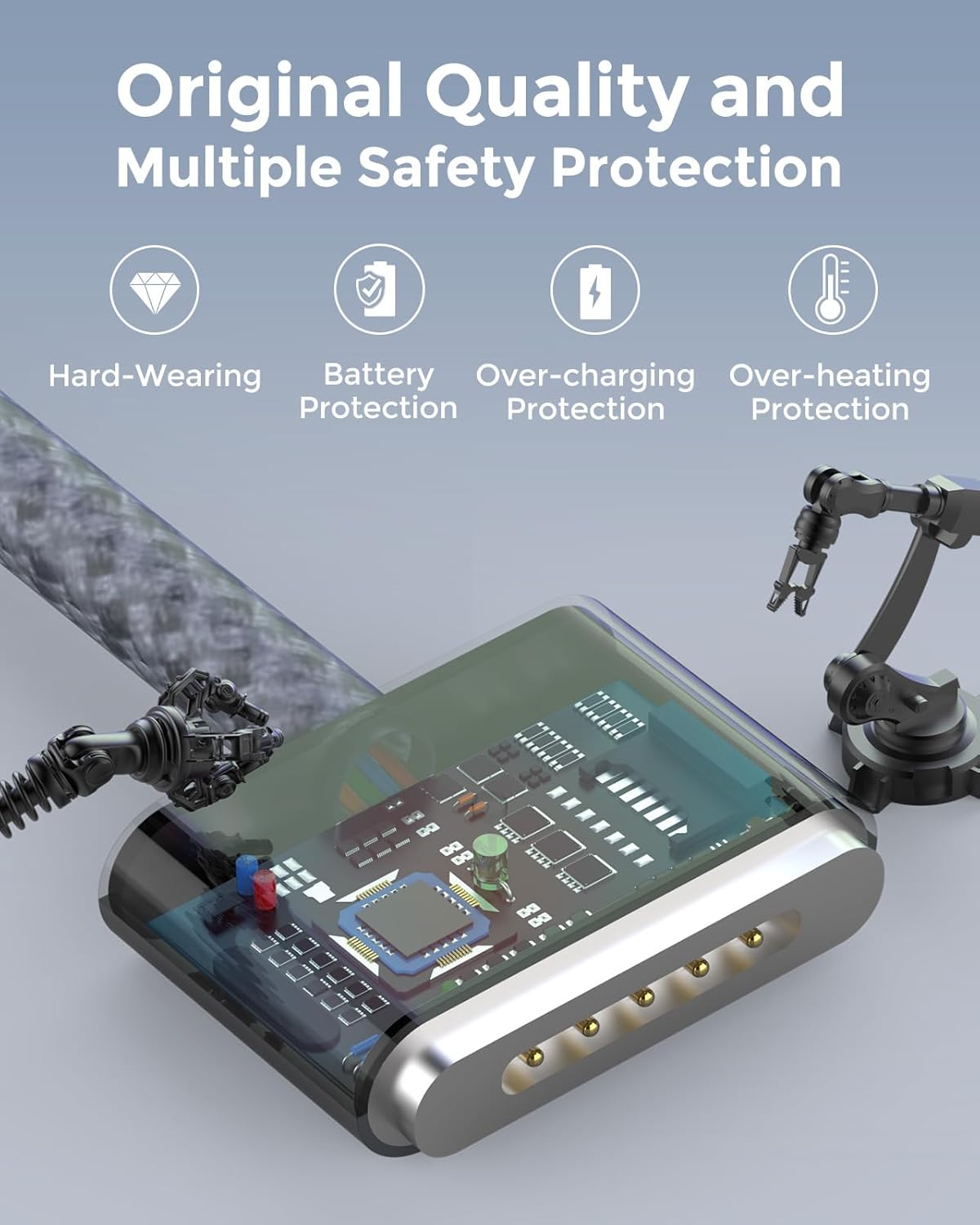
There’s also a durability detail worth noting: the plug is described as solid metal against wear-out, which matters because the plug is usually the first place cables start to look tired.
Where it shines: durability, heat protection, and a braided cord you’ll actually use
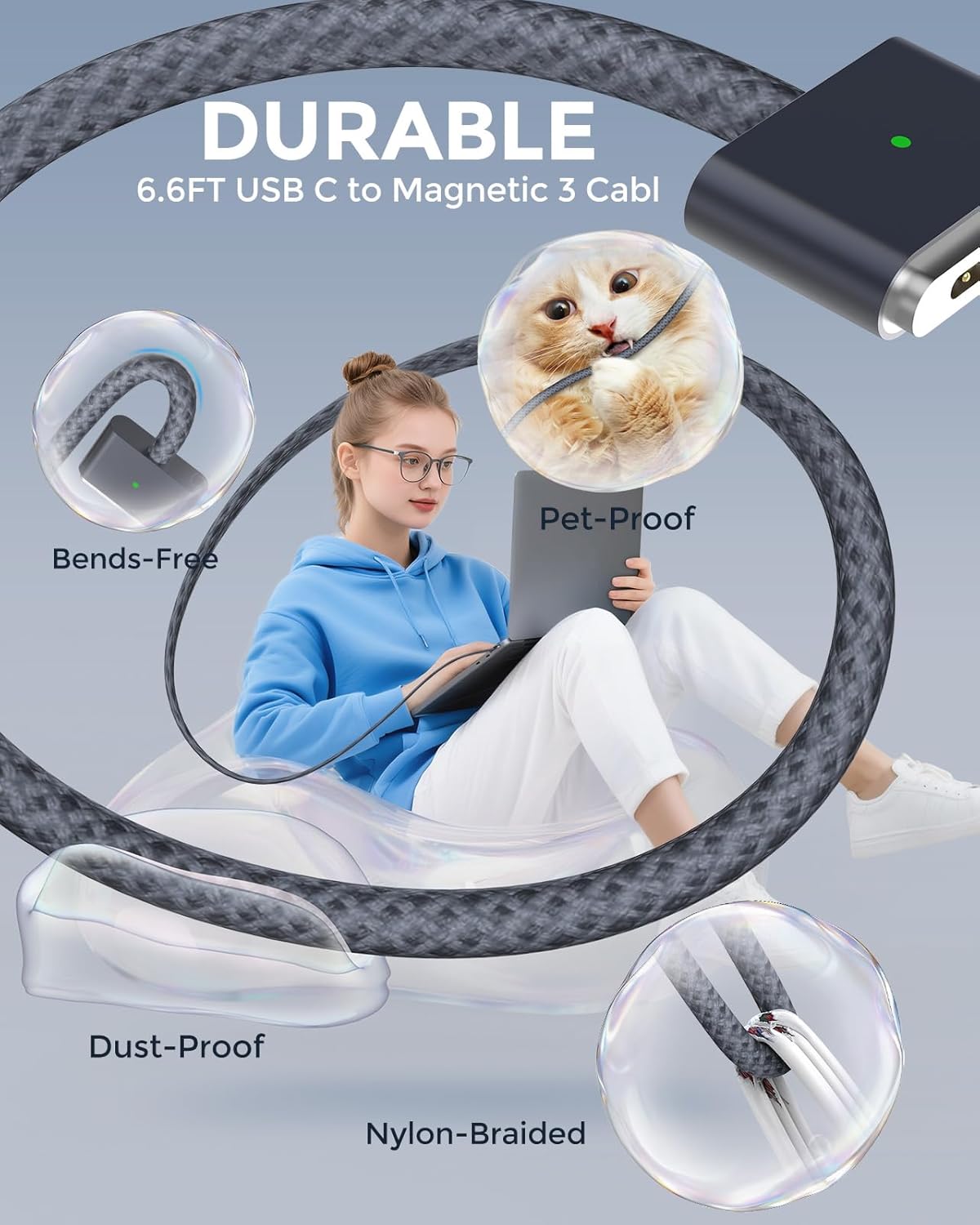
The cable is described as using thicker copper wire and a premium seamless braided nylon coating. The goal is to protect against overheating and reduce fire hazard risk (as stated in the base description), plus improve charging efficiency and bend resistance.
It’s also described as dust-proof and soft-touch, with a softer tie to help keep it tangle-free. On top of that, the manufacturer claims a longer lifespan—stated as “2 times longer than others.” That’s a marketing claim, but it does align with the braided construction and the emphasis on wear resistance.
Limitations to keep in mind: braided cables still experience wear if you continuously kink them or wrap them tightly around sharp corners. Braiding helps, but it doesn’t make cables indestructible.
Charging speed and power compatibility (what you can expect)
The base description claims “super fast charging” up to 50% in 30 minutes, described as matching official standard charging speed. It also states PD 3.1 / 3.0 compatibility and that it works with a range of USB-C power adapters (listed: 140W, 96W, 70W, 35W, 30W).
A practical way to read this: if you already use a compatible USB-C MacBook charger, the cable is designed to support high-speed charging modes rather than acting like a slow “bargain” link in the chain.
One more realistic point—charging speed can vary based on your adapter, MacBook model, and what the laptop is doing while charging. Still, the cable is clearly positioned for people who want fast charging without babysitting the connection.
Compatibility and key models to check first
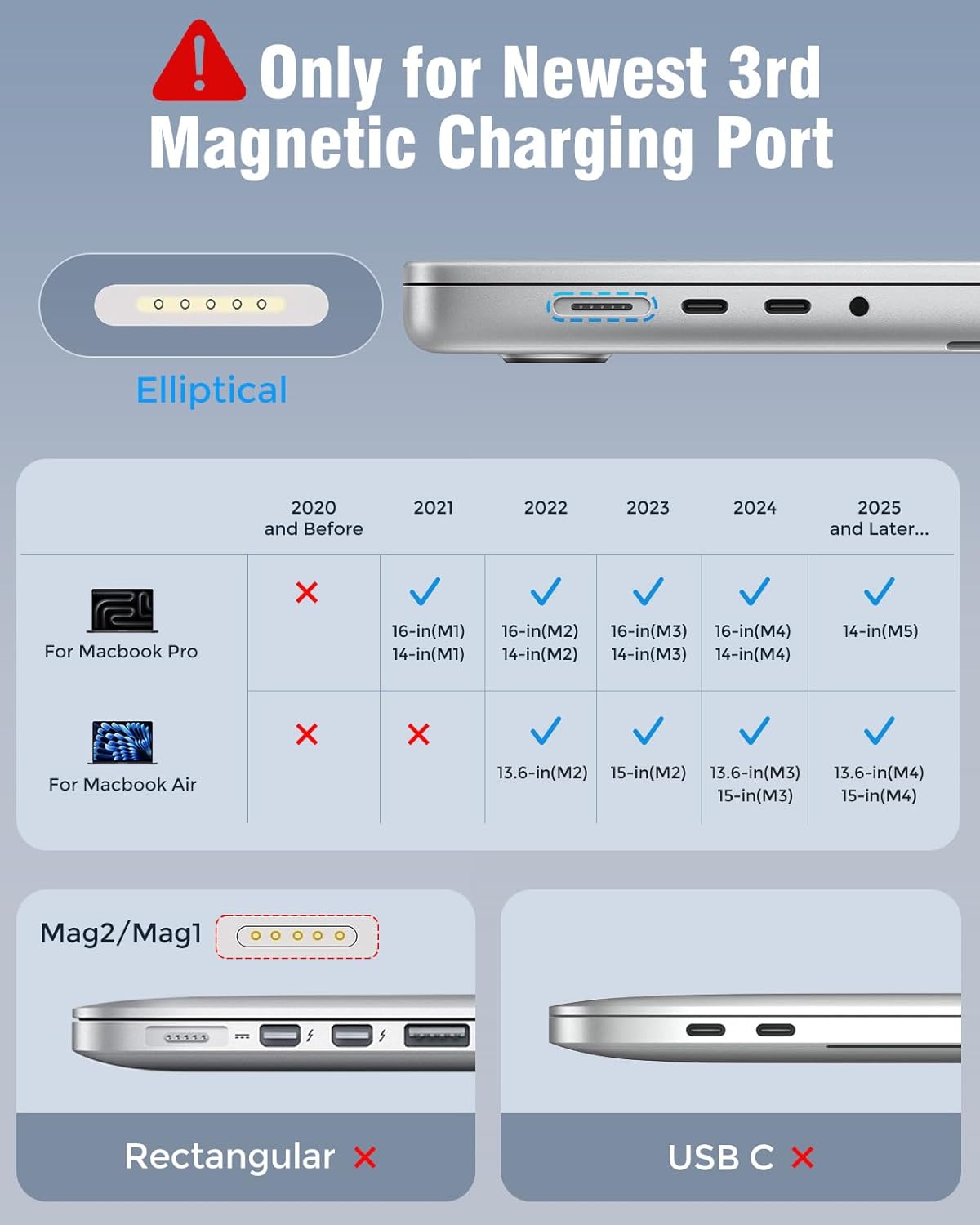
This cable is presented as compatible with specific MacBook models and chip years listed in the base description, including:
- MacBook Pro 16 / 14 inch (M5, 2024) and (M4, 2024), (M3, 2023), (M2, 2022), (M1, 2021)
- MacBook Air 13.6 inch (M4, 2025) and (M3, 2024), (M2, 2022)
- MacBook Air 15 inch (M4, 2025) and (M3, 2024), (M2, 2023)
- Model identifiers listed in the description (a2452, a2458, a2485, a2780, a2442, a2918, a2992, a2779, a3401, a2681, a2941, a3113...)
If you’re shopping on the fence, the safest move is to double-check your MacBook’s model number against the ones mentioned. Magnetic charging cables are usually “close but not universal,” so a quick check can prevent a frustrating mismatch.
Warranty and support (worth factoring in)
The base description includes a 12-month warranty described as refund or replacement, plus friendly customer service. That matters because cables are exactly the kind of accessory where you want some protection if something fails early.
Still, warranties won’t fix the day-to-day inconvenience of buying the wrong cable for your exact port/model. So treat the model list as part of the decision, not just a formality.
Pros and potential downsides to weigh
What you’ll like: - Magnetic connection designed to help prevent intermittent charging - Braided nylon cord and thicker copper wire focused on durability - LED charging indicator (yellow while charging, green after 100%) - Claimed fast charging support with PD 3.1 / 3.0 and listed adapter wattages
What to be cautious about: - It’s mainly positioned for the compatible MacBook models listed, outside those, compatibility isn’t guaranteed (based on the information provided) - A 6.6ft braided cable is long and sturdy, but long cables can be more annoying in small backpacks
Everyday use tips
If you want the “magnetic benefit” to show up, aim for gentle handling rather than yanking the cord free. When you finish using the laptop, coil the cable loosely using the soft silicone tie mentioned (to keep it tangle-free) instead of wrapping it tightly.
Example: if you work at your kitchen table, you can keep the adapter plugged in and move the MacBook around on the same surface. With the magnetic design, minor contact bumps are less likely to break charging continuity compared to a standard plug-only cable.
Mini FAQ
Is it safe to rely on the LED to know when charging is complete?
The description says the LED shows yellow while charging and turns green after 100%. So yes, you can use that as a quick indicator.
Will it charge at full speed with any USB-C adapter?
It’s described as working with specific adapter wattages (140W, 96W, 70W, 35W, 30W) and supporting PD 3.1 / 3.0. For best results, use a compatible USB-C power adapter that matches your charging needs.
What MacBook models is it compatible with?
Compatibility is listed for multiple MacBook Pro and MacBook Air models, including those with the chip/year combinations and specific model numbers included in the base description.
Should I buy it if I only use my MacBook plugged in at a fixed desk?
If you never move your laptop much, a magnetic cable’s stability advantage may matter less. It can still be convenient, but it’s not strictly necessary for a stationary setup.
Should you buy it?
Worth considering if you want a MacBook charger cable designed around a stable magnetic connection, a braided nylon cord for everyday wear, and a visible LED status indicator. It also makes sense if you care about fast charging behavior and you’re using a compatible USB-C power adapter.
Better avoided if you don’t match the listed MacBook models (double-check the model number list), or if you’re looking for the simplest, most compact cable for tight travel. And if you’re the type to frequently kink cables or aggressively wrap them, even a braided design can take damage over time.