

USB C to HDMI Adapter 4K
Product description
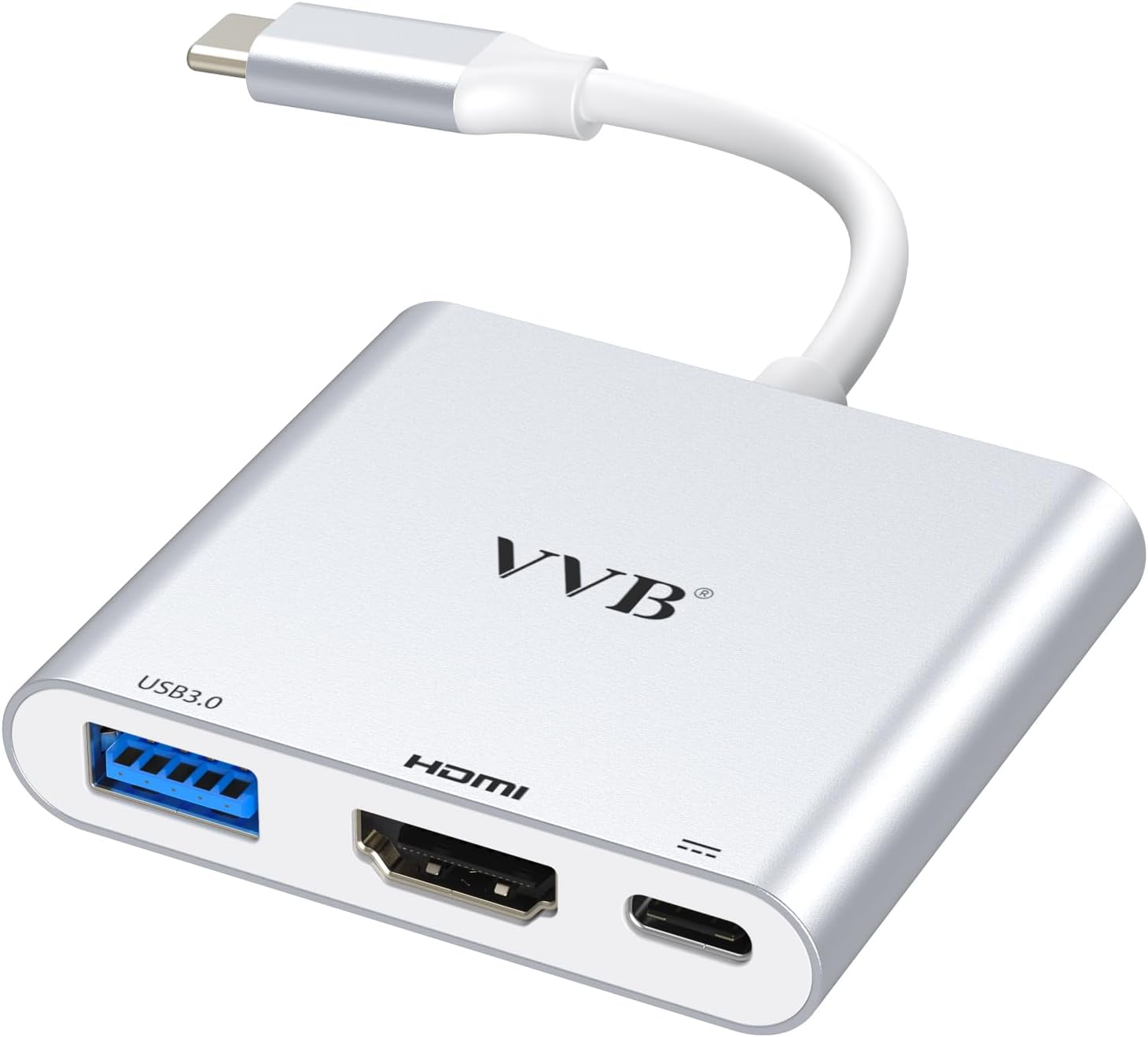
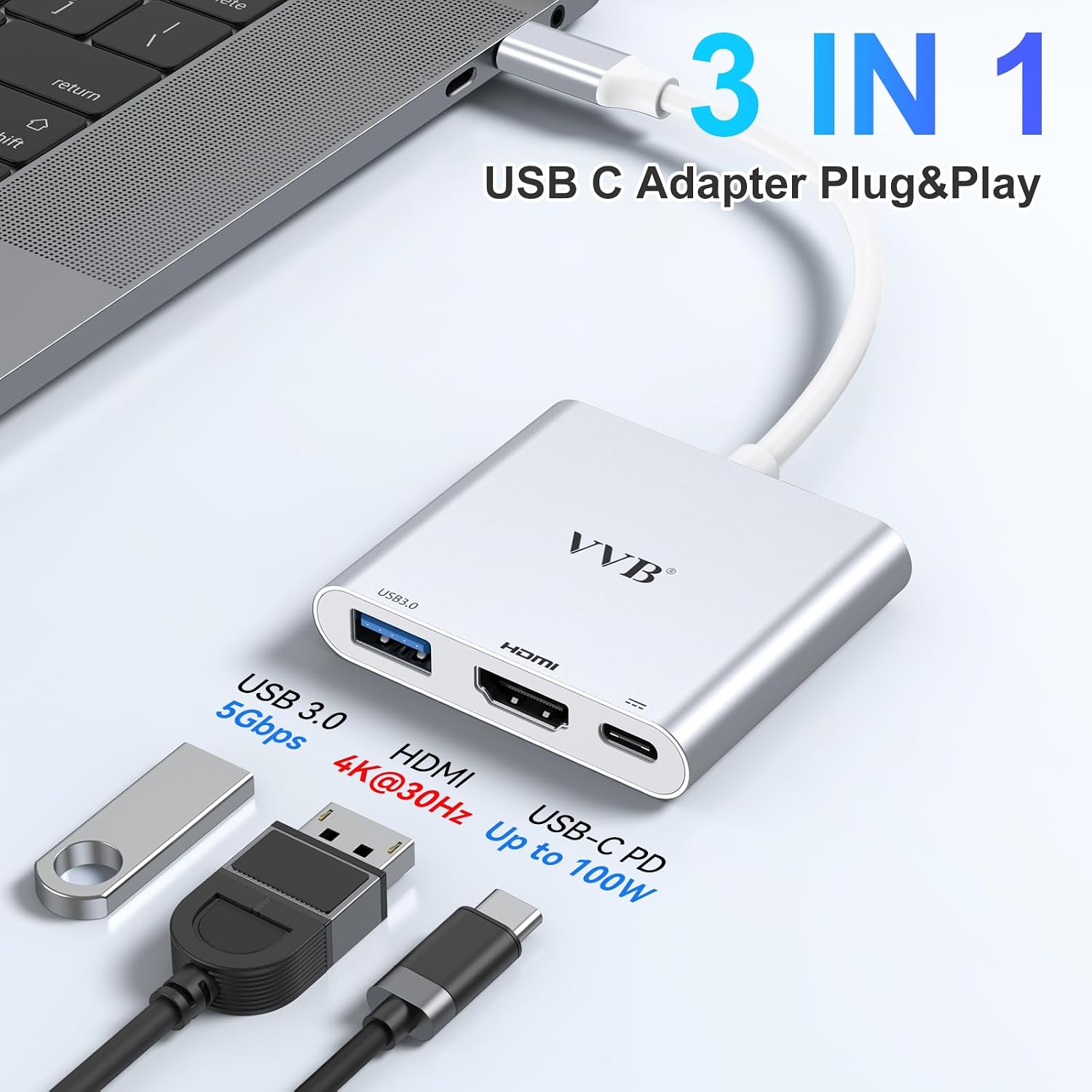
This compact USB C to HDMI adapter turns a single USB‑C port into a 4K HDMI output, a USB‑A 3.0 data port, and a PD charging pass‑through. It’s designed for connecting iPad Pro, MacBook, tablets, Switch and other USB‑C devices to TVs, monitors, or projectors so you can mirror or extend your screen for presentations, media, or extra desktop space.
Key features
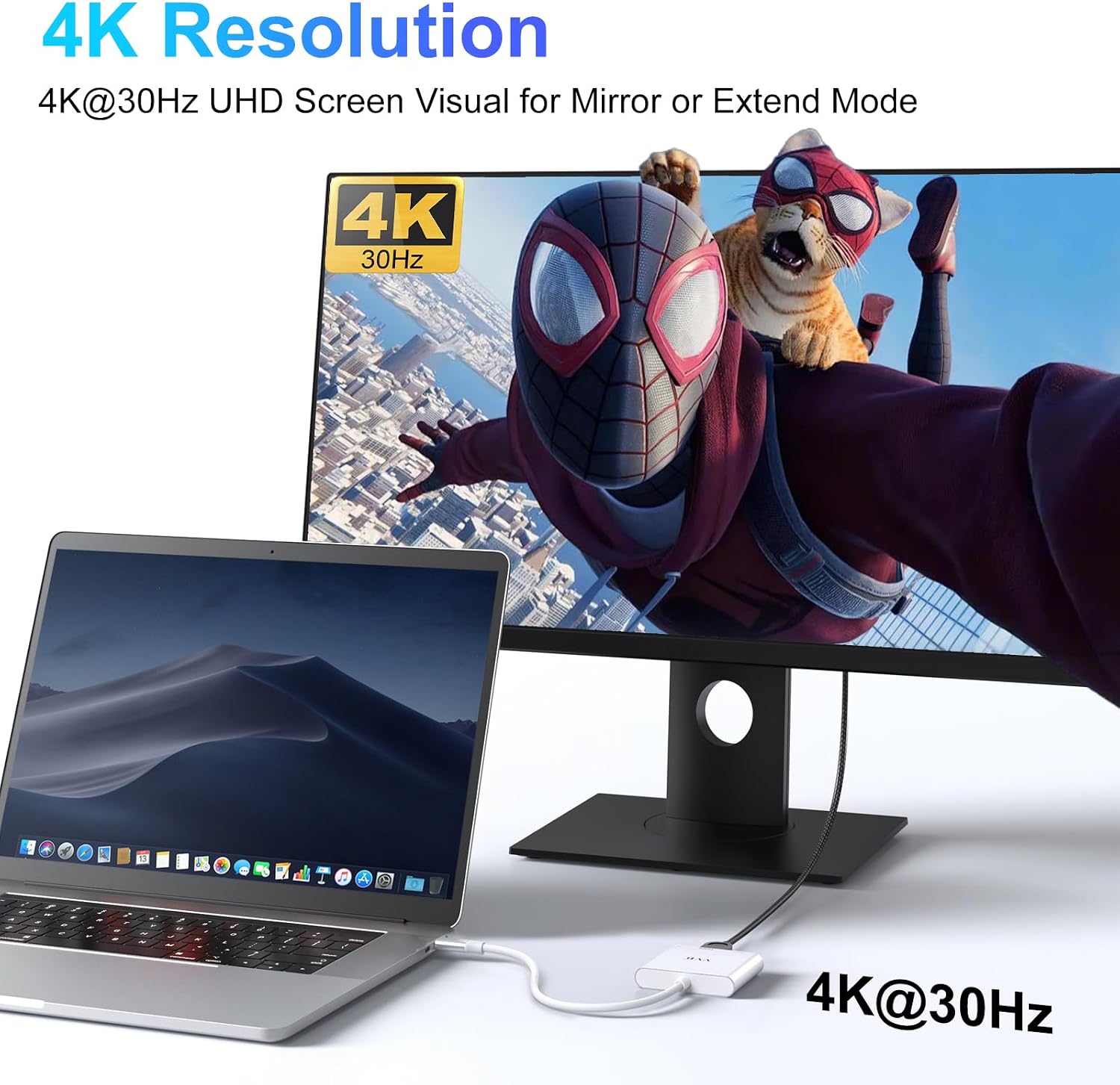
The adapter delivers Ultra HD 4K@30Hz video so you can enjoy sharper images and clearer playback on compatible displays. It supports mirror or extended desktop modes, making it useful for home theater setups, classroom displays, booth exhibitions, or boosting productivity in the office. USB C to HDMI Adapter is plug and play and does not require drivers, according to the manufacturer. Note that video performance depends on your device’s USB‑C output capabilities.
Specifications
- Name: USB C to HDMI Adapter
- Type: Multiport digital AV converter
- Format: HDMI output, USB‑A 3.0, Type C PD charge port
- Resolution: 3840x2160@30Hz
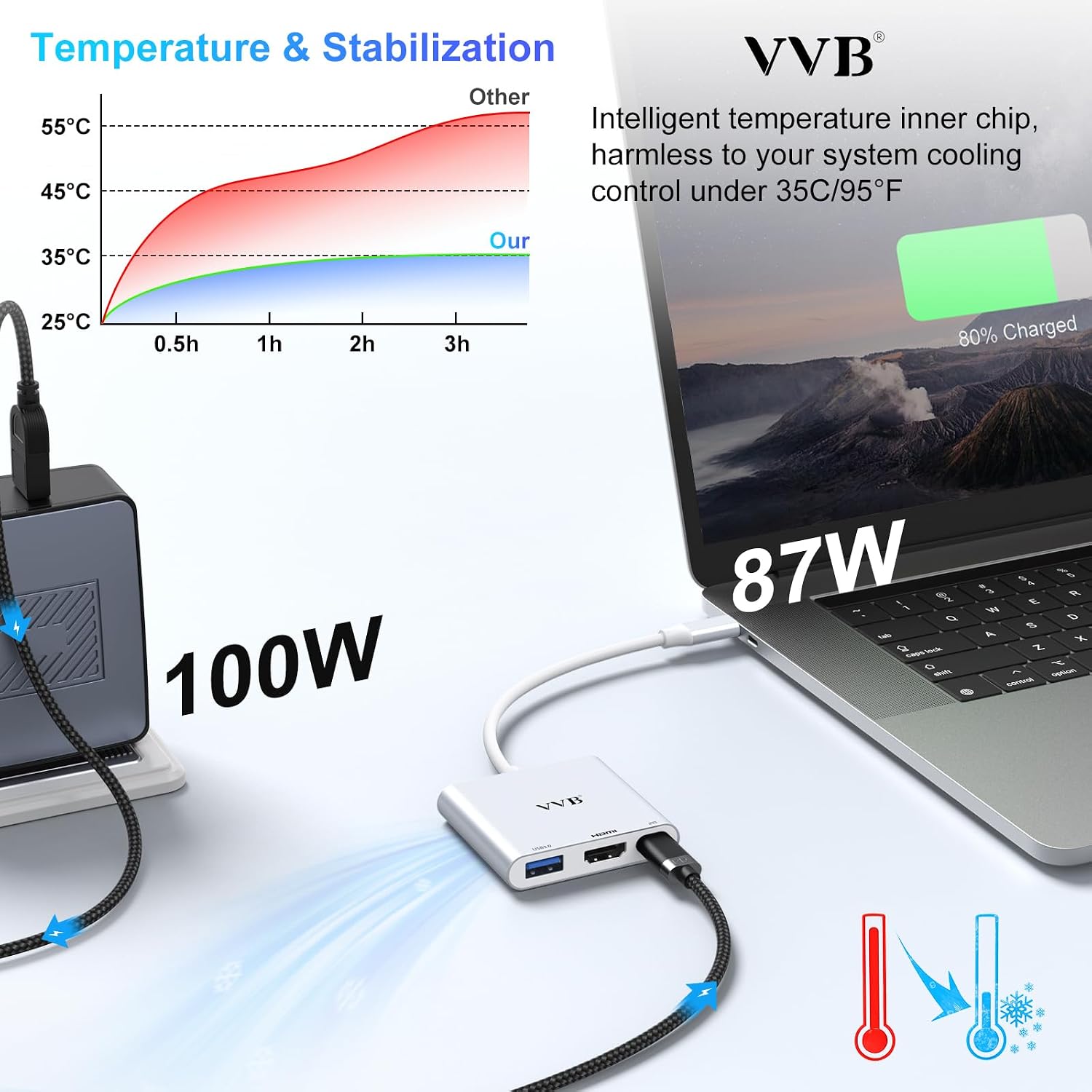
- Capacity: PD input up to 100W, safe output up to 87W
Benefits

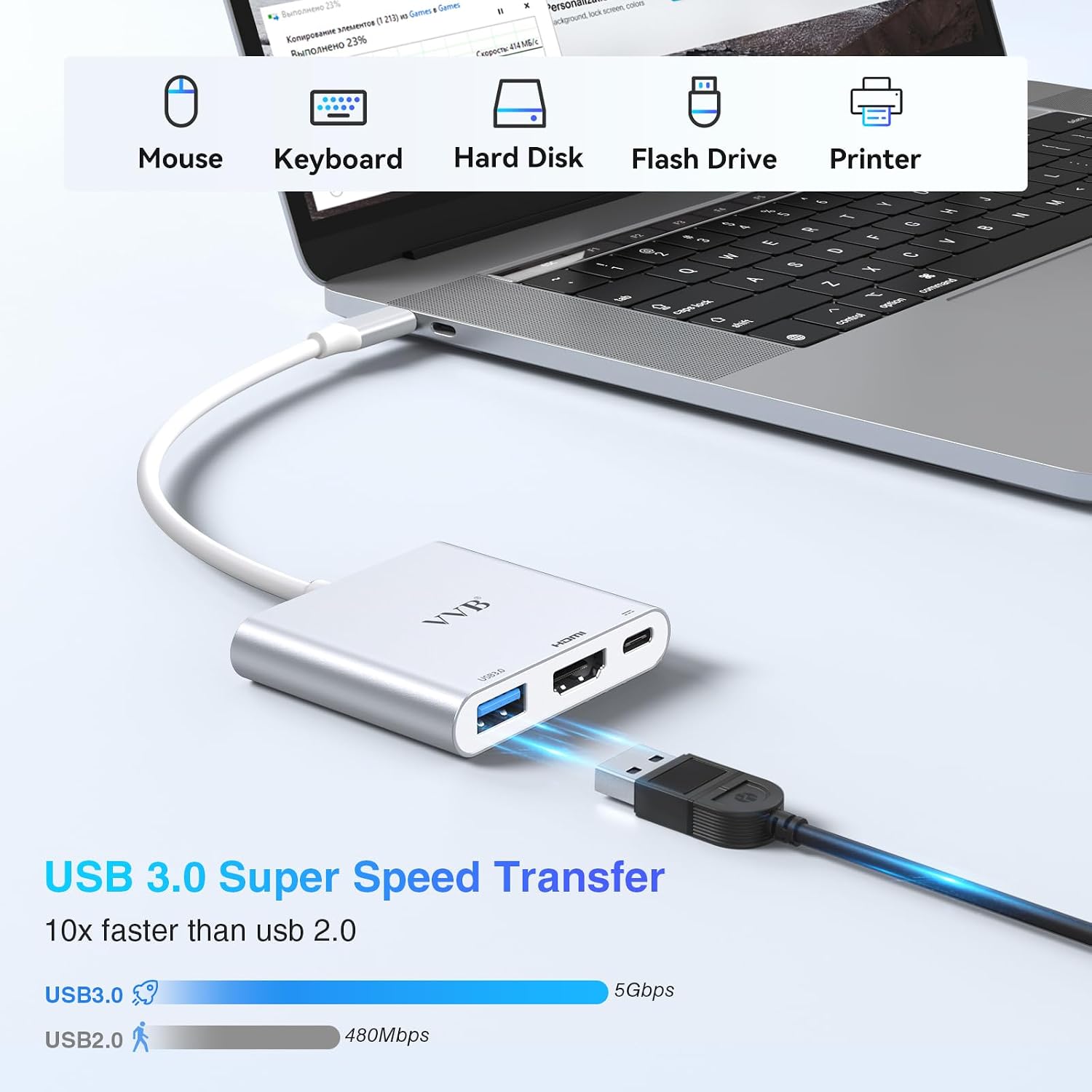
You get three functions in one small dongle, saving space and reducing cable clutter. The USB‑A 3.0 port supports up to 5Gbps transfers for flash drives, cameras, and external drives, which helps move large files faster than USB 2.0. Power delivery keeps your laptop or tablet charged while you use an external display, though you should use at least a 65W adapter to avoid low charge warnings. Keep in mind that the USB‑A port does not provide charging to connected devices.
How to use it
Plug the adapter into a full‑featured USB‑C port on your device that supports DisplayPort over USB‑C and PD charging. Connect an HDMI cable to your TV or monitor and attach a USB‑C PD charger to the PD port. If you need faster file transfers, connect USB storage to the USB‑A port. You’ll notice smoother workflows when you move between presentations and media playback, and it’s especially handy when traveling with a lightweight laptop or tablet. It’s a solid pick if you need a simple, portable way to add a single 4K display and basic USB connectivity while keeping your device charged.