

USB 3.0 HDMI KVM Switch 4K 2-Computer Setup
Reviews
Product description
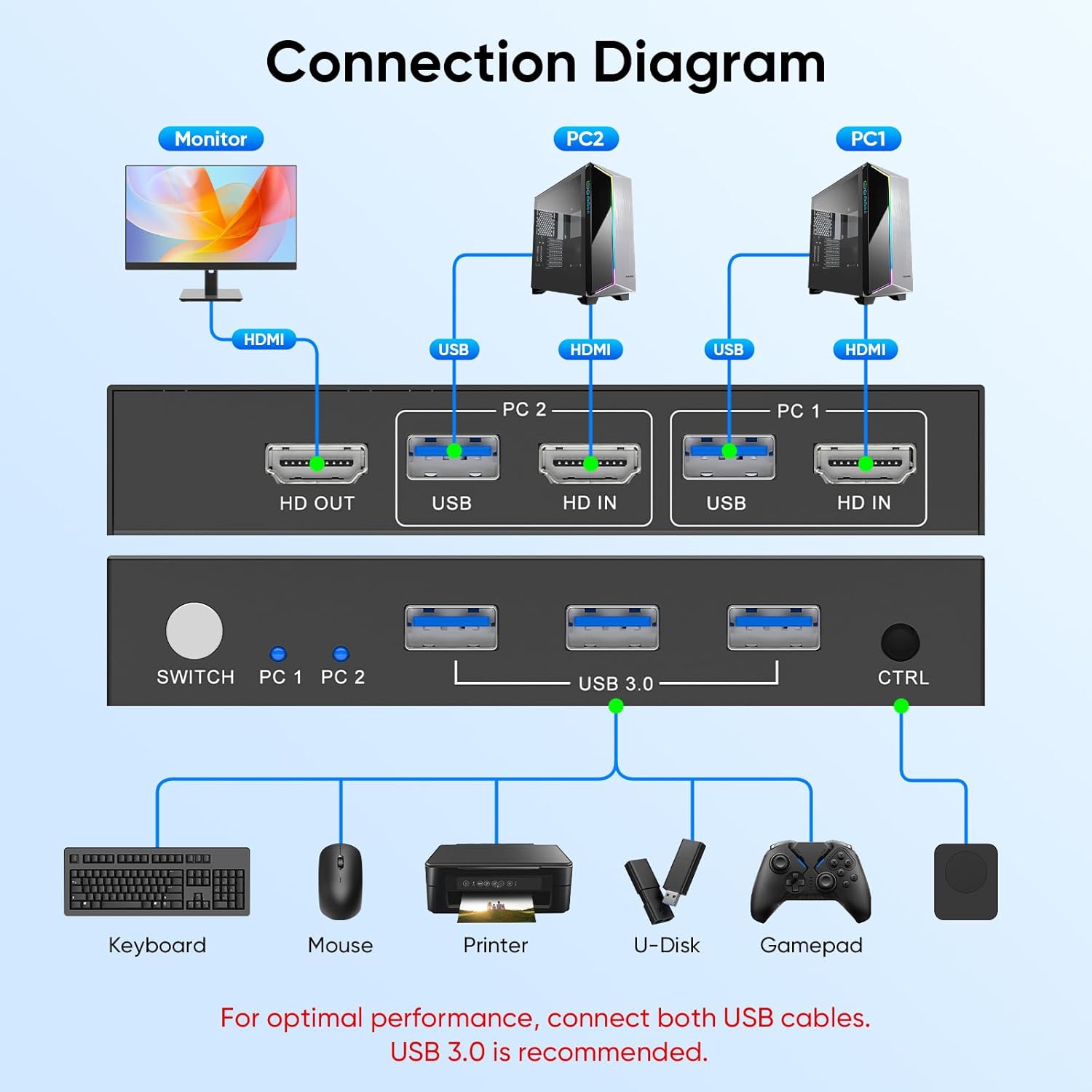
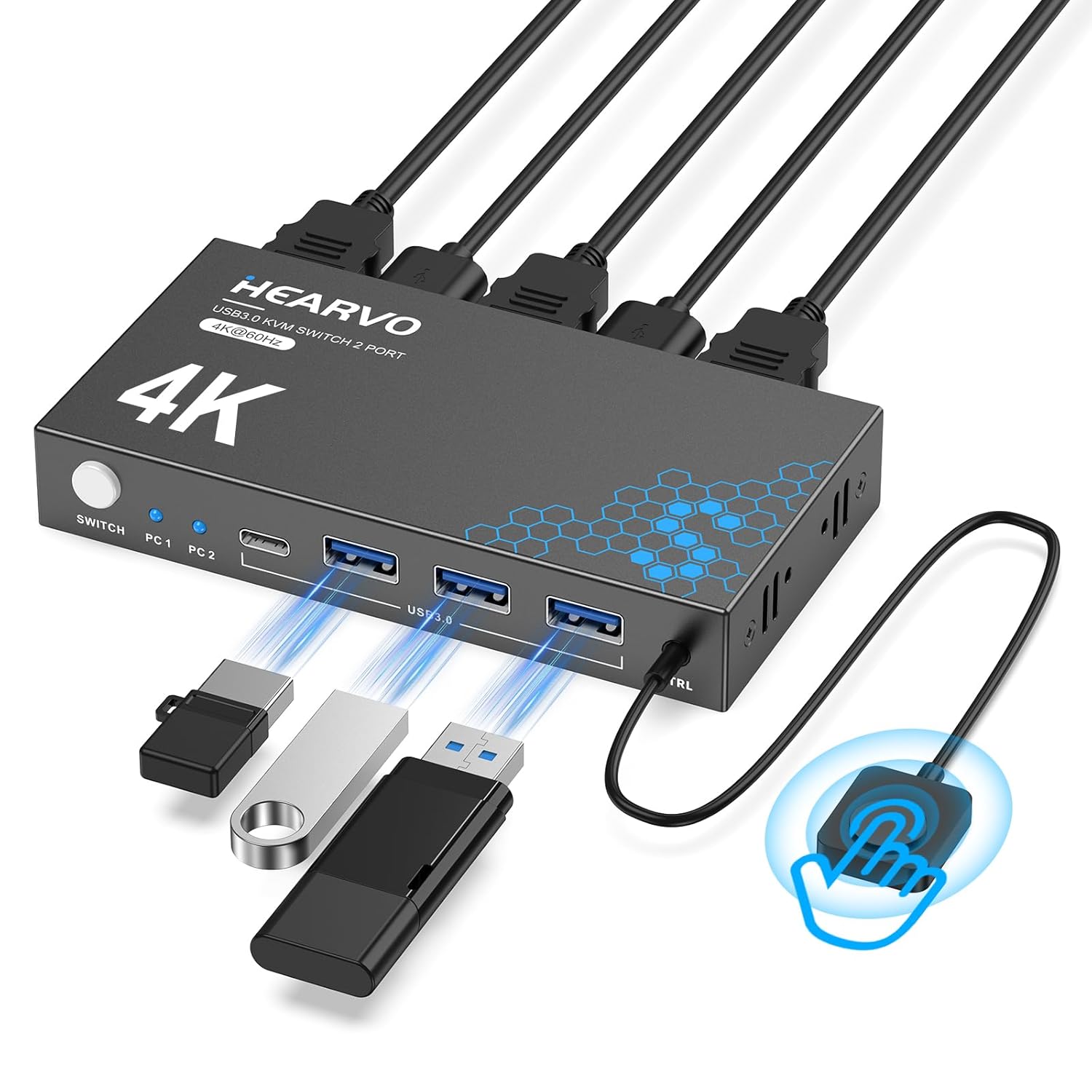
This HDMI KVM switch from Hearvo lets two computers share a single 4K monitor, keyboard, mouse and USB peripherals for streamlined multitasking at a desk or home office. It supports 4K@60Hz video for clearer detail while allowing fast USB 3.0 transfers to share external drives and printers between systems.
Key Points
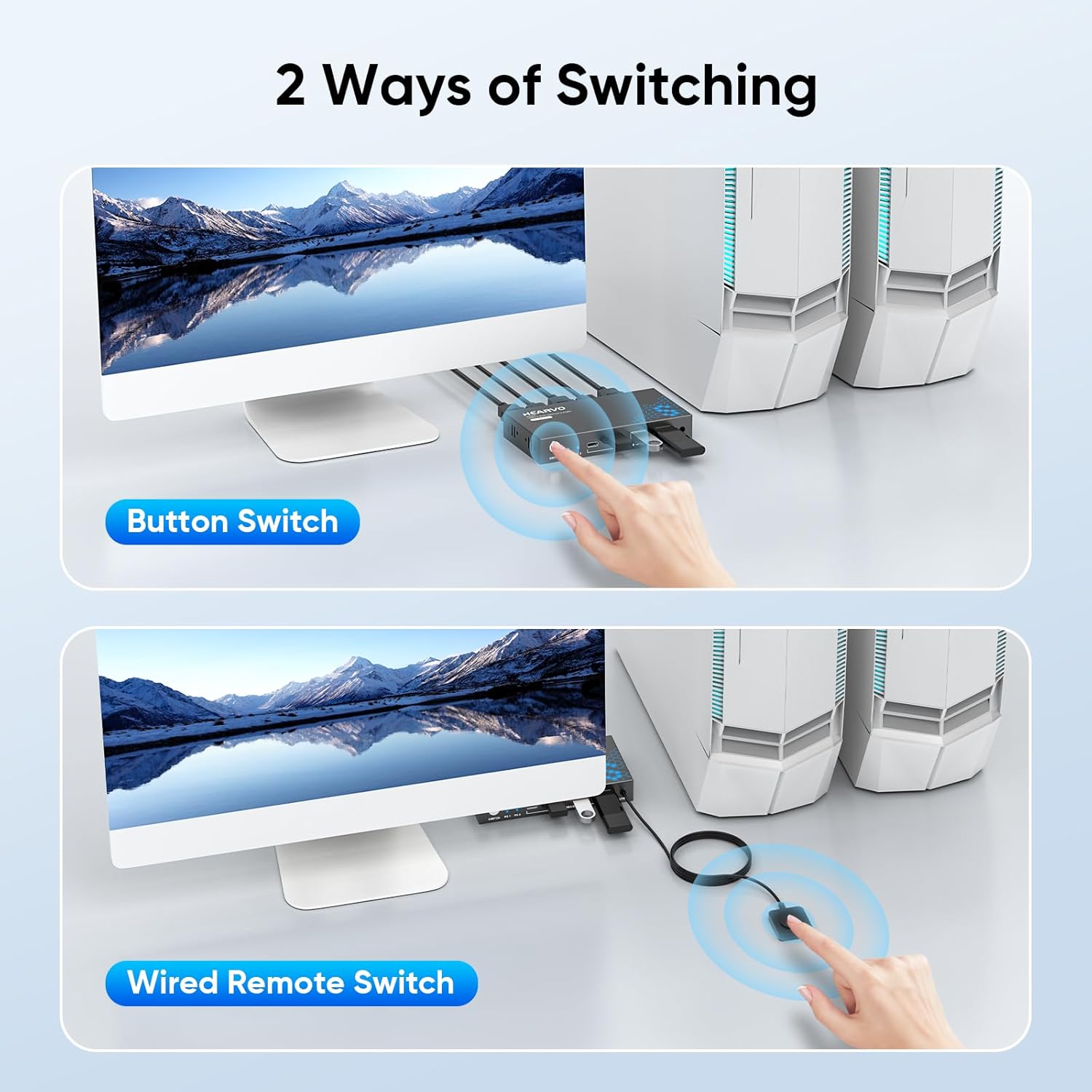
The unit combines an HDMI switch and a full USB KVM in one compact box, enabling quick toggling between two PCs, laptops or gaming consoles. Switching can be done with the onboard button or the included wired remote controller for convenient access when the device is hidden. According to the manufacturer, EDID adaptive handling keeps display settings stable when you change inputs, which helps prevent resolution drops or signal loss.
Technical Specifications
- Name: Hearvo USB 3.0 HDMI KVM Switch
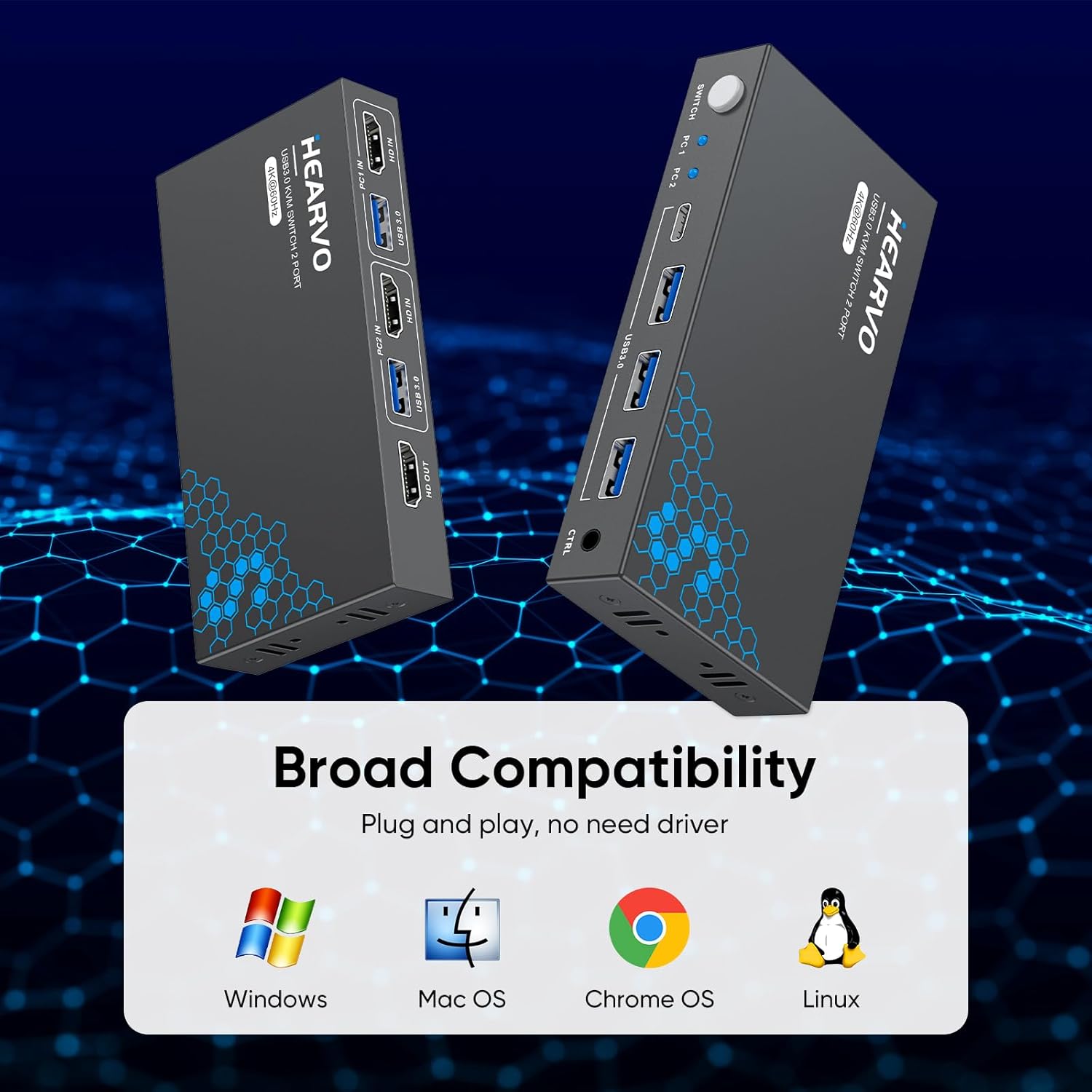
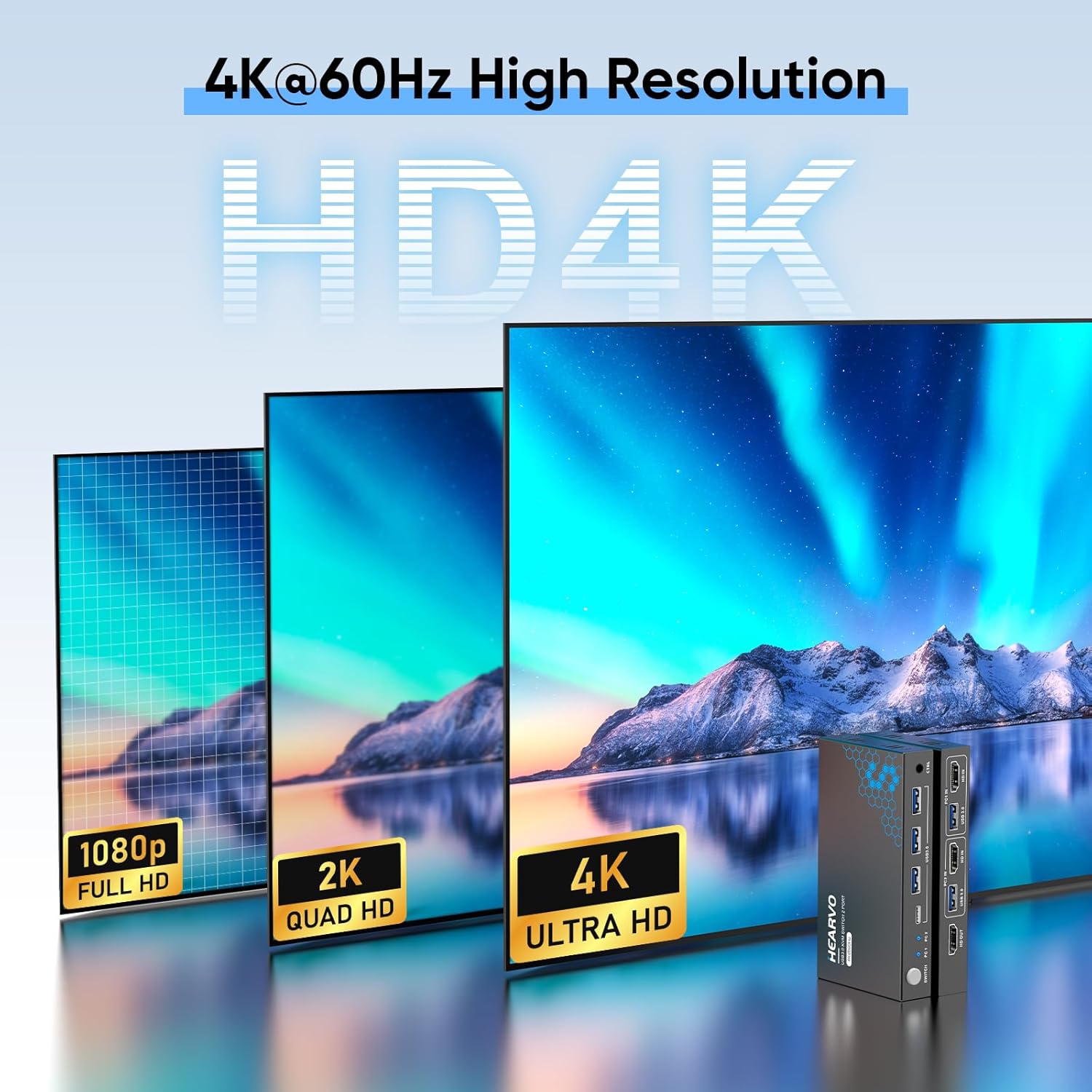
- Video resolution: 4K@60Hz, also supports 4K@30Hz, 2K, 3D and 1080P.
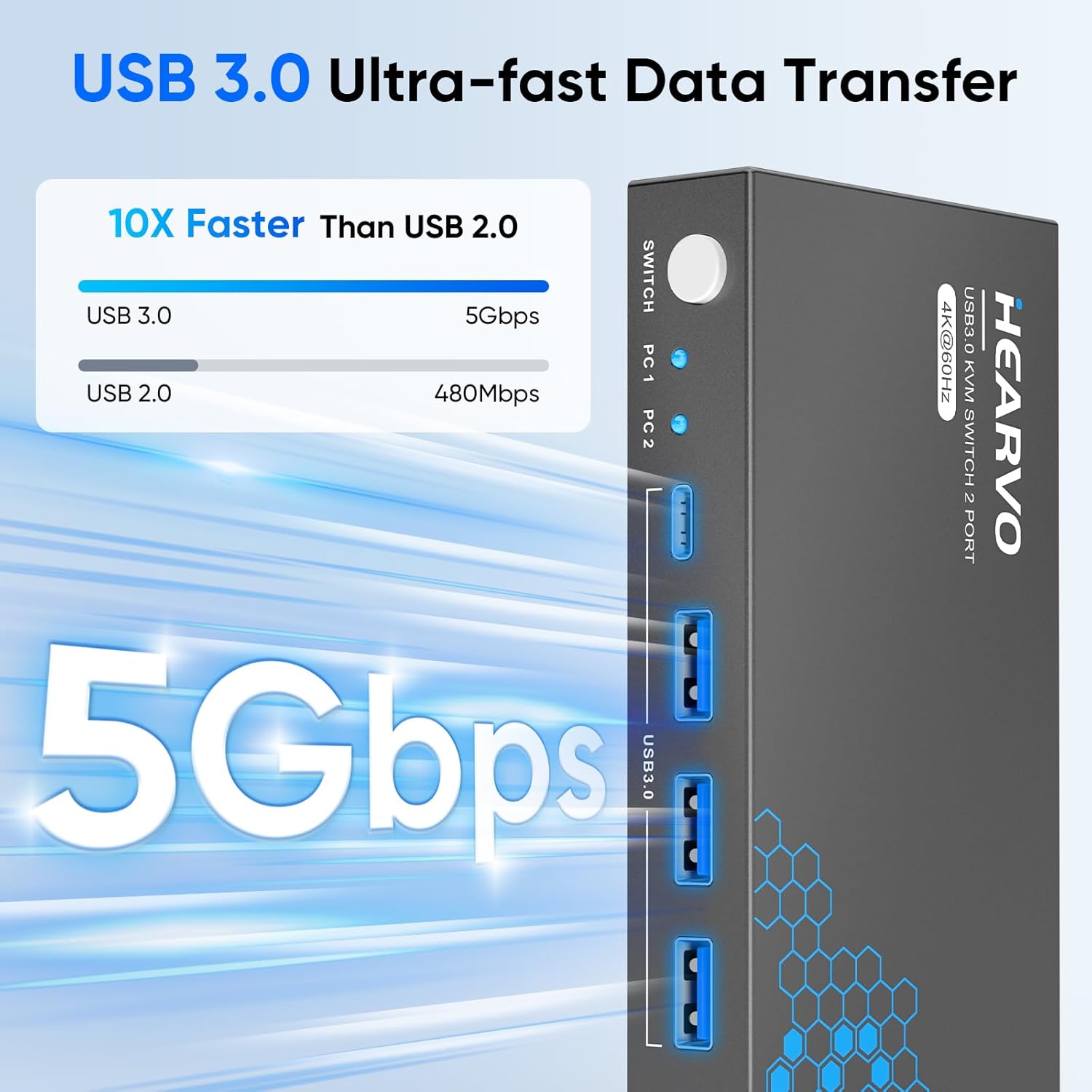
- USB: 3 x USB 3.0 ports with transfer speeds up to 5 Gbps.
- Compatibility: Windows 7/8/10/11, Vista, XP, Linux and Mac.
- HDCP: HDCP 2.2 support included.
Benefits
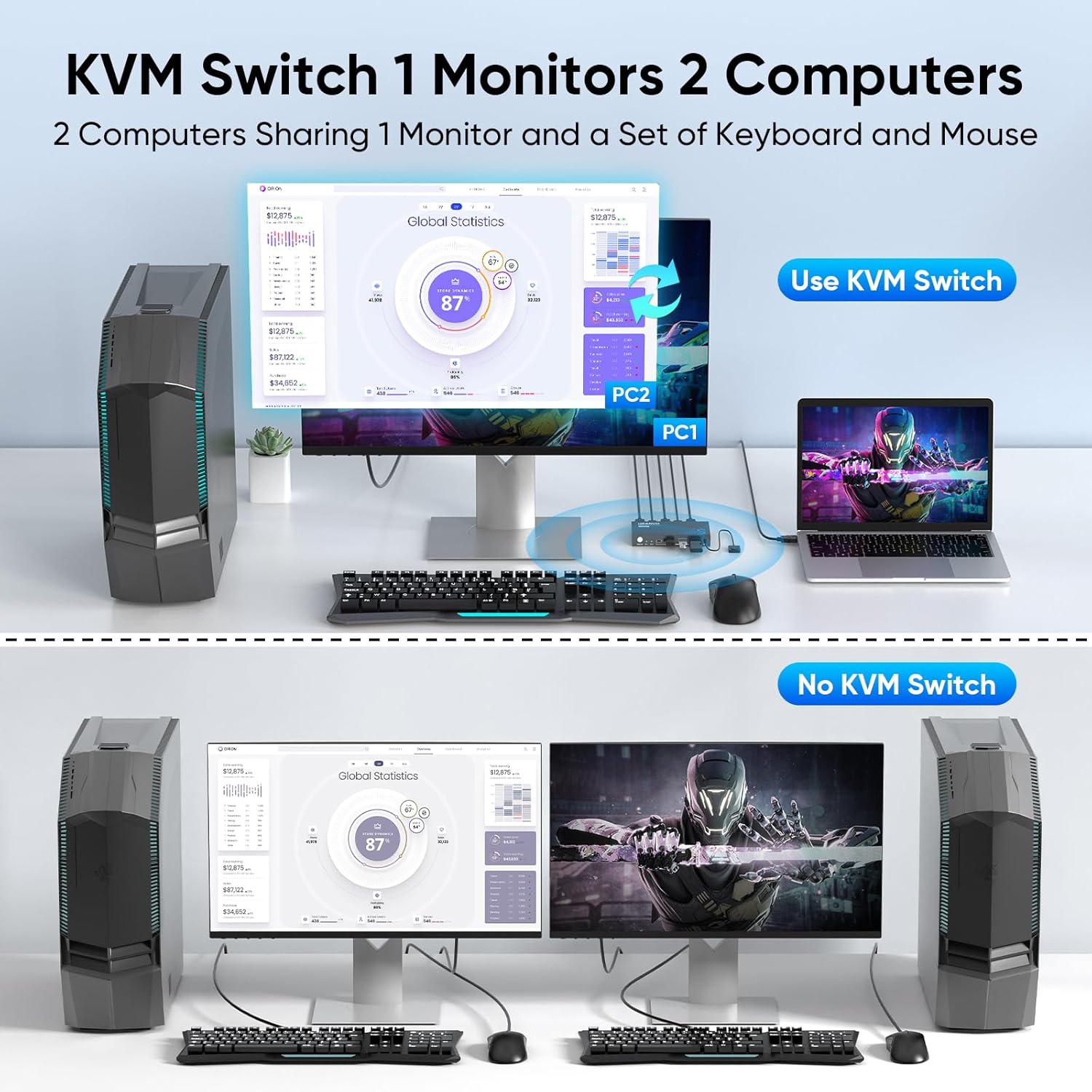
Sharing a single monitor and set of peripherals reduces cable clutter and keeps workspaces neater. High-speed USB 3.0 ports allow you to swap storage devices or printers between computers without unplugging cables, which saves time when transferring large files. The wired remote gives flexibility in placement so the switch can remain discreet while still being easy to operate.
Usage Recommendations
For optimal video performance, use high-quality HDMI cables rated for 4K@60Hz and ensure both connected devices support the target resolution. Place the remote controller within reach if you plan to switch frequently during work or gaming sessions. Consider that some specialized USB devices may require direct connection to a computer for full functionality, according to the manufacturer.