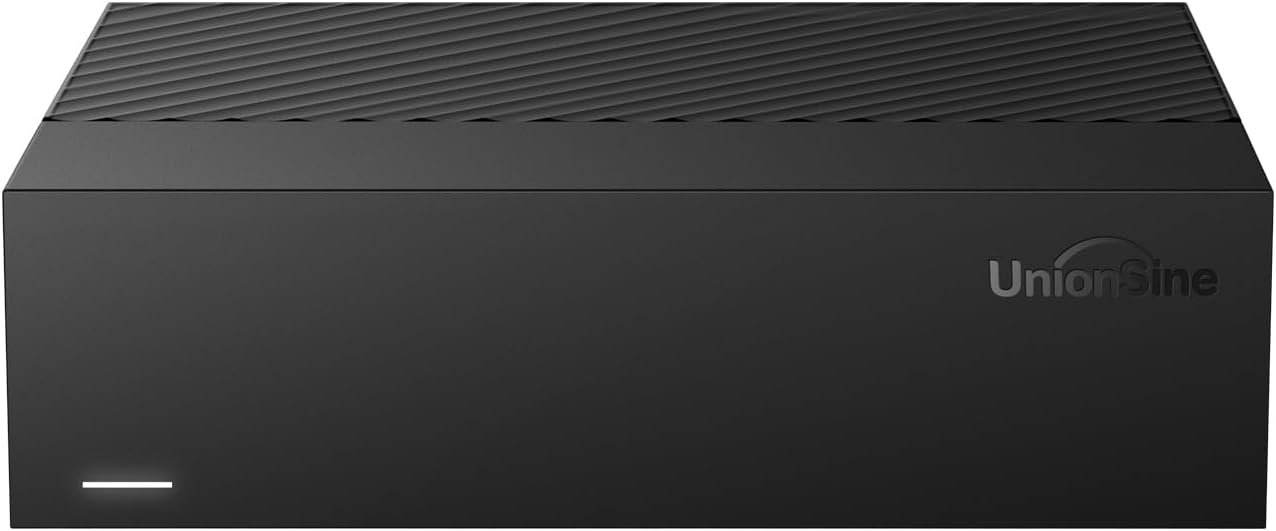
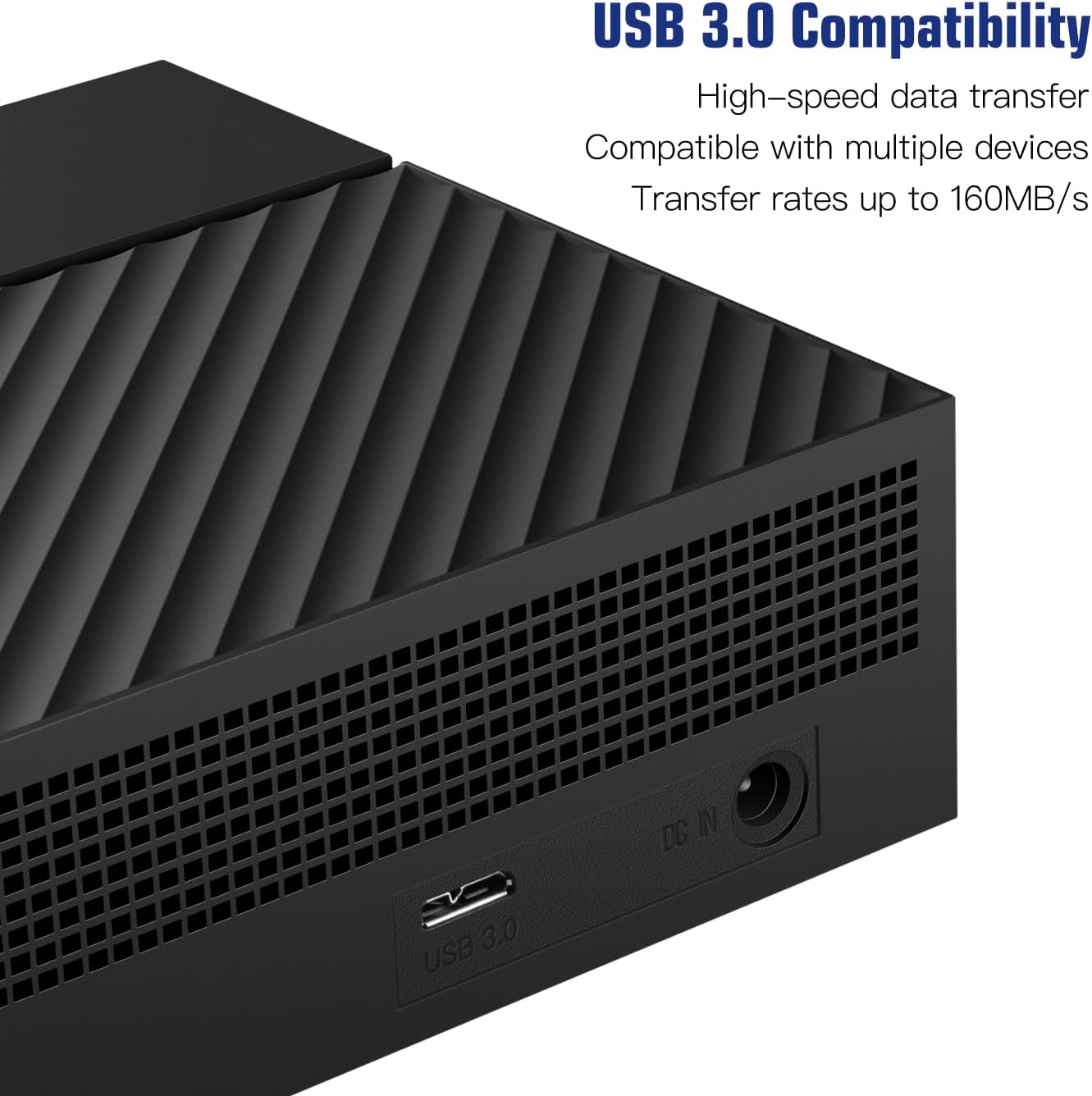
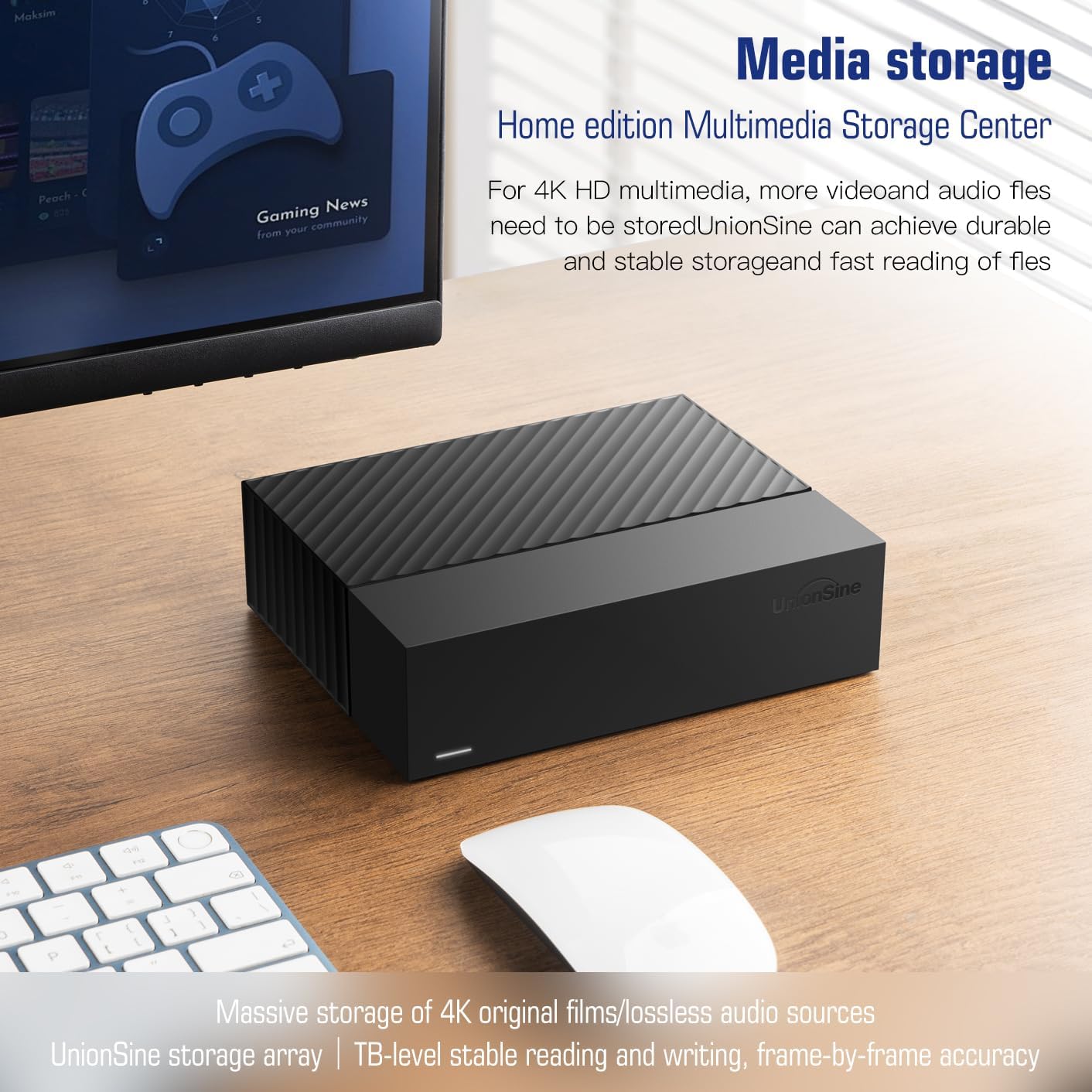
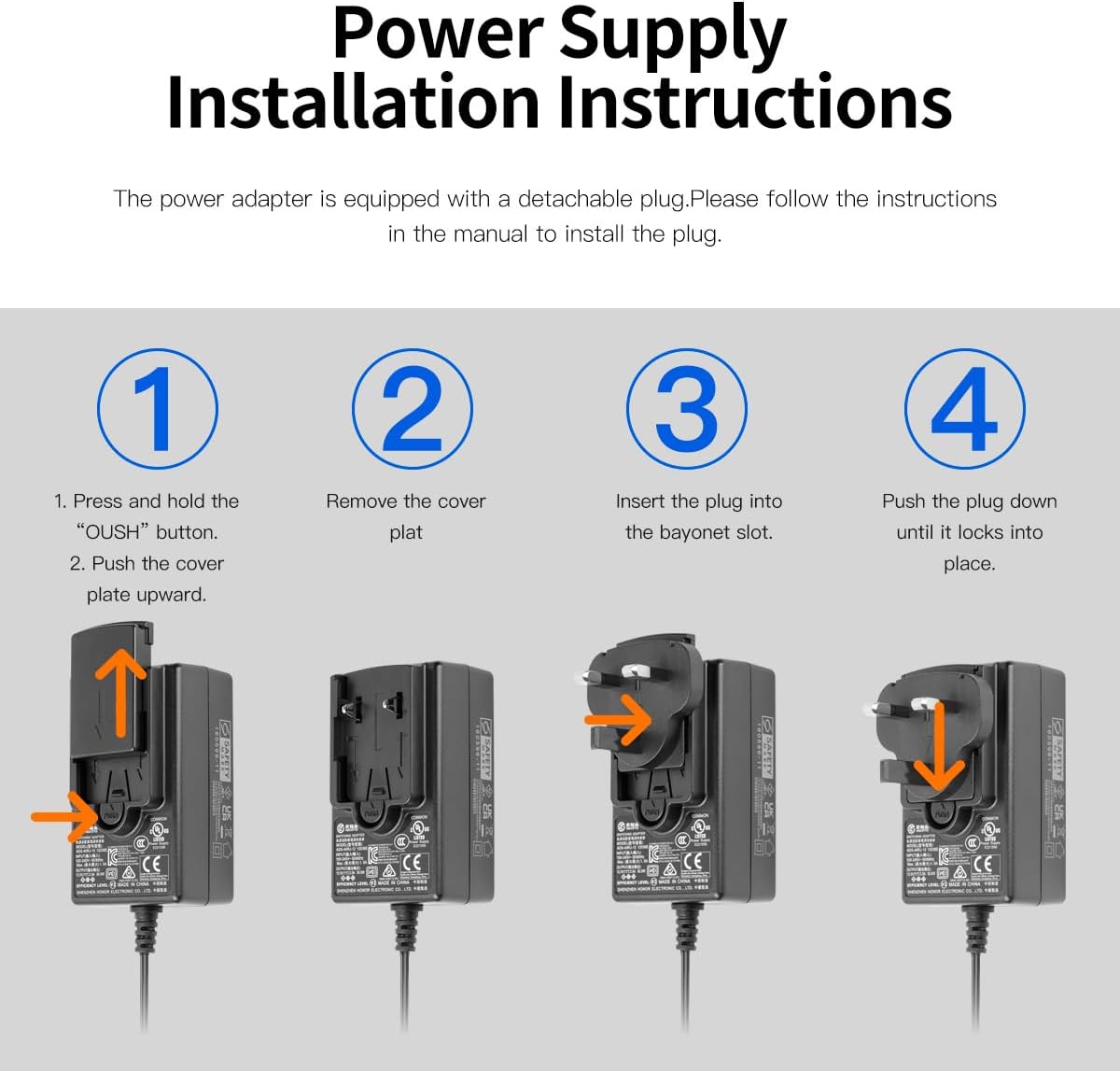
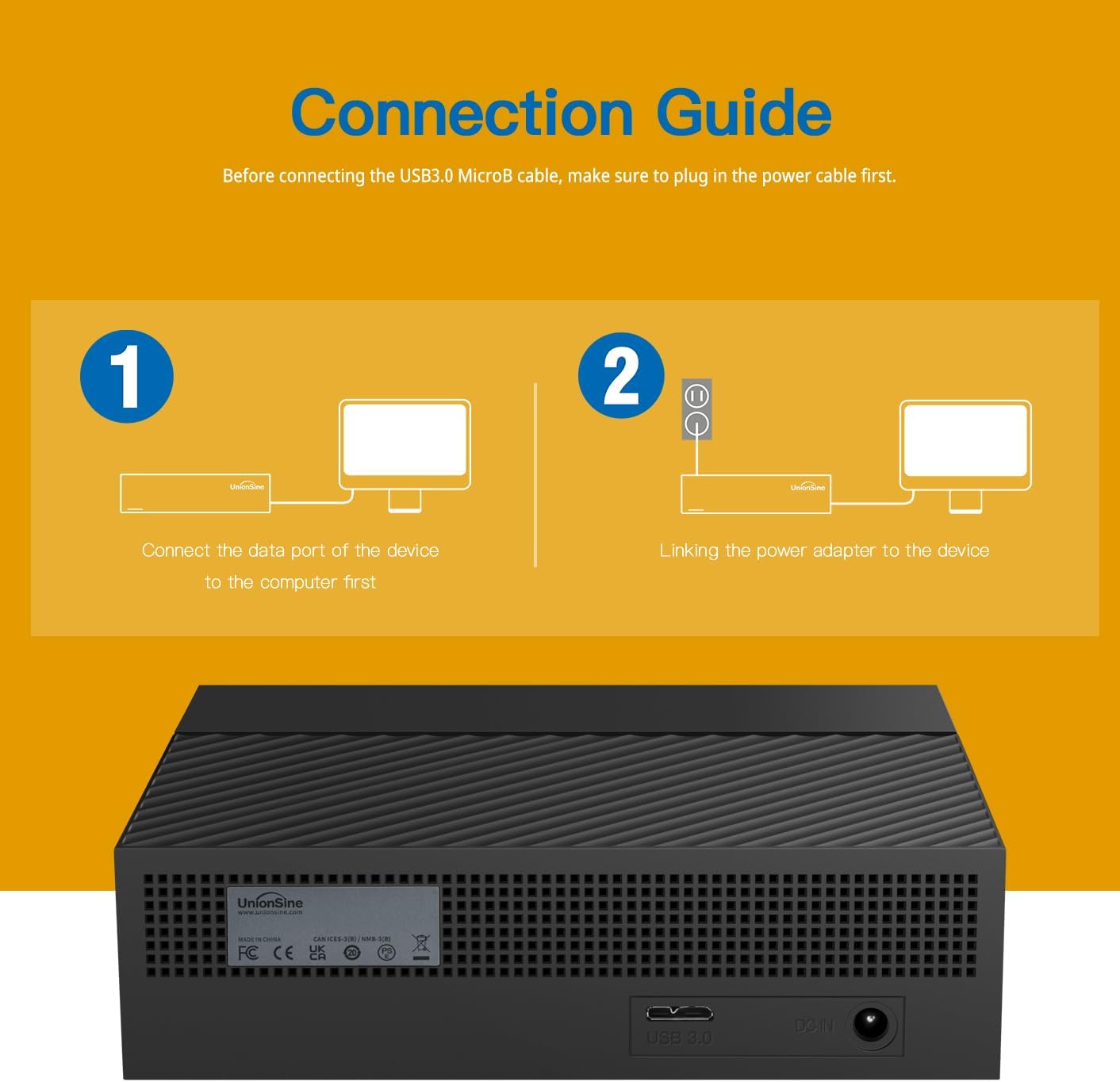
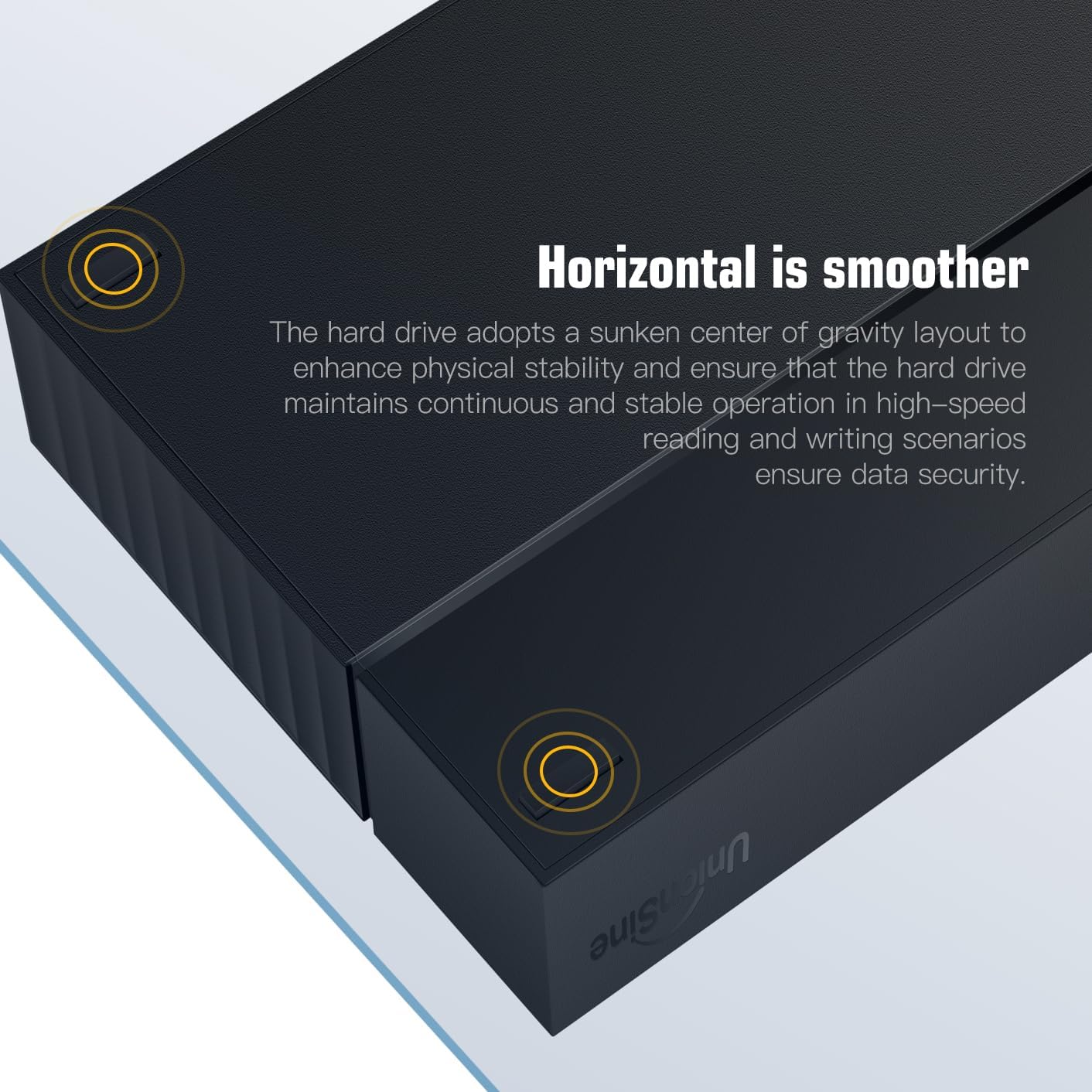
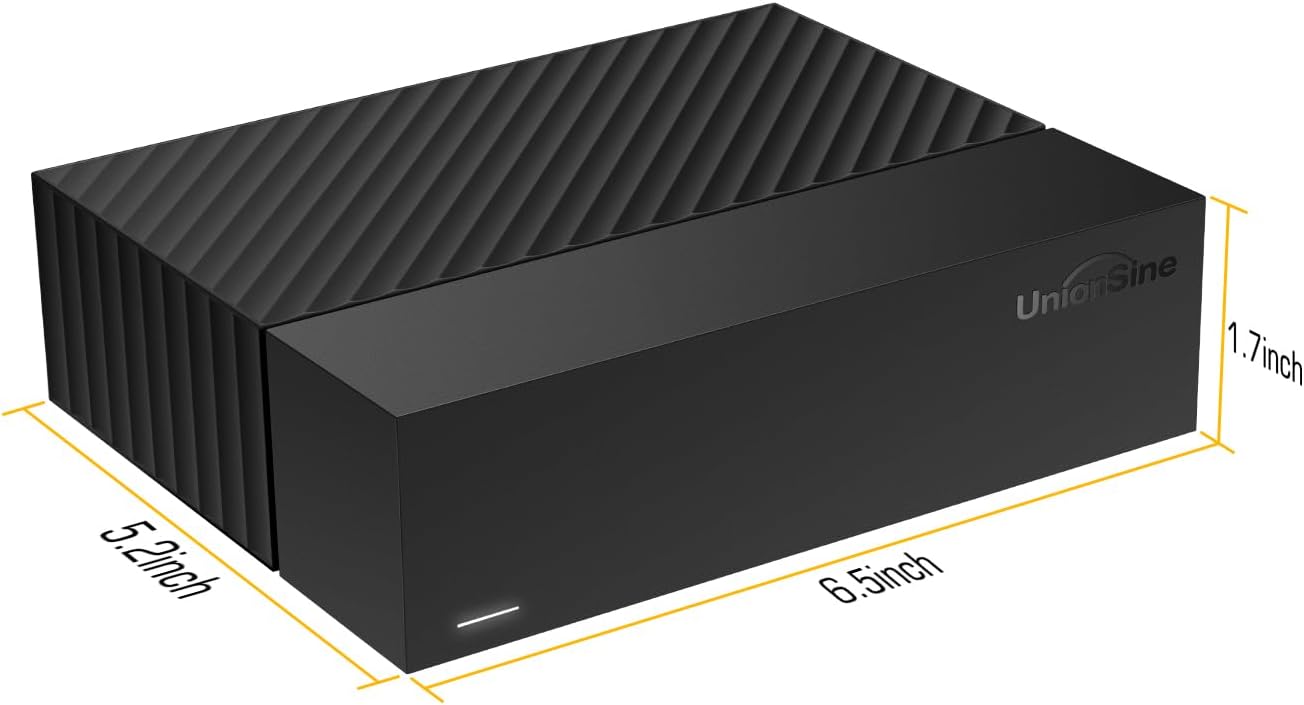
What it is and who it’s for\nThe UnionSine Desktop External Hard Drive is a 3.5-inch, horizontally oriented storage solution aimed at users who need a lot of space. With a listed capacity up to 18TB, the 16TB variant is positioned as a high-capacity option for backups, media libraries, 4K video storage, gaming libraries, and work files. On the paper, it combines a USB 3.0 interface for faster transfers with a robust 12V/3A power supply and an anti-vibration silicone design to keep noise down in a desktop setup.\n\n## How it’s designed to perform\nThis drive uses a USB3.0 MicroB connection and claims theoretical read/write speeds of about 130–270MB/s. That range suggests it’s capable of handling large file transfers and everyday file syncing, but real-world speeds can vary based on your host system, cable quality, and the file sizes you’re dealing with. It’s described as plug-and-play with no driver required, though the instruction to connect power first is important for stable operation.\n\n## Strengths you’ll notice in use\n- Very large capacity options are ideal for media archives, PC backups, or game libraries that outgrow smaller drives.\n- Broad compatibility claim covers Windows, Mac, Linux, Android, TV, DVD players, and even Xbox, which makes it flexible for mixed setups.\n- The included power supply and anti-vibration design suggest it’s built for reliability and steadier performance under continuous use.\n- The 3.5" form factor typically means you’ll get good sustained transfer behavior and lower drive wear for long backup sessions.\n\n## Potential limits and caveats\n- The stated speeds are theoretical, actual performance depends on the host platform, USB ports, and file types. If you’re after blazing-fast transfers for large video projects, you might see a gap versus high-end internal SSDs or USB-C/Thunderbolt solutions.\n- The “actual capacity may differ” note is common in HDDs, with 16TB marketed, you might see a usable slightly under that figure in some formats or systems.\n- Compatibility is broad, but some users report variability across devices when connecting to non-Windows environments, it’s wise to verify your TV or console’s support for external hard drives before relying on it for recording.\n\n## Ideal user profiles\n- A household with multiple devices needing a centralized, high-capacity storage hub.\n- A streamer or content creator who stores video backups and large media libraries.\n- An office or student setup that requires reliable file storage for projects, backups, or large datasets.\nIf you prioritize speed and portability, this isn’t the lightest or fastest option, but it trades that for generous capacity and broad compatibility.\n\n## When it may not be the best fit\n- If you need speed above all else or plan to edit 4K content directly off the drive, consider faster interfaces or different form factors.\n- If you only need moderate storage, the size and power requirements may feel excessive.\n- If your primary device ecosystem is a single platform with limited external drive support, verify compatibility with that system before purchase.\n\n## What to check before buying\n- Confirm your host device supports external USB 3.0 storage and that you can provide the 12V/3A power supply.\n- Ensure your media or backup software is configured to use external drives and that you have a backup strategy in place.\n- Take note of the capacity labeling: the listed 16TB may appear as a different usable capacity due to formatting and measurement standards.\n- Consider the environment: a quiet workspace benefits from the anti-vibration design, but the drive will still generate some noise under load typical of desktop HDDs.\n\n## Practical usage example\nImagine a home media server setup where you back up your photo and video libraries, plus store a growing collection of 4K rips. You connect the UnionSine drive to a USB 3.0 port, power it up, and designate it as your primary backup target. The drive remains connected for daily backups, while you access large files across devices without re-copying them to a smaller drive.\n\n## What’s included\n- 1 external hard drive\n- 1 data cable\n- 1 power adapter\n- 1 user manual\n\n## FAQ (quick answers)\n- Q: Do I need to install drivers? A: No driver is required, it’s designed as Plug and Play.\n- Q: What devices is it compatible with? A: The drive lists compatibility with Windows, Mac, Linux, Android, TV, DVD, and Xbox.\n- Q: How loud is it? A: It uses anti-vibration silicone to reduce noise, but desktop HDDs can still produce audible operation under sustained transfers.\n-- Is it worth it? The answer depends on your need for high capacity and cross-device flexibility more than top-tier transfer speeds. If you routinely back up large libraries or store multi-terabyte video projects across multiple devices, it can make sense. For ultra-fast editing workflows or portable use, you may want to consider alternatives with faster interfaces or smaller form factors.\n