

Uineer Vertical Wireless Mouse 2.4GHz
Product description
Key specifications
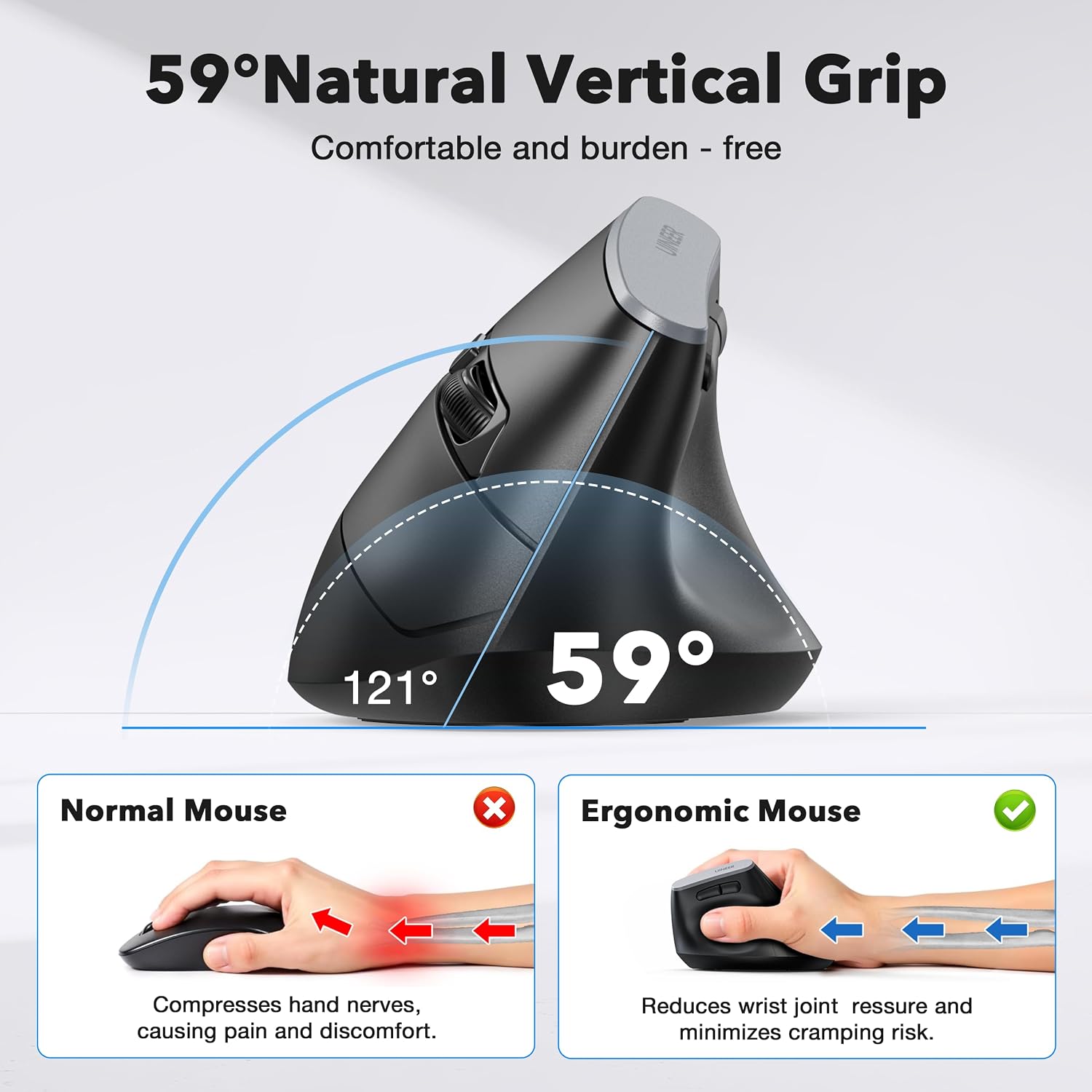
This vertical mouse is aimed at people who spend long stretches working at a computer and want a different hand position from the usual flat, horizontal design. Its 59-degree angle is shaped to encourage a handshake-style grip, though comfort will still depend on your hand and how you hold a mouse.
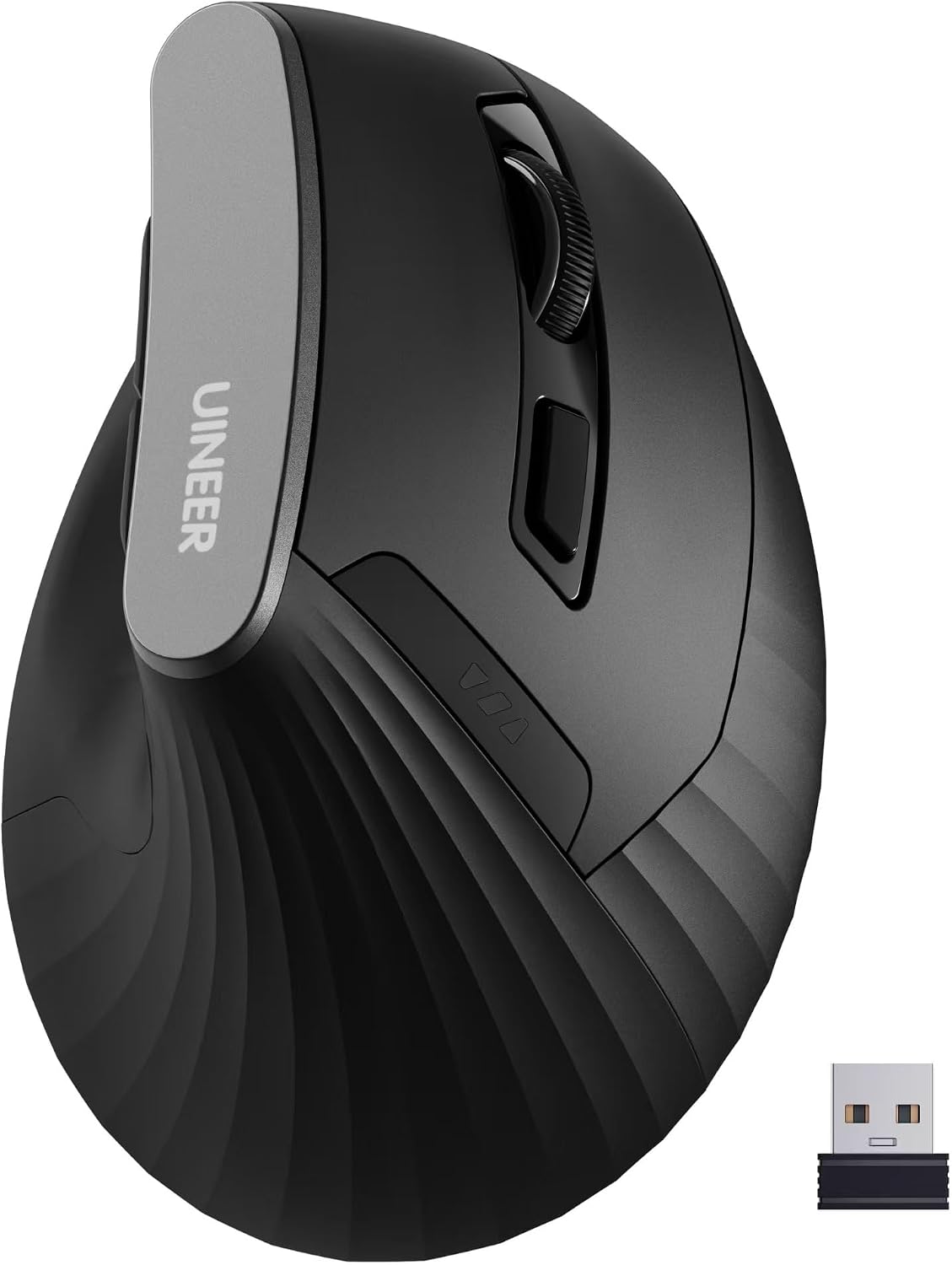
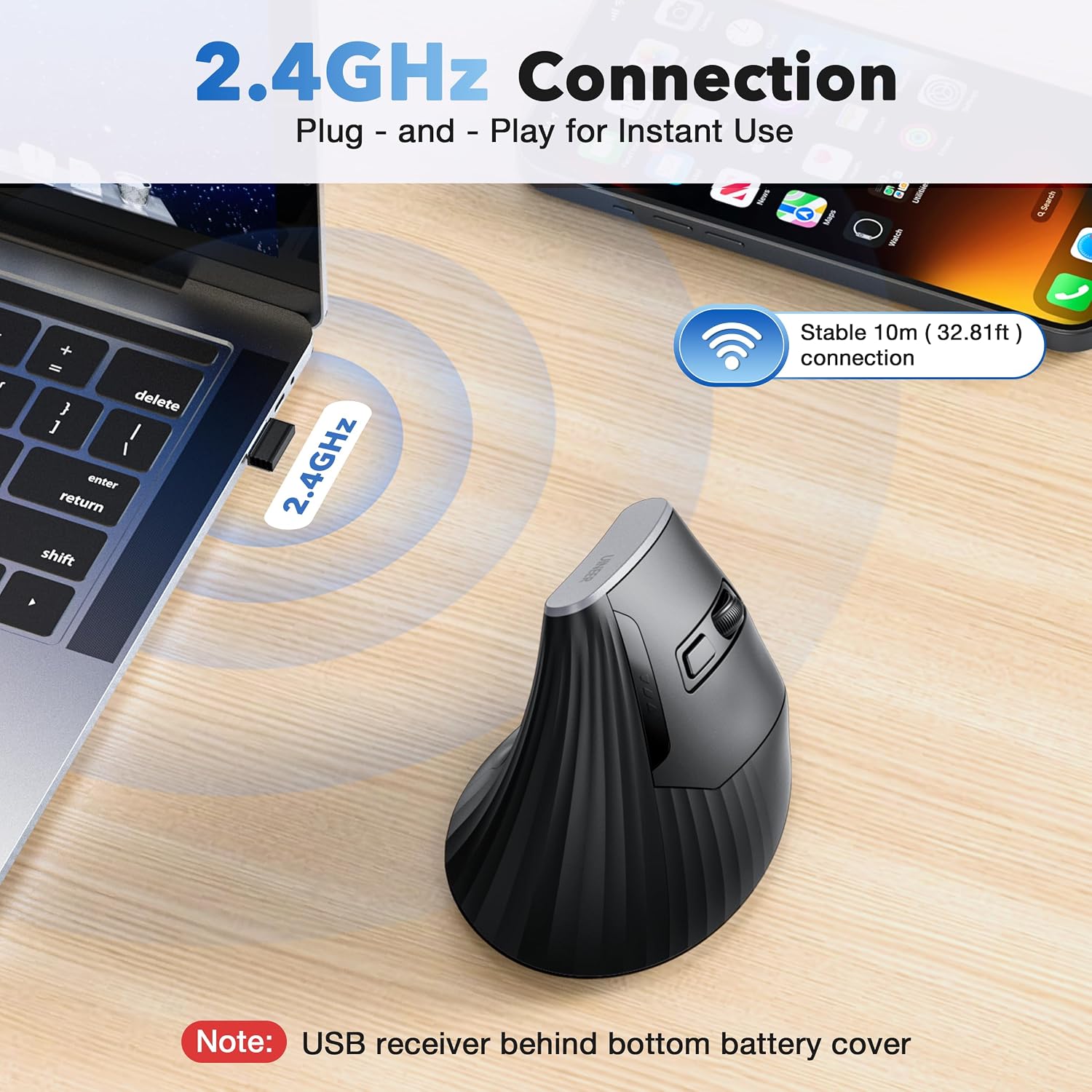
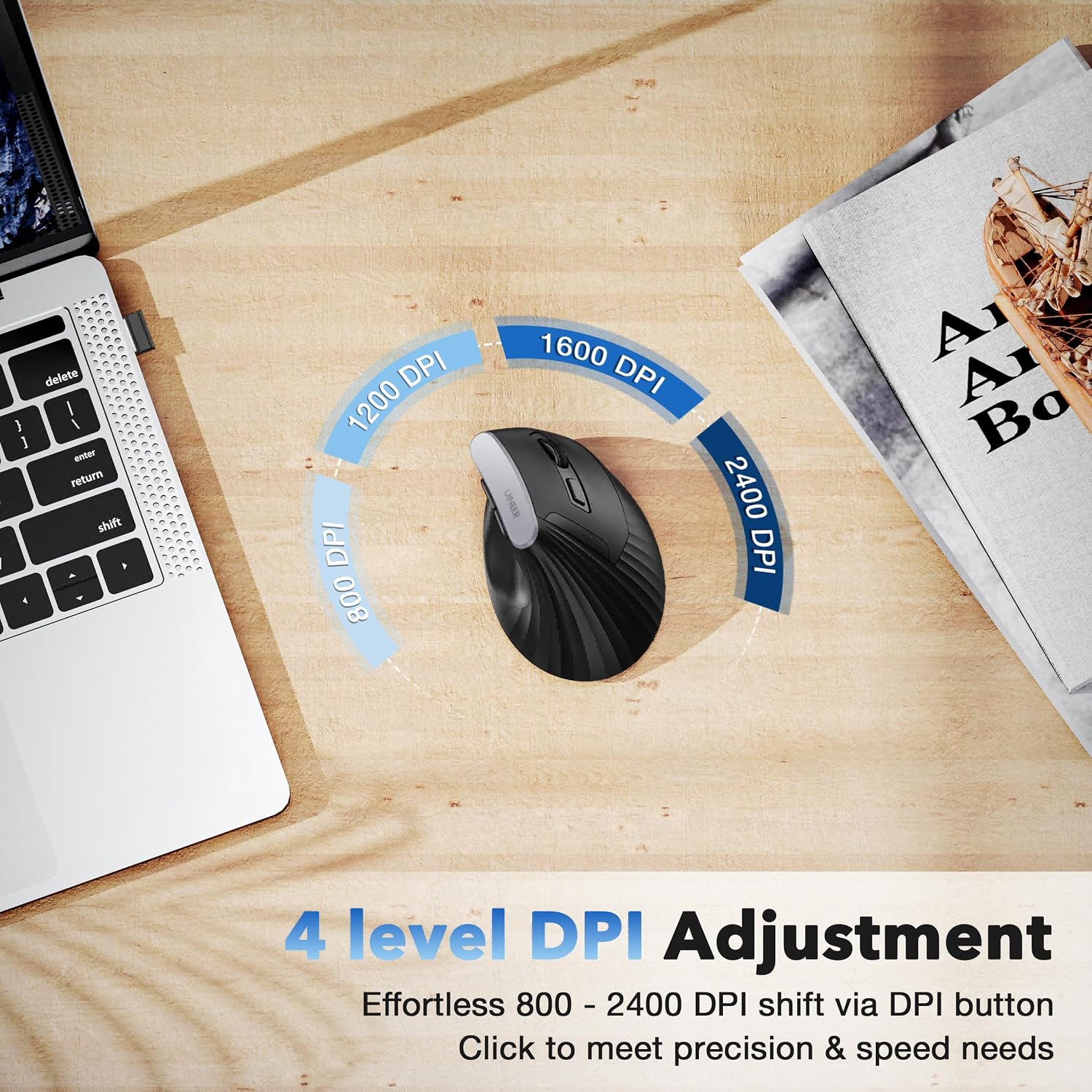
It connects over 2.4GHz wireless through a USB-A receiver, with a stated range of up to 33 feet. Four DPI settings—800, 1200, 1600, and 2400—let you choose between slower pointer movement for detailed work and faster movement across a screen. The six-button layout includes forward and back buttons near the thumb rest. Left and right clicks are described as quiet.
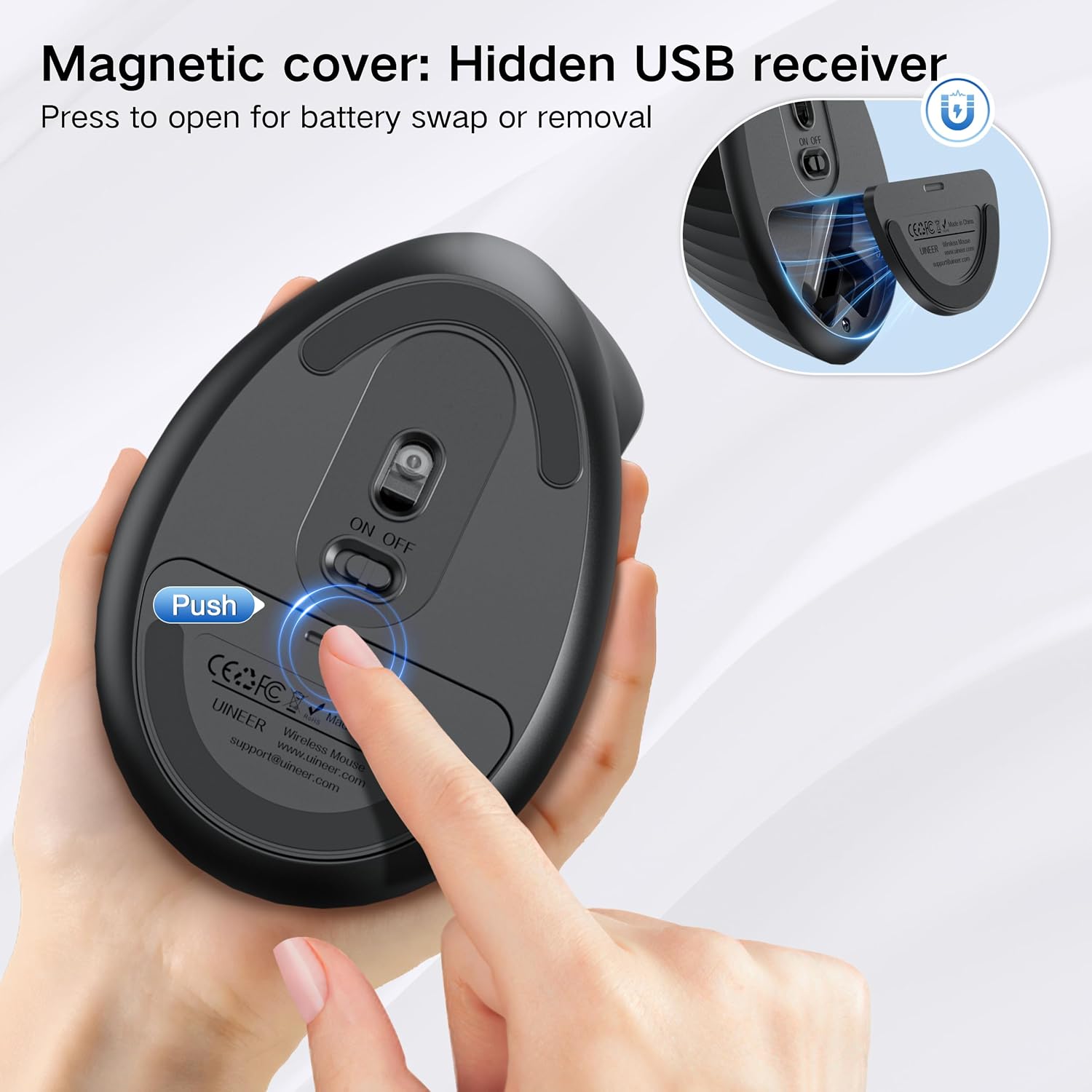
The listing specifies a 12-month battery life and says an AA battery is included. An automatic sleep mode activates after 8 minutes of inactivity. The receiver stores in the mouse when not in use, which is handy when packing it with a laptop.
Who it’s for
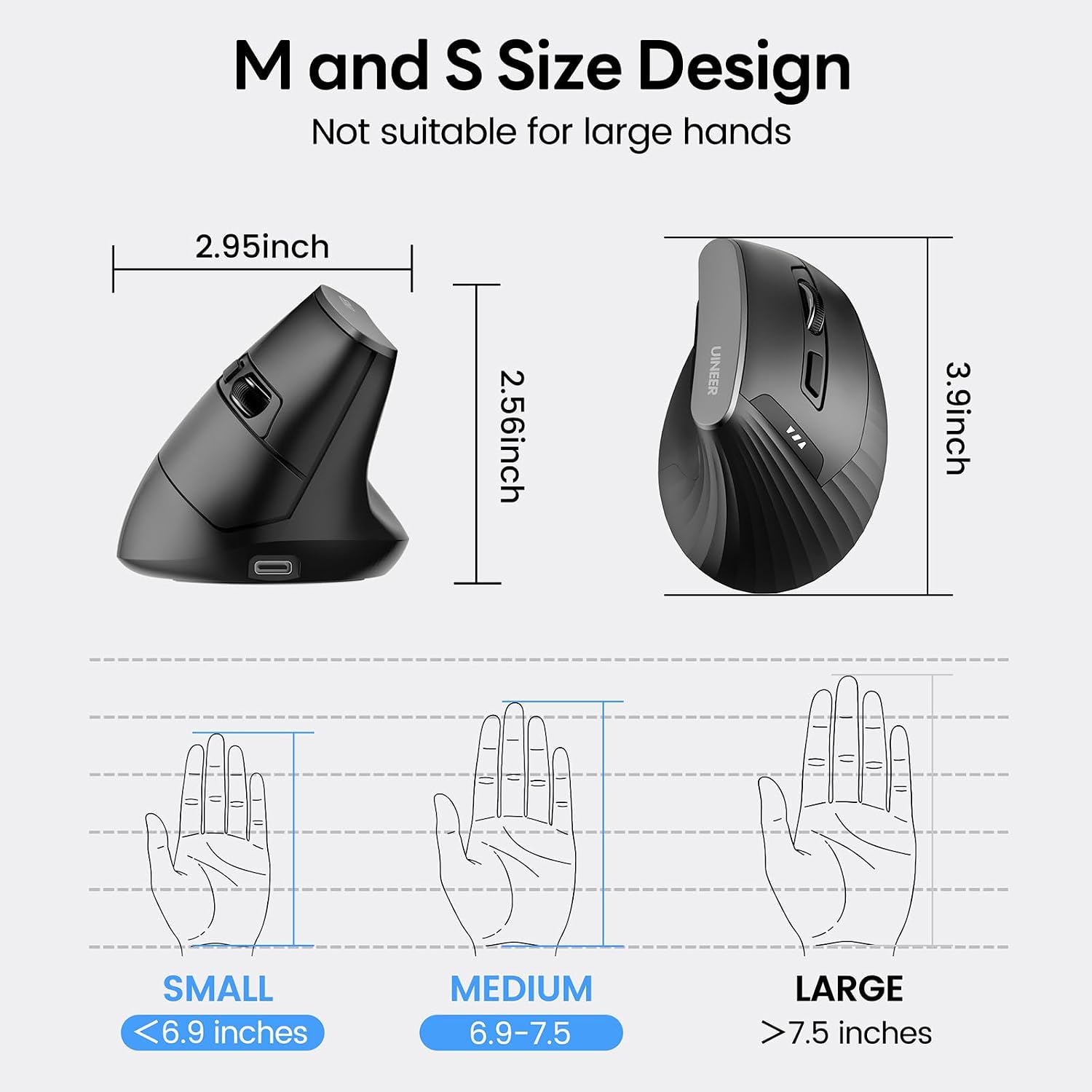
It suits you if you want to try a vertical grip for everyday browsing, office tasks, or document work, and your hands fall in the small-to-medium range specified by the listing. For example, the thumb buttons can move between pages while you keep your hand in place, rather than reaching for browser controls. That may be useful during a day of research or spreadsheet work, though the buttons’ value depends on your routine.
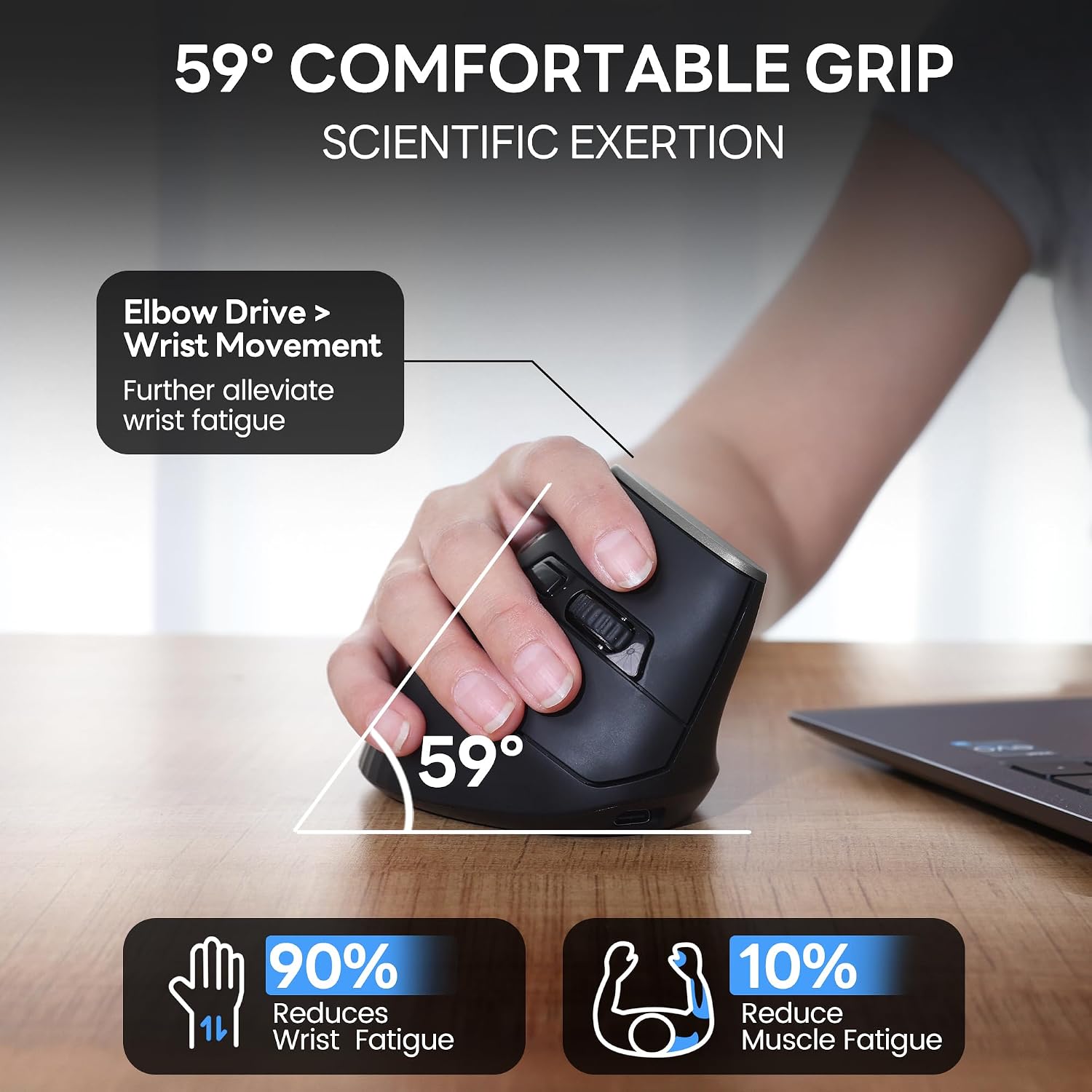
Compared with a basic horizontal mouse, this design changes wrist and forearm positioning and adds adjustable sensitivity. It isn’t a guaranteed fix for wrist discomfort: the stated ergonomic angle describes the design, not a promised result for every user. The listing recommends an adjustment period for people new to vertical mice, so expect the grip to feel unfamiliar at first rather than assuming it will be natural immediately.
Not the best choice if you need the side buttons to work on macOS, the listing says forward and back are not compatible with that system. It also gives no dimensions, so someone outside the stated hand-size range can’t judge the fit without that measurement. Windows and Linux are identified as the systems where those navigation buttons work.
What’s included
The stated setup includes the mouse, a USB-A wireless receiver, and an AA battery. There’s no driver or software installation required according to the listing: connect the receiver and use the mouse. That straightforward setup suits a desktop or laptop with a USB-A port, but the supplied connection details don’t establish support for devices without one.
Questions before you buy
Can you adjust pointer speed? Yes. A button cycles through four listed DPI levels: 800, 1200, 1600, and 2400.
Will the side buttons work on a Mac? The listing says the forward and back buttons are not compatible with macOS, even though Mac OS is included in its general compatibility list.
Is the mouse intended for every hand size? The listing describes it as designed for small-to-medium hands. It doesn’t provide dimensions, so larger-handed users have less information to judge fit.
Final verdict
Choose this Uineer mouse if you want a wireless vertical design, quiet left and right clicks, and thumb-operated browsing controls for a USB-A setup. Its adjustable DPI and included receiver make the feature set practical for regular computer work, while the 12-month battery-life claim may appeal if you’d rather not change batteries often. Skip it if you rely on those side buttons with macOS or need confirmed sizing for a larger hand. The main trade-off is clear: it offers a more angled grip than a conventional mouse, but the fit and adjustment period are personal.