

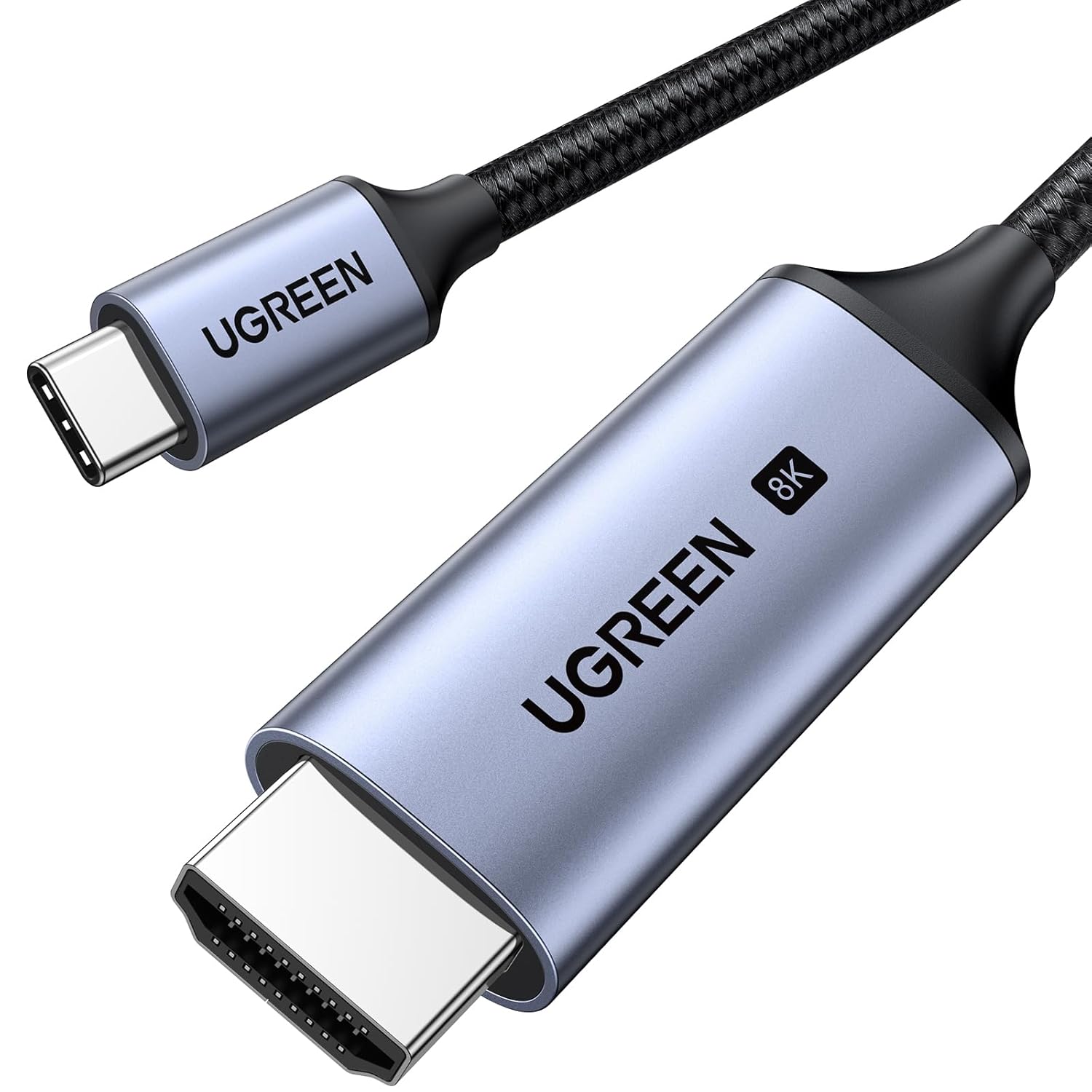
UGREEN USB-C to HDMI Cable (Thunderbolt 4/3) for 8K@60Hz and 4K@240Hz, HDMI 2.1 48Gbps HDR/HDCP2.3, 6.6FT
Product description
The essentials
If you want a bigger, more reliable display connection than wireless casting, this UGREEN USB-C to HDMI Cable is built for that “plug it in and go” goal. It converts a USB-C/Thunderbolt connection into an HDMI 2.1 output for TVs and monitors, so you can jump from your laptop, iPad, or compatible phone straight to a screen.
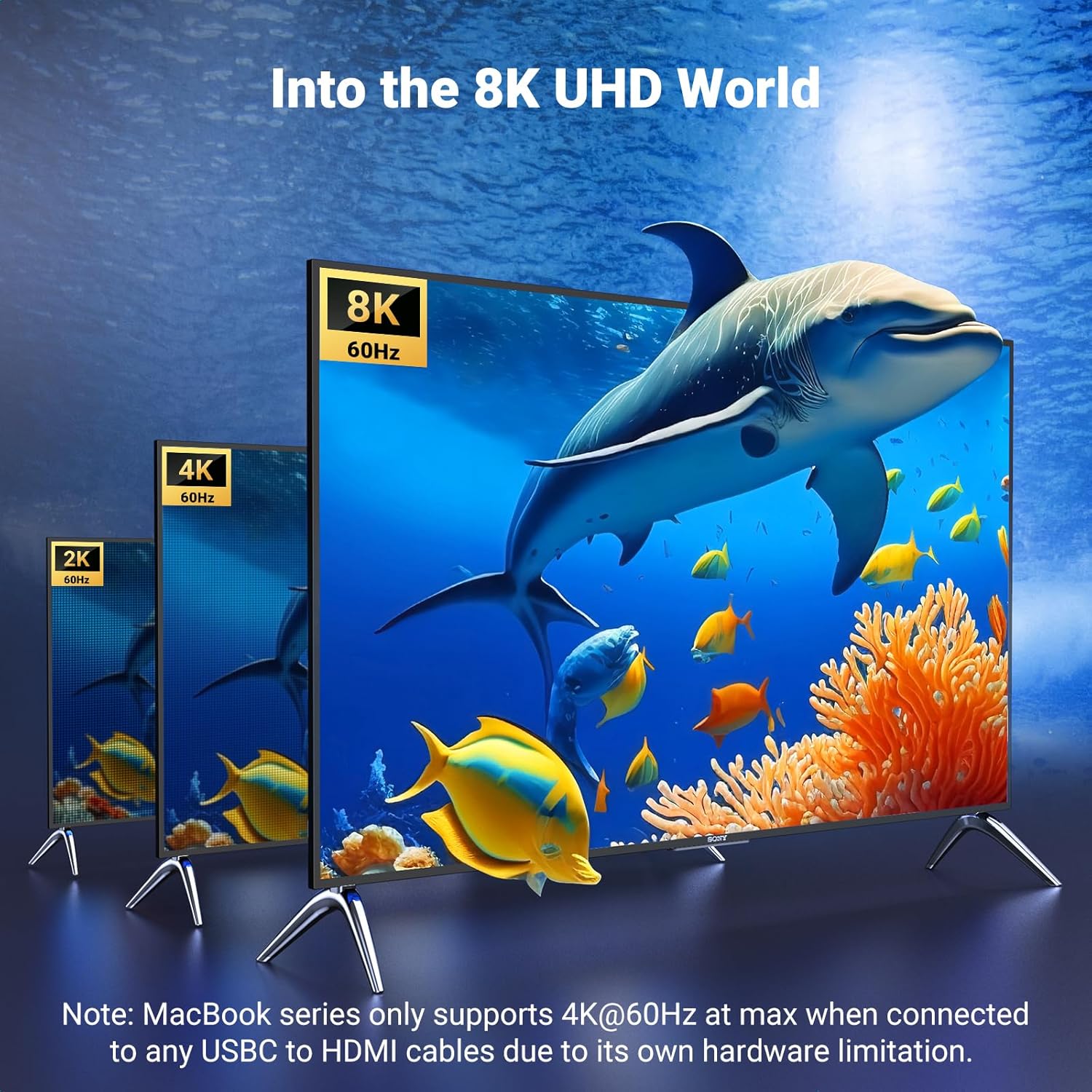
On paper, it’s aiming at people who care about both resolution and refresh rate. The cable supports up to 8K@60Hz and up to 4K@240Hz, plus HDR features like Dynamic HDR and HDCP 2.3—so the experience is positioned as more than just “it works.” Still, it’s not a universal magic wand: the compatibility notes matter quite a bit (more on that below), and the Mac refresh-rate ceiling depends on which MacBook model you have.
Key points
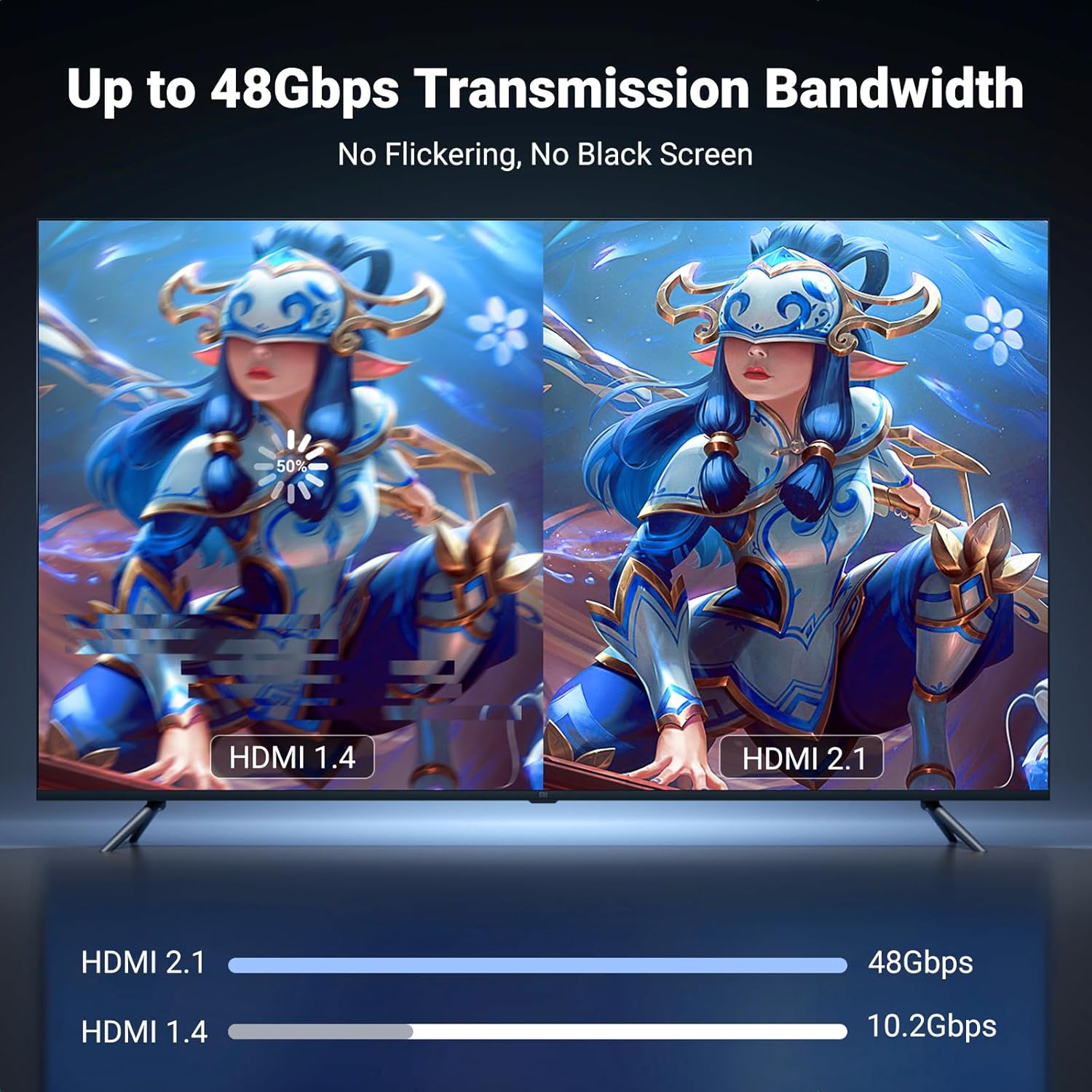
This cable is designed for one-way video and audio output from USB-C (with the right video-output support) to an HDMI display. The company highlights HDMI 2.1 throughput (48Gbps), HDR support, and HDCP2.3, which is useful if you watch protected content or want a cleaner, higher-spec signal path.
What you’ll notice day to day is the simplicity: plug-and-play without driver installation, and a direct connection from your device to the TV. That’s especially handy for situations where casting can be sensitive to Wi‑Fi quality. For gaming and fast-moving video, it’s also positioned to take advantage of higher refresh-rate capabilities—assuming your device and display can actually deliver those modes.
What it’s best for
This makes sense if your goal is straightforward: connect a compatible USB-C/Thunderbolt device to an HDMI monitor or TV for entertainment, productivity on a bigger screen, or gaming.
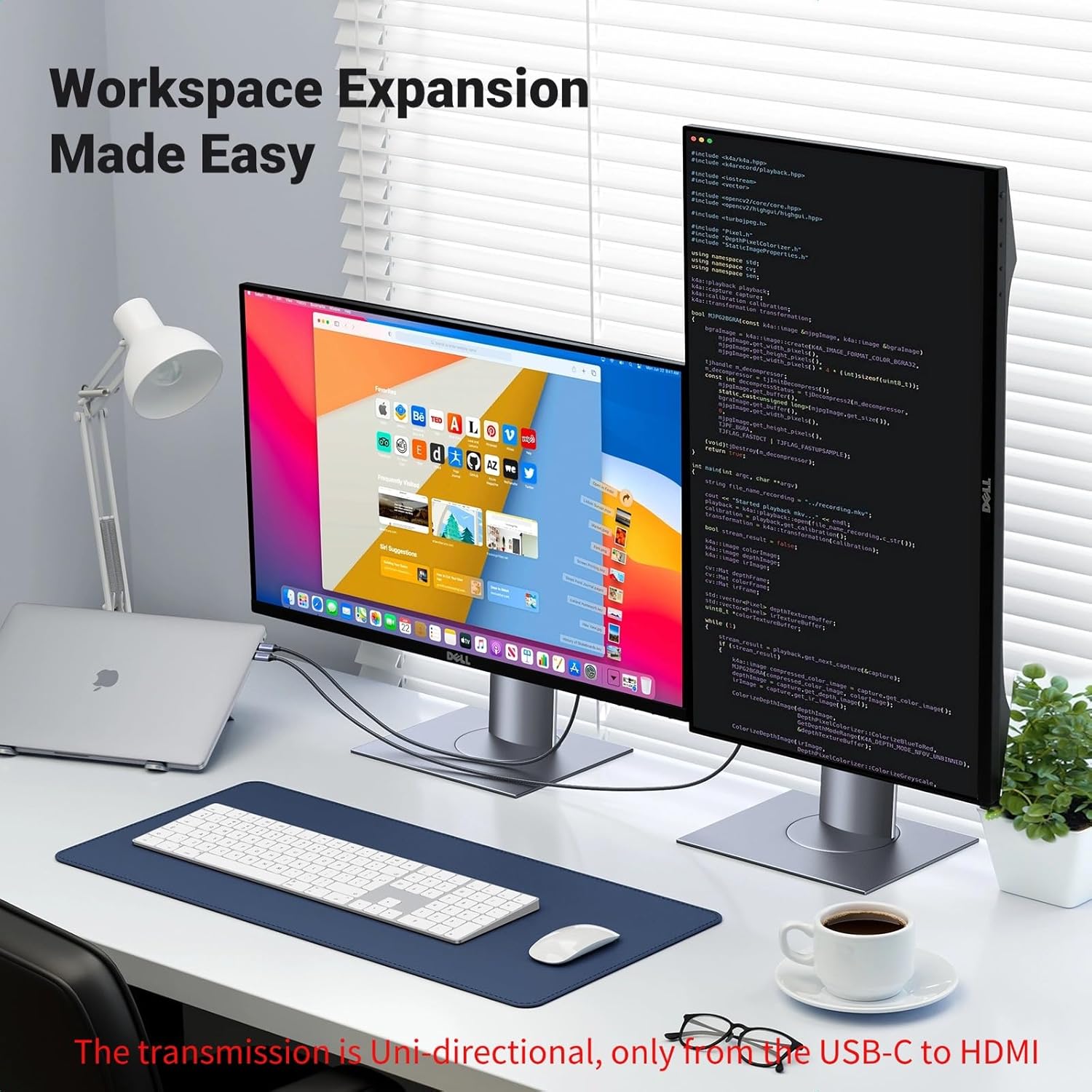
A practical example: you’re editing a timeline or testing UI at home office. Instead of relying on screen mirroring, you run this cable from your compatible laptop to a monitor with HDMI input. You get direct signal output, and if your setup supports the higher refresh-rate options mentioned, it can feel smoother than lower-frame-rate display paths.
It’s also the kind of accessory people buy when they travel between “small screen” and “big screen” modes—there’s even a Velcro tie mentioned for portability.
Where it shines (and where it can fall short)
The strong point here is the spec-targeting: HDMI 2.1 support, Dynamic HDR, HDCP2.3, and the headline 8K/4K high-refresh capability, all wrapped in a durable build. The cable design includes a high-performance chip for EMI protection, plus a braided nylon construction and strain relief. There’s also a premium aluminum case for heat dissipation, which is a nice “small engineering detail” if you’ll be plugging/unplugging or using it for longer sessions.
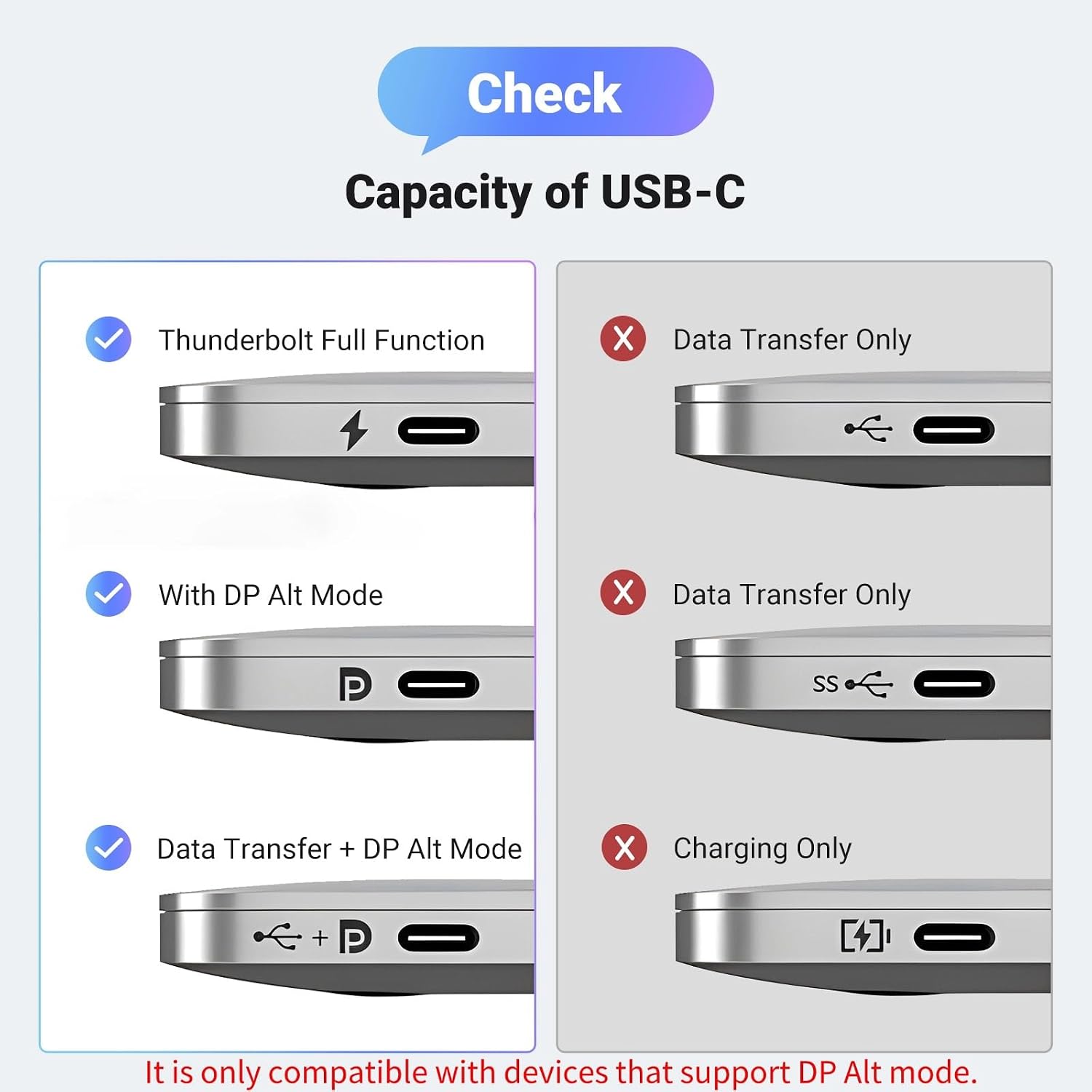
But keep expectations grounded. The cable’s performance depends on the source device’s hardware and support. There are explicit notes that MacBook series support max refresh differently depending on Apple Silicon generation (M1 and M2 vs M3/M4), and the cable only works with USB-C ports that support video output via DP Alt Mode and with Thunderbolt 3/4. If your device doesn’t meet those conditions, it may not behave as advertised.
It’s also not the best match if you’re hoping for a guaranteed setup with any random USB-C port—USB-C is not automatically video-capable. In that case, you’ll be better off confirming your device’s video output support first.
Compatibility & requirements
UGREEN is very specific about compatibility, and that’s a good thing because it helps you avoid disappointment. The cable is recommended only for USB-C ports with video output function “DP Alt Mode” and Thunderbolt 3 & 4.
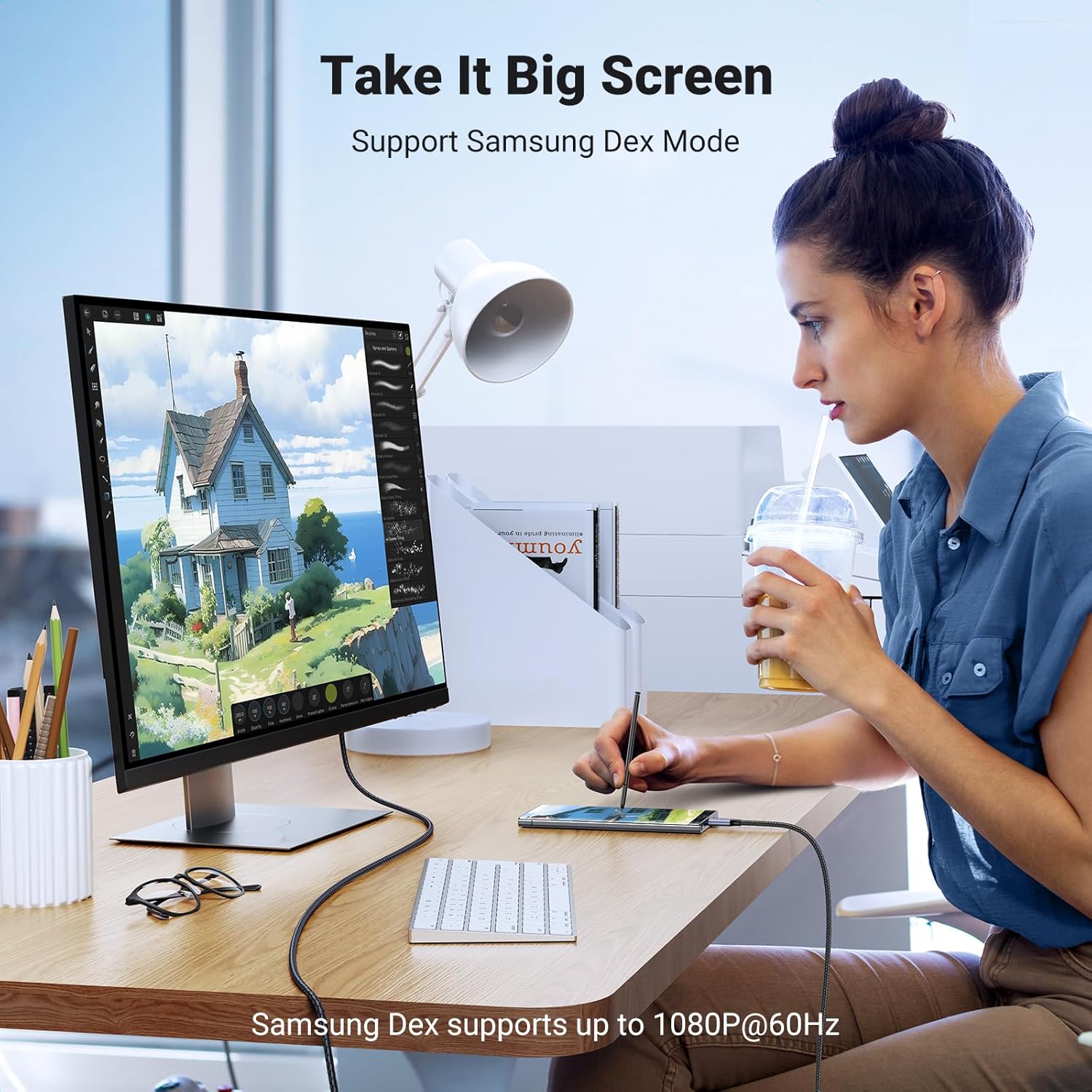
It’s listed as compatible with a range of devices, including certain iPhone “Pro” models, Galaxy S Ultra models, Pixel 9/8/7, and several Mac and iPad models, along with some Dell XPS and other laptops/tablets (as named in the input). That said, compatibility is ultimately about whether your exact port supports the required display output mode.
There’s also a usage note: it’s recommended to operate under 5V and within an environment within 40 Celsius. That’s more of a “don’t treat it like a toaster” reminder than a deal-breaker, but it’s worth keeping in mind for long hot setups.
Tech specs
- Type: USB-C to HDMI cable (Thunderbolt 4/3 compatible)
- Format: HDMI 2.1 output
- Supported video: up to 8K@60Hz and 4K@240Hz
- Bandwidth: 48Gbps
- HDR: Dynamic HDR
- Copy protection: HDCP2.3
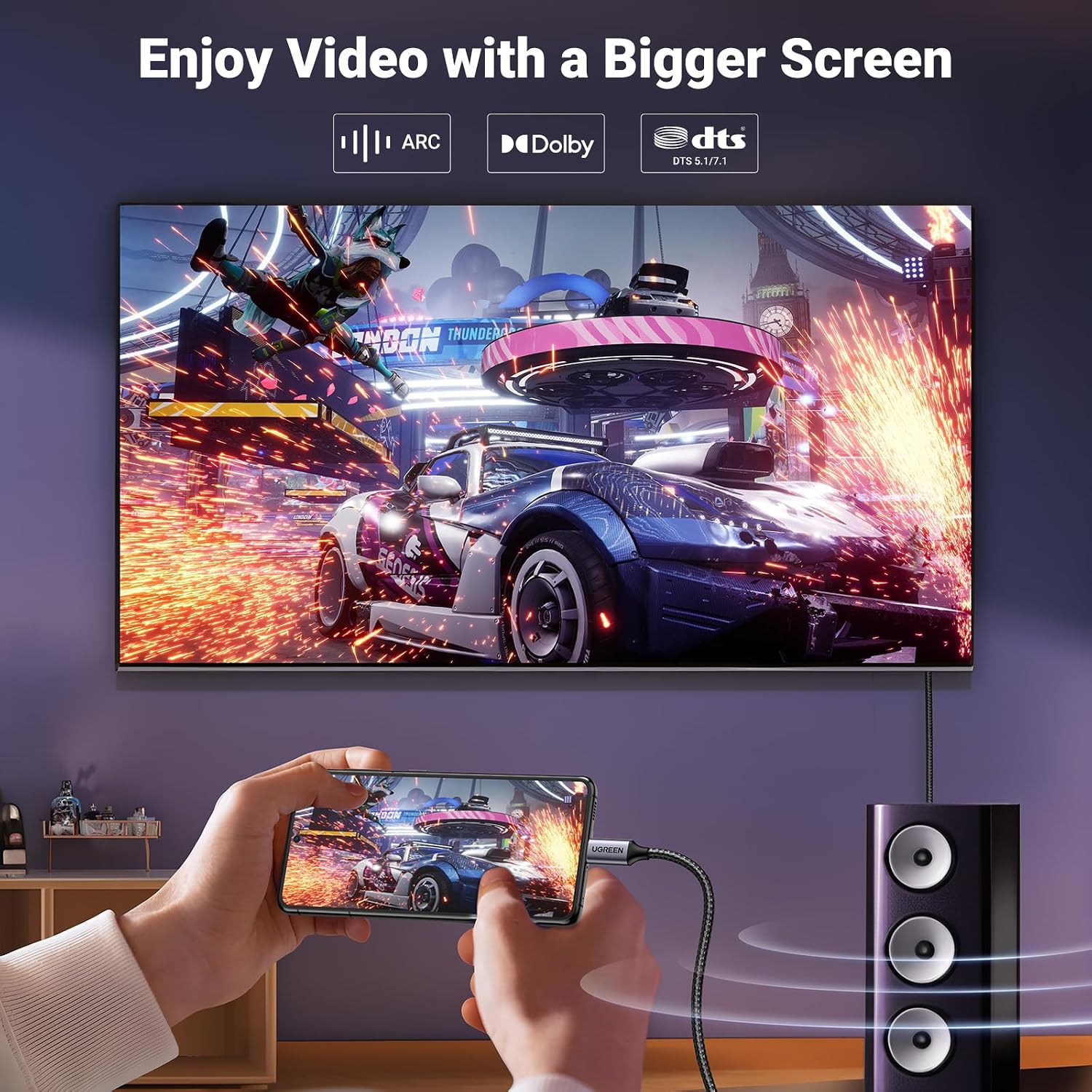
- Audio: ARC supported, uncompressed audio pass-through mentioned for Dolby 7.1
- Directionality: Uni-directional (USB-C to HDMI)
- Cable length: 6.6FT
- Materials/design: braided nylon, premium aluminum case, 30AWG thicker copper
Final verdict
This UGREEN USB-C to HDMI Cable is worth buying if you have a compatible USB-C (DP Alt Mode) or Thunderbolt 3/4 device and you want a direct HDMI connection for a TV/monitor—especially if you care about higher-spec display modes like 4K@240Hz or HDR/HDCP support.
It’s not the best choice if you’re using a USB-C port that doesn’t support video output, or if your Mac model falls into the lower refresh-rate support tier mentioned in the notes. In that scenario, it may still work at a basic level—or it may be frustrating because expectations don’t line up with what the source hardware can output.
If you match the port requirements and your display can handle the modes, this is a strong “buy once and keep it simple” cable for home offices, media nights, and gaming sessions.
Mini FAQ
Does it work without installing drivers?
The listing states it’s plug-and-play and does not require drivers.
Will it support the highest refresh rates on any MacBook?
Not necessarily. The input notes that MacBook series support is limited by hardware, with M3/M4 Apple Silicon cited for max 4K@240Hz and M1/M2 limited to up to 4K@144Hz.
Is it true direct connection instead of casting?
Yes—the pitch here is direct smartphone/laptop to TV/monitor via HDMI, which is meant to avoid Wi‑Fi casting instability.
Does the cable support both directions?
No. It’s uni-directional, sending video/audio from USB-C to HDMI.
What ports does it require?
It’s recommended for USB-C ports with video output via DP Alt Mode, and Thunderbolt 3 & 4 support is also mentioned.