

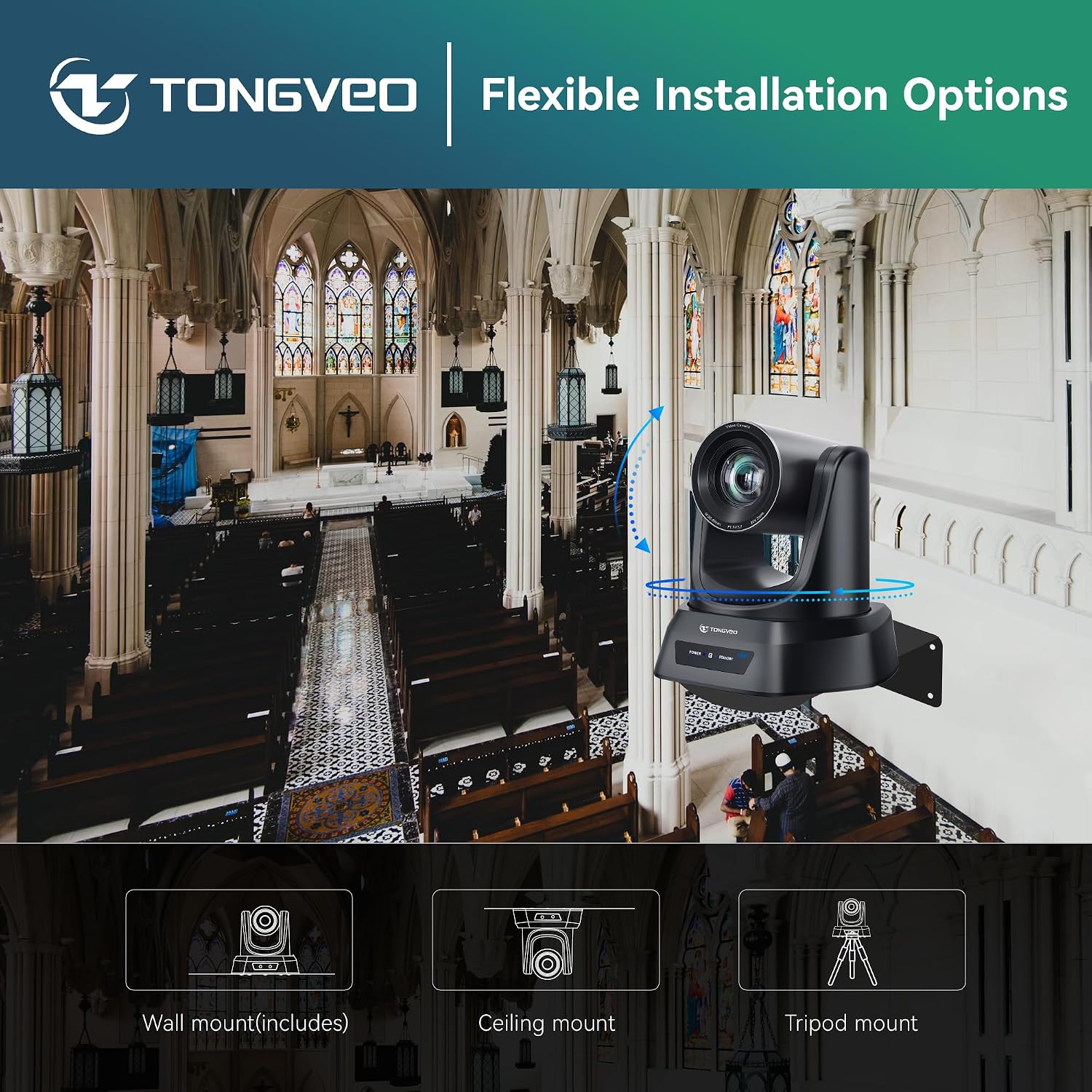
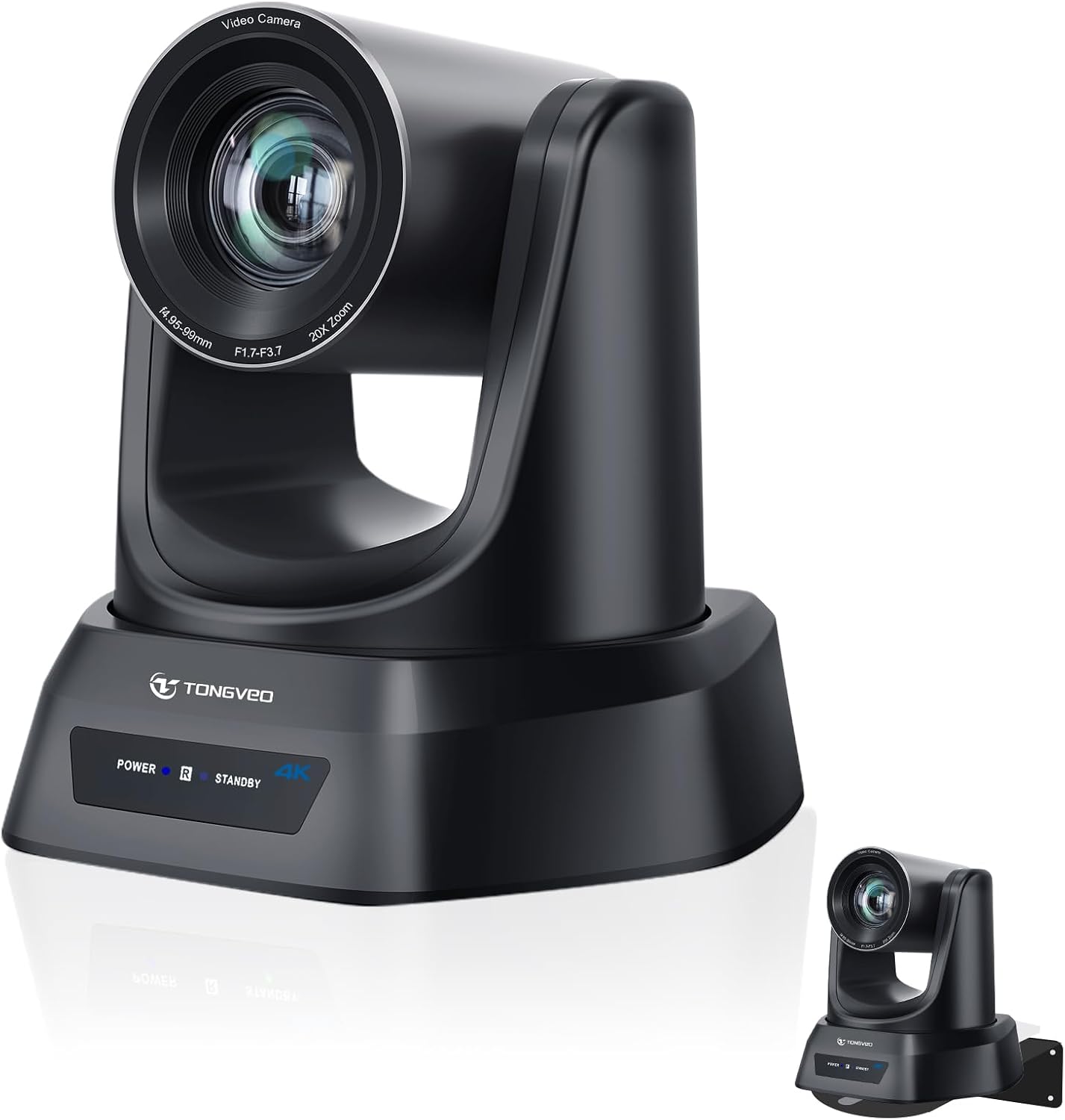
TONGVEO 4K AI PTZ Camera with Auto Tracking and 20X Optical Zoom for Conference Rooms, Church, and Live Streaming
Product description
Key takeaways
If you run meetings, worship livestreams, or classroom recordings and you want one camera to do more than just “sit there,” this TONGVEO 4K AI PTZ Camera is built around that idea. The headline is 4K video plus a 20X optical zoom, and the practical twist is AI auto-tracking so the camera can follow a speaker without you manually steering it all the time.
On paper, it’s aimed at spaces where people move—like a pastor at a pulpit, a presenter on stage, or a teacher moving between a front desk and the board. It also supports multiple control paths (remote, software, and an optional joystick), which matters when setup time and day-to-day operation are part of the job. Still, it’s worth keeping expectations realistic: auto-tracking can help, but it won’t magically replace good framing and a sensible camera position.
What it’s for (and what it solves)
This is a PTZ (pan-tilt-zoom) conference room webcam designed for more “covered” camera work: smooth panning, tilting, and zooming while keeping the subject in frame. The product positioning in the description points to several common use cases: - church worship livestreams where someone might step around the pulpit - Zoom-style meetings and education where the presenter may move across a room - live streaming scenarios where you want a cleaner, more professional look than a fixed-angle webcam
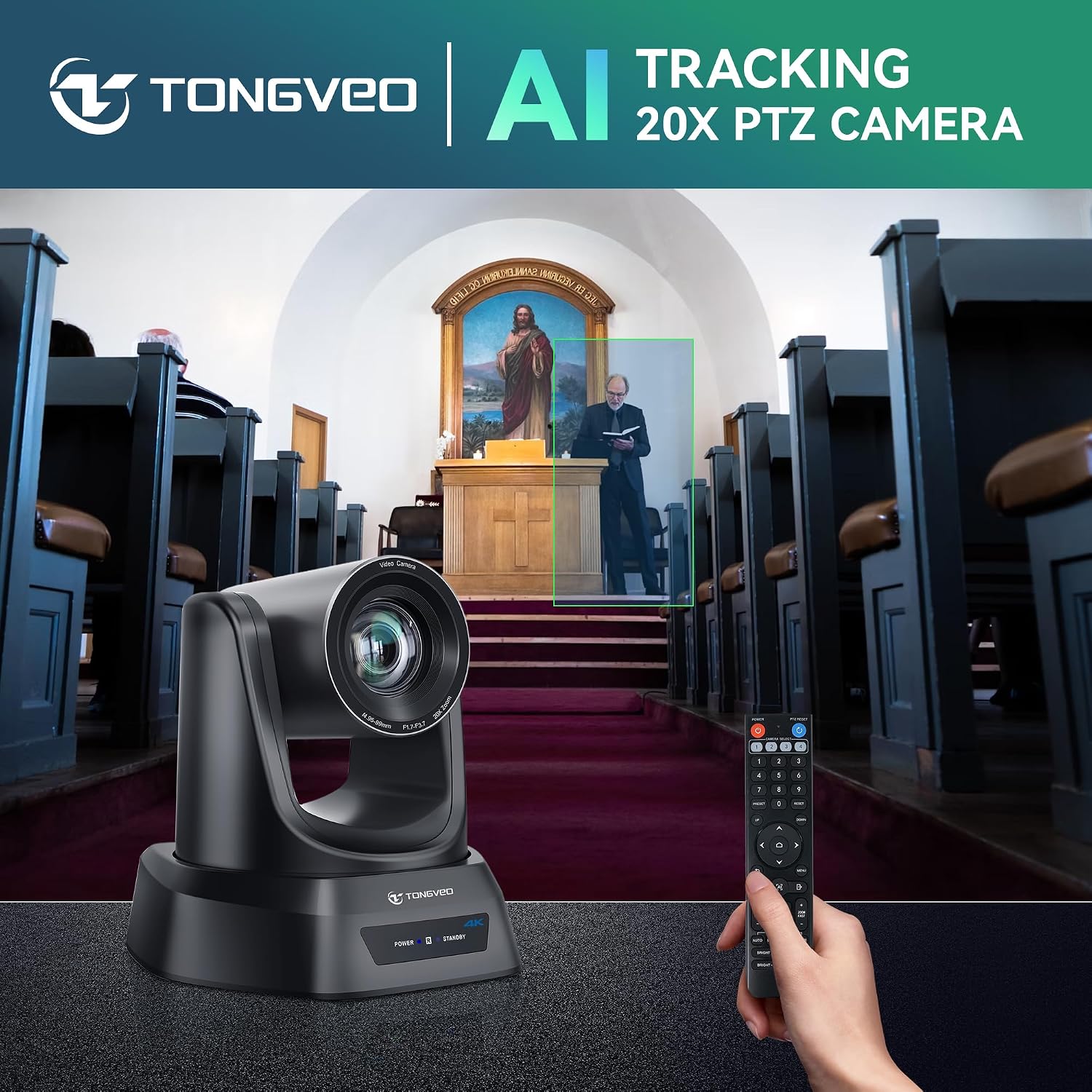
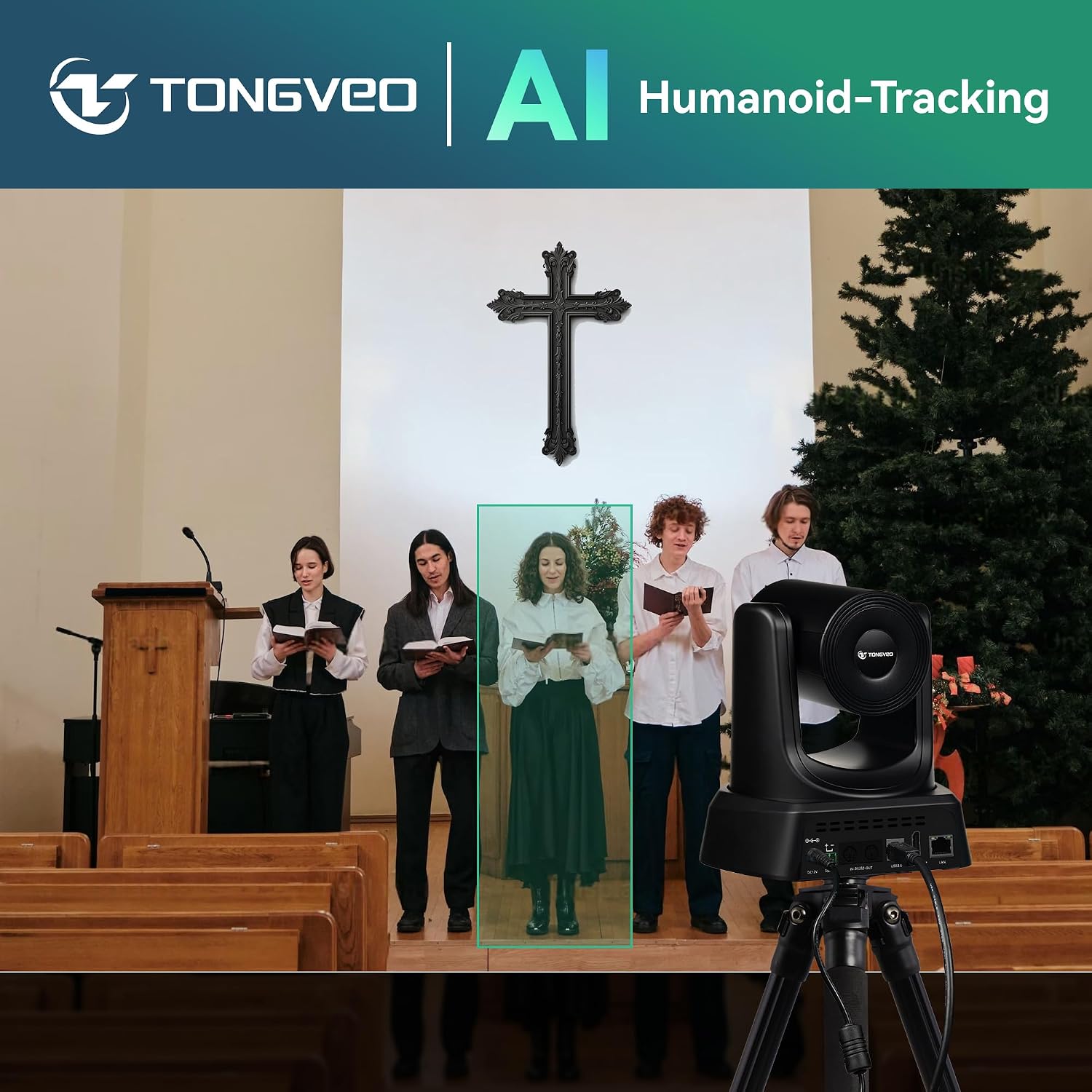
A simple example: imagine a worship service where the speaker starts near the pulpit, then walks a few steps toward the side. With auto-tracking enabled, the camera is intended to keep them framed as they move—so you’re not constantly adjusting zoom and direction during the moment.
The essentials
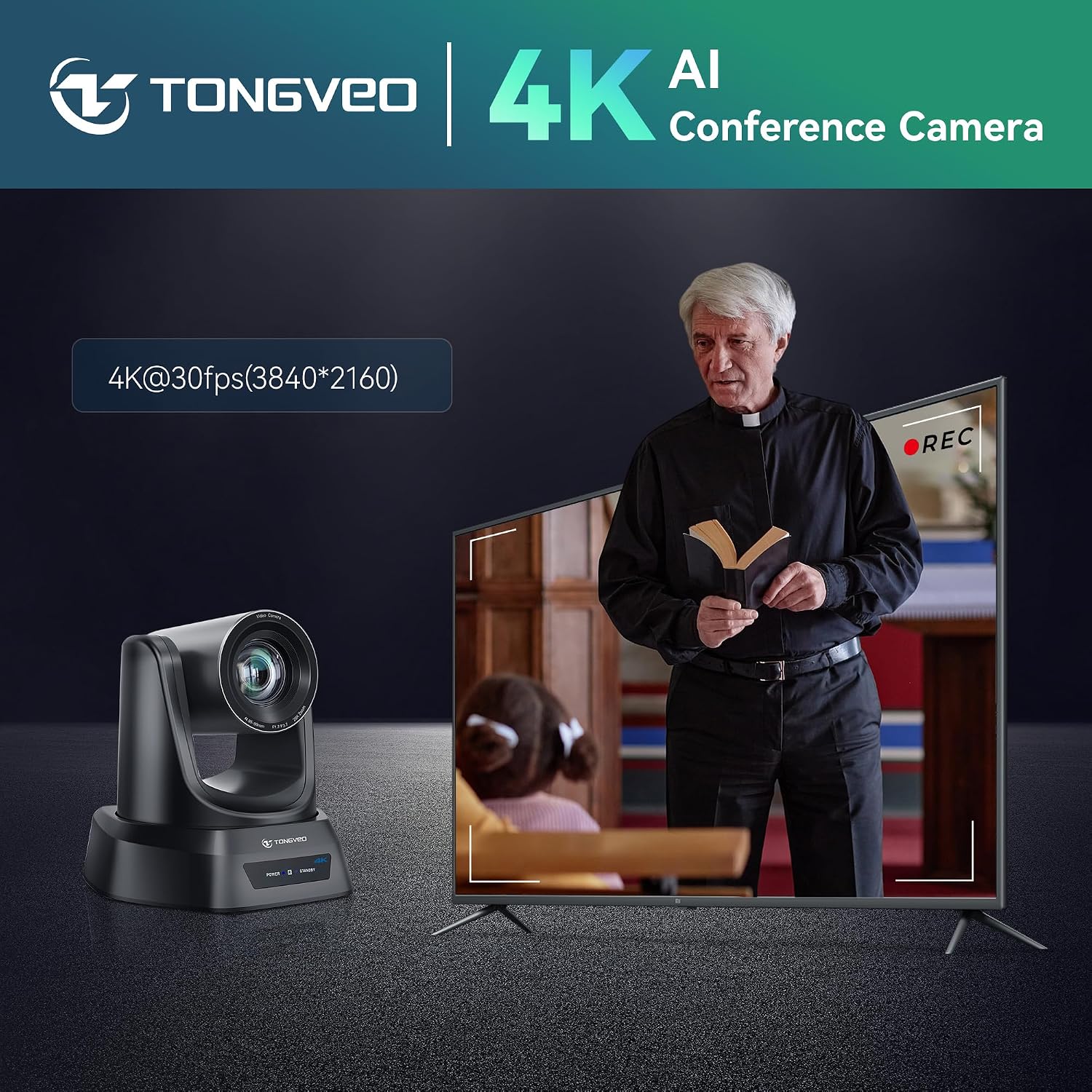
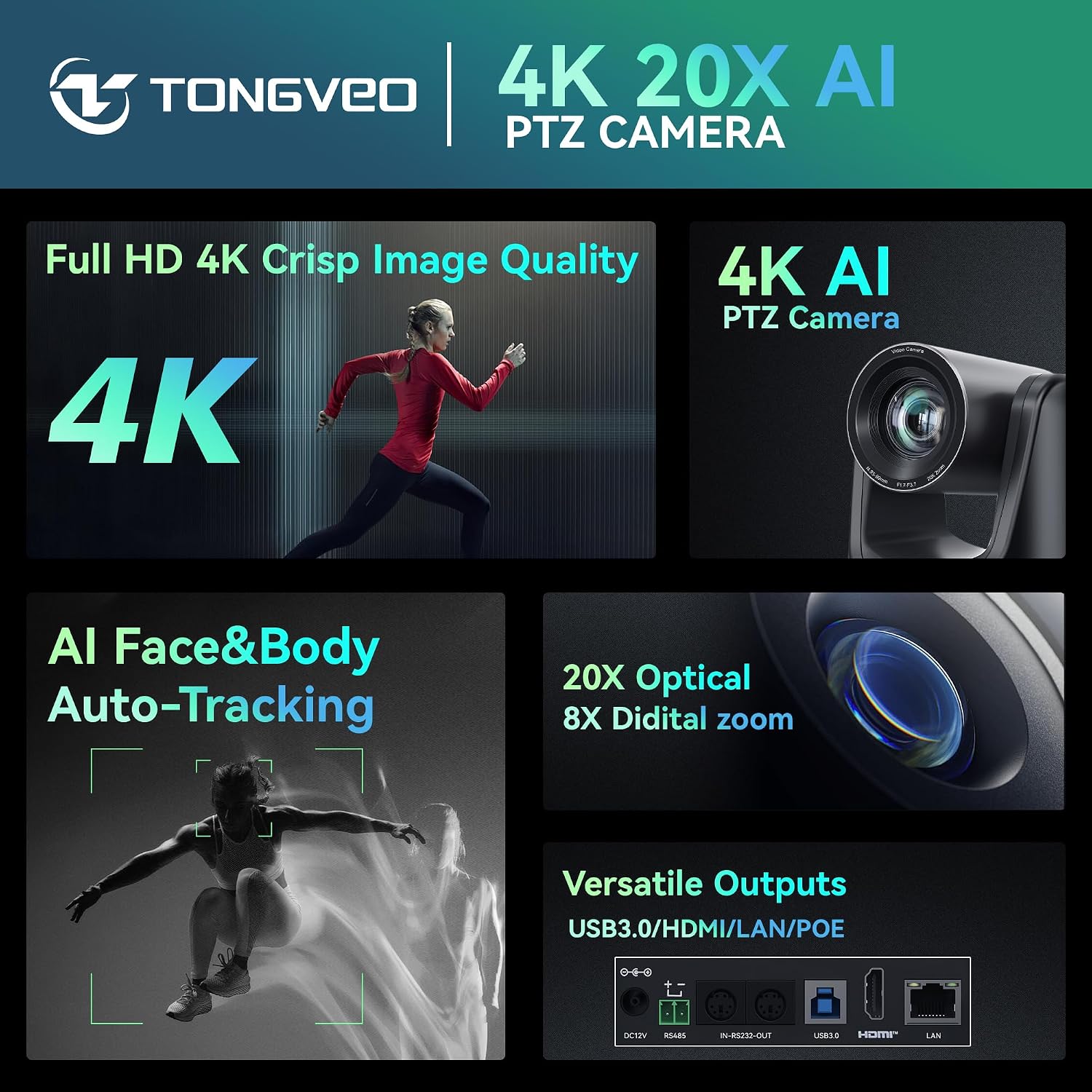
The core blend here is 4K clarity, 20X optical zoom, and AI auto-tracking. The description also mentions advanced face and body recognition for smoother tracking, plus the ability to store and use multiple presets—useful when you switch between a “wide view” for group shots and a tighter framing for a speaker at the front.
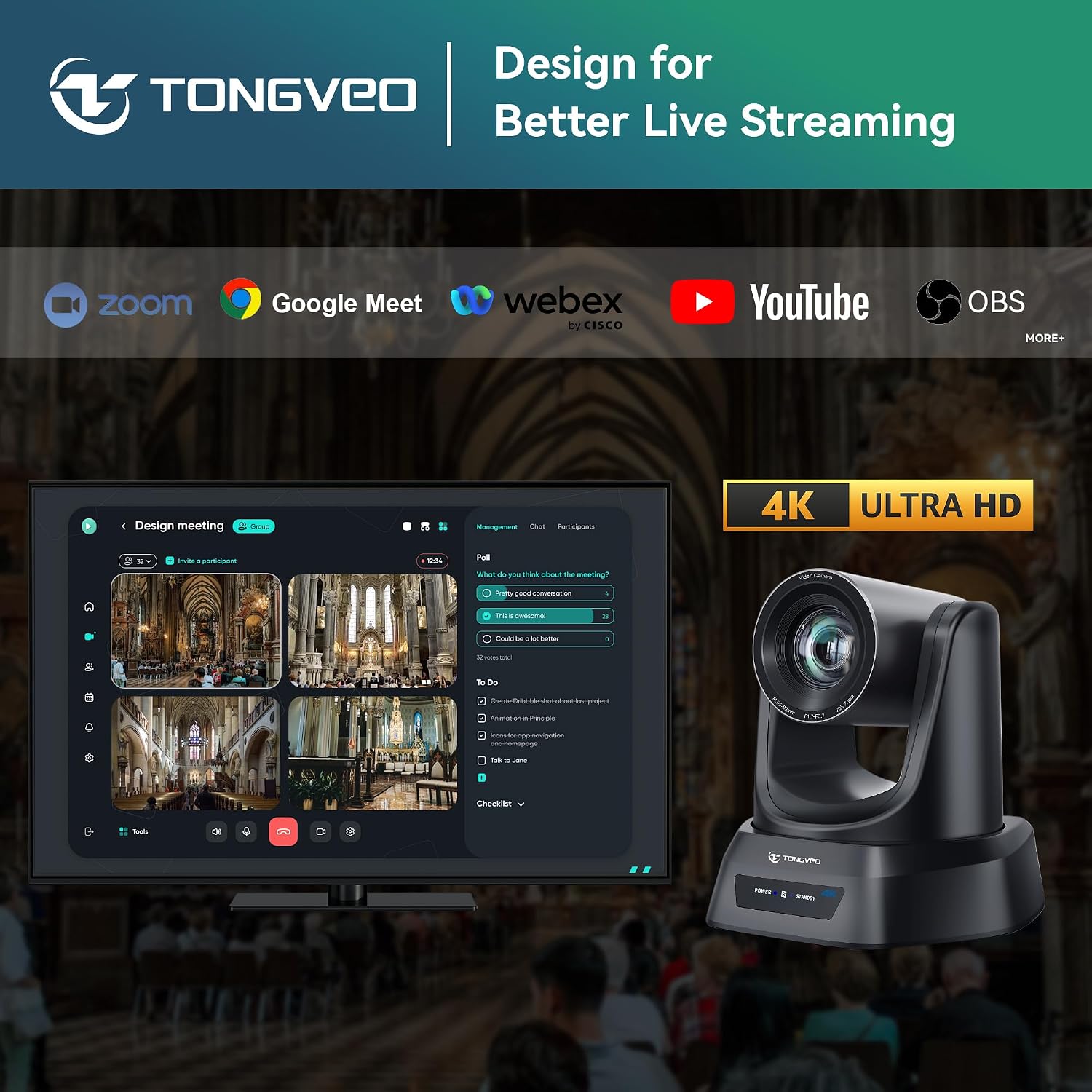
One more practical angle: connectivity and setup. It’s presented as easy plug-and-play, with several connection options—HDMI, USB 3.0, LAN, and PoE—so you can choose the wiring approach that matches your room. The camera is also described as compatible with OBS, Zoom, Teams, and Facebook Live, which helps if you already have a workflow.
Where it shines (pros you’ll actually notice)
The reasons people look at a PTZ setup like this usually come down to control and usability, not just resolution. Here’s what stands out based on the provided details: - AI auto-tracking with face and body recognition for smoother “follow” during presentations - 20X optical zoom, which can help when the subject is farther away or when you want to tighten framing - Multiple control options (remote, software, and optional joystick) so you can run it in different environments - Presets for quick switching between typical scenes (pulpit, wide view, group framing) - Multiple connection methods (HDMI / USB 3.0 / LAN / PoE) aimed at straightforward installation
It’s also described as having durable construction and precise PTZ movement, which is the kind of detail you want if the camera will be used repeatedly (not just for occasional recordings).
What to know before you buy (limitations and checks)
Auto-tracking is the main selling point, but you should factor in that results can depend on real-world conditions like lighting, subject movement style, and camera placement. The description references tracking for smooth video, yet it doesn’t outline constraints (and there’s no testing data provided here), so it’s smart to plan your setup with framing in mind.
Also, “ideal for” scenarios are broad in the listing—church worship, Zoom meetings, live streaming, and education. That doesn’t automatically mean it fits every room without adjustment. Before purchasing, check that the connection method you want is workable for your installation (HDMI vs USB 3.0 vs LAN/PoE), and ensure your software workflow matches what you plan to use (OBS, Zoom, Teams, Facebook Live are mentioned).
Tech specs
- Type: 4K AI PTZ (pan-tilt-zoom) camera with auto tracking
- Resolution: 4K
- Zoom: 20X optical zoom
- Recognition: face and body recognition for auto tracking
- Control methods: remote, software, and optional joystick (as described)
- Video connections/control interfaces: HDMI, USB 3.0, LAN, and PoE (as described)
- Compatibility (as described): OBS, Zoom, Teams, and Facebook Live
When it makes sense
This is a solid fit if you want a single PTZ webcam-style camera to cover front-of-room speaking and recording, especially when people won’t stay perfectly centered. It makes sense if you’re managing livestreams or recurring meetings and you prefer presets plus auto-tracking over constant manual adjustments.
It might not be a great match if you’re trying to do very simple, fixed-angle recording where PTZ movement isn’t needed, or if your setup depends on details that aren’t specified here (for example, you need confirmed performance in your exact lighting and distance conditions). If you’re sensitive to setup complexity, you’ll want to confirm your preferred connection method and software workflow before committing.
Mini FAQ
Getting the most from it
For best results, treat the initial camera placement and preset setup as part of your “production workflow,” not a one-time chore. If you can, set one preset for a wide group view and another for the presenter area, then rely on auto-tracking to handle natural movement rather than extreme repositioning.
Final verdict
Worth considering if you’re buying for worship livestreams, conference room meetings, or education content where framing needs to stay flexible—and you’ll benefit from auto-tracking plus zoom. It’s less compelling if you only need a static webcam angle or you’re not able to create a stable, sensible setup for the camera to track from. In the middle ground—where you want one camera to cover multiple moments—this TONGVEO model is built to fit that job.