

GPS Drone 4K Camera with 4.5" LCD Controller
Product description
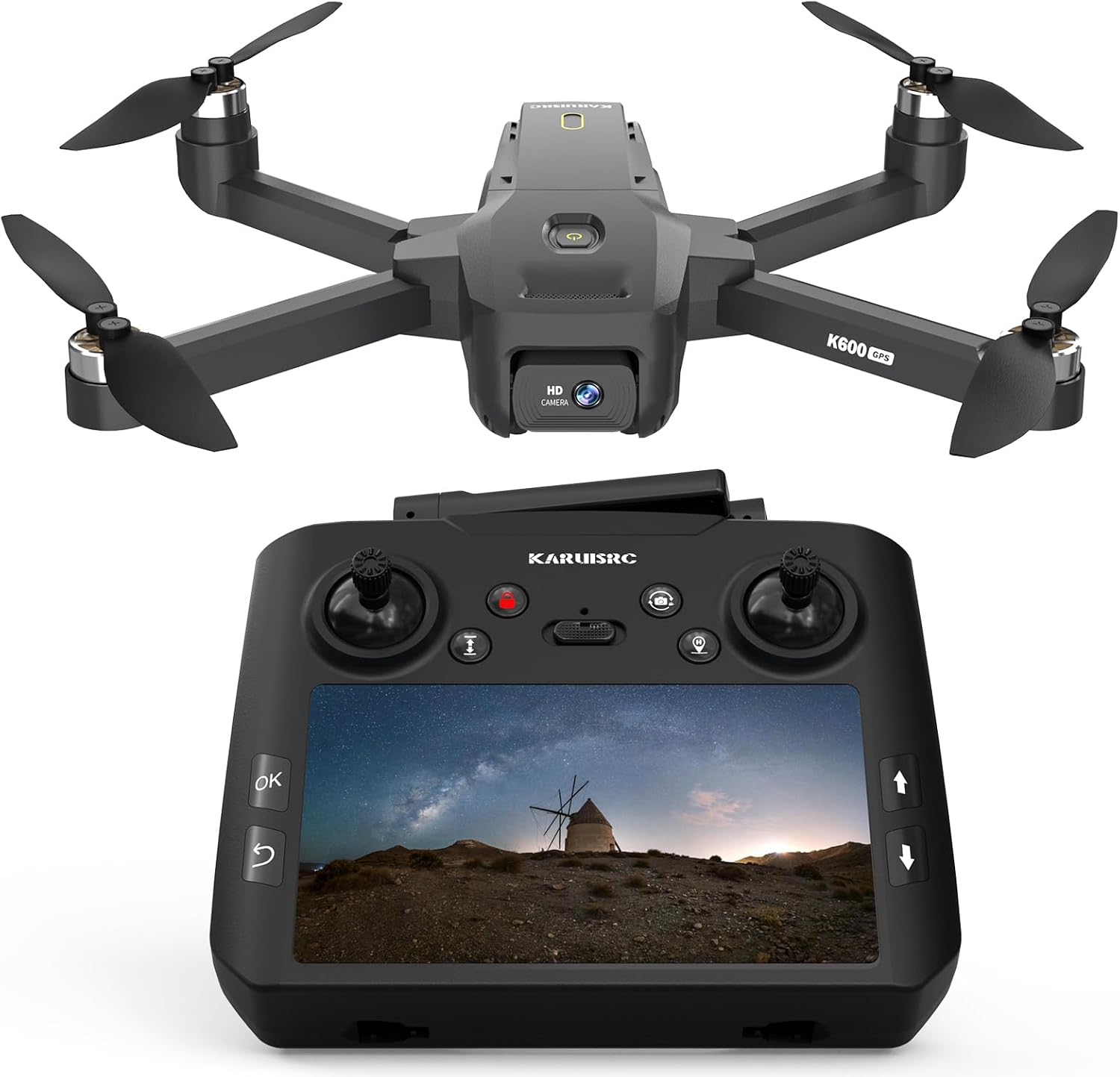
This GPS drone with a 4K camera and EIS stabilization pairs a compact build under 249 g with flight modes aimed at content creation and outdoor tracking. The built-in GPS and Follow Me functionality make it useful for vlogging, cycling, hiking, and capturing smooth orbit shots while the 4.5 inch LCD on the controller gives real-time FPV monitoring for framing and safety.
Key Points
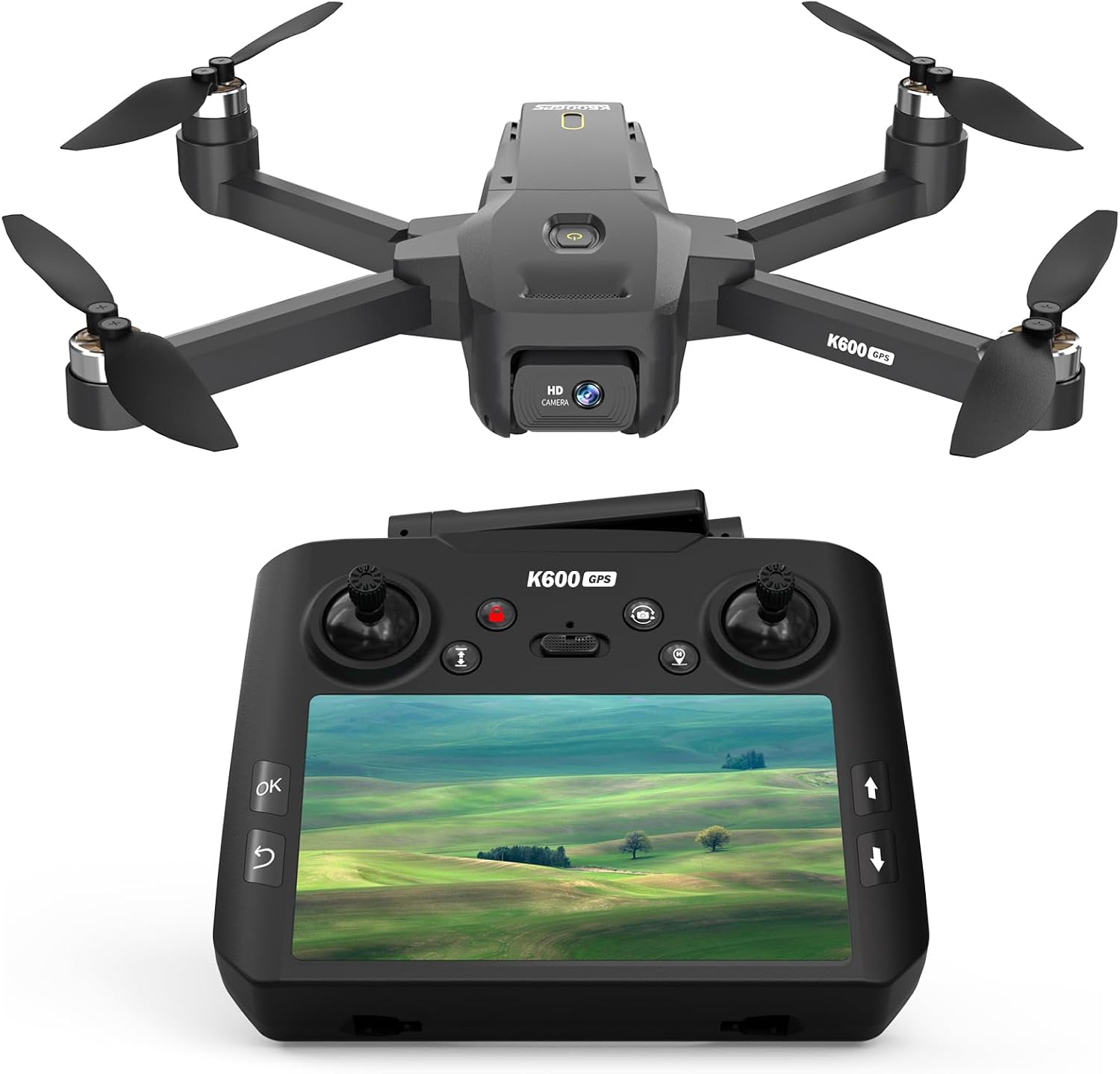
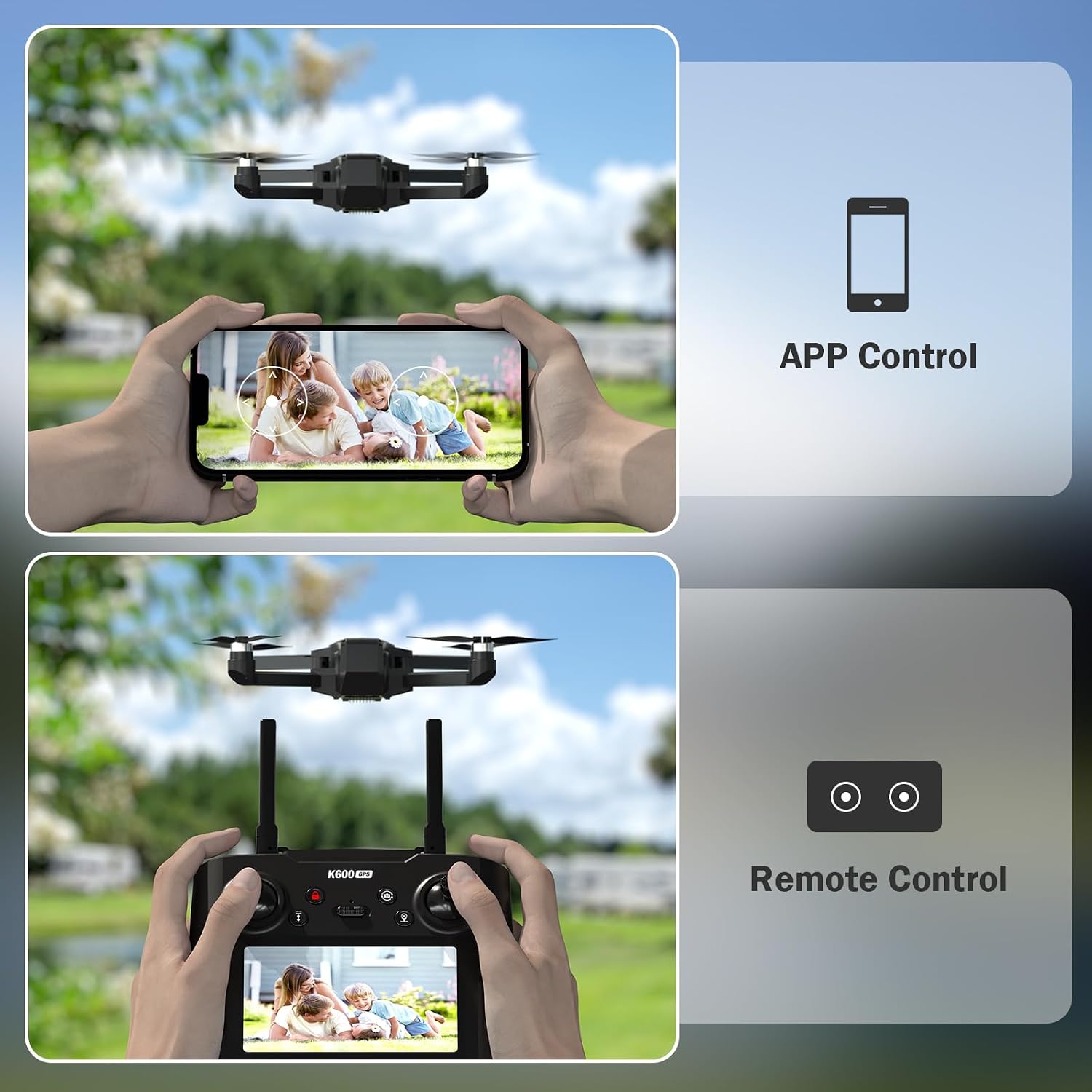
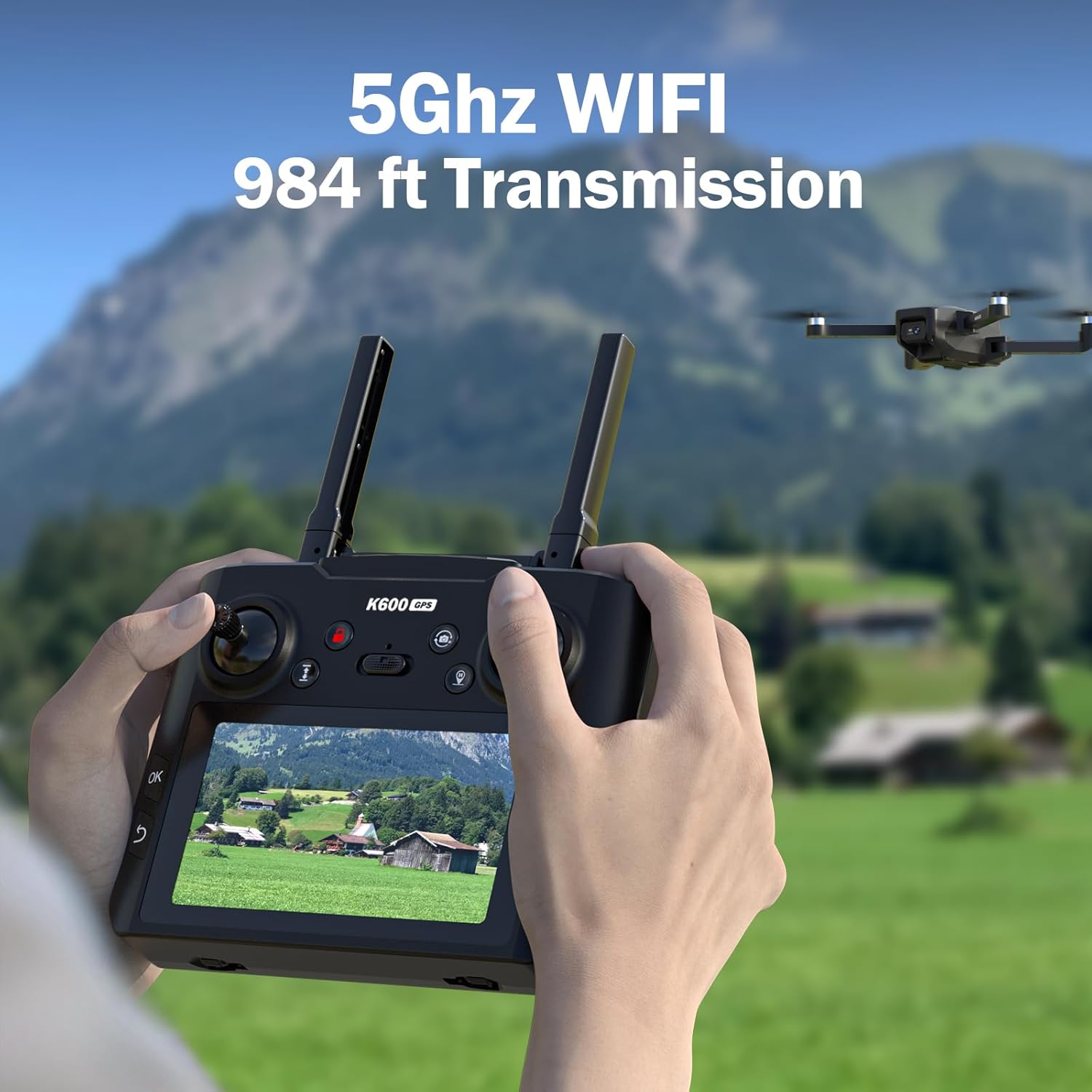
The drone offers a 4K camera with electronic image stabilization for clearer aerial footage during moderate wind conditions. Real-time transmission is shown on a 4.5 inch HD screen mounted on the controller, so you can preview and adjust shots without relying on a separate smartphone. Navigation features include Follow Me, Waypoint Navigation, Orbit Mode, and Auto Return, which help maintain composition while the pilot focuses on movement or action. According to the manufacturer, the control distance reaches up to 400 meters with mapping capability out to about 250 meters for route planning and area exploration. The unit’s sub-249 g weight helps avoid certain regulatory restrictions in some countries, and the brushless motor design aims to improve efficiency and longevity compared to brushed alternatives.
Technical Specifications
- Name: GPS Drone with EIS 4K Camera
- Camera: 4K resolution with electronic image stabilization
- Display: 4.5" HD LCD screen on controller for FPV
- Range: Control distance up to 400 m, mapping capability approximately 250 m
- Weight: Under 249 g
- Motors: Brushless motors for longer life and improved wind resistance
Benefits
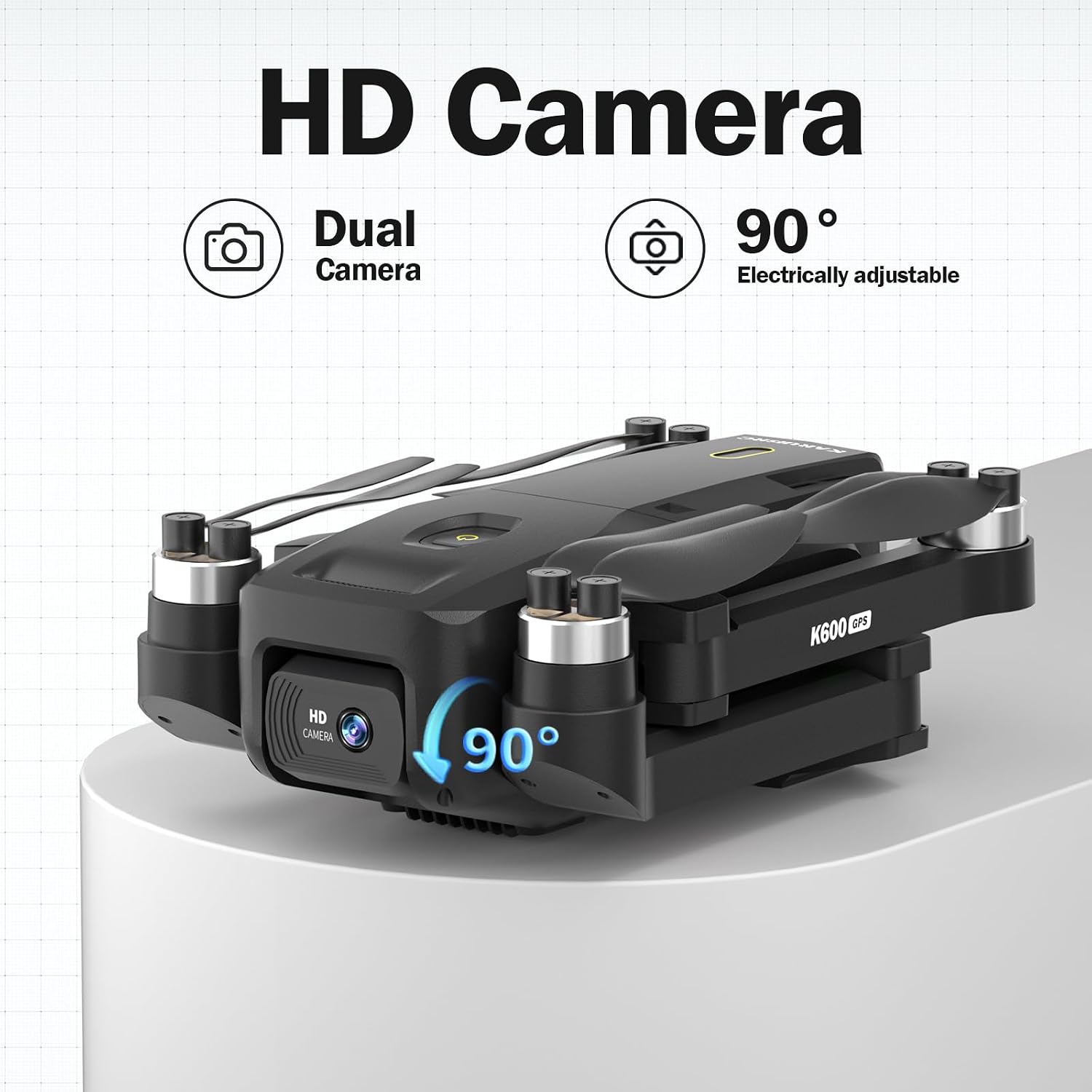
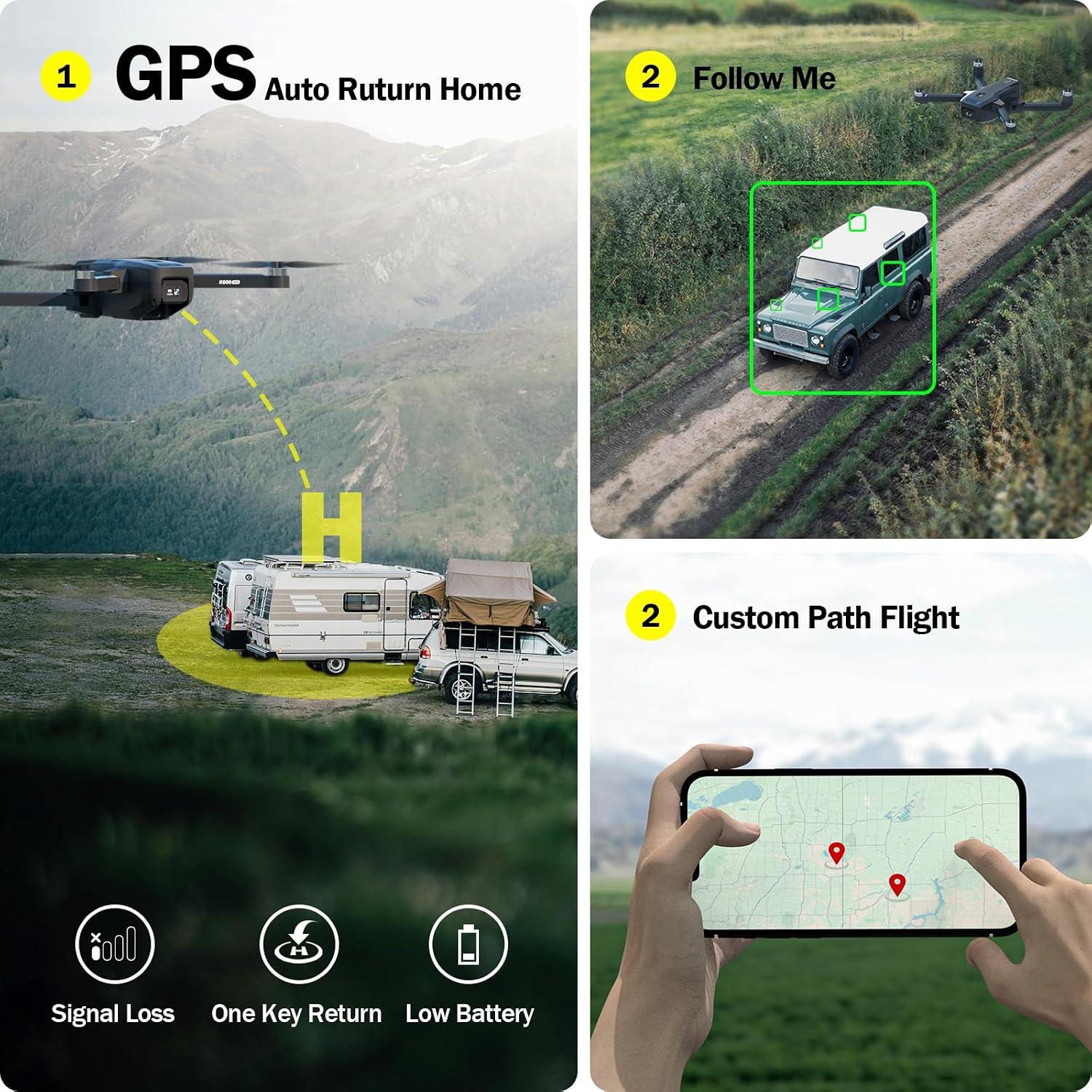
The combination of a stabilized 4K camera and onboard GPS results in smoother footage and more predictable flight behavior when using tracking modes. The integrated controller screen reduces setup time and avoids dependency on phone compatibility or apps during flights. Brushless motors contribute to better thrust and efficiency, which can translate into steadier hover and improved handling in breezes. For content creators who want quick setup and straightforward tracking, the drone brings automated modes that free the operator from constant manual piloting.
Usage Recommendations
Before flying, power on the controller and drone to let the GPS acquire satellites, which helps ensure accurate positioning and reliable Auto Return performance. Use Waypoint Navigation to plan a flight path for consistent mapping or panoramas, and select Orbit Mode to capture circular tracking shots while the subject remains centered. Consider starting flights in calm conditions to evaluate camera stabilization and to become familiar with the 4.5 inch display feedback. Note that performance figures such as maximum control distance are according to the manufacturer and can vary with environment, interference, and local regulations.