

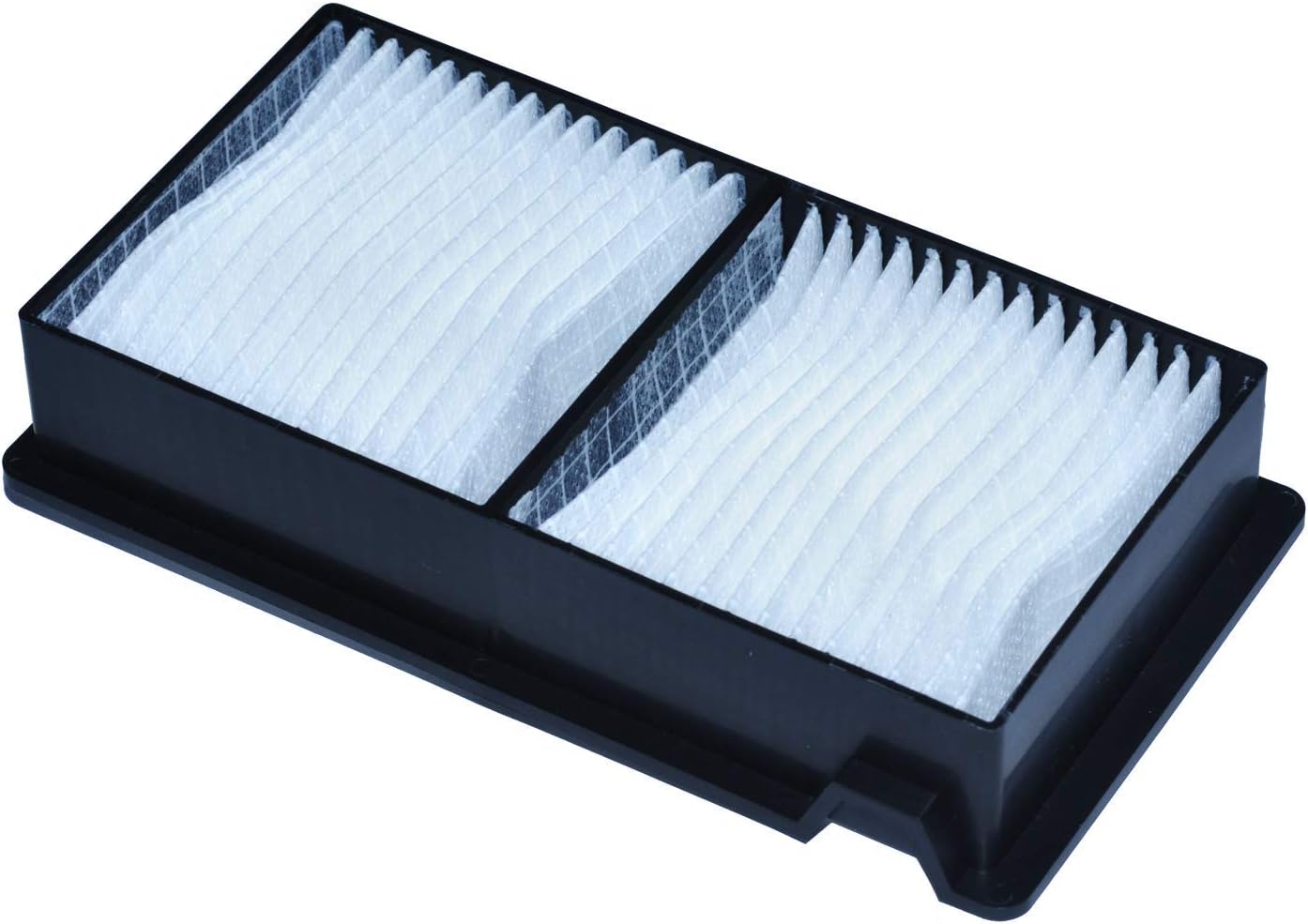
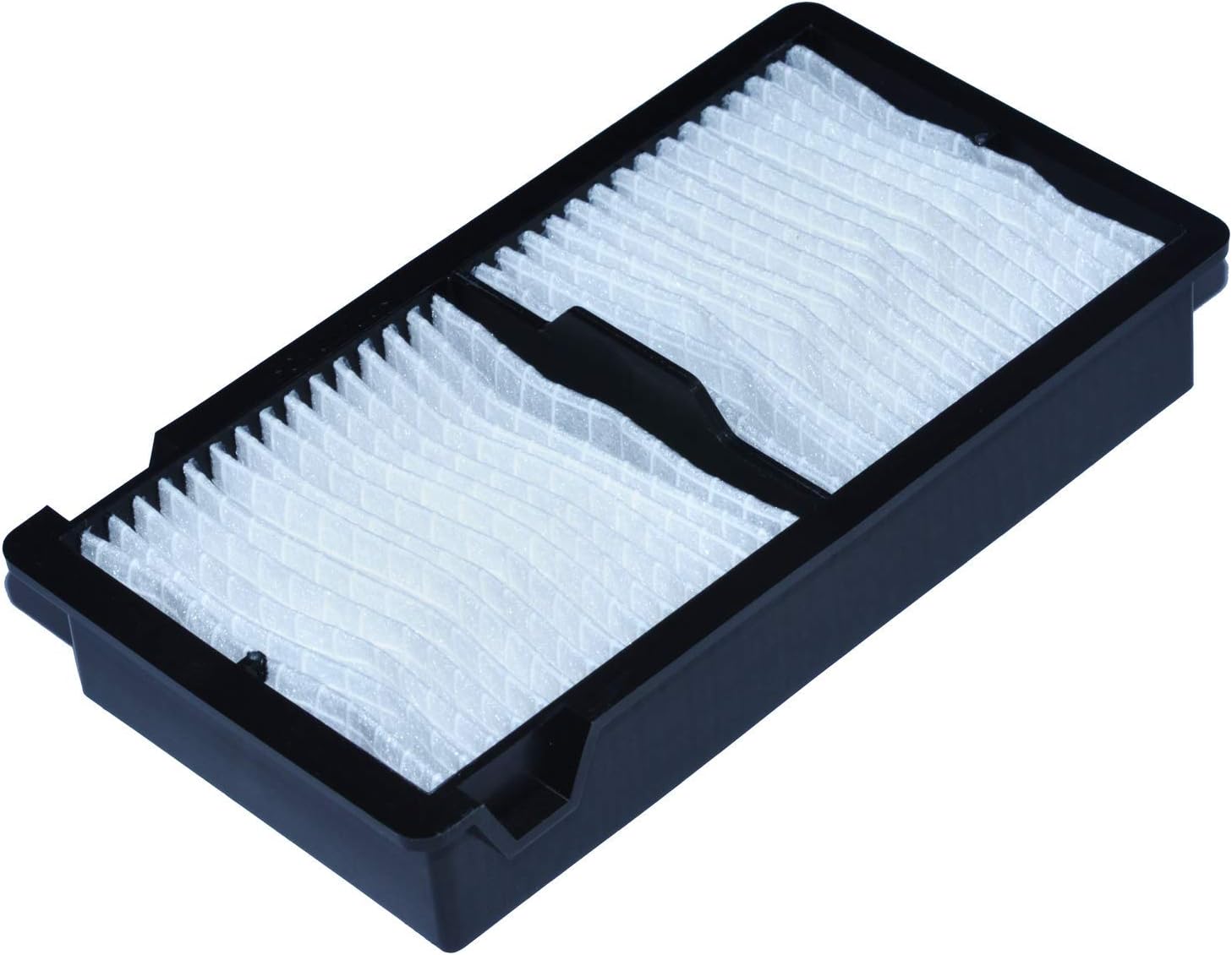
SW-LAMP ELPAF39 / V13H134A39 Projector Air Filter for EH-TW7000, TW9100, TW9400, LS10000, and More
Product description
What matters most
If you’re keeping a high-end home theater projector running cool, a fresh air filter is a quiet, affordable upgrade. The SW-LAMP ELPAF39 / V13H134A39 projector air filter is designed to fit a broad range of Epson and related models, with the aim of improving airflow and prolonging lamp life. On the surface, it’s a simple part, but its role in maintaining brightness and preventing overheating can add up over time.
What to know
On paper, this filter is a direct replacement for several popular projector models, and it comes with a 150-day warranty. That warranty window isn’t the longest on the shelf, but it’s longer than many generic filters and suggests a level of quality control. If your unit tends to run warm or you notice dust buildup in the intake, replacing the filter could help push your projector back toward its original performance.
Tech specs
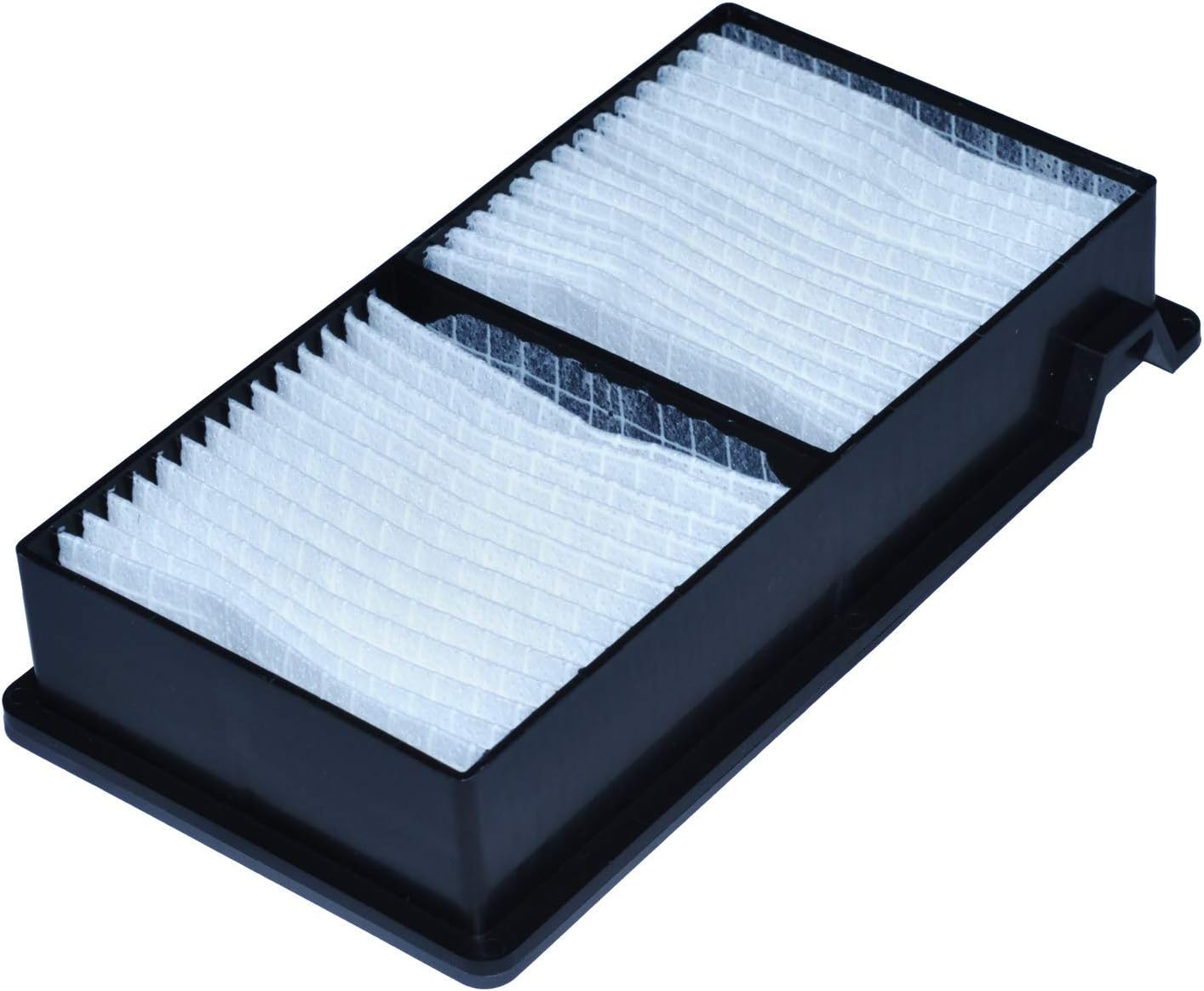
- Name: SW-LAMP ELPAF39 / V13H134A39 Projector Air Filter
- Type: Air filter for projector cooling system
- Model compatibility: EH-TW7000, EH-TW7100, EH-TW9400, EH-TW9000, EH-LS10000, EH-LS10500, EH-TW6600, EH-TW6600W, EH-TW6700, EH-TW6800, EH-TW7200, EH-TW8000, EH-TW8100, EH-TW8200, EH-TW8200W, EH-TW8300, EH-TW8300W, EH-TW8400, EH-TW9000W, EH-TW9100, EH-TW9100W, EH-TW9200, EH-TW9200W, EH-TW9300, EH-TW9300W, EH-TW9400W
- Warranty: 150 days
- Purpose: Help keep projector cool and extend life by maintaining airflow
- Shipping: Noted as fast shipping in the listing context
How it performs in everyday use
If you prioritize keeping your projector cooler during long movie nights, this filter can help reduce dust intake and maintain stable brightness. It’s not a magic wand—dust and heat are still realities of long-term use—but a clean filter is a practical first step. You’ll notice the benefit most when your room isn’t perfectly clean or when you run the projector for extended periods.
Pros and cons
- Pros: Direct replacement for listed models, potential for cooler operation, decently long warranty window, generally straightforward to install.
- Cons: Real-world benefits depend on your environment (dust levels, usage patterns). It’s not a guaranteed performance upgrade if your unit is already well-maintained.
Who it’s for
This filter is suited for owners of the listed Epson projectors who want a budget-friendly maintenance item to help sustain cooling efficiency and lamp life, especially if you’ve noticed increased fan noise or slightly reduced brightness over time.
Who should think twice
If your room is exceptionally clean, or your unit has recently had professional service with a new cooling system, you might not see a dramatic difference. Also, if you’re shopping for a premium, purpose-built airflow solution, this basic replacement may feel secondary to other parts of a broader maintenance plan.
Before you buy: quick checks
- Confirm model compatibility: double-check that your projector model appears in the listed range.
- Inspect current filter: if it’s visibly dirty or stained, replacement is more likely to matter.
- Consider environment: rooms with dust, pets, or high humidity can benefit more from timely filter changes.
- Warranty note: the 150-day window is a favorable signal, but verify what the warranty covers and its return terms.
Practical usage example
Imagine you’re watching a 3-hour movie on a warm weekend. A fresh filter can help sustain consistent brightness and reduce the need for the cooling fan to spin at high speed the entire time. It’s a small maintenance task that can add up to steadier performance over several viewings.
Should you buy it?
Should you buy it?
It’s worth considering if you own one of the supported models and you’re looking to maintain cooling performance without a heavy investment. If you prioritize long-term lamp life and quieter operation as you push your projector for longer sessions, this filter makes sense as part of a regular maintenance routine.
FAQ
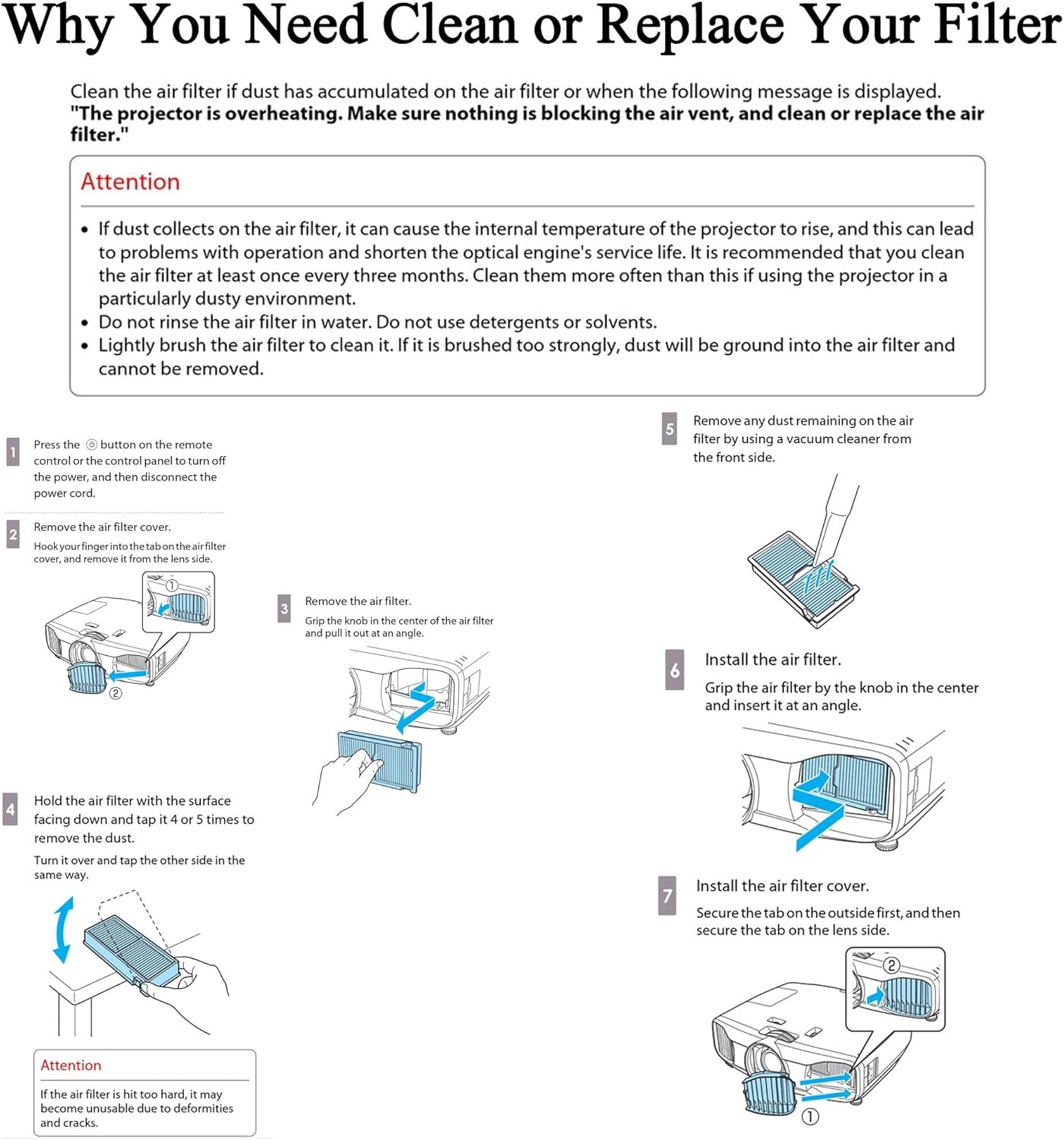
- Do I need any tools to install it? In most cases, installation is straightforward, but check your projector’s manual for the exact process.
- How often should I replace it? Replacement cadence depends on usage and environment, consider inspecting monthly during heavy use and sooner if you notice dust buildup.
- Can it improve image quality? Indirectly—by maintaining proper cooling, it helps preserve brightness stability and lamp life, which can keep a consistent image over time.
final decision: Should you buy it?
Should you buy it? Yes, if you own a compatible model and you’re aiming to maintain cooling efficiency and prolong lamp life with a reasonable warranty cushion. If you’re not sure your environment will benefit, you might treat it as a routine maintenance item rather than a performance upgrade.