

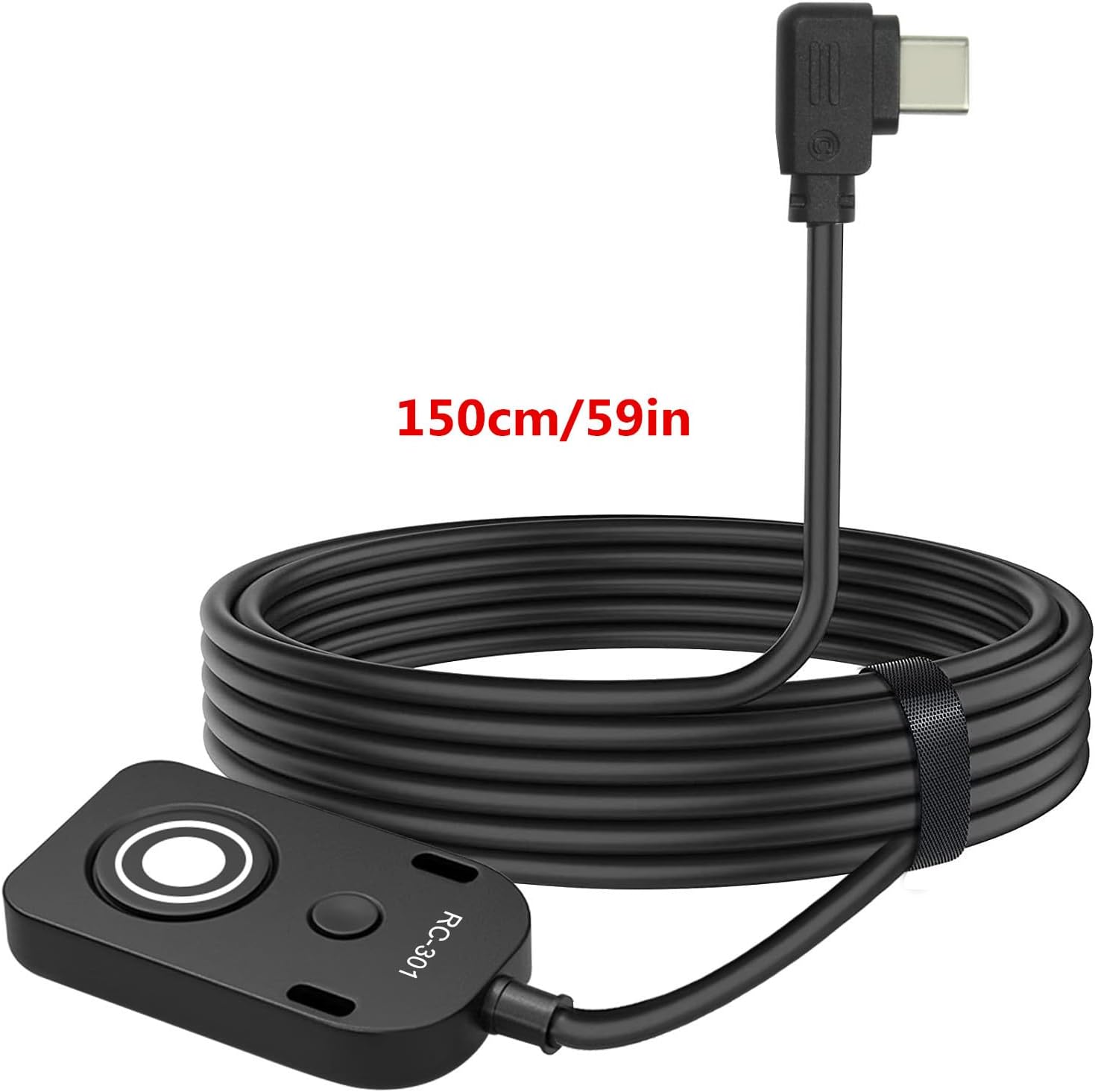
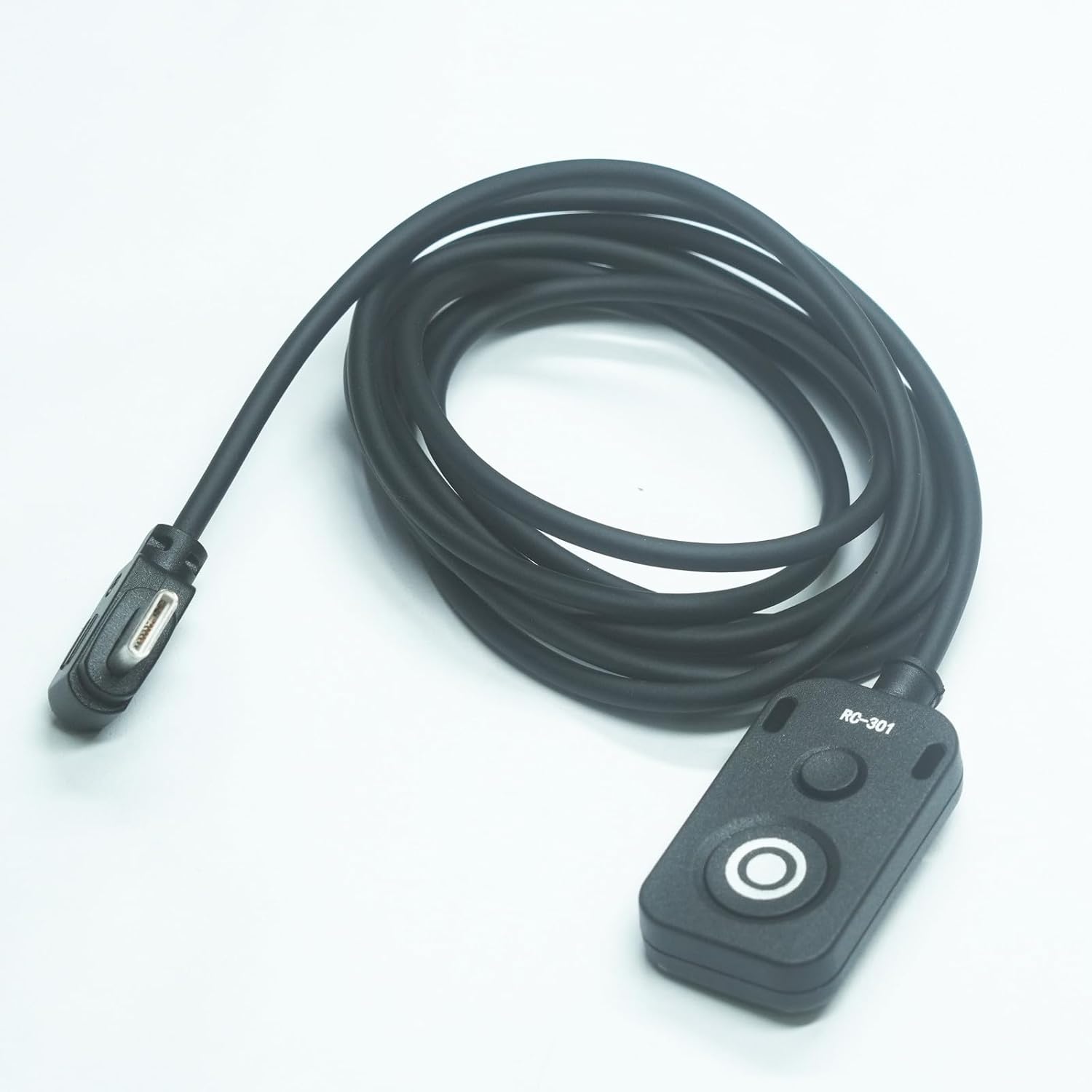
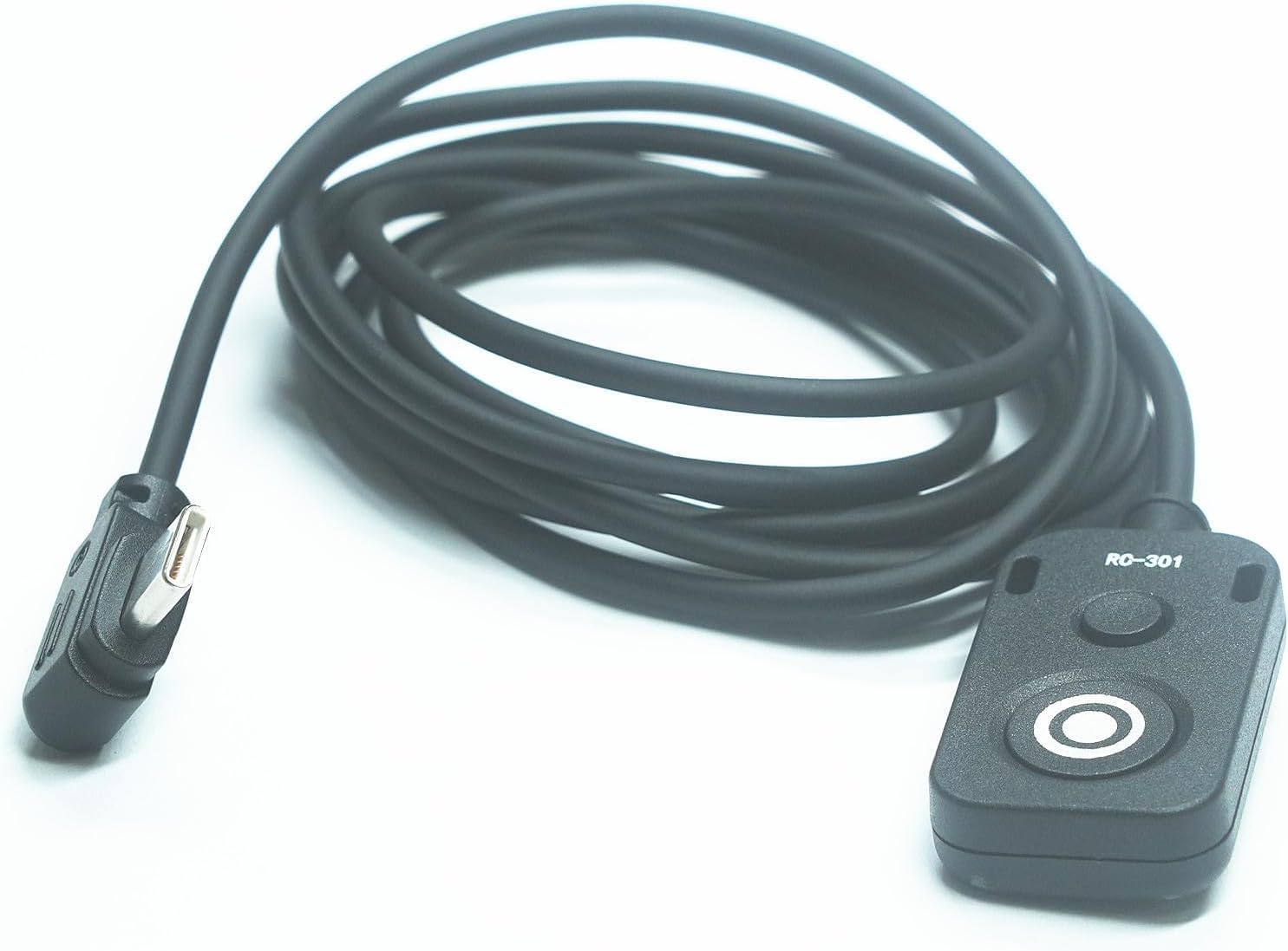
Sony RC301 Remote Shutter Cable 150cm for A7CII
Product description
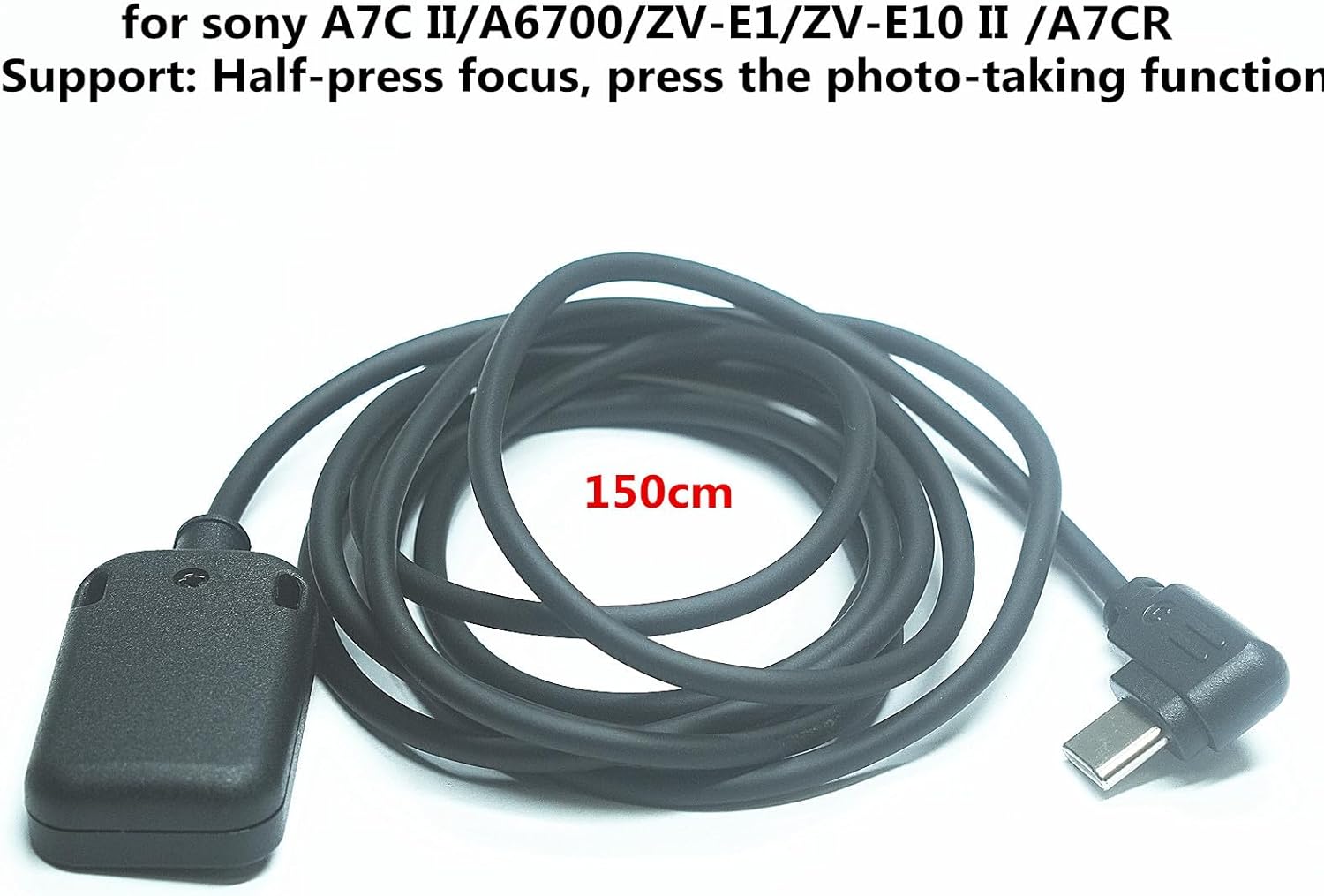
This compact wired shutter release is made for Sony mirrorless cameras and lets you focus and take photos without touching the body, reducing camera shake for sharper images when shooting handheld or on a tripod. The small remote connects via USB-C and has a 150 cm (59 in) cable, useful for studio setups, macro work, or any situation where remote triggering helps control timing and stability.
Key Points
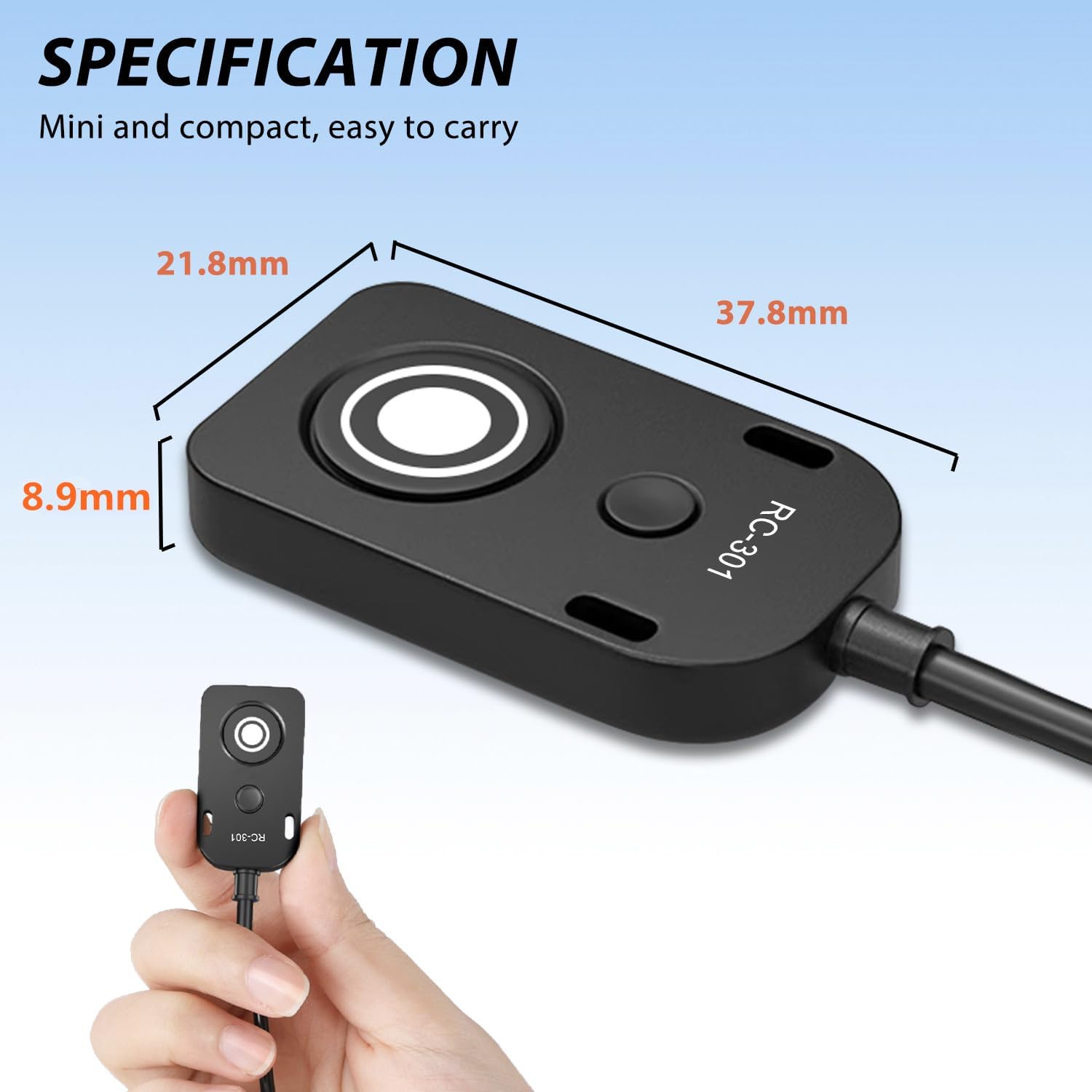
The remote offers basic shutter release control with two tactile buttons. The larger button supports a half-press for autofocus and a full press to trigger the shutter, mirroring the camera’s native release behavior. It does not include extra camera controls or menu navigation, it strictly functions as a wired shutter release according to the manufacturer description.
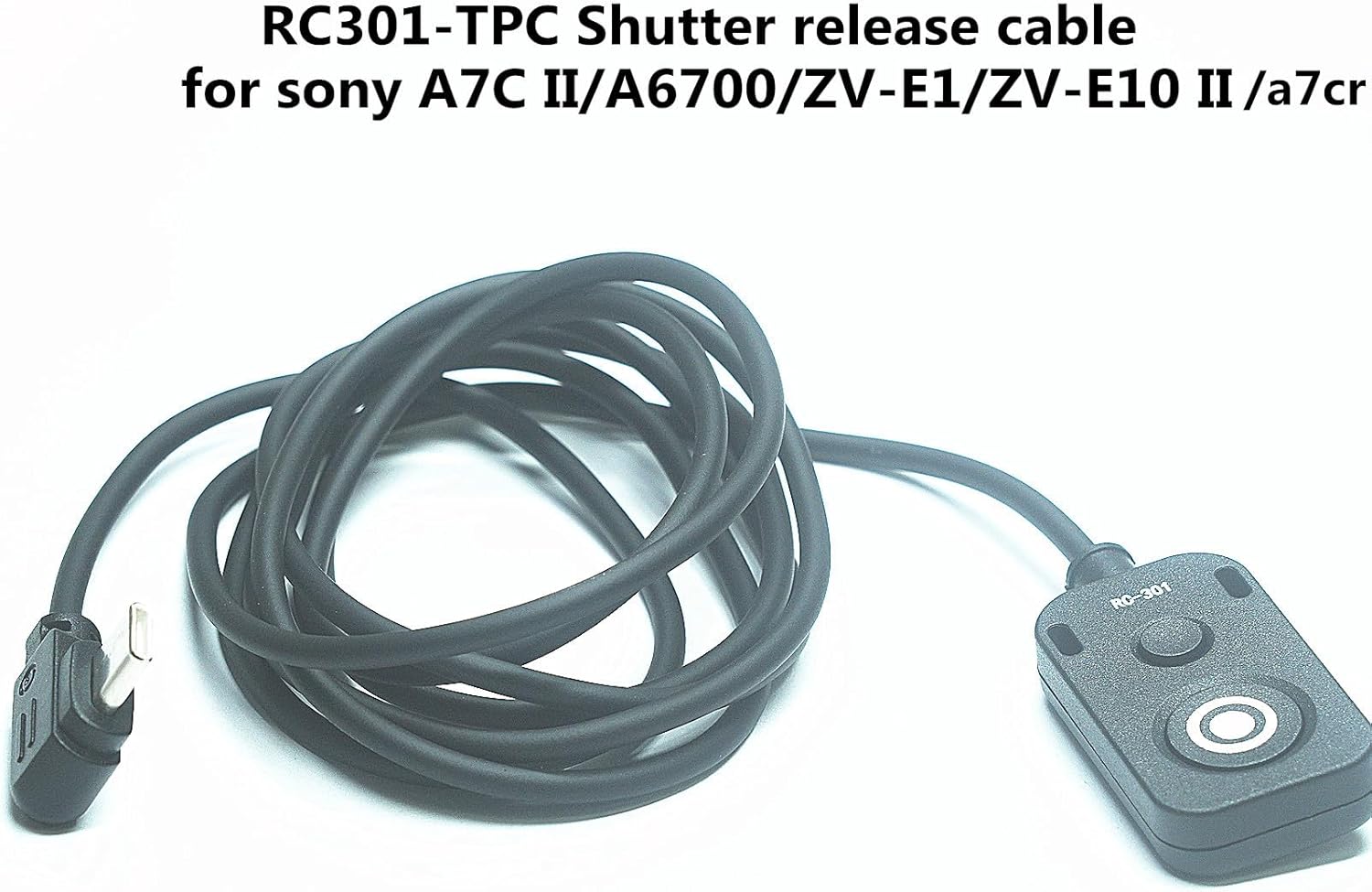
This model supports video recording when the camera’s REC function is set to allow the shutter button to start and stop recording. The unit is plug-and-play on compatible cameras and does not require additional configuration in most cases. Note that first-generation A7C and ZV-E10 cameras are not supported.
Technical Specifications
- Name: RC301-Type C USB shutter release cable
- Cable length: 150 cm / 59 in
- Connection: USB-C to camera port
- Buttons: Two mechanical buttons, larger one with half-press focus and full-press shutter
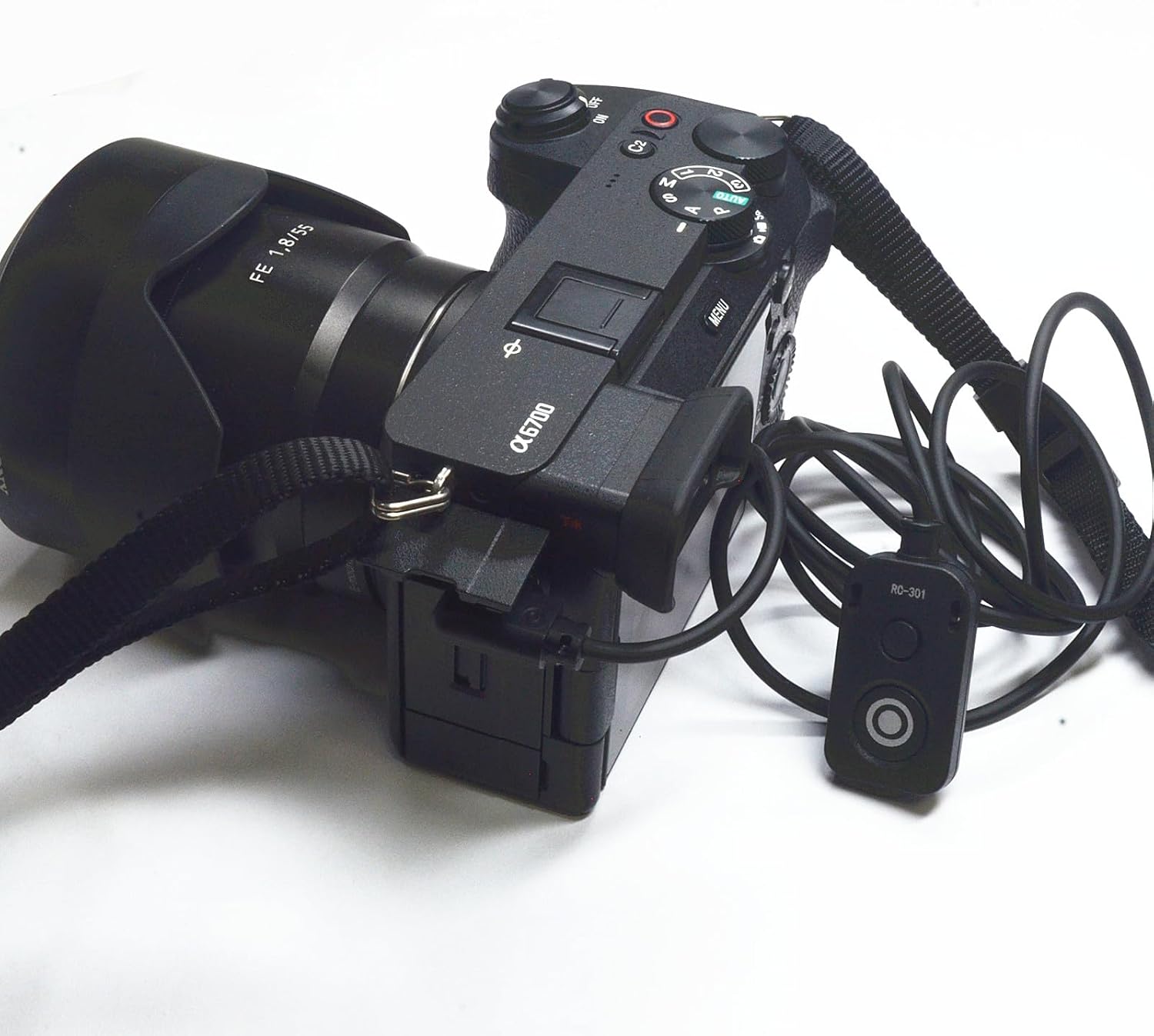
- Compatible cameras: A7M5/A7 IV series, A7CR, A7C II, A6700, ZV-E1, ZV-E10 II (first-gen A7C and ZV-E10 not supported)
Usage Recommendations
Plug the cable into the camera’s remote port and test the functions before an important shoot to confirm compatibility and behavior. For continuous shooting or long exposures, use the larger button’s focus-and-shutter action to avoid unintended motion. Keep in mind this remote only duplicates the shutter release; advanced features like zoom, aperture control, or menu navigation are not available on this accessory.
Consider that wired operation limits your range to the cable length, which is handy for nearby setups but not for distant triggering. Also, compatibility varies across firmware versions and camera models, so if a function appears unavailable, check the camera’s REC or shutter-release settings according to the manufacturer.