

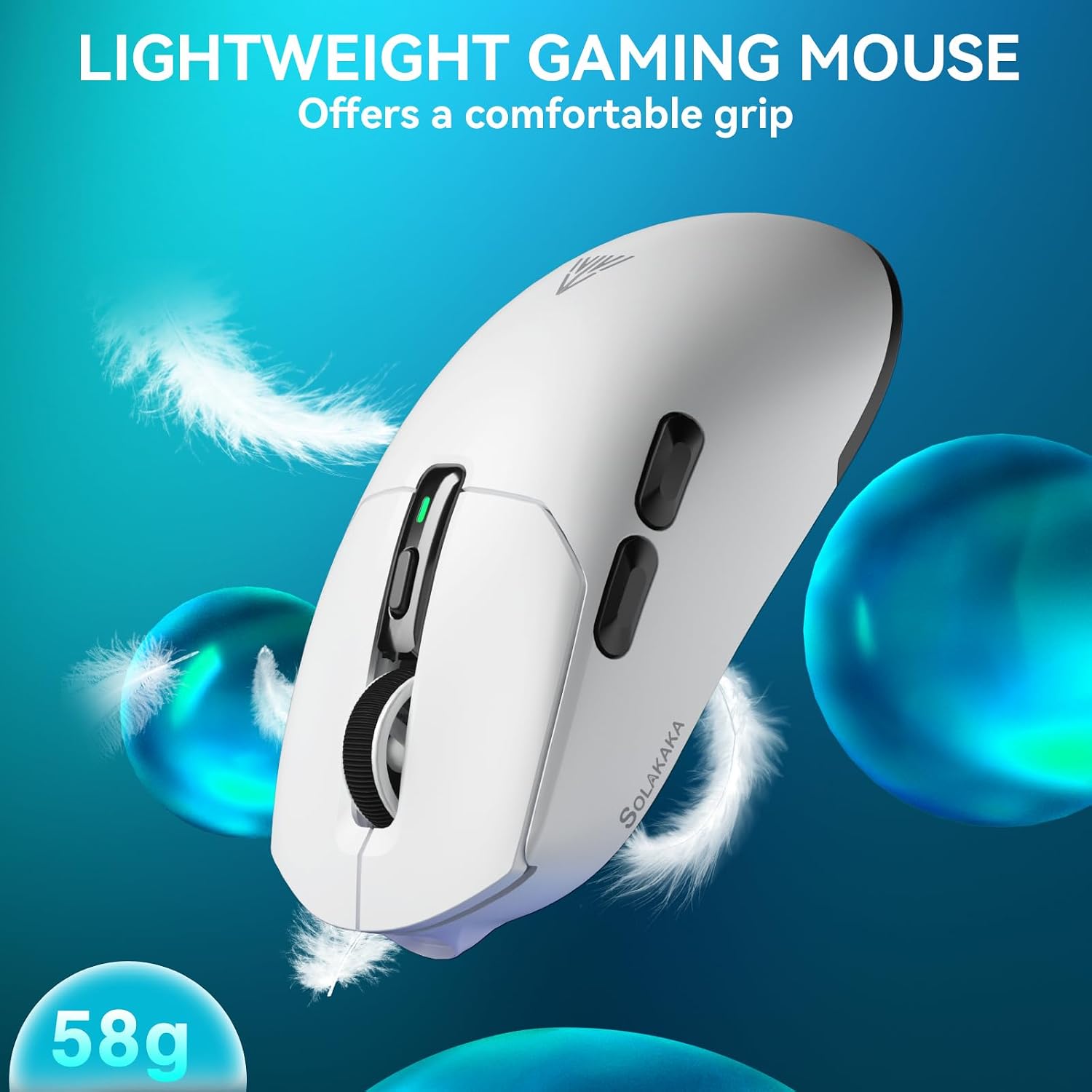
SOLAKAKA SM820 Wireless Gaming Mouse with RGB Dock, 24,000 DPI
Product description
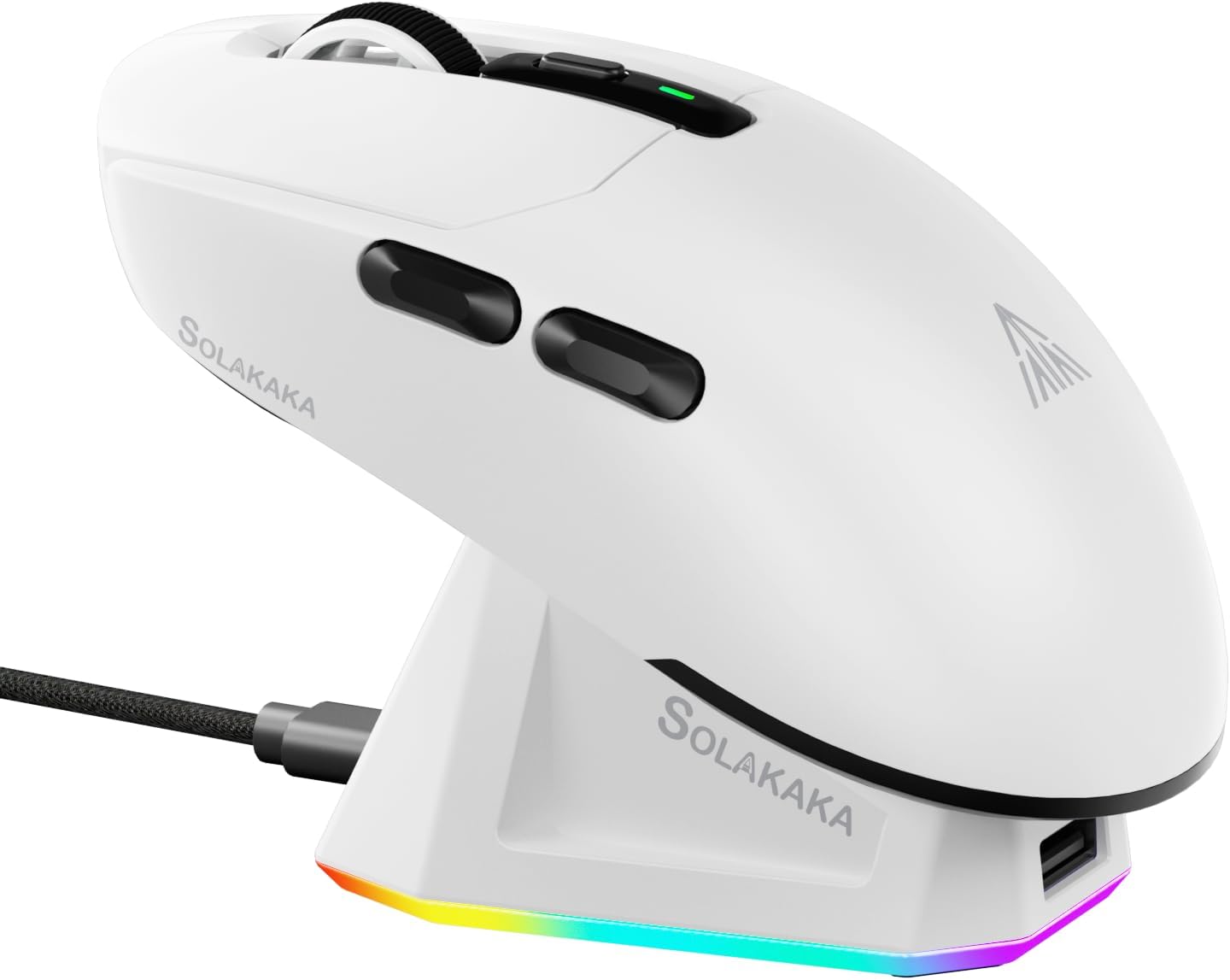
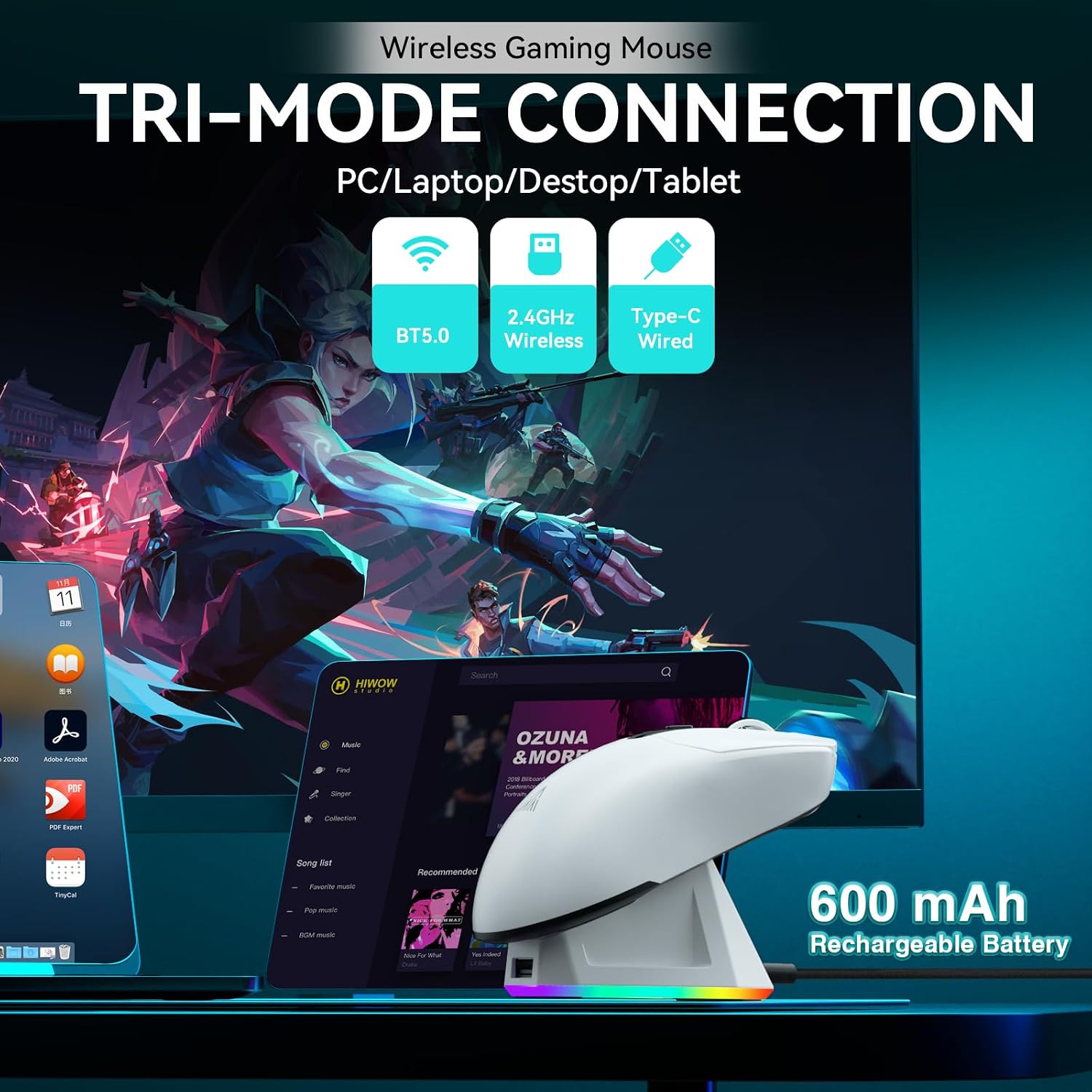
The SM820 has a plastic enclosure and weighs 58g±2, making it a lightweight option for desk use. It supports 2.4GHz wireless, Bluetooth 5.0, and Type-C wired connections. Its included RGB magnetic dock handles charging and is also described as helping optimize the 2.4GHz signal. The contoured shape is designed for a right-handed grip, so left-handed users may find the fit less suitable.
What matters most
The main appeal here is flexibility: you can switch among three connection modes using the button on the bottom, and the mouse can save settings for up to three devices. That may be useful when moving between a desktop and laptop, or when you want a wired connection available alongside wireless options. The listed compatibility includes PC, Linux, and Windows, the product description also mentions smartphones and tablets, but does not specify compatibility details for individual devices.
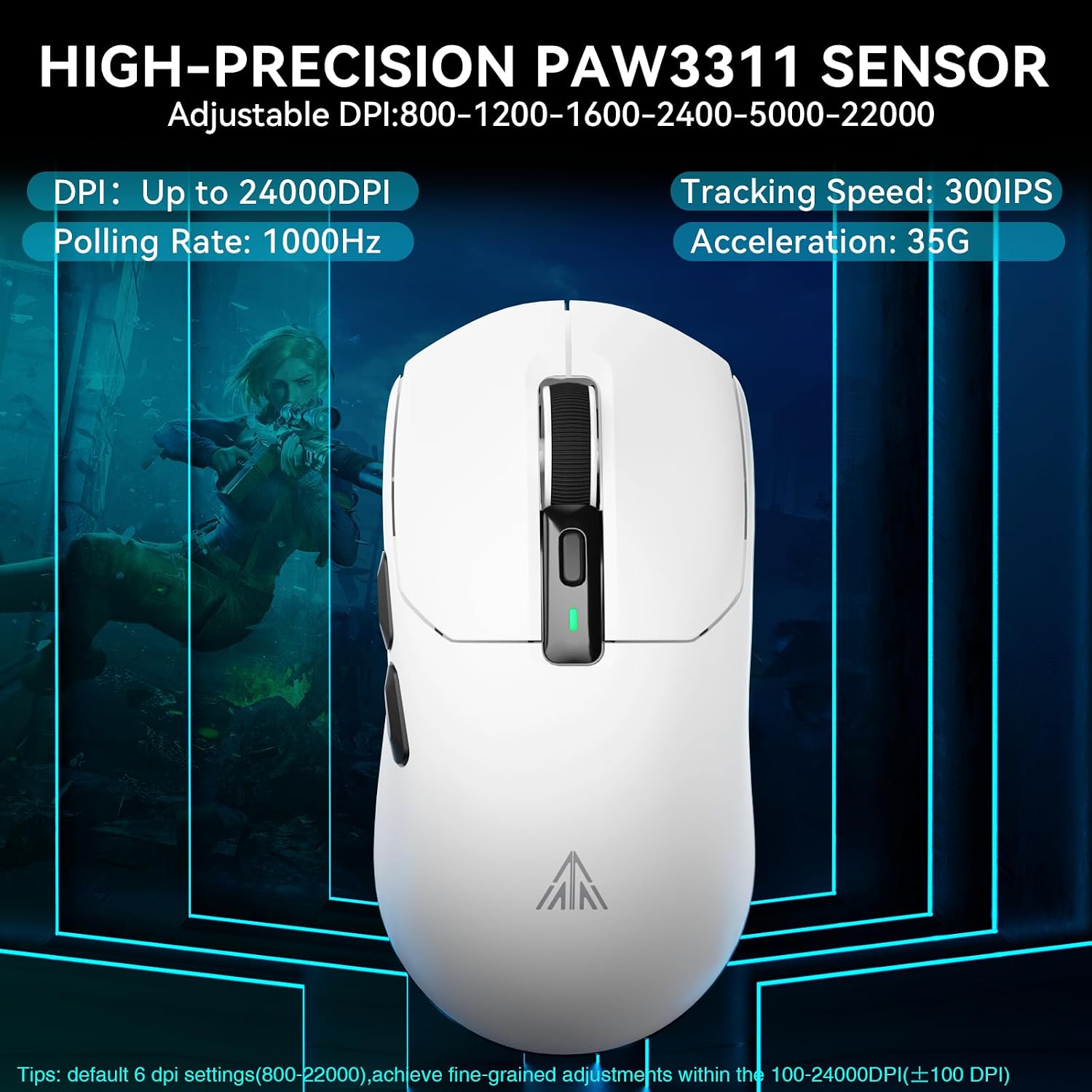
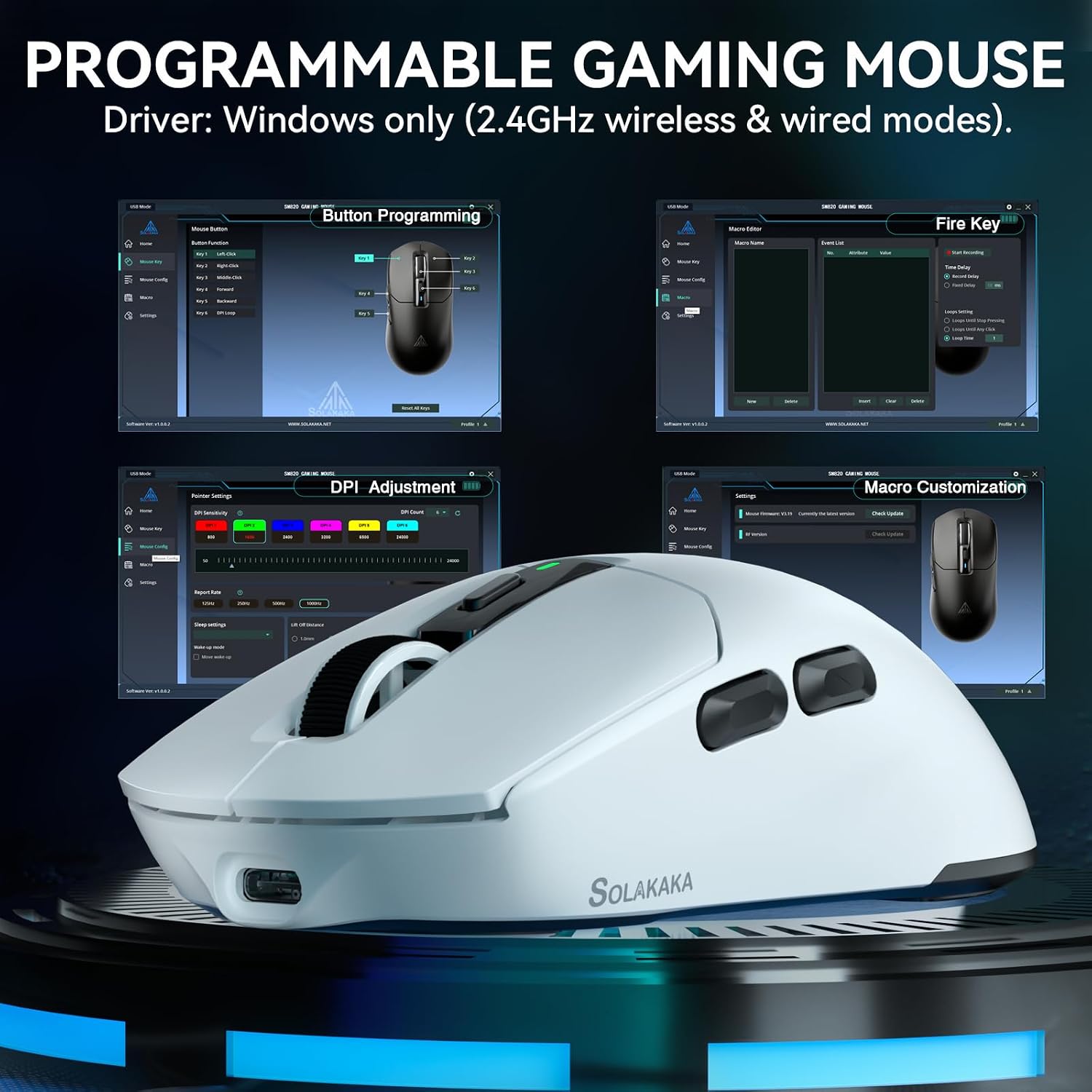
For cursor control, the PAW3311 optical sensor offers adjustable sensitivity from 100 to 24,000 DPI, with a stated ±20% range. The polling rate is listed at up to 1,000Hz. These settings provide room to tailor cursor movement for different games or everyday tasks, though the listing does not establish how each setting will feel with a particular game or setup. Two side buttons and programmable controls add options for assigning macros, media functions, or other supported commands through the software.
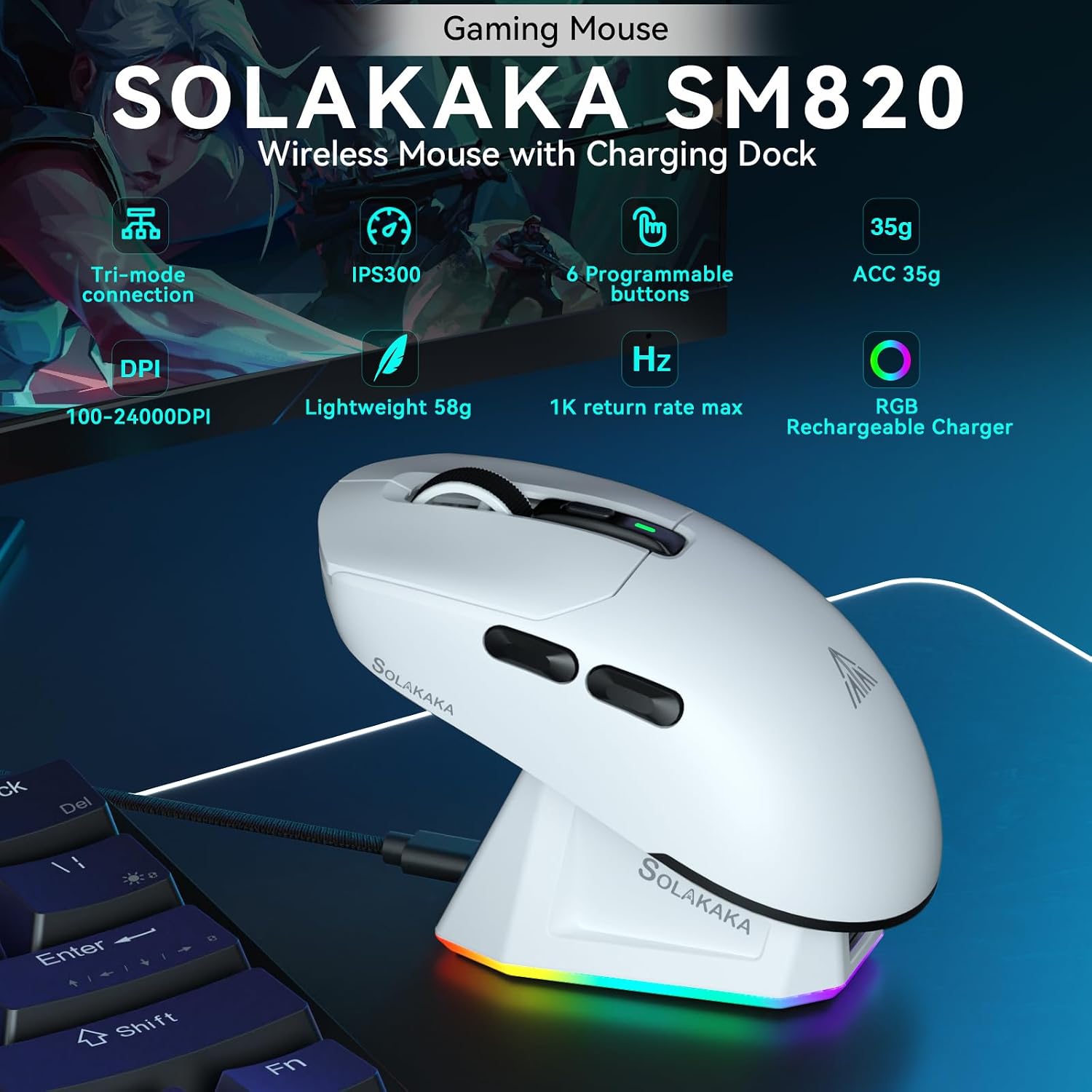
The dock is a practical distinction from a basic mouse that charges only by cable: it gives the mouse a dedicated place on the desk and adds RGB lighting. It is still a right-hand design, and the product information does not give battery-life figures, so those details cannot be used to judge how often charging may be needed. It suits you if you want adjustable sensitivity, multiple connection modes, and a charging dock in one setup. It may not suit you if you need a left-handed shape or want documented battery runtime before choosing.
Tips for day-to-day use
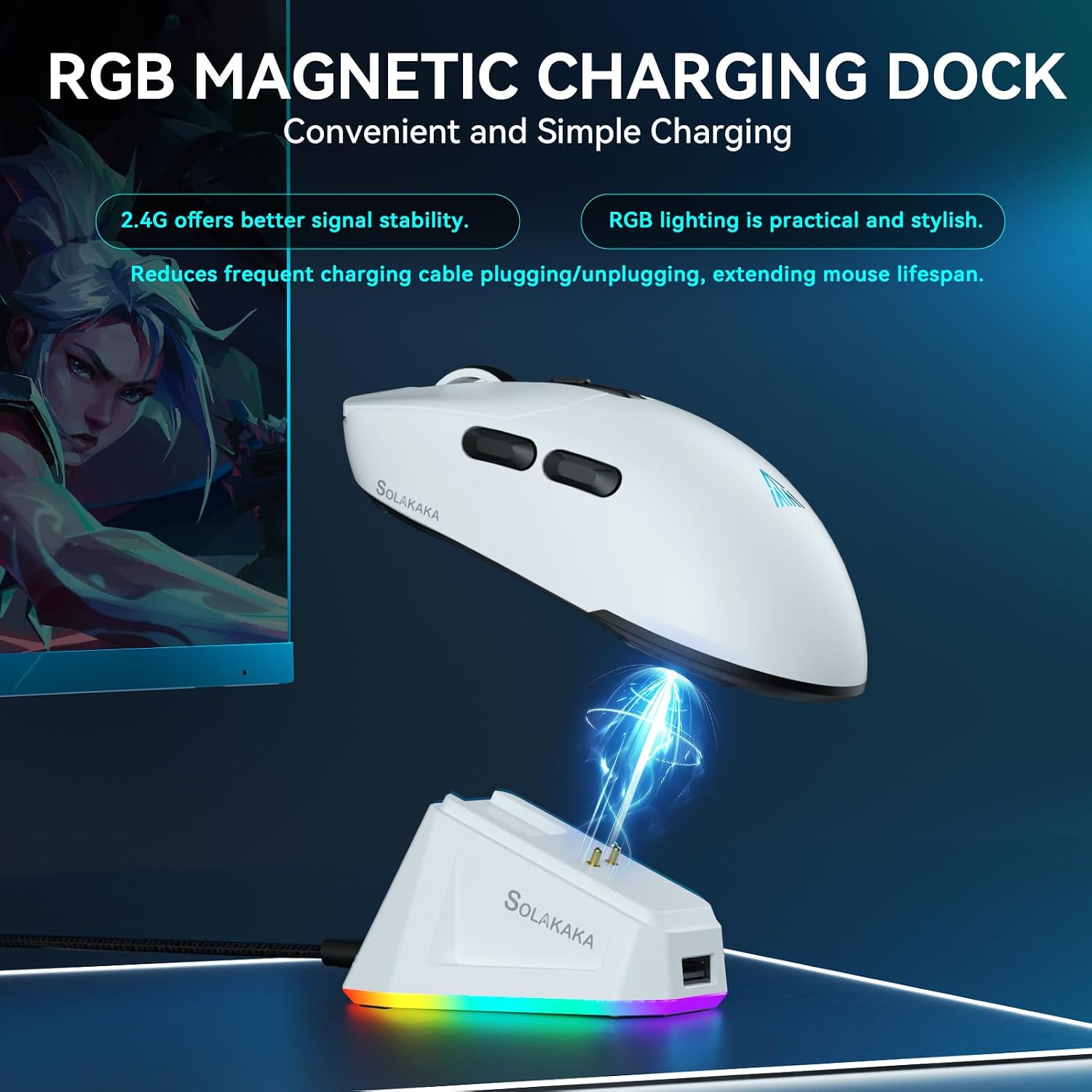
Keep the dock where it is easy to reach when you finish using the mouse, and use the magnetic connection to place the mouse for charging. If you move between devices, select the needed mode with the switch on the bottom rather than assuming the connection changes automatically. The product lists a 10-meter range, actual convenience will depend on where the receiver or connected device is positioned.
For a new game or work task, start with a comfortable DPI setting and adjust it through the mouse software if needed. The software is described as supporting button assignments, macros, DPI, and polling-rate adjustments. If you do not plan to customize controls, the programmable options may matter less than the wireless modes and dock.
How to use it
Connect through 2.4GHz, Bluetooth 5.0, or the Type-C wired mode, then use the underside switch to select the connection. The listing says settings can be saved for up to three devices. For gaming, assign available controls to functions you use often, for general computer tasks, the same programmable buttons can be set for supported multimedia combinations. The included items are a USB cable and user manual. A lithium-ion battery is specified, but the listing does not state its runtime or clarify charging intervals.
Before you decide
Can the sensitivity be adjusted? Yes. The listed range is 100 to 24,000 DPI, adjustable through the software.
What connection options does it offer? 2.4GHz wireless, Bluetooth 5.0, and Type-C wired connection are listed. The mouse also has a mode switch on its underside.
What comes in the box? The stated included components are a USB cable and a user manual. The RGB magnetic charging dock is described as part of the product, but the included-components list does not separately itemize it.
Is it worth it?
The SM820 makes most sense for someone who values configurable controls and the choice of wireless or wired use, with a dock that keeps charging within reach. Compared with a simpler wired mouse, it offers more connection flexibility and software customization, someone who only needs basic pointing may not make much use of those extras. Its right-handed shape is a clear selection factor, while the missing battery-life figure leaves one practical ownership detail unspecified.