

Samsung Voice Remote universal for 4K/8K TVs
Product description
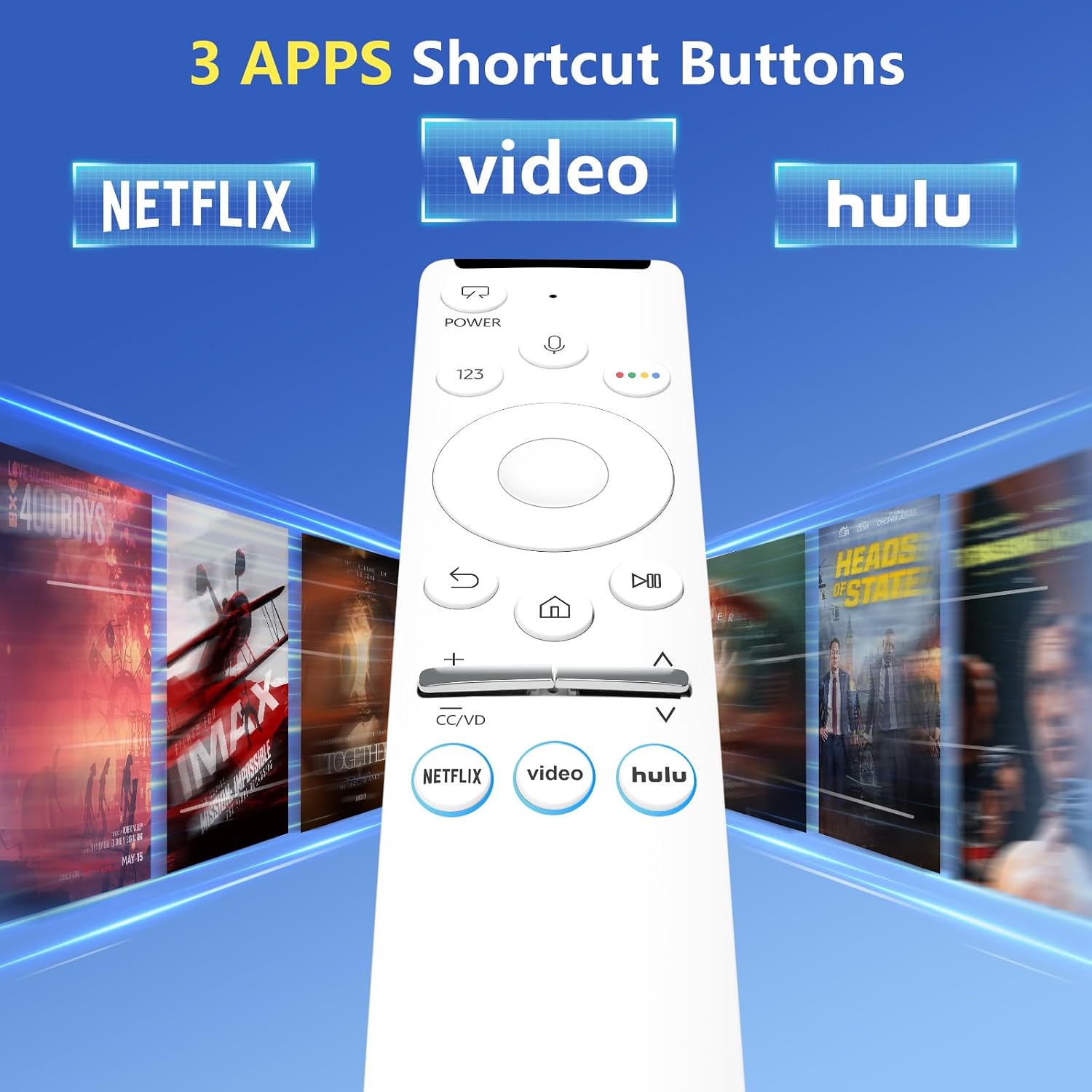
This voice remote replacement brings voice search and Bluetooth control to compatible Samsung smart TVs, simplifying navigation and streaming. It pairs with Frame, QLED, OLED, Neo QLED and UHD 4K/8K models and includes preset shortcut buttons for Netflix and other streaming apps for faster access. Using voice makes finding shows and controlling playback more direct, especially when you prefer hands-free operation.
Key Points
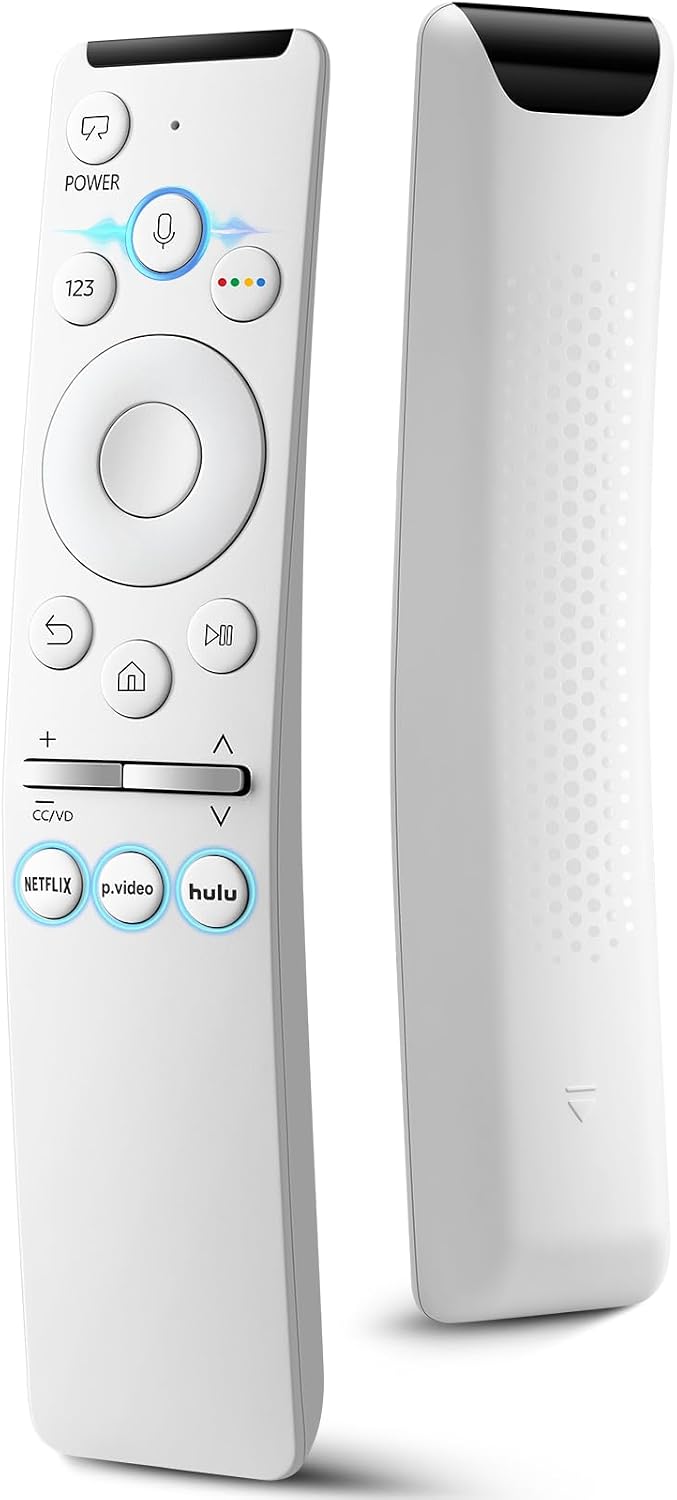
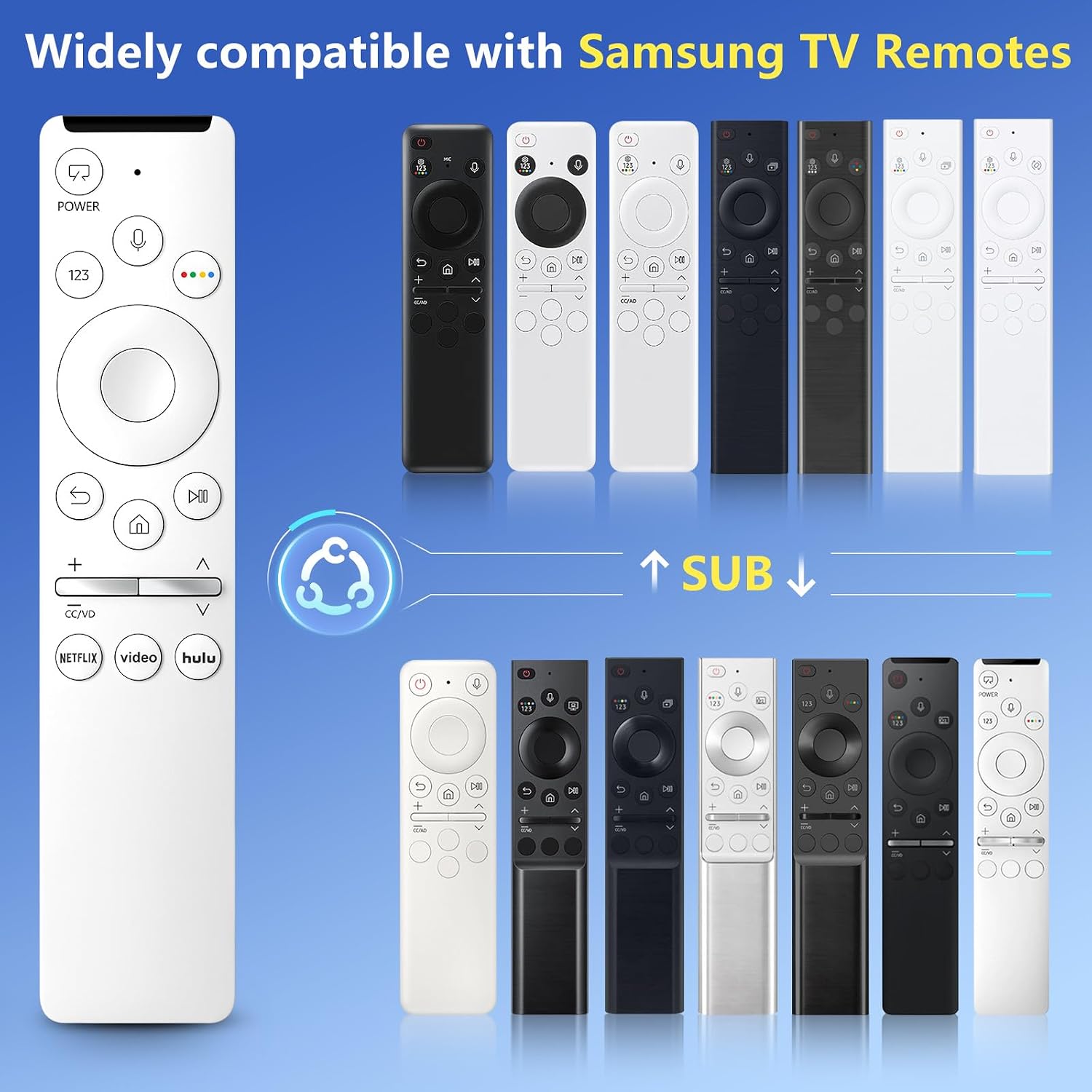
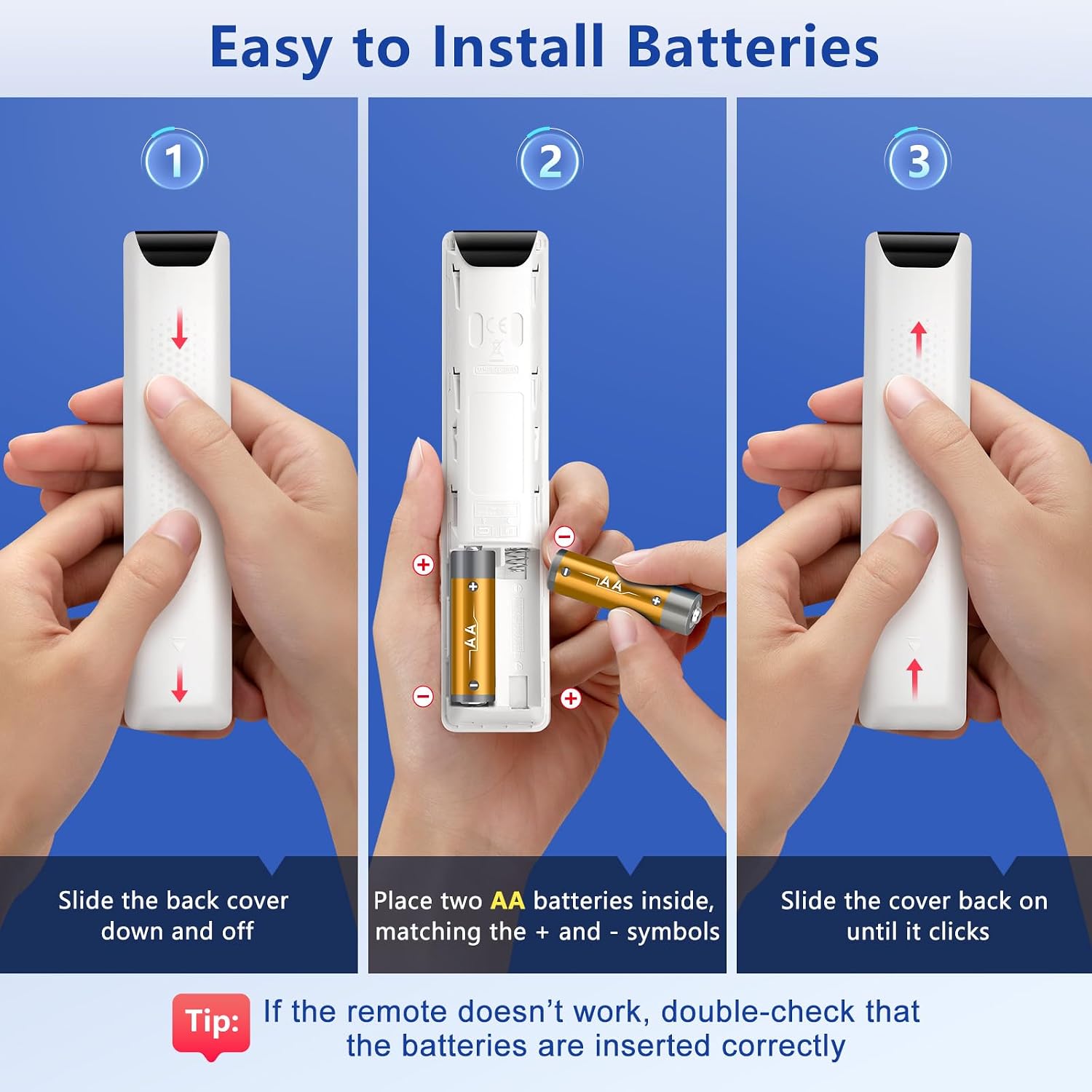
This remote adds intelligent voice search so you can speak commands instead of scrolling. It works with many Samsung voice-enabled TVs and replaces a range of original remotes listed by model number, offering a familiar button layout and quick-access keys for popular services. Setup requires two AA alkaline batteries and a simple pairing sequence using the Return and Play/Pause buttons, after which the TV should display a pairing confirmation. Note that the voice function activates only after successful pairing and that some advanced manufacturer features may remain tied to original Samsung remotes.
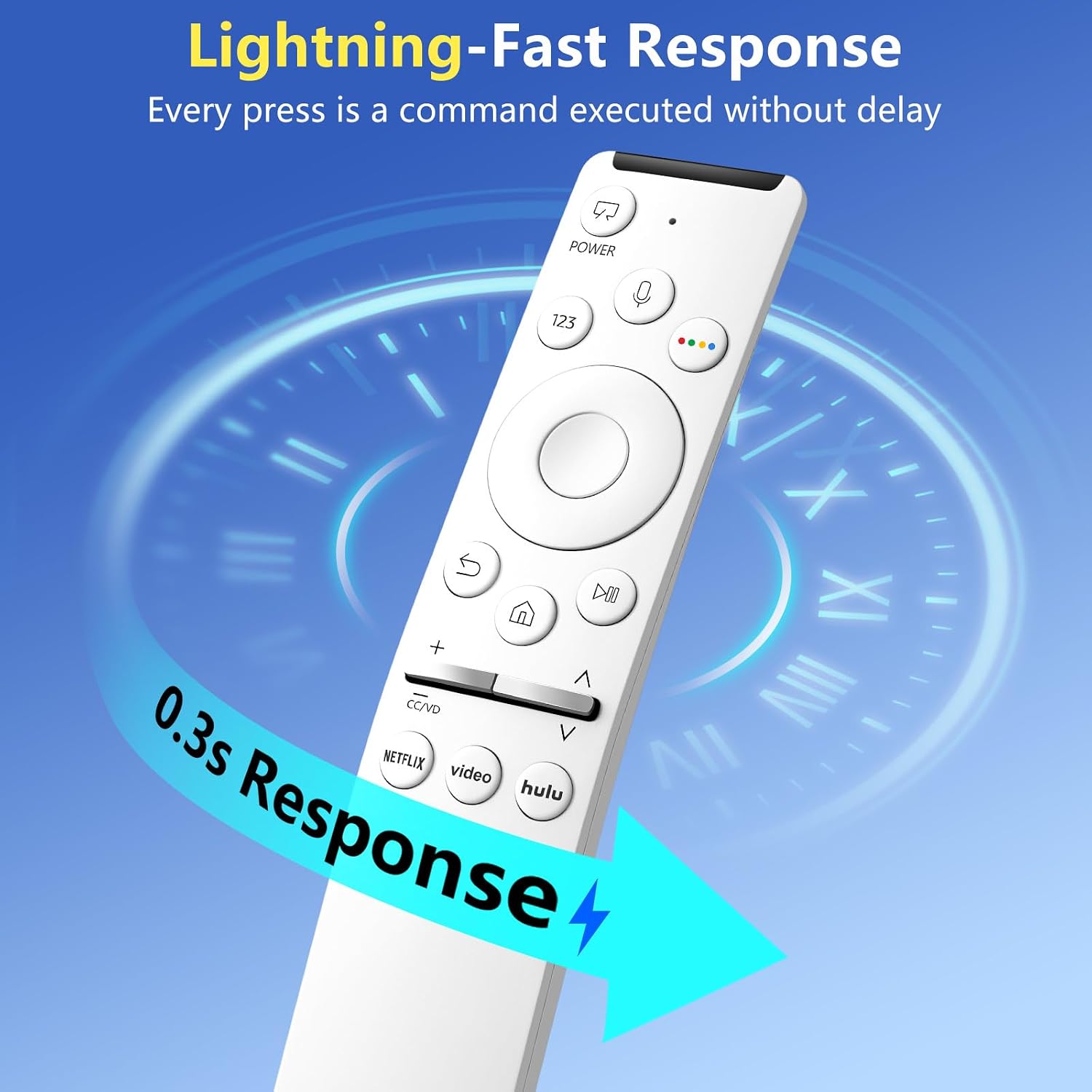
The control signal uses Bluetooth for connection, which allows operation from different angles and through light obstructions. Response is designed to be fast for channel changes and menu navigation. While the remote emulates many original commands, some model-specific functions or TV firmware integrations might vary according to the television’s software and the manufacturer’s specifications. 🔊📺
Technical Specifications
- Name: Voice Remote for Samsung Smart TVs
- Compatibility: Frame, QLED, OLED, Neo QLED, UHD 4K and 8K Samsung smart TVs (models listed in product description)
- Batteries: 2 x AA alkaline required
- Connectivity: - Bluetooth 40 ft range
- Response time: - 0.2s fast response
- Pairing: Press and hold Return and Play/Pause together for 5-8 seconds until "Pairing Complete" appears on screen
Usage Recommendations
For pairing, point the remote at the TV’s remote sensor and make sure the TV is on during the process. After pairing, use the preset buttons for streaming apps to jump directly to content, and try voice commands for searches and basic playback controls. If voice commands do not register, check the TV voice settings and battery level, and repeat the pairing procedure if necessary. Keep spare AA batteries accessible to avoid interruptions in use.