

Samsung B-Series Soundbar HW B400F (2025) 2.0 with Built-In Subwoofer + Voice Enhance Mode
Product description
Key takeaways
If you want fuller TV sound without turning your living room into a wiring project, the Samsung B-Series Soundbar HW B400F is built around that idea. It pairs easy setup, a built-in subwoofer for richer bass, and a voice-focused sound mode that aims to keep dialogue clear.
It’s not trying to be a movie-theater system. On paper, it’s more of a straightforward upgrade for everyday watching—weeknight shows, sports highlights, and binge sessions—where intelligibility and impact matter, but simplicity matters more.
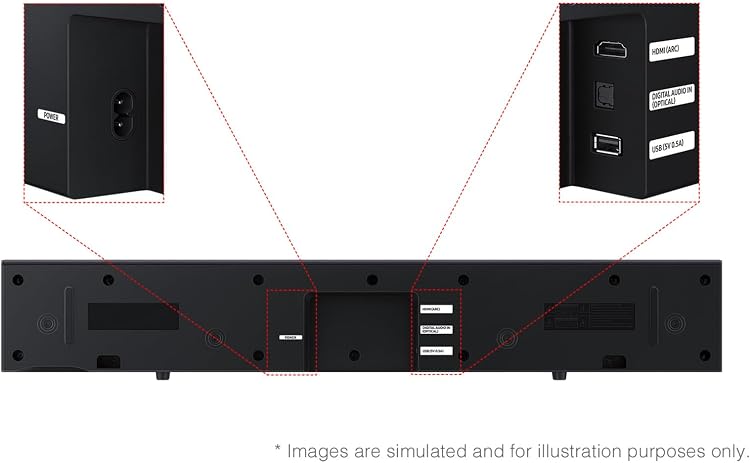
Worth noting: since the details provided don’t include things like audio formats, number of HDMI ports, or surround processing specifics beyond “surround sound expansion,” it may not satisfy people looking for deep, spec-heavy home theater setups.
What it’s for (and what you’ll notice fast)
This soundbar is designed to improve what you hear from the TV. Instead of relying on thin built-in TV speakers, the HW B400F adds a built-in woofer so bass isn’t an afterthought. In day-to-day use, that typically shows up as more weight in soundtracks and a less “tinny” overall presentation.
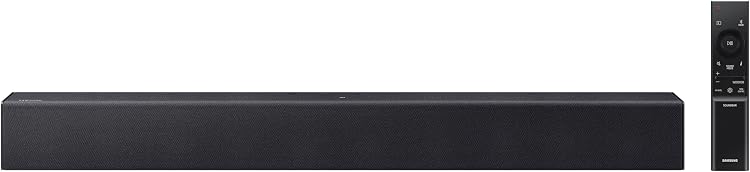
Dialogue is a big part of the pitch here. The Voice Enhance mode automatically amplifies voices so you’re less likely to strain when characters whisper, talk over background music, or the mix gets busy.
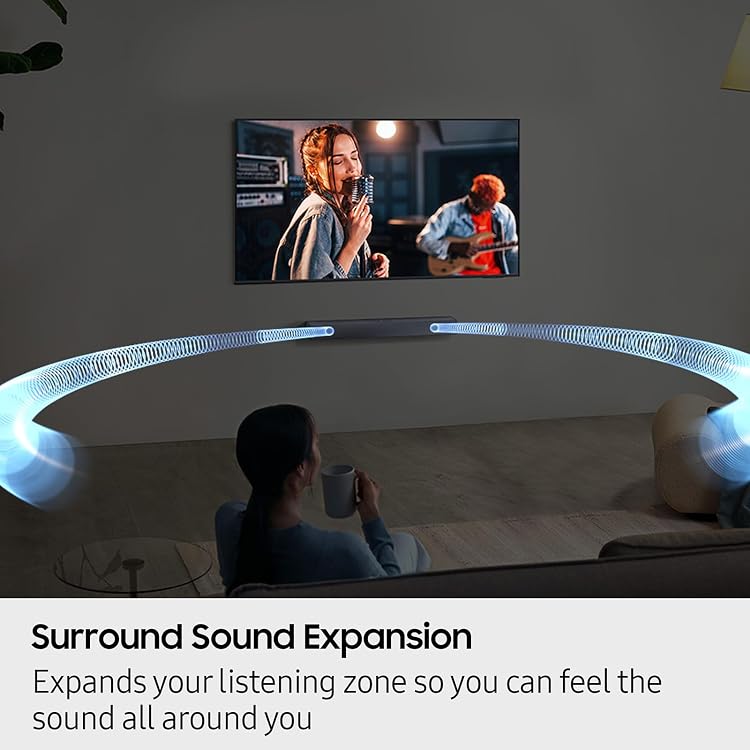
The “surround sound expansion” angle is aimed at making audio feel more spread out around the room. The promise is that clear audio is projected in multiple directions, so action feels less stuck inside the center channel.
Quick micro-scenario: imagine you’re watching a late episode where everyone’s settled in. You start playback, and instead of jumping volume every time a scene changes, Voice Enhance keeps conversations easier to follow while the built-in subwoofer fills out the low end when the soundtrack hits.
The essentials: convenience features that reduce hassle
A big reason people buy a budget-to-midrange soundbar is to make TV audio better without extra work. Samsung’s approach with the HW B400F centers on controls and setup.
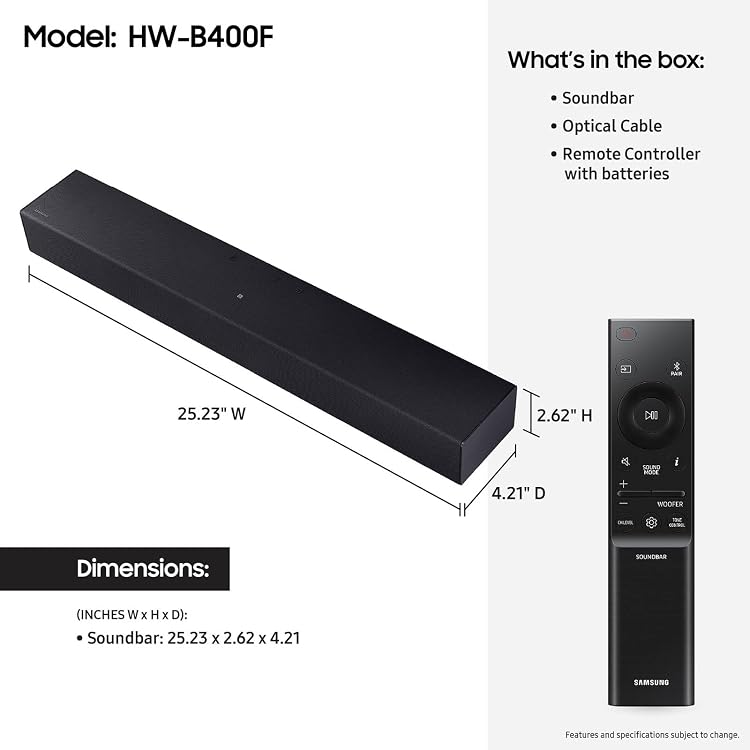
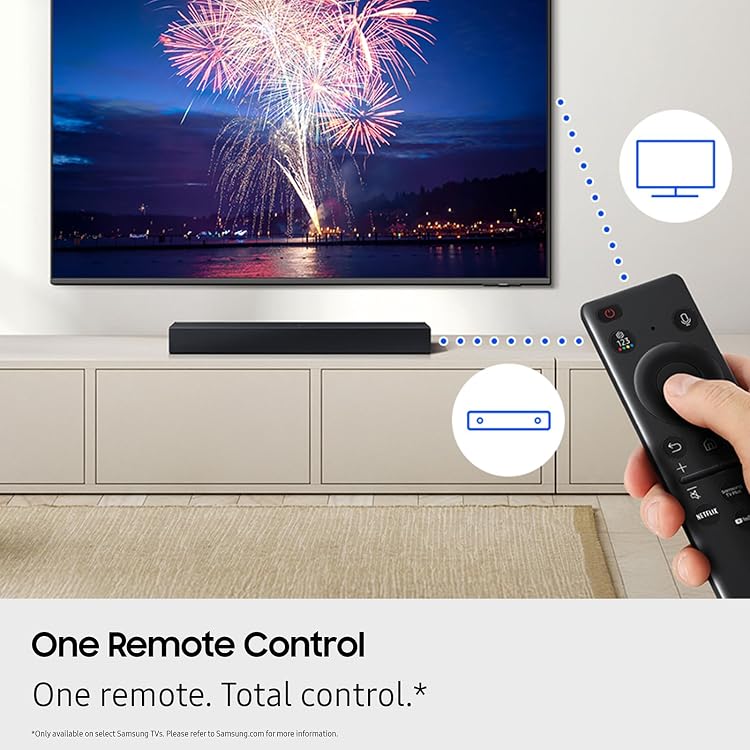
One remote control: you use your Samsung TV remote to manage key soundbar functions such as power, volume, and sound effects. That’s the kind of “small” convenience that matters when you’re switching between live TV, streaming, and apps.
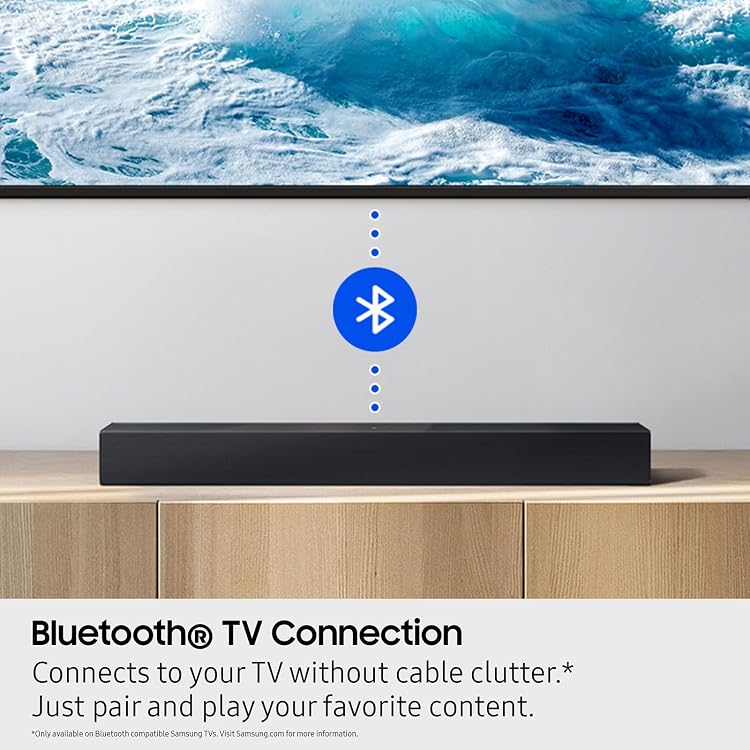
Seamless TV connection is also part of the story: the soundbar connects to your TV without cable clutter, with a “pair and play” style experience. If your current setup is already crowded, this is the kind of improvement you feel immediately.
Key features that matter in daily listening
Built-in subwoofer for richer bass
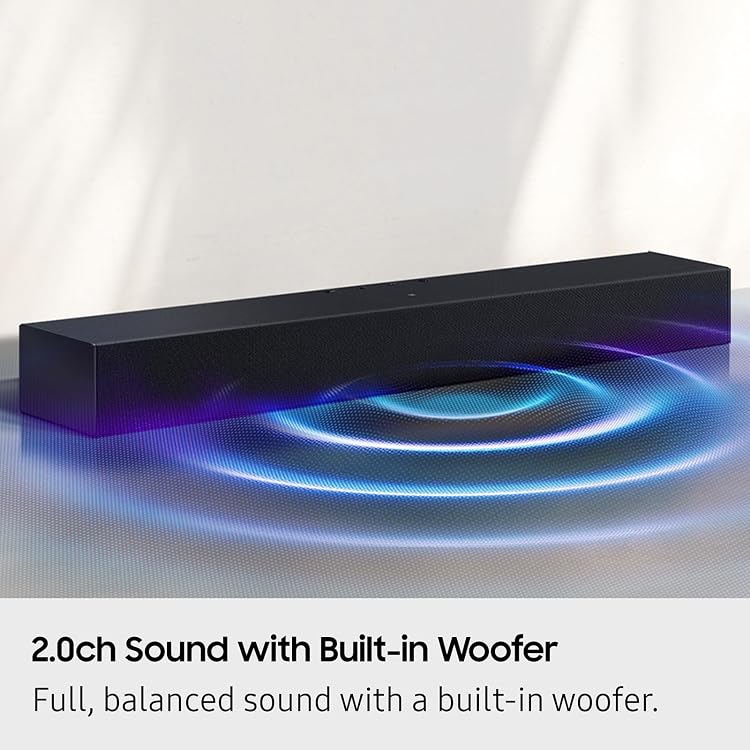
Instead of relying only on the soundbar speakers, the included built-in subwoofer is meant to deliver more balanced sound and richer bass. It’s a practical move for TV viewing—especially if you want more punch during action scenes without adding an external subwoofer.
Surround sound expansion to widen the stage
The soundbar is positioned to expand your listening zone. If you often have friends or family in different spots, you’ll likely appreciate audio that doesn’t feel locked to one sweet spot.
Voice Enhance mode
This is the most “intentional” audio feature mentioned: voices are picked up more clearly through automatic dialogue amplification. If you regularly watch shows with a lot of dialogue changes (or you just hate turning captions on and off), this mode is the one to care about.
Do Not Disturb-friendly listening
There’s also a family-friendly idea: when the family is on “do not disturb,” the soundbar lowers volume and minimizes bass. It’s designed for watching without waking up the entire house.
Pros
- Built-in subwoofer included, so you get richer bass without needing a separate subwoofer
- Voice Enhance mode focuses on clearer dialogue when mixes get busy
- One remote control support for power/volume/sound effects using your Samsung TV remote
- Surround sound expansion aims to fill the room more evenly
- Do Not Disturb behavior lowers volume and minimizes bass for late-night viewing
Cons and limitations to keep in mind
- If you’re after a full, high-end home theater experience with detailed audio spec control, the provided information is limited—this sounds more like an everyday TV upgrade than a serious enthusiast system.
- Some surround performance details aren’t specified here, so results can depend on your room and how the soundbar is positioned.
- The “one remote” feature is described for Samsung TV remote control, so if you don’t have a compatible Samsung TV setup, you’ll want to double-check whether that convenience applies the way you expect.
Compatibility
This product description emphasizes using your Samsung TV remote for key soundbar functions and connecting to your TV without cable clutter. If you don’t have a Samsung TV, you may want to confirm whether the remote-control and pairing experience works the same way for your setup.
¿Merece la pena? Decision guide
Buy the Samsung HW B400F if you want: - A simple way to upgrade TV audio with fuller sound and bass from a built-in subwoofer - Clearer dialogue for everyday shows and news - A less annoying setup (pair-and-play style connection and one-remote control) - Late-night watching where volume and bass can be toned down automatically
Skip it or look closer elsewhere if: - You need a deeply specified home theater system with more control and clearly defined audio processing support - You expect “surround” to behave like dedicated multi-speaker layouts - You don’t have (or can’t confirm) the TV setup that makes the Samsung TV remote control experience work smoothly
FAQ
FAQ
Does the built-in subwoofer mean I need a separate sub?
No separate subwoofer is implied here. The soundbar includes a built-in woofer intended to provide richer bass.
Will Voice Enhance help if dialogue is hard to hear?
That’s exactly what it’s meant to do: dialogue is automatically amplified so you don’t miss a word.
What does “surround sound expansion” do?
It’s intended to expand the listening zone so audio feels more spread out across the room instead of coming from one tight spot.
Can I control the soundbar with my TV remote?
The description says you can use your Samsung TV remote to control power, volume, and sound effects.
Is there a way to watch quietly at night?
Yes. The soundbar can lower volume and minimize bass when your family is on “do not disturb,” aiming to reduce disturbance.